


LEVELMETER 2000
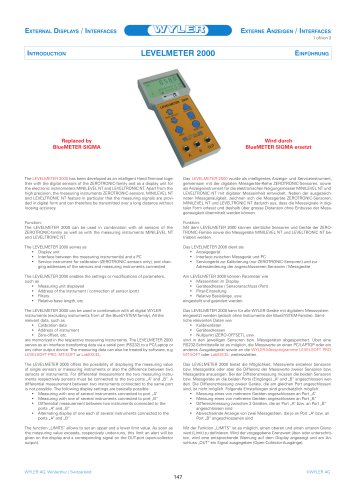
LEVELMETER 2000
The LEVELMETER 2000 is an intelligent hand terminal developed for use with ZEROTRONIC-family digital sensors and as a display unit for electronic inclinometers MINILEVEL NT and LEVELTRONIC NT. It provides high precision and allows digital signal transmission over long distances without losing accuracy.
Functionality
The LEVELMETER 2000 serves as a display unit, an interface between measuring instruments and a PC, and a service instrument for calibration and address changes of connected sensors. It allows parameter settings such as measuring unit display, instrument address, filters, and relative base length. It is compatible with all digital WYLER instruments except the BlueSYSTEM family.
Display and Measurement
The device can display measurements from single sensors or the difference between two sensors connected to ports "A" and "B". It supports various display settings, including differential measurement and alternating display of instruments connected to different ports. The "LIMITS" function allows setting upper and lower limit values, triggering alerts when exceeded.
Technical Specifications
- Power: 4 x 1.5 V AA batteries or external power supply (12-48 V DC)
- Dimensions: 100 mm (L) x 210 mm (W) x 45 mm (H)
- Net weight: 485 g with batteries, 385 g without
- Operating temperature: 0 to +55°C
- Storage temperature: -10 to +60°C
Measurement Units
The LEVELMETER 2000 supports various units including mm/m, inches per 10 or 12 inches, milli radian, degrees, arc minutes, arc seconds, and centesimal degrees.
Configurations
The LEVELMETER 2000 can be connected to two MINILEVEL NT devices or ZEROTRONIC sensors with a maximum distance of 15 meters. It can also be linked to a PC for data transfer and analysis using software like LEVELSOFT PRO, MT-SOFT, or LabEXCEL.
Catalog excerpts
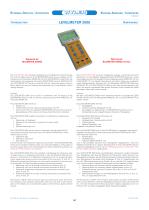
EXTERNAL DISPLAYS / INTERFACES EXTERNE ANZEIGEN / INTERFACES 1 of/von 3 Replaced by BlueMETER SIGMA Wird durch BlueMETER SIGMA ersetzt The LEVELMETER 2000 has been developed as an intelligent Hand Terminal together with the digital sensors of the ZEROTRONIC-family and as a display unit for the electronic inclinometers MINILEVEL NT and LEVELTRONIC NT. Apart from the high precision, the measuring instruments ZEROTRONIC-sensors, MINILEVEL NT and LEVELTRONIC NT feature in particular that the measuring signals are provided in digital form and can therefore be transmitted over a long distance without loosing accuracy. Das LEVELMETER 2000 wurde als intelligentes Anzeige- und Serviceinstrument, gemeinsam mit der digitalen Messgeräte-Reihe ZEROTRONIC-Sensoren, sowie als Anzeigeinstrument für die elektronischen Neigungsmesser MINILEVEL NT und LEVELTRONIC NT mit digitaler Messeinheit entwickelt. Neben der ausgezeichneten Messgenauigkeit, zeichnen sich die Messgeräte ZEROTRONIC-Sensoren, MINILEVEL NT und LEVELTRONIC NT dadurch aus, dass die Messsignale in digitaler Form erfasst und deshalb über grosse Distanzen ohne Einbusse der Messgenauigkeit übermittelt werden können. Function: The LEVELMETER 2000 can be used in combination with all sensors of the ZEROTRONIC-family as well as with the measuring instruments MINILEVEL NT and LEVELTRONIC NT. Funktion: Mit dem LEVELMETER 2000 können sämtliche Sensoren und Geräte der ZEROTRONIC-Familie sowie die Messgeräte MINILEVEL NT und LEVELTRONIC NT betrieben werden. The LEVELMETER 2000 serves as • Display unit • Interface between the measuring instrument(s) and a PC • Service instrument for calibration (ZEROTRONIC-sensors only), and changing addresses of the sensors and measuring instruments connected Das LEVELMETER 2000 dient als • Anzeigegerät • Interface zwischen Messgerät und PC • Servicegerät zur Kalibrierung (nur ZEROTRONIC-Sensoren) und zur Adressänderung der angeschlossenen Sensoren / Messgeräte The LEVELMETER 2000 enables the settings or modifications of parameters, such as • Measuring unit displayed • Address of the instrument / connection of sensor (port) • Filters • Relative base length, etc. Am LEVELMETER 2000 können Parameter wie • Masseinheit im Display • Geräteadresse / Sensoranschluss (Port) • Filter-Einstellung • Relative Basislänge, usw. eingestellt und geändert werden. The LEVELMETER 2000 can be used in combination with all digital WYLER instruments (excluding instruments from of the BlueSYSTEM family). All the relevant data, such as • Calibration data • Address of instrument • Zero-offset, etc. are memorized in the respective measuring instruments. The LEVELMETER 2000 serves as an interface transferring data via a serial port (RS232) to a PC/Laptop or any other output device. The measuring data can also be treated by software, e.g. LEVELSOFT PRO, MT-SOFT or LabEXCEL. Das LEVELMETER 2000 kann für alle WYLER-Geräte mit digitalem Messsystem eingesetzt werden (jedoch ohne Instrumente der BlueSYSTEM-Familie). Sämtliche relevanten Daten wie • Kalibrierdaten • Geräteadressen • Nullpunkt (ZERO-OFFSET), usw. sind in den jeweiligen Sensoren bzw. Messgeräten abgespeichert. Über eine RS232-Schnittstelle ist es möglich, die Messwerte an einen PC/LAPTOP oder ein anderes Ausgabegerät sowie an die WYLER-Messprogramme LEVELSOFT PRO, MT-SOFT oder LabEXCEL weiterzuleiten. The LEVELMETER 2000 offers the possibility of displaying the measuring value of single sensors or measuring instruments or also the difference between two sensors or instruments. For differential measurement the two measuring instruments respectively sensors must be connected to the two ports „A“ and „B“. A differential measurement between two instruments connected to the same port is not possible. The following display settings are basically possible: • Measuring with one of several instruments connected to port „A“ • Measuring with one of several instruments connected to port „B“ • Differential measurement between two instruments connected to the ports „A“ and „B“ • Alternating display of one each of several instruments connected to the ports „A“ and „B“ Das LEVELMETER 2000 bietet die Möglichkeit, Messwerte einzelner Sensoren bzw. Messgeräte oder aber die Differenz der Messwerte zweier Sensoren bzw. Messgeräte anzuzeigen. Bei der Differenzmessung müssen die beiden Sensoren bzw. Messgeräte an die beiden Ports (Eingänge) „A“ und „B“ angeschlossen werden. Die Differenzmessung zweier Geräte, die am gleichen Port angeschlossen sind, ist nicht möglich. Folgende Einstellungen sind grundsätzlich möglich: • Messung eines von mehreren Geräten angeschlossen an Port „A“ • Messung eines von mehreren Geräten angeschlossen an Port „B“ • Differenzmessung zwischen 2 Geräten, die an Port „A“ bzw. an Port „B“ angeschlossen sind • Abwechselnde Anzeige von zwei Messgeräten, die je an Port „A“ bzw. an Port „B“ angeschlossenen sind The function „LIMITS“ allows to set an upper and a lower limit value. As soon as the measuring value exceeds, respectively under-runs, this limit an alert will be given on the display and a corresponding signal on the OUT-port (open-collector output). Mit der Funktion „LIMITS“ ist es möglich, einen oberen und einen unteren Grenzwert (Limit) zu definieren. Wird der vorgegebene Grenzwert über- oder unterschritten, wird eine en
Open the catalog to page 1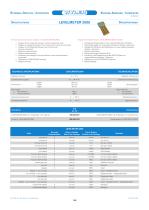
External Displays / InterfacesExterne Anzeigen / Interfaces 2 of/von 3 The following functions are included in the LEVELMETER 2000: • Display of the measuring values in various measuring units • Display of measuring values of two instruments / sensors connected • Display of the difference between two instruments / sensors connected • Absolute measurements • Relative measurements • Evaluation and storage of the zero-offset of instruments/sensors connected • Calibration of ZEROTRONIC-sensors • Battery indicator Folgende Funktionen sind im LEVELMETER 2000 enthalten: • Anzeige des Messwertes in den...
Open the catalog to page 2All WYLER AG catalogs and technical brochures
 wylerConnect Connection option
12 Pages
 LED CROSS / LED-KREU
3 Pages
 wylerCONNECT The interface
4 Pages
 Clinotronic S
8 Pages
 Monitoring Wind Turbines
2 Pages
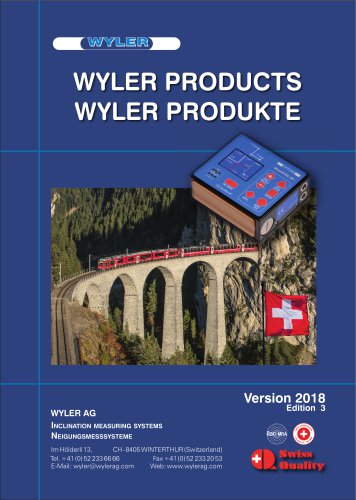 WYLER CATALOGUE 2018
216 Pages
 WYLER miniCATALOGUE 2017
16 Pages
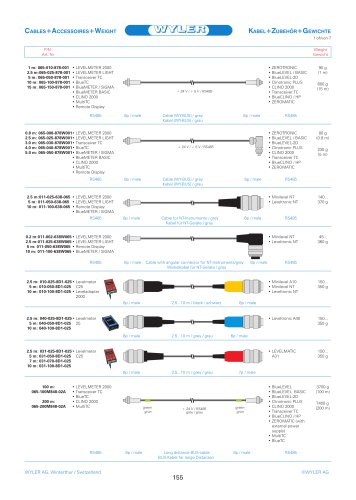 CABLES + ACCESSOIRES
4 Pages
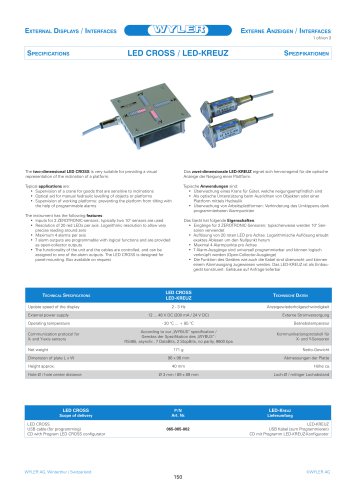 CROSS
CROSS3 Pages
 BlueMETER BASIC
3 Pages
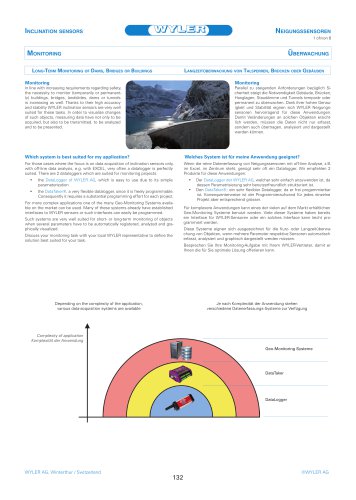 Monitoring
6 Pages
 BlueSYSTEM SIGMA
14 Pages
 wylerDYNAM
4 Pages
 ZEROTRONIC
46 Pages
 LEVELMATIC
4 Pages
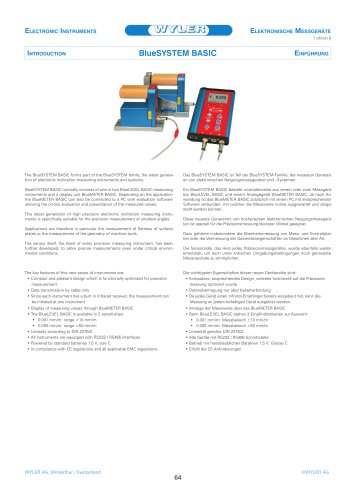 BlueSYSTEM BASIC
8 Pages
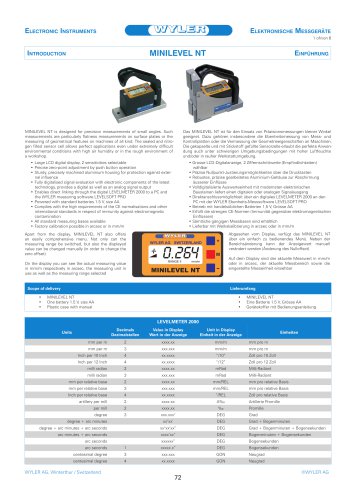 MINILEVEL NT
6 Pages
 nivelSWISS-D
3 Pages
 nivelSWISS
3 Pages
 BlueCLINO High Precision
8 Pages
 CLINO 2000
4 Pages
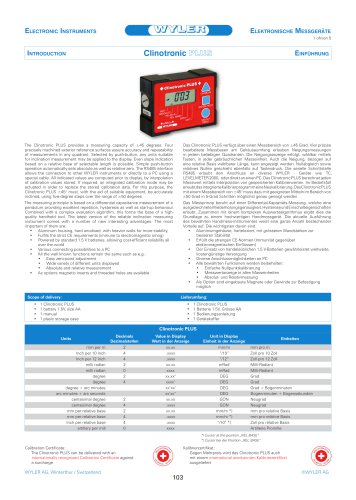 Clinotronic PLUS
5 Pages
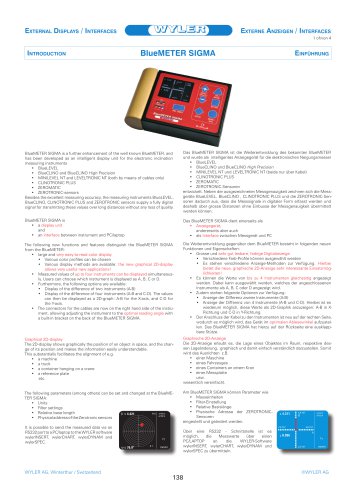 BluemETER SIgma
7 Pages
 WYLER AG
104 Pages
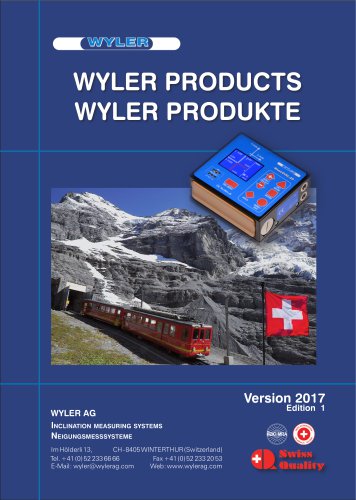 WYLER PRODUCTS
215 Pages
 WW76
WW761 Page
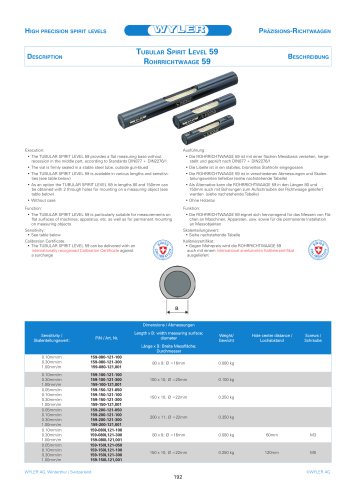 WW59
WW591 Page
 WW53
WW531 Page
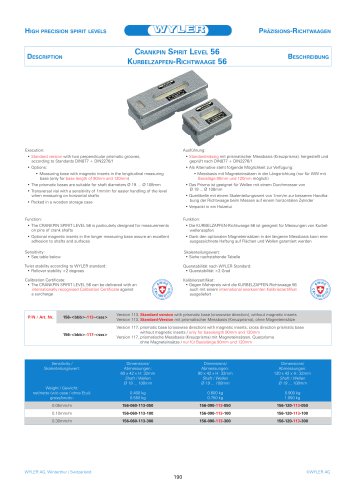 WW56
WW561 Page
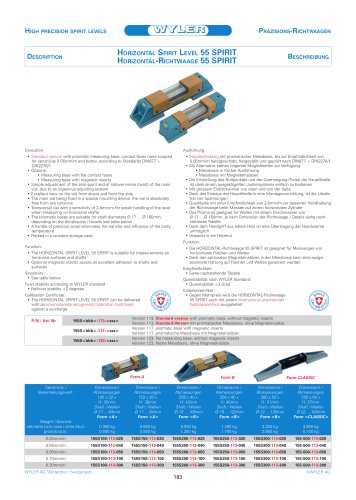 WW55
WW551 Page
 BlueCLINO
4 Pages
 CLINO_PLUS
4 Pages
 clino2000
2 Pages
 katalog_2012/BlueSYSTEM
11 Pages
 Wasserwaagen_Clinometer_alle
26 Pages
 katalog_2012/Sensoren
22 Pages
 WYLER CATALOGUE 2009
166 Pages


Archived catalogs
 Wyler Catalogue 2006
164 Pages
- Management software solution
- Monitoring software solution
- LED display panel
- Measurement software
- Interface software
- Electronic display panel
- Programmable display system
- Digital inclination sensor
- Machine software
- 2-axis tilt sensor
- Compact display panel
- 2D software
- Compact converter
- Multi-axis tilt sensor
- Serial converter
- High-precision tiltmeter
- Analog inclination sensor
- 1-axis tilt sensor