
- Catalogs
- Wuxi Bewis Sensing Tecnology LLC
- LoRaWAN Series Triaxial Inclinometer User Manual


- Company
- Products
- Catalogs
- News & Trends
- Exhibitions
LoRaWAN Series Triaxial Inclinometer User Manual
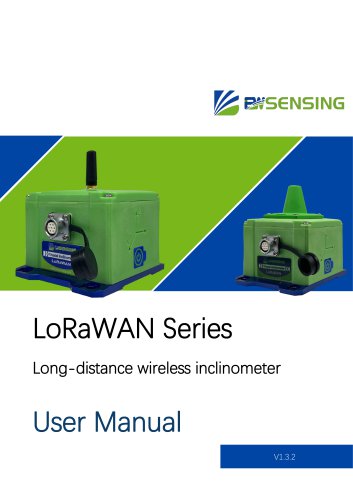
LoRaWAN Series Triaxial Inclinometer User Manual
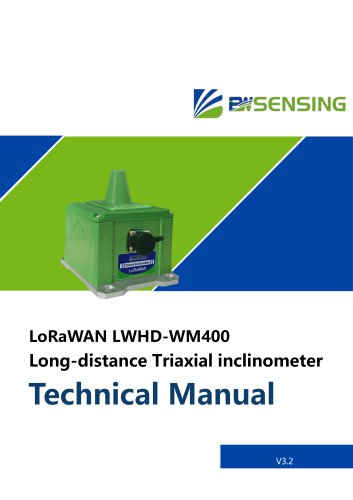
This user manual is for the LoRaWAN Series Long-distance wireless inclinometer by Wuxi Bewis Sensing Technology LLC. It includes instructions on powering, connecting, and configuring the inclinometer using various software tools.
To activate the sensor, remove the magnet under the 3D coordinate system. Use a 2-in-1 cable and an OTG cable for Android phones to connect the inclinometer to a computer for parameter configuration and debugging.
To replace the battery, unscrew the hexagon socket screws on the upper cover, taking care not to damage the antenna wire. Replace the ER34615, 3.6VDC battery when the data packet indicates a battery level of 0.
Several software tools are available for debugging and configuration:
- iCOM Debugging Software: Chinese interface, supports ASCII and HEX commands.
- PuTTy: Supports string commands with color marking, compatible with Linux systems.
- BWSensing Debugging Software: Allows configuration using string or HEX commands.
- BWSensing LoRaWAN Inclinometer Software: Recommended for use, supports data reading and OTA upgrades.
The manual provides a list of commands for configuring the sensor and LoRaWAN module:
- String Commands: For setting LoRaWAN module parameters.
- Firmware Version: Command to read the firmware version.
- Save Configurations: Command to save configuration parameters.
- Restart Module: Command for a soft restart of the LoRaWAN module.
- Data Transmission Type: Commands to configure and read data transmission types.
- Automatic Adjustment: Commands for configuring ADR (Adaptive Data Rate).
- Device Type: Commands to configure and read device types (Class A or Class C).
- Signal Status: Command to read signal status including RSSI and SNR.
- Data Transmission Rate: Commands to configure and read data transmission rates.
- Serial Port Output Delay: Commands to configure serial port output delay.
- Heartbeat Configuration: Commands to configure and request heartbeat signals.
This manual provides detailed instructions for setting up and configuring the LoRaWAN Series inclinometer, including necessary software tools and command configurations for optimal operation.
An example of a communication protocol is provided, showing how to send and receive data to determine the device's system date and time, confirmed as 2022-05-07 and 09:27:07.
- No Response to Send String Command: Possible causes include low voltage, incorrect baud rate settings, or wrong serial port selection.
- Web Server Cannot Receive Data: Issues may arise from incorrect LoRaWAN module settings, misconfigured gateway address, or errors in adding gateway or node modules to the web server.
The product complies with various standards and certifications, including ISO9001:2015, CE certification, ROHS, and several GJB and GB/T standards related to quality control, reliability, and environmental testing.
Wuxi Bewis Sensing Technology LLC provides contact details including address, telephone number, email, and website for further inquiries.
Catalog excerpts
LoRaWAN Series Long-distance wireless inclinometer
Open the catalog to page 1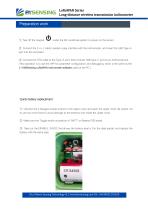
LoRaWAN Series Long-distance wireless transmission inclinometer Preparation Method Debugging work under the 3D coordinate system to power on the sensor. ② Connect the 2-in-1 cable’s aviation plug interface with the inclinometer, and insert the USB Type-A port into the computer. ③ Connect the OTG cable to the Type-A port, then connect USB Type-C port to an Android phone. (This operation is to use the APP for parameter configuration and debugging, which is the same as the 1-4 BWSensing LoRaWAN Inclinometer software used on the PC.) Quick battery replacement ① Unscrew the 4 hexagon socket screws...
Open the catalog to page 2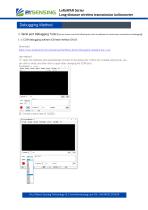
Debugging Method LoRaWAN Series Long-distance wireless transmission inclinometer 1. Serial port Debugging Tools (You can choose one of the following four kinds of softwares for wired sensor connection and debugging) 1-1 iCOM debugging software (Chinese Interface ONLY) Download: https://www.bwsensing.com/upload/userfile/Bewis_Serial_Debugging_Assistant.exe_1.zip Use method: ① Open the software and automatically connect to the serial port. If there are multiple serial ports, you can click to close, and then click to open after changing the COM port; ② Choose a baud rate of 115200; Wuxi Bewis Sensing...
Open the catalog to page 3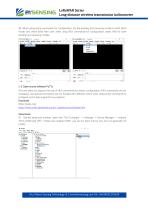
LoRaWAN Series Long-distance wireless transmission inclinometer ③ When using string commands for configuration, set the sending and receiving modes to both ASCII mode, and check Send New Line; when using HEX commands for configuration, select HEX for both sending and receiving modes; 1-2 Open source software PuTTy This tool does not support the use of HEX commands for sensor configuration (HEX commands are not necessary), but special information can be marked with different colors when using string commands to configure, and it also supports Linux systems. Download: https://putty.org/ https://www.chiark.greenend.org.uk/~sgtatham/putty/latest.html...
Open the catalog to page 4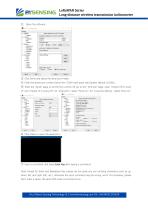
LoRaWAN Series Long-distance wireless transmission inclinometer ③ Click Serial and select the serial port mode; ④ Enter the serial port number (Serial line: COM*) and baud rate (Speed: default 115200);; ⑤ Enter the "Serial" page to set the flow control off; go to the "Terminal" page, open "implicit CR in every LF" and "implicit LF in every CR", for “local echo”, select "Force on", for “Local line editing" , select Force on". ⑥ Click Open to open the serial port; ⑦ Input a command, and press Enter Key after typing a command. Note: Except for Enter and Backspace Key, please do not press any non-printing...
Open the catalog to page 5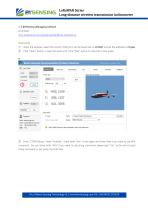
LoRaWAN Series Long-distance wireless transmission inclinometer 1-3 BWSensing debugging software Download: www.bwsensing.com/upload/userfile/Bewis_Interface.rar Instructions: ① Open the software, select the correct COM port, set the baud rate to 115200, and set the address to 4 bytes; Click "Open" button o open the serial port. Click "Start" button to view the 3-Axis angle. Enter "COM Debug", check "Activate”, check both “Hex” in the upper and lower lines if you want to use HEX command ; Do not check both "HEX" if you want to use string command, please add "\r\n" at the end of each string command...
Open the catalog to page 6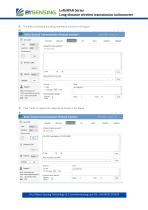
LoRaWAN Series Long-distance wireless transmission inclinometer ④ The effect of sending the string command is shown in the figure: Click "Send" to receive the response as shown in the figure: Wuxi Bewis Sensing Technology LLC www.bwsensing.com Tel: +8618921292
Open the catalog to page 7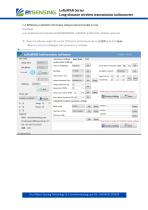
LoRaWAN Series Long-distance wireless transmission inclinometer 1-4 BWSensing LoRaWAN Inclinometer software (Recommended to Use) Download: www.bwsensing.com/upload/userfile/BWSENSING_LoRaWAN_Inclinometer_software_setup.zip ① Open the software, select the correct COM port, set the baud rate to 115200, and click Open When Connected is displayed, the connection is complete. Wuxi Bewis Sensing Technology LLC www.bwsensing.com Tel: +861892129262
Open the catalog to page 8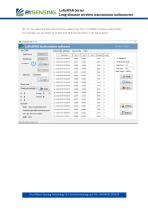
LoRaWAN Series Long-distance wireless transmission inclinometer ② You can select the start and end of any data group from 1 to 60000, and start reading data. For example, you can select 22 to start and 42 to end as shown in the figure below Wuxi Bewis Sensing Technology LLC www.bwsensing.com Tel: +8618921292620
Open the catalog to page 9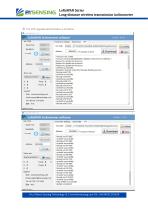
LoRaWAN Series Long-distance wireless transmission inclinometer ③ The OTA upgrade demonstration is as follows Wuxi Bewis Sensing Technology LLC www.bwsensing.com Tel: +8618921292620
Open the catalog to page 10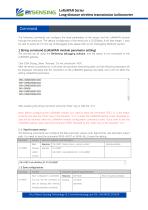
LoRaWAN Series Long-distance wireless transmission inclinometer Command The following commands can configure the basic parameters of the sensor and the LoRaWAN module through the serial port. The default configuration of the serial port is 115200bps, 8-bit data length, 1 stop bit, and no parity bit. For the use of debugging tools, please refer to the "Debugging Methods" section. 1 String command (LoRaWAN module parameter setting) The pictures are all using the BWSensing debugging software, and the sensor is not connected to the LoRaWAN gateway. Click COM Debug, Select "Activate", Do not check...
Open the catalog to page 11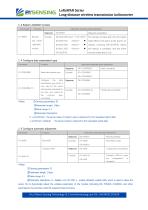
LoRaWAN Series Long-distance wireless transmission inclinometer 1-3 Restart LoRaWAN module Command Instruction response result description Response Request succeeded The startup process after the soft restart soft restart takes effect is the same as the power-on startup; receiving OK+SLEEP:00 means the startup is complete, and the entire process takes about 5.5s; 1-4 Configure data transmission type Command Instruction response result description Response Read data transfer type Read successfully Configure the data transmission type, which is only valid for the uplink data packets requested by...
Open the catalog to page 12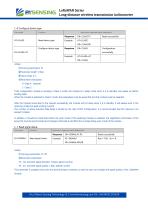
LoRaWAN Series Long-distance wireless transmission inclinometer 1-6 Configure device type Command Instruction response result description Response Read device type Read successfully OK+CLASS:00 Configure device type Configuration successfully ※Note: ①Carrying parameters: P1 ②Parameter length: 1 Byte ③Value range: 0-1 ④Parameter Description: 0-Class A(default) 1-Class C If the configuration module is working in Class A mode, the module is in sleep mode when it is in standby, and wakes up before sending data; When the module is switched to Class C mode, the parameters must be saved first and the...
Open the catalog to page 13All Wuxi Bewis Sensing Tecnology LLC catalogs and technical brochures
 BW-D63-B
5 Pages
 BW-C50-B
4 Pages
 BW-B80-B
5 Pages
 GI320
GI32025 Pages
 BWSENSING BWK217S
8 Pages
 AH100C
9 Pages
 LoRaWAN G500 Gateway
1 Page
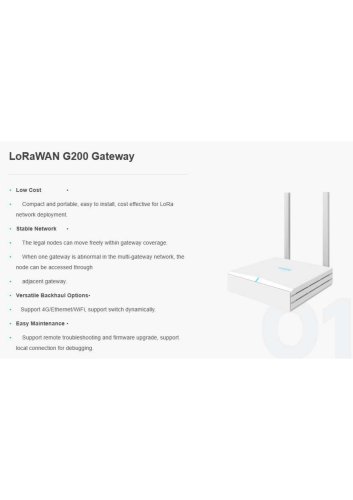 LoRaWAN G200 Gateway
1 Page
 BWSENSING BWS5000E
14 Pages
 BWSENSING Catalog 2020
60 Pages
 BWSENSING BWK228
13 Pages
 BWSENSING BWK218
12 Pages
 BWSENSING BWK220
13 Pages
 BWSENSING BWK210
13 Pages
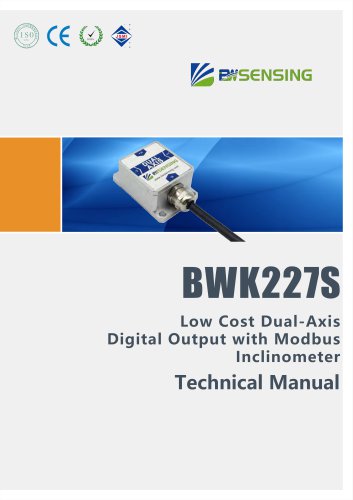 BWSENSING BWK227S
13 Pages
 BWSENSING BWK226S
13 Pages
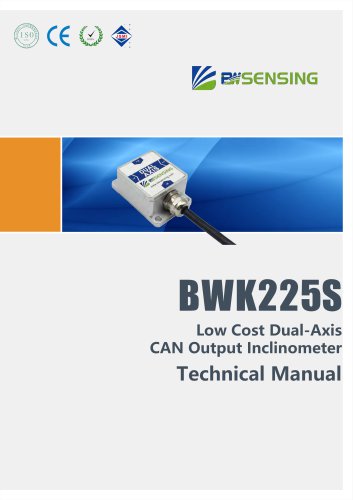 BWSENSING BWK225S
12 Pages
 BWSENSING BWK216S
12 Pages
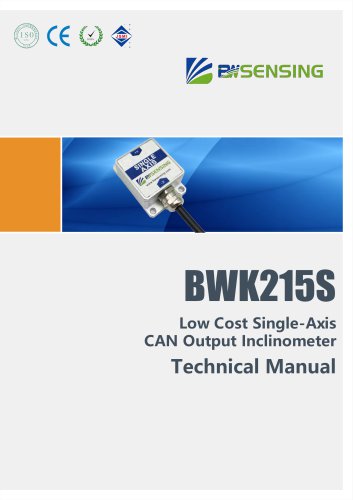 BWSENSING BWK215S
12 Pages
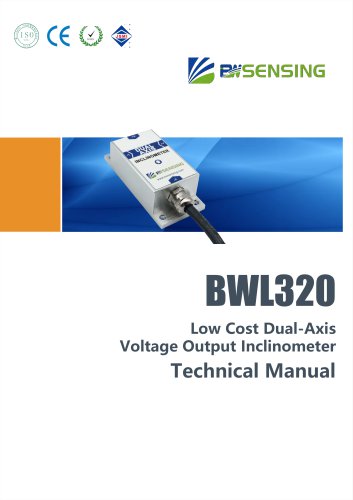 BWSENSING BWL320
13 Pages
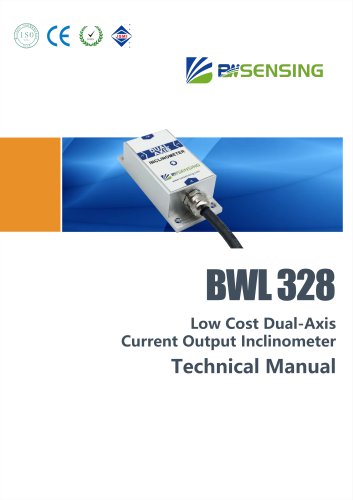 BWSENSING BWL328
13 Pages
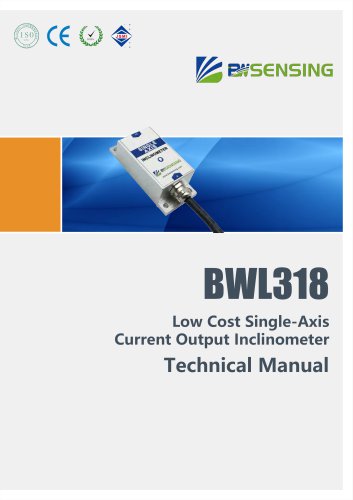 BWSENSING BWL318
12 Pages
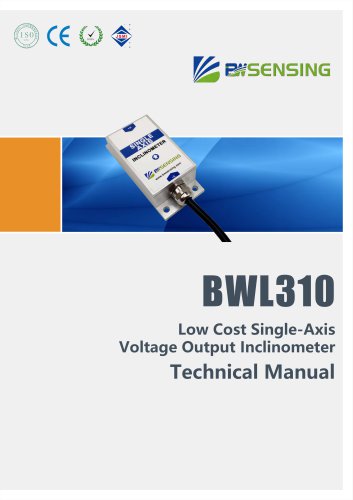 BWSENSING BWL310
13 Pages
 BWSENSING BWL327S
13 Pages
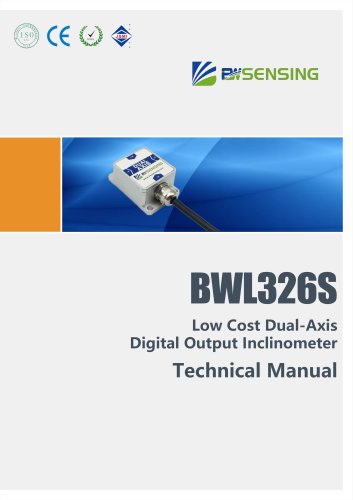 BWSENSING BWL326S
13 Pages
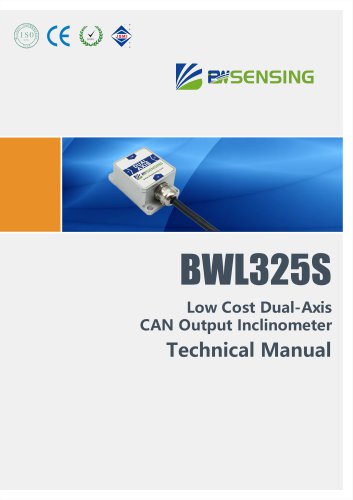 BWSENSING BWL325S
12 Pages
 BWSENSING BWL317S
12 Pages
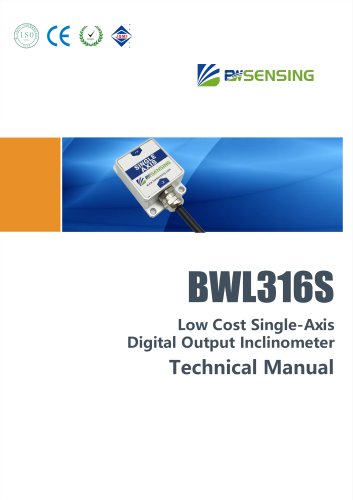 BWSENSING BWL316S
12 Pages
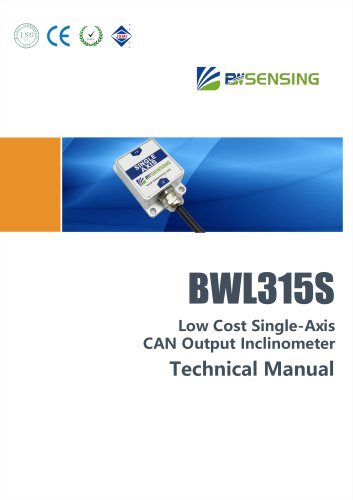 BWSENSING BWL315S
12 Pages
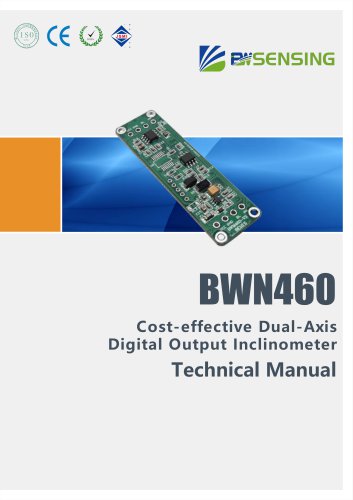 BWSENSING BWN460
12 Pages
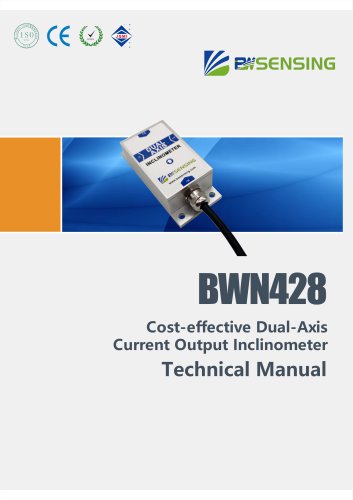 BWSENSING BWN428
13 Pages
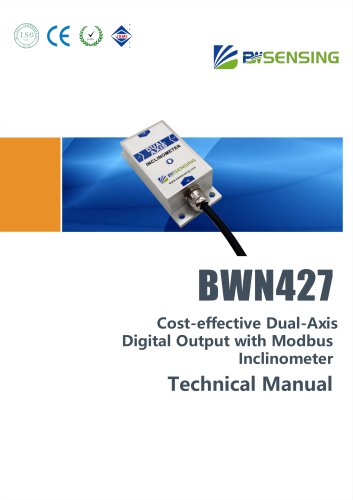 BWSENSING BWN427
13 Pages
 BWSENSING BWN425
12 Pages
 BWSENSING BWN420
13 Pages
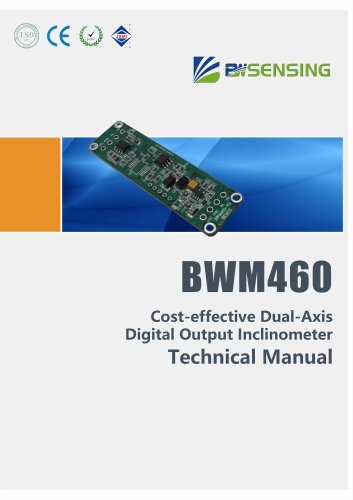 BWSENSING BWM460
12 Pages
 BWSENSING BWM427
13 Pages
 BWSENSING BWM426
13 Pages
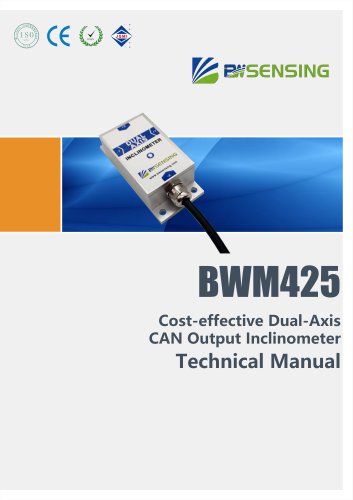 BWSENSING BWM425
12 Pages
 BWSENSING BWM420
13 Pages
 BWSENSING BWM418
12 Pages
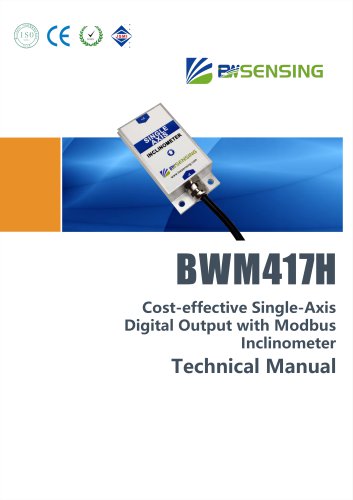 BWSENSING BWM417H
12 Pages
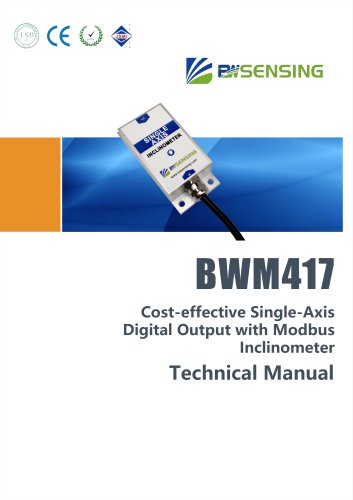 BWSENSING BWM417
12 Pages
 BWSENSING BWM416
12 Pages
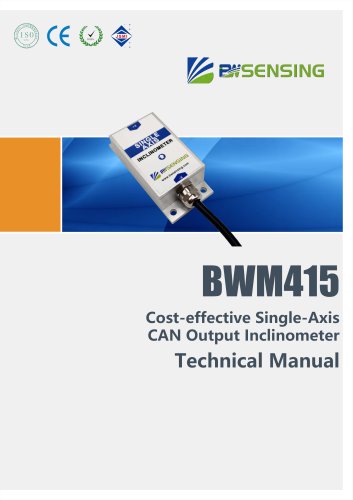 BWSENSING BWM415
12 Pages
 BWSENSING BWM410
12 Pages
 BWSENSING BWH528
14 Pages
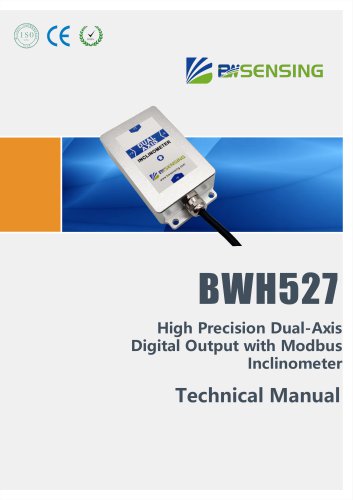 BWSENSING BWH527
13 Pages
 BWSENSING BWH526
14 Pages
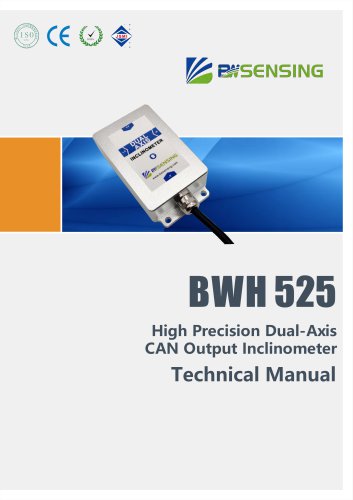 BWSENSING BWH525
12 Pages
 BWSENSING BWH520
14 Pages
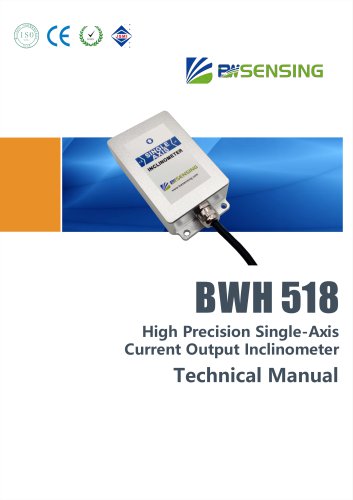 BWSENSING BWH518
13 Pages
 BWSENSING BWH517
12 Pages
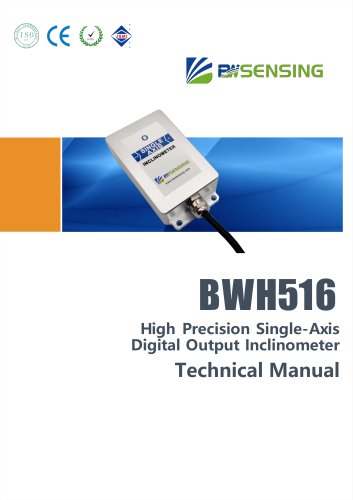 BWSENSING BWH516
13 Pages
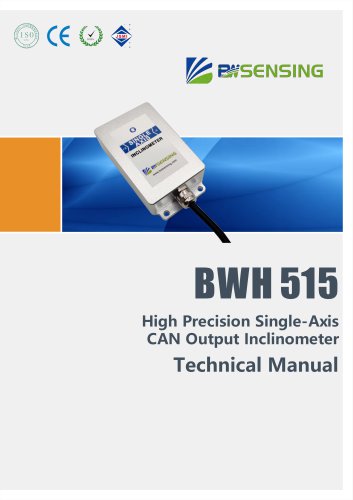 BWSENSING BWH515
12 Pages
 BWSENSING BWH510
13 Pages
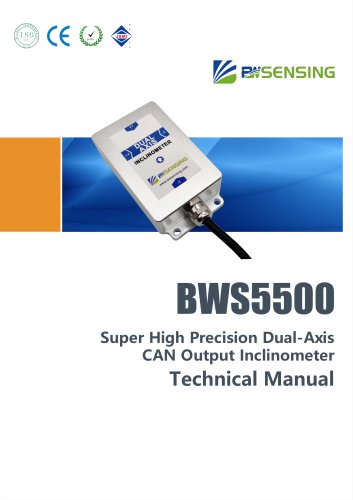 BWSENSING BWS5500
12 Pages
 BWSENSING BWS4800
14 Pages
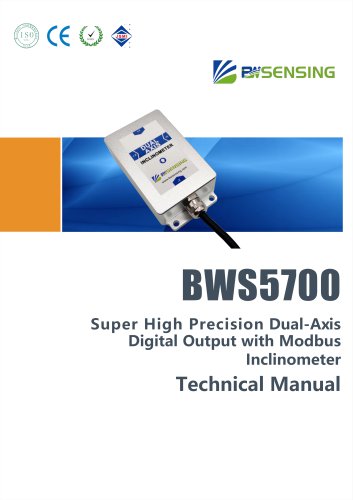 BWSENSING BWS5700
13 Pages
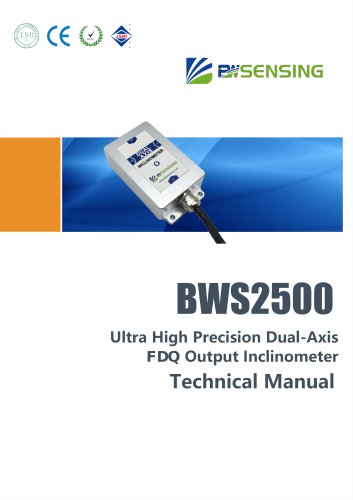 BWSENSING BWS2500
12 Pages

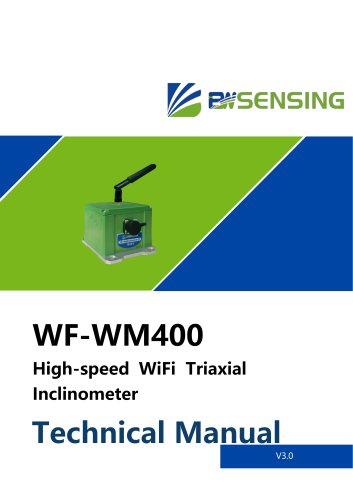






Archived catalogs
 BWSENSING BWN426
13 Pages
- Digital imager
- Visible imager
- Measuring device
- Industrial camera module
- Infrared imager
- Monitoring camera system
- Acceleration sensor
- Detection camera system
- Pressure probe
- Communication gateway
- Waterproof camera module
- Compact imager
- Inspection imager
- Thermographic camera
- Industrial gateway
- Digital gauge
- High-speed camera module
- Temperature-controlled camera
- Membrane pressure sensor