
- Catalogs
- Uniflex-Hydraulik GmbH
- Production crimpers – Control A-C.2-IPC


- Company
- Products
- Catalogs
- News & Trends
- Exhibitions
Production crimpers – Control A-C.2-IPC
Production crimpers – Control A-C.2-IPC
Catalog excerpts
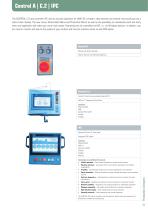
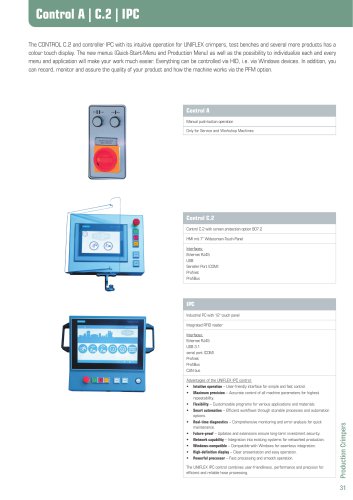
data Steuerungen Control A |Technical C.2 | IPC The CONTROL C.2 and controller IPC with its intuitive operation for UNIFLEX crimpers, test benches and several more products has a colour touch display. The new menus (Quick-Start-Menu and Production Menu) as well as the possibility to individualize each and every menu and application will make your work much easier. Everything can be controlled via HID, i.e. via Windows devices. In addition, you can record, monitor and assure the quality of your product and how the machine works via the PFM option. Control A Manual push-button operation Only for Service and Workshop Machines Control C.2 Control C.2 with screen protection option 807.2 HMI mit 7“ Widescreen-Touch-Panel Interfaces: Ethernet RJ45 USB Serieller Port (COM) Profinet ProfiBus IPC Industrial PC with 12“ touch panel Integrated RFID reader Advantages of the UNIFLEX IPC control: • Intuitive operation – User-friendly interface for simple and fast control. • Maximum precision – Accurate control of all machine parameters for highest repeatability. • Flexibility – Customizable programs for various applications and materials. • Smart automation – Efficient workflows through storable processes and automation options. • Real-time diagnostics – Comprehensive monitoring and error analysis for quick maintenance. • Future-proof – Updates and extensions ensure long-term investment security. • Network capability – Integration into existing systems for networked production. • Windows-compatible – Compatible with Windows for seamless integration. • High-definition display – Clear presentation and easy operation. • Powerful processor – Fast processing and smooth operation. The UNIFLEX IPC control combines user-friendliness, performance and precision for efficient and reliable hose processing. Production Crimpers
Open the catalog to page 1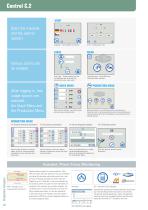
Start the machine and the control system: Language – more available on request. Units – Configuration units. User Login – Factory settings via user and password with functional assignments and user Login rights. Login with menu – Quick Menu and Production Menu selection. Various Users can be created QUICK MENU After logging in, two usage options are available: the Quick Menu and the Production Menu PRODUCTION MENU (1) Input of press diameter, correction values and press jaws (automatically). More parameters to comfortably conduct serial pressing. Selection menu for pressing sorted by press dimension/pressure,...
Open the catalog to page 2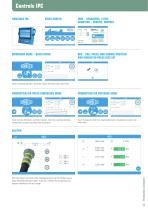
Technical data START SCREEN WORKSHOP MODE – QUICK MENU INFO – RESHAPING, 2 FREE COUNTERS – SERVICE, CONTACT QDC – CALL PRESS JAW CHANGE POSITION AND SUGGESTED PRESS DIES SET Input of pressing diameter, correction values and press jaws (automatic) PRODUCTION VIA PRESS DIMENSION MODE PRODUCTION VIA PRESSURE MODE Input of press dimension, correction values, hold time, opening diameter, preselection counter and press dies (automatic). Input of pressure, hold time, opening diameter, preselection counter and press dies. With the caliper, the result of the reshaping process can be checked using a freely...
Open the catalog to page 3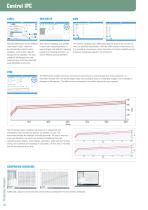
With the label printer and the UNIFLEX Label System (ULS), a label can be automatically printed for each workpiece, which is then manually attached to the workpiece. The color coding can be changed every year, making the age of the hose assembly easily identifiable at any time. With interval reshaping, it is possible to carry out a reshaping process in several stages (with different reshaping pressures or pressing diameters, as well as different opening diameters). The machine capability index (CMK) describes the ability of the machine to meet the specified requirements. With the CMK function in...
Open the catalog to page 4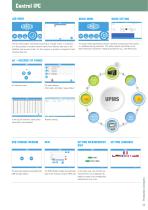
Technical data QUEUE MODE The job mode enables controlled processing of multiple orders in production. It is also possible to combine several orders from different data sets in the database into one work order. For this purpose, a quantity is assigned to each individual data set. The queue mode sequentially executes individual pressing data sets stored in a database during production. This allows specific parameters to be determined and reported for individual workpieces (e.g., One-Piece flow). QUEUE SETTING IoT – INTERNET OF THINGS ERP, Server, Pro-Alpha File path settings (Part table, Job folder,...
Open the catalog to page 5All Uniflex-Hydraulik GmbH catalogs and technical brochures
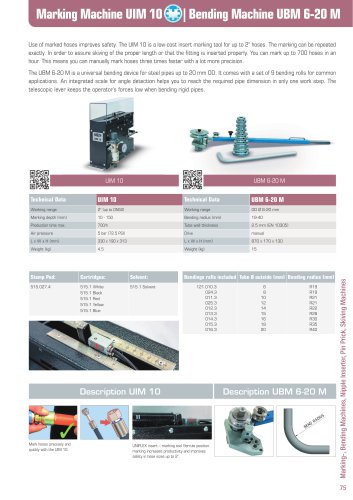 UIM 10 / UBM 6-20 M
1 Page
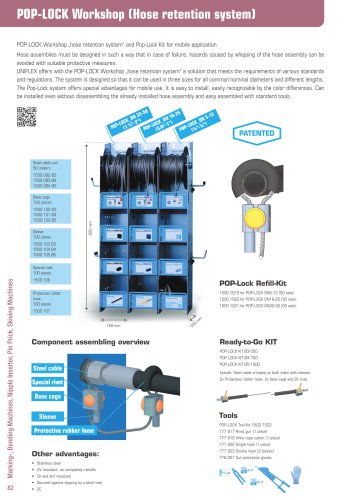 POP-LOCK Workshop
1 Page
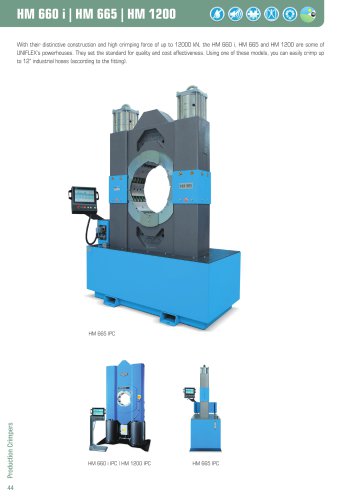 HM 660 i / HM 665 / HM 1200
2 Pages
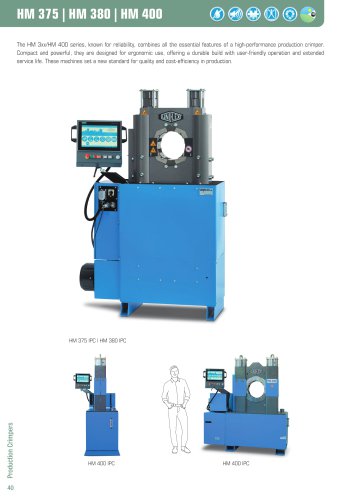 HM 375 / HM 380 / HM 400
2 Pages
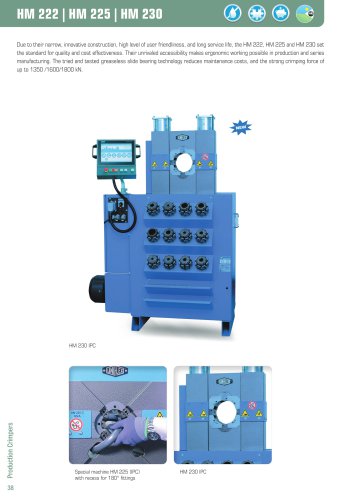 HM 222 / HM 225 / 230
2 Pages
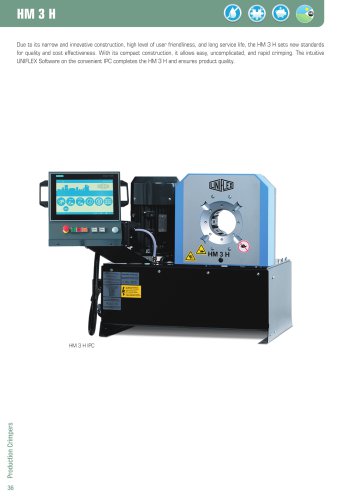 HM 3 H
2 Pages
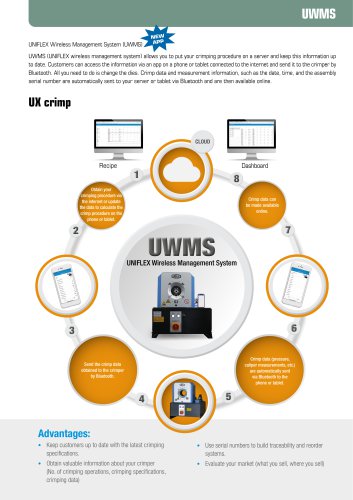 UWMS
UWMS1 Page
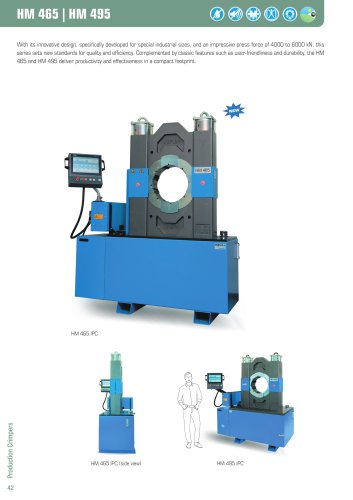 HM 465 / HM 495
2 Pages
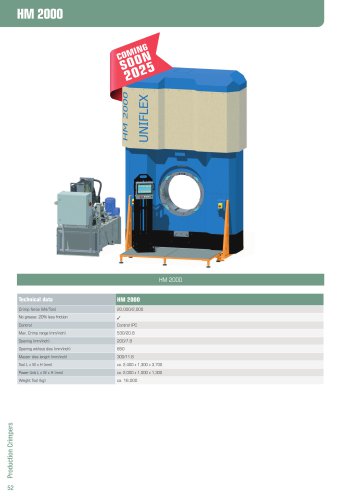 HM 2000
1 Page
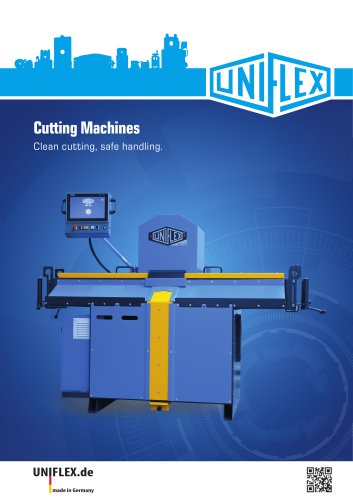 Cutting Machines
18 Pages
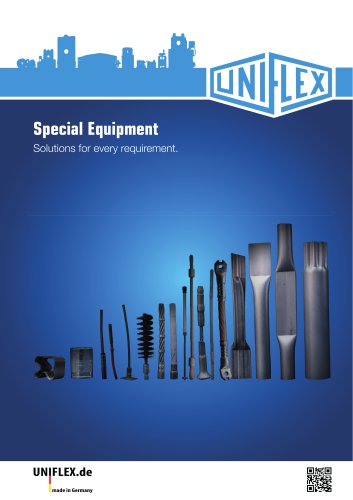 Special Equipment
6 Pages
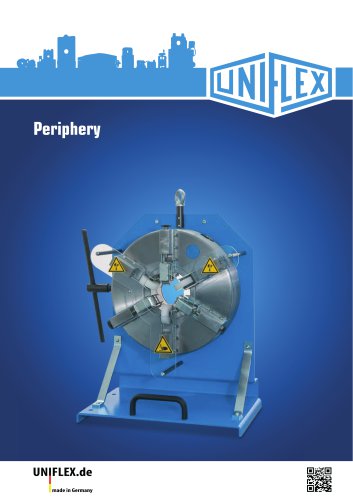 Peripherals
12 Pages
 Image Catalog
40 Pages
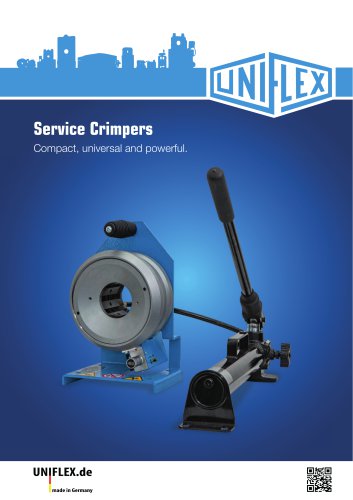 Service Crimpers
26 Pages
 Main catalog 2025
104 Pages
Archived catalogs
 HM220_HM225
2 Pages
 HM325_HM375_HM380
2 Pages
 HM3H
HM3H2 Pages
 HM450_HM480_HM495
2 Pages
 HM660_HM665_HM1200
2 Pages
 Production Crimper
28 Pages
 Cutting machines
20 Pages
 Special Equipment
8 Pages
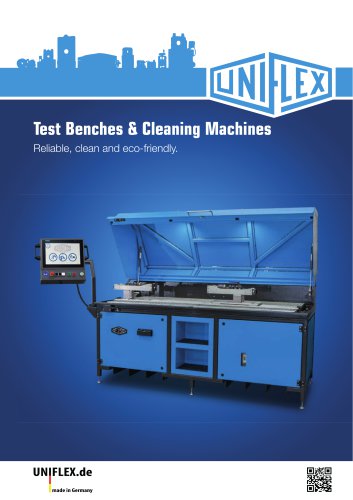
 Test Benches & Cleaning Machines
10 Pages
 Option and Accessories
10 Pages
 Catalogue
60 Pages
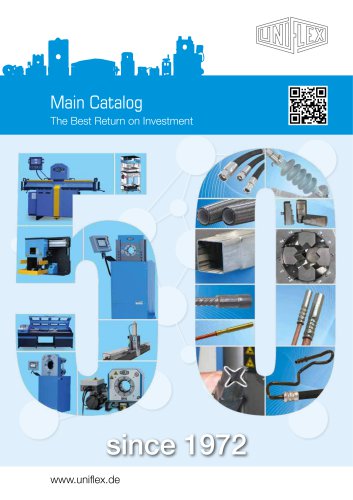
 Main catalogue
116 Pages
 Image Catalog 2023
28 Pages
 2020 Service Crimpers
23 Pages
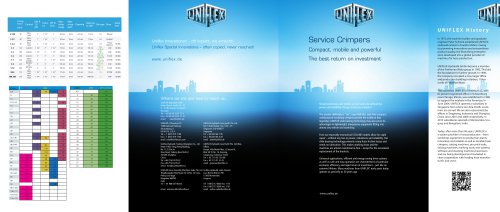 2016 Service Crimpers
15 Pages
 Product Overview
8 Pages
 General Catalogue
34 Pages

- Cutting system
- Industrial press
- Metal cut-off machine
- Hydraulic press
- Measuring device
- LCD screen
- Metal sawing line
- Cutting machine for industrial applications
- Knife cutting system
- LED lighting
- VESA mounting monitor
- Automatic sawing line
- Marking machine
- Bender
- UNIFLEX circular saw
- Plastic cutting machine
- Tube cutting system
- Fixed reel
- Monitoring software solution