
- Catalogs
- TUTCO SureHeat
- MC-5A Quick_Start_Guide


- Company
- Products
- Catalogs
- News & Trends
- Exhibitions
MC-5A Quick_Start_Guide

MC-5A Quick_Start_Guide
- Ensure safe practices during installation and use. Install only when the MC-5A mini controller is not energized.
- Install in an area with ambient temperature around room temperature, not exceeding 45ºC (113ºF). Use adhesive-backed Velcro for mounting.
- Connect electrical supply lines (85-240VAC) to the POWER leads, ensuring lines are rated for a minimum of 5A continuous. Follow local standards for mains power supply.
- For safety, use a double pole switch and fusing or a circuit breaker before the controller. Consider a high limit thermostat for additional protection against over-temperature conditions.
- Connect the heater to the controller by attaching power and thermocouple connectors. For forced convection heaters, mount the thermocouple downstream of the heater exhaust.
- Ensure air sources for forced convection heaters are energized before or simultaneously with the heater power to prevent damage.
- Use the MC-5AP two-button programmer with the RJ11 jack to enter Programming Mode by pressing both buttons for 2 seconds. Set the desired temperature (0º – 200ºC) using the UP or DOWN ARROW buttons.
- The controller exits Programming Mode automatically after 2 seconds of inactivity. The programmer can be removed to prevent temperature alteration.
- Operational state is indicated by a multi-color LED: blue (temperature >5ºC below set point), green (temperature at set point), red (temperature >5ºC above set point).
A temperature conversion table is provided for converting Fahrenheit to Celsius.
Catalog excerpts

MC-5A Mini-Controller Quick Start Guide 3. Connect the electrical supply lines (85 – 240VAC) to the leads on the side labeled POWER. Supply lines must be rated for a minimum of 5A continuous. Comply with all local standards when supplying mains power to the MC – 5A mini controller. 4. It is recommended to install based on the drawing below for safety and convenience. A double pole switch and fusing or a circuit breaker in front of the MC – 5A mini controller. Use generally accepted safe practices for installation and use of this product. Note: Only install the MC – 5A mini controller when it is not energized! The MC – 5A mini controller should be installed in an area where the ambient temperature is approximately room temperature. Maximum ambient temperature = 45ºC (113ºF). Adhesive backed Velcro works well for mounting the MC – 5A mini controller to an appropriate surface. Consider use of a high limit thermostat as an additional layer of protection against over temperature conditions to protect personnel and equipment. High limit thermostats can be provided integral with the heater. Separate high limit thermostats are available for mounting in temperature sensitive areas independent of the heater. To attach the heater to the controller, simply connect the power and thermocouple connectors together. If using a separate thermocouple, mount the thermocouple junction where temperature regulation is desired. For forced convection heaters (fan/blower/heater combinations) the thermocouple should be mounted downstream of the heater exhaust to insure there has been thorough mixing of the heated air. Installation Diagram FUSES OR CIRCUIT BREAKER RATED 6.25A HEATER CONNECTORS HEATER HIGH LIMIT THERMOSTAT THERMOCOUPLE CONNECTORS 500 Gould Drive, Cookville, TN 38506 • [email protected]
Open the catalog to page 1
MC-5A Mini-Controller Quick Start Guide Operation: 1. Air sources for forced convection heaters must be energized before or simultaneously with the heater power. NOTE: Forced convection heaters will burn up without sufficient airflow! The controller will automatically return to normal operation if the programmer buttons are inactive for approximately (2) seconds. If desired, the two button programmer can be removed to prevent alteration of the desired regulation temperature. 5. The operational state is indicated by the multi-color LED. 2. Plug the MC – 5AP two button programmer into the RJ11...
Open the catalog to page 2
MC-5A Mini-Controller Quick Start Guide Temperature Conversion Below is a temperature conversion table for your convenience. °F 500 Gould Drive, Cookville, TN 38506 • [email protected] • 9
Open the catalog to page 3All TUTCO SureHeat catalogs and technical brochures
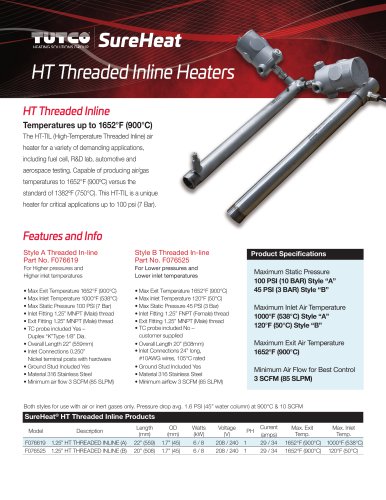 Custom Threaded Inline
2 Pages
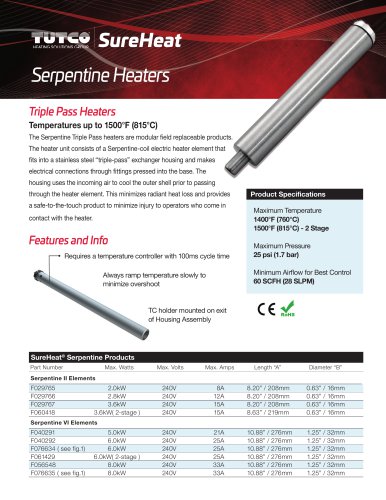 Serpentine Heaters
3 Pages
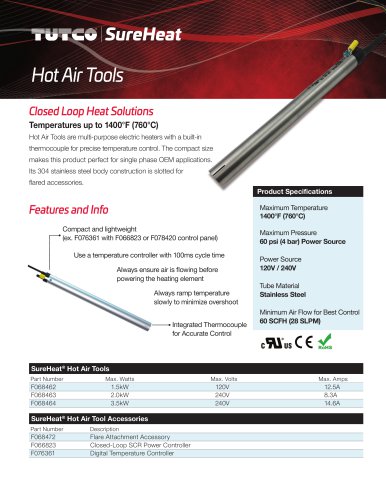 Closed-Loop Spot Heaters
2 Pages
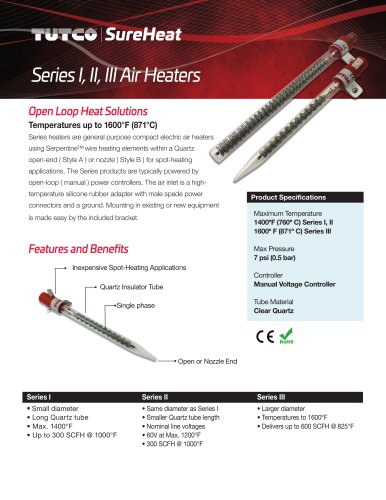 Open-Loop Spot Heaters
2 Pages
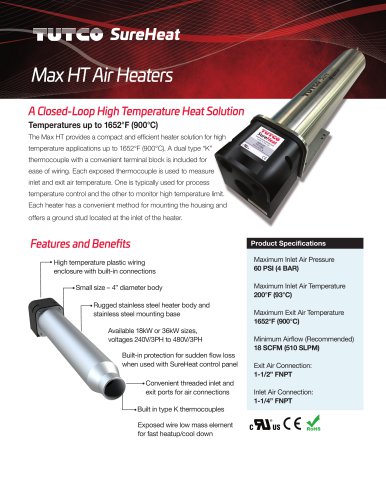 Max HT Air Heaters
3 Pages
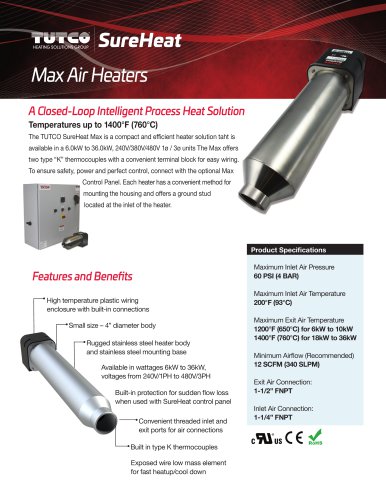 Max Air Heaters
3 Pages
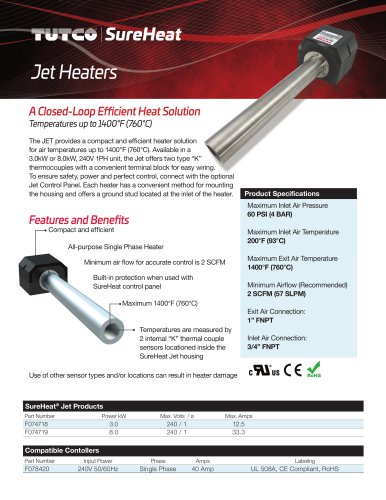 Jet Heaters
2 Pages
Archived catalogs
 SureHeat Standard Air Heaters
42 Pages
 sureheat
2 Pages
 Custom Process Heat Solutions
16 Pages
 Collateral aerospace
4 Pages
 Hot Air Tools
3 Pages

- Digital temperature control
- Temperature controller
- Digital temperature controller
- Automation temperature controller
- PID temperature control
- PID temperature controller
- TUTCO SureHeat air heater
- TUTCO SureHeat electric heater
- TUTCO SureHeat gas heater
- Cartridge heater
- IP65 temperature controller
- Circulation heater
- Stainless steel heater
- Duct heater
- TUTCO SureHeat compact heater
- Explosion-proof heater
- TUTCO SureHeat high-temperature heater
- TUTCO SureHeat high-pressure heater
- Custom heater