
- Catalogs
- TPS Elektronik GmbH
- EA-PSB 10000 2U


- Company
- Products
- Catalogs
- News & Trends
- Exhibitions
EA-PSB 10000 2U
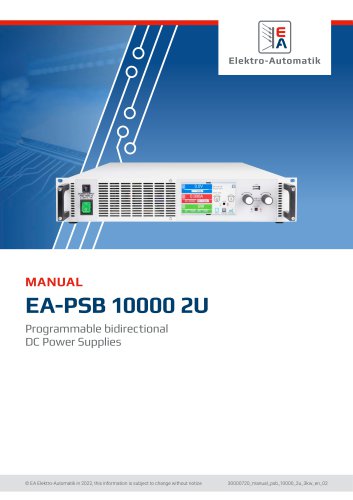
EA-PSB 10000 2U
- Document Usage: The manual should be kept near the equipment for reference and accompany it if relocated.
- Copyright: Unauthorized use or modification is prohibited.
- Validity: Applicable to specific EA-PSB models.
- Symbols and Warnings: Various symbols indicate potential hazards and important notices.
- Warranty: Covers functional competence and performance parameters from delivery.
- Limitation of Liability: Manufacturer is not liable for misuse or unauthorized modifications.
- Equipment must be returned to the manufacturer for disposal according to European regulations.
- Decoding of product description includes series, type, voltage, and current specifications.
- Designed as a variable voltage/current source or sink, not for energy generation.
- Safety Notices: High voltage risks require covering parts during operation and following electrical safety rules.
- Operator Responsibility: Operators must ensure safety compliance and update procedures as needed.
Only trained and qualified personnel should operate the equipment. Operators must not be under the influence of substances that impair reaction capabilities. Legal safety regulations and job-specific requirements must be adhered to.
Alarm Signals
The equipment provides various alarm signals for different conditions, such as OverTemperature, OverVoltage, OverCurrent, OverPower, Power Fail, Master-Slave Protection, and Share Bus Fail.
Functionality Test
Includes disconnecting cables, measuring voltage and current, and ensuring the device operates correctly within specified limits.
Technical Data
Approved Operating Conditions: Operates in ambient temperatures from 0°C to 50°C, in dry rooms with sufficient air circulation, and at altitudes up to 2000 meters.
Cooling: Uses a fan for cooling, with overheating protection if internal temperatures exceed 80°C.
General and Specific Technical Data
Includes AC input voltage ranges, frequency, power factor, leakage current, DC output characteristics, protective functions, dynamic response times, display accuracy, insulation, and interface options.
Safety and EMC Compliance
Complies with various safety and EMC standards, including EN 61010-1 and IEC 61010-1, with a safety protection class of 1 and an ingress protection rating of IP20.
Environmental and Mechanical Specifications
Includes operating and storage temperature ranges, humidity tolerance, altitude limits, and pollution degree. Mechanical construction details include cooling methods, dimensions, and weight.
The PSB 10000 2U series is a bidirectional power supply device functioning as both a laboratory power supply and an electronic load. It supports seamless switching between source and sink operations and includes an energy recovery function with up to 95% efficiency. Features a function generator for creating set point curves and supports remote control via USB, Ethernet, and optional digital interfaces.
Control Elements and Interface
Includes a touchscreen display, rotary knobs with push-button functions, and a USB port. The touchscreen allows for the selection and adjustment of set values, while the rotary knobs are used for fine-tuning voltage, current, power, and resistance settings.
Construction and Functionality
Designed for easy setup with minimal hardware and cabling. Supports parallel connection for constant current sharing and master-slave configurations for combining up to 64 units.
Scope of Delivery and Accessories
Includes the power supply device, remote sensing plugs, USB cable, terminal covers, and a USB stick with documentation. Optional accessories include interface modules for various digital interfaces and a battery simulation software.
Control Panel (HMI)
Features a graphic touchscreen display divided into areas for displaying actual and set values, status information, and rotary knob assignments.
USB Port Functionality
Used for loading and saving sequences and recording measured data. Supports USB 2.0 and 3.0 sticks formatted in FAT32.
- Files such as
profile_and.csv wave_uare used for saving user profiles and sequence point data, respectively..csv - Battery test logs and MPP tracking results are stored in
battery_test_log_and.csv mpp_result_..csv
- The USB port supports communication and firmware updates, using ModBus RTU or SCPI protocols.
- An interface module slot allows for various communication modules like CANopen, RS232, and Ethernet.
- The analog interface supports remote control via analog or digital signals, with adjustable voltage ranges.
- The "Share BUS" connector facilitates master-slave configurations for parallel operation.
- The "Sense" connector compensates for voltage drops in DC cables.
- The Ethernet port allows remote control and monitoring via HTTP or TCP/IP.
- Transport and storage guidelines emphasize using original packaging and ensuring dry storage conditions.
- Installation requires safety checks, appropriate cable selection, and adherence to local energy regulations.
- Devices must be installed in a closed appliance, such as a cabinet, with proper ventilation and touch protection.
- AC supply connections must be fixed and carried out by qualified personnel.
Outlines the electrical specifications for various voltage configurations, including 110/120 V single-phase, 208 V two-phase, and 230/240 V single-phase systems.
Provides detailed procedures for AC cable selection, including recommendations for cable end sleeves and maximum cross-section specifications.
Guidelines for connecting to DC loads or sources are provided, highlighting the need for proper cable cross-section and electric strength.
Instructions for remote sensing connections are included, emphasizing the importance of correct polarity and dielectric strength.
Steps for installing interface modules are outlined, including ESD protection measures.
Details on connecting the analog interface and Share bus are provided.
Instructions for USB port connection and driver installation for Windows, Linux, and MacOS are included.
Procedures for initial commissioning and post-firmware update checks are outlined.
Describes the device's dual operation modes (source and sink) and provides safety notes for personal protection.
An overcurrent alarm will deactivate the DC terminal if the current exceeds the set limit.
An overpower alarm will deactivate the DC terminal if the power exceeds the set limit.
This feature prevents output voltage from exceeding 60 V to protect applications and users.
This alarm deactivates the DC terminal if there is a configuration issue or short-circuit on the Share bus.
Switching On/Off: The device is turned on using a front toggle switch or external cutout.
Configuration: The settings menu allows configuration of operating parameters.
Sub Menu 'Settings': Allows adjustment of presets, protection limits, and general settings.
Sub Menu 'Profiles': For loading and saving user profiles.
Sub Menu 'Overview': Displays set values, alarm thresholds, and alarm history.
Sub Menu 'About HW, SW, ...': Shows device data like serial number.
Sub Menu 'Function Generator': Refer to section 3.11 for details.
Sub Menu 'Communication': Offers settings for digital communication.
- Interfaces: USB and Ethernet interfaces are built-in, with optional IF-AB series modules available.
- Ethernet Settings: Supports DHCP for automatic IP allocation.
- CANopen and Profibus: Configurable baud rates and node addresses.
- Profinet/IO: Customizable host and domain names.
- Timeouts: Configurable timeouts for USB, RS232, and Ethernet connections.
- Protocols: Supports SCPI and ModBus.
- Language and Sound: Display language is selectable, with options to activate key and alarm sounds.
- Clock and Backlight: Internal clock setup and backlight settings.
- Set values for voltage, current, power, and resistance can be adjusted within specified limits.
- Manual operation distinguishes between U/I, U/P, and U/R modes.
- Set values for voltage, current, and power can be adjusted manually using rotary knobs or numeric pad.
- Adjusting Values: Allows for direct input of voltage, current, power, or resistance using a rotary knob and a ten-key pad.
- Switching DC Terminal: The DC terminal can be switched on/off manually or remotely.
- USB Logging: Device data can be recorded to a USB stick in CSV format.
- General: Remote control is possible via built-in interfaces or optional modules.
- Control Locations: The device can be controlled manually or remotely.
- Digital Interface: Various optional modules are supported for remote control.
- Analog Interface: Allows remote control of current, voltage, power, and resistance.
- Graph: A visual depiction of voltage, current, and power values is available.
- Quick Menu: Provides quick access to frequently used features and modes.
- Max log file size is 4 GB, and a maximum of 1024 log files can be stored.
Outlines the adjustment limits for DC output, emphasizing the importance of adhering to maximum voltage and current settings.
Before using the interface, users must ensure that the device is powered on and ready.
Device alarms during remote control will switch off the DC terminal, similar to manual control.
The analog interface is processed by a digital micro-controller, offering a resolution of 26214 steps in the 10 V range.
Provides detailed specifications for each pin on the D-sub socket.
Examples include switching the DC terminal with pin REM-SB, remote control of current and power, reading actual values, and switching between source and sink modes.
Device alarms are distinct from user-defined events, with the latter offering more flexible responses.
Outlines various alarm triggers and protection mechanisms for a device.
Users can configure events such as UnderVoltage Detection, OverVoltage Detection, UnderCurrent Detection, OverCurrent Detection, and OverPower Detection.
Describes how to lock the Human-Machine Interface and adjustment limits to prevent unauthorized changes.
Users can save and load settings using profiles, which store all configuration data.
The built-in function generator can create various signal forms such as sine, triangle, rectangular, and trapezoidal waves.
Outlines the importance of setting the current and power parameters carefully for each function.
In master-slave systems, adjustable set values known as "U/I/P limits" are crucial.
Functions can be selected and controlled via a touch screen when the DC terminal is off.
- Sine Wave Function: Configurable parameters include frequency, amplitude, and offset.
- Triangular Function: Parameters include amplitude, offset, and time for rising and falling edges.
- Rectangular Function: Similar to the triangular function, with parameters for amplitude, offset, and pulse/pause times.
- Trapezoidal Function: Configurable for amplitude, offset, and times for slopes and base.
- DIN 40839 Function: Simulates automobile battery voltage during engine starting.
- Arbitrary Function: Offers 99 sequence points for complex waveform construction.
Outlines the configuration of sequence points in an arbitrary function generator.
Parameters such as the number of cycles, start and end sequence points are defined.
Provides examples of sequence configurations for various waveform progressions.
The arbitrary function can be saved or loaded via USB in CSV format.
Generates a ramp between start and end values over a specified time.
Allows setting a DC current based on voltage, using a table of 4096 values.
Simulates solar panels using an IU table generated from typical solar cell parameters.
Due to high capacitance on the DC terminal of some solar inverter models, not all inverters can operate without issues.
The PV function is based on the XY generator and an IU table, with the MPP defined by adjustable parameters.
Simulates the voltage and current characteristics of a fuel cell.
Simulates solar panels for testing solar inverters, offering more specific tests and evaluations.
Four simulation modes are available: U/I, E/T, DAY U/I, and DAY E/T.
Allows long-term tests with up to 100,000 user-definable points.
Calculates intermediate steps between day trend curve points.
Data can be recorded during simulation runs and stored on a USB stick.
Records data every 100 ms into an internal buffer, with a maximum of 576,000 data sets.
Includes technology selection, input mode and parameters, simulation mode, and recording feature.
After configuration, the function generator switches to control mode.
Simulations may stop due to device alarms or user events.
Recorded data can be saved to a USB stick or read via a digital interface for analysis.
Tests batteries without battery management functionality, including modes for static and dynamic discharge.
Logging can be enabled to record data during test runs to a USB stick.
The battery test function can be stopped for several reasons, including manual stop via HMI or reaching maximum test time.
Optimizes the power output from solar panels with four modes.
The function generator can be remotely controlled, with specific configurations for master-slave parallel operations.
Outlines the configuration of a master-slave system, detailing the termination settings for devices on the MS bus.
Involves different power classes or series within one master-slave system.
Involves setting all slave units first, followed by the master unit.
Once configured, the master controls the system.
Alarms are indicated on both master and slave displays.
Series connection is possible in source mode but not in sink mode.
Ensures device operation during AC supply undervoltage.
The device requires no regular maintenance, but fan cleaning may be necessary.
Firmware updates should be installed only to fix existing bugs or to add new features.
A potential issue is connecting a voltage source with reversed polarity to the DC terminal.
Repairs are generally handled by the manufacturer, and technical support is available via phone or email.
Catalog excerpts
Programmable bidirectional DC Power Supplies © EA Elektro-Automatik in 2022, this information is subject to change without notice
Open the catalog to page 1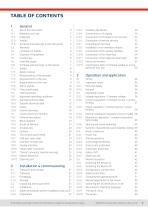
1.1 About this document 5 1.1.4 Symbols and warnings in this document 5 1.6.1 Symbols and warnings on the device 7 1.8.1 Approved operating conditions 11 1.8.2 General technical data 11 1.8.3 Specific technical data 12 1.9.7 USB port (rear side) 24 1.9.8 Interface module slot 24 1.9.11 "Sense” connector (remote sensing) 25 2.2 Unpacking and visual check 27 2.3.1 Safety procedures before installation and use 27 2.3.5 Connection to DC loads or DC sources 32 2.3.6 Connection of remote sensing 33 2.3.8 Installation of an interface module 34 2.3.9 Connection of the analog interface 34 2.3.11 Connection...
Open the catalog to page 2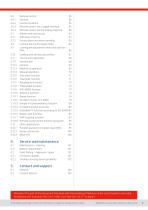
3.6.3 Remote control via a digital interface 56 3.6.4 Remote control via the analog interface 58 3.7.2 Device alarm and event handling 63 3.8 Locking the control panel (HMI) 66 3.9 Locking the adjustment limits and user profiles 66 3.10 Loading and saving user profiles 67 3.11.5 Sine wave function 71 3.11.12 IU table function (XY table) 79 3.11.13 Simple PV (photovoltaics) function 80 3.11.14 FC table function (fuel cell) 82 3.11.15 Extended PV function according to EN 50530 83 3.11.16 Battery test function 89 3.11.18 Remote control of the function generator 95 3.12.1 Parallel operation in master-slave...
Open the catalog to page 3
© EA Elektro-Automatik in 2022, this information is subject to change without notice
Open the catalog to page 4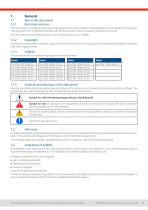
This document is to be kept in the vicinity of the equipment for future reference and explanation of the operation of the device. This document is to be delivered and kept with the equipment in case of change of location and/or user. The most recent issue of this document can be found online, on our website. Modification and partial or complete usage of this PDF document for other purposes as intended are forbidden and breach may lead to legal process. This manual is valid for the following equipment and its variants: 1.1.4 Symbols and warnings in this document Warning and safety notices as well...
Open the catalog to page 5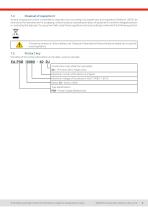
A piece of equipment which is intended for disposal must, according to European laws and regulations (ElektroG, WEEE) be returned to the manufacturer for scrapping, unless the person operating the piece of equipment or another, delegated person is conducting the disposal. Our equipment falls under these regulations and is accordingly marked with the following symbol: The device contains a Lithium battery cell. Disposal of that battery follows the above stated rule or specific local regulations. Decoding of the product description on the label, using an example: © EA Elektro-Automatik in 2022,...
Open the catalog to page 6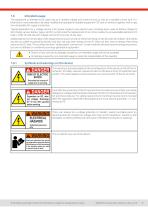
The equipment is intended to be used only as a variable voltage and current source or only as a variable current sink. Furthermore it's only intended to be used installed and operated in suitable equipment (19” rack or similar), together with a rigid, non-retractable AC supply connection. Typical application for a voltage source is DC power supply to any relevant user, including when used as battery charger to test charge various battery types, and for current sinks the replacement of an ohmic resistor by an adjustable electronic DC load in order to load relevant voltage and current sources of...
Open the catalog to page 7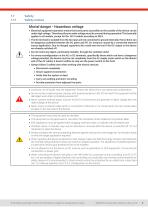
Safety notices • Electrical equipment operation means that some parts accessible on the outside of the device can be under high voltage. Therefore all parts under voltage must be covered during operation! This basically applies to all models, except for the 60 V models according to SELV. • The DC terminal is isolated from the AC input and not connected to ground internally. Hence there can be dangerous potential between the DC poles and PE, for instance caused by a connected external source application. Due to charged capacitors this could even be true if the DC output or the device are already...
Open the catalog to page 8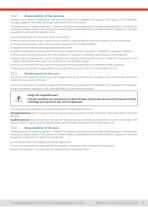
Operator is any natural or legal person who uses the equipment or delegates the usage to a third party, and is responsible during its usage for the safety of the user, other personnel or third parties. The equipment is in industrial operation. Therefore the operators are governed by the legal safety regulations. Alongside the warning and safety notices in this manual the relevant safety, accident prevention and environmental regulations must also be applied. In particular the operator has to be acquainted with the relevant job safety requirements identify other possible dangers arising from the...
Open the catalog to page 9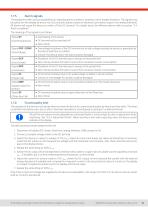
The equipment offers various possibilities for signaling alarm conditions, however, not for danger situations. The signals may be optical (on the display as text or via LED), acoustic (piezo buzzer) or electronic (pin/status output of an analog interface). All alarms will cause the device to switch off the DC terminal. For details about the different alarms refer to section "3.4. Alarm conditions". The meaning of the signals is as follows: The operator of the device must decide when to check the device for correct functionality, by whom and how often. The when could either be before every use...
Open the catalog to page 10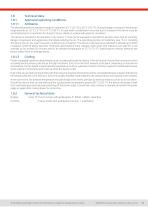
Technical Data Approved operating conditions Ambiance The allowed ambient temperature range for operation is 0 °C (32 °F) to 50 °C (122 °F). During storage or transport, the allowed range extends to -20 °C (-4 °F) to 70 °C (158 °F). In case water condensation occurred due to transport, the device must be acclimatized prior to operation for at least 2 hours, ideally in a place with good air circulation. The device is intended to be operation in dry rooms. It must not be exposed or operated to extreme dust, high air humidity, danger of explosion and aggressive chemicals polluting the air. The operating...
Open the catalog to page 11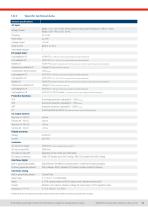
Voltage, Phases Range 1: 110 - 127 V, ±10%, Iph AC (with DC output power derating to 1.2 kW or 1.5 kW) Range 2: 208 - 240 V, ±10%, 1ph AC Overvoltage category <0.05% FS (0 - 100% load, constant output voltage and constant temperature) Line regulation CV <0.01% FS (110 V - 240 V AC +10%, constant load and constant temperature) Stability CV <0.02% FS (during 8 h of operation, after 30 minutes warm-up, at constant output voltage, load and temperature) Temperature coefficient CV <30ppm/°C (after 30 minutes of warm-up) Compensation (remote sense) <5 % U Nominal Load regulation CC <0.1% FS (0 - 100%...
Open the catalog to page 12All TPS Elektronik GmbH catalogs and technical brochures
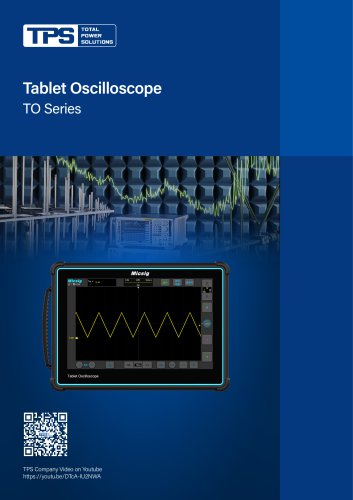 TO Series
9 Pages
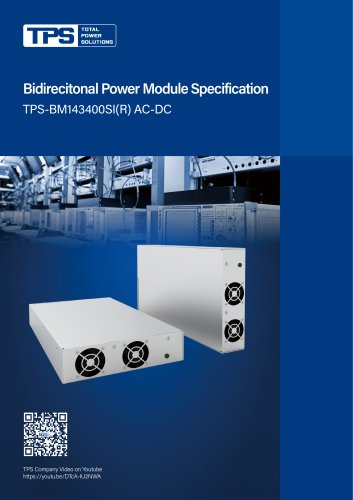 TPS-BM143400SI(R)
4 Pages
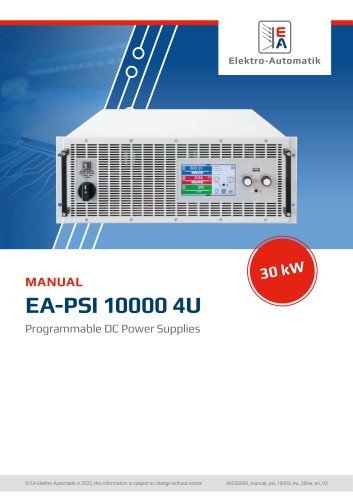 EA-PSI 10000 4U
97 Pages
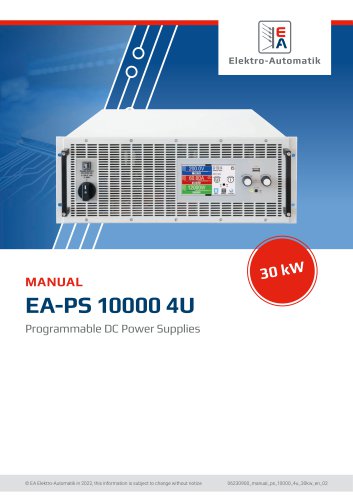 EA-PS 100004U
75 Pages
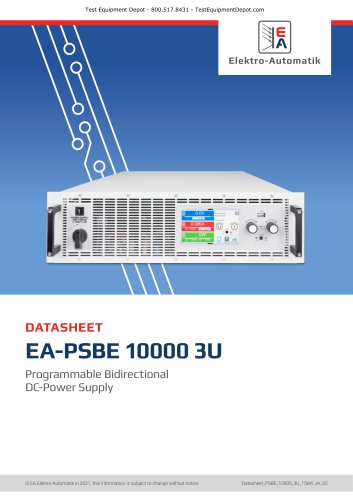 EA-PSBE 10000 3U
15 Pages
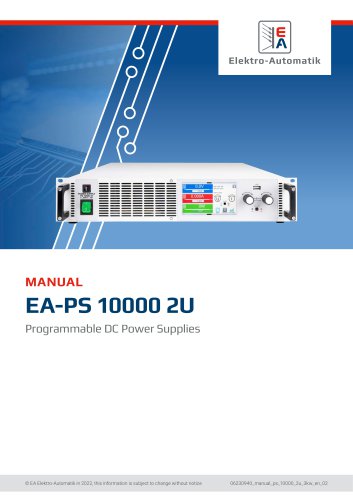 EA-PS 10000 2U
68 Pages
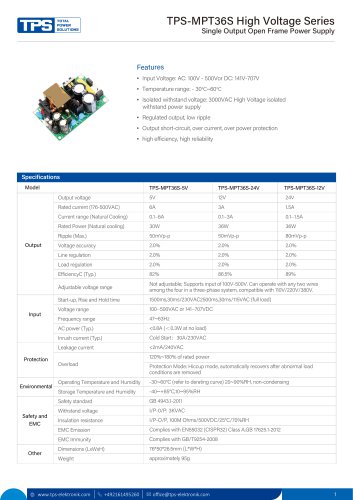 TPS-MPT36S
2 Pages
 FSP090-ABAN3_spec
8 Pages
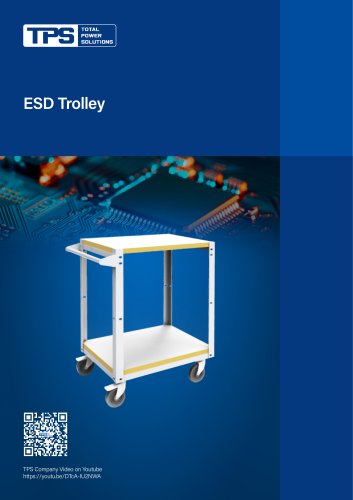 ESD Trolley
2 Pages
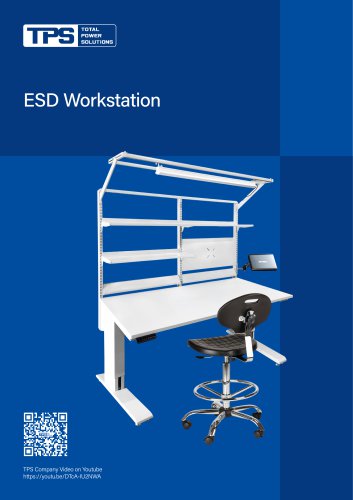 ESD Workstation
4 Pages
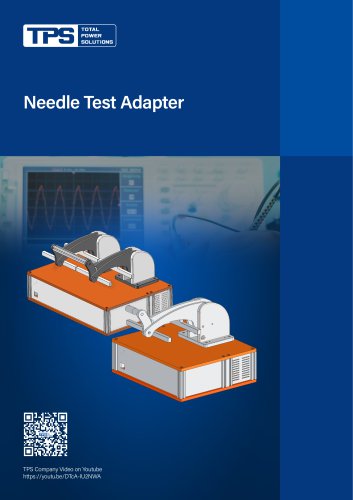 Needle Test Adapter
2 Pages
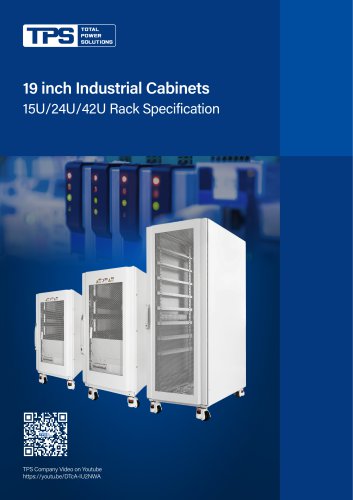 19 inch Industrial Cabinets
5 Pages
 Aluminum Profile Heat Sink
8 Pages
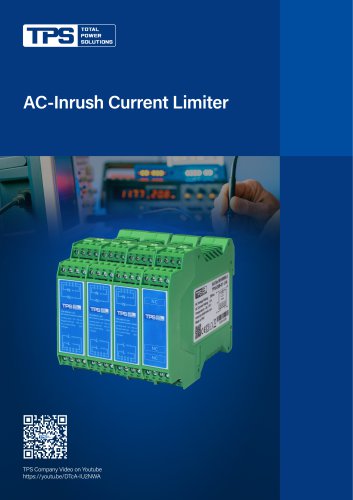 AC-Inrush Current Limiter
3 Pages
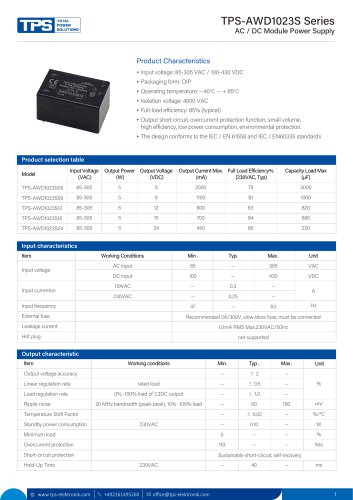 TPS-AWD1023S Series
4 Pages
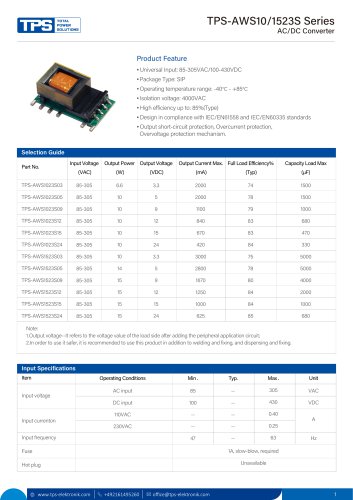 TPS-AWS10/1523S Series
5 Pages
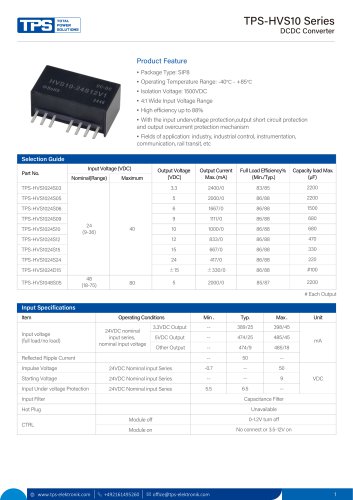 TPS-HVS10 Series
4 Pages
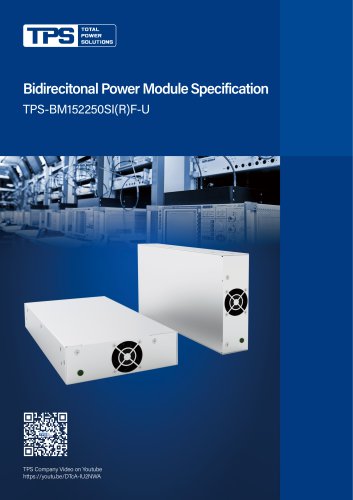 TPS-BM152250SI(R)F-U
4 Pages
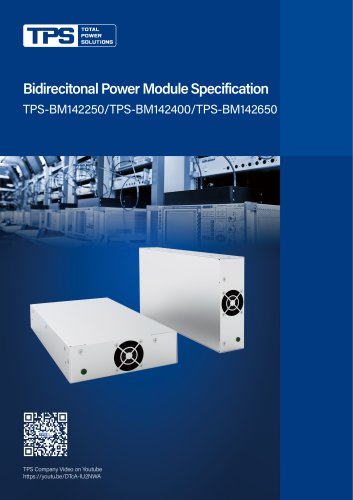 TPS-BM 142250/142400/142650
5 Pages
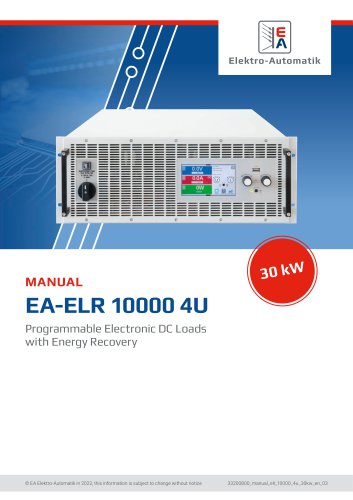 EA-ELR 10000 4U
96 Pages
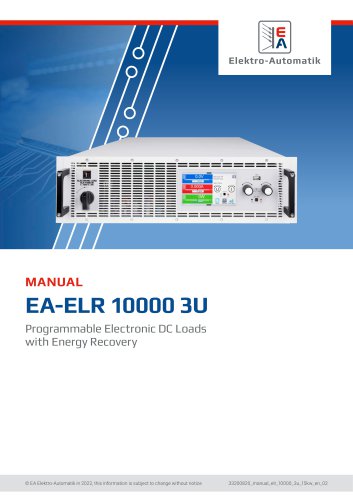 EA-ELR 10000 3U
95 Pages
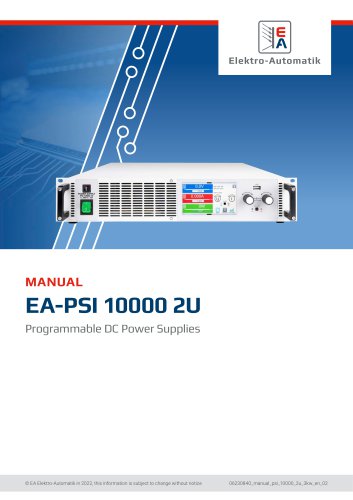 EA-PSI 10000 2U
92 Pages
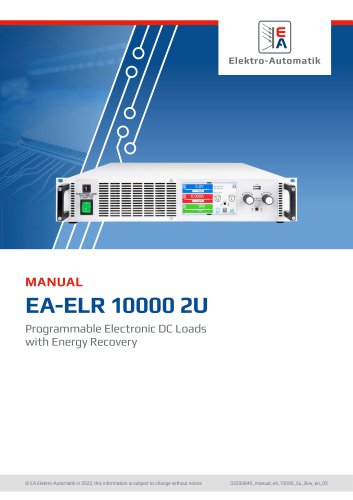 EA-ELR 10000 2U
91 Pages
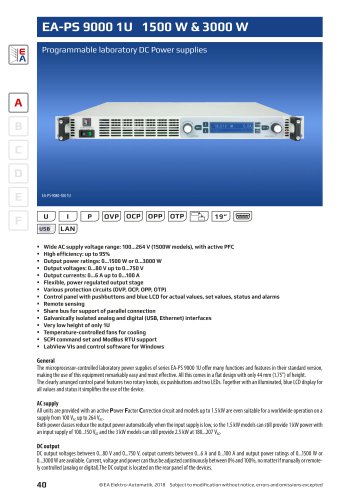 EA-PS 9000 1U
4 Pages
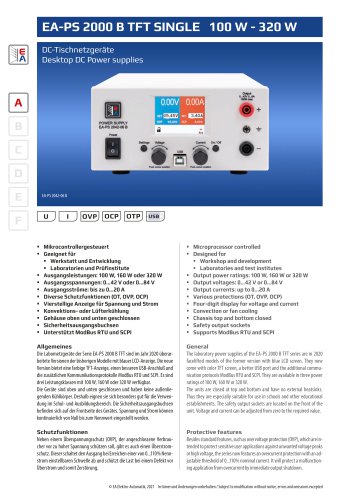 EA-PS 2000 B
4 Pages
 EA-PSI 9000 DT
6 Pages
 EA-PS 3000C
4 Pages
 TPS-RPS120S Series
2 Pages
 TPS-GSH180S Series
4 Pages
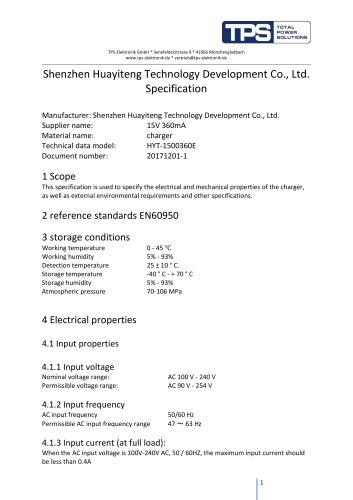 HYT-1500360E
6 Pages
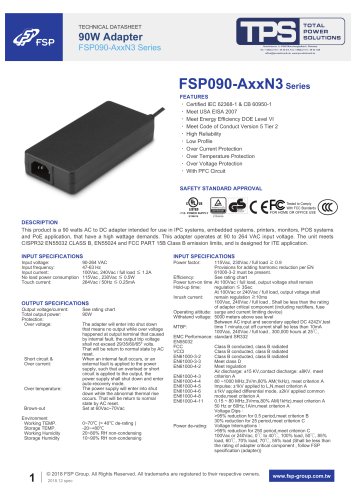 FSP090-AxxN3 Series
4 Pages
 FSP550-50FS
49 Pages
 FSP220-50FGBBI
10 Pages
 FSP300-70PFL(SK)
14 Pages
 FSP300-50UCB
14 Pages
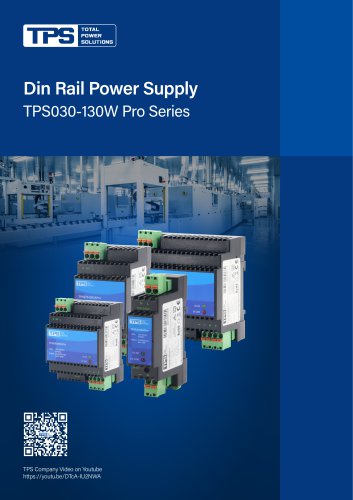 TPS030-130W Pro Series
4 Pages
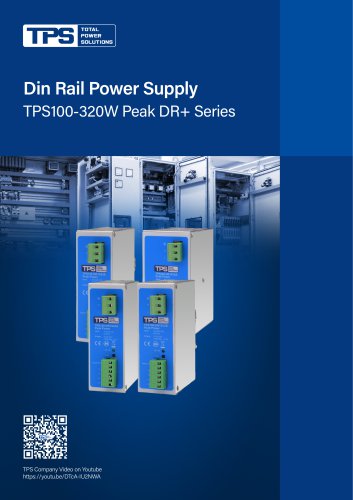 TPS100-320W Peak DR+ Series
4 Pages
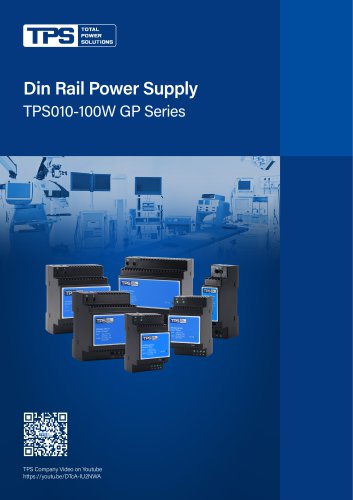 TPS010-100 GP Series
4 Pages
- AC/DC power supply
- Transformer
- Dry transformer
- Metal cart
- CE power supply
- Propeller fan
- Transport trolley
- Air circulation fan
- Floor-mounted cabinet
- Industrial fan
- Single-output power supply
- Air blower
- Power supply for industrial applications
- Door cabinet
- AC fan
- Switched-mode power supply
- Centrifugal blower
- Workbench