

MasterCAN Tool CAN J1939/S6 Simulator-Analyzer

MasterCAN Tool CAN J1939/S6 Simulator-Analyzer
- Parameter Display: Current parameter values can be displayed in both decimal and HEX formats.
- Data Logging: The tool allows for recording parameter values to a file for further analysis.
- Parameter Imitation: Users can specify individual or group parameter values for broadcasting to the CAN bus, with options for 11/29 bit identifier lengths.
- Configurable Baud Rate: The send/receive data baud rate is adjustable, with options including 100/125/250/500/1000 kbit/s.
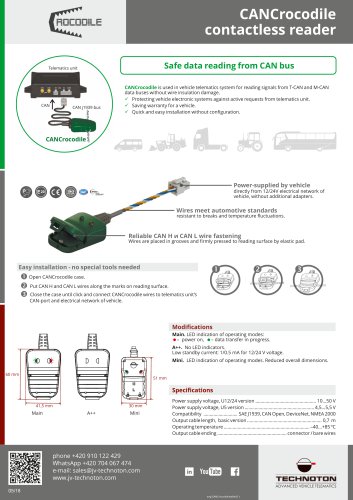
- Easy Connection: The tool connects simply to the CANbus using a CANCrocodile contactless reader.
- Additional Features: Includes a CAN terminal resistor switch in firmware, a CAN bus load indicator, and can be powered via USB or the vehicle's onboard electrical network.
- Automotive CAN Bus Imitation: The tool reads and parses CAN-messages from standard vehicle sensors and units.
- Development and Debugging: It aids in the development, debugging, and integration of telematics hardware and software.
Catalog excerpts

• Reading and parsing CAN-messages from standard sensors and units of vehicle. • Development, debugging and integration of telematics hardware and software. furtowoW® CAvN bus wvtaboo MasterCAN Tool - instrument for professionals in telematics systems integration and electronic unit diagnostics and developers of automotive electronics. Functions and advantages Displaying current values of parameters in decimal and HEX formats. Displaying current values of parameters in decimal and HEX formats. Recording values of parameters to a file (logging). Specifying values of individual parameters and groups for broadcasting to CAN bus (parameter imitation). Select in 11/29 bit length of identifiers during imitation. Configurable send/receive data baud rate - 100/125/250/500/1000 kbit/s. Simple and easy connection to CANbus with CANCrocodile contactless reader. CAN terminal resistor switch in firmware. CAN bus load indicator. Power supply from USB of PC or vehicle's onboard electrical network. File Configurate Language Firmware Serial number: 11111111111 Firmware version: 1
Open the catalog to page 1All TECHNOTON catalogs and technical brochures
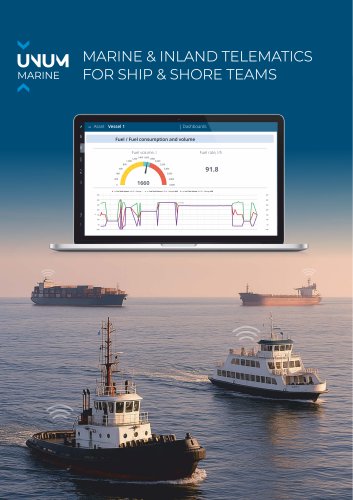
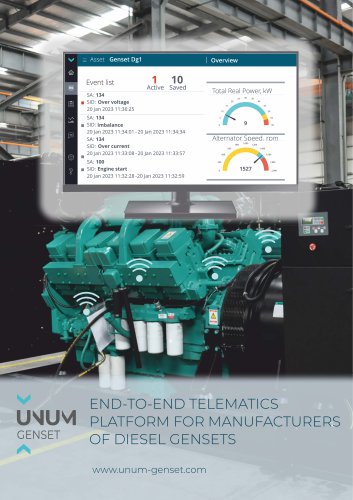
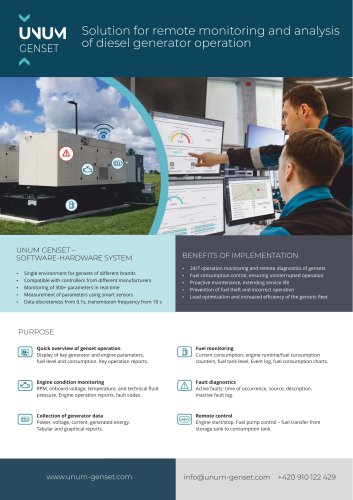
 UNUM_IIoT Platform catalog
6 Pages
Archived catalogs
 S7 NMEA Data converter
1 Page
 DUT-E fuel level sensor
1 Page
 DFM Fuel flow meter
1 Page
 GNOM axle load sensors
1 Page
 S7 Telematics Technology
1 Page




- Connector
- TECHNOTON flow meter
- Data connector
- Volume flow monitor
- TECHNOTON liquid flow meter
- LCD display panel
- Management software solution
- Analysis software solution
- Real-time software
- Cloud-based software
- Calibration system
- Waterproof flow meter
- Gas flow monitor
- TECHNOTON level sensor
- Stainless steel flow monitor
- TECHNOTON liquid level sensor
- Monitoring software solution
- TECHNOTON industrial flow meter
- Pressure probe