
- Catalogs
- TAKACHI Electronics Enclosure Co., Ltd.
- PB621 - ML621・SR621 SMALL BATTERY HOLDER


- Company
- Products
- Catalogs
- News & Trends
- Exhibitions
PB621 - ML621・SR621 SMALL BATTERY HOLDER
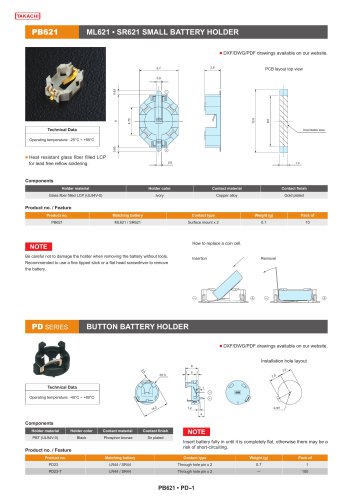
PB621 - ML621・SR621 SMALL BATTERY HOLDER
This document provides instructions on replacing a coin cell battery in specific battery holders, along with technical specifications and recommendations for handling.
Specifications
- Holder Material: Heat resistant glass fiber filled LCP (UL94V-0) for lead-free reflow soldering.
- Holder Color: Ivory
- Contact Material: Copper alloy
- Contact Finish: Gold plated
- Operating Temperature: -25°C to +85°C for PB621, -40°C to +80°C for PD series.
Procedures
- Insertion: Ensure the battery is fully inserted until flat to avoid short-circuiting.
- Removal: Use a fine-tipped stick or flat head screwdriver to remove the battery carefully to prevent damage to the holder.
Product Features
- PB621: Suitable for ML621/SR621 batteries, surface mount contact type, weight 0.1g, available in packs of 10.
- PD23: Suitable for LR44/SR44 batteries, through-hole pin contact type, weight 0.7g, available in packs of 1 or 100.
Installation and Layout
- Includes specific dimensions and layout for installation holes and PCB layout top view.
Additional Resources
- DXF/DWG/PDF drawings are available on the website for further reference.
Catalog excerpts
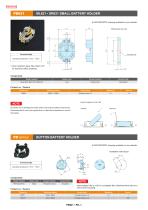
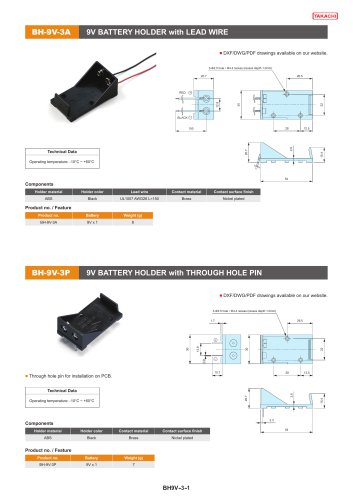
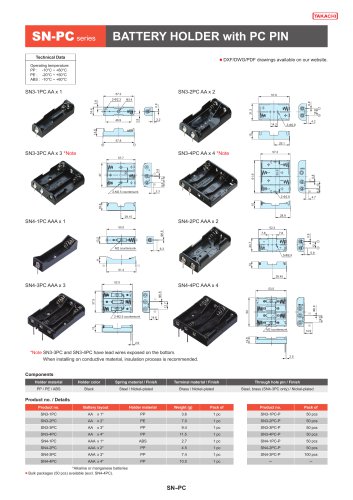
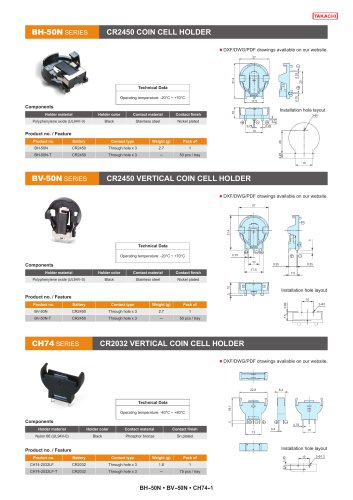
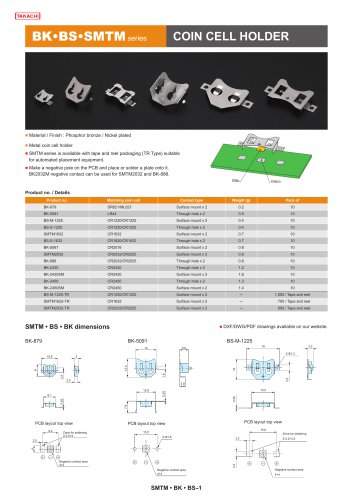
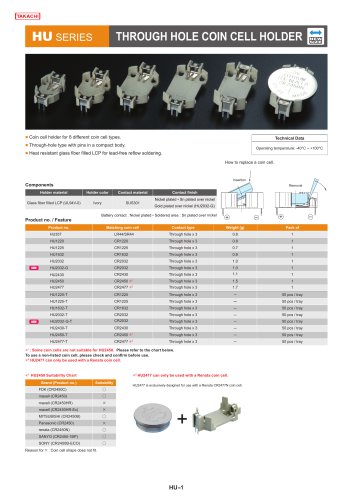
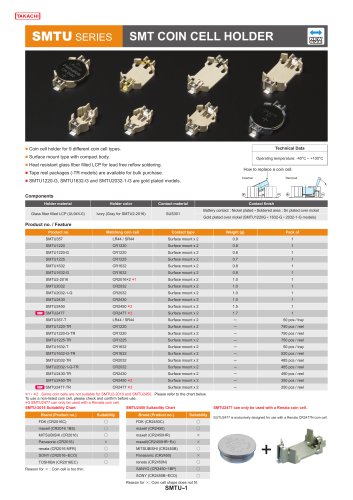
■ DXF/DWG/PDF drawings available on our website. ,j PCB layout top view Components Holder material Holder color Contact material Contact finish Glass fiber filled LCP (UL94V-0) Ivory Copper alloy Gold plated Product no. Matching battery Contact type Weight (g) Pack of How to replace a coin cell. Be careful not to damage the holder when removing the battery without tools. Recommended to use a fine tipped stick or a flat head screwdriver to remove the battery. PD SERIES BUTTON BATTERY HOLDER ■ DXF/DWG/PDF drawings available on our website. Installation hole layout Operating temperature: -40°C ~ +80°C Components NOTE Holder material Holder color Contact material Contact finish PBT (UL94V-0) Black Phosphor bronze Sn plated Product no. / Feature Insert battery fully in until it is completely flat, otherwise there may be a risk of short-circuiting. Product no. Matching battery Contact type Weight (g) Pack of
Open the catalog to page 1All TAKACHI Electronics Enclosure Co., Ltd. catalogs and technical brochures
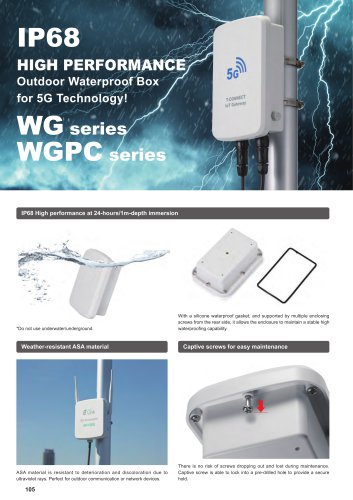
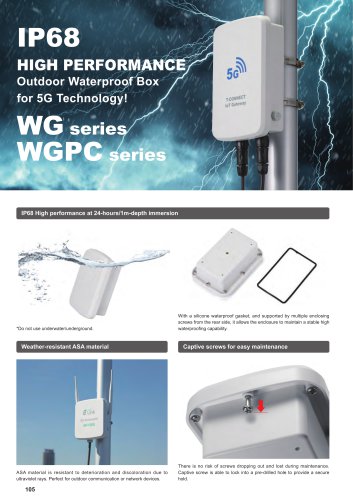
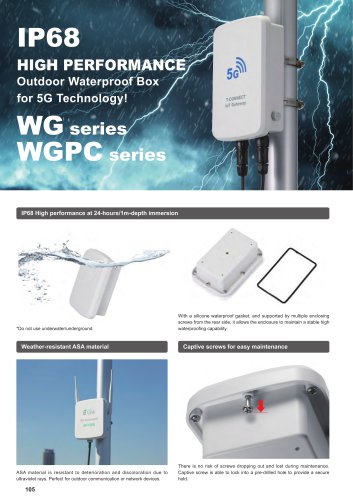 WG series - IP68 WATERPROOF BOX
36 Pages
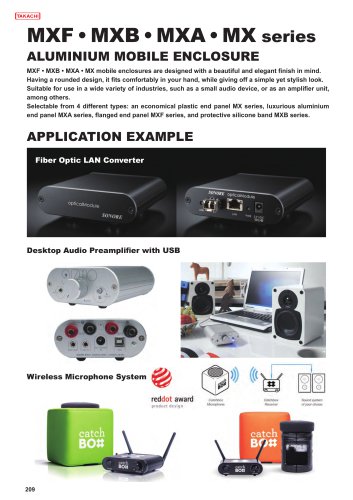
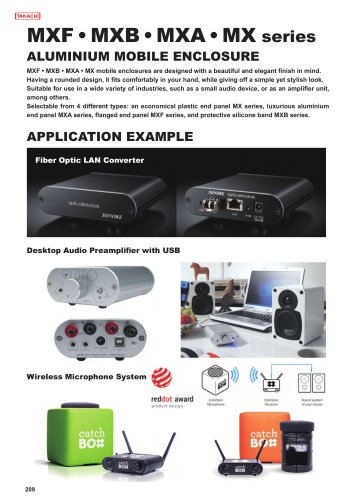 MX series - MOBILE ENCLOSURE
23 Pages
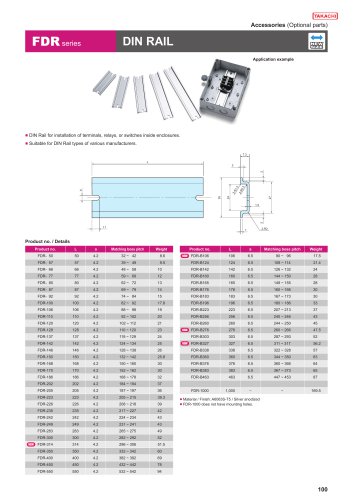 FDR series - DIN RAIL
6 Pages
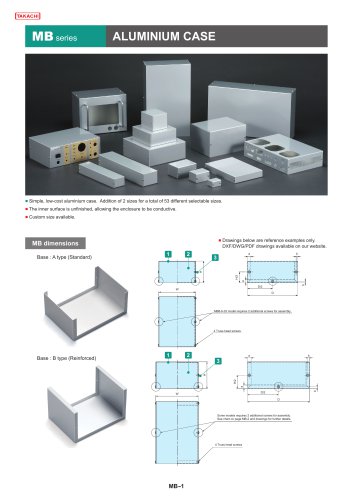 MB series - ALUMINIUM CASE
39 Pages
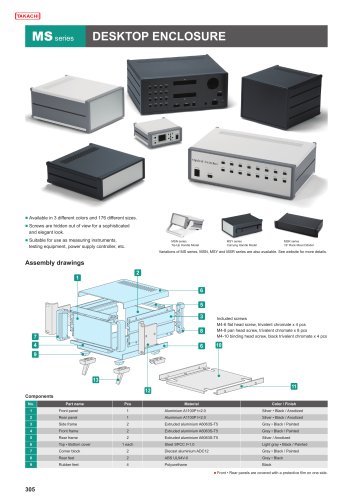 MS series - DESKTOP ENCLOSURE
17 Pages
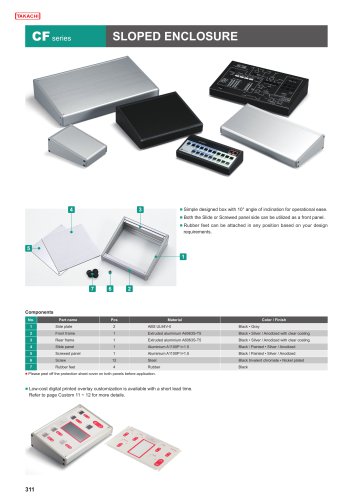 CF series - SLOPED ENCLOSURE
7 Pages
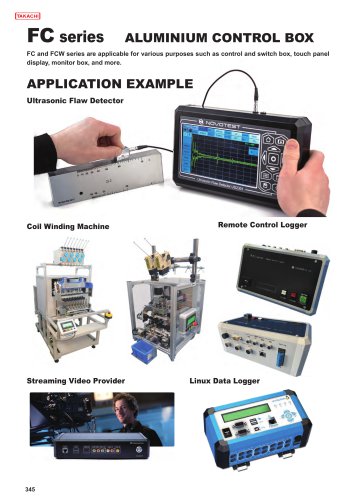 FC series - ALUMINUM CONTROL BOX
28 Pages
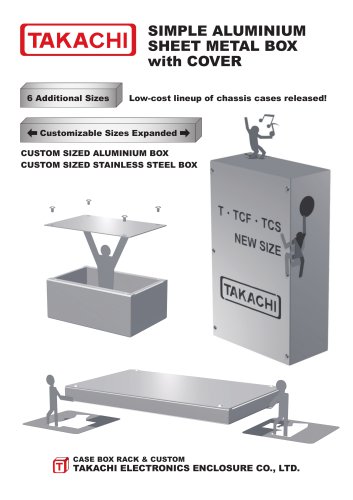 T series - ALUMINIUM PROJECT BOX
28 Pages
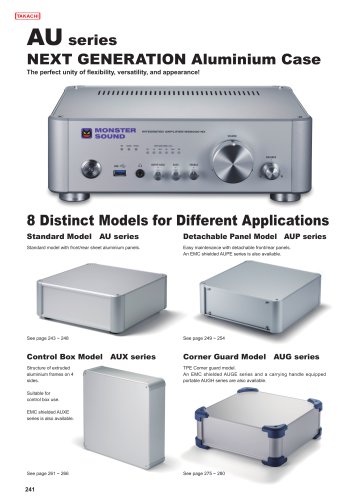
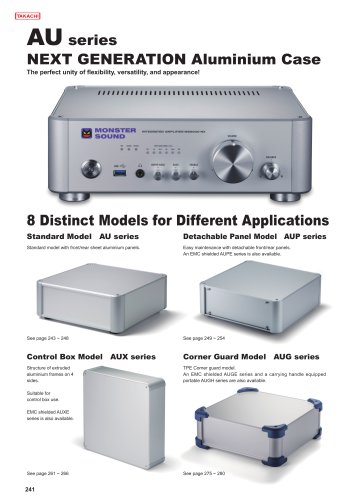
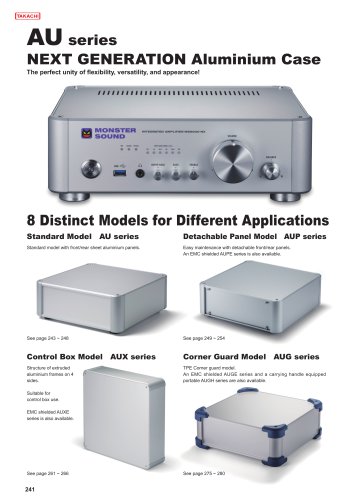
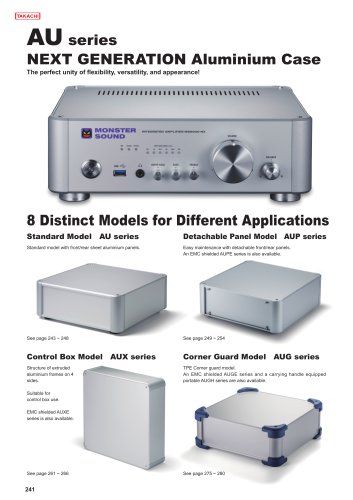
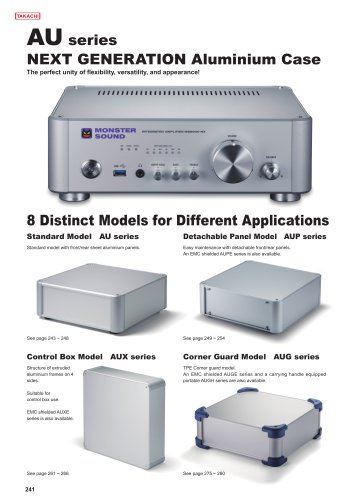 AU series - ALUMINUM ENCLOSURE
36 Pages
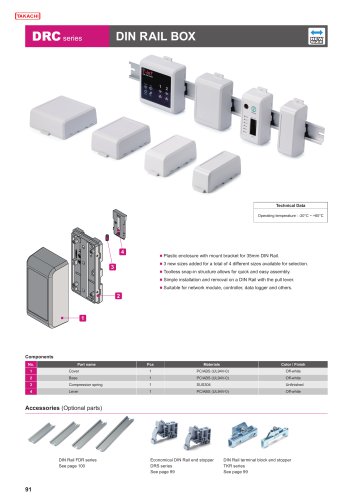 DRC series - DIN RAIL BOX
8 Pages
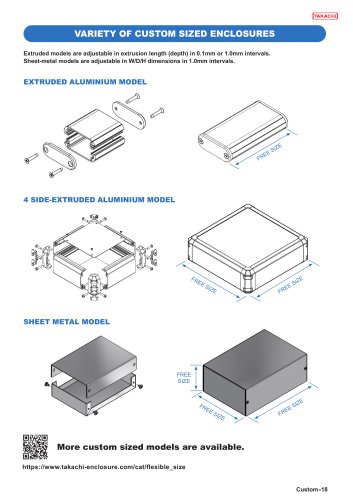
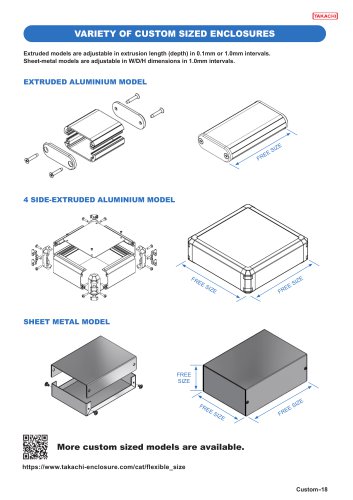
 CUSTOMIZATION SERVICES
38 Pages
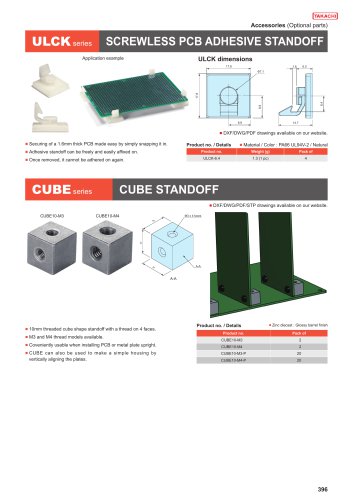 CUBE series - CUBE STANDOFF
10 Pages
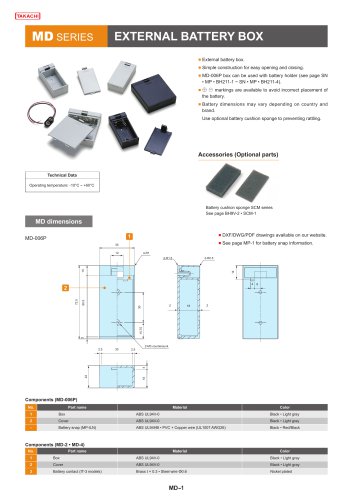 MD series - BATTERY BOX
5 Pages
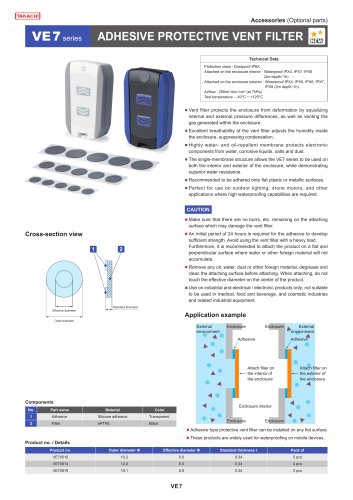
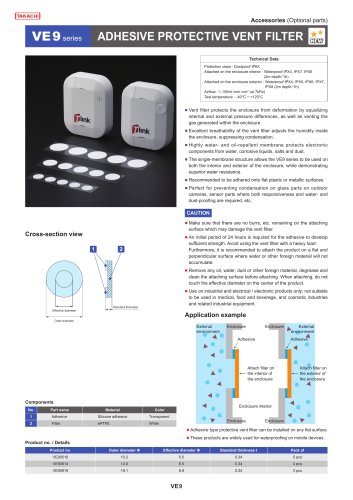
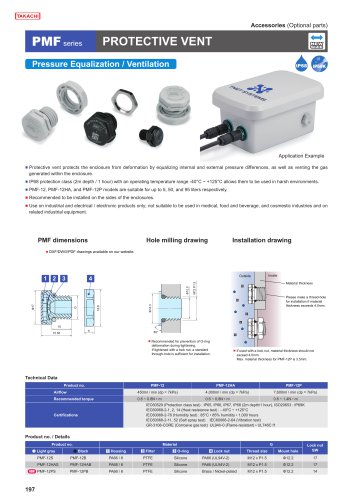 PMF series - PROTECTIVE VENT
7 Pages
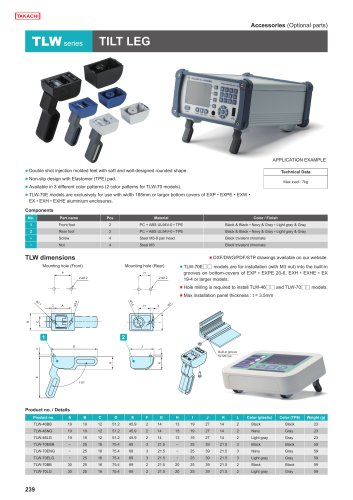 TLW series - TILT LEG
1 Page
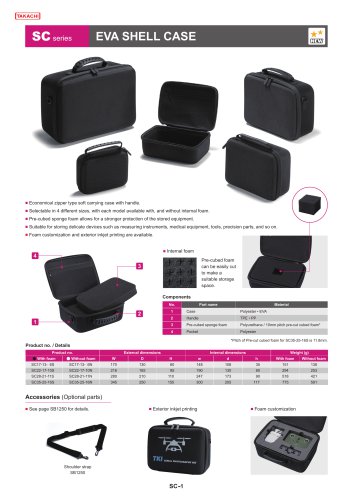 SC series - EVA SHELL CASE
4 Pages
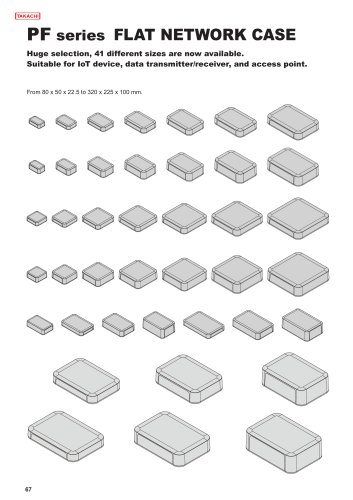 PF series - NETWORK PLASTIC BOX
19 Pages
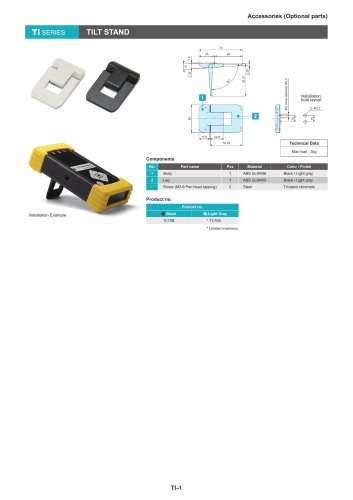 TI series - TILT STAND
1 Page
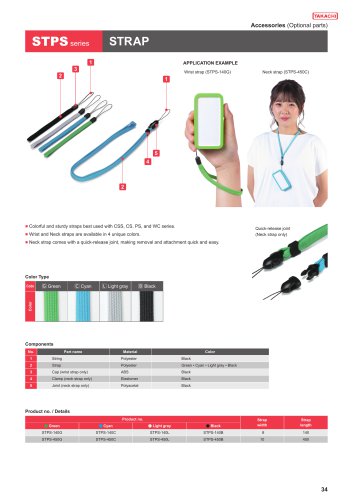 STPS series - STRAP
1 Page
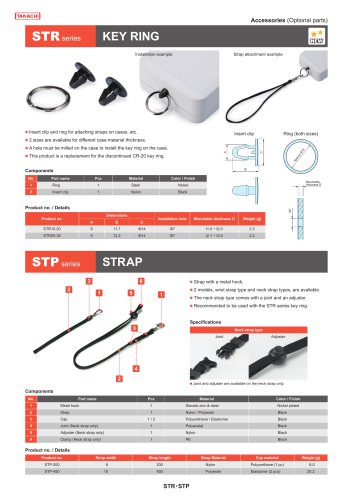 STP series - STRAP
2 Pages
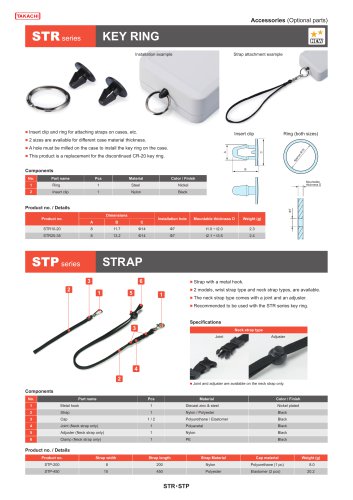 STR series - KEY RING
1 Page



Archived catalogs
 2019-20 ALL PRODUCT CATALOG
290 Pages
 Catalog 2016-2017
332 Pages


- TAKACHI rectangular enclosure
- Liquid filter
- Chiller
- TAKACHI plastic enclosure
- TAKACHI wall-mount enclosure
- Screw
- TAKACHI junction box
- TAKACHI metal enclosure
- TAKACHI industrial enclosure
- TAKACHI cable gland
- Round plug
- Adhesive tape
- Torque wrench
- Wall-mounted splice box
- TAKACHI plastic plug
- TAKACHI waterproof cable gland
- Steel screw
- Water pre-filter
- Air chiller
- Threaded plug