
- Catalogs
- TAKACHI Electronics Enclosure Co., Ltd.
- MD series - BATTERY BOX


- Company
- Products
- Catalogs
- News & Trends
- Exhibitions
MD series - BATTERY BOX
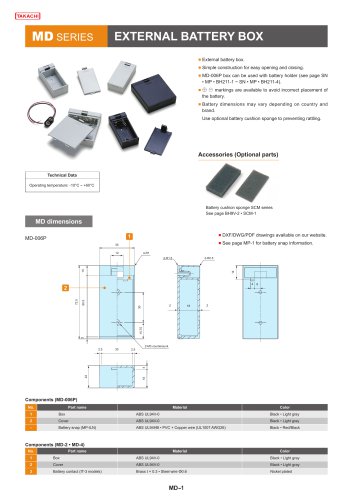
MD series - BATTERY BOX
- MD-006P: Consists of a box and cover made from ABS UL94V-0, available in black and light gray. Includes a battery snap made from ABS UL94HB and PVC with copper wire.
- MD-2 and MD-4: Similar construction to MD-006P with additional brass and steel wire battery contacts, nickel-plated.
- BC Series: Includes a box, cover, frame, battery contact, and self-tapping screws. Materials include ABS UL94V-0 and nickel-plated steel.
- Operating temperature range: -10°C to +60°C.
- Battery compatibility varies by model, supporting configurations such as 9V, AA, and AAA batteries.
- Optional battery cushion sponges are recommended to prevent rattling.
- External battery boxes feature simple construction for easy access and battery replacement.
- Embedded battery boxes are suitable for enclosures with material thickness between 1.0mm and 3.5mm.
- Models are available with or without lead wires, and can be converted from series to parallel circuits.
- Detailed dimensions and mounting instructions are provided, including DXF/DWG/PDF drawings available online.
- Customization services are available for parallel circuit conversion.
Catalog excerpts
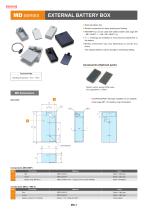
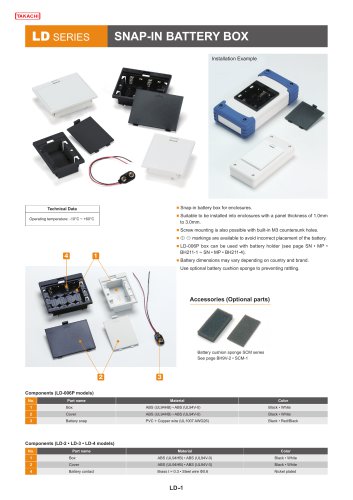
EXTERNAL BATTERY BOX ■ External battery box. ■ Simple construction for easy opening and closing. ■ MD-006P box can be used with battery holder (see page SN • MP • BH211-1 ~ SN • MP • BH211-4). ■ + © markings are available to avoid incorrect placement of the battery. ■ Battery dimensions may vary depending on country and brand. Use optional battery cushion sponge to preventing rattling. ■ DXF/DWG/PDF drawings available on our website. ■ See page MP-1 for battery snap information.
Open the catalog to page 1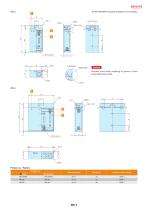
■ DXF/DWG/PDF drawings available on our website. Battery contact Caution Remove cover when soldering to prevent it from being deformed by heat. Matching battery Weight (g) Suitable cushion sponge
Open the catalog to page 2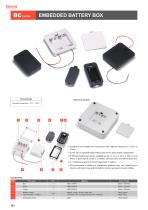
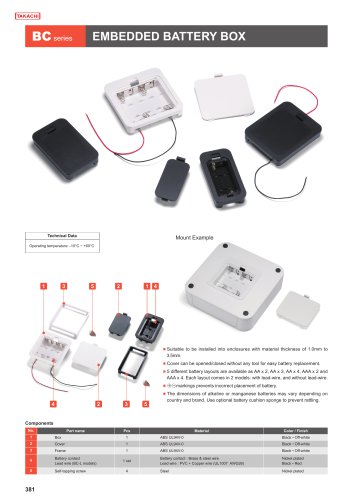
Mount Example Operating temperature: -10°C ~ +60°C ■ Suitable to be installed into enclosures with material thickness of 1.0mm to 3.5mm. ■ Cover can be opened/closed without any tool for easy battery replacement. ■ 5 different battery layouts are available as AA x 2, AA x 3, AA x 4, AAA x 2 and AAA x 4. Each layout comes in 2 models: with lead-wire, and without lead-wire. ■ ©©markings prevents incorrect placement of battery. The dimensions of alkaline or manganese batteries may vary depending on country and brand. Use optional battery cushion sponge to prevent rattling.
Open the catalog to page 3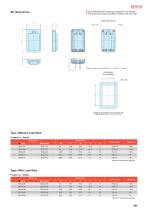
Battery contact with lead wire for BC4-^ L and BC3-^ L models. Suitable to be installed into enclosures with material thickness of 1.0mm to 3.5mm. *Alkaline or manganese batteries
Open the catalog to page 4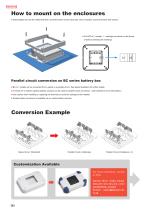
How to mount on the enclosures ■ Insert battery box into the milled hole first, and fit the frame on the back side. Once mounted, secure the frame with screws. ■ For BC3-4□ models, ▷ markings are shown on the frame. Install by matching the markings. Parallel circuit conversion on BC series battery box ■ BC-3□ models can be converted from a series to a parallel circuit. See below illustration for further details. ■ IT series (IT-3 models) optional battery contacts can be used for parallel circuit conversion. (See website for more information) ■ Use caution when installing or replacing the terminals...
Open the catalog to page 5All TAKACHI Electronics Enclosure Co., Ltd. catalogs and technical brochures
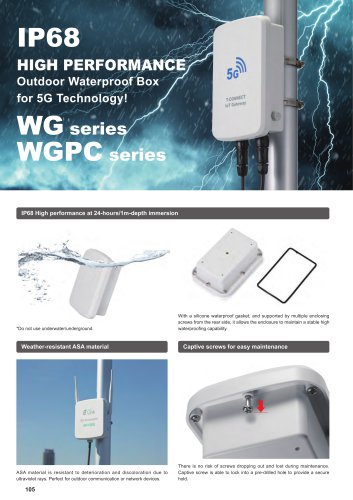
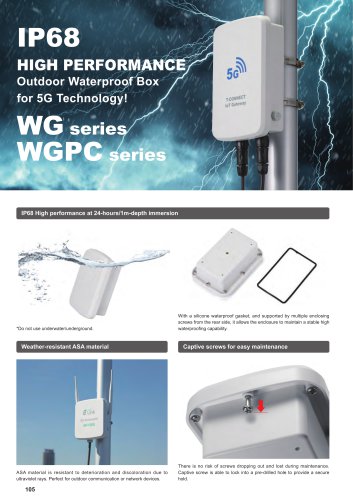
 WG series - IP68 WATERPROOF BOX
36 Pages
 MX series - MOBILE ENCLOSURE
23 Pages
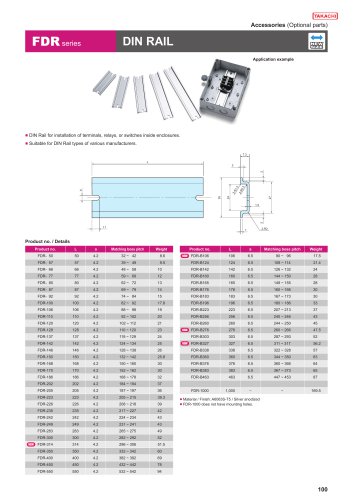 FDR series - DIN RAIL
6 Pages
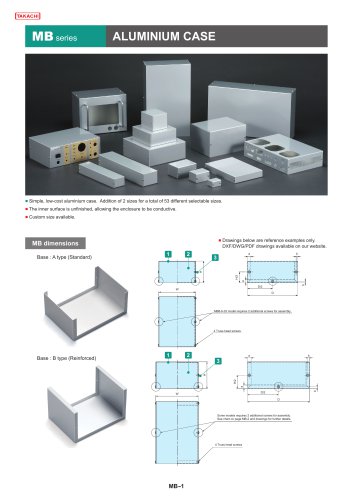 MB series - ALUMINIUM CASE
39 Pages
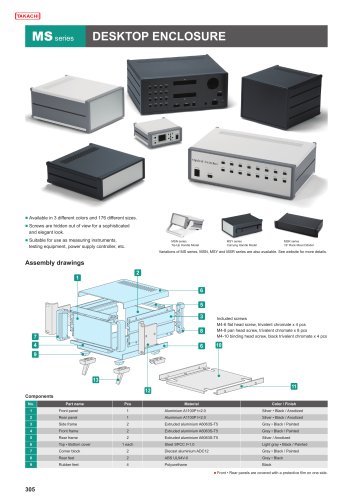 MS series - DESKTOP ENCLOSURE
17 Pages
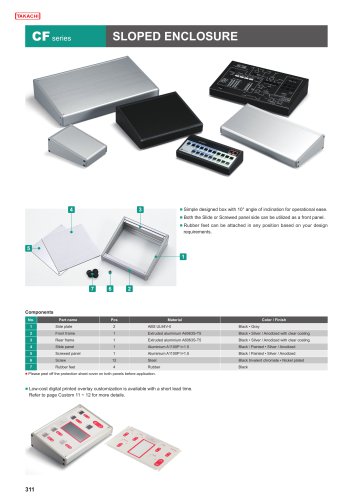 CF series - SLOPED ENCLOSURE
7 Pages
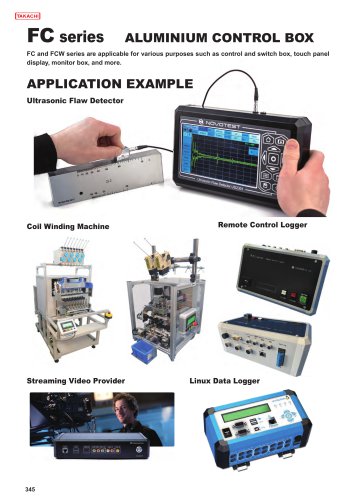 FC series - ALUMINUM CONTROL BOX
28 Pages
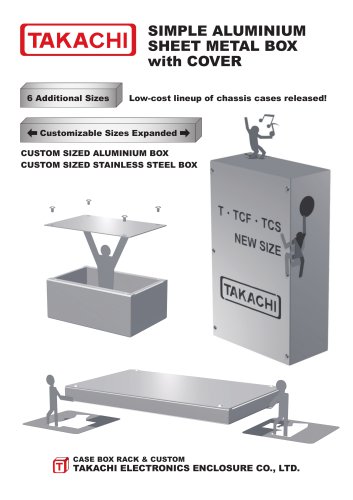 T series - ALUMINIUM PROJECT BOX
28 Pages
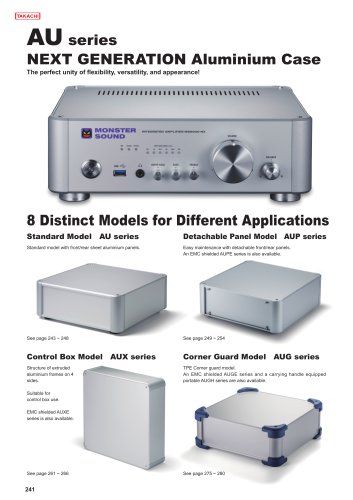
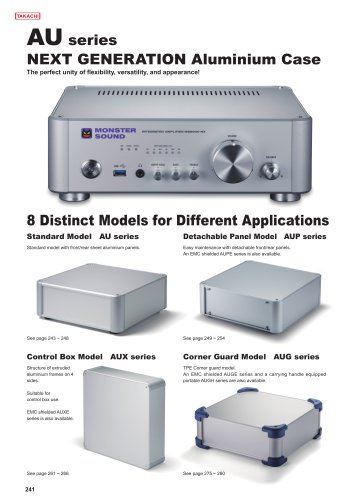 AU series - ALUMINUM ENCLOSURE
36 Pages
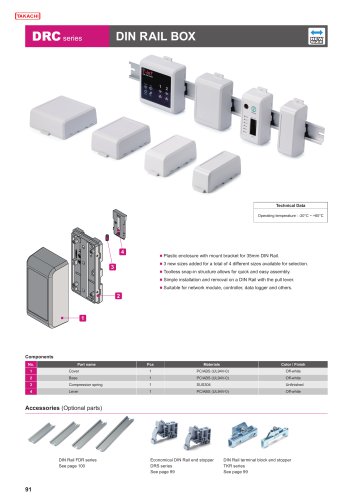 DRC series - DIN RAIL BOX
8 Pages
 CUSTOMIZATION SERVICES
38 Pages
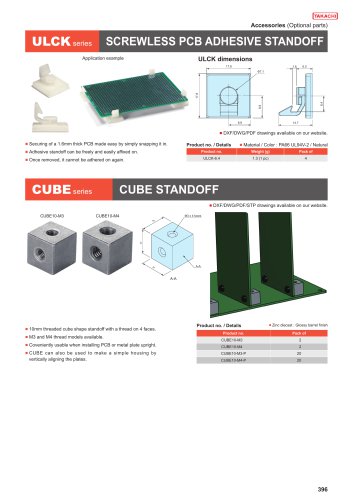 CUBE series - CUBE STANDOFF
10 Pages
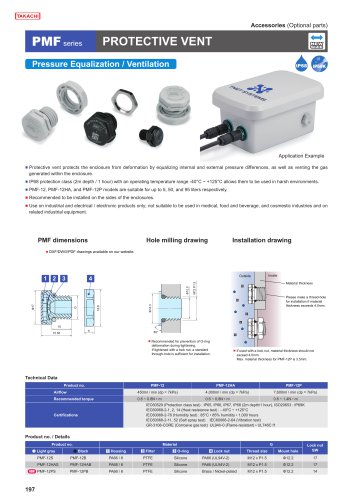 PMF series - PROTECTIVE VENT
7 Pages
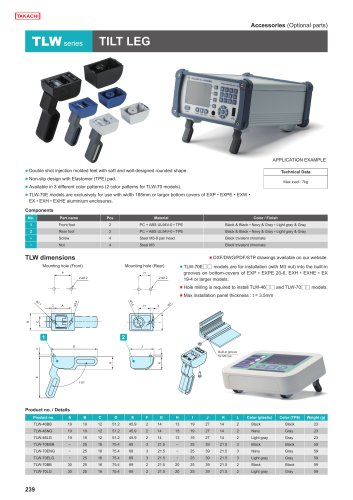 TLW series - TILT LEG
1 Page
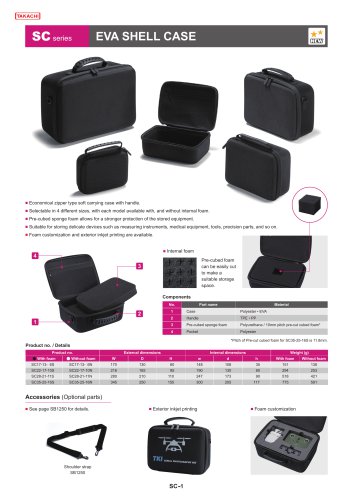 SC series - EVA SHELL CASE
4 Pages
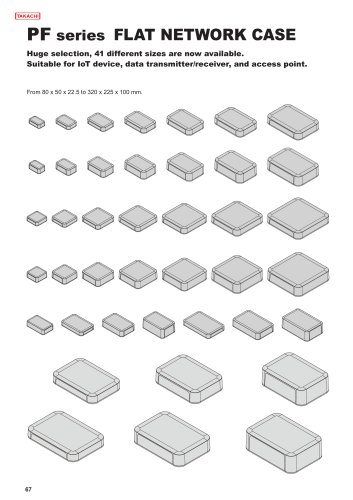 PF series - NETWORK PLASTIC BOX
19 Pages
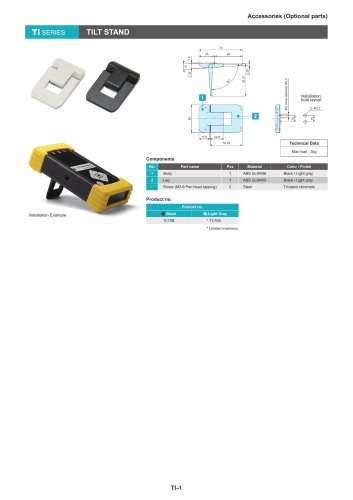 TI series - TILT STAND
1 Page
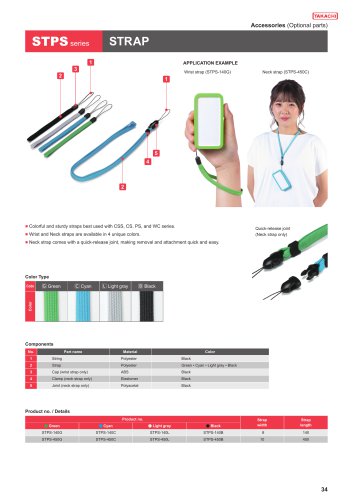 STPS series - STRAP
1 Page
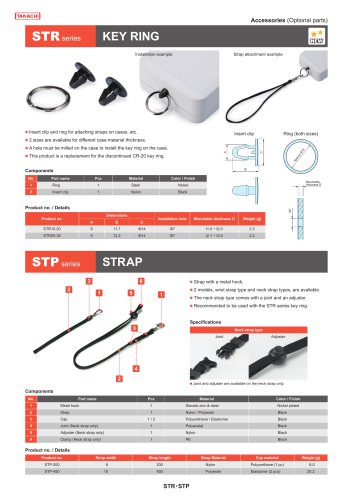 STP series - STRAP
2 Pages
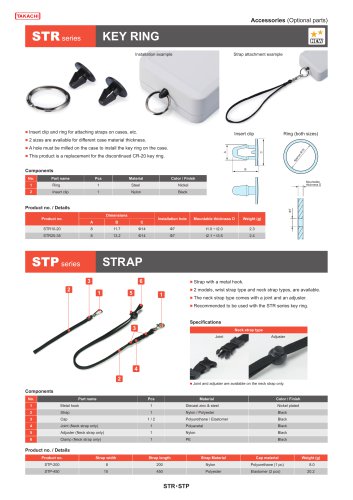 STR series - KEY RING
1 Page





Archived catalogs
 2019-20 ALL PRODUCT CATALOG
290 Pages
 Catalog 2016-2017
332 Pages


- TAKACHI rectangular enclosure
- Liquid filter
- Chiller
- TAKACHI plastic enclosure
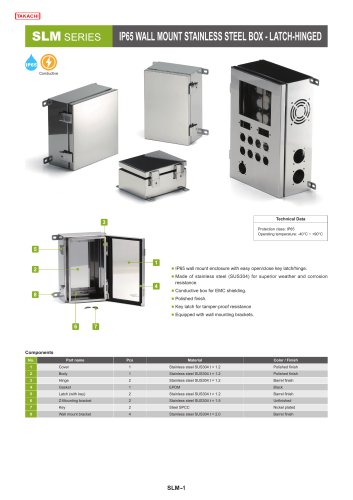
- TAKACHI wall-mount enclosure
- TAKACHI junction box
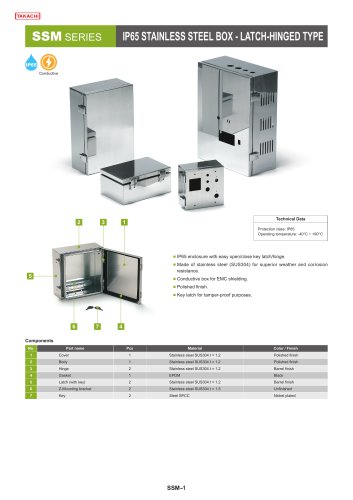
- TAKACHI metal enclosure
- TAKACHI industrial enclosure
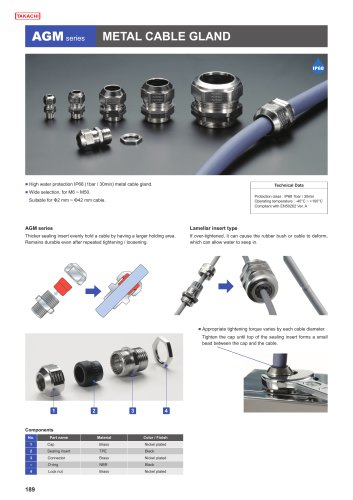
- TAKACHI cable gland
- Round plug
- Adhesive tape
- Torque wrench
- Wall-mounted splice box
- TAKACHI plastic plug
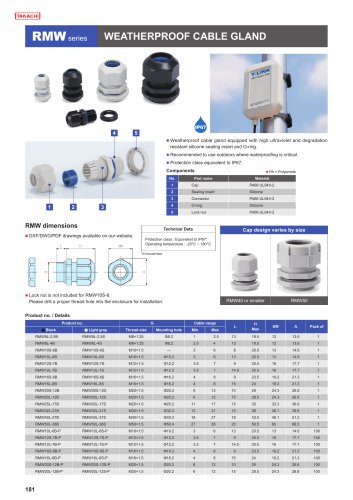
- TAKACHI waterproof cable gland
- Steel screw
- Water pre-filter
- Air chiller
- Threaded plug