- Catalogs
- TAKACHI Electronics Enclosure Co., Ltd.
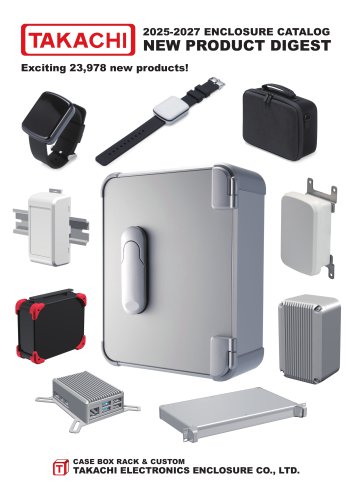
- 2025-2027 TAKACHI ALL PRODUCT CATALOG


- Company
- Products
- Catalogs
- News & Trends
- Exhibitions
2025-2027 TAKACHI ALL PRODUCT CATALOG
2025-2027 TAKACHI ALL PRODUCT CATALOG
Catalog excerpts

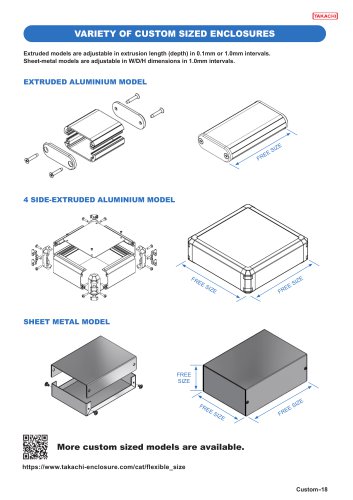
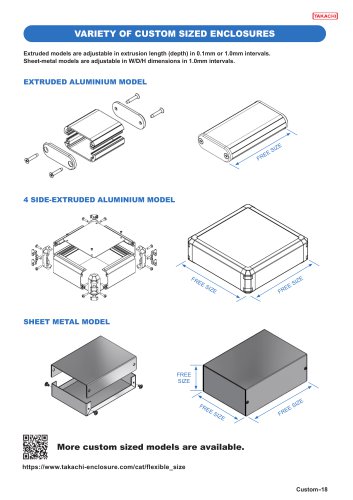
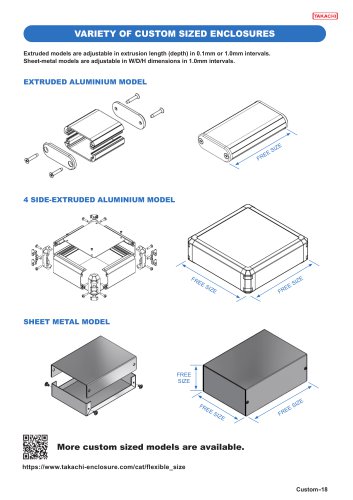
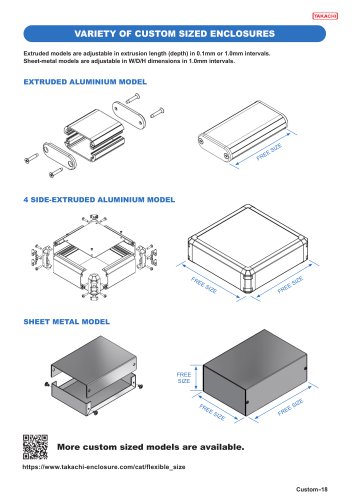
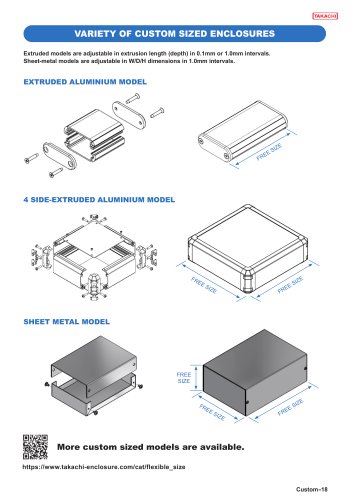
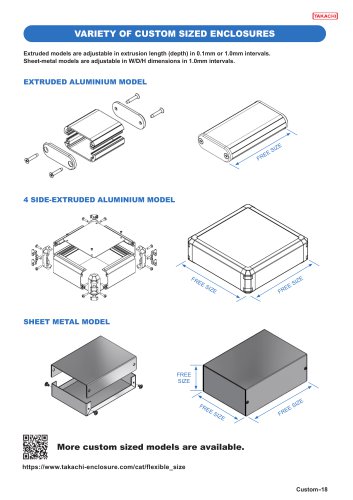
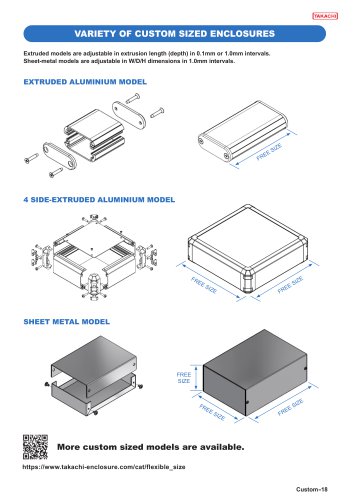
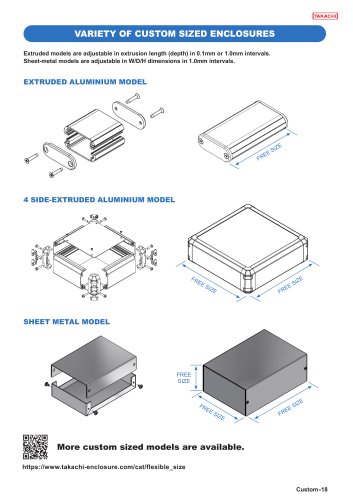
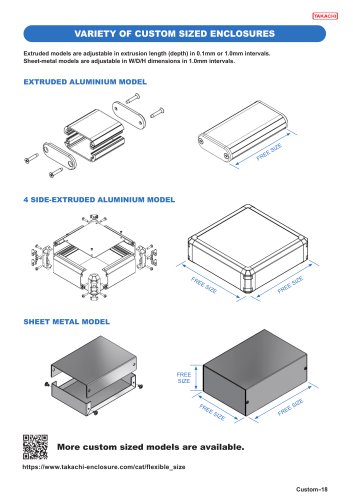
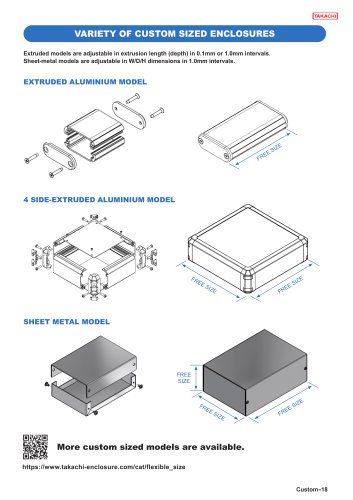
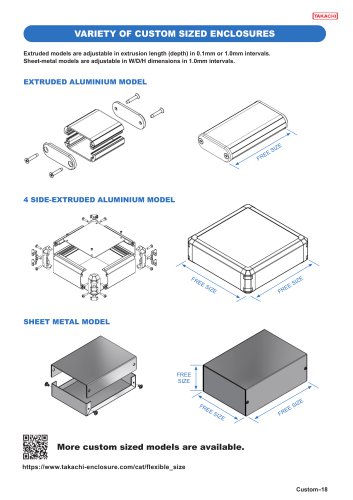
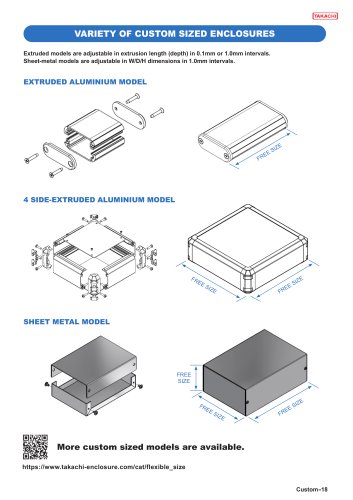
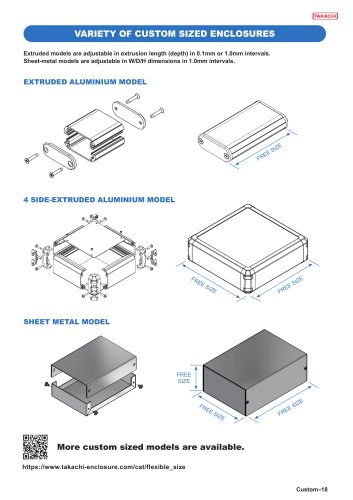
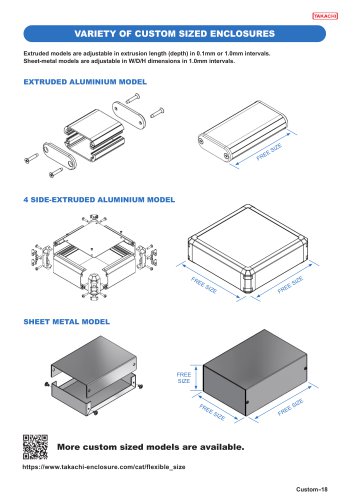
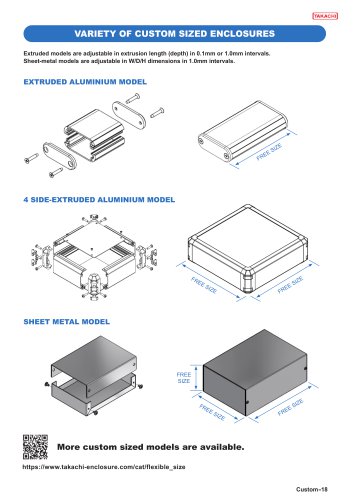
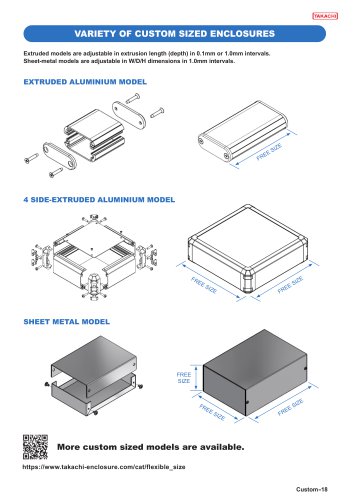
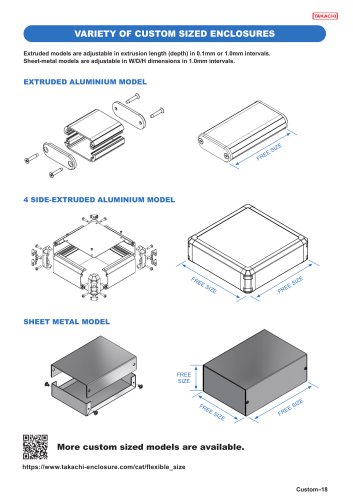
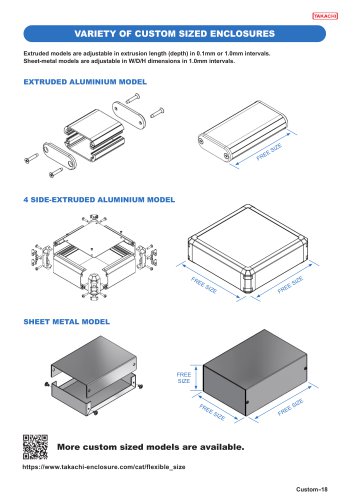
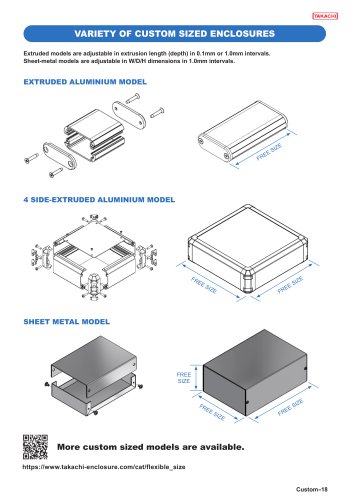
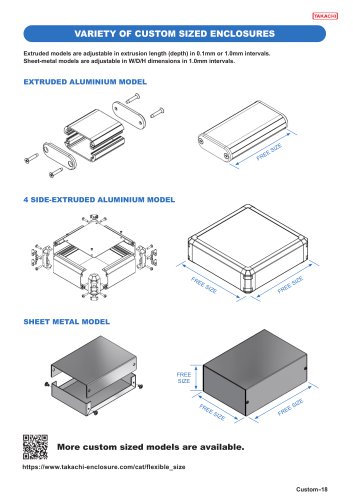
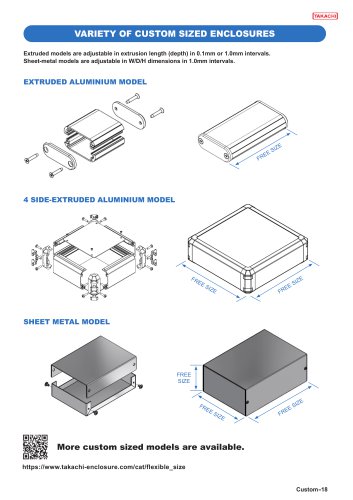
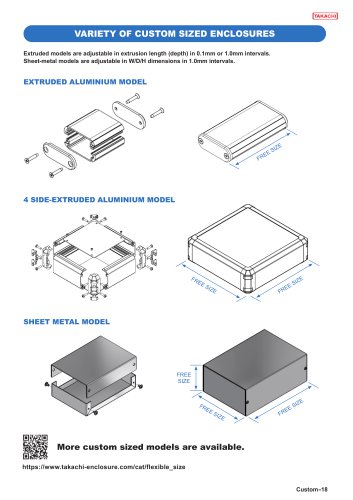
CUSTOMIZED ENCLOSURE TAKACHI can be your "one stop shop" for your customization requirements. We provide value-added services, such as CNC machining, inkjet printing, and many more on our available range of enclosures. Available from 1 unit onwards with a short lead-time, we can assist you with the creation of your original design. CAD data can also be downloaded from our website for use in your design. Laser Cutting
Open the catalog to page 2
SAVES your Punching Press Inkjet Printing Digital Printed Overlay
Open the catalog to page 3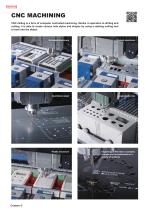
CNC MACHINING CNC milling is a form of computer controlled machining. Similar in operation to drilling and cutting, it is able to create various hole styles and shapes by using a rotating cutting tool to bore into the object. Extruded aluminium Diecast aluminium Aluminium sheet Plastic enclosure Engraving of fine text or complex designs can be performed on a variety of surfaces
Open the catalog to page 4
LASER CUTTING for ALUMINIUM Laser cutting utilizes a laser to perform cutting on an object, allowing various types and shapes of holes to be cut. New fiber laser cutting machine allows the processing of aluminium sheets with both high precision and speed. Processing of Pure Aluminium 1050 is also possible with minimal burr as compared to conventional CO2 laser machines, which cause excessive burring. FIBER LASER CUTTING MACHINE
Open the catalog to page 5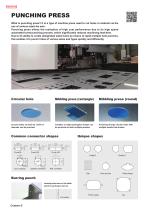
PUNCHING PRESS What is punching press? It is a type of machine press used to cut holes in material via the use of various sized die sets. Punching press allows the realization of high cost performance due to its high speed automated turret punching process, which significantly reduces machining lead-time. Due to its ability to create designated sized holes by means of rapid multiple hole punches, this enables it to punch holes of various sizes and types quickly and efficiently. Circular hole Nibbling press (rectangle) Nibbling press (round) Circular holes as small as 1.0mm in diameter can be...
Open the catalog to page 6
SELF-CLINCHING STANDOFF / STUD / NUT Easy attaching of self-clinching fasteners into simple through-holes. A specialized press machine for clinching is utilized to ensure that the standoffs / studs / nuts are securely attached. 117 different kinds of standoffs / studs / nuts are available, in addition to a non-through hole concealed-head type. CONCEALED-HEAD SELF-CLINCHING STANDOFFS Installed into recessed pockets so that one side of the panel remains unmarked. Standoffs can be mounted onto 1.5mm or thicker material without requiring a through-hole to be milled. Concealed-head standoffs/studs...
Open the catalog to page 7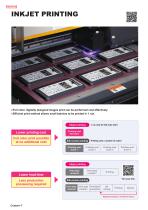
INKJET PRINTING •Full color, digitally designed images print can be performed cost effectively. •Efficient print method allows small batches to be printed in 1 run. 1 run only for full color print Inkjet printingLower printing cost Full color print possible at no additional cost Printing cost Full color Silk-screen printing Printing cost x number of colors Lower lead-time Less production processing required Print data received Print data creation* Silk-screen printing Print data received Repeat procedures x number of colors.
Open the catalog to page 8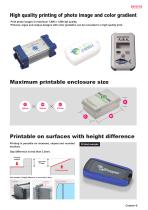
High quality printing of photo image and color gradient Print photo images in maximum 1,800 x 1,800 dpi quality. Pictures, logos and unique designs with color gradation can be recreated in a high quality print. Maximum printable enclosure size Printable on surfaces with height difference Printing is possible on recessed, sloped and rounded sections. Printed example Gap difference is less than 3.5mm. Printing surface Less than 3.5mm Printing surface *Not suitable if height difference is more than 3.5mm.
Open the catalog to page 9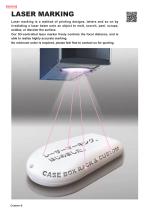
LASER MARKING Laser marking is a method of printing designs, letters and so on by irradiating a laser beam onto an object to melt, scorch, peel, scrape, oxidize, or discolor the surface. Our 3D-controlled laser marker freely controls the focal distance, and is able to realize highly accurate marking. No minimum order is required, please feel free to contact us for quoting.
Open the catalog to page 10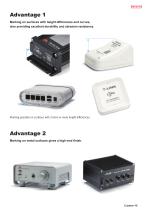
Advantage 1 Marking on surfaces with height differences and curves, also providing excellent durability and abrasion resistance. Marking possible on surfaces with 3.5mm or more height differences. Advantage 2 Marking on metal surfaces gives a high-end finish.
Open the catalog to page 11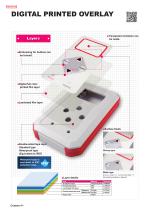
DIGITAL PRINTED OVERLAY Layer
Open the catalog to page 12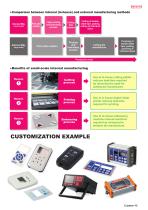
● Comparison between internal (in-house) and external manufacturing methods Print data creation Inkjet printing and laminating process Print plate creation Cutting of doublesided tape, pasting, cutting of individual piece Cutting data creation Printing and laminating process Punching of double-sided tape, pasting, punching of individual piece Production time ● Benefits of small-scale internal manufacturing Reason Cutting process Use of in-house cutting plotter reduces lead-time required by removing the need for cutting die manufacture. Printing process Use of in-house digital inkjet printer reduces...
Open the catalog to page 13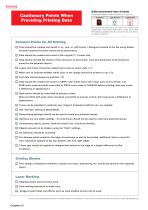
Cautionary Points When Providing Printing Data Recommended data formats Compatible Software: Adobe Illustrator (CS~CS6-CC) Providing print-ready data can lower your initial costs significantly. "Print-ready" data refers to data which meet the following conditions and do not require any correction to be made by TAKACHI. Common Points for All Printing Files should be created and saved in .ai, .eps, or .pdf format. (*Designs included in the file using Adobe Acrobat comment function would not be processed.) Data should be created and saved in the original (1:1 scale) size. Data should include the...
Open the catalog to page 14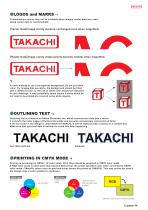
Customization service may not be available when images (rastor data) are used. Using vector data is recommended. 【Vector Data】Image clarity remains unchanged even when magnified. 【Raster Data】Image clarity drops (pixels become visible) when magnified. *2 In case wishing to use a transparent background, do not put white color. For images that use white, the background should be filled with a different color, or the use of white color should be indicated in your drawings. It may potentially cause issues if areas which do not need to be printed are covered using white objects. ●OUTLINING TEXT Outlining...
Open the catalog to page 15All TAKACHI Electronics Enclosure Co., Ltd. catalogs and technical brochures
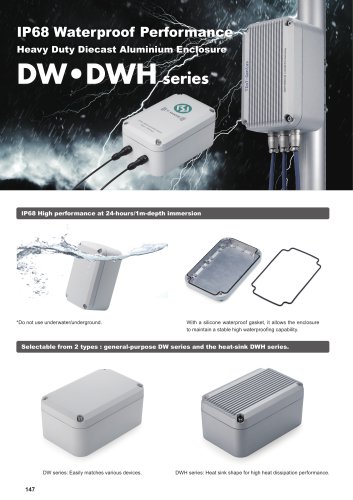
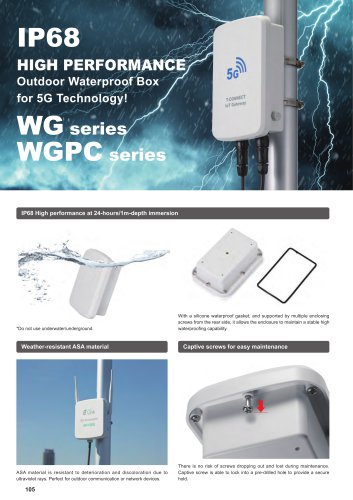
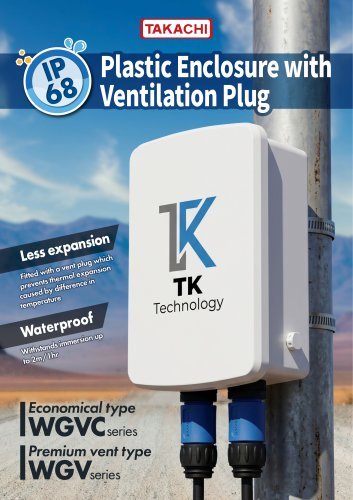
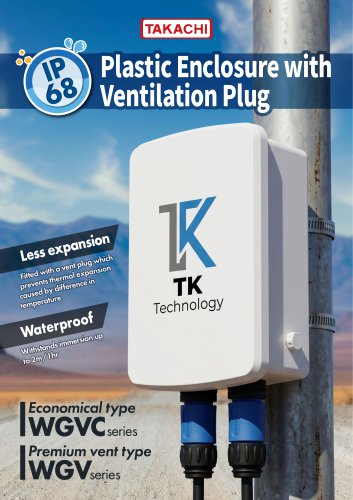
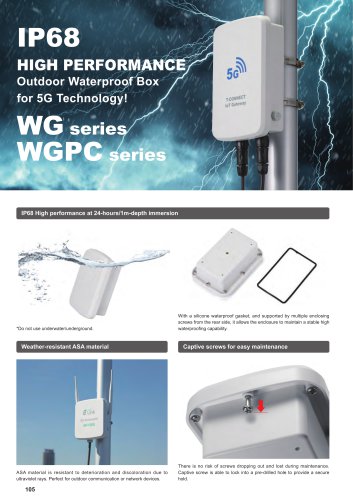
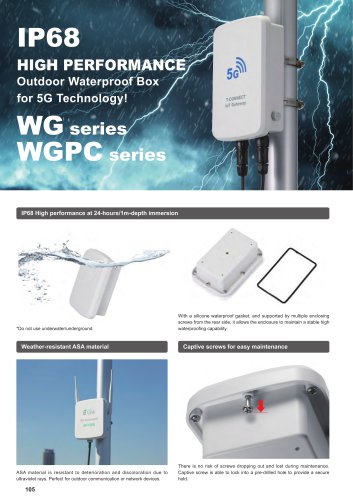 WG series - IP68 WATERPROOF BOX
36 Pages
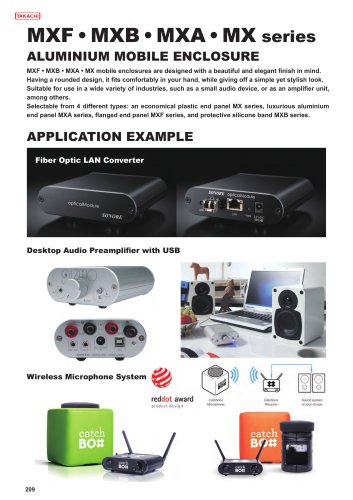
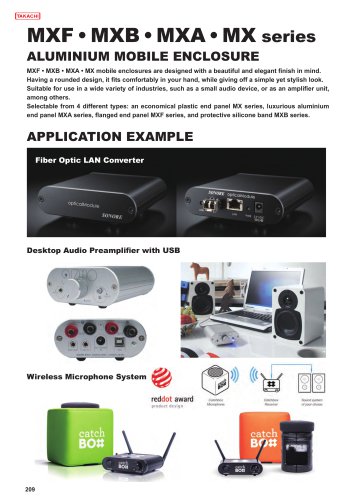
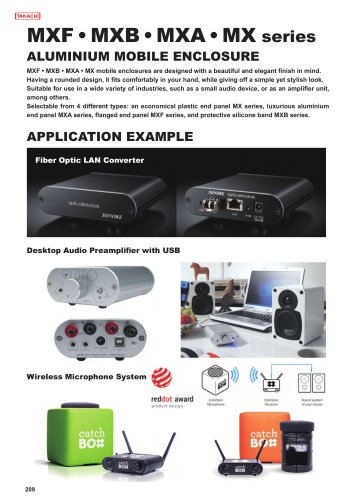 MX series - MOBILE ENCLOSURE
23 Pages
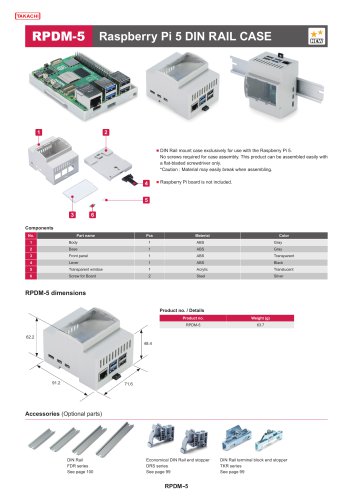
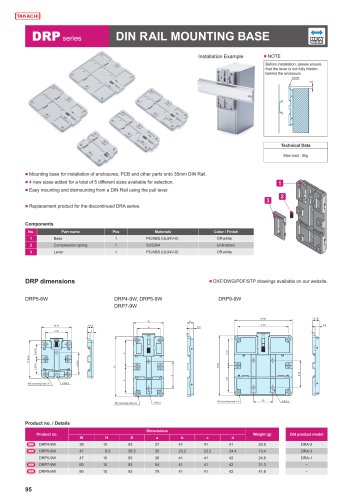
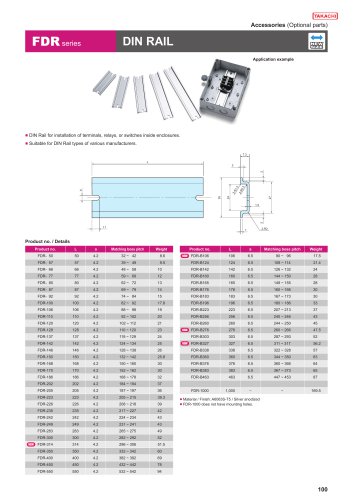 FDR series - DIN RAIL
6 Pages
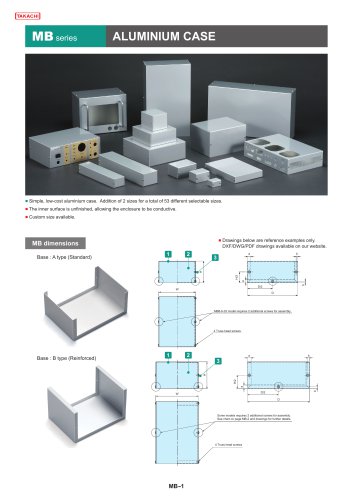 MB series - ALUMINIUM CASE
39 Pages
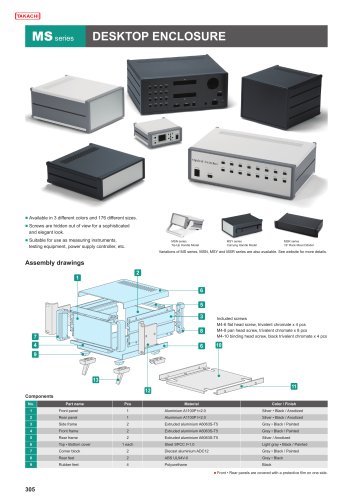 MS series - DESKTOP ENCLOSURE
17 Pages
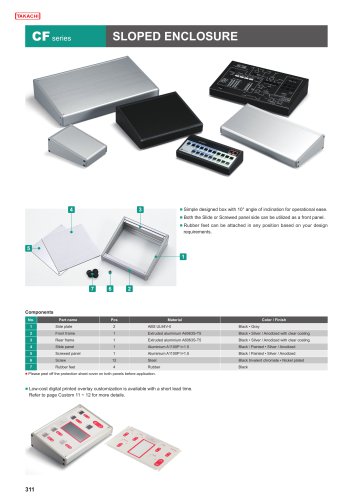 CF series - SLOPED ENCLOSURE
7 Pages
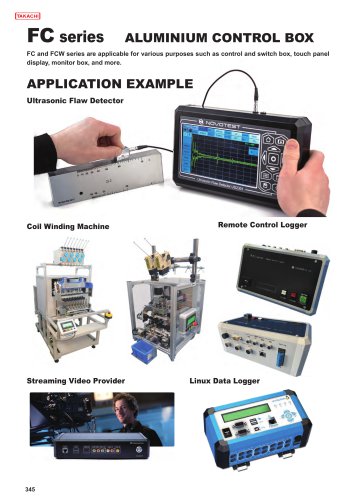 FC series - ALUMINUM CONTROL BOX
28 Pages
 T series - ALUMINIUM PROJECT BOX
28 Pages
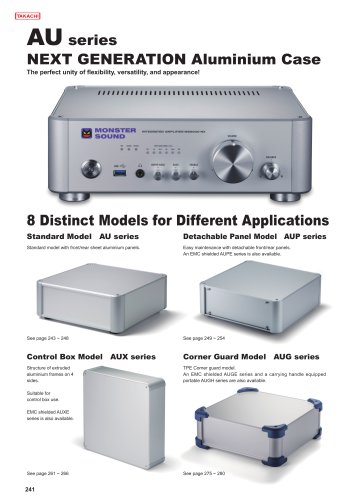
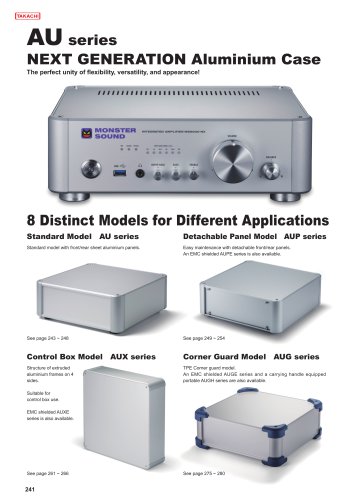
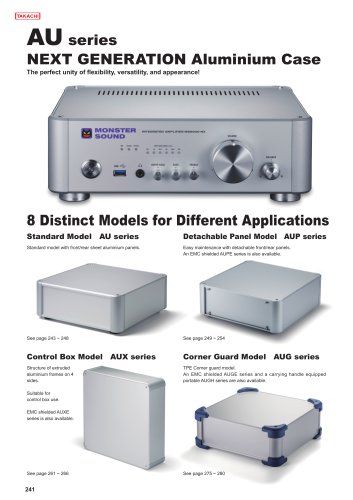
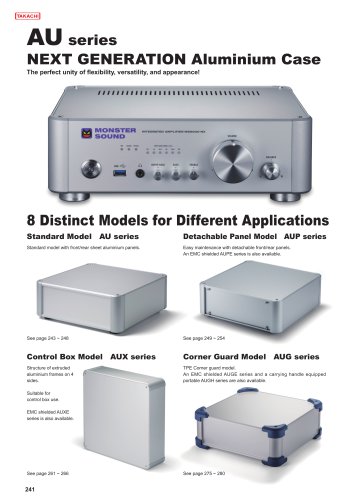
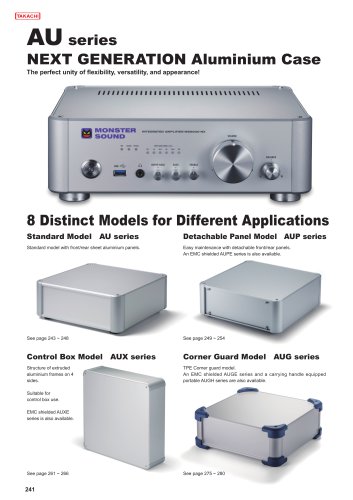
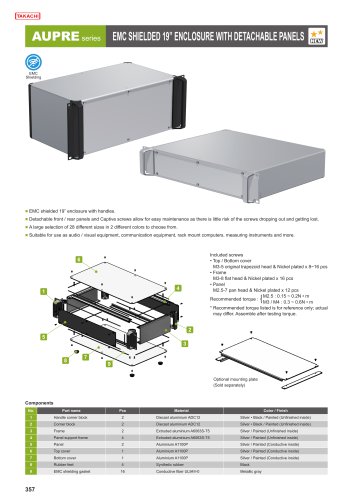
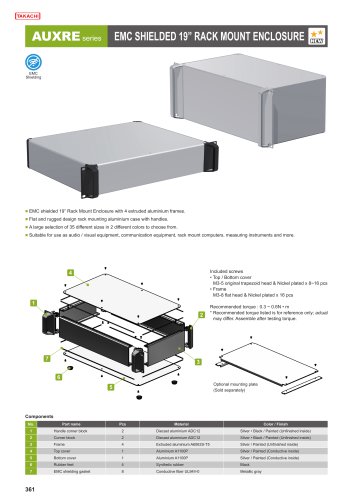
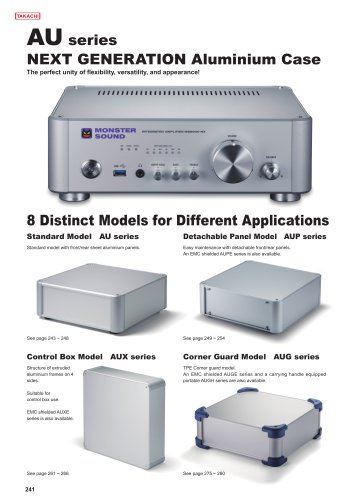 AU series - ALUMINUM ENCLOSURE
36 Pages
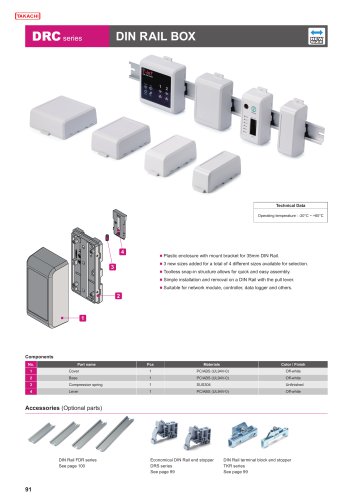 DRC series - DIN RAIL BOX
8 Pages
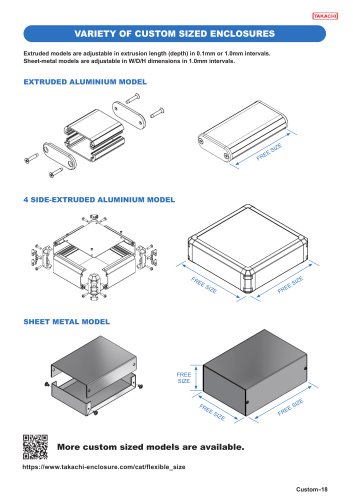
 CUSTOMIZATION SERVICES
38 Pages
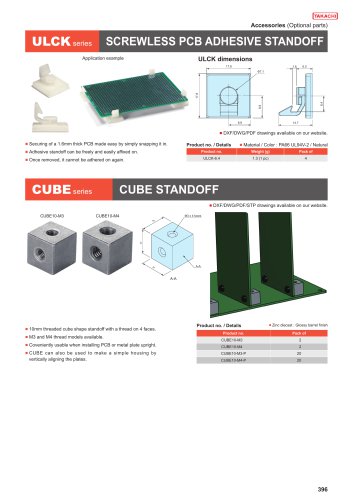 CUBE series - CUBE STANDOFF
10 Pages
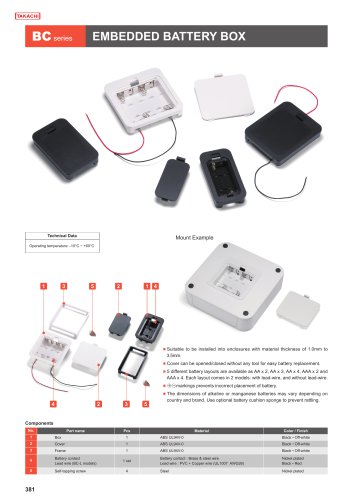
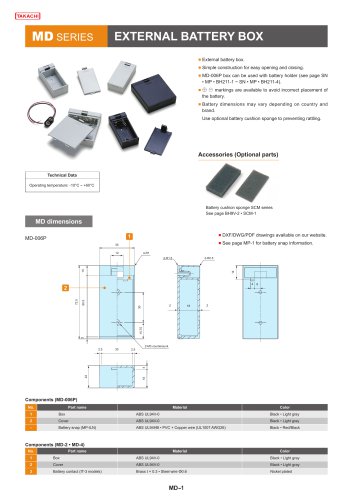 MD series - BATTERY BOX
5 Pages
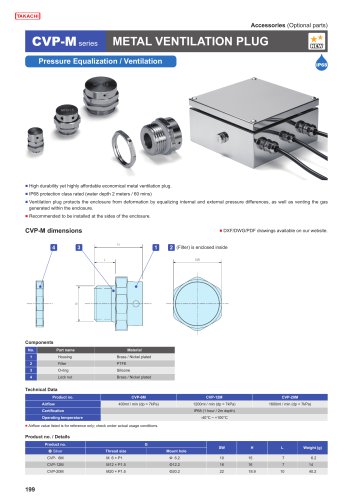
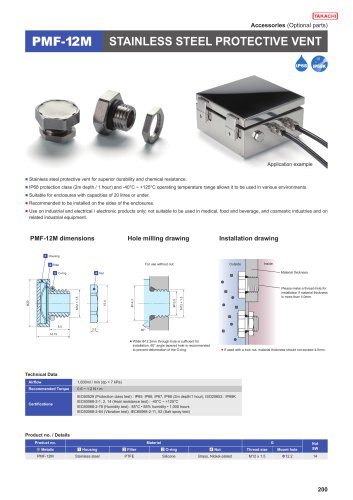
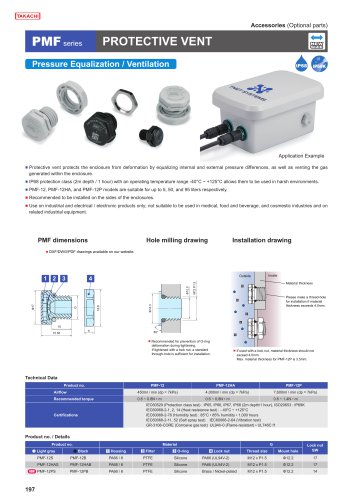 PMF series - PROTECTIVE VENT
7 Pages
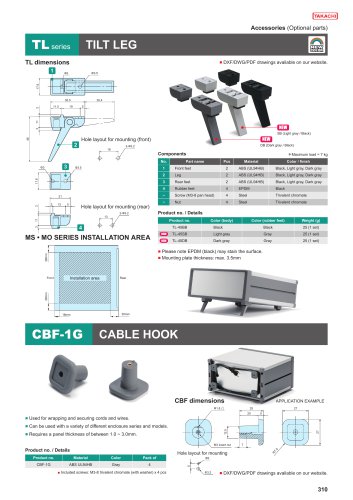
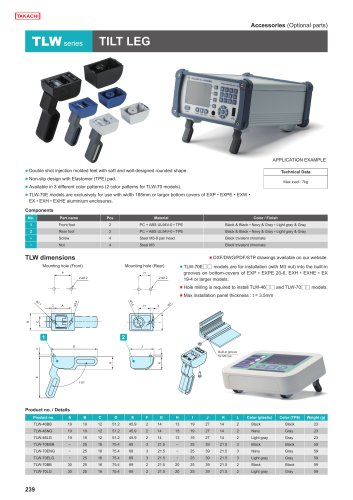 TLW series - TILT LEG
1 Page
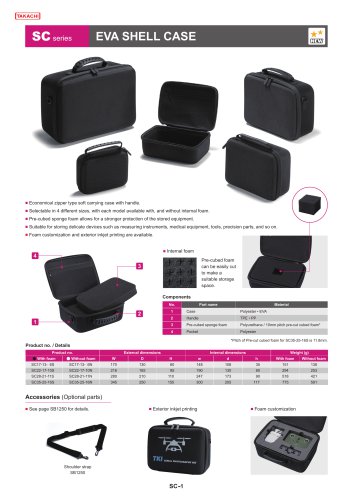 SC series - EVA SHELL CASE
4 Pages
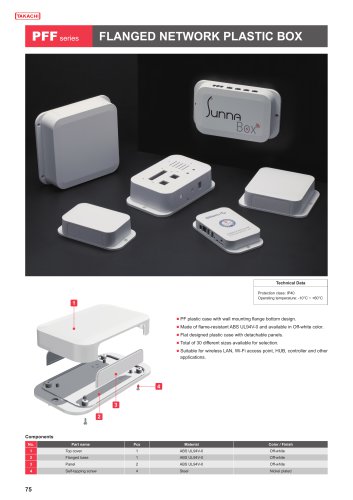
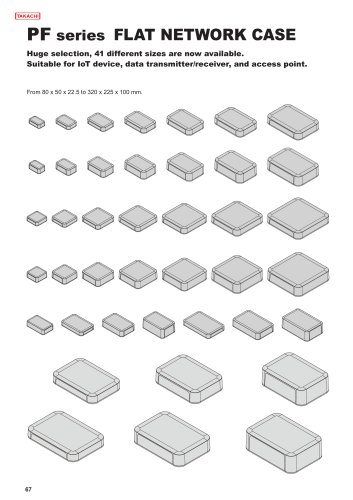 PF series - NETWORK PLASTIC BOX
19 Pages
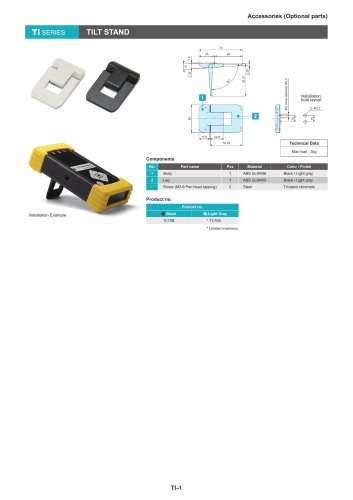 TI series - TILT STAND
1 Page
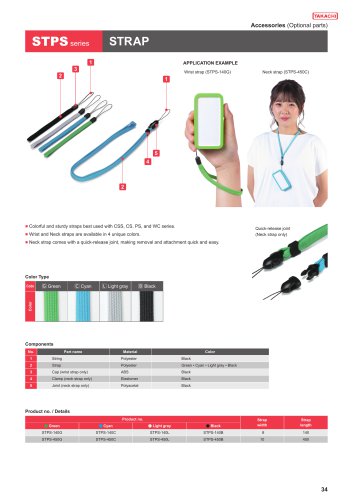 STPS series - STRAP
1 Page
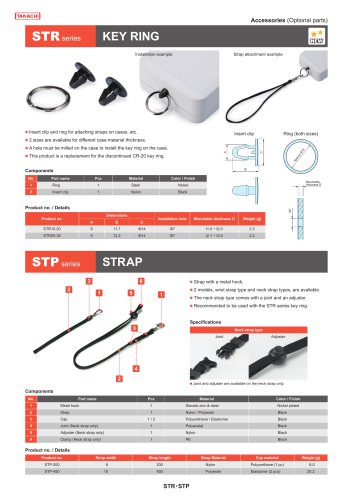 STP series - STRAP
2 Pages
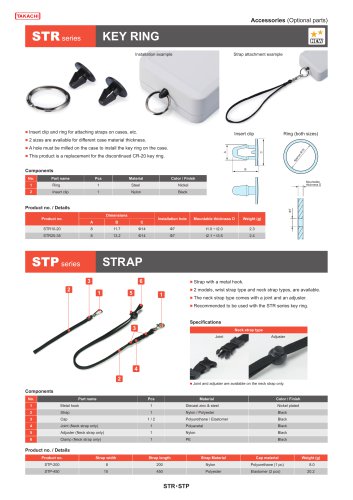 STR series - KEY RING
1 Page




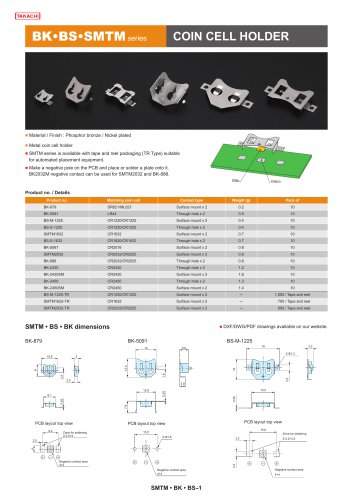
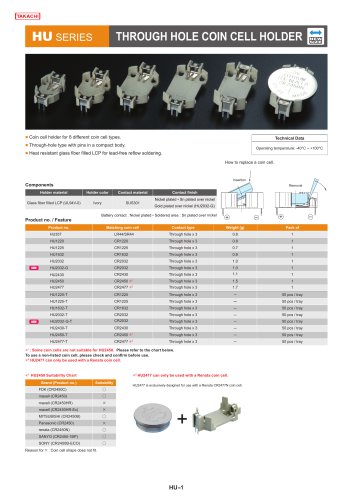
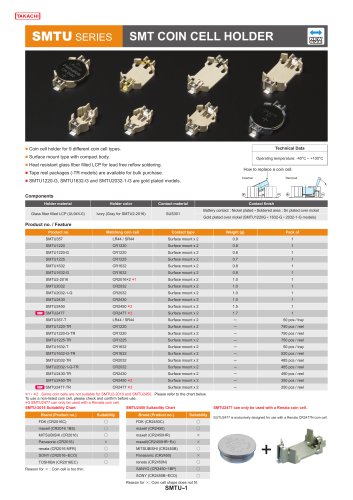
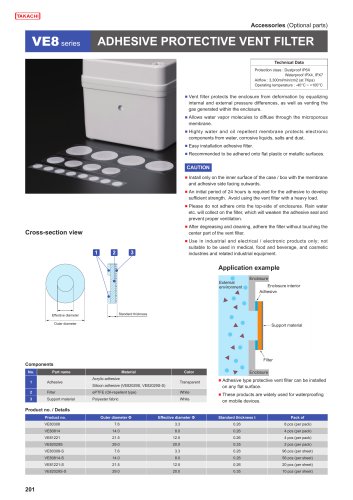
Archived catalogs
 2019-20 ALL PRODUCT CATALOG
290 Pages
 Catalog 2016-2017
332 Pages