
- Catalogs
- silex technology, Inc.
- SD-330AC

SD-330AC
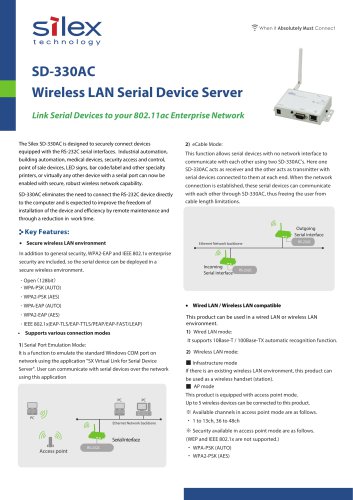
SD-330AC
The SD-330AC Wireless LAN Serial Device Server offers secure wireless connectivity for devices with RS-232C serial interfaces. It supports WPA2-EAP and IEEE 802.1x enterprise security, enabling deployment in secure wireless environments. The device allows serial devices to communicate over a network, eliminating cable length limitations and enhancing installation flexibility and remote maintenance efficiency.
- Infrastructure Mode: Functions as a wireless handset in existing wireless LAN environments.
- AP Mode: Acts as an access point, supporting up to 5 wireless devices with channels 1 to 13 and 36 to 48. Security options include WPA-PSK (AUTO) and WPA2-PSK (AES).
- Wired LAN Mode: Supports 10Base-T / 100Base-TX automatic recognition.
- Wireless LAN Mode: Supports various security protocols including Open (128bit), WPA-PSK, WPA2-PSK, WPA-EAP, WPA2-EAP, and IEEE 802.1x.
- Serial Port Emulation Mode: Emulates Windows COM port over the network using SX Virtual Link for Serial Device Server.
- eCable Mode: Allows communication between serial devices using two SD-330AC units.
The SX Virtual Link software facilitates easy communication with serial devices over the network.
- Device Interface: RS-232C
- Supported Protocol: Various security protocols as mentioned above.
- Configuration Methods: Configuration utility, Web browser.
- Weight: 305g (body only, including antennas)
- Power Consumption: 2.5W (DC5V/0.5A)
- Regulatory Compliance: VCCI Class B, FCC Class B, ICES-003 Class B, CE Class B, RoHS
- Included Items: Body, AC adapter, setup guide, rubber feet, wireless LAN antenna, GPL inquiry sheet, warranty card.
For support and sales, contact Silex Technology through their regional offices in America, Europe, India, and Japan.
Catalog excerpts
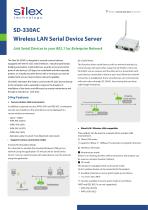
SD-330AC Wireless LAN Serial Device Server Link Serial Devices to your 802.11ac Enterprise Network The Silex SD-330AC is designed to securely connect devices equipped with the RS-232C serial interfaces. Industrial automation, building automation, medical devices, security access and control, point of sale devices, LED signs, bar code/label and other specialty printers, or virtually any other device with a serial port can now be enabled with secure, robust wireless network capability. SD-330AC eliminates the need to connect the RS-232C device directly to the computer and is expected to improve the freedom of installation of the device and efficiency by remote maintenance and through a reduction in work time. This function allows serial devices with no network interface to communicate with each other using two SD-330AC's. Here one SD-330AC acts as receiver and the other acts as transmitter with serial devices connected to them at each end. When the network connection is established, these serial devices can communicate with each other through SD-330AC, thus freeing the user from cable length limitations. Outgoing Serial interface Key Features: • Secure wireless LAN environment Ethernet Network backbone In addition to general security, WPA2-EAP and IEEE 802.1x enterprise security are included, so the serial device can be deployed in a secure wireless environment. Incoming Serial interface ・Open(128bit) ・WPA-PSK (AUTO) ・WPA2-PSK (AES) ・WPA-EAP (AUTO) • Wired LAN / Wireless LAN compatible This product can be used in a wired LAN or wireless LAN environment. Supports various connection modes 1) Serial Port Emulation Mode: It is a function to emulate the standard Windows COM port on network using the application "SX Virtual Link for Serial Device Server". User can communicate with serial devices over the network using this application It supports 10Base-T / 100Base-TX automatic recognition function. 2) Wireless LAN mode: ■ Infrastructure mode If there is an existing wireless LAN environment, this product can be used as a wireless handset (station). ■ AP mode This product is equipped with access point mode. Up to 5 wireless devices can be connected to this product. ※ Available channels in access point mode are as follows. PC Ethernet Network backbone ※ Security available in access point mode are as follows. Serial Interface Access point
Open the catalog to page 1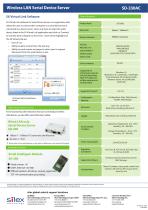
SD-330AC SX Virtual Link Software Specifications SX Virtual Link software for Serial Device Server is an application that allows the user to connect their computer to a serial device that is connected to a device server. Users only have to select the serial device listed in the SX Virtual Link application and click on 'Connect' to connect their computer to the server. Some of the highlights of the SX Virtual Link are: • Ability to allow control from the task tray • Ability to send remote messages to other users to request disconnect from the serial device in use Other Serial Device Server For...
Open the catalog to page 2All Silex technology, Inc. catalogs and technical brochures
 SX-BR-4600WAN2
1 Page
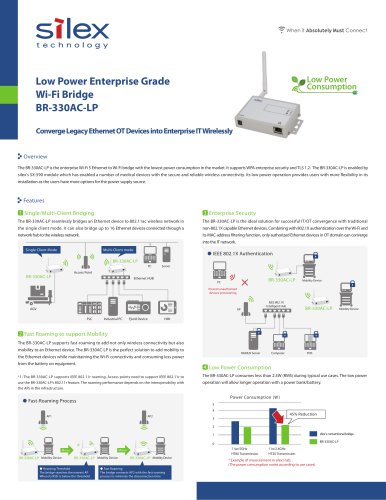 BR-330AC-LP
2 Pages
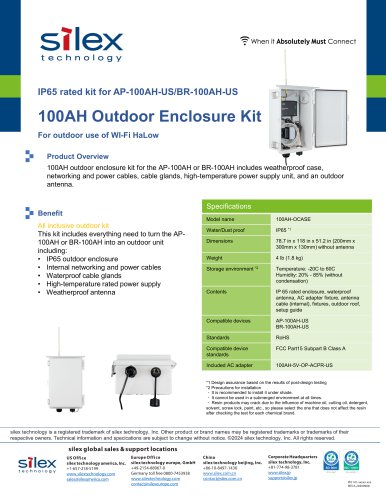 BR-100AH
1 Page
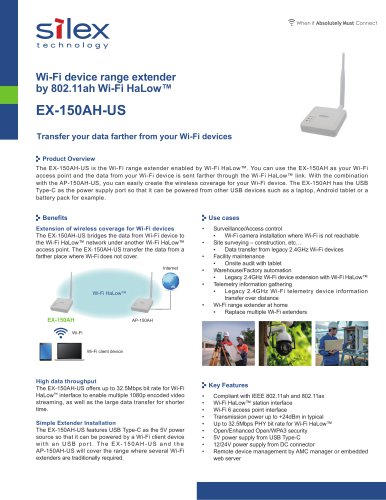 EX-150AH-US
2 Pages
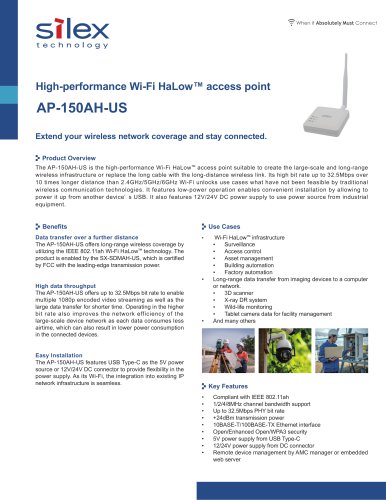 AP-150AH-US
2 Pages
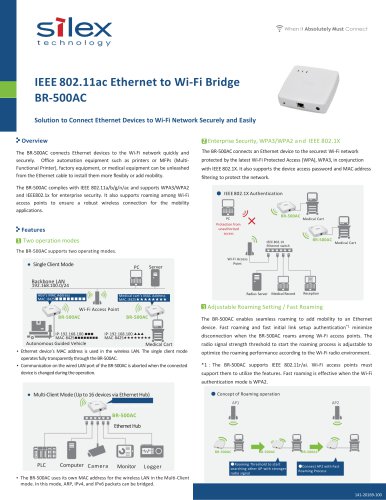 BR-500AC
2 Pages
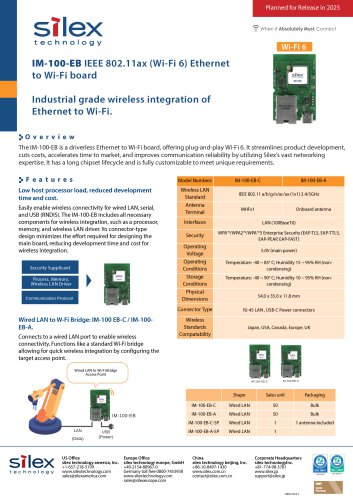 IM-100-EB
1 Page
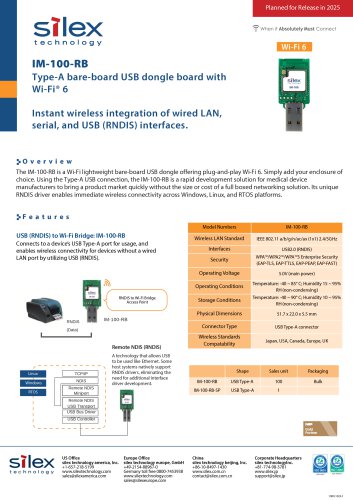 IM-100-RB
1 Page
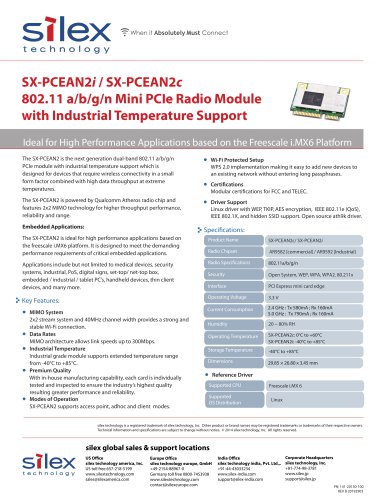 SX-PCEAN2i / SX-PCEAN2c
1 Page
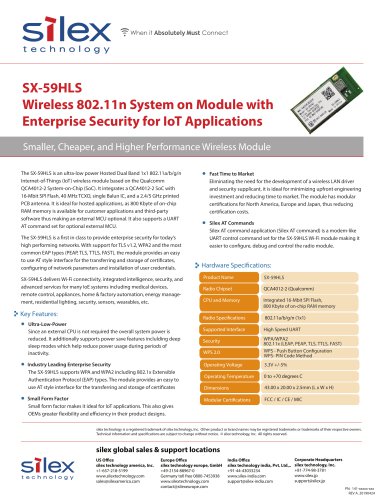 SX-59HLS
2 Pages
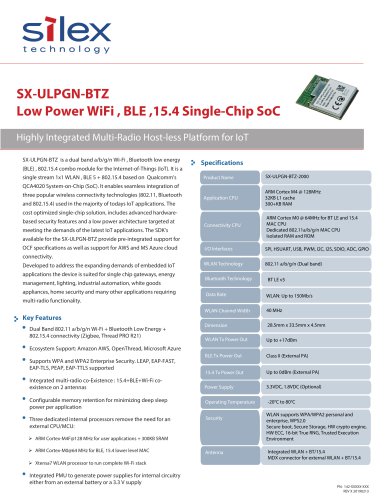 SX-ULPGN-BTZ
2 Pages
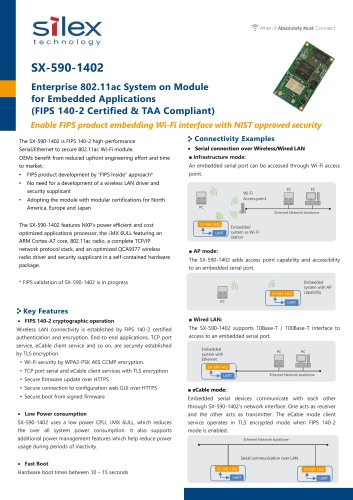 SX-590-1402
2 Pages
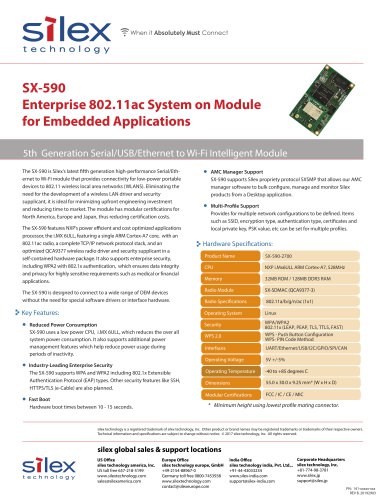 SX-590
1 Page
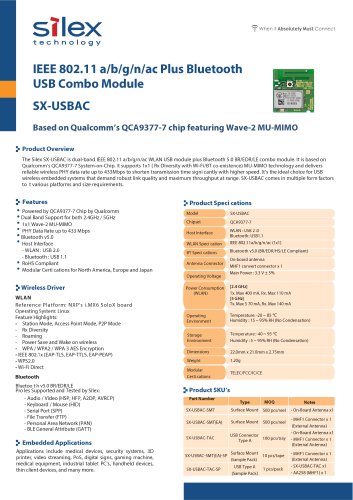 SX-USBAC
2 Pages
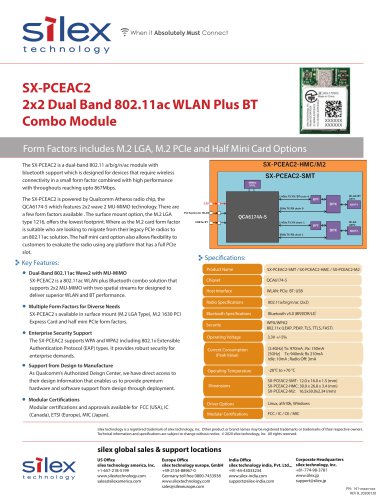 SX-PCEAC2
1 Page
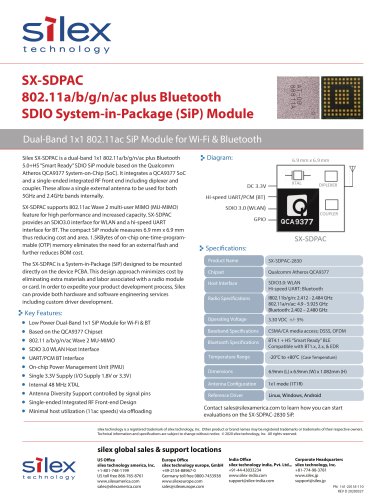 SX-SDPAC
1 Page
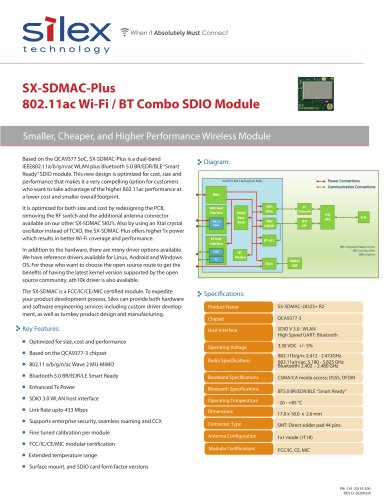 SX-SDMAC-Plus
2 Pages
 SX-SDMAC
2 Pages
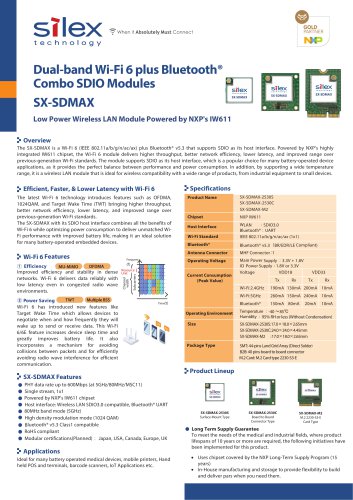 SX-SDMAX
2 Pages
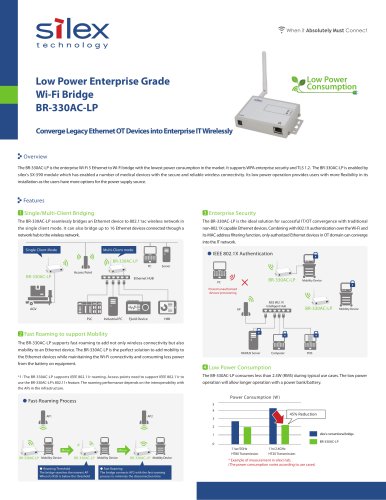 BR-330AC-LP
2 Pages
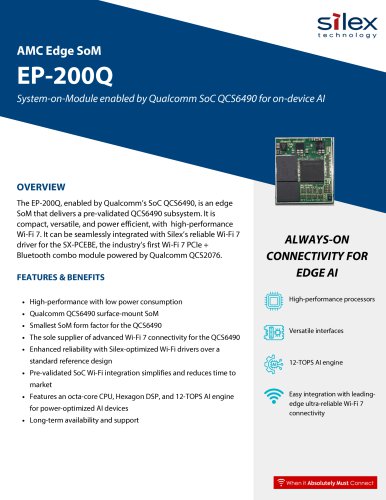 EP-200Q
2 Pages
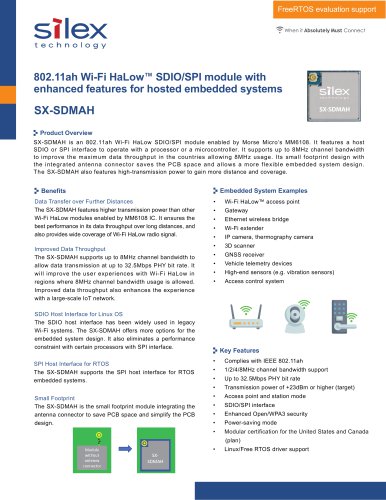 SX-SDMAH
2 Pages
 IM-100
1 Page
 SX-PCEBE
2 Pages
- SoM
- Ethernet converter
- Wireless access point
- Digital recorder
- Ethernet access point
- Ethernet device server
- Industrial system-on-module
- Industrial device server
- Protocol converter
- Extender
- Access point for industrial applications
- Ethernet recorder
- Bluetooth system-on-module
- Universal recorder
- Network extender
- Bluetooth WiFi module
- High-performance access point
- 4-channel recorder
- Edge AI computer-on-module