
- Catalogs
- silex technology, Inc.
- BR-500AC

BR-500AC
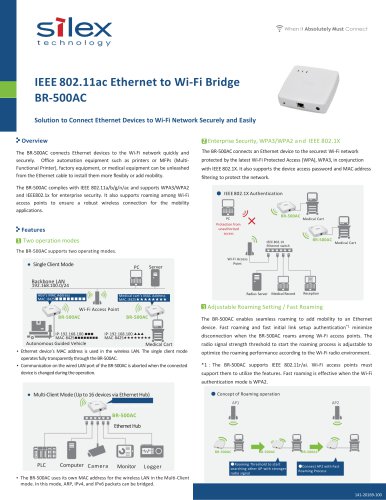
BR-500AC
The BR-500AC is an Ethernet to Wi-Fi bridge designed to connect Ethernet devices to Wi-Fi networks securely and easily. It supports seamless roaming, fast roaming, and fast initial link setup authentication to minimize disconnection when moving between Wi-Fi access points. The device is suitable for office automation, factory, and medical equipment, allowing for flexible installation and mobility.
Specifications
The BR-500AC complies with IEEE 802.11a/b/g/n/ac standards and supports WPA3/WPA2 and IEEE 802.1X for enterprise security. It features dual operation modes: Multi-Client Mode, which supports up to 16 devices via an Ethernet hub, and Single Client Mode, which operates transparently. The device uses its own MAC address in Multi-Client Mode and the Ethernet device's MAC address in Single Client Mode.
Security Features
The BR-500AC supports various Wi-Fi authentication methods, including WPA3-Personal, WPA2-Personal, and WPA3-Enterprise, with encryption options like WEP and AES. It also includes MAC address filtering for additional network protection.
Roaming and Connectivity
The device allows for adjustable roaming settings to optimize performance based on the Wi-Fi environment. It supports IEEE 802.11r/ai for fast roaming, effective when using WPA2 authentication. The BR-500AC can bridge ARP, IPv4, and IPv6 packets in Multi-Client Mode.
Quality of Service (QoS)
The BR-500AC supports Wireless Multimedia Extensions (WME) to prioritize packets and stabilize wireless connections by reducing packet loss probability. This feature requires a WME-capable Wi-Fi access point.
Management and Configuration
Initial setup is facilitated by the BR Kitting Utility, a plug-in for AMC Manager®, which also allows for remote management and monitoring of the device. The device supports bulk configuration and remote control.
Physical and Environmental Specifications
The BR-500AC measures 110mm x 109mm x 27mm and weighs 140g. It operates in temperatures from 0 to +40°C and humidity levels of 20 to 80% RH. It is powered by a DC 12V supply and complies with various regulatory standards, including FCC, ICES, CE, VCCI, and RoHS.
Included Items
The package includes the BR-500AC, an AC adapter, a LAN cable, a setup guide, and a GPL inquiry sheet. The product comes with a 5-year warranty.
Supported Software and OS
The device is compatible with AMC Manager® and supports various Windows operating systems, including Windows 10, 8/8.1, 7, and Windows Server versions from 2008R2 to 2019.
Contact Information
For support and inquiries, contact Silex Technology through their global sales and support locations or visit their website.
Catalog excerpts
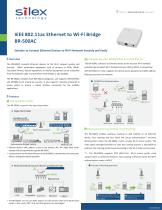
IEEE 802.11ac Ethernet to Wi-Fi Bridge BR-500AC Solution to Connect Ethernet Devices to Wi-Fi Network Securely and Easily Overview 2 Enterprise Security, WPA3/WPA2 a n d IEEE 802.1X The BR-500AC connects Ethernet devices to the Wi-Fi network quickly and securely. Office automation equipment such as printers or MFPs (MultiFunctional Printer), factory equipment, or medical equipment can be unleashed from the Ethernet cable to install them more flexibly or add mobility. The BR-500AC complies with IEEE 802.11a/b/g/n/ac and supports WPA3/WPA2 and IEEE802.1x for enterprise security. It also supports roaming among Wi-Fi access points to ensure a robust wireless connection for the mobility applications. The BR-500AC connects an Ethernet device to the securest Wi-Fi network protected by the latest Wi-Fi Protected Access (WPA), WPA3, in conjunction with IEEE 802.1X. It also supports the device access password and MAC address filtering to protect the network. ● IEEE 802.1X Authentication Protection from unauthorized access IEEE 802.1X Ethernet switch The BR-500AC supports two operating modes. ● Single Client Mode Medical Cart Medical Cart Wi-Fi Access Point Radius Server Medical cart’s MAC Address MAC:8425★★★★★★★★ 3 Adjustable Roaming Setting / Fast Roaming Wi-Fi Access Point BR-500AC Medical Record The BR-500AC enables seamless roaming to add mobility to an Ethernet device. Fast roaming and fast initial link setup authentication*1 minimize Autonomous Guided Vehicle Medical Cart • Ethernet device’s MAC address is used in the wireless LAN. The single client mode • operates fully transparently through the BR-500AC. Communication on the wired LAN port of the BR-500AC is aborted when the connected device is changed during the operation. disconnection when the BR-500AC roams among Wi-Fi access points. The radio signal strength threshold to start the roaming process is adjustable to optimize the roaming performance according to the Wi-Fi radio environment. *1:The BR-500AC supports IEEE 802.11r/ai. Wi-Fi access points must support them to utilize the features. Fast roaming is effective when the Wi-Fi authentication mode is WPA2. ● Multi-Client Mode (Up to 16 devices via Ethernet Hub) ● Concept of Roaming operation AP1 Computer Camera • The BR-500AC uses its own MAC address for the wireless LAN in the Multi-Client ●Roaming Threshold to start searching other AP with stronger radio signal
Open the catalog to page 1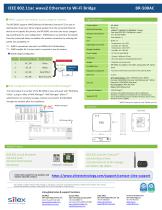
IEEE 802.11ac wave2 Ethernet to Wi-Fi Bridge BR-500AC a WME support with default access category insertion Specifications The BR-500AC supports WME (Wireless Multimedia Extensions*2) as part of QoS (Quality of Service). When original packets from the connected Ethernet device do not specify the priority, the BR-500AC can insert the access category tag according to the user configuration. WME feature can prioritize the packets from the connected device to stabilize the wireless connection by reducing the packet loss probability.*3 *2 : WME is sometimes referred to as WMM (Wi-Fi Multimedia). *3...
Open the catalog to page 2All Silex technology, Inc. catalogs and technical brochures
 SD-330AC
2 Pages
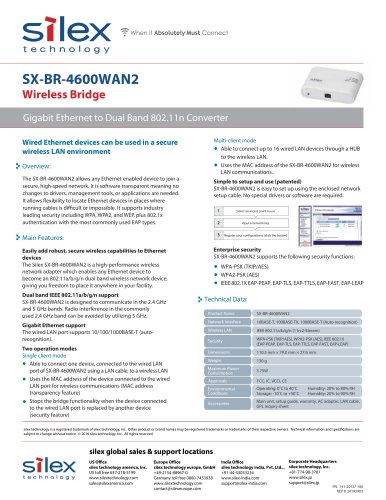 SX-BR-4600WAN2
1 Page
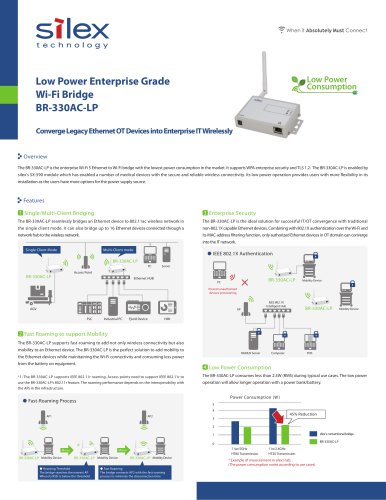 BR-330AC-LP
2 Pages
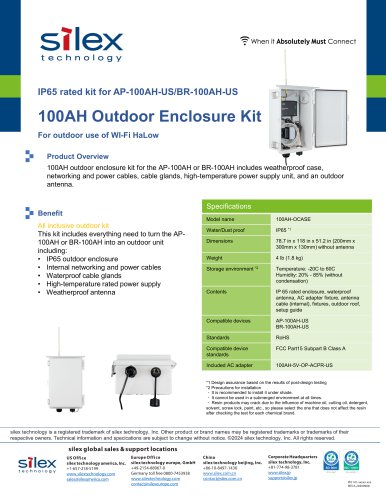 BR-100AH
1 Page
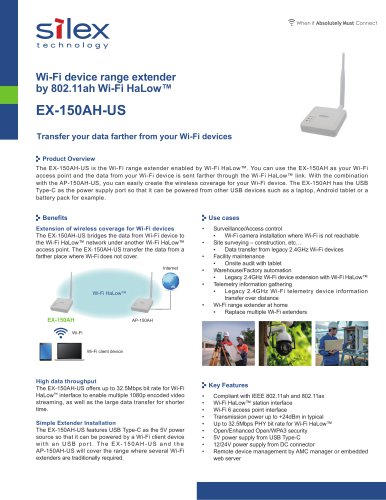 EX-150AH-US
2 Pages
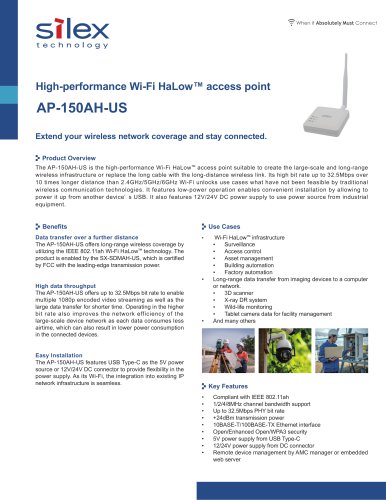 AP-150AH-US
2 Pages
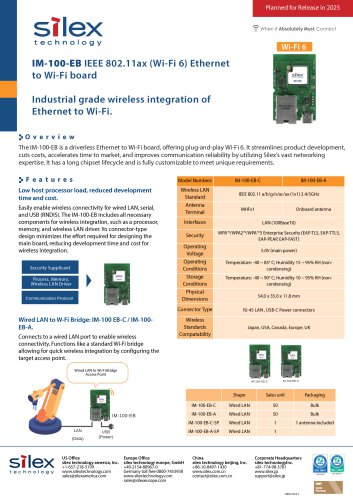 IM-100-EB
1 Page
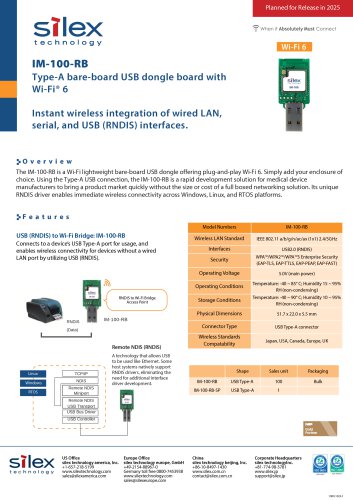 IM-100-RB
1 Page
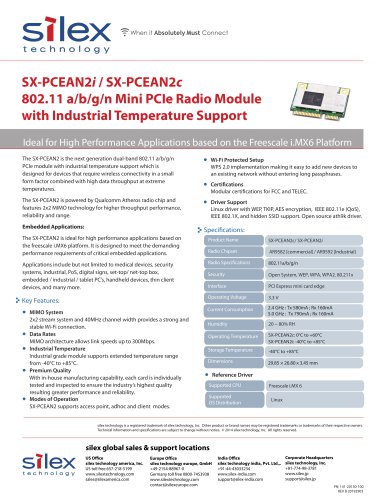 SX-PCEAN2i / SX-PCEAN2c
1 Page
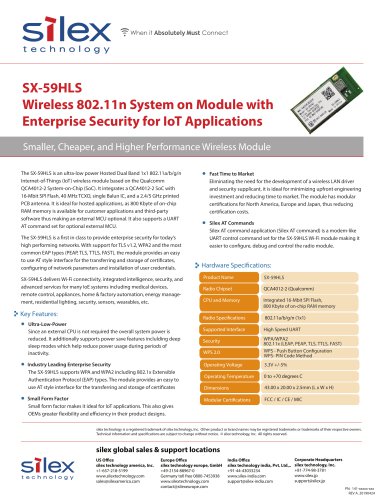 SX-59HLS
2 Pages
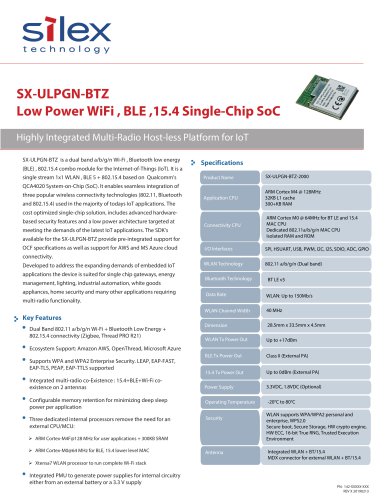 SX-ULPGN-BTZ
2 Pages
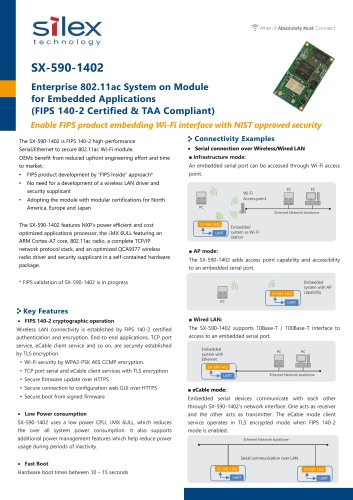 SX-590-1402
2 Pages
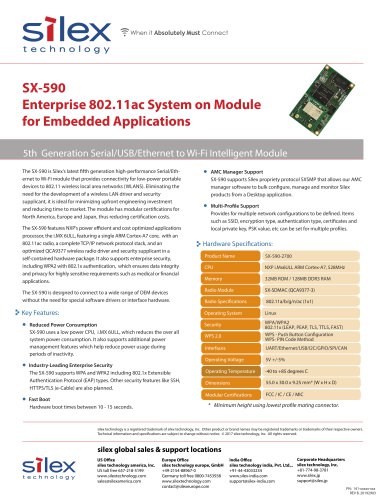 SX-590
1 Page
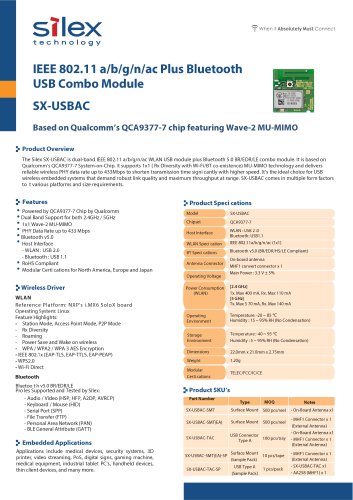 SX-USBAC
2 Pages
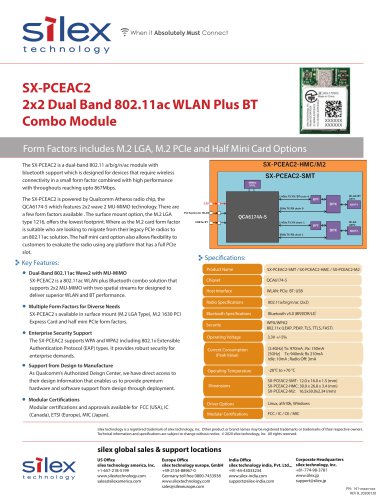 SX-PCEAC2
1 Page
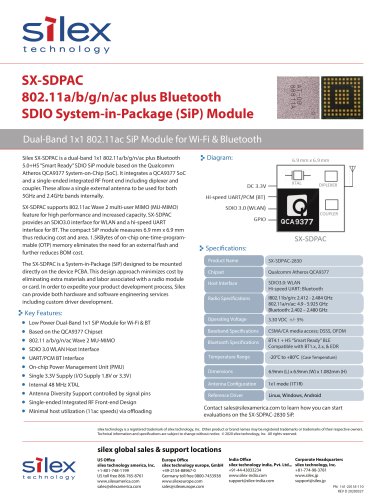 SX-SDPAC
1 Page
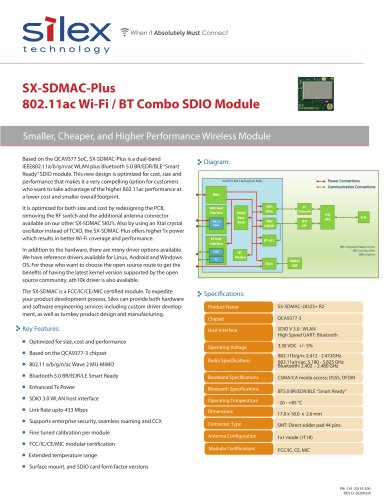 SX-SDMAC-Plus
2 Pages
 SX-SDMAC
2 Pages
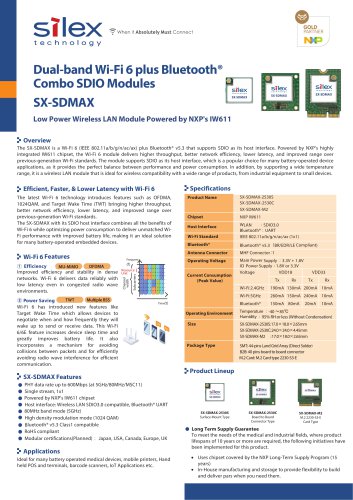 SX-SDMAX
2 Pages
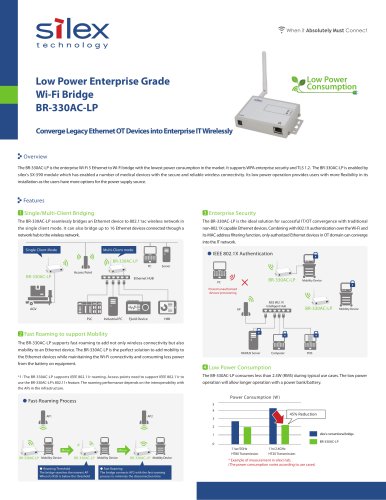 BR-330AC-LP
2 Pages
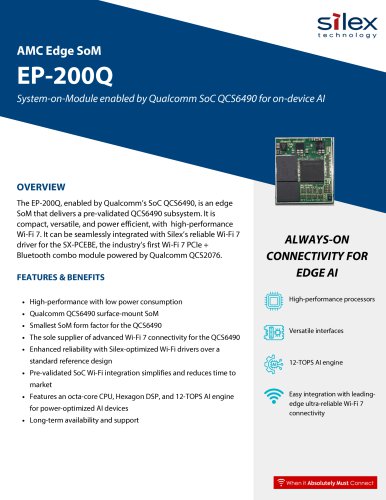 EP-200Q
2 Pages
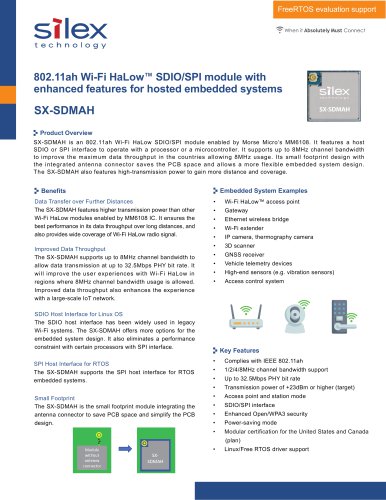 SX-SDMAH
2 Pages
 IM-100
1 Page
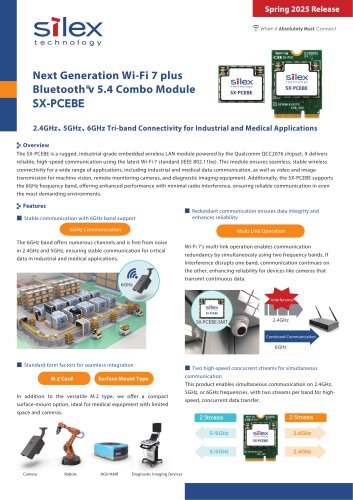 SX-PCEBE
2 Pages
- SoM
- Ethernet converter
- Wireless access point
- Digital recorder
- Ethernet access point
- Ethernet device server
- Industrial system-on-module
- Industrial device server
- Protocol converter
- Extender
- Access point for industrial applications
- Ethernet recorder
- Bluetooth system-on-module
- Universal recorder
- Network extender
- Bluetooth WiFi module
- High-performance access point
- 4-channel recorder
- Edge AI computer-on-module