

PD9
PD9
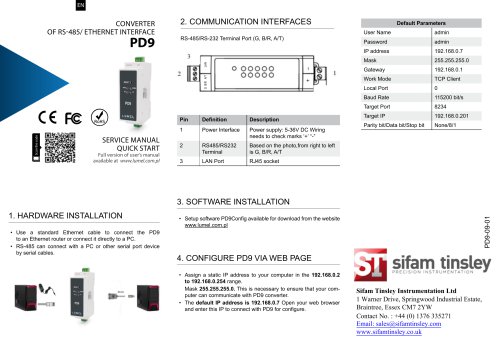
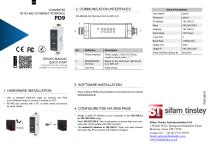
Use a standard Ethernet cable to connect the PD9 converter to an Ethernet router or directly to a PC. The RS-485 interface can connect to a PC or other serial port device using serial cables.
The RS-485/RS-232 terminal port includes power interface and terminal connections. The LAN port uses an RJ45 socket.
PD9 configuration software is available for download from the Lumel website.
Assign a static IP address to your computer within the range 192.168.0.2 to 192.168.0.254 with a subnet mask of 255.255.255.0. Use the default IP address 192.168.0.7 to access the PD9 configuration page. Default login credentials are username 'admin' and password 'admin'.
IP Address: 192.168.0.7
Subnet Mask: 255.255.255.0
Gateway: 192.168.0.1
Work Mode: TCP Client
Local Port: 0
Baud Rate: 115200 bit/s
Target Port: 8234
Target IP: 192.168.0.201
Parity/Data/Stop Bits: None/8/1
Catalog excerpts
CONVERTER OF RS-485/ ETHERNET INTERFACE PD9 2. COMMUNiCATiON iNTERFACES RS-485/RS-232 Terminal Port (G, B/R, A/T) Default Parameters 3. SOFTWARE iNSTALLATiON1. HARDWARE iNSTALLATiON • Use a standard Ethernet cable to connect the PD9 to an Ethernet router or connect it directly to a PC. • RS-485 can connect with a PC or other serial port device by serial cables. • Setup software PD9Config available for download from the website www.lumel.com.pl • Assign a static IP address to your computer in the 192.168.0.2 to 192.168.0.254 range. Mask 255.255.255.0. This is necessary to ensure that your computer can communicate with PD9 converter. • The default IP address is 192.168.0.7 Open your web browser and enter this iP to connect with PD9 for configure. Sifam Tinsley Instrumentation Ltd 1 Warner Drive, Springwood Industrial Estate, Braintree, Essex CM7 2YW Contact No. : +44 (0) 1376 335271 Email: [email protected]
Open the catalog to page 1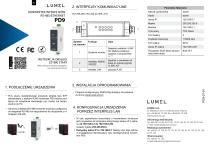
2. iNTERFEJSY KOMUNiKACYJNE KONWERTER INTERFEJSOW RS-485/ETHERNET Parametry fabryczne 1. PODtACZENIE URZADZENIA • Przy uzyciu standardowego przewodu skr^tka typu STP (ekranowana z wtykiem RJ45) konwerter pD9 mozna pod-l^czyc do urz^dzenia sieciowego (np. router) lub bezpo-srednio do PC. • Program konfiguracyjny PD9Config dost^pny do pobrania ze strony www.lumel.com.pl • W celu zapewnienia komunikacji z konwerterem konieczne jest przypisanie do komputera statycznego adresu IP z zakre- • Domyslny adres IP to 192.168.0.7 Nalezy uzyc tego adresu w przegl^darce internetowej w celu skonfigurowania...
Open the catalog to page 2All Sifam Tinsley catalogs and technical brochures
 PD8W
PD8W2 Pages
 KD6
KD65 Pages
 INSU 5DX+
6 Pages
 RE11
RE112 Pages
 AP35-3RJ12
10 Pages
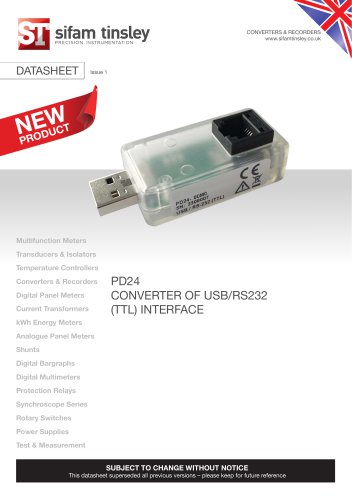 PD24
PD248 Pages
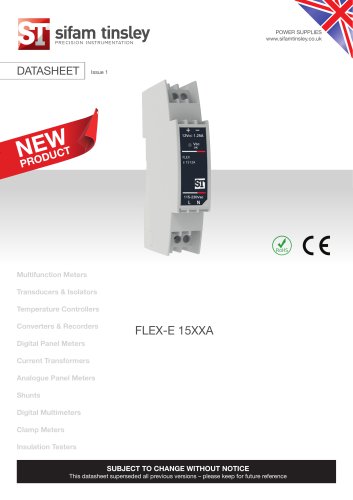 Flex-e 15xxA power supply
5 Pages
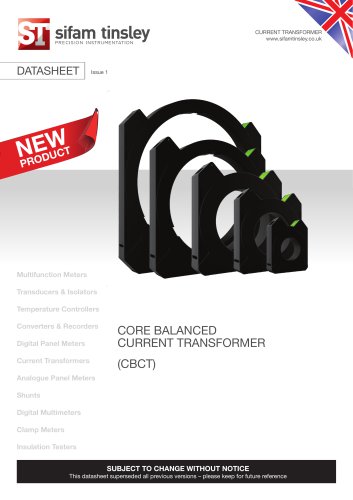 CBCT
CBCT10 Pages
 ELPR
ELPR6 Pages
 TW-E Series
3 Pages
 Omicron UVR
4 Pages
 UNO NX
9 Pages
 ND31PLUS
8 Pages
 LTRP Series
12 Pages
 Gamma 36
9 Pages
 ND31
ND318 Pages
 MOD-CENTRE STOCK PROFILE
48 Pages


- Temperature probe
- Data logger
- Digital temperature control
- Digital indicator
- Digital tester
- Thermocouple temperature transducer
- Temperature controller
- Signal amplifying integrated circuit
- Wireless datalogger
- Digital temperature controller
- Voltage testing system
- DIN rail electric energy meter
- Digital electric energy meter
- Automation temperature controller
- Three-phase electric energy meter
- PID temperature control
- Power amplifying integrated circuit
- Insulation testing system
- Illuminated indicator
- PID temperature controller