
- Catalogs
- SHENZHEN RION TECHNOLOGY CO.,LTD
- Rion DMI820-BL Bluetooth Electronic Level


Rion DMI820-BL Bluetooth Electronic Level
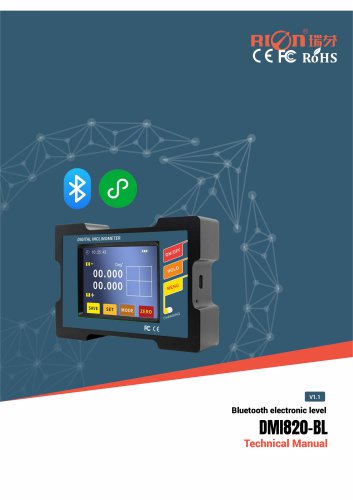
Rion DMI820-BL Bluetooth Electronic Level
The DMI820-BL is a Bluetooth electronic level designed for precise angle control and measurement in industrial settings. It offers dual-axis measurement with a range of ±30°, a resolution of 0.001°, and a maximum accuracy of less than 0.005°. Key features include a BLE5.2 Bluetooth module, strong magnetic mounting, data storage, and three measurement modes, making it suitable for construction, automotive testing, and machinery installation.
Features
- Optimal Accuracy: <0.005°
- Repeatability: 0.003°
- Angular Resolution: 0.001°
- Measurement Range: ±30°
- Data Storage Function
- Dual-Reference Magnetic Mounting
- Operating Temperature: -10℃ to +70℃
- IP54 Protection Rating
Specifications
- Measuring Axis: ±15°/±30°
- Angle Measurement Accuracy: <0.005°
- Resolution: 0.001°
- Operating Temperature: -10℃ to +70℃
- Power Supply: 3.7V rechargeable lithium battery
- Bluetooth Specification: 5.2
- Waterproof Rating: IP54
Product Functions
The device features a metal wear-resistant structure, a touchscreen display, and operational buttons such as ON/OFF, HOLD, and MENU. It includes a Type-C interface for charging and data output, and strong magnets for mounting.
Mini Program Interface
Users can configure the device and save tilt angle data using the "RION Technology+" WeChat mini-program.
Function Menu Operation
The device offers functions for saving data, setting alarms, calibration, filter frequency settings, date settings, factory reset, and automatic shutdown settings.
Product Communication Protocol
The data frame format includes an identifier, data length, address code, command word, data field, and checksum. Commands supported include reading angles, setting zero points, and reading data from the SD card.
Data Format Definition
The device uses a baud rate of 115200 with 8 data bits, 1 stop bit, and no verification. The data format includes angle and temperature data with specific parsing methods.
- The digital angle meter operates on a 3.7V rechargeable lithium battery. Charge it before it is fully depleted to extend battery life.
- If the digital display does not activate when the power switch is turned on, charge the device immediately.
- The instrument is reliable in vibrating environments but should not be dropped from heights to avoid damage.
- In case of damage, do not attempt self-repair. Contact the manufacturer for professional assistance, as self-disassembly voids repair eligibility.
- The product contains high-precision sensors and circuits. Avoid dropping, impacting, or disassembling the device to prevent damage.
- Avoid pressing multiple buttons simultaneously to maintain product longevity.
- Keep the product in a secure location, away from children.
Catalog excerpts
DMI820-BL Bluetooth electronic level Bluetooth electronic level Technical Manual
Open the catalog to page 1
DMI820-BL Bluetooth electronic level ○ Revision time:2026-8-7 ○ Product functions, parameters, appearance, etc. will be adjusted with technology upgrades,please contact the company's pre-sales business to confirm when buying. Disclaimer This product is developed exclusively for commercial applications and is prohibited from being used for illegal purposes, such as military activities, research related to nuclear, chemical, or biological weapons, or any other actions that violate laws and regulations. It is strictly forbidden to engage in activities related to goods embargoed by the United Nations,...
Open the catalog to page 2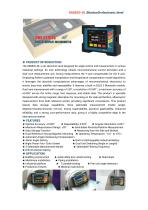
The DMI820-BL is an electronic level designed for angle control and measurement in various industrial settings. Its core technology utilizes micromechanical control principles and a dual-core measurement unit. During measurement, the Y-axis compensates for the X-axis. Employing Ruifen's patented interpolation and temperature compensation model algorithms, it leverages the absolute computational advantages of micromechanical electronics to ensure long-term stability and repeatability. It features a built-in BLE5.2 Bluetooth module. Dual-axis measurement with a range of ±30°, a resolution of 0.001...
Open the catalog to page 3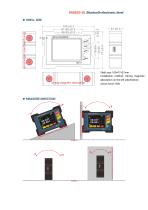
DMI820-BL Bluetooth electronic level ◆ SHELL SIZE Shell size: 109×77×27mm Installation method: Strong magnetic adsorption on the left side/bottom Action force: 52N
Open the catalog to page 5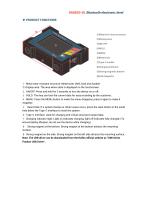
©Metal anti-wear structure ©Display area ©ON/OFF ©HOLD ©MENU ©Reset hole ©Type-C socket ©Charging indicator ©Strong magnetic bottom ©Side magnetic ® Metal wear-resistant structure: Metal outer shell, hard and durable © Display area: The area where data is displayed on the touchscreen. (2 ON/OFF: Press and hold for 3 seconds to turn the device on or off; (3 HOLD: This key can lock the current data for easy recording by the customer; (4 MENU: Press the MENU button to make the menu disappear, press it again to make it reappear; © Reset Hole: If a system freezes or other issues occur, press the reset...
Open the catalog to page 6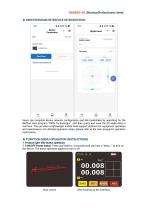
DMI820-BL Bluetooth electronic level ◆ MINI PROGRAM INTERFACE INTRODUCTION Users can complete device network configuration and link handshake by searching for the WeChat mini-program "RION Technology+", and then query and save the tilt angle data in real time. This provides a lightweight mobile data support platform for equipment operation and maintenance. For detailed operation steps, please refer to the mini-program's operation instructions. ◆ FUNCTION MENU OPERATION INSTRUCTIONS 1. Product right-side button operation: 1.1 ON/OFF Power button: Press and hold for 3 seconds until you hear a "beep..."...
Open the catalog to page 7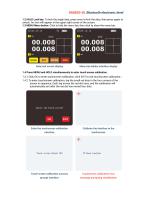
1.2 HOLD Lock key: To lock the angle data, press once to lock the data, then press again to unlock. An icon will appear in the upper right corner of the screen. 1.3 MENU Menu button: Click to hide the menu bar, then click to show the menu bar; 1.4 Press MENU and HOLD simultaneously to enter touch screen calibration; 1.4.1 Click OK to enter touchscreen calibration, click EXIT to exit touchscreen calibration.; 1.4.2 To enter touchscreen calibration, tap the small red dots in the four corners of the screen in sequence. Each tap moves the red dot once, and the calibration will automatically exit...
Open the catalog to page 8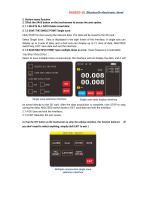
DMI820-BL Bluetooth electronic level 2. Bottom menu function: 2.1 Click the SAVE button on the touchscreen to access the save option. 2.1.1 DELETE ALL DATA Delete saved data; 2.1.2 SAVE THE SINGLE POINT Single save; Click START to start saving the relevant data. The data will be saved to the SD card.; Select Single Save, Data is displayed in the right frame of the interface. A single axis can display up to 6 sets of data, and a dual axis can display up to 12 rows of data; ABS/ZERO switch key; EIXT: save data and exit the interface. 2.1.3 SAVE MULTIPLE POINT Save multiple times in a row (Save...
Open the catalog to page 9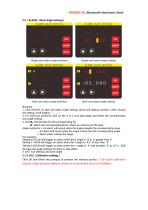
DMI820-BL Bluetooth electronic level 2.2.1 ALARM(Alarm Angle Settings) Single-axis alarm angle interface Single-axis alarm angle setting Dual-axis alarm angle interface Dual-axis alarm angle setting illustrate: 1. Click ON/OFF to open the alarm angle setting, which will display numbers. After closing the setting, it will display "_ _ . _ _". 2. For dual-axis products, click on the X or Y axis data angle and select the corresponding axis angle setting.. 3. Click▲: Set the data for the corresponding bit.. ◆: Select the corresponding bit for which you need to set the data.. Angle symbol is +: An...
Open the catalog to page 10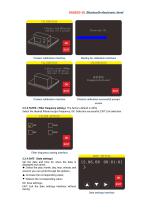
DMI820-BL Bluetooth electronic level Product calibration interface Waiting for calibration interface Product calibration interface Product calibration successful prompt screen 2.2.3 FILTER(Filter frequency setting)The factory default is 20Hz Select the desired filtered output frequency; OK: Selection successful; EXIT: Exit selection. Filter frequency setting interface 2.2.4 DATE(Date settings) Set the date and time for when the data is displayed and saved; ◆: Select the year, month, day, hour, minute, and second; you can cycle through the options.; ▲: Increase the corresponding value; ▼: Reduce...
Open the catalog to page 11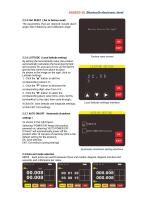
DMI820-BL Bluetooth electronic level 2.2.5 FAC.RESET(Set to factory reset) The parameters that are restored include alarm angle, filter frequency, and calibration angle. 2.2.6 LATITUDE(Local latitude setting) By setting the local latitude value, the product automatically calculates the local gravity field and corrects for accuracy errors, as the Earth's gravity field varies from place to place. As shown in the image on the right, click on Latitude Settings. 1. Click the "▲" button to add the corresponding value 0-9.; 2. Click the "▼" button to decrease the corresponding digit value from 0-9.;...
Open the catalog to page 12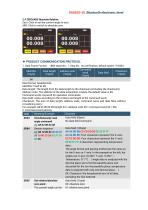
2.4 ZERO/ABS Absolute Relative Zero: Click to set the current angle to zero. ABS: Click to switch to absolute zero. ♦ PRODUCT COMMUNICATION PROTOCOL 1. Data Frame Format: (8Bit data bits, "I Stop bit, No verification, default speed 115200) Data format: hexadecimal; Data length: The length from the data length to the checksum (including the checksum); Address code: The address of the data acquisition module, the default value is 00; Command words: Keyword for operation commands; Data field: varies according to the content and length of the command word; Checksum: The sum of data length, address...
Open the catalog to page 13All SHENZHEN RION TECHNOLOGY CO.,LTD catalogs and technical brochures
 RION HDA436T TILT SENSOR
14 Pages
 RION SMI815 SMI825
5 Pages
 RION DMI850 inclinometer
9 Pages
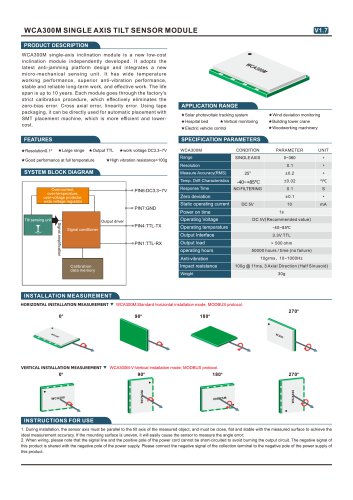
 RION WCA300A
3 Pages
 RION PSI-25M
1 Page
 Rion inclinometer SDA118T
10 Pages
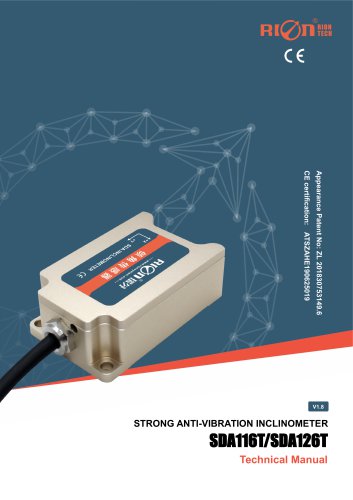 SDA116T/SDA126T
16 Pages
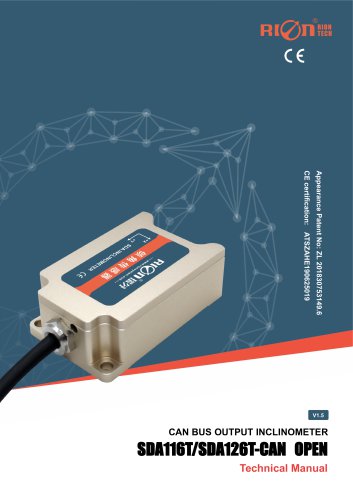 RION SDA116T/SDA126T-CAN OPEN
11 Pages
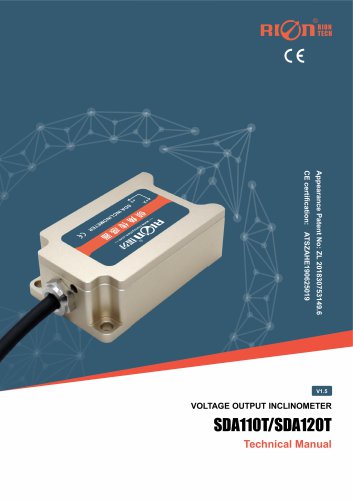 Rion SDA110T inclinometer
9 Pages
 Rion inclinometer SCA118T
10 Pages
 Rion inclinometer SCA116
16 Pages
 Rion inclinometer SCA110
10 Pages
 Rion inclinometer PCA826T
21 Pages
 Rion inclinometer MCA418T
2 Pages
 Rion inclinometer MCA416T
2 Pages
 Rion inclinometer MCA416LD
10 Pages
 Rion inclinometer MCA416L
10 Pages
 Rion inclinometer MCA416
2 Pages
 Rion inclinometer MCA410T
2 Pages
 Rion inclinometer MCA-85
12 Pages
 Rion inclinometer LCA318T
10 Pages
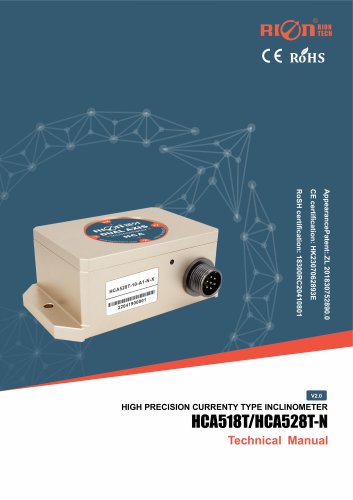 Rion HCA518T inclinometer
9 Pages
 Rion inclinometer HCA510T-N
11 Pages
 Rion inclinometer HCA510T
8 Pages
 Rion inclinometer HCA396B
11 Pages
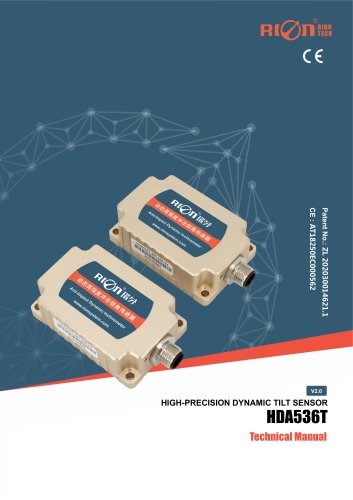 RION HDA536T INCLINOMETER
25 Pages
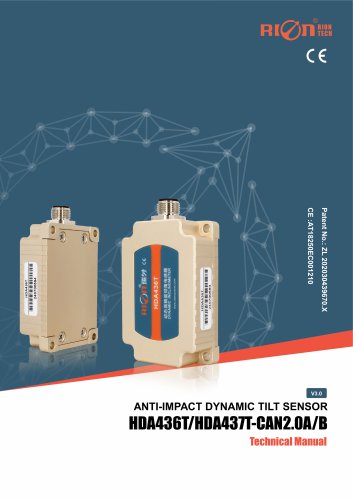 HDA437T/HDA437T-CAN2.0A/B
14 Pages
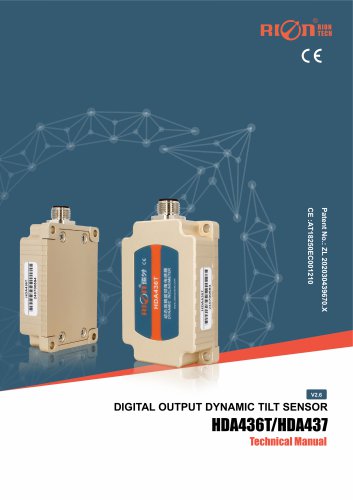 HDA437T/HDA437
25 Pages
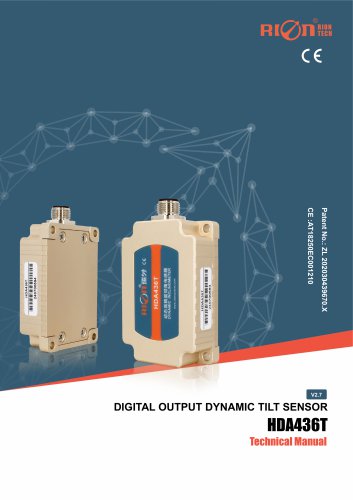 HDA436T
25 Pages
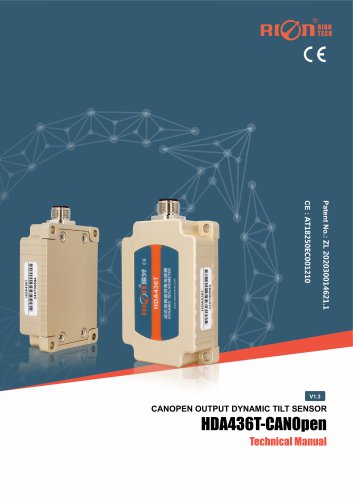 HDA436T-CANOpen
28 Pages
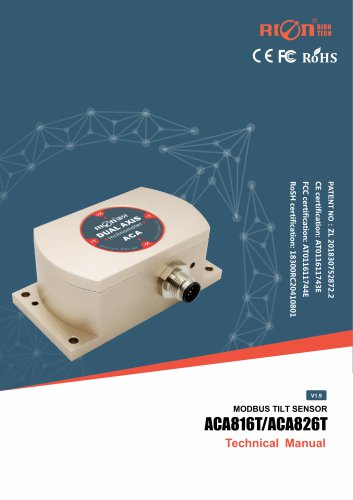 ACA816T/ACA826T
17 Pages
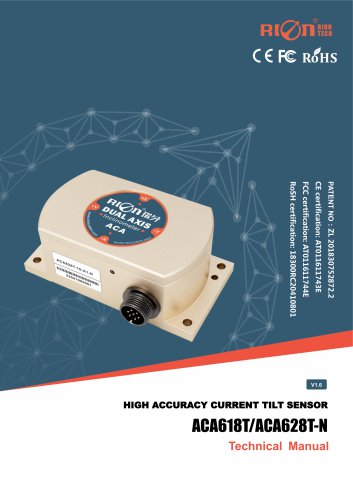 ACA618T/ACA628T-N
9 Pages
 Rion inclinometer ACA610T
9 Pages
 Rion electronic compass DDM350B
11 Pages
 Rion electronic compass DCM301B
11 Pages
 Rion electronic compass DCM250B
12 Pages
 Rion AKM398 Vibration Sensor
6 Pages
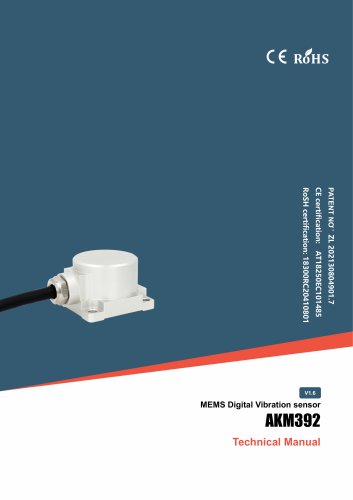 Rion AKM392 Vibration Sensor
15 Pages
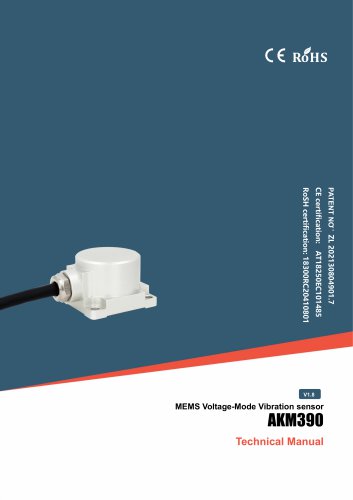 Rion AKM390 Vibration Sensor
6 Pages
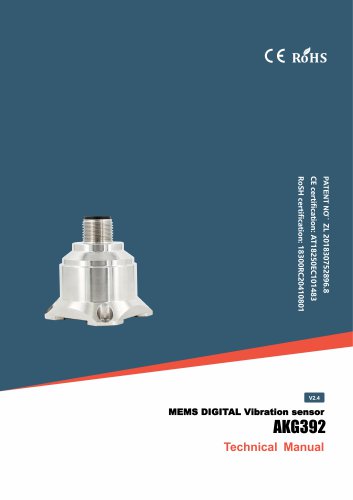 Rion Vibration Sensor AKG392
17 Pages
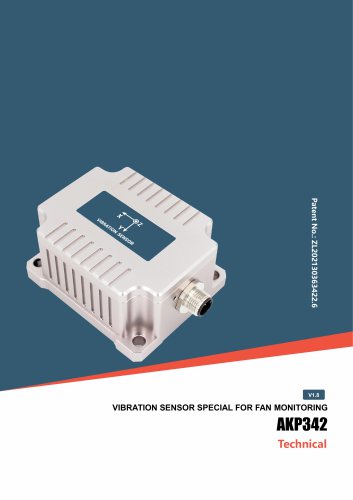
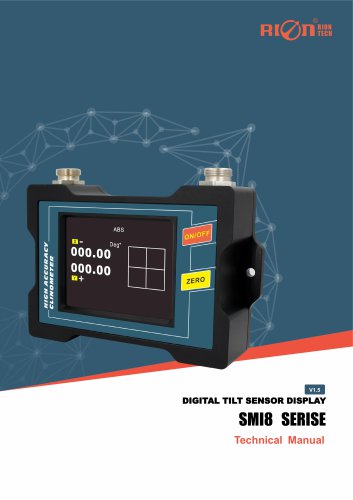
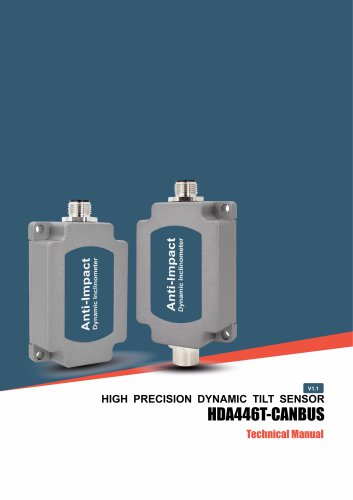
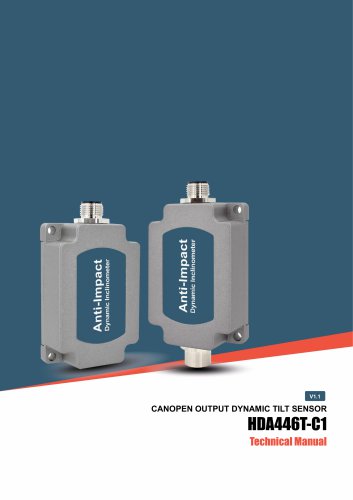
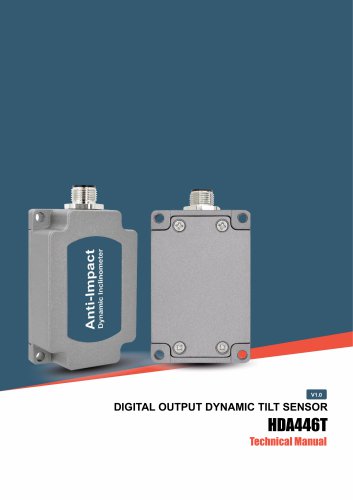



Archived catalogs
 SCA116T/SCA126T
9 Pages
- LCD screen
- Industrial monitor
- Panel-mount screen
- Pressure probe
- High-brightness monitor
- RION inclinometer
- TFT-LCD monitor
- Analog pressure sensor
- RION digital inclinometer
- Relative pressure sensor
- RION 2-axis inclinometer
- Stainless steel pressure sensor
- RION MEMS inclinometer
- RION multi-axis inclinometer
- RION high-precision inclinometer
- Absolute pressure sensor
- RION analog inclinometer
- RION IP67 inclinometer
- Gas pressure sensor
- RION 1-axis inclinometer