
- Catalogs
- SHAREBOT SRL
- Snowwhite2 User Manual

Snowwhite2 User Manual
Snowwhite2 User Manual
- Every Print Job: Clean the f-theta lens, IR window, camera window, and recoater blade.
- Daily: Check all halogen lamps.
- Weekly: Clean the build chamber and filter powder.
- Monthly: Oil mobile parts and clean internal parts.
- Every Six Months: Clean the laser window if power is reduced.
Catalog excerpts

Sharebot SnowWhite2 User Manual Ver. 6 Jun 2024
Open the catalog to page 1
© Sharebot srl via Montello 18 23895 Nibionno (LC) Italia - Codice Fiscale, Partita IVA IT 03482570136 Tel +39.031.692.132 - www.sharebot.it - info@sharebo
Open the catalog to page 3
Before starting Verify the efficiency of the grounding system. The printer should be placed in a room where the temperature is more than 15°C, otherwise it will be necessary to do a preheat cycle before starting the first building process. Always wear safety glasses in order to protect your eyes from possible laser reflections. Always wear a dust mask when working with powders and follow the preventative measures indicated by the powder producer. The machine can be configured to operate in a normal atmosphere or with an inert atmosphere. If you work with inert atmosphere, the installation of...
Open the catalog to page 4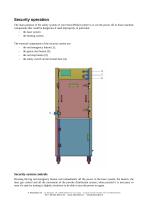
Security operation The main purpose of the safety system of your SnowWhite2 printer is to cut the power off to those machine components that could be dangerous if used improperly, in particular: the laser system the heating system. The external components of the security system are: the red emergency button (1); the green start button (2); the red stop button (3); the safety switch on the frontal door (4); Security system controls Pressing the big red emergency button cuts immediately off the power to the laser system, the heaters, the inert gas control and all the movement of the...
Open the catalog to page 5
Pressing the red button cuts off the power of both the laser system, the heaters and the inert gas control. To turn on the systems you have to press the green button. The green button is used to turn on the heaters, the laser system, the laser's fans and the inert gas control. If the Emergency button is turned off, the door is closed and all the electrical security check are OK, the white light turn on and the machine is ready to work. Opening the front panel has the same effect as pushing the red button, so if the front panel is opened during the printing process all the dangerous parts are...
Open the catalog to page 6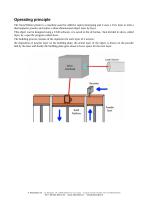
Operating principle The SnowWhite2 printer is a machine used for additive rapid prototyping and it uses a CO ₂ laser to melt a thermoplastic powder and realize a three-dimensional object layer by layer. This object can be designed using a CAD software, it is saved in the stl format, then divided in slices, called layer, by a specific program called slicer. The building process consists of the repetition for each layer of 3 actions : the deposition of powder layer on the building plate, the actual layer of the object is drawn on the powder bed by the laser and finally the building plate goes down...
Open the catalog to page 7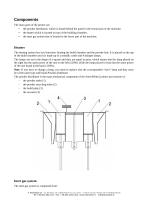
Components The main parts of the printer are: • the powder distributor; which is found behind the panel in the frontal part of the machine; • the heater which is located on top of the building chamber; • the inert gas system that is located in the lower part of the machine; Heaters The heating system has two functions: heating the build chamber and the powder bed. It is placed on the top of the build chamber and it is made up of a metallic castle and 4 halogen lamps. The lamps are set in the shape of a square and they are equal in pairs, which means that the lamp placed on the right has the same...
Open the catalog to page 8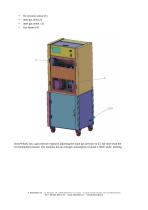
SnowWhite2 has a gas pressure regulator adjusting the input gas pressure to 0,5 bar more than the environmental pressure. The machine has an average consumption of about 170lt/h while printing. via Montello 18 23895 Nibionno (LC) Italia - Codice Fiscale, Partita IVA IT 03482570136
Open the catalog to page 9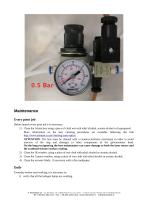
Maintenance Every print job Before launch every print job it is necessary: 1) Clean the f-theta lens using a piece of cloth wet with ethyl alcohol, acetate alcohol or Isopropanol; More information on the lens cleaning procedures are available following this link http://www.ulooptics.com/cleaning-znse-optics/ ATTENTION: The lens must be cleaned with a counter-clockwise movement in order to avoid unscrew of the ring and damages to other components of the galvanometer head. On the long run ignoring the lens maintenance can cause damage to both the laser source and the scanhead mirrors surface coating....
Open the catalog to page 10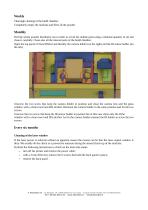
Weekly Thorough cleaning of the build chamber. Completely empty the machine and filter all the powder Monthly Pull the whole powder distributor out in order to oil all the mobile parts using a minimal quantity of oil and clean it carefully. Clean also all the internal parts of the build chamber. Open the top panel of SnowWhite2 and identify the camera holder (on the right) and the IR sensor holder (on the left). Unscrew the two screw that keep the camera holder in position and clean the camera lens and the glass window with a clean towel and IPA alcohol. Remount the camera holder in the same...
Open the catalog to page 11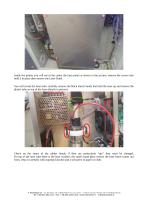
Inside the printer you will see in the center the laser panel as shown in the picture, remove the screws that hold it in place then remove the Laser Panel. You will reveal the laser tube, carefully remove the black elastic bands that hold the laser up and remove the plastic tube on top of the laser (details in picture) Check on the status of the rubber bands, if they are particularly “dry” they must be changed. On top of the laser tube there is the laser window, the small round glass surface the laser beam comes out from, clean it carefully with isopropyl alcohol and a soft piece of paper or...
Open the catalog to page 12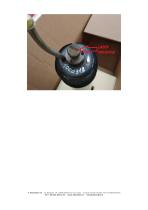
© Sharebot srl via Montello 18 23895 Nibionno (LC) Italia - Codice Fiscale, Partita IVA IT 03482570136 Tel +39.031.692.132 - www.sharebot.it - [email protected]
Open the catalog to page 13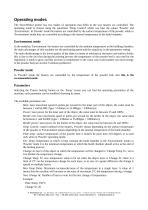
Operating modes The SnowWhite2 printer has two modes of operations that differ in the way heaters are controlled. The operating mode is chosen using the parameter 'Temp Control' which can take the values 'Powder' and 'Environment'. In 'Powder' mode the heaters are controlled by the surface temperature of the powder, while in 'Environment' mode they are controlled according to the internal temperature of the build chamber. Environment mode In the modality 'Environment' the heaters are controlled by the ambient temperature in the building chamber; the main advantages of this modality are the performing...
Open the catalog to page 14All SHAREBOT SRL catalogs and technical brochures
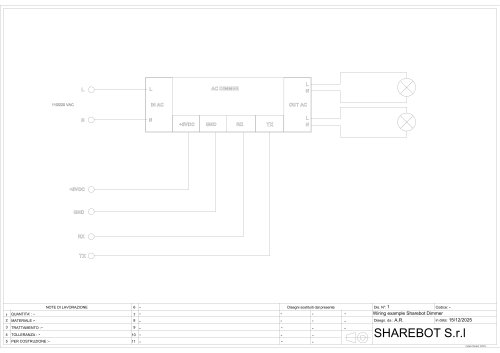 Dimmer wiring diagram
1 Page
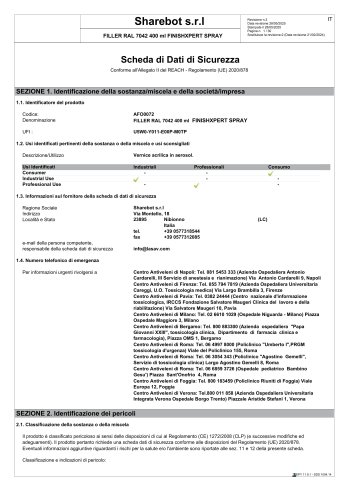 SDS Finishxpert Filler
30 Pages
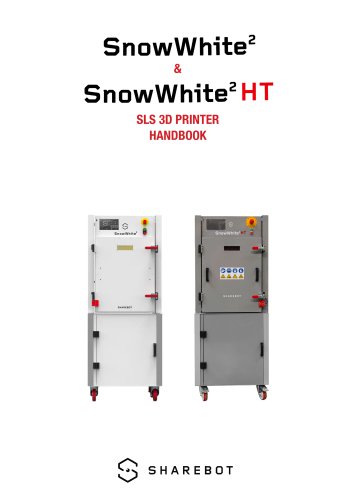 Snowwhite2 Handbook
40 Pages
 Snowwhite2 PCL
4 Pages
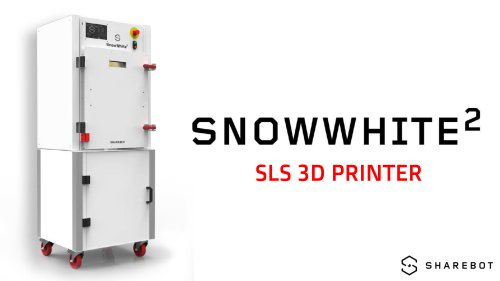 Snowwhite2 enduser patent report
25 Pages
 Snowwhite2 Temperature LOG
3 Pages
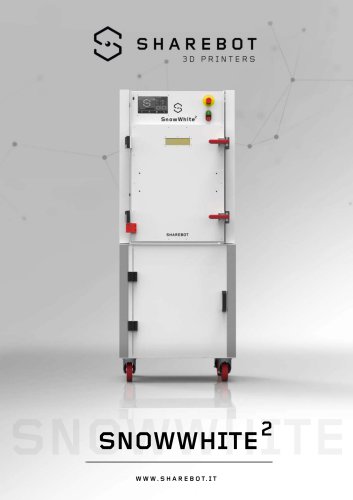 Snowwhite2 brochure
2 Pages
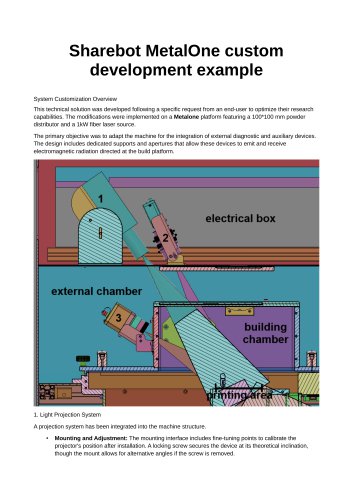 Metalone custom development
2 Pages
 Metalone User Manual
73 Pages
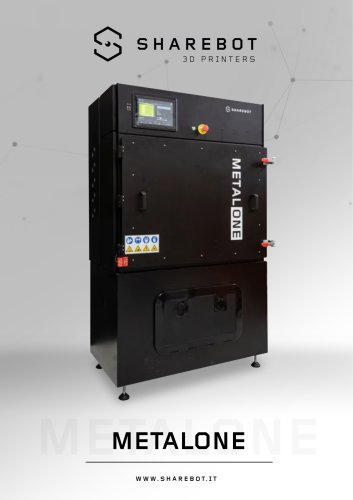 Metalone brochure
2 Pages
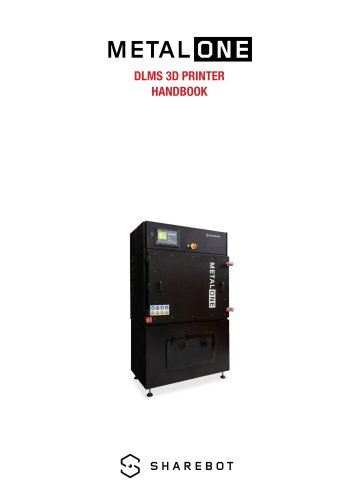 Metalone Handbook
28 Pages
 User Manual Snowwhite2HT
44 Pages
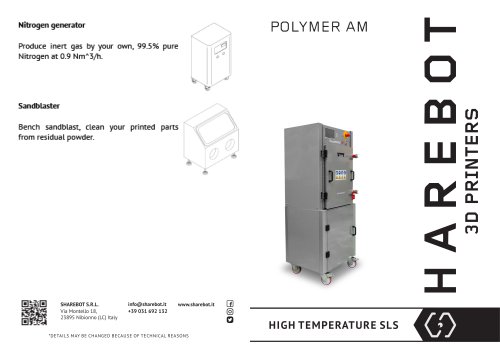 Brochure Snowwhite2HT
2 Pages
- Automatic test kit
- Industrial 3D printer
- Plastic additive manufacturing machine
- Prototyping 3D printing machine
- FDM 3D printer
- Laboratory test kit
- High-performance 3D printer
- Plastic spray
- Large-format 3D printer
- High-speed 3D printer
- Metal 3D printing machine
- ABS 3D printer
- Polyester sealant
- PLA 3D printer
- Resin 3D printer
- Desktop 3D printer
- Medical 3D printing machine
- Dental additive manufacturing machine
- PA 3D printer