

- Company
- Products
- Catalogs
- News & Trends
- Exhibitions
DF-730 Operator Manual

DF-730 Operator Manual
The NanoTrace Moisture Analyzer DF-730 is manufactured under ISO-9001 standards, ensuring high quality and accuracy. It is calibrated with NIST-traceable gases and requires minimal maintenance.
Inspect the packaging for damage and verify contents against the packing slip. Report discrepancies to Servomex. The package includes a power cord, VCR filter gasket, vacuum pump assembly, and an instruction manual.
Proper installation and maintenance are crucial. Follow the manual for gas and electrical connections. Adhere to maintenance intervals for zero calibrations.
The manual details specifications for moisture measurement and operational parameters.
Instructions cover gas and electrical connections, start-up procedures, and safe shutdown processes.
Features include key lock, voltage adjustments, and serial communications. Connect to external devices via serial ports, analog outputs, and relay ports.
Includes a data display screen and keypad for operations like isolating the analyzer, restoring gas flow, calibration, and diagnostics.
Guidelines for obtaining a Return Material Authorization number, storage conditions, and maintenance of moisture cells and vacuum pumps are provided. A list of replaceable parts and troubleshooting tips are included.
Explains moisture measurement using IR spectrum and absorption spectroscopy.
Outlines safety precautions and warranty information for proper use and support.
Details installation, start-up, and shutdown procedures. Key components include a valve and vacuum pump, with specific instructions for pneumatic and electrical connections.
During start-up, the moisture cell is isolated, and diagnostics are performed. The vacuum pump is activated, and gas flow is initiated.
Delivers a flow rate of 0.25 liters per minute to the moisture cell. Requires careful attention to gas pressure and flow settings.
For short-term shutdowns, turn off the power switch. For long-term, isolate the analyzer and cap gas connections if disconnected.
Includes key lock, voltage settings, and serial communications. Supports external device connections and alarm contacts.
Graphical display shows alarm status and measurements. A keypad allows menu navigation for system control.
Use keys for navigating the GUI. The 'Next' and 'Enter' keys are for menu navigation and entering parameters. The 'ESC' key exits without changes.
Structured with main menus, sub-menus, and screens. Navigation is done using arrow keys.
Isolates internal gas lines to prevent contamination. Displays a warning during isolation.
Restores normal gas flow after isolation. Ensure appropriate outlet pressure.
Includes gas valve controls for isolating or restoring gas flow.
Minimal calibration needed. Zeroing features help maintain performance near 0.0 ppb.
Displays data history in strip chart form for up to 3 weeks. Data can be downloaded.
Allows labeling and downloading of data by location.
Access past events and system error codes.
Includes Gas Scale Factor (GSF) setup for accurate results.
Instructions on configuring gas settings, alarm configurations, and diagnostics.
Default gas setting is 100% N2 with a GSF of 1.00. Adjust settings using the Next and arrow keys.
Supports seven alarms, including moisture, temperature, and pressure alarms. Setpoints and relay assignments are configurable.
Set alarm triggers based on moisture levels. Configurable relay assignments.
Monitor ambient conditions and gas path pressure. Assignable to relays.
System errors trigger alarms with a standard delay.
Configure voltage or current outputs for recorders. Supports auto-ranging.
Graph setup allows time scale adjustments. Diagnostics include Active Zero Offset and relay tests.
Covers pump capacity tests, display contrast adjustments, and communication parameters.
Use the Next key to navigate fields and arrow keys to adjust values. Finalize selections with the Enter key.
Download system data to a USB stick for troubleshooting. Data covers the last ten days.
Provides configuration and firmware version details. Firmware upgrades require a USB stick.
Return Material Authorization number needed for returns. Vacuum pump maintenance every 6-12 months.
List of parts with part numbers for ordering replacements.
Logs system errors. Contact Servomex with log details for alarms.
Uses infrared absorption spectroscopy based on Beer’s Law.
Warnings include potential AC voltage hazards. Qualified personnel should perform servicing.
One-year warranty against defects. Conditions for use and return procedures outlined.
Catalog excerpts

NanoTrace Moisture Analyzer DF-730 OPERATOR MANUAL
Open the catalog to page 1
Copyright 2009 by Servomex No part of this publication may be reproduced, stored in a retrieval system or transmitted in any form, or by any means including electronic, mechanical, photocopying, recording or otherwise without prior written permission of Servomex. NanoTrace Moisture Analyzer is a trademark of Servomex. VCR is a registered trademark of the Cajon Company
Open the catalog to page 2
DF-730 Operator Manual Manual Version 120613 Your NanoTrace Moisture Analyzer has been designed, manufactured and is supported under ISO-9001 controls, thus helping to insure the highest possible standards of quality. Every analyzer that Servomex manufactures is tested and operated on a variety of gas concentrations to insure that it functions properly when you receive it. The certificate of calibration assures your analyzer has been calibrated on gases that are traceable to NIST standards. With proper maintenance, your analyzer should remain calibrated for years. For a fast and successful startup,...
Open the catalog to page 3
Read Me First… Unpacking Procedure Follow the procedure below to unpack your NanoTrace Moisture Analyzer 1. Examine the condition of the packaging and its contents. If any damage is apparent, immediately notify the carrier and Servomex. Do not proceed with the installation. 2. Check the contents against the packing slip to make sure the shipment is complete. Unattached equipment may be shipped with the analyzer in supplemental packaging. Shortages should be reported to Servomex immediately. 3. All NanoTrace Moisture Analyzers are shipped with the following: Item Part Number Power cord with 115...
Open the catalog to page 5
Thank You Thank you for selecting the NanoTrace Moisture Analyzer. Servomex designs, manufactures, exhaustively tests, and supports every analyzer under the tightest quality controls. You should expect every Servomex analyzer to arrive in perfect working order and, with good maintenance, provide years of trouble-free service. Please call your nearest Servomex Business Center if you need assistance.
Open the catalog to page 6
3 Cautions There are a number of warnings and cautions that must be observed to avoid damage to the analyzer as well to insure the safety of its users. The analyzer must be operated in a manner specified in this manual. Servomex cannot be responsible for direct or consequential damages that result from installing or operating the analyzer in a manner not described in this manual. Importantly, the analyzer has been designed for use with inert, non-toxic, non-combustible sample gases only. Servomex cannot be responsible for direct or consequential damages that result from using the analyzer with...
Open the catalog to page 13
CAUTION Do not setup or operate this analyzer without a complete understanding of the instructions in this manual. Do not connect this Analyzer to a power source until all signal and plumbing connections are made. CAUTION This analyzer must be operated in a manner consistent with its intended use and as specified in this manual. EMI DISCLAIMER This Analyzer generates and uses small amounts of radio frequency energy. There is no guarantee that interference to radio or television signals will not occur in a particular installation. If interference is experienced, turn-off the analyzer. If the interference...
Open the catalog to page 14
4 Specifications All specifications assume an HCL background. 4.1 Moisture Lowest Detection Level (LDL): 10 ppb @ Constant Conditions Resolution: Analytical (Smallest Detectable Change): 2 ppb Display: 10 ppt Accuracy: Greater of ±5% of reading or ± 0.5 ppb @ Constant Conditions Speed of Response: Typically 15 minutes to reach 90 percent of an upward step change Upset Recovery Time: Typically less than 5 minutes from a high ppb upset to within 10 ppb of the previously stable reading. Range: 0-10 ppm Background Gas Compatibility: HCL, H2, and Nitrogen gases Return Pressure: 70 Torr 4.2 General...
Open the catalog to page 15
Audible/Visual Alarm Status Indicators: Four Moisture levels, Temperature, Moisture cell Diagnostic, Zero Verification or Calibration in Process, Moisture Analyzer off-line, Analog output freeze during calibration. Alarm Relays: Four non-latching, independently assignable to moisture alarms or to moisture calibration-in-process indicator. SPDT contacts rated at 1 Amp @ 30 VDC. Fail safe action upon loss of power to alarm condition. Not designed to switch AC power. Storage Temperature: Not to exceed 50° C (122° F) Construction: NEMA 1, 19 inch rack mount Dimensions: 19 inch (48.3cm) wide x 10.5...
Open the catalog to page 16
Figure 1: Overall View
Open the catalog to page 17
5 Installation, Start Up and Shut Down Installation of the analyzer requires the following steps be followed: Connecting the sample gas line to the inlet fitting Mounting the vacuum pump Connecting the line from the sample outlet to the needle control valve and vacuum pump Connecting the pneumatic pressure service to the pneumatic inlet fitting Making the power connection to the vacuum pump Making the power connection to the analyzer POWER SWITCH Figure 2: Major Internal Components Installation, Start Up and Shut
Open the catalog to page 19
5.1 Analyzer Installation 5.1.1 Gas Connections 5.1.1.1 Sample Gas Inlet Connection Sample gas is connected to the analyzer via a ¼ inch male swivel VCR fitting at the rear of the instrument as shown in Figure 3. Sample pressure of 9-15 psig is required and is regulated by a customer supplied regulator. Use a VCR filter gasket (supplied) to protect the gas delivery system from any particulate matter. Pre-purge the line by connecting to the analyzer (with a new VCR filter gasket) only finger tight and flowing gas for 15 minutes. When power is applied to the analyzer, the internal gas control valves...
Open the catalog to page 20
PROCESS INLET PROCESS OUTLET Figure 3: Rear Panel Gas Connections and Controls Ø.28 [Ø7.14] 4 PL MOUNTING FOR BOTTOM OF BRACKET Ø.28[Ø7.14] 4 PL MOUNTING FOR REAR OF BRACKET Ø.28 [Ø7.14] 4 PL MOUNTING FOR LEFT OR RIGHT SIDE OF BRACKET Figure 4: Vacuum Pump Mounting Dimensions Installation, Start Up and Shut Down
Open the catalog to page 21All SERVOMEX catalogs and technical brochures
 Gas Guide Issue 6
74 Pages
 Product Guide Issue 10
14 Pages
 Service Guide Issue 5
12 Pages
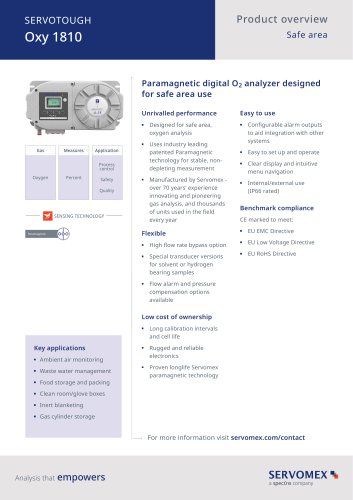 SERVOTOUGH Oxy 1810
9 Pages
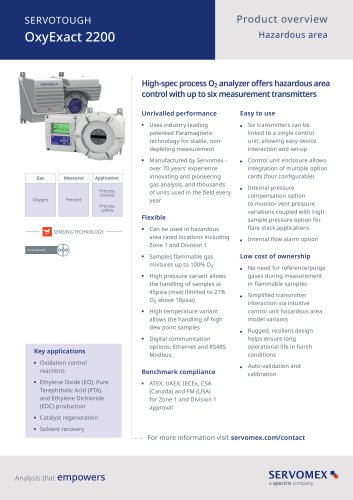 SERVOTOUGH OxyExact 2200
16 Pages
 SERVOPRO 4900 Multigas
10 Pages
 SERVOPRO PureGas
4 Pages
 DF560E Operator Manual
144 Pages
 DF-745 Operator Manual
112 Pages
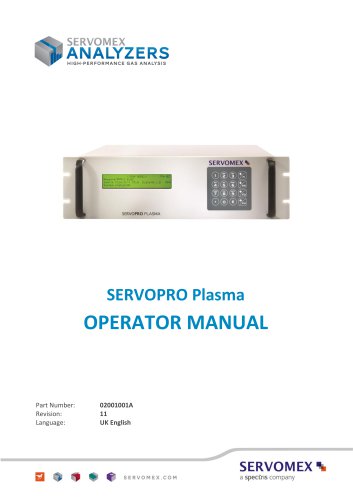 SERVOPRO Plasma Operator Manual
78 Pages
 ES 39 Sustainability
11 Pages
 ES 38 Korea Special
19 Pages
 ES 37 Clean Air part II
11 Pages
 ES 36 Purity & Specialty
11 Pages
 ES 35 Photometric Analysis
11 Pages
 ES 34 70th Anniversary
15 Pages
 ES30 Air Separation Units
11 Pages
 ES 29 Clean Air
11 Pages
 ES 28 Gas Analysis Applications
11 Pages
 Sensing Technologies
13 Pages
 DF760E Operator Manual
182 Pages
 DF750 Operator Manual
112 Pages
 DF745SGMax Operator Manual
90 Pages
 DF-740 Operator Manual
87 Pages
 DF560E Operator Manual 082616
146 Pages
 DF550E Operator Manual 082616
134 Pages











Archived catalogs
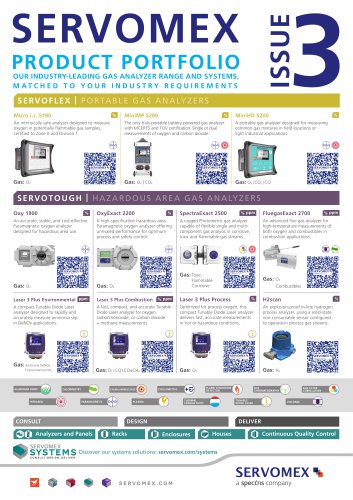
 Servomex Product Portfolio
2 Pages
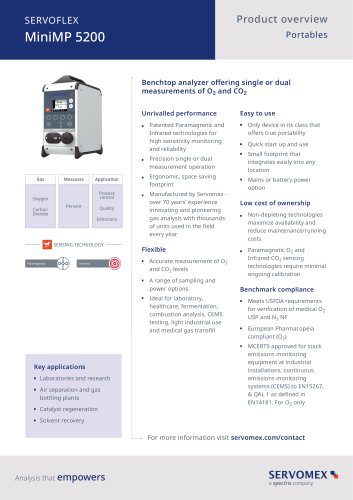 SERVOFLEX MiniMP 5200
7 Pages
 Servomex Product Guide - Issue 8
15 Pages
 Servomex Service Guide - Issue 3
13 Pages
 Servomex Gas Guide - Issue 4
76 Pages
 SERVOPRO HFID
4 Pages
 SERVOPRO NOx
4 Pages
 Servomex Product Guide Issue 7
13 Pages
 Servomex Service Guide Issue 2
11 Pages
 Servomex GAS GUIDE issue 3
77 Pages
 Servomex Service Portfolio
2 Pages
 SERVOTOUGH H2 Scan
2 Pages
 SERVOTOUGH SpectraScan 2400
2 Pages
 Servomex Gas Guide 2022
65 Pages


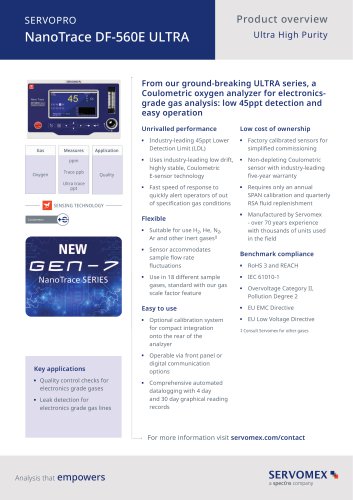


- SERVOMEX gas analyzer
- SERVOMEX concentration analyzer
- SERVOMEX monitoring analyzer
- Liquids analyzer
- Automatic analyser
- SERVOMEX benchtop analyzer
- Solids analyser
- SERVOMEX process analyzer
- SERVOMEX portable analyzer
- Continuous analyzer
- Real-time analyzer
- SERVOMEX integration analyzer
- SERVOMEX oxygen analyzer
- Laboratory analyzer
- SERVOMEX compact analyzer
- SERVOMEX digital analyzer
- Infrared analyser
- Calibration analyzer
- Waterproof analyzer
- Temperature analyzer