
- Catalogs
- SENSORLINK
- Recording Ammeter

Recording Ammeter
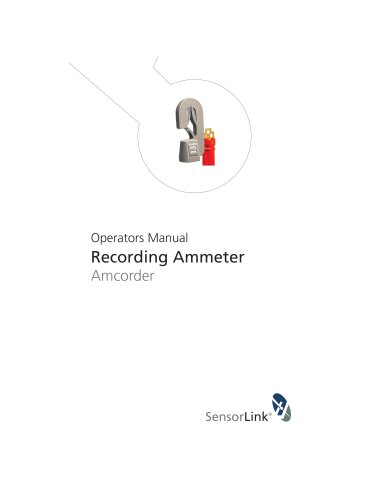
Recording Ammeter
The Amcorder Model 920 is available in various kits with accessories such as a Universal Switch Stick Adapter, Receiver, Carrying Case, and USB IrDA Dongle. Stock codes include 920-50HZ, 920-60HZ, 920-EURO, and 920 FRG.
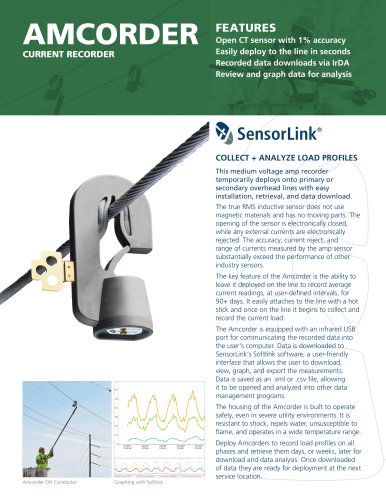
The Amcorder is a Recording Ammeter Kit for three-phase systems, suitable for voltages up to 69 kV and currents from 1 to 1000 A. It offers a resolution of 0.1 A for currents up to 99.9 A and 1 A for currents from 100 to 1000 A, with an accuracy of ±1%. It operates in temperatures from -22 to +140°F and is housed in a shock and water-resistant molded urethane case.
The Amcorder is designed for use on live, overhead lines and should be handled by certified personnel using appropriate hot sticks to prevent injury or death.
The device measures and records True RMS Amps on overhead lines using non-magnetic sensor technology. Data logging is user-defined and can be downloaded via IrDA or radio with an optional Transcorder.
Regular visual inspections and cleaning with silicone wipes are recommended to maintain device integrity and performance.
The Amcorder uses a 9V battery, with specific replacement instructions. Data is stored in flash memory and should be downloaded promptly after battery replacement.
Instructions for installing and removing the Amcorder using shotgun and universal switch stick hot sticks are provided, emphasizing correct procedures to avoid damage.
SoftLink software facilitates data download, viewing, and graphing. It requires Windows 7, 8, or 10 and includes installation instructions and system requirements.
Sections cover troubleshooting, warranty, and quality assurance details.
Data downloading procedures are outlined, with emphasis on starting downloads within 5 minutes of inserting a fresh battery. Data should be saved as .csv or .xlsx files.
Data files can be saved and opened in Softlink or other programs. The process involves using Softlink to locate and open the desired file.
Users can customize preferences such as remembering radio instruments and adjusting chart display settings.
Users can graph downloaded data and select measurement parameters for display, with tools for detailed analysis.
If communication issues arise, check IrDA proximity, connections, battery voltage, and USB port usage. Restarting Softlink or the computer may help.
SensorLink Corporation offers a one-year warranty against defects, excluding unauthorized repairs or misuse. The Model 920 Amcorder meets NIST standards.
For assistance, contact SensorLink Corporation in Ferndale, WA.
Catalog excerpts
Operators Manual Recording Ammeter Amcorder
Open the catalog to page 1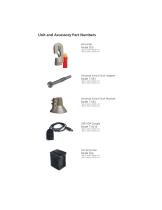
Unit and Accessory Part Numbers Amcorder Model 920 *Qty (1) sold in 6-920-1 Kit *Qty (3) sold in 6-920-3 Kit Universal Switch Stick Adapter Model 7-053 *Qty (1) sold in 6-920-1 Kit *Qty (1) sold in 6-920-3 Kit Universal Switch Stick Receiver Model 7-054 *Qty (1) sold in 6-920-1 Kit *Qty (3) sold in 6-920-3 Kit USB IrDA Dongle Model 7-021B *Qty (1) sold in 6-920-1 Kit *Qty (1) sold in 6-920-3 Kit Carrying Case Model 659 *Qty (1) sold in 6-920-1 Kit *Qty (1) sold in 6-920-3 Kit
Open the catalog to page 2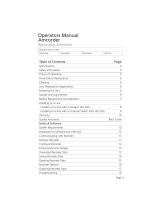
Battery Replacement and Operation 7 Installing on a line with a Shotgun Hot Stick 8 Installing on a line with a Universal Switch Stick Hot Stick 9 Quality Assurance Back Cover SoftLink Software Installation of Software and USB IrDA 10 Communicating with Recorder 11 Entering Nominal Voltage 13 Download Recorder Data 13 Saving Recorder Data 14 Opening Recorder Data 15 Graphing Recorder Data 17
Open the catalog to page 3
Safety Information Read all safety and instruction statements before using the product. Failing to follow the safety guidelines can cause severe injury or death. Amcorders are designed for use on live, overhead lines with 0 to 69KV. All procedures appropriate for the line voltage are to be taken, including proper work techniques, equipment, and Personal Protection Equipment. The Amcorder should be deployed and retrieved only by certified personnel who have been trained for live-line, high voltage work by their organization. The Amcorder is to be installed and removed from the line with a suitable...
Open the catalog to page 5
The Recorder should be visually inspected for cracks in urethane. Do not use if cracks are present or the unit is damaged. Verify the air vent on the faceplate has not been covered. The membrane on the inside of the faceplate is designed to allow the unit to breath properly. The Recorder should be cleaned by wiping with a silicone hot stick wipe to remove dirt, sand, and salt that will degrade the urethane housing. The Alkaline Battery and the IrDA transceiver are two components that limit the operation of the Recorder to down to -4F / -20C. By substituting a Lithium long-life battery the Recorder...
Open the catalog to page 6
Changing the Battery: The Amcorder requires one 9V battery. Remove the screw at the base of the unit and remove the cover plate. Snap the battery to the connector and insert into the battery slot. Replace the cover plate. The Recorder should have a fresh 9-volt battery replaced each time it is setup and deployed. A fresh battery has greater than 9.2 VDC. Alkaline batteries have a short shelf life and care should be taken to make sure the battery is fresh. Expected Battery Life: The expected life of the battery in a Recorder is varied by how often the Recorder samples the line to collect data...
Open the catalog to page 7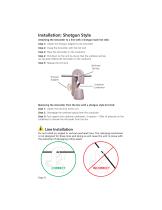
Installation: Shotgun Style Attaching the Amcorder to a line with a shotgun style hot stick: Step 1: Attach the Shotgun adapter to the Amcorder Step 2: Grasp the Amcorder with the hot stick Step 3: Place the Amcorder on the conductor Step 4: Pull down on the unit to ensure that the urethane springs are securely holding the Amcorder on the conductor Step 5: Release the hot stick Urethane Springs Shotgun Adapter Urethane Carabineer Removing the Amcorder from the line with a shotgun style hot stick: Step 1: Attach the hot stick to the unit Step 2: Disengage the urethane spring from the conductor...
Open the catalog to page 8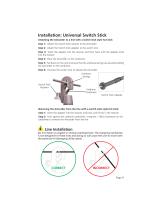
Installation: Universal Switch Stick Attaching the Amcorder to a line with a switch stick style hot stick: Step 1: Attach the Switch Stick receiver to the Amcorder Step 2: Attach the Switch Stick adapter to the switch stick Step 3: Insert the adapter into the receiver and then twist until the adapter locks into the receiver Step 4: Place the Amcorder on the conductor Step 5: Pull down on the unit to ensure that the urethane springs are securely holding the Amcorder on the conductor Step 6: Unscrew the switch stick to release the Amcorder Urethane Springs Switch Stick Receiver Urethane Carabineer...
Open the catalog to page 9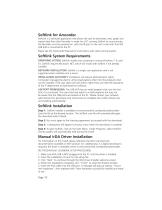
Softlink for Amcorder SoftLink is a software application that allows the user to download, view, graph and import data from their Recorder. In order for a PC running Softlink to communicate, the Recorder must be powered on, with the IR port on the unit in-line with the IrDA USB that is connected to the PC. Please see the Transcorder Manual for instructions with radio communication. Softlink System Requirements OPERATING SYSTEM: Softlink installs onto computers running Windows 7, 8, and 10. Softlink requires Microsoft .NET, which will install with Softlink if not already installed. NETWORK INSTALLATION:...
Open the catalog to page 10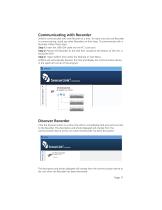
Communicating with Recorder Softlink communicates with one Recorder at a time. To make sure only one Recorder is communicating, stand any other Recorders on their base. To communicate with a Recorder, follow these steps: Step 1: Insert the USB IrDA cable into the PC's user port Step 2: Position the Recorder so the IrDA Port, located at the bottom of the unit, is facing the IrDA Step 3: Open Softlink from either the Desktop or Start Menu. Softlink will automatically discover the IrDA and display the communication device in the upper left corner of the program. Configure Download Discover Discover...
Open the catalog to page 11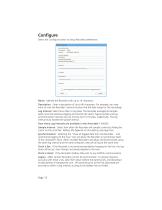
Configure Select the Configure button to setup Recorder preferences. Name: Identify the Recorder with up to 16 characters. Description: Enter a description of up to 46 characters. For example, you may want to note the Recorder's service location and the date range for the recordings. Log Interval: Select how often to log data. The Recorder averages all samples taken since the previous logging and records the result. Typical sample and log synchronization intervals are one minute and 15 minutes, respectively. The log interval must exceed the sample interval. How many Log intervals are available...
Open the catalog to page 12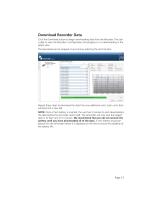
Click the Download button to begin downloading data from the Recorder. The user is able to view the Recorder's configuration and progress as it is downloading in the graph view. The download can be stopped at any time by selecting the red X button. Repeat these steps to download the data from any additional units. Each unit's data will load into a new tab. NOTE: Once a fresh battery is inserted, the user has 5 minutes to start downloading the data before the Amcorder resets itself. The Amcorder will only save the logged data in its flash ram for 5 minutes. We recommend that you do not remove...
Open the catalog to page 13All SENSORLINK catalogs and technical brochures
 VOLT LITEWIRE
2 Pages
 VARCORDER
2 Pages
 TROUBLEMANS KIT
2 Pages
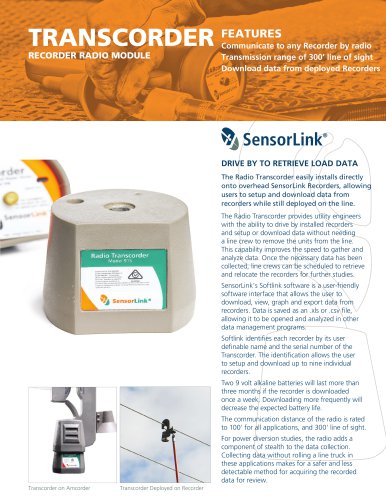 TRANSCORDER
2 Pages
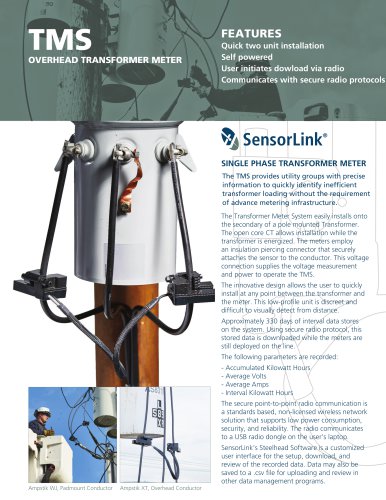 TMS
TMS2 Pages
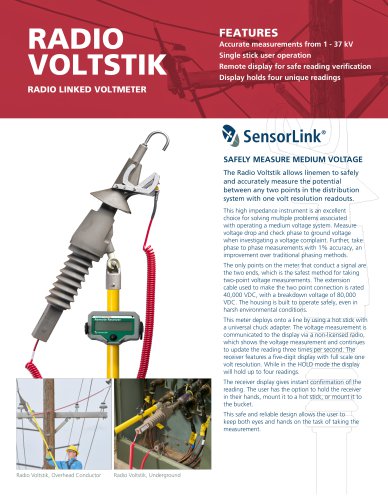 RADIO VOLTSTIK
2 Pages
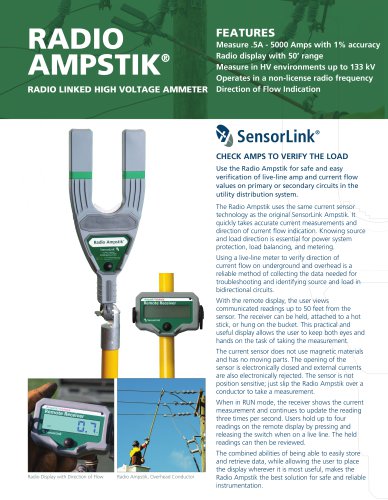 Spécification Radio Ampstik
2 Pages
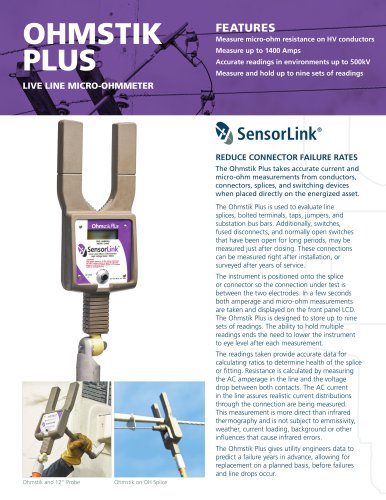 Spécification Ohmstik Plus
2 Pages
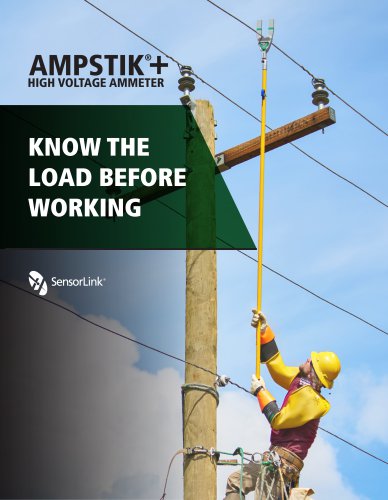 Spécification Ampstik Plus
2 Pages
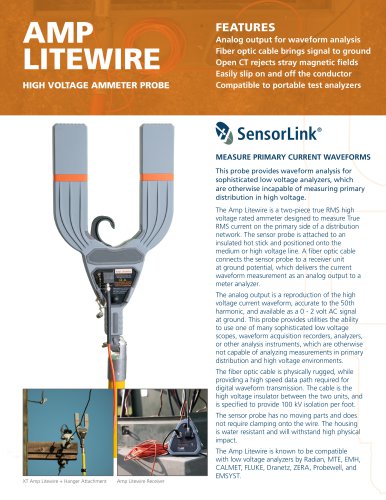 Spécification Ampli Litewire
2 Pages
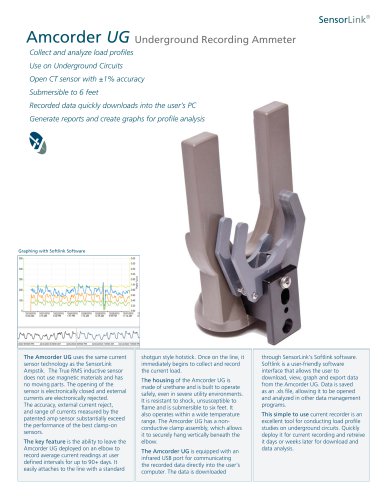 Spécification AMCORDER UG
2 Pages
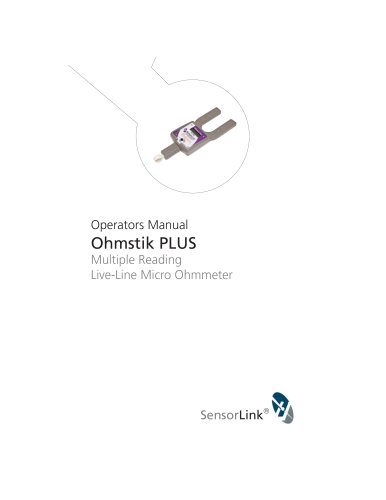 Ohmstik PLUS
20 Pages
 Ampstik® +
16 Pages
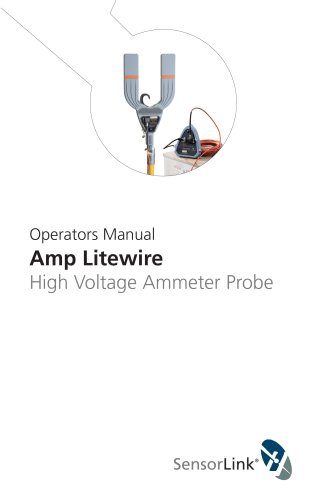 Amp Litewire
17 Pages
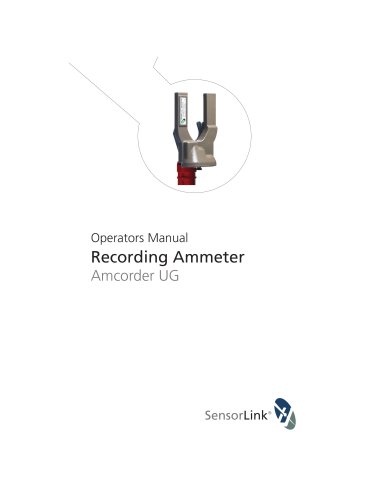 Recording Ammeter
20 Pages
- Power supply unit
- DC power supply
- AC/DC power supply
- Electrical power supply connector
- Measuring device
- Cable connector
- Tabletop power supply
- Optical cable
- Coaxial connector
- Power meter
- Single-phase electric energy meter
- Carrying case
- Radio receiver
- Measuring instrument with display
- Power supply with USB outlet
- Compact receiver
- Adapter power supply
- Rugged receiver
- Current measuring module