
- Catalogs
- Ribbon Communications Operating Company, Inc.
- SL-100/CS2100 Migration

SL-100/CS2100 Migration

SL-100/CS2100 Migration
The document discusses the benefits and features of migrating from Nortel SL-100 and CS 2100 systems to Ribbon's modern communications architecture. Ribbon's acquisition of Nortel's carrier business allows it to offer a scalable and reliable solution that protects existing investments while modernizing infrastructure.
- Scalability and Reliability: Ribbon Application Server (AS) supports up to 2 million users per system with built-in redundancy.
- Infrastructure Transformation: Migration to an IP network consolidates resources, simplifies operations, and reduces space and power requirements.
- Vendor Flexibility: Supports standard SIP-based endpoints to avoid vendor lock-in and reduce costs.
- Unified Communications: Integrates with various PBXs and UC servers to deliver consistent features and dial plans across multi-vendor environments.
- Enhanced User Experience: Smart Office clients provide instant messaging, presence, voice/video calling, and collaboration tools on modern devices.
The migration to Ribbon AS allows organizations to decommission legacy Nortel hardware at their own pace, leveraging cloud services for enhanced capabilities and unifying multi-vendor communications environments.
- Voice, video, instant messaging, and presence
- Corporate directory access
- Call Grabber for seamless call handover
- Voice/video conferencing rooms and screen sharing
- Extensive experience in managing Nortel migrations for large enterprises.
- High availability engineered into all elements with standard redundancy.
- Global support from Ribbon's professional services and resellers.
Catalog excerpts
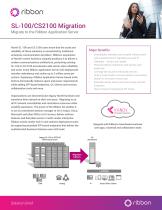
Migrate to the Ribbon Application Server Nortel SL-100 and CS 2100 users know that the scale and reliability of these solutions is unmatched by traditional enterprise communication providers. Ribbon’s acquisition of Nortel’s carrier business uniquely positions it to deliver a modern communications architecture, protecting existing SL-100 or CS 2100 investments with carrier-class reliability and scale. Every Ribbon Application Server (AS) deployment includes redundancy and scales up to 2 million users per system. Deploying a Ribbon Application Server-based architecture dramatically reduces space and power requirements while adding SIP-based endpoints, UC clients and services, collaboration tools and more. Major Benefits • Organizations can decommission legacy Nortel hardware and transform their network at their own pace. Migrating to an all IP network consolidates and centralizes resources while simplify operations. The power of the Ribbon AS enables it to act as centralized session manager to tie in Avaya, Cisco, Microsoft and other PBXs or UC servers; deliver uniform features and dial plans across a multi vendor enterprise. Ribbon avoids vendor lock-in and reduces deployment costs by supporting standard SIP-based endpoints that deliver the sophisticated business features users still need. Legacy SL-100 or CS2100 TDM Infrastructure Solution Brief Consolidate, centralize, and simplify infrastructure with a transformed IP signaling core and IP Gateways – at your own speed Preserve Nortel investments and familiar user experence Leverage the cloud for enhanced services Unify a multi-vendor communications environment Deliver UC services to every user Eliminate vendor lock-in and save money with SIP Endpoints Save money by migrating to SIP trunks Integrate with Ribbon’s cloud-based customer care apps, voicemail and collaboration tools
Open the catalog to page 1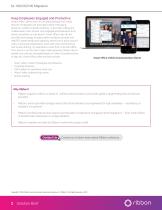
SL-100/CS2100 Migration Keep Employees Engaged and Productive Smart Office clients work on the latest desktop and mobile devices. Employees can lever-age instant messaging, presence, unified corporate directory, voice/video calling and collaboration room access; stay engaged and productive from almost anywhere, on any device. Smart Office uses the latest client technology, including client container services and WebRTC-based media and signaling. Move from a point to point call to a personal collaboration room with video conferencing and screen sharing. It’s seamless to work from a remote office,...
Open the catalog to page 2All Ribbon Communications Operating Company, Inc. catalogs and technical brochures
 SBC 7000™
3 Pages
 SBC 5400
3 Pages
 SBC 1000 & SBC 2000
4 Pages
 Edge 8500
8 Pages
 SBC SWe Edge
4 Pages
 Universal Gateway
2 Pages
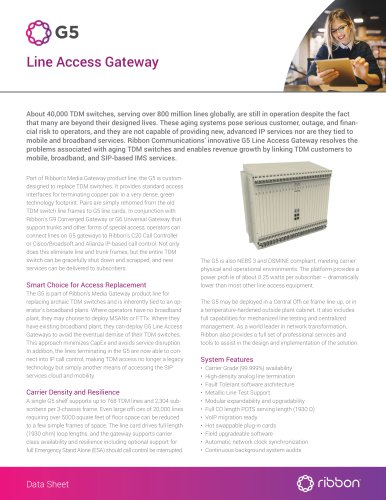 Line Access Gateway
2 Pages
 NPT 2100
8 Pages
 NPT 1800
7 Pages
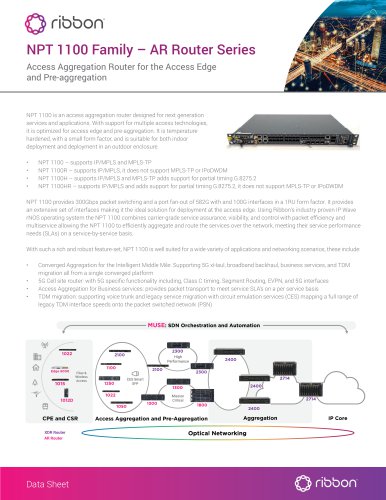 NPT 1100 Family
8 Pages
 Neptune 1250
8 Pages
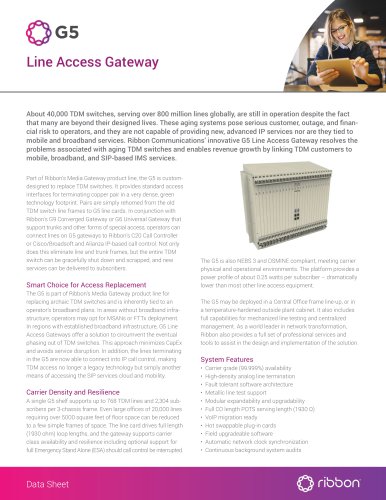 Line Access Gateway
2 Pages
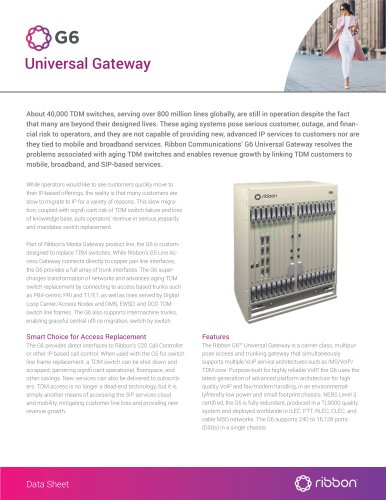 Universal Gateway
2 Pages
 Ribbon Networking Portfolio
6 Pages


- Management software solution
- Analysis software solution
- Quality software
- Industrial gateway
- Network software
- Ethernet communication router
- Engineering software
- Cellular communication router
- Planning software solution
- Network communication router
- IP communication router
- EDGE communication router
- Debugging software
- Benchtop communication router
- Troubleshooting software
- VoIP gateway
- Layer 3 communication router
- Layer 2 communication router
- Cellular CPE communication router
- Development Web platform