
- Catalogs
- Renu Electronics GmbH
- WP6CN Plus Web Panel

- Company
- Products
- Catalogs
- News & Trends
- Exhibitions
WP6CN Plus Web Panel

WP6CN Plus Web Panel
- Models: WP6043CN, WP6070CN, WP6101CN
- Display: 4.3” (480 x 272 pixels), 7” and 10.1” (1024 x 600 pixels) WSVGA color TFT with capacitive touch screen
- Power Supply: 24VDC with varying current and power requirements based on model
- Memory: eMMC 4GB, RAM 1GB
- Brightness: 1000 Nits
- Environmental Conditions: Operating temperature 0°C to 50°C, storage temperature -20°C to 85°C, humidity 10 to 95% non-condensing
- Protection: IP66 for front panel mounting
- Approvals: RoHS compliant
- USB Ports: 1x Type-C USB and USB Host
- Ethernet Port: 10/100MBps, compliant with IEEE 802.3 / 802.3u standards
- Connect an Ethernet cable and power up using a 24VDC power supply
- Use a USB flash drive for firmware and browser updates
- Default password for configuration: admin@123
- Ensure proper earthing to avoid unstable impedance
- Suitable for Class I, Division 2, Groups A, B, C, and D or non-hazardous locations
- Warnings regarding explosion hazards and component substitution
- Periodic inspection of sealed devices is recommended
- Panel cutout dimensions and mounting clamp details provided for each model
- Default settings include DHCP network settings, full-scale brightness, and English language
- For latest datasheets and manuals, visit www.renuelectronics.com
Catalog excerpts

To use the WP6 Plus as a browser, follow these steps to connect the device to a webserver. The Password for configuring the device is admin@123. [Note: For configuring new Password it must be at least 7 or more characters with 1 capital letter (0-9, a-z, A-Z).] 1. Connect an Ethernet cable to the device. 2. Power up the device using 24VDC power supply by connecting it to the device's pluggable terminal block. 3. If the browser or the firmware needs to be updated, connect a USB flash drive to the device. Qrenu For More Information, Visit http s://www.re nue lectron ics.com Panel Dimensions Power (Base)
Open the catalog to page 1
Panel Cutout Dimensions Panel Cutout Dimensions: 111.00 (W) x 80.00(H) mm Panel Thickness: Maximum 6mm Mounting Clamps: 2 _m.j>| Ethernet Port The WP6 Plus series devices come with an in-built Ethernet port. 1. Fully compliant with IEEE 802.3 / 802.3u standards. 2. 10/100 Mbps support. 3. Connector used: Standard shielded RJ-45 female jack with WP6070CN Panel Cutout Dimensions: 127.00(H) x 175.00(W) mm Panel Thickness: Maximum 6mm Mounting Clamps: 4 in-built speed and link activity indication LEDs. • This equipment is suitable for use in Class I, Division 2, Groups A, B, C and D or non-hazardous...
Open the catalog to page 2All Renu Electronics GmbH catalogs and technical brochures
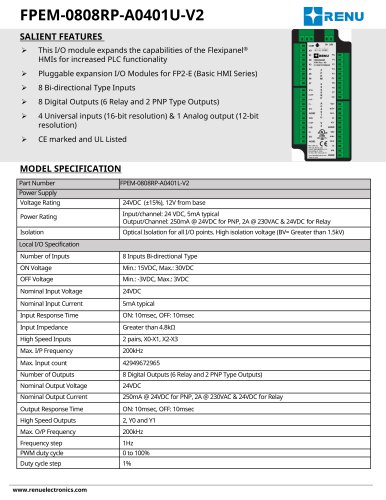 FPEM-0808RP-A0401U-V2
3 Pages
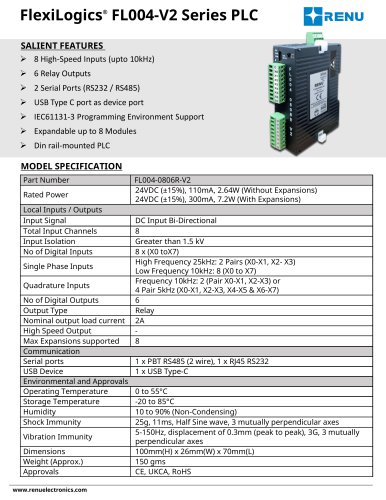 FL004-0806R-V2
4 Pages
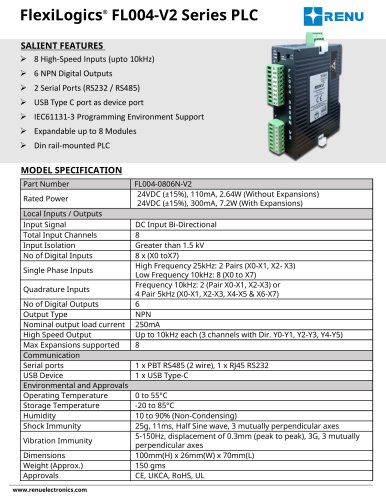 FL004-0806N-V2
4 Pages
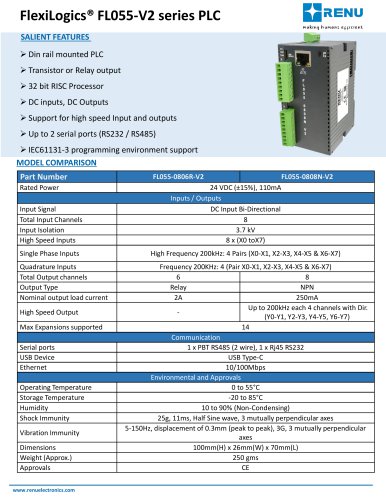 FL055-0806R-V2
4 Pages
 FL055-0808N-V2
4 Pages
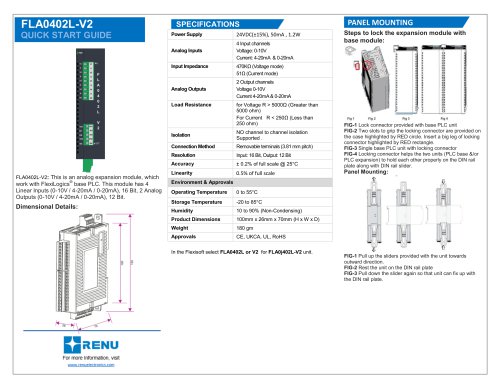
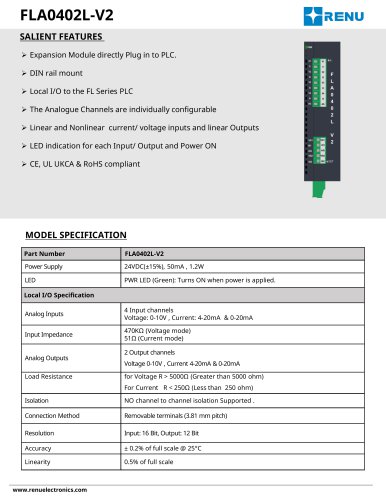 FLA0402L-V2
2 Pages
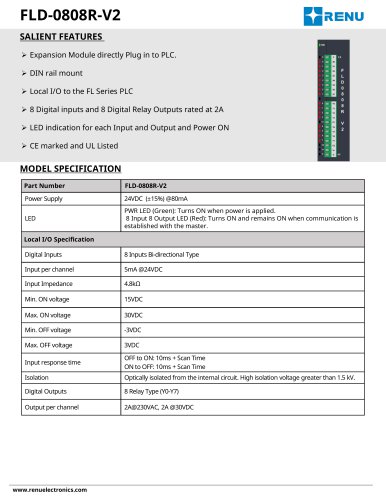 FLD-0808R-V2
2 Pages
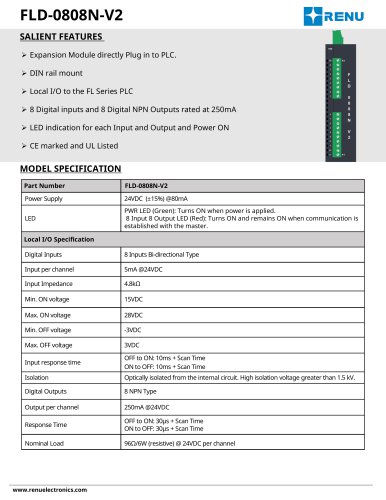 FLD-0808N-V2
2 Pages
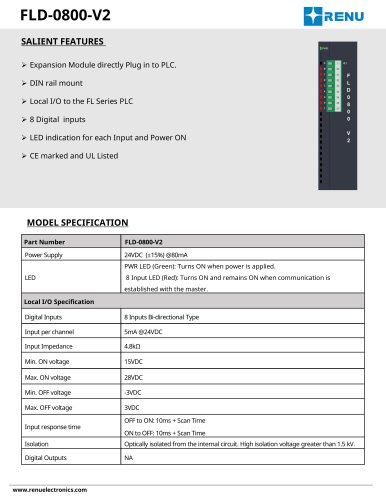 FLD-0800-V2
2 Pages
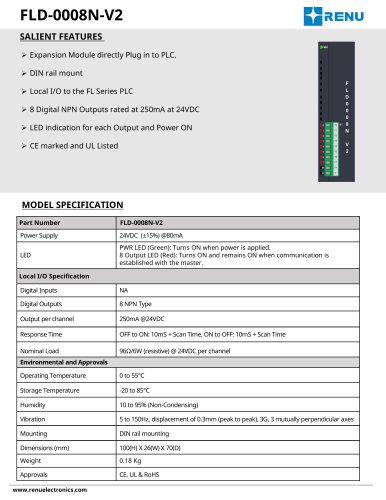 FLD-0008N-V2
2 Pages
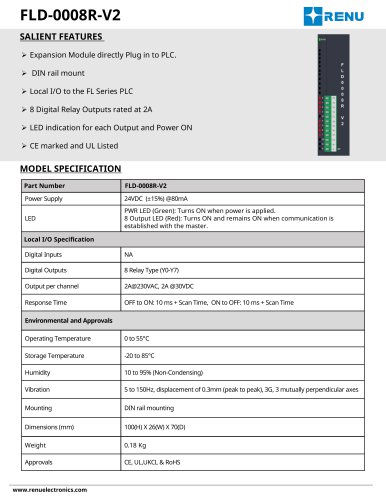 FLD-0008R-V2
2 Pages
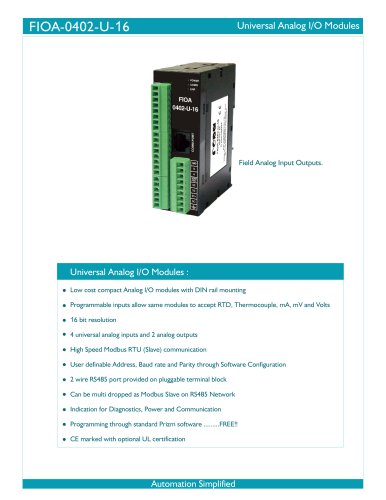 FIOA-0402-U-16
4 Pages
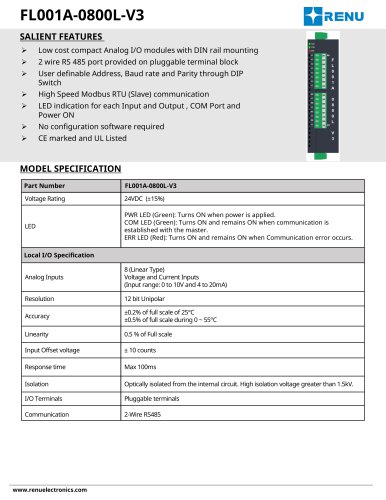 FL001A-0800L-V3
2 Pages
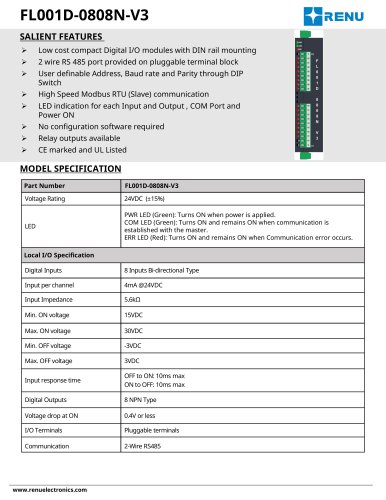 FL001D-0808N-V3
2 Pages
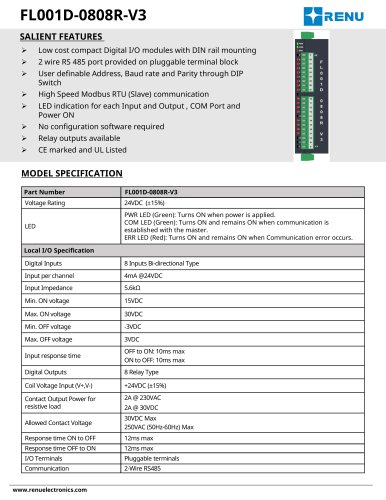 FL001D-0808R-V3
2 Pages
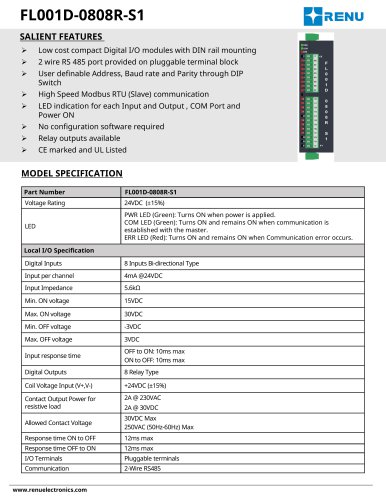 FL001D-0808R-S1
2 Pages
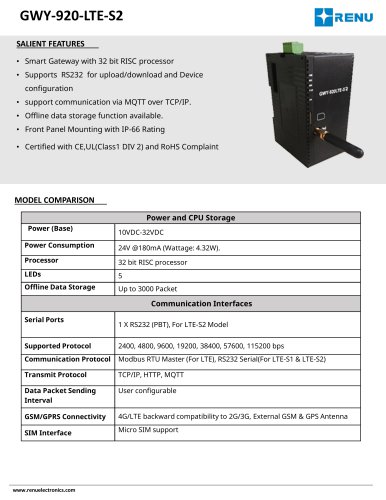 GWY-920-LTE-S2
2 Pages
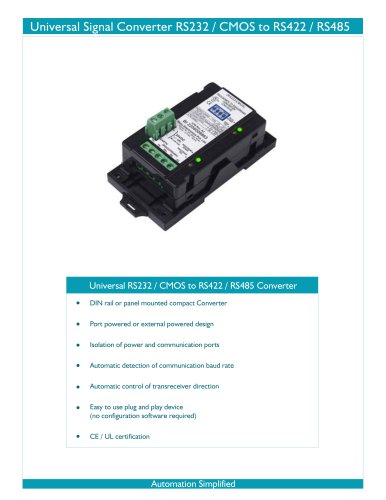 CNV-02-B
2 Pages
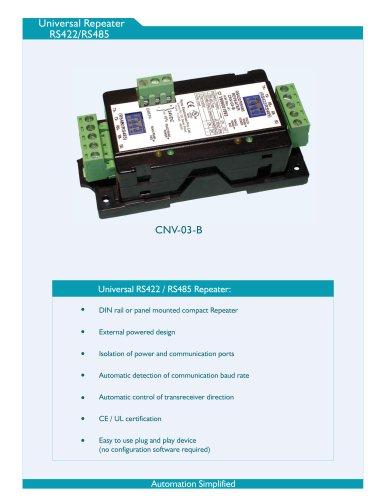 CNV-03-B
2 Pages
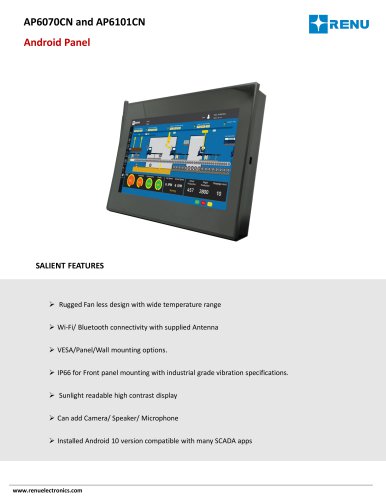 AP6070CN
4 Pages
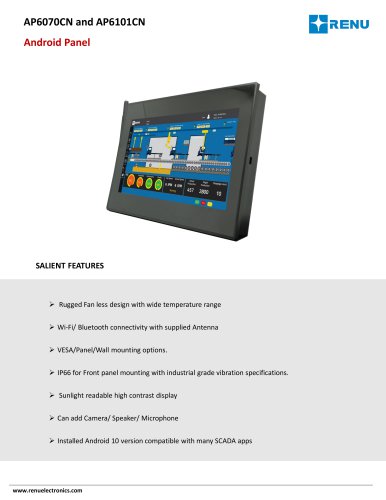 AP6101CN
4 Pages
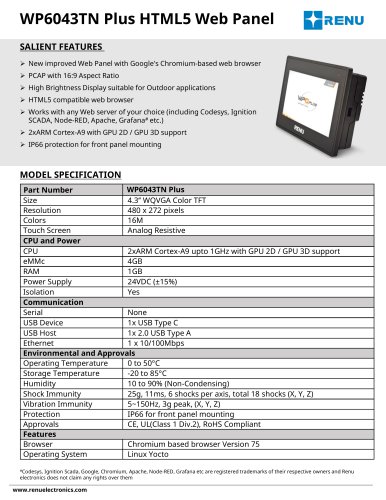 WP6043TN Plus
2 Pages
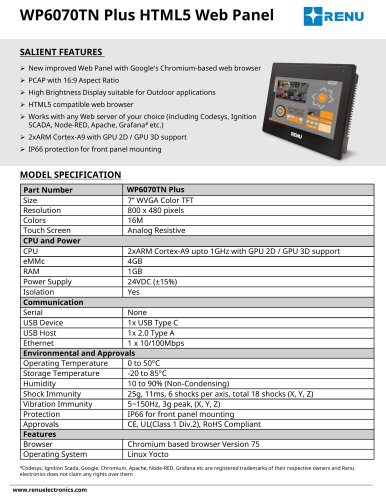 WP6070TN Plus
2 Pages
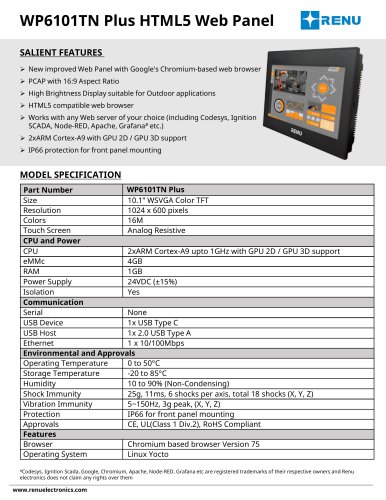 WP6101TN Plus
2 Pages
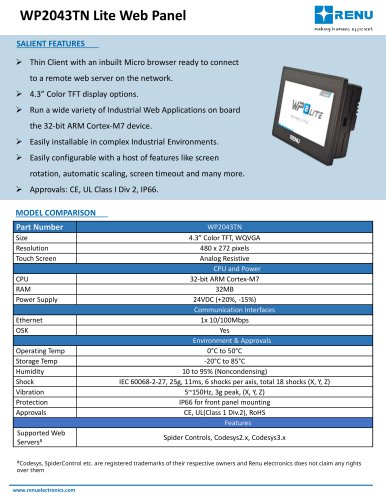 WP2043TN Lite
2 Pages
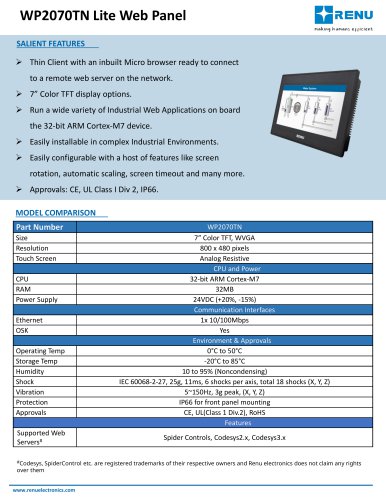 WP2070TN Lite
2 Pages
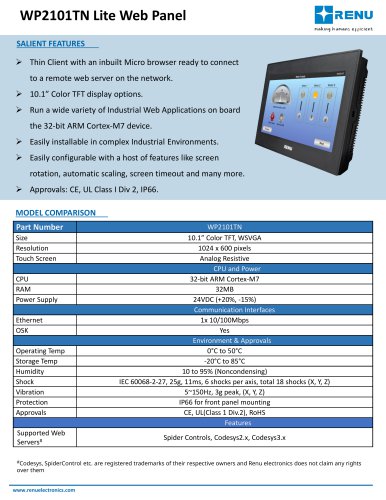 WP2101TN Lite
2 Pages
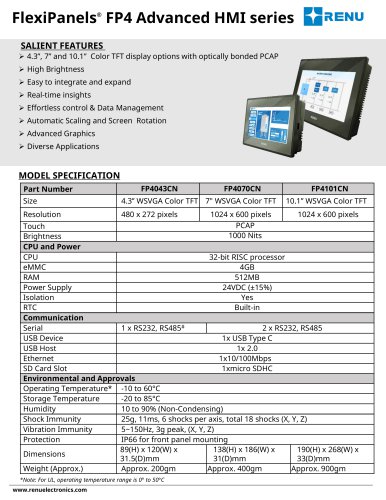 FP4043CN
5 Pages
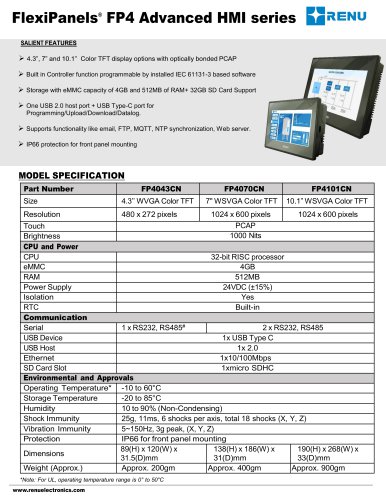 FP4070CN
5 Pages
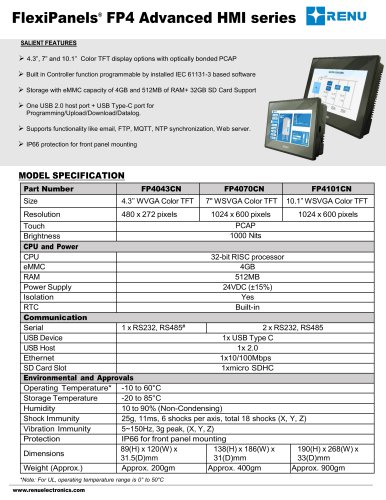 FP4101CN
5 Pages
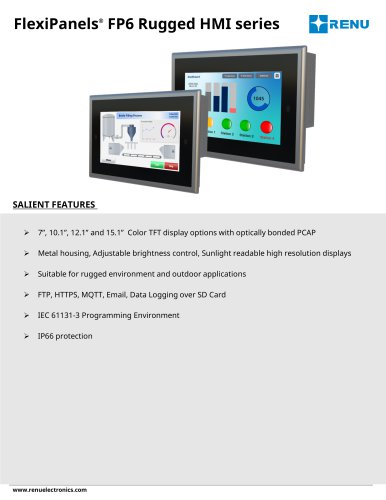 FP6070CN-M
5 Pages
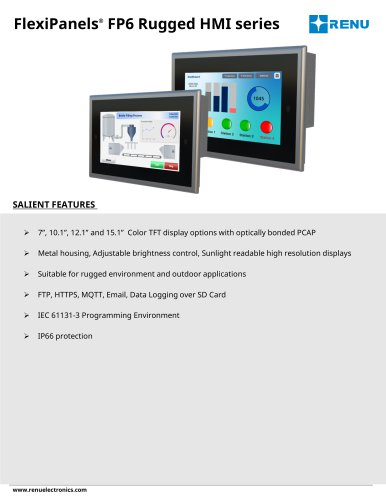 FP6101CN-M
5 Pages
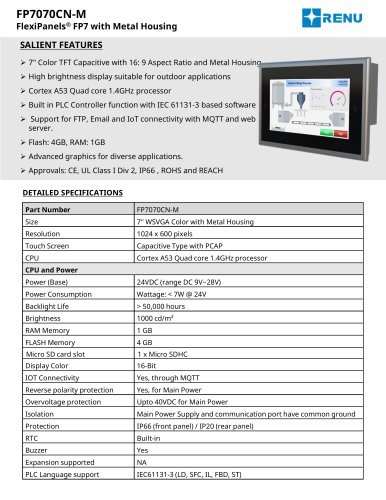 FP7070CN-M
3 Pages
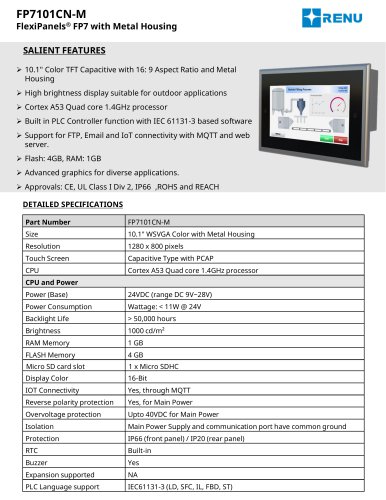 FP7101CN-M
3 Pages
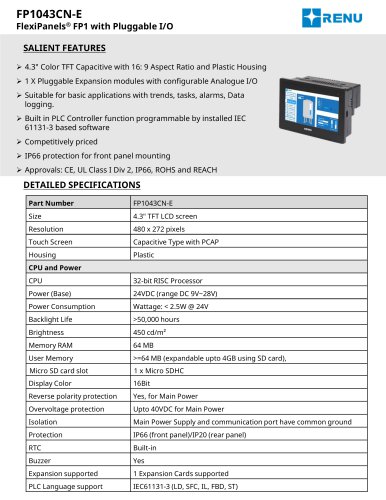 FP1043CN-E
5 Pages
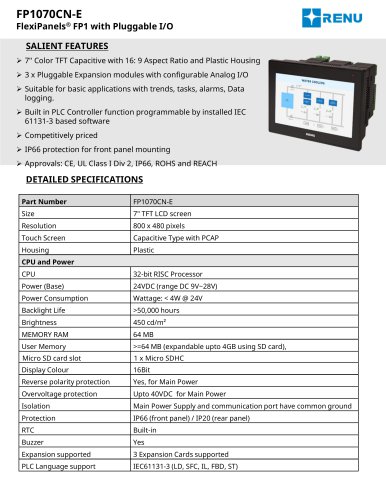 FP1070CN-E
5 Pages
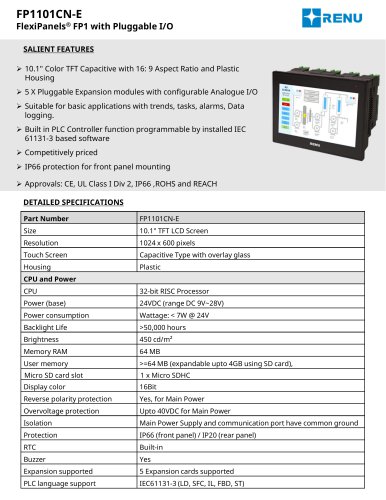 FP1101CN-E
5 Pages
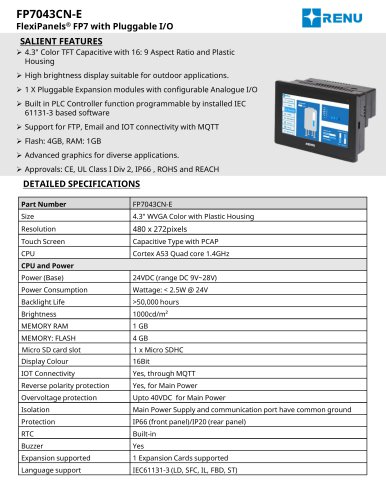 FP7043CN-E
5 Pages
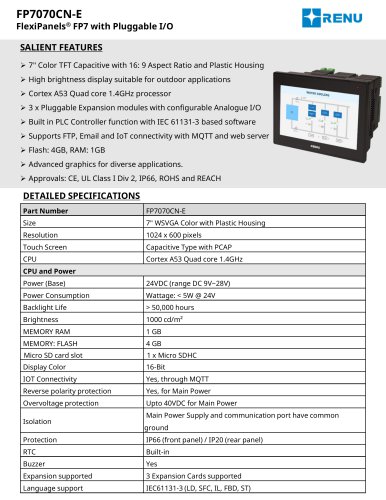 FP7070CN-E
5 Pages
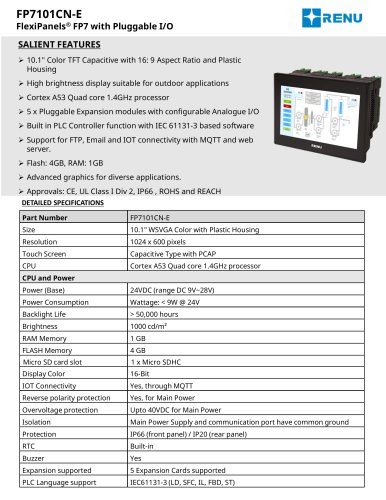 FP7101CN-E
5 Pages
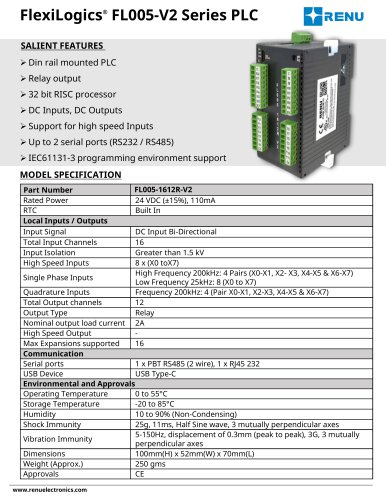 FL055-1612R-V2
4 Pages
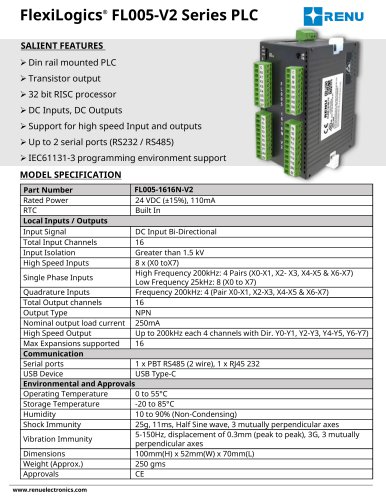 FL055-1616N-V2
4 Pages
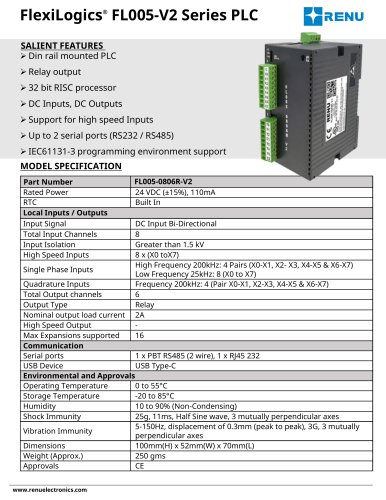 FL005-0806R-V2
4 Pages
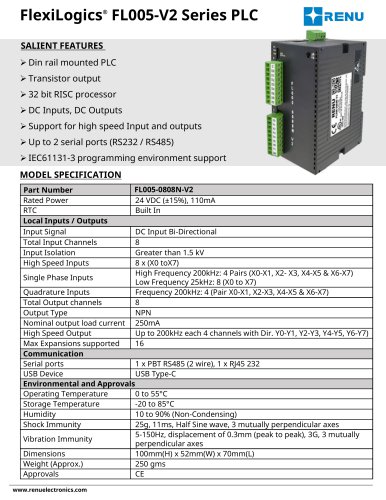 FL005-0808N-V2
4 Pages
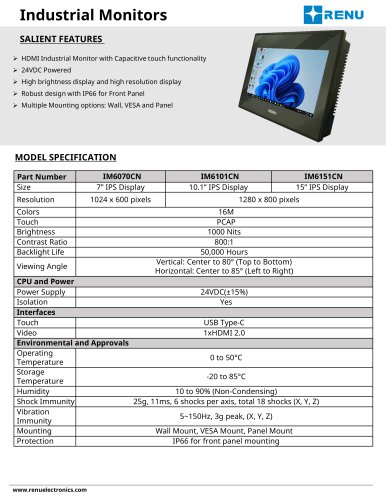
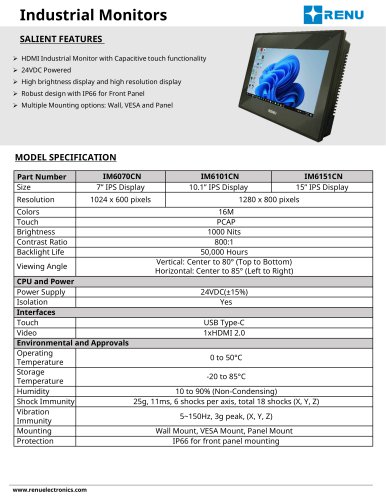 IM6070CN
2 Pages
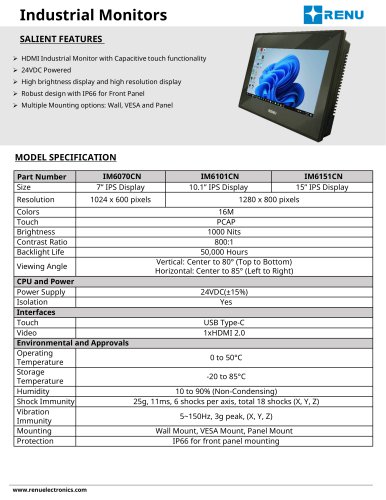
 IM6101CN
2 Pages
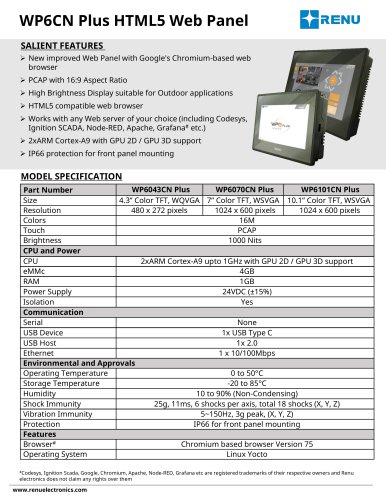
 IM6151CN
2 Pages
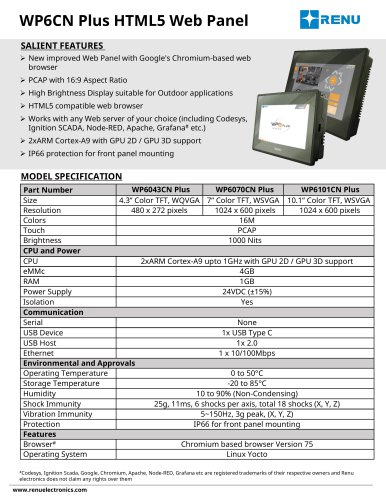
 WP6043CN Plus
3 Pages
 WP6070CN Plus
3 Pages
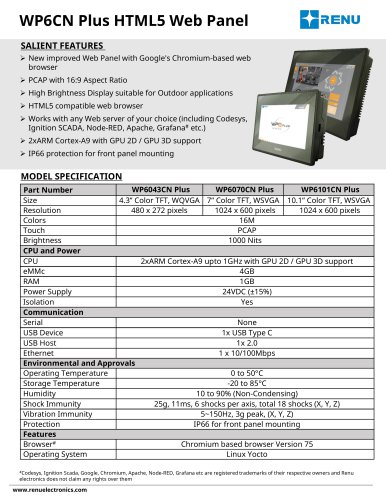 WP6101CN Plus
3 Pages
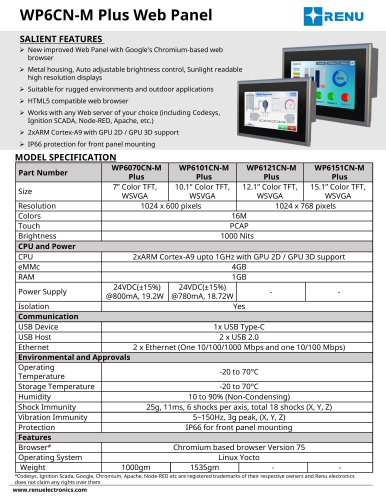 WP6070CN-M Plus
3 Pages
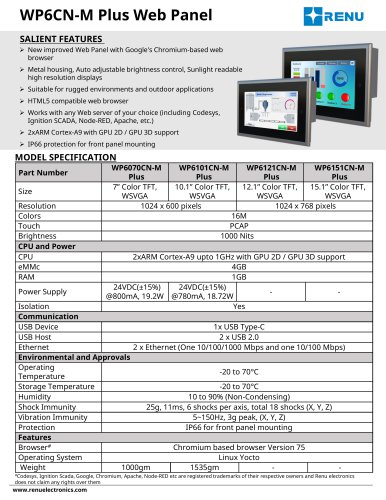 WP6101CN-M Plus
3 Pages
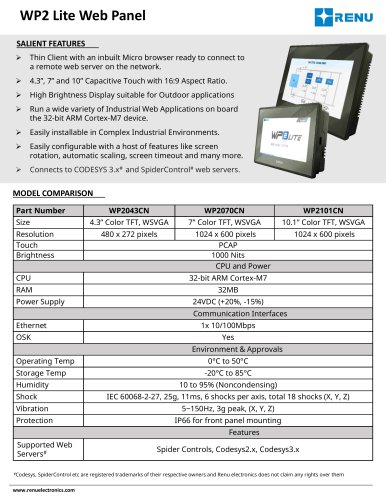 WP2043CN
3 Pages
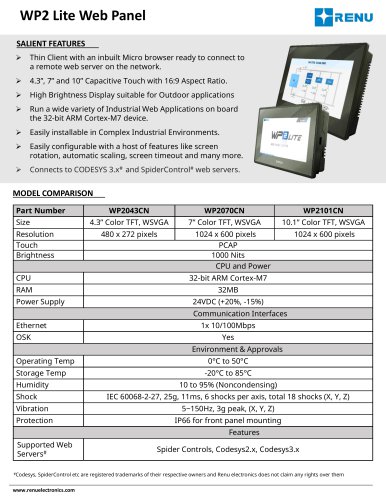 WP2070CN
3 Pages
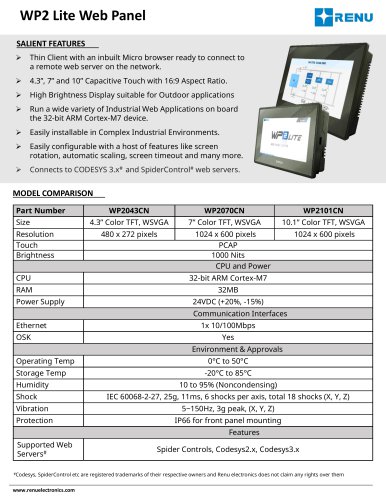 WP2101CN
3 Pages
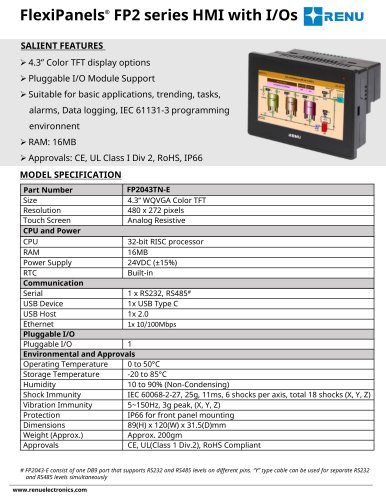 FP2043TN-E
3 Pages
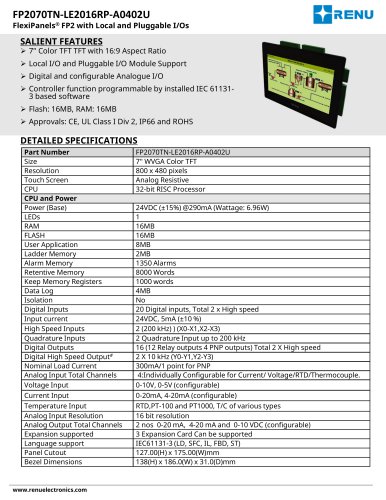 FP2070TN-LE2016RP-A0402U
4 Pages
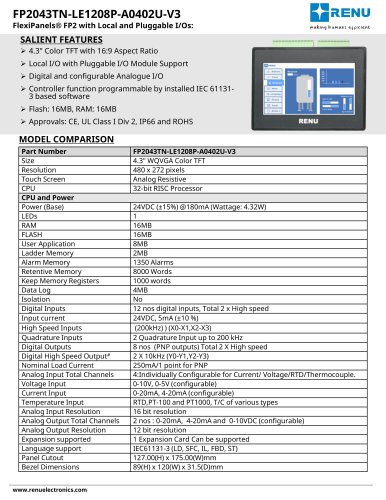 FP2043TN-LE1208P-A0402U-V3
4 Pages
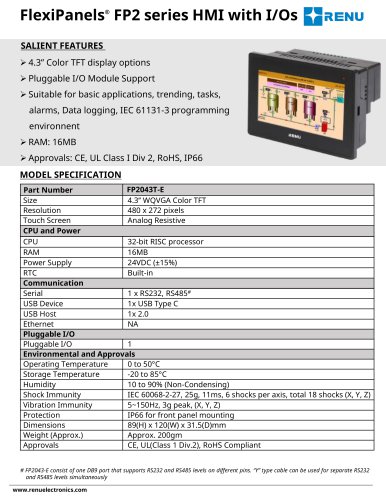 FP2043T-E
3 Pages
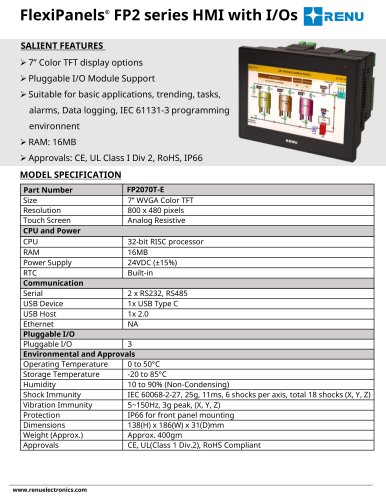 FP2070T-E
3 Pages
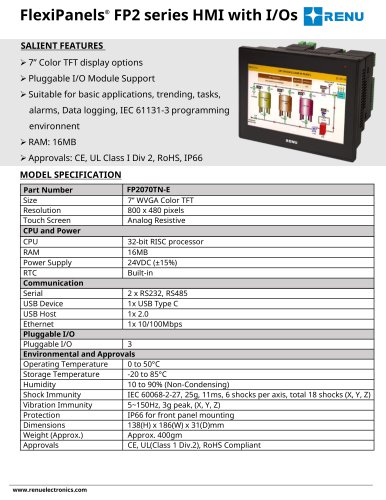 FP2070TN-E
3 Pages
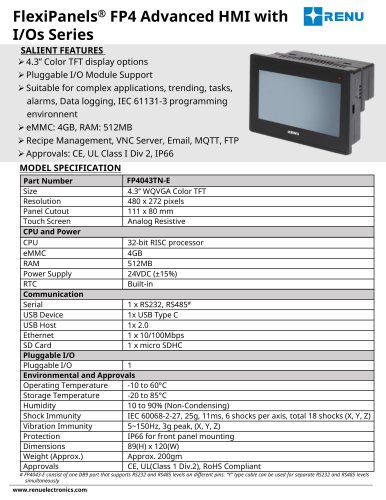 FP4043TN-E
3 Pages
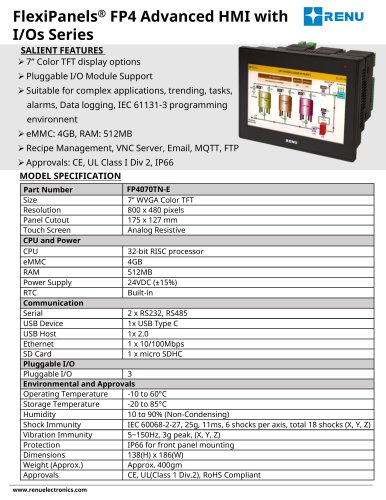 FP4070TN-E
3 Pages
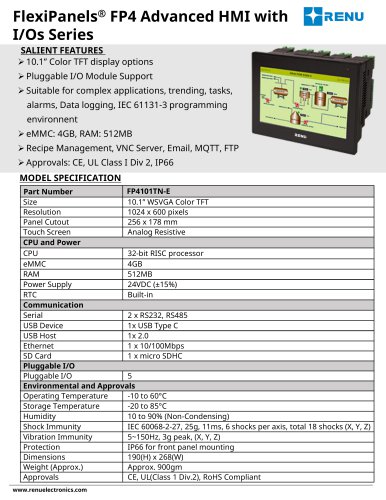 FP4101TN-E
3 Pages
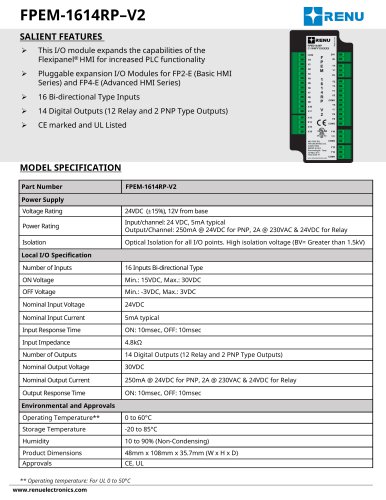 FPEM-1614RP-V2
3 Pages
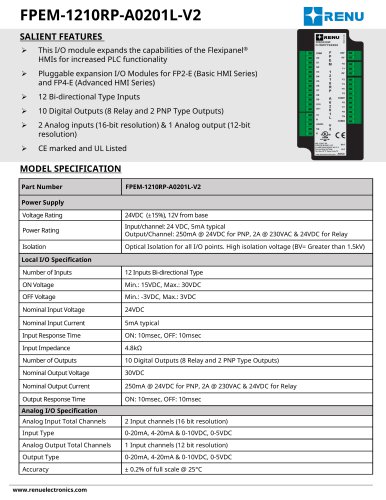 FPEM-1210RP-A0201L-V2
3 Pages
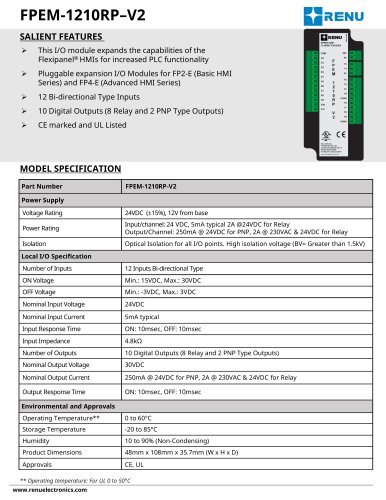 FPEM-1210RP-V2
3 Pages
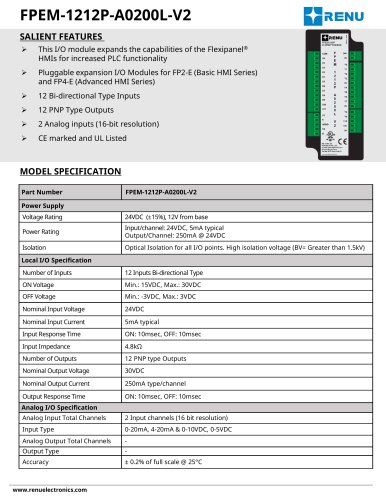 FPEM-1212P-A0200L-V2
3 Pages
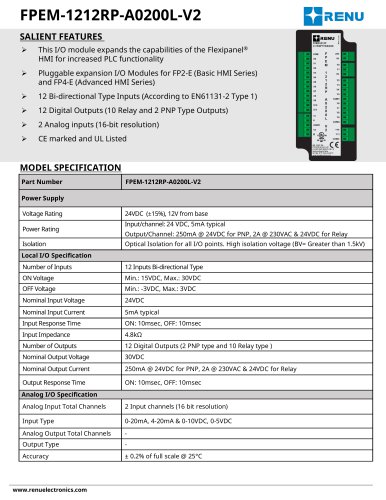 FPEM-1212RP-A0200L-V2
3 Pages
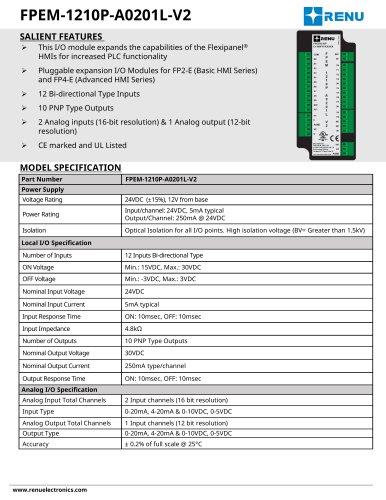 FPEM-1210P-A0201L-V2
3 Pages
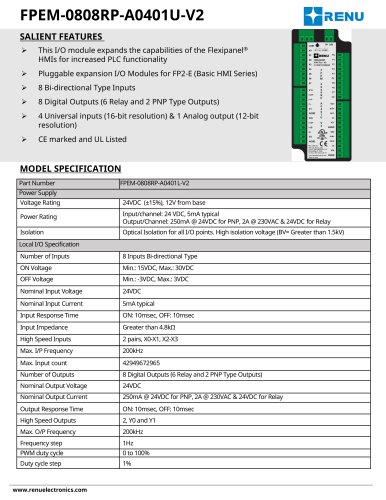 FPEM-0808RP-A0401L-V2
3 Pages
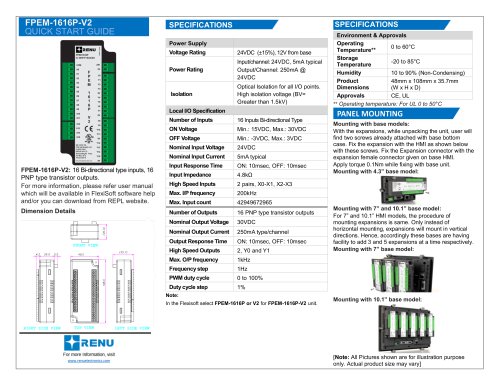 FPEM-1616P-V2
2 Pages
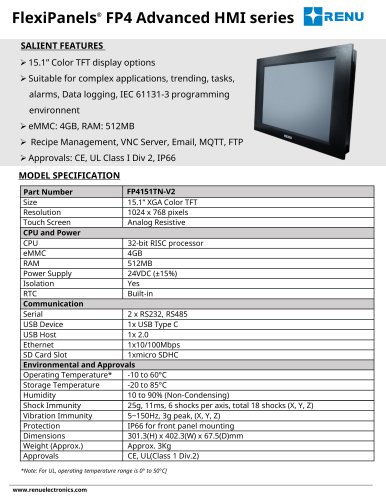 FP4151TN-V2
3 Pages
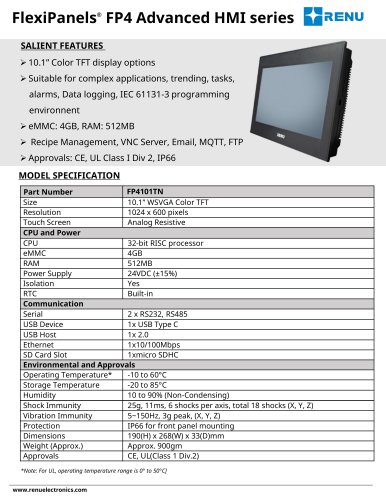 FP4101TN
3 Pages
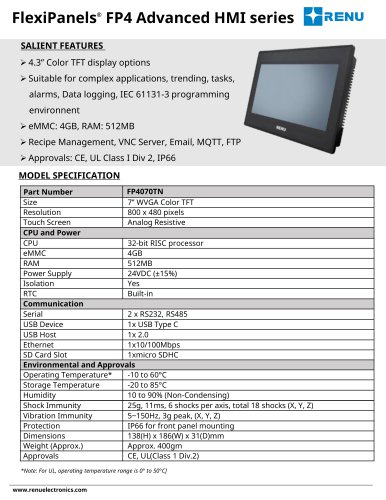 FP4070TN
3 Pages
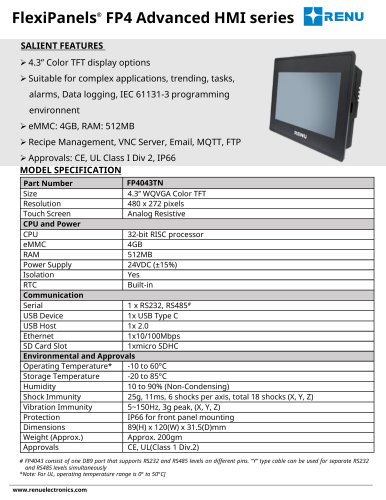 FP4043TN
3 Pages
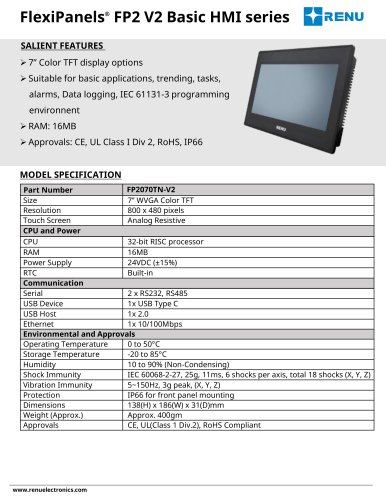 FP2070TN-V2
3 Pages
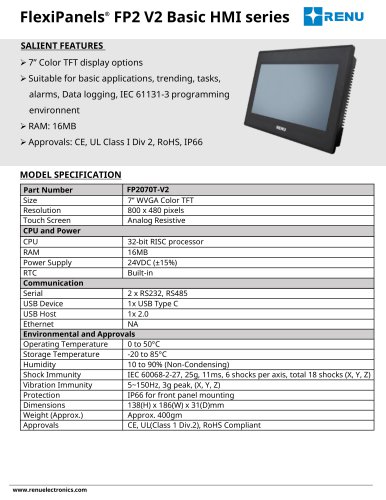 FP2070T-V2
3 Pages
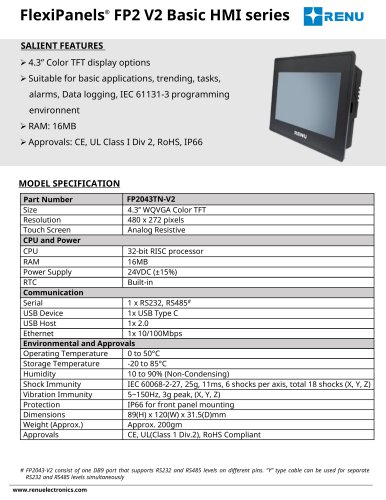 FP2043TN-V2
3 Pages
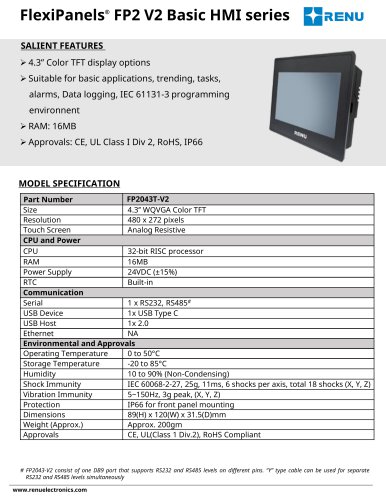 FP2043T-V2
3 Pages
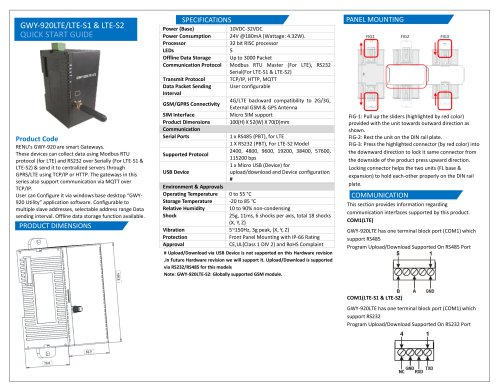 GWY-920LTE/LTE-S1 & LTE-S2
2 Pages
 FLA0402L-V2
2 Pages
 WP2CN Lite Web Panel
2 Pages
Archived catalogs
 WP6CN-M Plus Web
2 Pages
 FP4CN HMI Series
2 Pages
 FP6CN-M Rugged HMI Series
2 Pages
 FlexiPanels Basic HMI
3 Pages
 FlexiPanels® FP2-V2 Series
3 Pages
 ASTRA HMI / SCADA Software
4 Pages
 FIOD Field I/O Digital
2 Pages
 Prizm Touch Screen HMI
4 Pages
 FlexiPanels complete range
2 Pages
 Eagle Analog I/O
4 Pages
 HART Gateway (GWY-800-B)
4 Pages
 Ethernet Gateway (GWY-610-B)
4 Pages
 Profibus Gateway (GWY-500-B)
4 Pages
 CAN Gateway (GWY-300-B)
5 Pages
 LonWorks Gateway (GWY-100-B)
4 Pages
 Serial Gateway (GWY-00-B)
4 Pages
 FlexiLogics
5 Pages
 FlexiPanels
8 Pages


- Panel PC
- Industrial panel PC
- Panel PC with touch screen
- LCD panel PC
- LCD screen
- Industrial monitor
- HDMI monitor
- VESA mounting panel PC
- VESA mounting monitor
- Digital I/O
- Panel-mount screen
- USB monitor
- IO module
- Wireless panel PC
- Analog I/O
- Digital IO module
- WiFi panel PC
- Communication gateway
- High-brightness monitor
- Fieldbus gateway