

ED-TCV
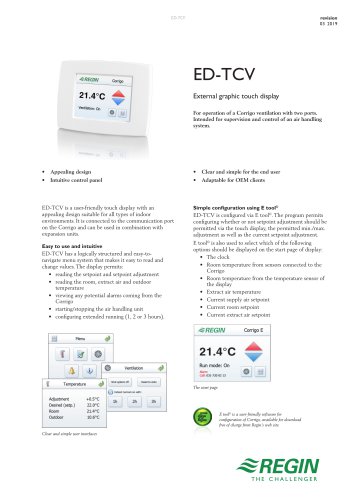
ED-TCV
- Appealing design suitable for all indoor environments.
- Intuitive and easy-to-navigate menu system.
- Allows reading and adjusting setpoints, monitoring temperatures, viewing alarms, and controlling the air handling unit.
- Configurable extended running options (1, 2, or 3 hours).
- Protection Class: IP30
- Power Supply: 24 V DC via Corrigo terminals
- Power Consumption: 50 mA
- Display: TFT-LCD with LED backlight, 320 x 240 resolution
- Language: Swedish or English, set automatically
- Dimensions: 120 x 90 x 27 mm
- Mounting: On wall or device box
- Communication: EXOline
Catalog excerpts
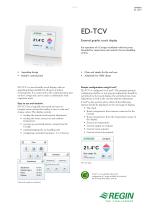
For operation of a Corrigo ventilation with two ports. Intended for supervision and control of an air handling system. • Clear and simple for the end user • Appealing design • Intuitive control panel ED-TCV is a user-friendly touch display with an appealing design suitable for all types of indoor environments. It is connected to the communication port on the Corrigo and can be used in combination with expansion units. Easy to use and intuitive ED-TCV has a logically structured and easy-to-navigate menu system that makes it easy to read and change values. The display permits: • reading the setpoint and setpoint adjustment • reading the room, extract air and outdoor temperature • viewing any potential alarms coming from the Corrigo • starting/stopping the air handling unit • configuring extended running (1, 2 or 3 hours). Simple configuration using E tool© ED-TCV is configured via E tool©. The program permits configuring whether or not setpoint adjustment should be permitted via the touch display, the permitted min./max. adjustment as well as the current setpoint adjustment. E tool© is also used to select which of the following options should be displayed on the start page of display: • Room temperature from sensors connected to the Corrigo • Room temperature from the temperature sensor of the display • Current supply air setpoint • Current room setpoint • Current extract air setpoint
Open the catalog to page 1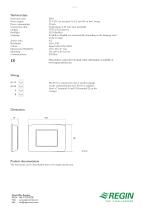
Technical data Protection class Power supply Power consumption Connection cable Display Backlight Language Aspect ratio Dimensions (WxHxD) TFT-LCD (resistive) Swedish or English, set automatically depending on the language used Signal white RAL 9003 120 x 90 x 27 mm On wall or device box EXOline This product carries the CE-mark. More information is available at www.regincontrols.com. ED-TCV is connected to the A and B terminals on the communication port. Power is supplied from +C (terminal 4) and G0 (terminal 2) on the Corrigo. Product documentation The document can be downloaded from www.regincontrols.com....
Open the catalog to page 2All Regin catalogs and technical brochures
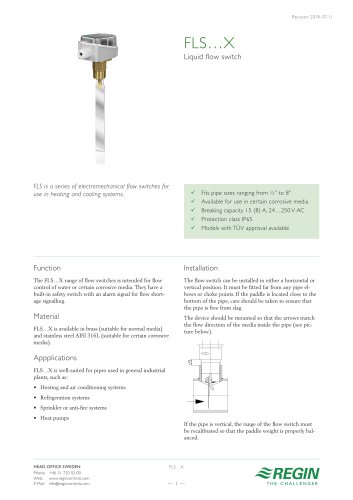 FLS…X
FLS…X4 Pages
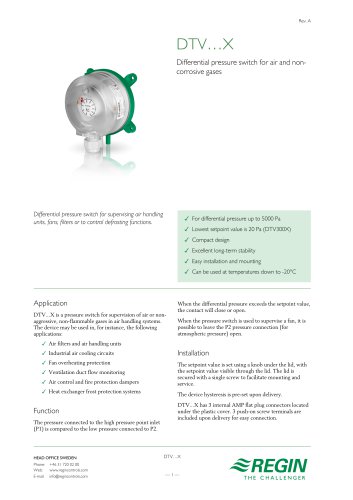 DTV…X
DTV…X3 Pages
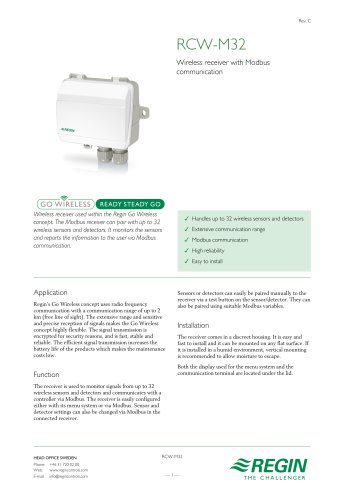 RCW-M32
3 Pages
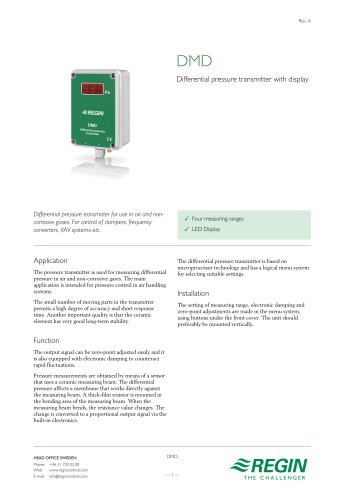 DMD
DMD3 Pages
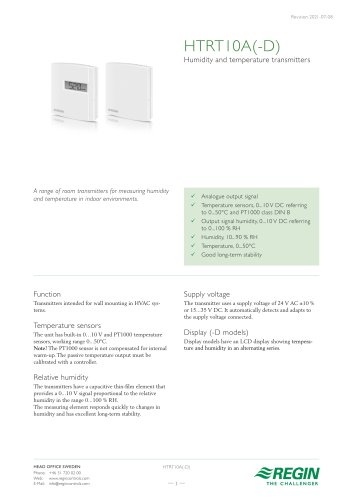 HTRT10A(-D)
3 Pages
 CTRTA(-D)
3 Pages
 TTKN
TTKN3 Pages
 DTT(H)(C)
4 Pages
 Presigo PDT...(-2)
4 Pages
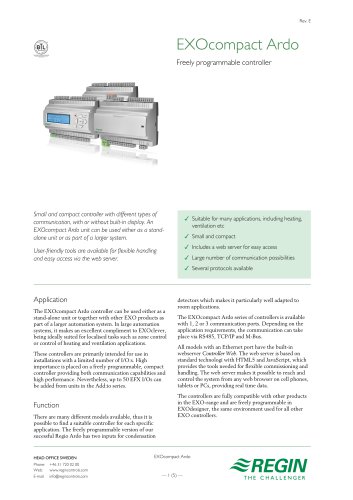 EXOcompact Ardo
5 Pages
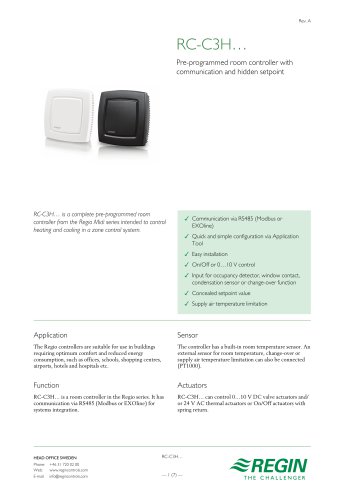 RC-C3H…
7 Pages
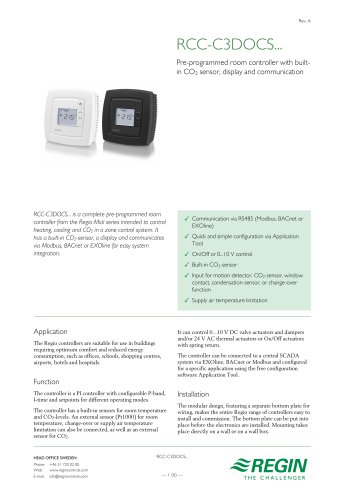 RCC-C3DOCS...
6 Pages
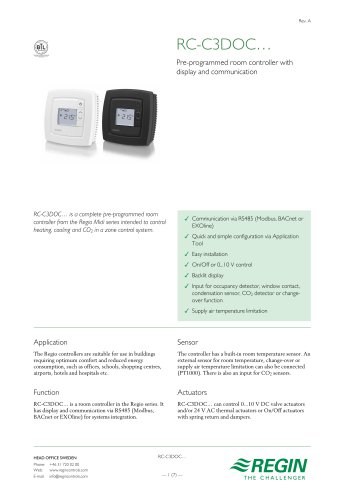 RC-C3DOC…
7 Pages
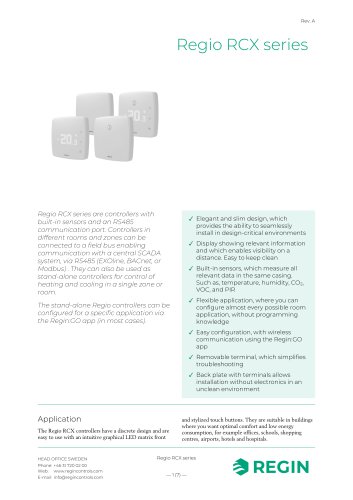 Regio RCX series
7 Pages
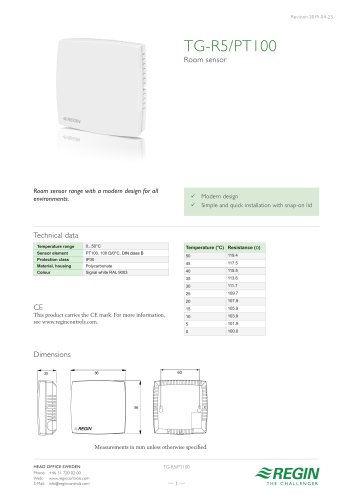 TG-R5/PT100
1 Page
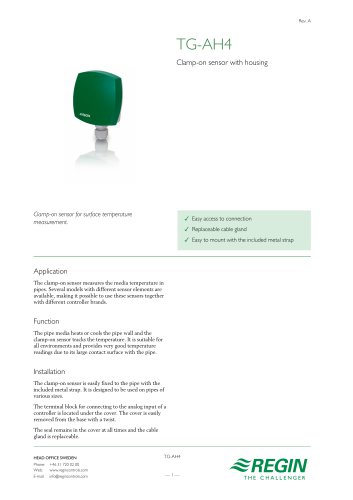 TG-AH4
3 Pages
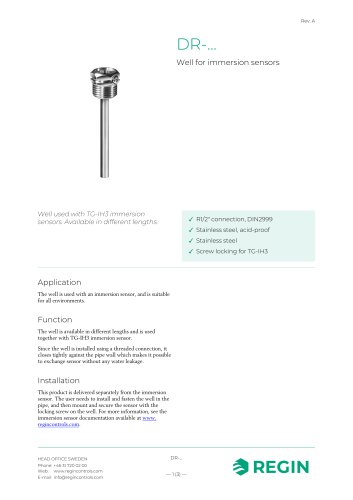 DR-
DR-3 Pages
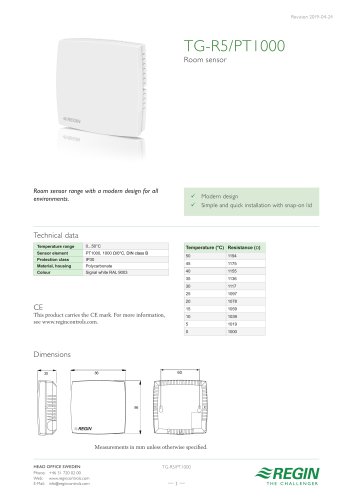 TG-R5/PT1000
1 Page
 TG-IH3/...
3 Pages
 TG-KH3/...
3 Pages
 DTV…X
DTV…X3 Pages
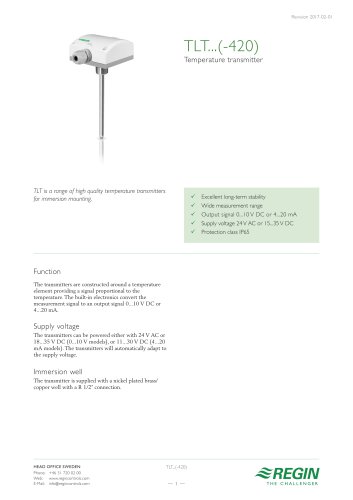 TLT...(-420)
3 Pages
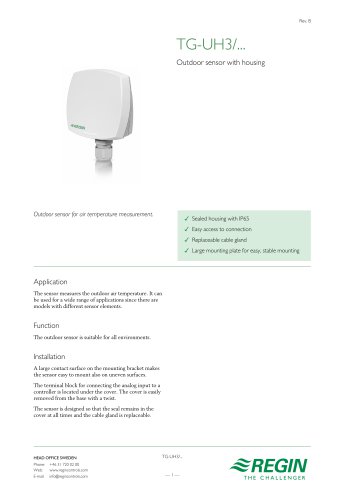 TG-UH3/...
2 Pages
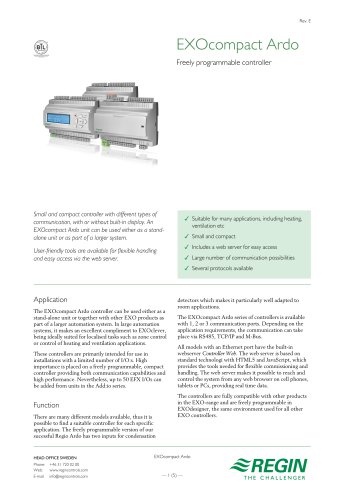 EXOcompact Ardo
5 Pages
- Valve
- Piping
- Control valve
- Water valve
- Transformer
- Rectangular housing
- Automation software solution
- Management software solution
- Resistance temperature sensor
- Pressure transmitter
- ISO valve
- Pressure gauge
- Wall-mount box
- Analog pressure transmitter
- Control software
- Semi-rigid tube
- Digital temperature control
- Pressure switch
- Monitoring software solution