
- Catalogs
- Panasonic Robot & Welding system solutions
- Software Visual Software Suite


- Company
- Products
- Catalogs
- News & Trends
- Exhibitions
Software Visual Software Suite
Software Visual Software Suite
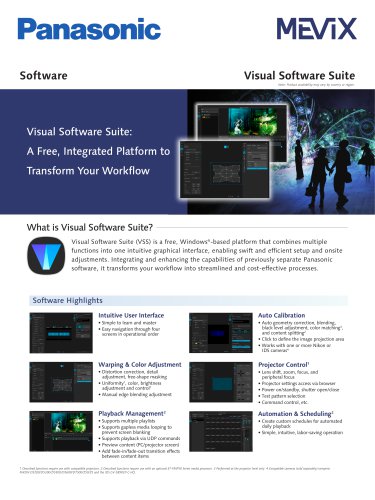
Visual Software Suite (VSS) is a free, Windows-based platform designed to streamline and enhance projector workflows. It integrates multiple functions into a single intuitive graphical interface, facilitating efficient setup and onsite adjustments. VSS combines capabilities from various Panasonic software, offering a cost-effective solution.
Key Features:
- Intuitive User Interface: Easy navigation through four operational screens, supporting multiple playlists and gapless media looping to prevent screen blanking. It also supports playback via UDP commands and allows content preview on PC or projector screens.
- Playback Management: Includes features like auto geometry correction, blending, black level adjustment, color matching, and content splitting. It supports image projection area definition and works with compatible Nikon or IDS cameras.
- Auto Calibration: Offers distortion correction, detail adjustment, free-shape masking, and uniformity, color, and brightness adjustment and control.
- Warping & Color Adjustment: Provides manual edge blending adjustment and control over lens shift, zoom, focus, and peripheral focus.
- Projector Control: Access projector settings via a browser, manage power and shutter operations, select test patterns, and execute command controls.
- Automation & Scheduling: Allows creation of custom schedules for automated daily playback, simplifying operations.
Compatibility and Use Cases:
- VSS is compatible with a range of Panasonic projectors and media processors, including the ET-FMP50 Series and ET-SBFMP10.
- It supports integration with third-party media players, allowing image calibration via VSS and playback settings through the media player UI.
Additional Information:
- Product availability and specifications may vary by country or region, and products may be subject to export control regulations.
- For more information, visit Panasonic's global website or their social media channels.
Catalog excerpts
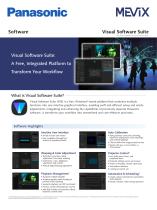
Visual Software Suite Note: Product availability may vary by country or region. Visual Software Suite: A Free, Integrated Platform to Transform Your Workflow What is Visual Software Suite? Visual Software Suite (VSS) is a free, Windows®-based platform that combines multiple functions into one intuitive graphical interface, enabling swift and efficient setup and onsite adjustments. Integrating and enhancing the capabilities of previously separate Panasonic software, it transforms your workflow into streamlined and cost-effective processes. Software Highlights Intuitive User Interface Auto Calibration • Simple to learn and master • Easy navigation through four screens in operational order • Auto geometry correction, blending, black level adjustment, color matching3, and content splitting2 • Click to define the image projection area • Works with one or more Nikon or IDS cameras4 Warping & Color Adjustment • Distortion correction, detail adjustment, free-shape masking • Uniformity1, color, brightness adjustment and control1 • Manual edge blending adjustment • Lens shift, zoom, focus, and peripheral focus • Projector settings access via browser • Power on/standby, shutter open/close • Test pattern selection • Command control, etc. • Supports multiple playlists • Supports gapless media looping to prevent screen blanking • Supports playback via UDP commands • Preview content (PC/projector screen) • Add fade-in/fade-out transition effects between content items • Create custom schedules for automated daily playback • Simple, intuitive, labor-saving operation 1 Described functions require use with compatible projectors. 2 Described functions require use with an optional ET-FMP50 Series media processor. 3 Performed at the projector level only. 4 Compatible cameras (sold separately) comprise NIKON D5200/D5300/D5500/D5600/D7
Open the catalog to page 1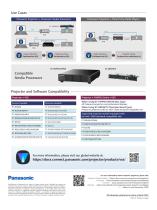
Compatible Media Processors Projector and Software Compatibility Projector + VSS Projector + FMP50 Series + VSSWhen Using ET-FMP50/FMP20 (Box Type) All Panasonic projectors and professional displays Panasonic projectors with an Intel® SDM standard-compatible slot Supported projector models equipped with an Intel® SDM standard-compatible slot OFor more information, please visit our global website at: Panasonic Specifications and appearance are subject to change without notice. Availability of products and accessories may vary by country or region. Products may be subject to export control regulations....
Open the catalog to page 2All Panasonic Robot & Welding system solutions catalogs and technical brochures
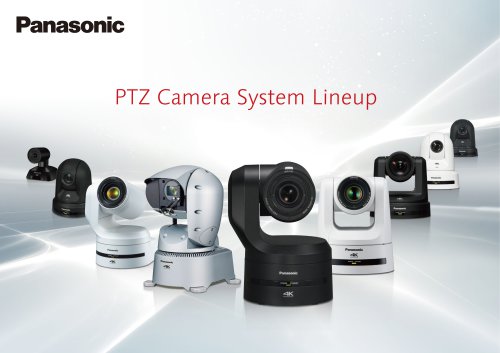 PTZ Camera System Lineup
3 Pages
 IT/IP Platform “KAIROS”
2 Pages
 AT-KC200L1
2 Pages
 3-Chip DLP™ Projectors
2 Pages
 SPV-DC
2 Pages
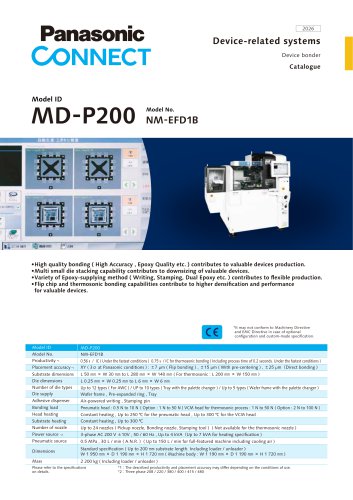 MD-P200
2 Pages
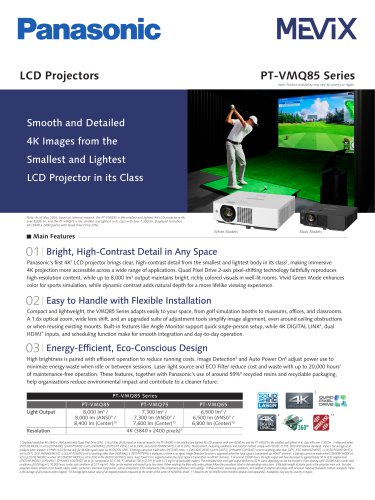 LCD Projectors
2 Pages
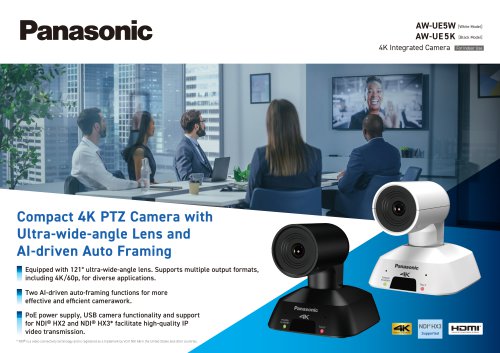 AW-UE5W
2 Pages
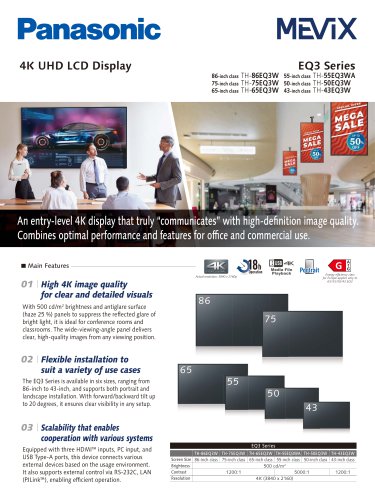 EQ3 Series
2 Pages
 Bead Eye
2 Pages
 PT-VMZ71 Sériés
2 Pages





Archived catalogs
 Multi-Purpose Robot LA-1800
4 Pages
 POSITIONERS & PERIPHERALS
2 Pages
 PerformArc Welding Systems
12 Pages
 Robot Welding Torches
2 Pages
 PC-Software DTPS
10 Pages
 Wire Booster
2 Pages
 POSCAP
40 Pages
 Power Choke Coil
19 Pages
 Electric Double Layer Capacitors
12 Pages
 PAN1326C2
1 Page
 Panasonic Torches
2 Pages
 PAN1326 Design Guide
22 Pages
 PAN9026
82 Pages
 PAN1326C
40 Pages
 PAN9420 Command Specification
95 Pages
 PAN1762
17 Pages
 Drive systems Catalogue 2019
12 Pages
 Wireless Connectivity 2019
2 Pages
 PAN1326C2 2019
48 Pages
 802.15.4-Modem PAN4580
2 Pages
 EMERGENCY LIGHTING
2 Pages
 EUROPEAN E-CALL
2 Pages
 PAN1761
2 Pages
 PAN1740
41 Pages
 PAN1760A
2 Pages
 SOFT PYROLYTIC GRAPHITE
2 Pages
 WEARABLES LI-ION PIN-TYPE
2 Pages
 SMD Lytic Capacitor V Chip
2 Pages
 E-Bike Systems
12 Pages
 WIRELESS CONNECTIVITY
2 Pages
 Pin-type Li-ion batteries
2 Pages
 Batteries Short-Form-Catalog
52 Pages
 Microcomputer
24 Pages
 YD-350GB2
2 Pages
 TAWERS Hyper Dip Pulse
2 Pages
 SP-MAG Process
2 Pages
 PerformArc Automotive
1 Page
 TIG Filler System
1 Page
 PerformArc C Series
1 Page
 PerformArc TT Series
1 Page
 PerformArc MT Series
1 Page
 PerformArc ET Series
1 Page
 TAWERS Zi-Tech Process
2 Pages
 Handling Robots YS080G3
2 Pages
 Handling robots HS-G3 Series
4 Pages
 Welding Systems Solutions
12 Pages
 Welding Robots G3 Series
6 Pages
 Panasonic G3 Welding Robots
6 Pages
 TAWERS WG3 Series
12 Pages
 WG3 Welding Robots
12 Pages
 G3 Robot Controller
1 Page
 Panasonic Positioner
4 Pages
 TAIWERS-Welding Solution
12 Pages
 Handling Robots
2 Pages
 Positioners
4 Pages
 Welding Power Sources
2 Pages
 DTPS-G3
4 Pages
 DTPS G3-Software
4 Pages
 Panasonic Eco ideas
2 Pages


- Welding system
- Panasonic industrial robot
- Management software solution
- Automation software solution
- Analysis software solution
- Automatic welding machine
- Real-time software
- Panasonic articulated robot
- Control software
- Panasonic 6-axis robot
- Servo-motor
- Monitoring software solution
- Handling robot
- Floor-mounted robot
- 3D software solution
- Inspection system
- Visualization software solution
- AC servo-motor
- Simulation software solution
- Compact robot