


Trackstaff V3 PLUS
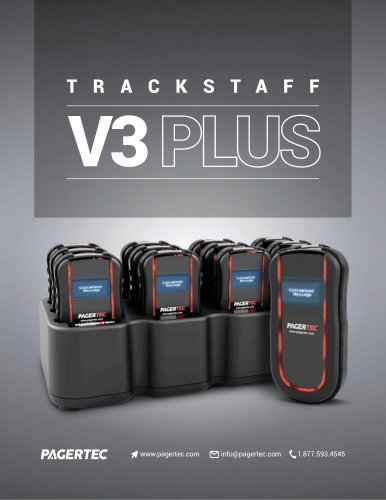
Trackstaff V3 PLUS
- Custom Messaging: Allows for sending personalized messages to customers and staff, improving crowd control and workflow efficiency.
- Pre-set Messages: Supports up to 100 customizable pre-set messages for quick communication.
- Durability: Equipped with rubber bumpers and IP67 waterproof technology, ensuring longevity even in tough environments.
- UHF Frequency: Provides industry-leading range with repeaters available for extended coverage.
- Capacity: Can accommodate up to 999 pagers.
- User-Friendly: Features plug-and-play installation, self-replaceable batteries, and on-site programmable settings.
- PC Integration: Connects to a PC via USB for sending custom messages from any computer on the network.
- Rechargeable Batteries: Uses two AAA rechargeable batteries with an intelligent charging system to prevent overcharging.
- High Frequency Range: Offers up to a 2-mile radius with unique frequency to avoid interference.
- Design: Durable and space-saving with a sturdy polycarbonate or metal belt clip.
- Charge pagers for 24 hours before use.
- Connect the transmitter to a power outlet and attach antennas.
- Place pagers on the charging base and ensure the red charging light is on.
- Use the transmitter to send messages by typing the pager number and pressing 'SEND'.
Catalog excerpts
The Trackstaff V3 plus takes it one step further with custom messages displayed in an easy to read OLED screen to bring the most effective communication system between you and your staff or customers. Sending encrypted messages across long campuses and facilities is a breeze. The Trackstaff V3 plus paging system has several functions to ensure that the correct message gets to the end user quickly and effectively FOR STAFF TO CUSTOMER APPLICATION.FOR STAFF TO STAFF APPLICATION. The Trackstaff V3 plus is a great tool to improve crowd control in your business. Simply hand out a pager to any customer...
Open the catalog to page 2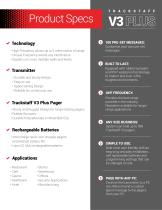
Product Specs O 100 PRE-SET MESSAGES: Customize your own pre-set messages. Equipped with rubber bumpers and IP67 waterproof technology to make it last even in the toughest environments. Provides the best range possible in the industry. Repeaters available for longer range applications. System can hold up to 999 Trackstaff V3 pagers. * Technology • High Frequency allows up to 2 miles radius of range. • Unique Frequency avoids any interference. • Signals can cross multiple walls and levels. • Durable and sturdy design. • Space Saving Design. • Sturdy and Rugged Design for longer lasting pagers....
Open the catalog to page 3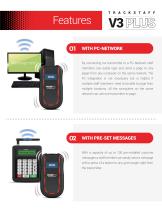
WITH PC-NETWORK By connecting our transmitter to a PC-Network staff members can easily type and send a page to any pager from any computer on the same network. The PC integration is not necessary but is helpful if multiple staff members need to be able to page from multiple locations. All the computers on the same network can use one transmitter to page. WITH PRE-SET MESSAGES With a capacity of up to 100 pre-installed costume messages a staff member can easily send a message with a press of a button to any given pager right from the transmitter.
Open the catalog to page 4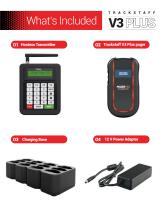
What’s Included O1 Hostess Transmitter O2 Trackstaff V3 Plus pager
Open the catalog to page 5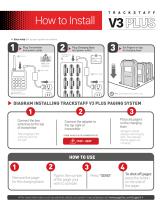
How to Install ► Easy setup Set up your system in minutes ► DIAGRAM INSTALLING TRACKSTAFF V3 PLUS PAGING SYSTEM Connect the two antennas to the top of transmitter After plugging in the antenna, twist it to the right Connect the adapter to the top right of transmitter * THEN, PLUG IT IN TO A POWER OUTLET Place all pagers on the charging base All pagers should display a red charging light (This indicates that the pagers are charging) • For more information such as warranty, details and system manual please visit www.pagertec.com/support •
Open the catalog to page 6All PAGERTEC catalogs and technical brochures
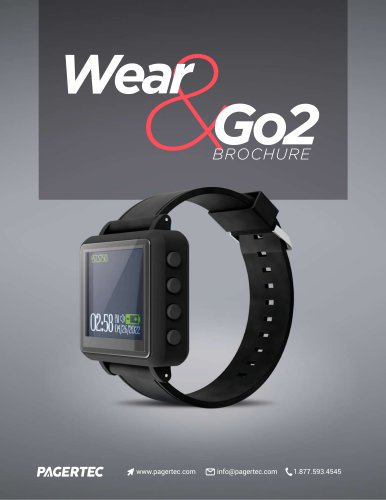 Brochure Wear and Go2
7 Pages
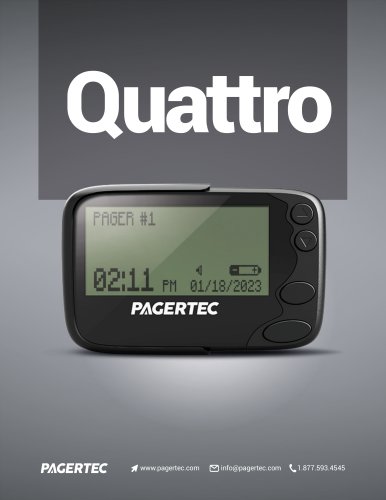 BROCHURE QUATTRO
3 Pages
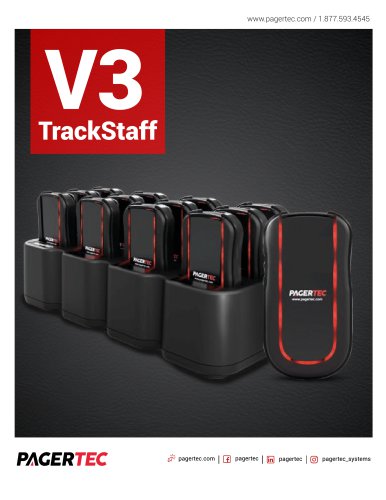 V3 TrackStaff
7 Pages
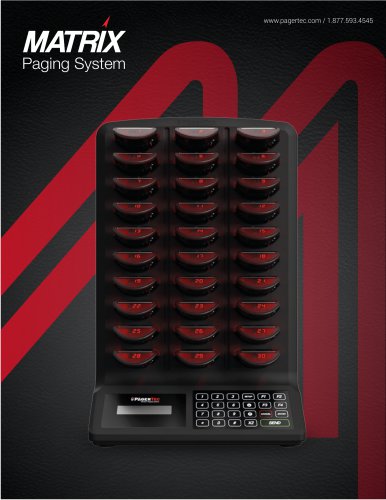 MatrixBrochure
6 Pages
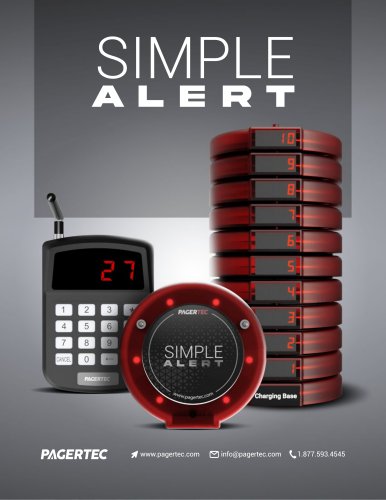 BROCHURE SIMPLE A OUTLINES
4 Pages
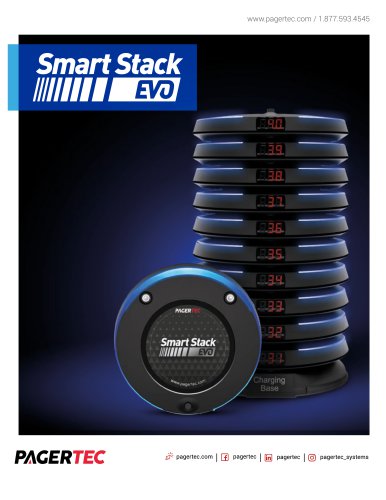 EVO BROCHURE
7 Pages
 BROCHURE STO3
3 Pages