
- Catalogs
- MindVision
- Fv10W-A1 10W VTX FPV wireless video transmission module.pdf

- Company
- Products
- Catalogs
- News & Trends
- Exhibitions
Fv10W-A1 10W VTX FPV wireless video transmission module.pdf
Fv10W-A1 10W VTX FPV wireless video transmission module.pdf
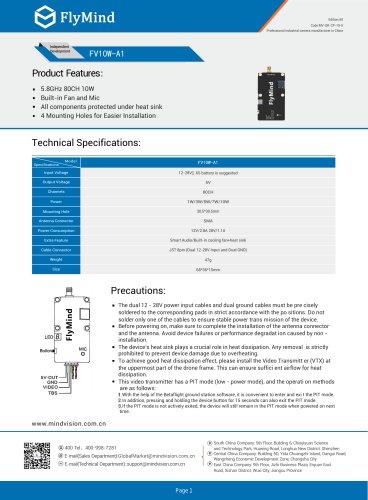
- Frequency: 5.8GHz, 80 channels, 10W power output
- Built-in fan and microphone
- Components protected under a heat sink
- Four mounting holes for easier installation
- Model: FV10W-A1
- Input Voltage: 12-28V, recommended 6S battery
- Output Voltage: 5V
- Power Consumption: 12V/2.8A, 28V/1.1A
- Weight: 47g
- Size: 68*36*15mm
- Antenna Connector: SMA
- Cable Connector: JST 8pin (Dual 12-28V Input and Dual GND)
- Ensure dual power input cables and ground cables are soldered correctly.
- Install the antenna connector and antenna before powering on to avoid device failure.
- Do not remove the heat sink to prevent overheating.
- Install the Video Transmitter (VTX) at the uppermost part of the drone frame for optimal heat dissipation.
- PIT mode (low-power mode) can be entered and exited using Betaflight software or by holding the device button for 15 seconds.
- Channels: Select channels 1 to 8 with short presses.
- Bands: Press button for 3 seconds until LED flashes, then short press to select band (A/b/E/F/r/P/L/U/O/X).
- Power levels: 1W, 3W, 5W, 7W, 10W
- Press button for 6 seconds until LED flashes, then short press to select power.
- LED displays "band", "channel", "power" successively after setting.
- Website: www.mindvision.com.cn
- Sales Email: [email protected]
- Technical Support Email: [email protected]
- South China Company: Shenzhen
- Central China Company: Changsha City
- East China Company: Wuxi City, Jiangsu Province
Catalog excerpts
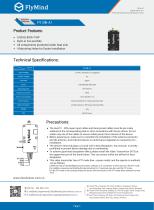
Code:MV-QR-CP-19-0 Professional industrial camera manufacturer in China ■ All components protected under heat sink ■ 4 Mounting Holes for Easier Installation Mounting Hole Antenna Connector Power Consumption Extra Feature Cable Connector Weight Size Smart Audio/Built-in cooling fan+heat sink JST 8pin (Dual 12-28V Input and Dual GND) 47g ■ The dual 12 - 28V power input cables and dual ground cables must be pre cisely soldered to the corresponding pads in strict accordance with the po sitions. Do not solder only one of the cables to ensure stable power trans mission of the device. ■ Before powering on, make sure to complete the installation of the antenna connector and the antenna. Avoid device failures or performance degradat ion caused by non -installation. ■ The device's heat sink plays a crucial role in heat dissipation. Any removal is strictly prohibited to prevent device damage due to overheating. ■ To ac h ieve go od heat dissipa tion effect, ple ase install the Video Transmitt er (VTX) at the uppermost part of the drone frame. This can ensure suffici ent airflow for heat dissipation. ■ This video transmitter has a PIT mode (low - power mode), and the operati on methods are as follows: I. With the help of the Betaflight ground station software, it is convenient to enter and exi t the PIT mode. J. In addition, pressing and holding the device button for 15 seconds can also exit the PIT mode. 3.If the PIT mode is not actively exited, the device will still remain in the PIT mode when powered on next time. @400 Tel: 400-998-7281@ E-mail(Sales Department):[email protected] © E-mail(Technical Department):[email protected] ® South China Company: 5th Floor, Building 6, Chiayiyuan Science and Technology Park, Huaning Road, Longhua New District, Shenzhen ® Central China Company: Building 5D, Yida Chuangzhi Island, Dangui Road, Wangcheng Economic Development Zone, Changsha City ® East China Company: 9th Floor, Jizhi Business Plaza, Erquan East Road, Xishan District, Wuxi City, Jiangsu Province
Open the catalog to page 1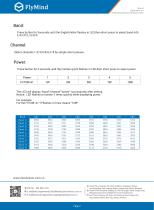
Edition:A0 Code:MV-QR-CP-19-0 Professional industrial camera manufacturer in China FlyMind Band: Press button for 3seconds until the English letter flashes in LED,then short press to select band A/b/ E/F/r/P/L/U/O/X. Select channels 1/2/3/4/5/6/7/8 by simple short presses. Press button for 6 seconds until the number quick flashes in LED,then short press to select power. @ E-mail(Sales Department):[email protected] © E-mail(Technical Department): [email protected] (j) South China Company: 5th Floor, Building 6, Chiayiyuan Science and Technology Park, Huaning Road, Longhua...
Open the catalog to page 2All MindVision catalogs and technical brochures
 Catalogue Général
21 Pages







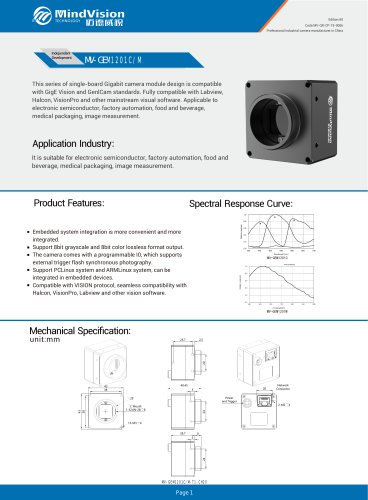
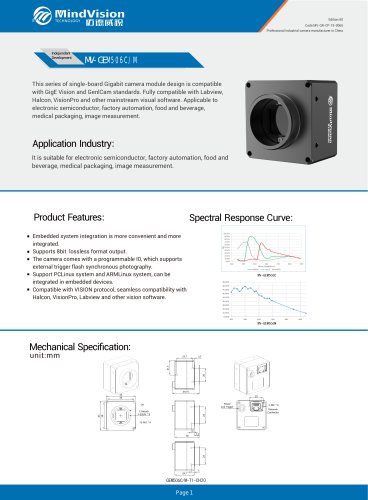
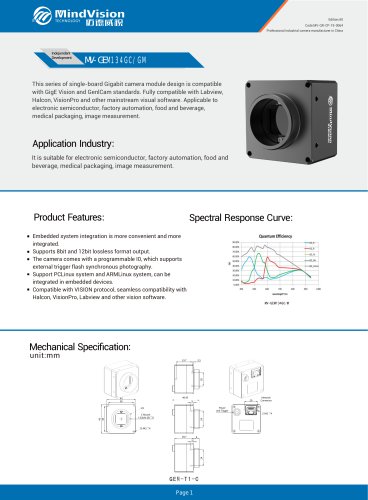
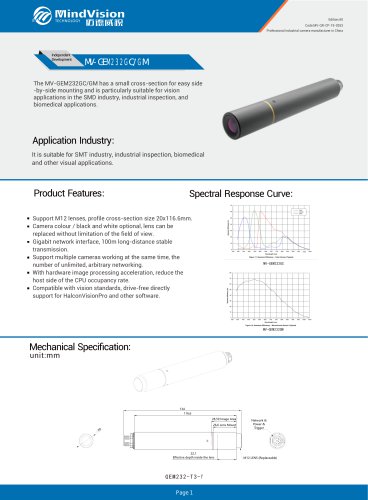





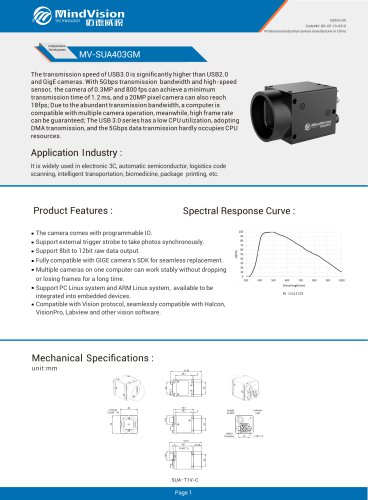
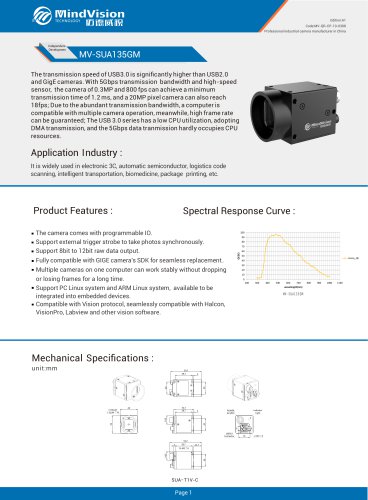
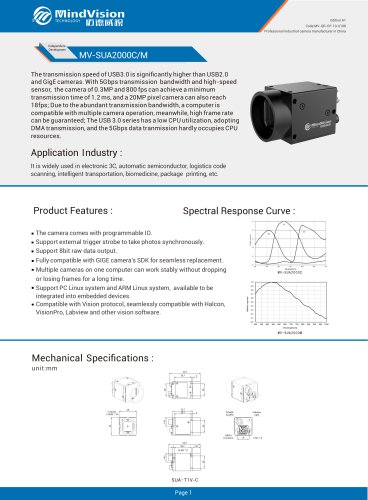
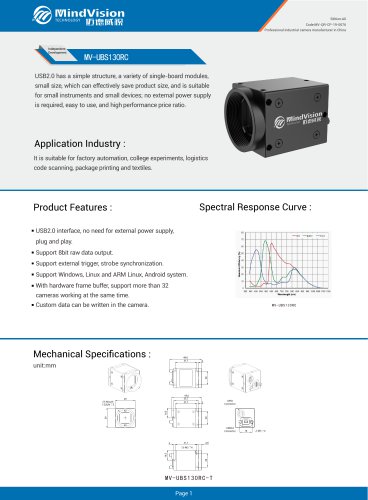

- Digital imager
- Visible imager
- CMOS camera module
- Infrared imager
- Full-color camera system
- Monitoring camera system
- USB camera module
- Detection camera system
- Monochrome camera module
- Image processing camera module
- GigE Vision camera
- Waterproof camera module
- Inspection imager
- HD camera module
- Thermographic camera
- High-speed camera module
- Temperature-controlled camera
- Camera with global shutter
- USB 3.0 camera module