

MVicky-1000T
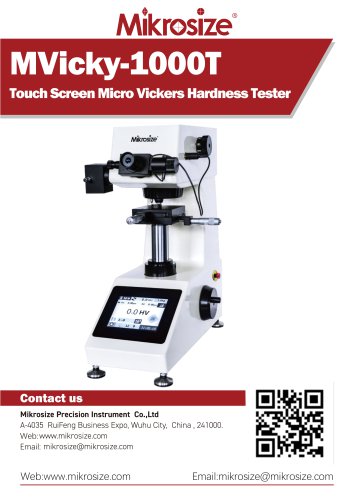
MVicky-1000T
- High-definition touch screen for display and operation.
- Automatic turret switching and positioning for precision.
- CPU-controlled mechanical design with optical measurement for accuracy.
- Supports both Micro Vickers and Knoop testing modes.
- Includes all micro Vickers scales and hardness scale conversion.
- Preset test force load dwelling time and adjustable illumination.
- Automatic hardness value display and built-in printer for results.
- Applicable for metal and non-metal materials like ceramics and rubber.
- Components include halogen lamp, eyepiece interface, automatic turret, and touch screen.
- X-axis handle for test stand movement and stable lifting screw.
- Load change handwheel and emergency stop switch for safety.
- Printer outputs maximum, minimum, average values, and time.
- Features include start, turret conversion, brightness adjustment, and measurement settings.
- Settings for date, time, language, scale, and lamp timers.
- Data management options for viewing, setting, and clearing data.
- Qual limits for setting upper and lower alarm limits.
- Select test force using the handwheel and power on the device.
- Place the test piece on the bench and adjust for clear observation.
- Press 'Start' to initiate testing; follow procedures for accurate results.
- Measure indentation diagonals and input data for automatic hardness calculation.
- Model: MVicky-1000T
- Test Force: Ranges from 0.098N to 9.807N
- Auto loading, dwelling, and unloading with a dwelling time of 0-60s.
- Magnification: 100x for observation, 400x for measurement.
- Power Supply: AC110/220 V/50~60 Hz
- Operating Environment: 23±5°C, humidity ≤ 65%, vibration-free.
- Includes mainframe, indenter, test table, clamps, hardness blocks, and more.
- Accessories such as shafts, weights, and fuses are provided.
Catalog excerpts
MVicky-1000TTouch Screen Micro Vickers Hardness Tester Mikrosize Precision Instrument Co.,Ltd A-4035 RuiFeng Business Expo, Wuhu City, China , 241000. Web: www.mikrosize.com Email: [email protected] Web:www.mikrosize.com Email:[email protected]
Open the catalog to page 1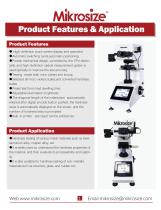
Product Features • High-definition touch screen display and operation • Automatic switching turret,automatic positioning. • Precise mechanical design, controlled by the CPU electrically, and high-definition optical measurement system is used optically to improve the test accuracy •Testing mode both mico vickers and knoop. • Selected all micro vickers scales,and converted hardness scales • Preset test force load dwelling time • Adjustable illumination brightness •The diagonal length of the indentation automatically entered after digital encode button pushed, the hardness value is automatically...
Open the catalog to page 2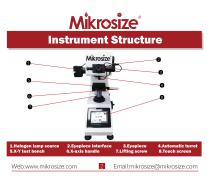
1.Halogen lamp source 5.X-Y test bench
Open the catalog to page 3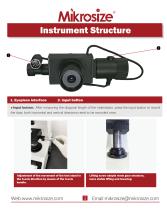
Input button: After measuring the diagonal length of the indentation, press the input button to record the data, both horizontal and vertical directions need to be recorded once. Adjustment of the movement of the test stand in the X-axis direction by means of the X-axis handle. Lifting screw adopts worm gear structure, more stable lifting and lowering.
Open the catalog to page 4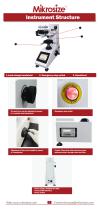
l.Load change handwheel 2. Emergency stop switch 3. Handwheel The test force can be adjusted by means Emergency stop switch of a variable load handwheel. Adjustment of the screw height by means Printer: Prints data with maximum value, of a handwheel minimum value, average value and time Power supply: AC220V/50~60Hz External DB9 interface Power switch
Open the catalog to page 5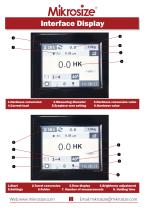
14:38:17 1.Hardness conversion 2.Measuring diameter 3.Hardness conversion value 4.Current load 5.Eyepiece zero setting 6.Hardness value 5.Settings 6.Folder 7. Number of measurements 8. Holding time
Open the catalog to page 6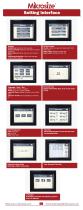
Setting Interface Settings Date&Time: Setting the time and date Factory Settings: Setting up the factory's administration key Qual Limits:Setting the maximum and minimum values Languaage,Scale,Misc: Setting the language, scale and other settings Set Qual Limits Enable: Setting the upper and lower alarm limits takes effect Upper Limit: Setting the upper limit Lower Limit: Setting the lower limit Languaage,Scale,Misc Lang: Select Chinese or English Scale: HV or HK, 2 scales available Lamp Off Timer: Setting the timer to turn off the lights Lamp On Thresh: Set the brightness, maximum 30 Set Dwell...
Open the catalog to page 7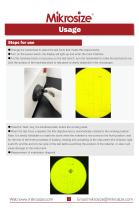
• Change the handwheel to select the test force that meets the requirements. •Turn on the power switch, the display will light up and enter the main interface. • Put the hardness block or test piece on the test bench, turn the handwheel to make the test bench rise. Until the surface of the hardness block or test piece is clearly observed in the microscope. • Press the "Start” key, the hardness tester enters the working state. • When the test force is applied, the 40x objective lens is automatically rotated to the working position. Note: It is strictly forbidden to rotate the turret when the indenter...
Open the catalog to page 8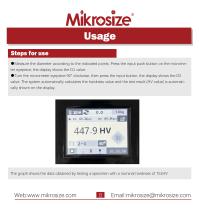
Usage Steps for use ●Measure the diameter according to the indicated points. Press the input push button on the micrometer eyepiece, the display shows the D1 value. ●Turn the micrometer eyepiece 90° clockwise, then press the input button, the display shows the D2 value. The system automatically calculates the hardness value and the test result (HV value) is automatically shown on the display. The graph shows the data obtained by testing a specimen with a nominal hardness of 751HV.
Open the catalog to page 9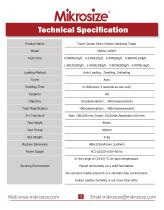
MikroslzeTechnical Specification Touch Screen Micro Vickers Hardness Tester MVicky-1000T In the range of (23±5) °C at room temperature. Placed horizontally on a solid foundation. No corrosive media around it in a vibration-free environment. Indoor relative humidity is not more than 65%.
Open the catalog to page 10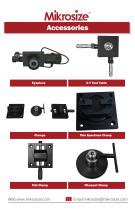
Thin Specimen Clamp Flat Clamp Filament Clamp
Open the catalog to page 12All Mikrosize catalogs and technical brochures
 IMS-20
9 Pages
 iSurfa-100
12 Pages
 iSurfa-520
14 Pages
 iCoat-320
12 Pages
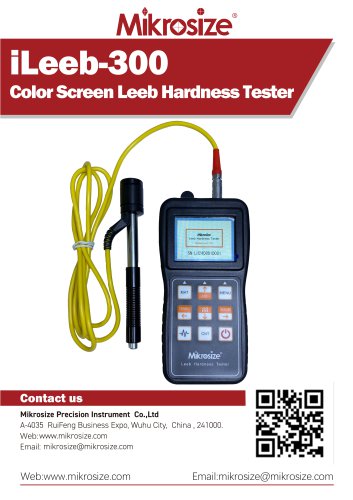 iLeeb-300
13 Pages
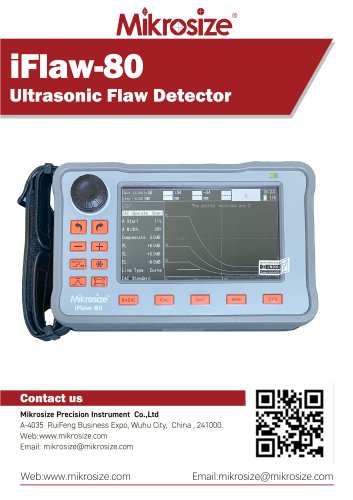 iFlaw-80
12 Pages
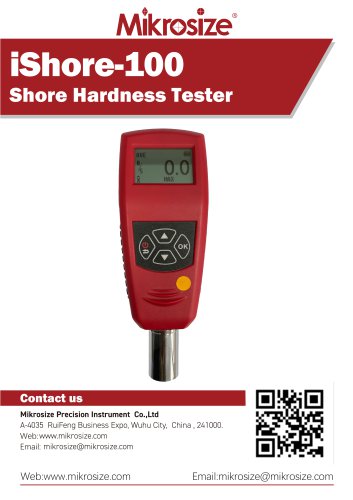 iShore-100
12 Pages
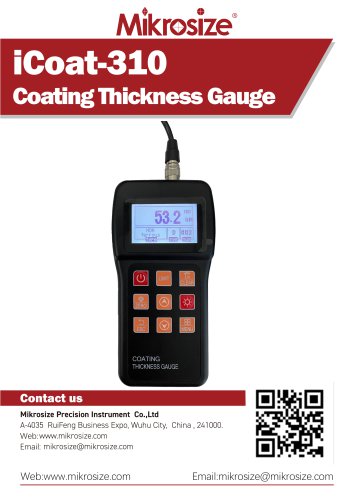 iCoat-310
11 Pages
 MS-DF-20K
11 Pages
 iFlaw-100
13 Pages
 iStereo-211VT
12 Pages
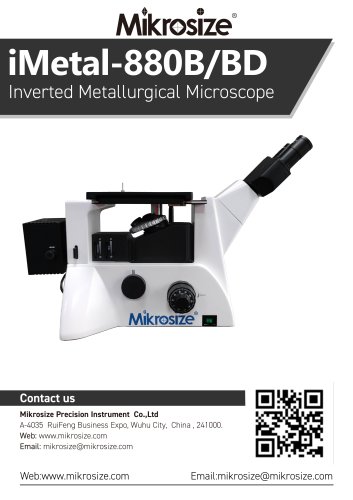
 iMetal-880B/BD
11 Pages
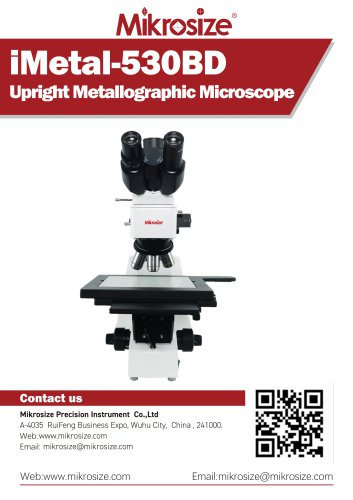 iMetal-530BD
9 Pages
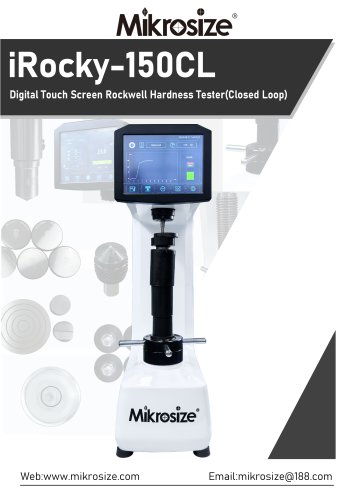 iRocky-150CL
14 Pages
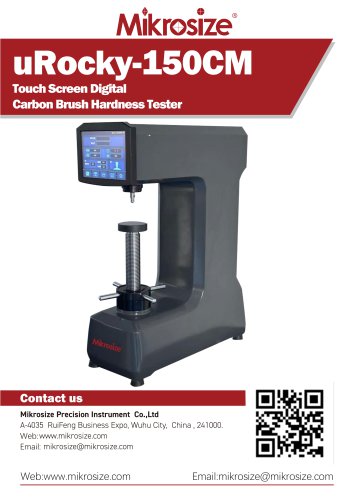 uRocky-150CM
5 Pages
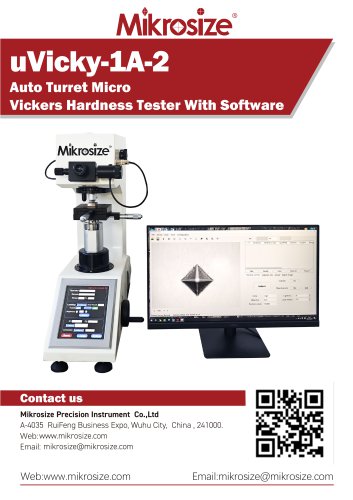 uVicky-1A-2
11 Pages
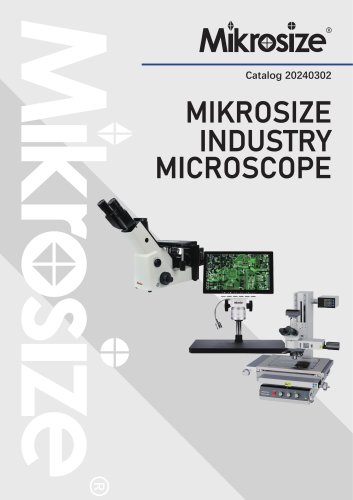 MIKROSIZE INDUSTRY MICROSCOPE
28 Pages
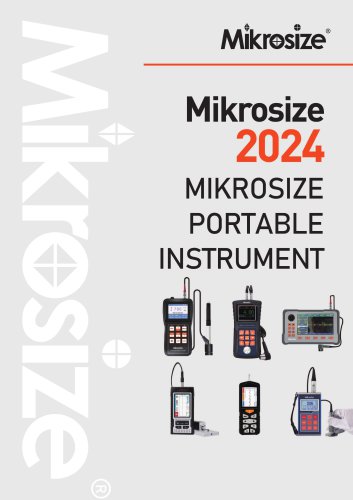 portable instrument
80 Pages
 MIKROSIZE VIDEO MEASURING SYSTEM
32 Pages

- Cutting system
- Metal cut-off machine
- Test machine
- Measuring device
- Automatic cut-off machine
- Cutting machine for industrial applications
- Monitoring analyzer
- High-precision cutting center
- Measuring machine
- Automatic analyser
- Automated testing machine
- Material test machine
- High-speed cut-off machine
- Plastic cutting machine
- Solids analyser
- Digital weighing scale
- Computer-controlled test machine
- Precision cut-off machine