

MS-DF-20K
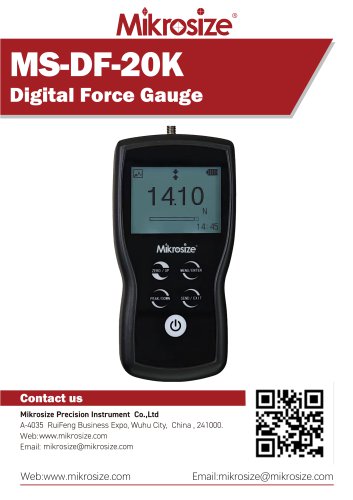
MS-DF-20K
- Features: The MS-DF-20K Digital Force Gauge includes an LCD screen for clear results, touchscreen operation, automatic orientation recognition, multiple language options, and various measurement units (N, gf, kgf, ozf, lbf). It uses rechargeable Ni-MH batteries, has USB and multifunction ports, multiple measurement modes, an over-limit buzzer alarm, and can store up to 1000 test data entries. It can be used handheld or mounted.
- Applications: Suitable for manufacturing, quality control, skills training, and product development, it tests mechanical properties like thrust, tensile force, and pressure to ensure product quality and design efficacy.
- The gauge includes a measuring shaft, LCD screen, and capacitive touch pad. It has USB and multifunctional interfaces for data transfer and connection to printers or computers. M4 screw holes allow for secure mounting.
- Displays battery level, tolerance alarms, direction icons, measurement modes, measured values, and system time. It supports five units of measurement and has a power button, peak/down button, zero/up button, menu/confirm button, and save/back button.
- Users can set tolerance ranges for GO/NG classifications, with limits between 10% and 110% of full scale. The device supports automatic shutdown and multiple language selections.
- Offers numeric and graph display modes. Calibration can be done professionally or by the user to maintain accuracy.
- Accuracy is ±0.2% F.S., with selectable units and a 160x128 dot matrix LCD. It supports overload up to 150% F.S., with a sampling rate of 2000 Hz and memory for 1000 data entries. The device operates in temperatures from -10 to 40°C and includes various attachments.
- Includes the force gauge, charger, manual, hook, extension shaft, flat tip, conical tip, chisel tip, notched tip, and USB cable.
Catalog excerpts
MS-DF-20KDigital Force Gauge Contact us Mikrosize Precision Instrument Co.,Ltd A-4035 RuiFeng Business Expo, Wuhu City, China , 241000. Web: www.mikrosize.com Email: [email protected] Web:www.mikrosize.com Email:[email protected]
Open the catalog to page 1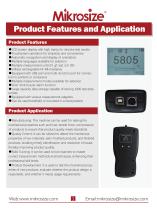
• LCD screen display with high clarity for intuitive test results •Touchscreen operation for simplicity and convenience •Automatic recognition and display of orientation • Multiple languages available for selection • Multiple measurement units (N, gf, kgf, ozf, lbf) • Utilizes rechargeable Ni-MH batteries • Equipped with USB port and multi-function port for connection to printers or computers • Multiple measurement modes available for selection • Over-limit buzzer alarm function • Large capacity data storage capable of storing 1000 test data entries • Equipped with various measurement adapters...
Open the catalog to page 2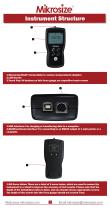
1.Measuring Shaft: Connectable to various measurement adapters 2.LCD Screen 3.Touch Pad: All buttons on this force gauge are capacitive touch screen ❷ 1.USB Interface: For charging or transferring data to a computer. 2.Multifunctional Interface: For connecting to an RS232 output of a mini printer or a computer. 1.M4 Screw Holes: There are a total of 6 screw holes, which are used to secure the instrument to a stand to improve the accuracy of test results. Please note that the depth of the installation holes is 8mm, and you should choose appropriate screws. The depth of the screws into the force...
Open the catalog to page 3
1.Battery Level Display: Indicates the current battery power or charging status. The icon will flash when it needs to be charged. 2.Tolerance Alarm Indicator: Displaying " " indicates within the limit range and can be used normally; displaying " " indicates the measured value is below the lower limit; displaying " " indicates the measured value exceeds the upper limit. 3.Direction Icon: " " represents tensile force; " " represents compressive force. 4.Measurement Mode Icon: Four measurement modes, including Track, Peak, Auto Peak, and First Peak. 1.Measured Display Value 2.Measurement Analog...
Open the catalog to page 4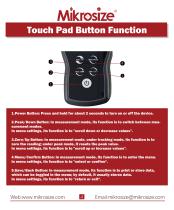
Touch Pad Button Function ❸ 1.Power Button: Press and hold for about 2 seconds to turn on or off the device. 2.Peak/Down Button: In measurement mode, its function is to switch between measurement modes. In menu settings, its function is to "scroll down or decrease values". 3.Zero/Up Button: In measurement mode, under tracking mode, its function is to zero the reading; under peak mode, it resets the peak value. In menu settings, its function is to "scroll up or increase values". 4.Menu/Confirm Button: In measurement mode, its function is to enter the menu. In menu settings, its function is to...
Open the catalog to page 5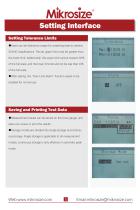
Setting Tolerance Limits • Users can set tolerance ranges for screening tests to achieve GO/NG classifications. The set upper limit must be greater than the lower limit. Additionally, the upper limit cannot exceed 110% of the full scale, and the lower limit should not be less than 10% of the full scale. •After setting, the "Over Limit Alarm” function needs to be enabled for normal use. • Measurement results can be stored on the force gauge, and users can review or print the results. • Storage modes are divided into single storage and continuous storage. Single storage is applicable to all measurement...
Open the catalog to page 6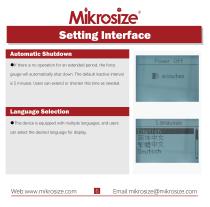
Automatic Shutdown • If there is no operation for an extended period, the force gauge will automatically shut down. The default inactive interval is 5 minutes. Users can extend or shorten this time as needed. •This device is equipped with multiple languages, and users can select the desired language for display.
Open the catalog to page 7
Data Display Mode The digital force gauge has two display modes: Numeric Mode and Graph Mode. Users can select the desired mode according to their needs.
Open the catalog to page 8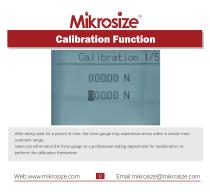
Calibration Function After being used for a period of time, the force gauge may experience errors within a certain measurement range. Users can either send the force gauge to a professional testing department for recalibration, or perform the calibration themselves.
Open the catalog to page 9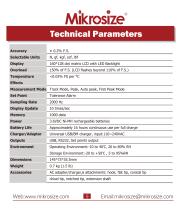
Technical Parameters Accuracy Selectable Units 160*128 dot matrix LCD with LED Backlight Effects Measurement Mode Track Mode, Peak, Auto peak, First Peak Mode Set Point Tolerance Alarm Sampling Rate Display Update 3.6VDC Ni-MH rechargeable batteries Battery Life Approximately 16 hours continuous use per full charge Universal USB/BM charger, input:110~240VAC AC adapter/charger,6 attachments: hook, flat tip, conical tip chisel tip, notched tip, extension shaft
Open the catalog to page 10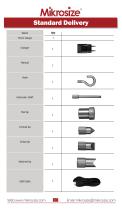
Force Gauge Extension shaft
Open the catalog to page 11All Mikrosize catalogs and technical brochures
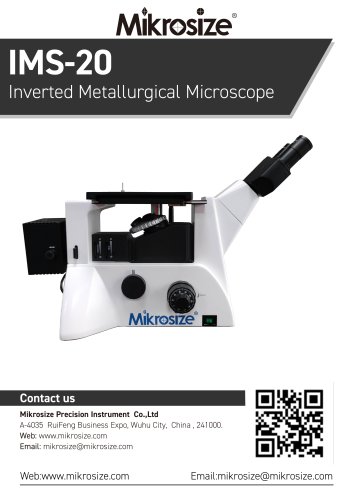 IMS-20
9 Pages
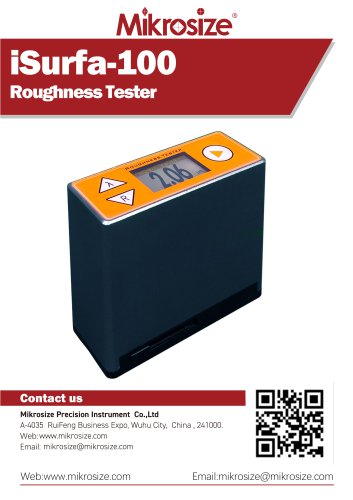 iSurfa-100
12 Pages
 iSurfa-520
14 Pages
 iCoat-320
12 Pages
 iLeeb-300
13 Pages
 iFlaw-80
12 Pages
 iShore-100
12 Pages
 iCoat-310
11 Pages
 iFlaw-100
13 Pages
 iStereo-211VT
12 Pages
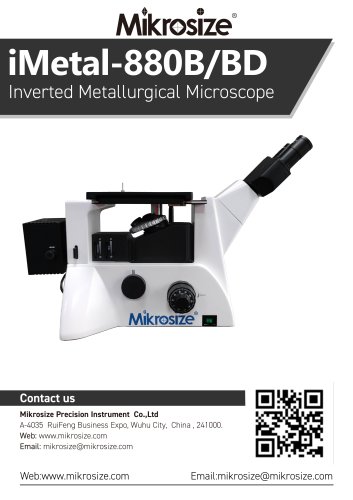
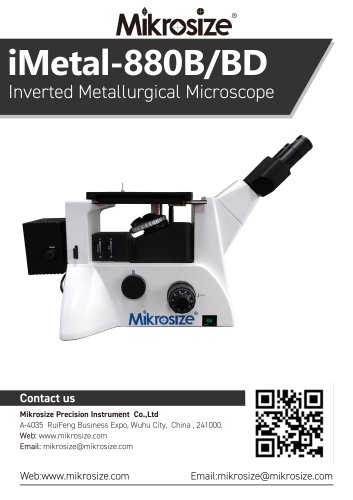 iMetal-880B/BD
11 Pages
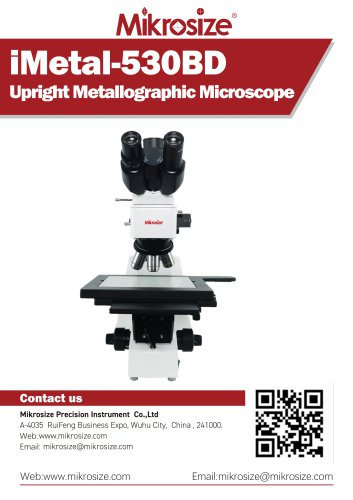 iMetal-530BD
9 Pages
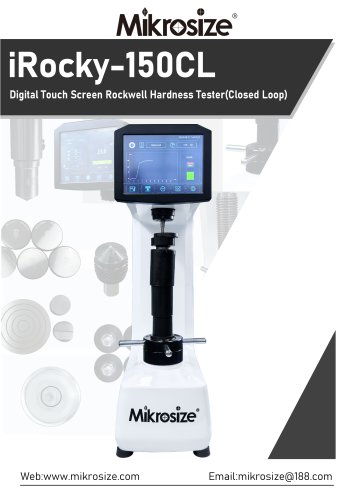 iRocky-150CL
14 Pages
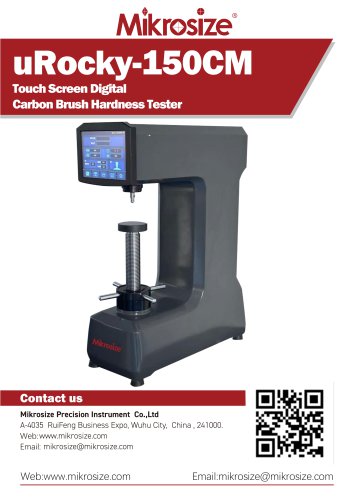 uRocky-150CM
5 Pages
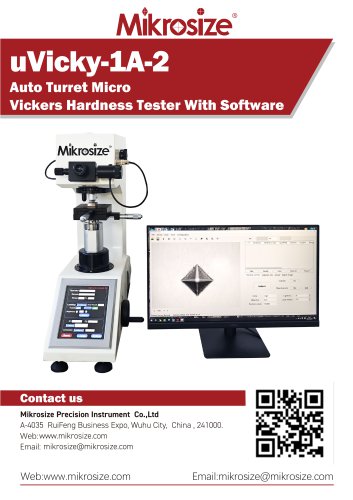 uVicky-1A-2
11 Pages
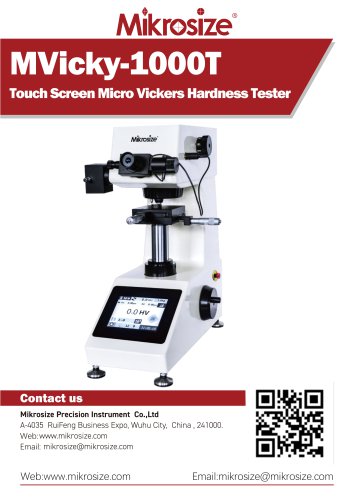 MVicky-1000T
13 Pages
 MIKROSIZE INDUSTRY MICROSCOPE
28 Pages
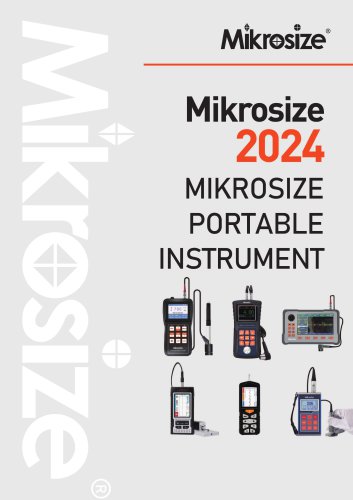 portable instrument
80 Pages
 MIKROSIZE VIDEO MEASURING SYSTEM
32 Pages


- Cutting system
- Metal cut-off machine
- Test machine
- Measuring device
- Automatic cut-off machine
- Cutting machine for industrial applications
- Monitoring analyzer
- High-precision cutting center
- Measuring machine
- Automatic analyser
- Microscope
- Automated testing machine
- Material test machine
- High-speed cut-off machine
- Indentation hardness tester
- Plastic cutting machine
- Solids analyser
- Digital weighing scale
- Computer-controlled test machine
- Precision cut-off machine