

iSurfa-520
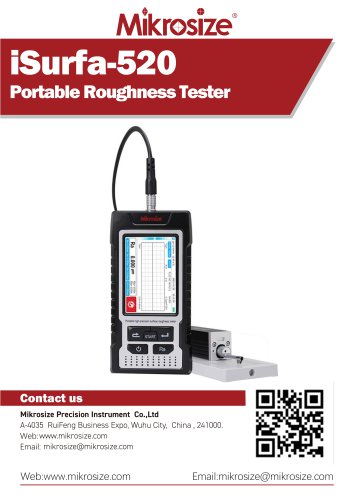
iSurfa-520
- Complies with standards: ISO, DIN, ANSI, JIS.
- Measures multiple parameters including Ra, Rz, Rq, Rt, Rp, Rv, and more.
- Large measuring range of 160μm with a color display screen and capacitive touch interface.
- Connectable to PC and printer with a 6000mAh lithium-ion battery.
- Suitable for flat, cylindrical, conical surfaces, inner bores, grooves, and curved surfaces.
- Compact size (161*80*40mm) with rubber protection to prevent damage.
- Interfaces labeled for easy connection and equipped with a master switch to prevent accidental activation.
- Universal USB-C charging port.
- Includes Confirm, Power On/Off, Measurement Start, Cancel/Exit, and Storage keys.
- Displays Bluetooth status, sampling length, measuring range, time, standards, battery status, and measurement results.
- Requires calibration with a standard sample plate before measurement.
- Calibration involves setting values, initiating measurement, saving parameters, and exiting.
- Main and auxiliary parameter displays, Bluetooth modes, and baud rate settings.
- Settings include cutoff, range, unit, and filter options.
- Provides a table for recommended sampling lengths based on Ra and Rz values.
- Natural diamond probe with a 60° cone angle and 2μm tip radius.
- Measurement principle based on differential inductance displacement.
- Real-time waveform display during measurement with results shown on screen.
- Automatically saves measured data with options for viewing and printing.
- Resolution, accuracy, power supply, and environmental conditions specified.
- Includes main unit, sensor, calibration block, charger, and other accessories.
Catalog excerpts
iSurfa-520Portable Roughness Tester Contact us Mikrosize Precision Instrument Co.,Ltd A-4035 RuiFeng Business Expo, Wuhu City, China , 241000. Web: www.mikrosize.com Email: [email protected] Web:www.mikrosize.com Email:[email protected]
Open the catalog to page 1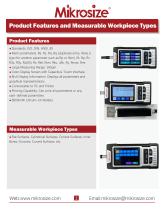
• Multi-parameters: Ra, Rz, Rq, Rq (duplicate entry, likely a typo for another parameter such as Rp or Rsm), Rt, Rp, Rv, R3z, R3y, Rz(JIS), Rs, RsK, Rsm, Rku, uRc, Ry, Rmax, Rmr • Large Measuring Range: 160pm • Color Display Screen with Capacitive Touch Interface • Rich Display Information: Displays all parameters and graphical representations • Printing Capability: Can print all parameters or any user-defined parameters • Flat Surfaces, Cylindrical Surfaces, Conical Surfaces, Inner Bores, Grooves, Curved Surfaces, etc.
Open the catalog to page 2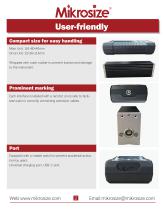
User-friendly Compact size for easy handling Main Unit: 161*80*40mm Drive Unit: 22*26*114mm Wrapped with outer rubber to prevent bumps and damage to the instrument. Prominent marking Each interface is labeled with a red dot on its side to facilitate users in correctly connecting extension cables. Port Equipped with a master switch to prevent accidental activation by users; Universal charging port, USB-C port.
Open the catalog to page 3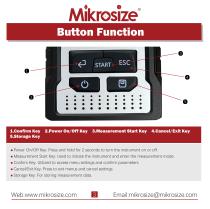
l.Confirm Key 2.Power On/Off Key 3.Measurement Start Key 4.Cancel/Exit Key 5.Storage Key • Power On/Off Key: Press and hold for 2 seconds to turn the instrument on or off. • Measurement Start Key: Used to initiate the instrument and enter the measurement mode. • Confirm Key: Utilized to access menu settings and confirm parameters. • Cancel/Exit Key: Press to exit menus and cancel settings. • Storage Key: For storing measurement data.
Open the catalog to page 4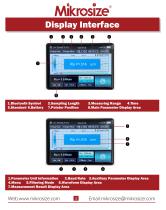
3.Measuring Range 4.Time 8.Main Parameter Display Area 1.Parameter Unit Information 2.Baud Rate 3.Auxiliary Parameter Display Area 4.Menu 5.Filtering Mode 6.Waveform Display Area 7.Measurement Result Display Area
Open the catalog to page 5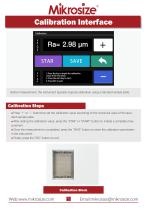
Before measurement, the instrument typically requires calibration using a standard sample plate. • Press "+" or "-" buttons to set the calibration value according to the numerical value of the standard sample plate. • After setting the calibration value, press the "STAR" or "START" button to initiate a complete measurement. • Once the measurement is completed, press the "SAVE" button to store the calibration parameters in the instrument. • Finally, press the "ESC" button to exit. Calibration Block
Open the catalog to page 6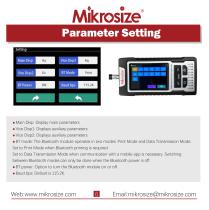
• Main Disp: Display main parameters • Vice Displ: Displays auxiliary parameters • Vice Disp2: Displays auxiliary parameters • BT mode: The Bluetooth module operates in two modes: Print Mode and Data Transmission Mode. Set to Print Mode when Bluetooth printing is required. Set to Data Transmission Mode when communication with a mobile app is necessary. Switching between Bluetooth modes can only be done when the Bluetooth power is off. • BT power: Option to turn the Bluetooth module on or off.
Open the catalog to page 7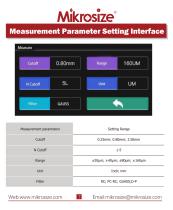
Measurement Parameter Setting Interface Measurement parameters Setting Range
Open the catalog to page 8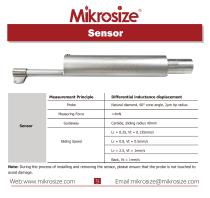
Measurement Principle Note: During the process of installing and removing the sensor, please ensure that the probe is not touched to avoid damage. Web:www.mikrosize.com Email:[email protected]
Open the catalog to page 10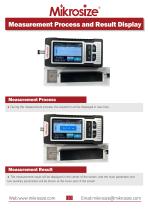
Measurement Process and Result Display During the measurement process, the waveform will be displayed in real-time. Measurement Result The measurement result will be displayed in the center of the screen, and the main parameter and two auxiliary parameters will be shown at the lower part of the screen.
Open the catalog to page 11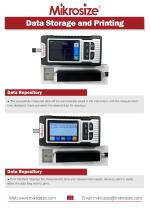
Data Storage and Printing Data Repository The successfully measured data will be automatically saved in the instrument, with the measurement time displayed. Users can select the desired data for viewing.v Data Repository Print Interface: Displays the measurement time and measurement values, allowing users to easily select the data they wish to print.
Open the catalog to page 12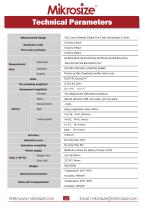
Primary profile, Roughness profile, load curves The displacement differential inductance Natural Diamond, 60B cone angle, 2pm tip radius <4mN
Open the catalog to page 13All Mikrosize catalogs and technical brochures
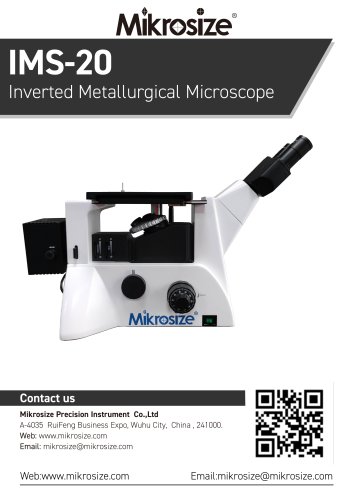 IMS-20
9 Pages
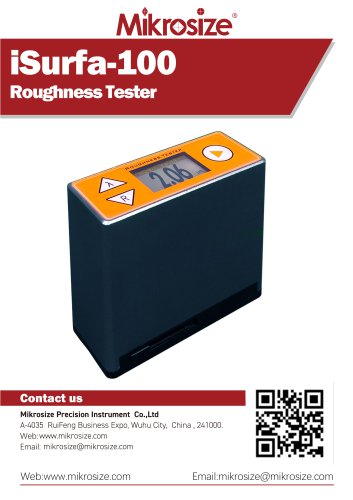 iSurfa-100
12 Pages
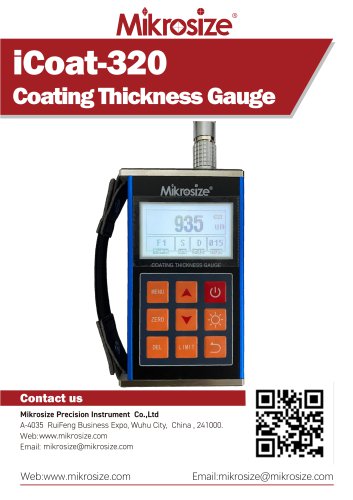 iCoat-320
12 Pages
 iLeeb-300
13 Pages
 iFlaw-80
12 Pages
 iShore-100
12 Pages
 iCoat-310
11 Pages
 MS-DF-20K
11 Pages
 iFlaw-100
13 Pages
 iStereo-211VT
12 Pages
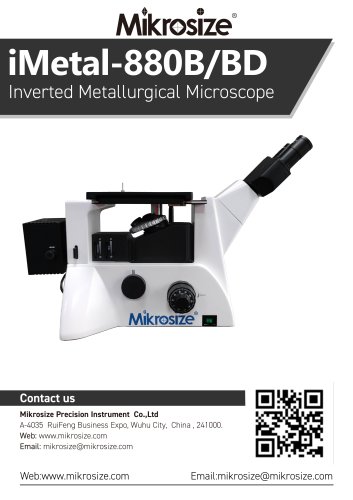
 iMetal-880B/BD
11 Pages
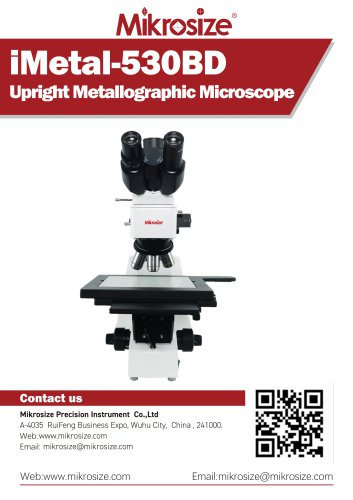 iMetal-530BD
9 Pages
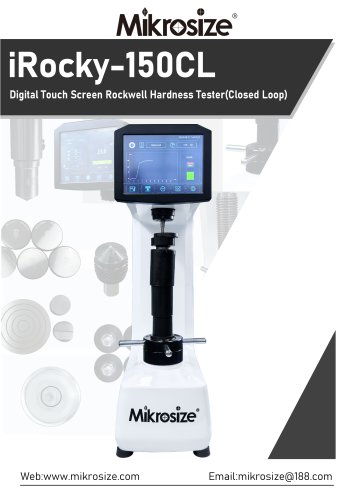 iRocky-150CL
14 Pages
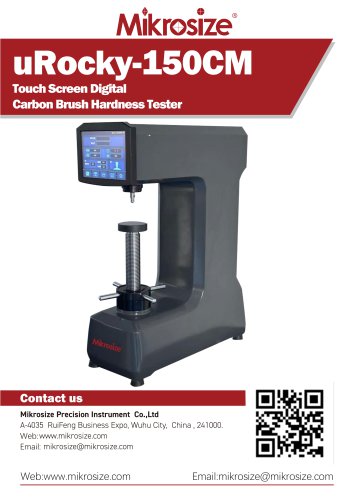 uRocky-150CM
5 Pages
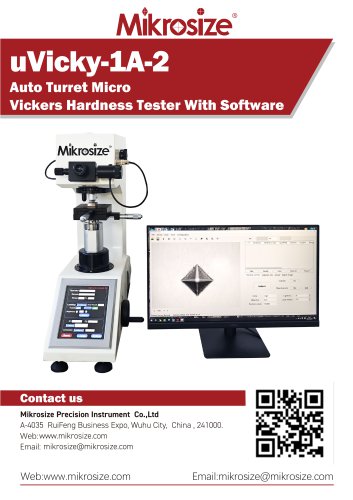 uVicky-1A-2
11 Pages
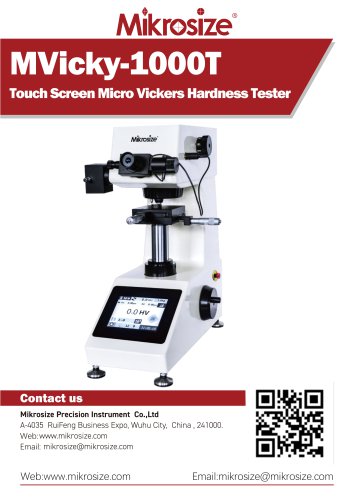 MVicky-1000T
13 Pages
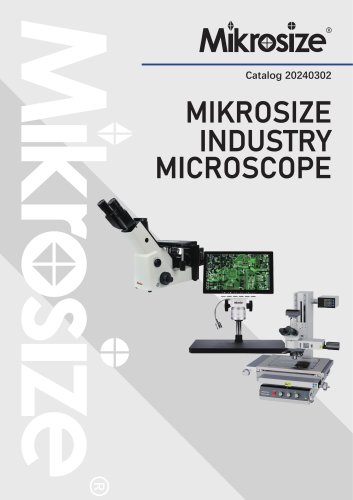 MIKROSIZE INDUSTRY MICROSCOPE
28 Pages
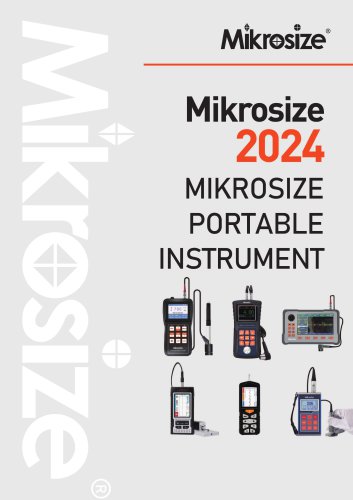 portable instrument
80 Pages
 MIKROSIZE VIDEO MEASURING SYSTEM
32 Pages


- Cutting system
- Metal cut-off machine
- Test machine
- Measuring device
- Automatic cut-off machine
- Cutting machine for industrial applications
- Monitoring analyzer
- High-precision cut-off machine
- Measuring machine
- Automatic analyser
- Microscope
- Automated testing machine
- Material test machine
- High-speed cut-off machine
- Indentation hardness tester
- Plastic cutting machine
- Solids analyser
- Digital weighing scale
- Computer-controlled test machine
- Precision cut-off machine