

iSurfa-100
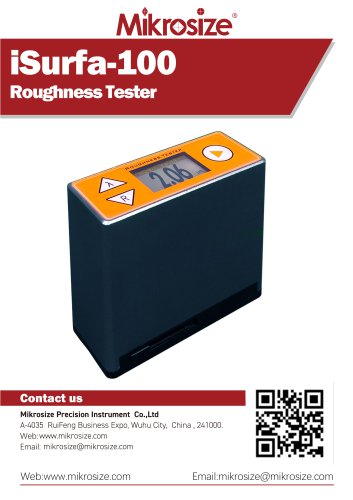
iSurfa-100
- The iSurfa-100 Roughness Tester features a durable aluminum die exterior with anti-electromagnetic interference capabilities.
- It is a compact, pocket-sized device with an integrated sensor and main body.
- Utilizes a low-power ARM processor for efficient data processing and calculation.
- Equipped with a 1.14-inch IPS TFT LCD display for high brightness and wide viewing angles.
- Operates on a single AA battery, offering extended usage time.
- Includes Bluetooth connectivity for communication with smartphones and other devices.
- Can store up to 500 measurement data sets.
- Real-time battery monitoring with charging prompts and automatic shutdown for energy efficiency.
- Features a protective door for the sensor probe to ensure measurement accuracy.
Suitable for detecting roughness on various metal and non-metal processed surfaces.
Instrument Interface- Includes keys for sampling length toggle, roughness parameter toggle, power/measurement, and probe compartment door switch.
- Battery compartment designed for AA batteries.
- Displays roughness parameters, sampling length, measured value, storage number, battery level, and measurement units.
Supports manual calibration using a standard test block with a simple button operation.
Unit Switching InterfaceAllows switching between metric and imperial units by holding a designated button.
Data Viewing InterfaceEnables direct viewing and management of measurement data on the device, with storage for up to 500 entries.
Technical Parameters- Measuring range for Ra, Rq: 0.05~10.0 µm; Rz, Rt: 0.1~50 µm.
- Travel length: 5.6 mm; Sample lengths: 0.25, 0.80, 2.50 mm.
- Evaluation length: 1.25, 4.0 mm; Display error: ±10%.
- Stylus radius: 10 µm ±1 µm; Measuring force: ≤0.016N.
- Operating conditions: Temperature -20℃~40℃, humidity < 90%.
- Includes main unit, calibration block, operating manual, certificate, guarantee card, suitcase, and screwdriver.
- Bluetooth adapter available as an optional accessory.
Catalog excerpts
iSurfa-100Roughness Tester Contact us Mikrosize Precision Instrument Co.,Ltd A-4035 RuiFeng Business Expo, Wuhu City, China , 241000. Web: www.mikrosize.com Email: [email protected] Web:www.mikrosize.com Email:[email protected]
Open the catalog to page 1
Product Features and Measurable Workpiece TypesProduct Features •The exterior is designed by drawing aluminium die, which is durable and has remarkable anti-electromagnetic interference ability, and conforms to the new trend of design today. •This is a pocket-sized instrument with an integrated sensor and main body. • Low-power consumption ARM processor is used for data processing and calculation, which greatly improves the speed of measurement and calculation. •The display LCD adopts 1.14 inch IPS TFT, with high brightness and no visual dead angle, which is suitable for various occasions • With...
Open the catalog to page 2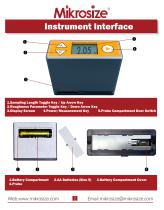
1.Sampling Length Toggle Key / Up Arrow Key 2.Roughness Parameter Toggle Key / Down Arrow Key 3.Display Screen 4.Power/Measurement Key 5.Probe Compartment Door Switch
Open the catalog to page 3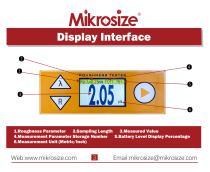
1.Roughness Parameter 2.Sampling Length 3.Measured Value 4.Measurement Parameter Storage Number 5.Battery Level Display Percentage 6.Measurement Unit (Metric/Inch)
Open the catalog to page 4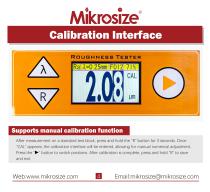
After measurement on a standard test block, press and hold the "R" button for 3 seconds. Once "CAL" appears, the calibration interface will be entered, allowing for manual numerical adjustment. Press the "►" button to switch positions. After calibration is complete, press and hold "R" to save and exit. Web:www.mikrosize.com Email:[email protected]
Open the catalog to page 5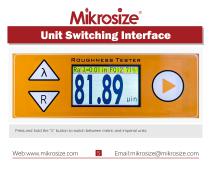
Unit Switching Interface Press and hold the "λ" button to switch between metric and imperial units.
Open the catalog to page 6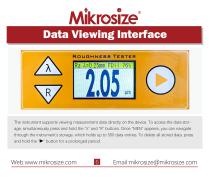
Data Viewing Interface The instrument supports viewing measurement data directly on the device. To access the data storage, simultaneously press and hold the "λ" and "R" buttons. Once "MEN" appears, you can navigate through the instrument's storage, which holds up to 500 data entries. To delete all stored data, press and hold the "" button for a prolonged period.
Open the catalog to page 7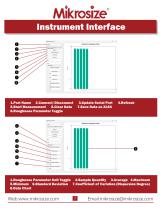
1.Port Name 2.Connect/Disconnect 5.Start Measurement 6.Clear Data 8.Roughness Parameter Toggle 3.Update Serial Port 7.Save Data as XLSX 1.Roughness Parameter Unit Toggle 2.Sample Quantity 3.Average 4.Maximum 5.Minimum 6.Standard Deviation 7.Coefficient of Variation (Dispersion Degree) 8.Data Chart
Open the catalog to page 8
Recommended Sampling Length Table The instrument can be controlled to start measurement through software on a computer, and the roughness measurement data can also be viewed on the software. Charts are directly displayed, providing a visual and convenient way for users to review the data.
Open the catalog to page 9
Working Environment Conditions Ra,Rq: 0.05~10.0 Rz,Rt: 0.1~50 Ra,Rz,Rq,Rt 5.6 Temperature: -20°C~40°C Relative humidity: < 90% No vibration and corrosive medium around
Open the catalog to page 10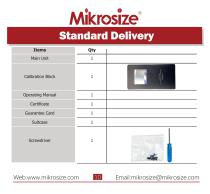
Standard Delivery Items Main Unit Calibration Block Operating Manual Guarantee Card
Open the catalog to page 11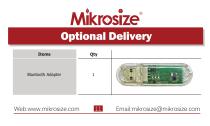
Optional Delivery Items Bluetooth Adapter
Open the catalog to page 12All Mikrosize catalogs and technical brochures
 IMS-20
9 Pages
 iSurfa-520
14 Pages
 iCoat-320
12 Pages
 iLeeb-300
13 Pages
 iFlaw-80
12 Pages
 iShore-100
12 Pages
 iCoat-310
11 Pages
 MS-DF-20K
11 Pages
 iFlaw-100
13 Pages
 iStereo-211VT
12 Pages
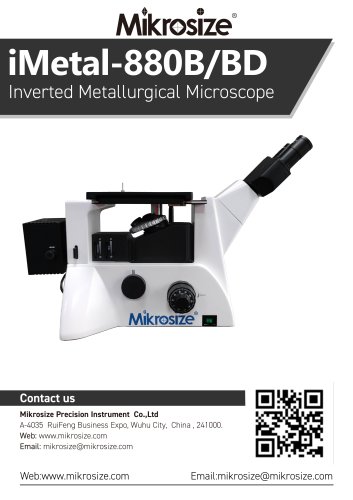
 iMetal-880B/BD
11 Pages
 iMetal-530BD
9 Pages
 iRocky-150CL
14 Pages
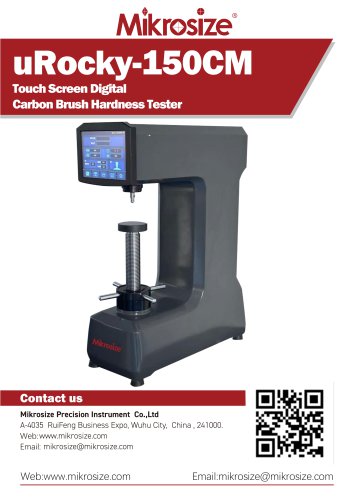 uRocky-150CM
5 Pages
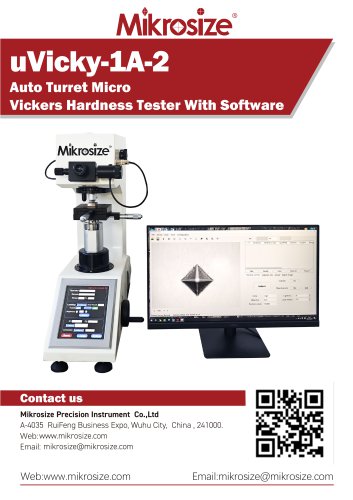 uVicky-1A-2
11 Pages
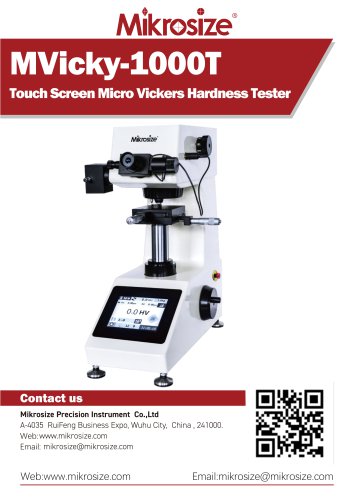 MVicky-1000T
13 Pages
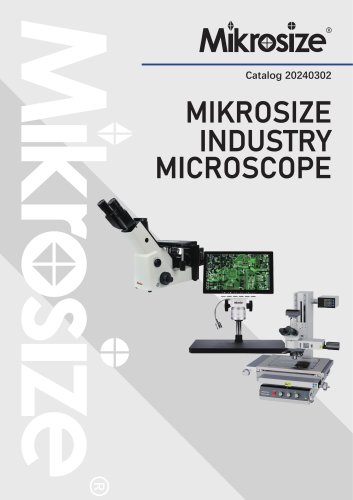 MIKROSIZE INDUSTRY MICROSCOPE
28 Pages
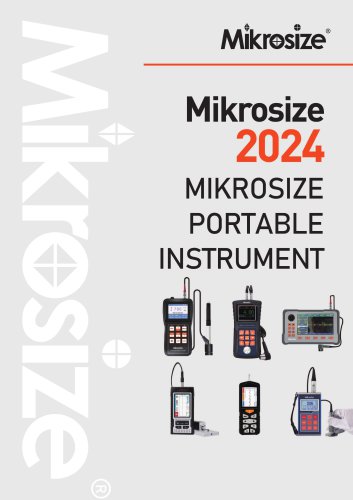 portable instrument
80 Pages
 MIKROSIZE VIDEO MEASURING SYSTEM
32 Pages
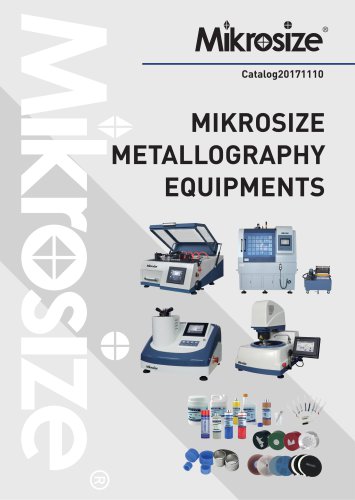

- Cutting system
- Metal cut-off machine
- Test machine
- Measuring device
- Automatic cut-off machine
- Cutting machine for industrial applications
- Monitoring analyzer
- High-precision cutting center
- Measuring machine
- Automatic analyser
- Microscope
- Automated testing machine
- Material test machine
- High-speed cut-off machine
- Indentation hardness tester
- Plastic cutting machine
- Solids analyser
- Digital weighing scale
- Computer-controlled test machine
- Precision cut-off machine