

iRocky-150CL
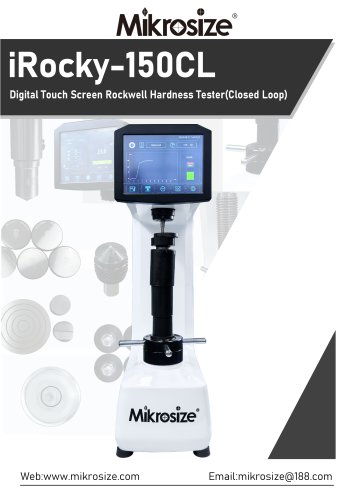
iRocky-150CL
The iRocky-150CL is a digital touch screen Rockwell hardness tester featuring a loading cell for improved accuracy and stability. It includes an 8-inch touch screen for intuitive operation and Bluetooth connectivity for data management. The device supports multiple Rockwell hardness scales and conversions, and complies with ISO, ASTM, and GB standards. It offers selectable test forces of 60/100/150kg and a large test space of 230x170mm, suitable for various materials and applications in aerospace and metallurgy.
The tester includes multiple interfaces for setting, testing, display, and program settings. Users can select different standards (ASTM E140, DIN18625, GB/T) and hardness scales (HRA, HRB, HRC, etc.). The dwelling time is adjustable from 0 to 60 seconds. For curved specimens, the curvature radius can be set to correct test results.
The testing interface automatically matches the test force and indenter. The process involves applying initial and main test forces, with the results displayed on the screen. The device requires at least five testing points per specimen. The test force curve and dwelling time countdown are shown during testing.
After testing, results are displayed with a pass/fail indication based on user-set deviations. The interface shows maximum, minimum, average, and deviation range for each group, with options to delete or print data. Language settings and test parameters can be adjusted, and results can be printed via a portable printer or RS-232 connection.
The tester comes with a Rockwell hardness block, ball and diamond indentors, test anvil, gradienter level adjusting feet, portable printer, and power adaptor.
Catalog excerpts
iRocky-150CL Digital Touch Screen Rockwell Hardness Tester(Closed Loop)
Open the catalog to page 1
Product Feature ●Loading cell instead of dead weight, improving loading accuracy,more stable loading forces ●Smart shape design,8 inch touch screen operating ,fast and sensitive, friendly for users.All settings on screen,intuitive and humanized. ●Bluetooth linked to computer, analyzed and managed data through dedicated hardness software(optional) ●Powerful data processing capabilities, calculating and analyzing maximum, minimum, and average values, etc ●Multiple Rockwell hardness scales can be selected on the touch screen, and multiple hardness scales such as HV and HB can be converted. ●The...
Open the catalog to page 2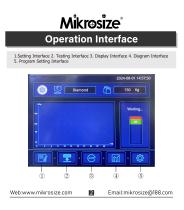
1.Setting Interface 2. Testing Interface 3. Display Interface 4. Diagram Interface 5. Program Setting Interface
Open the catalog to page 3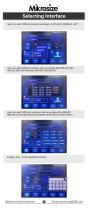
Users can select different standard accordingly: ASTM E140, DIN18625, GB/T Users can select different hardness scale accordingly:HRA,HRB,HRC,HRD HRE,HRF,HRG,HRH HRK,HRL,HRM,HRP HRR,HRS,HRV Users can select different conversion scale accordingly:HRA,HRB,HRC HRD,HRF,HV,HK,HBW,HBS,HR15N,HR30N,HR45N,HR15T,HR30T,HR45T Dwelling Time : 0~60s adjustable selection
Open the catalog to page 4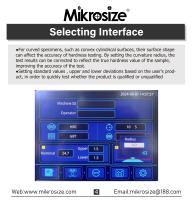
•For curved specimens, such as convex cylindrical surfaces, their surface shape can affect the accuracy of hardness testing. By setting the curvature radius, the test results can be corrected to reflect the true hardness value of the sample, improving the accuracy of the test. •Setting standard values , upper and lower deviations based on the user's product, in order to quickly test whether the product is qualified or unqualified
Open the catalog to page 5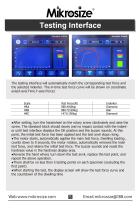
The testing interface will automatically match the corresponding test force and the selected indenter. The in-time test force curve will be shown on coordinate axis(X-axis:Time,Y-axis:Force) •After setting, turn the handwheel on the rotary screw clockwisely and raise the screw. The standard block should slowly and no impact contact with the indenter until test interface displays the OK position and the buzzer sounds. At this point, the initial test force has been applied and the test anvil stops rising. •The motor starts, automatically applies the main test force, Dwelling loading , counts down...
Open the catalog to page 6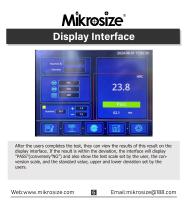
After the users completes the test, they can view the results of this result on the display interface. If the result is within the deviation, the interface will display "PASS"(conversely"NG") and also show the test scale set by the user, the conversion scale, and the standard value, upper and lower deviation set by the users.
Open the catalog to page 7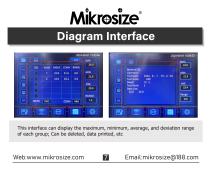
This interface can display the maximum, minimum, average, and deviation range of each group; Can be deleted, data printed, etc
Open the catalog to page 8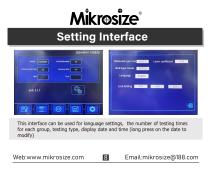
This interface can be used for language settings, the number of testing times for each group, testing type, display date and time (long press on the date to modify)
Open the catalog to page 9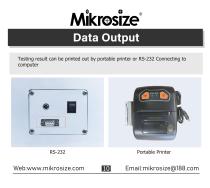
Testing result can be printed out by portable printer or RS-232 Connecting to computer
Open the catalog to page 11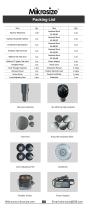
Diamond Indentor Test Anvil Rockwell Hardness Block Level Adjusting Feet Portable Printer Power Adaptor
Open the catalog to page 14All Mikrosize catalogs and technical brochures
 IMS-20
9 Pages
 iSurfa-100
12 Pages
 iSurfa-520
14 Pages
 iCoat-320
12 Pages
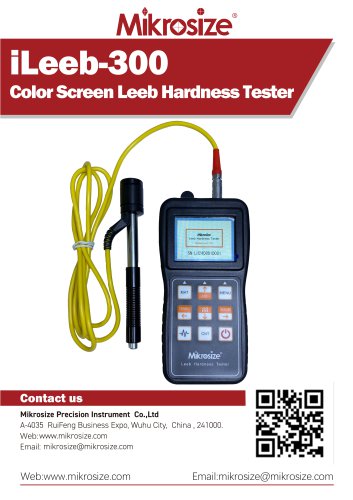 iLeeb-300
13 Pages
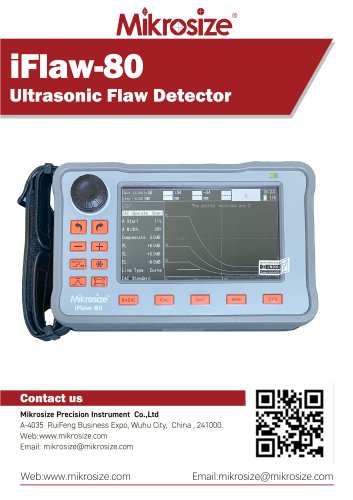 iFlaw-80
12 Pages
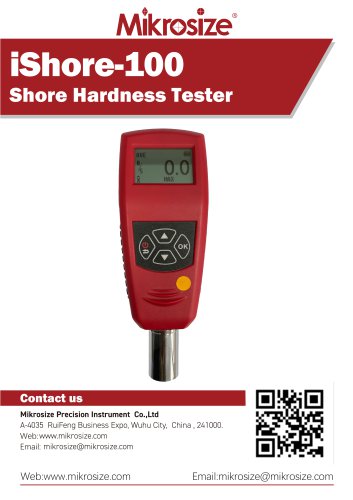 iShore-100
12 Pages
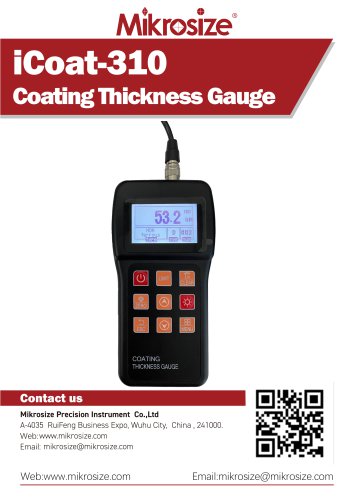 iCoat-310
11 Pages
 MS-DF-20K
11 Pages
 iFlaw-100
13 Pages
 iStereo-211VT
12 Pages
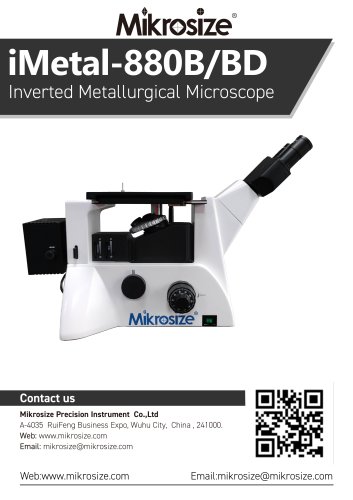
 iMetal-880B/BD
11 Pages
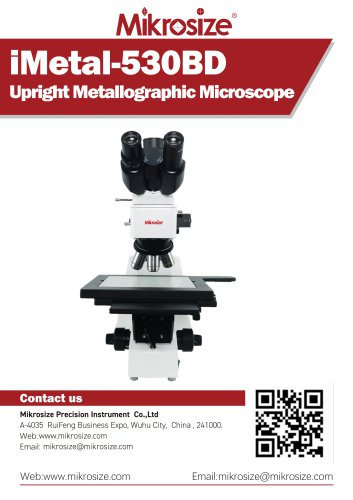 iMetal-530BD
9 Pages
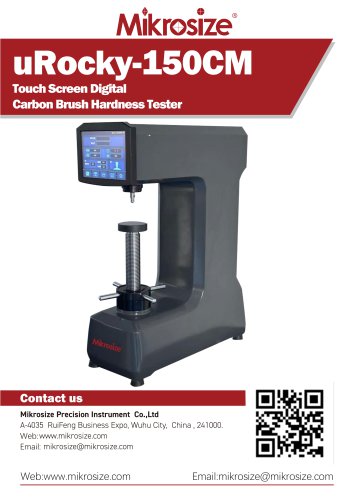 uRocky-150CM
5 Pages
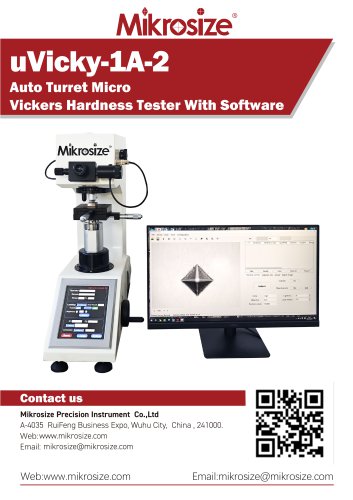 uVicky-1A-2
11 Pages
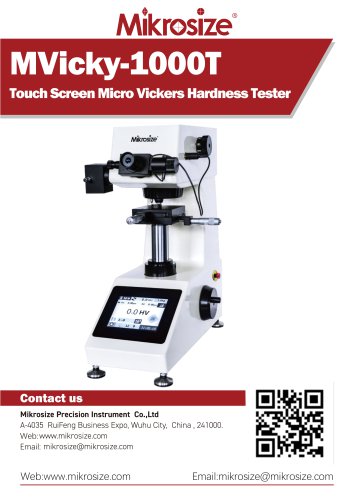 MVicky-1000T
13 Pages
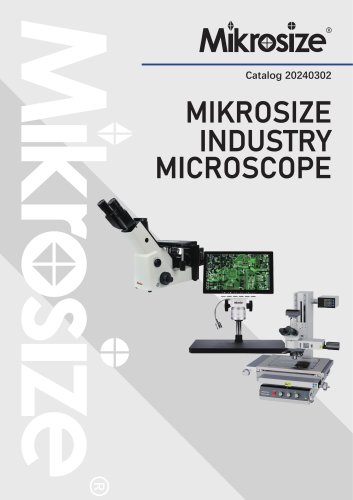 MIKROSIZE INDUSTRY MICROSCOPE
28 Pages
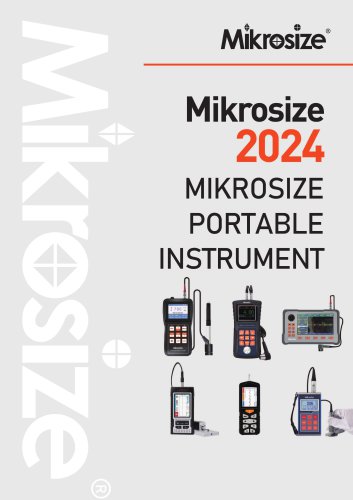 portable instrument
80 Pages
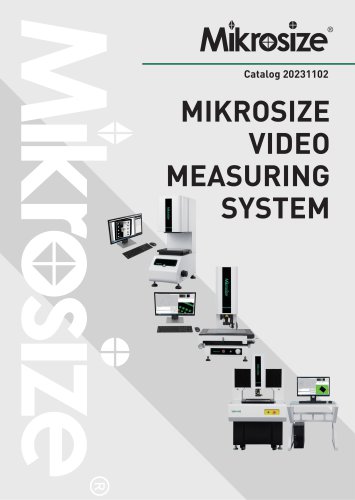 MIKROSIZE VIDEO MEASURING SYSTEM
32 Pages
- Cutting system
- Metal cut-off machine
- Test machine
- Measuring device
- Automatic cut-off machine
- Cutting machine for industrial applications
- Monitoring analyzer
- High-precision cutting center
- Measuring machine
- Automatic analyser
- Microscope
- Automated testing machine
- Material test machine
- High-speed cut-off machine
- Plastic cutting machine
- Solids analyser
- Digital weighing scale
- Computer-controlled test machine
- Precision cut-off machine