

iLeeb-300
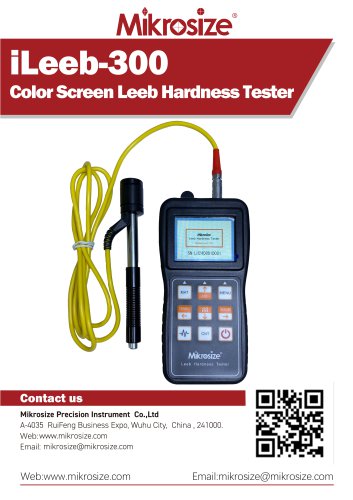
iLeeb-300
- Automatic probe recognition with plug-and-play functionality.
- Utilizes a high-performance ARM processor with Cortex-M4 core for fast processing.
- Full-scale display allows all scales to be viewed simultaneously.
- Displays Leeb hardness impact waveform to assess test validity and device condition.
- Stores up to 100 groups of hardness measurement data, including various parameters.
- Equipped with USB communication interface and data processing software.
- Bluetooth printing capability with optional printer.
- Tests a variety of metal materials based on Leeb hardness measurement principles.
- Powered by 2 AA batteries, offering over 50 hours of operation with power-saving features.
- Compact, portable, and reliable, suitable for harsh environments.
- Used for mold cavities, bearings, failure analysis of pressure vessels, and more.
- Suitable for heavy workpieces, installed machinery, and limited testing spaces.
- Facilitates rapid inspection and material differentiation in metal warehouses.
- Includes impact device connector, LCD color screen, buttons, and main unit housing.
- Features release button, loading sleeve, conduit, coil component, and more.
- Displays tested material, impact direction, hardness scale, and average symbols.
- Includes keys for material selection, menu navigation, data storage, and more.
- Allows configuration of impact device, material settings, test limits, and more.
- Enables automatic storage, key sound adjustment, and language preferences.
- Bluetooth settings include pairing code and device selection.
- Measurement range: HLD (170 ~ 960).
- Supports various measurement directions and hardness scales.
- Standard and optional impact devices available.
- Data memory for up to 100 groups, powered by 3V AA batteries.
- Suitable for various metals, with specific environmental requirements.
- Standard delivery includes main unit, impact device, test block, and more.
- Optional delivery includes additional brushes, special impact devices, and software.
Catalog excerpts
iLeeb-300Color Screen Leeb Hardness Tester Contact us Mikrosize Precision Instrument Co.,Ltd A-4035 RuiFeng Business Expo, Wuhu City, China , 241000. Web: www.mikrosize.com Email: [email protected] Web:www.mikrosize.com Email:[email protected]
Open the catalog to page 1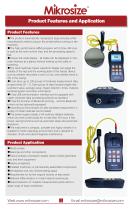
Product Features •The probe is automatically recognized, plug and play (other manufacturers need to plug in the probe before turning on the machine). •The high-performance ARM processor with Cortex-M4 core is used as the main control chip, and the processing speed is fast. • Unique full-scale display,all scales can be displayed on the main interface at a glance without looking up the table or switching. •The Leeb hardness impact waveform display can judge the validity of the test and the working state of the impact device, such as whether the probe is worn or not, and whether there is dirt in...
Open the catalog to page 2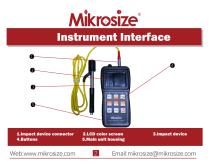
2.LCD color screen 5.Main unit housing
Open the catalog to page 3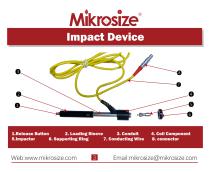
1.Release Button 2. Loading Sleeve 3. Conduit 5.Impactor 6. Supporting Ring 7. Conducting Wire 4. Coil Component 8. connector
Open the catalog to page 4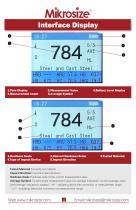
l.Time Display 2.Measurement Value 3.Battery Level Display 1.Hardness Scale 2.Convert Hardness Scale 3.Tested Material 4.Type of Impact Device 5.Impact Direction Tested Material: Currently set material Impact Direction: Current impact direction Hardness Scale: Hardness scale of the current measurement value Average Symbol: Current single measurement value (no average indication), current average value (with average indication); displays "-HI-" indicating above the conversion or measurement range, "-LO-" indicating below the conversion or measurement range.
Open the catalog to page 5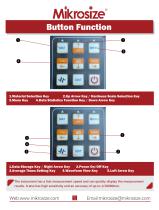
1.Material Selection Key 2.Up Arrow Key / Hardness Scale Selection Key 3.Menu Key 4.Data Statistics Function Key / Down Arrow Key 1.Data Storage Key / Right Arrow Key 2.Power On/Off Key 3.Average Times Setting Key 4.Waveform View Key 5.Left Arrow Key The instrument has a fast measurement speed and can quickly display the measurement results. It also has high sensitivity and an accuracy of up to 1/10000mm.
Open the catalog to page 6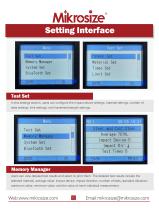
Setting Interface Test Set In this settings section, users can configure the impact device settings, material settings, number of tests settings, limit settings, and hardness/strength settings. Memory Manager Users can view detailed test results and select to print them. The detailed test results include the selected material, average value, impact device, impact direction, number of tests, standard deviation, maximum value, minimum value, and the value of each individual measurement.
Open the catalog to page 7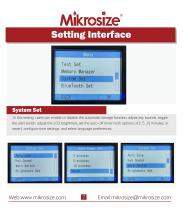
Setting Interface System Set In this setting, users can enable or disable the automatic storage function, adjust key sounds, toggle the alert switch, adjust the LCD brightness, set the auto-off timer (with options of 2, 5, 10 minutes, or never), configure time settings, and select language preferences.
Open the catalog to page 8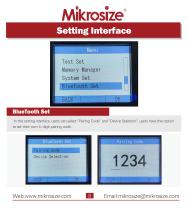
Setting Interface BlueTooth Set In this setting interface, users can select "Pairing Code" and "Device Selection"; users have the option to set their own 4-digit pairing code.
Open the catalog to page 9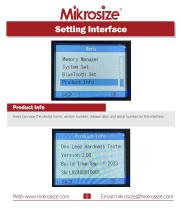
Setting Interface Product Info Users can view the device name, version number, release date, and serial number on this interface
Open the catalog to page 10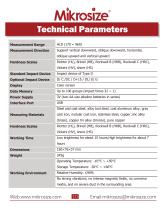
Technical Parameters Measurement Range Measurement Direction Support vertical downward, oblique downward, horizontal, oblique upward and vertical upward Hardness Scales Richter (HL), Brinell (HB), Rockwell B (HRB), Rockwell C (HRC), Vickers (HV), shore (HS) Standard Impact Device Impact device of Type D Optional Impact Device Color screen Data Memory Up to 100 groups (impact times 32 ~ 1) Power Supply 3V (two AA size alkaline batteries in series) Interface Port USB Steel and cast steel, alloy tool steel, cast aluminum alloy, gray Measuring Materials cast iron, nodular cast iron, stainless steel,...
Open the catalog to page 11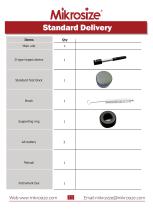
Main unit D type impact device Standard Test block Supporting ring
Open the catalog to page 12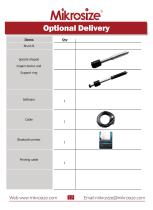
Optional Delivery Items Special shaped impact device and Support ring Bluetooth printer Printing cable
Open the catalog to page 13All Mikrosize catalogs and technical brochures
 IMS-20
9 Pages
 iSurfa-100
12 Pages
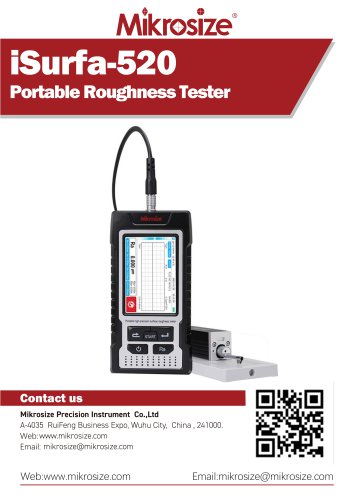 iSurfa-520
14 Pages
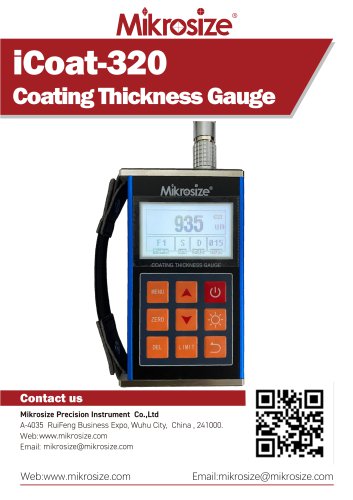 iCoat-320
12 Pages
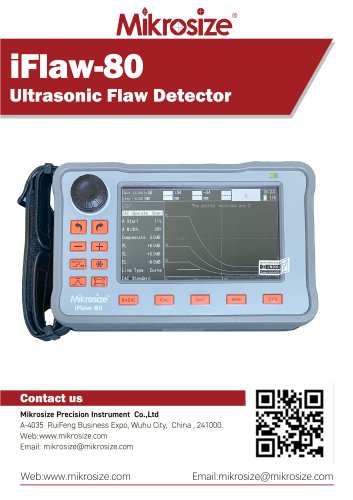 iFlaw-80
12 Pages
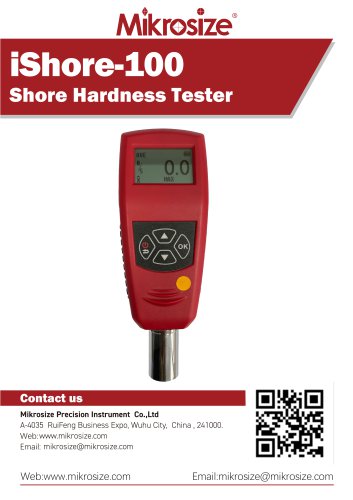 iShore-100
12 Pages
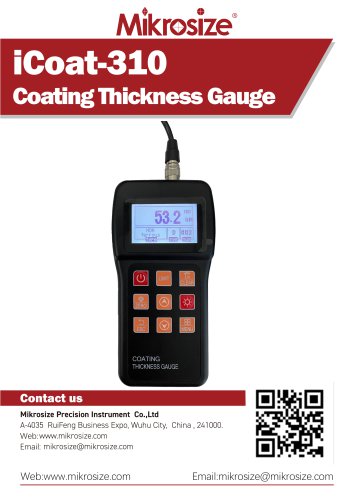 iCoat-310
11 Pages
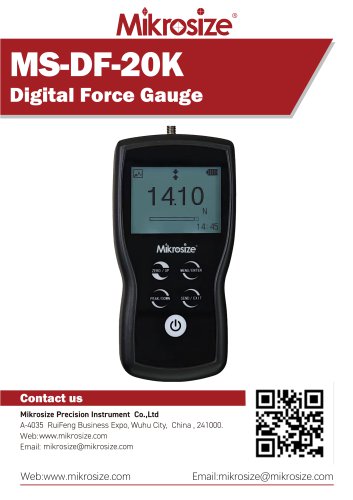 MS-DF-20K
11 Pages
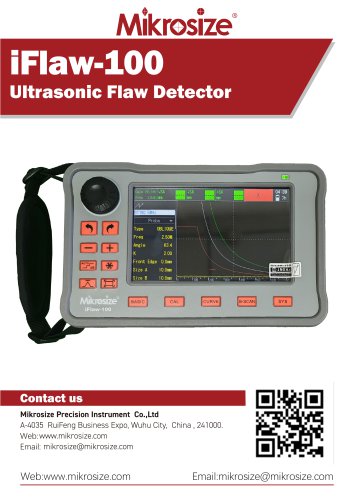 iFlaw-100
13 Pages
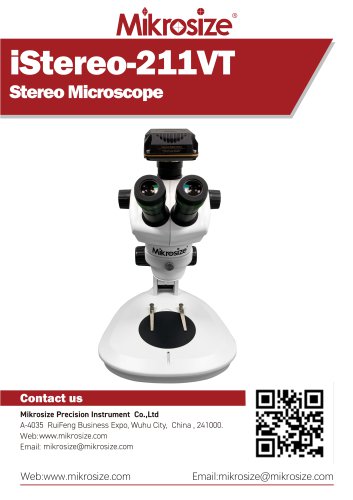 iStereo-211VT
12 Pages
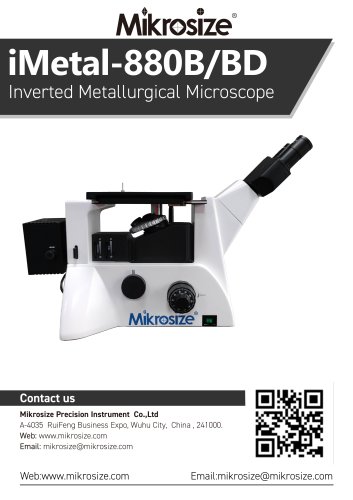
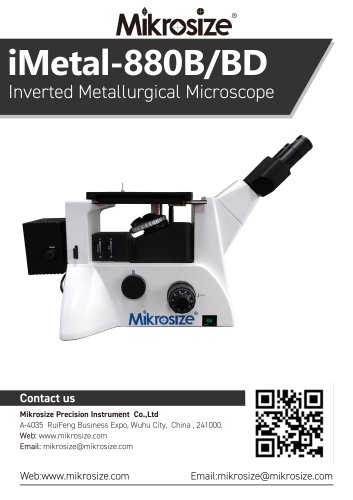 iMetal-880B/BD
11 Pages
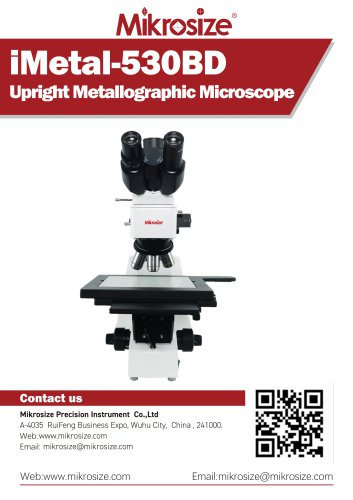 iMetal-530BD
9 Pages
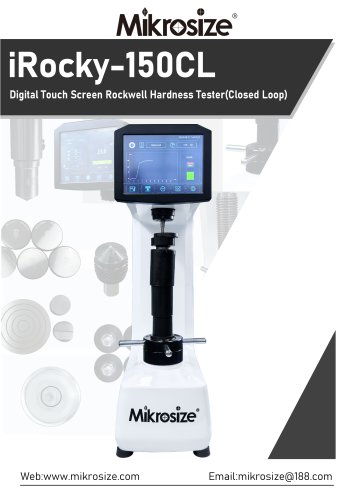 iRocky-150CL
14 Pages
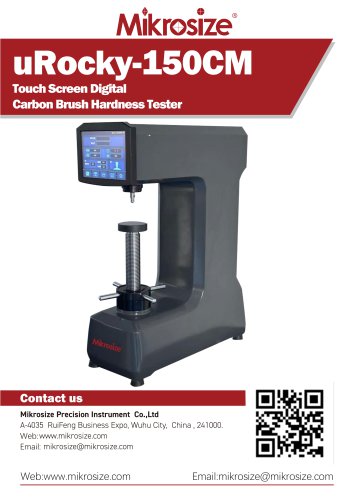 uRocky-150CM
5 Pages
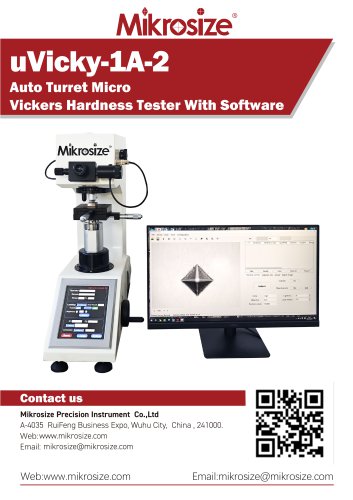 uVicky-1A-2
11 Pages
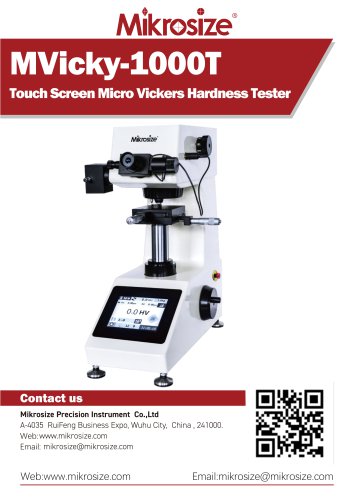 MVicky-1000T
13 Pages
 MIKROSIZE INDUSTRY MICROSCOPE
28 Pages
 portable instrument
80 Pages
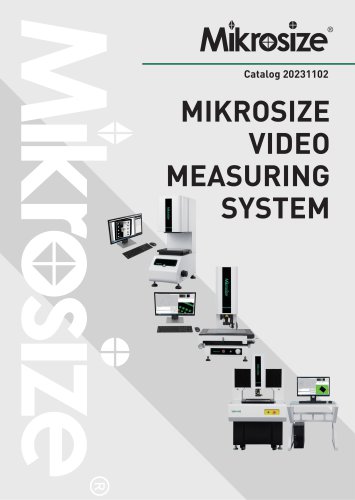 MIKROSIZE VIDEO MEASURING SYSTEM
32 Pages
- Cutting system
- Metal cut-off machine
- Test machine
- Measuring device
- Automatic cut-off machine
- Cutting machine for industrial applications
- Monitoring analyzer
- High-precision cutting center
- Measuring machine
- Automatic analyser
- Microscope
- Automated testing machine
- Material test machine
- High-speed cut-off machine
- Plastic cutting machine
- Solids analyser
- Digital weighing scale
- Computer-controlled test machine
- Precision cut-off machine