

iCoat-310
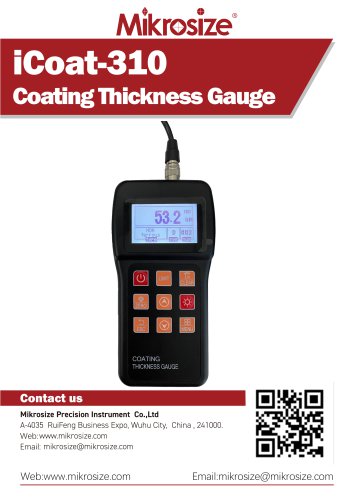
iCoat-310
- The iCoat-310 Coating Thickness Gauge uses magnetic and eddy current measurement methods to measure non-magnetic coatings on magnetic substrates and non-conductive coatings on non-magnetic substrates.
- Compatible with 10 probe types and offers two measurement modes: Continuous and Single.
- Includes statistical parameters like Mean, Maximum, Minimum, Number of Tests, and Standard Deviation.
- Features one-point and two-point calibration methods and can store up to 495 measurement values.
- Equipped with limit setting alerts, power undervoltage indication, and error indication functions.
- Can connect to a computer for data download, storage, and printing.
- Applicable in manufacturing, metal processing, chemical industry, and commodity inspection.
- The interface includes indicators for probe type, data display, battery level, measurement unit, and mode.
- Keys for power, setting limits, zero calibration, and navigation are provided.
- Allows selection of measurement modes (Single or Continuous) and working modes (Direct or Grouped).
- Supports metric and imperial units, data file viewing, and deletion.
- Adjustable LCD brightness and key sound settings.
- Language options include Chinese and English.
- Ensure the battery is charged and the sensor head is clean before use.
- Calibrate the instrument as needed and clean the measurement area.
- Place the sensor head vertically on the surface and press gently to measure.
- Displays coating thickness with high sensitivity and accuracy.
- Operating environment: 0℃~40℃, 20%~90%RH, no strong magnetic field.
- Power supply: 2×1.5V AA batteries.
- Dimensions: 115mm×67mm×31mm, Weight: 340g.
- Standard delivery includes the main unit, probe, calibration foils, zero plate, manual, warranty card, and case.
- Optional probes include F1, F1/90°, F10, and N1.
Catalog excerpts

iCoat-310Coating Thickness Gauge Contact us Mikrosize Precision Instrument Co.,Ltd A-4035 RuiFeng Business Expo, Wuhu City, China , 241000. Web: www.mikrosize.com Email: [email protected] Web:www.mikrosize.com Email:[email protected]
Open the catalog to page 1
Product Features • Employs both magnetic and eddy current thickness measurement methods, allowing for the measurement of non-magnetic coating thickness on magnetic metal substrates as well as non-conductive coating thickness on non-magnetic metal substrates. • Offers two measurement modes: Continuous (CONTINUE) and Single (SINGLE) • Provides two operation modes: Direct (DIRECT) and Group(APPL1-5) • Includes five statistical parameters: Mean (MEAN), Maximum (MAX), Minimum (MIN), Number of Tests (NO.), and Standard Deviation (S.DEV) • Capable of calibration using both one-point and two-point calibration...
Open the catalog to page 2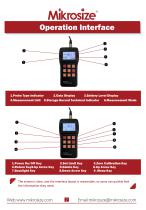
1.Probe Type Indicator 2.Data Display 3.Battery Level Display 4.Measurement Unit 5.Storage Record Technical Indicator 6.Measurement Mode 3.Zero Calibration Key 6.Up Arrow Key 9 .Menu Key The screen is clear, and the interface layout is reasonable, so users can quickly find the information they need.
Open the catalog to page 3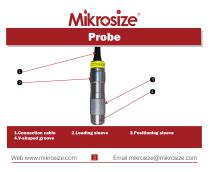
l.Connection cable 2.Loading sleeve 3.Positioning sleeve
Open the catalog to page 4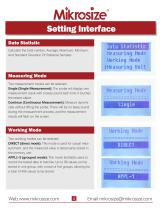
Date Statistic Mikrosize Setting Interface Calculate the total number, Average, Maximum, Minimum, And Standard Deviation Of Statistical Samples IMeasuring Unit Measuring Mode Two measurement modes can be selected Single (Single Measurement): The probe will display one measurement result with a beep sound each time it touches the tested object Continue (Continuous Measurement): Measure dynamically without lifting the probe. There will be no beep sound during the measurement process, and the measurement results will flash on the screen.. Working Mode Two working modes can be selected DIRECT (direct...
Open the catalog to page 5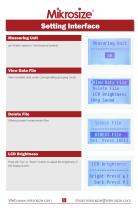
Setting Interface Measuring Unit μm (metric system) / mils (imperial system) View Data File View recorded data under corresponding grouping mode Delete File Delete grouped measurement files LCD Brightness Press the "Up" or "Down" button to adjust the brightness of the display screen.
Open the catalog to page 6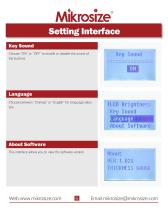
Choose "ON" or "OFF" to enable or disable the sound of the buttons. Choose between "Chinese" or "English" for language selection. Language About Softwar About Software This interface allows you to view the software version. THICKNESS GAUGE
Open the catalog to page 7
Steps of Use • Check if the battery is fully charged to prevent insufficient power from affecting the measurement results during the process. • Wipe the sensor head with a soft cloth or tissue to ensure it is free from dust, oil, and other impurities, thus guaranteeing the accuracy of the measurement. • After turning on the instrument, perform calibration as needed. Calibration ensures the accuracy of measurement results. • Determine the specific location where the coating thickness needs to be measured based on your requirements. • Clean the measurement area with an appropriate cleanser or cloth...
Open the catalog to page 8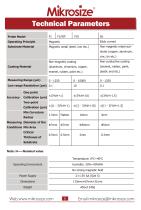
Probe Model Operating Principle Substrate Material Coating Material Operating Environment Power Supply Temperature: 0°C~40°C Humidity: 20%~90%RH No strong magnetic field 2x1.5V AA (Size 5) 115mmx67mmx31mm About 340g Note: H-Nominal value
Open the catalog to page 9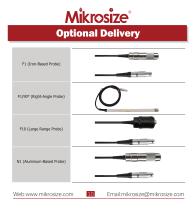
Optional Delivery F1 (Iron-Based Probe) F10 (Large Range Probe)
Open the catalog to page 11All Mikrosize catalogs and technical brochures
 IMS-20
9 Pages
 iSurfa-100
12 Pages
 iSurfa-520
14 Pages
 iCoat-320
12 Pages
 iLeeb-300
13 Pages
 iFlaw-80
12 Pages
 iShore-100
12 Pages
 MS-DF-20K
11 Pages
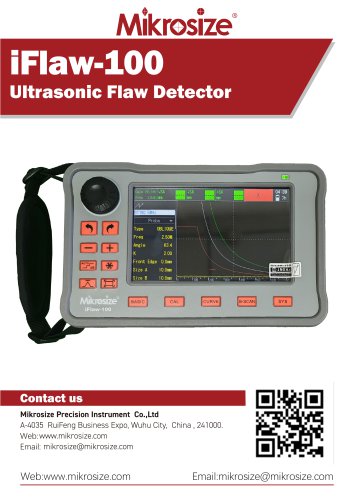 iFlaw-100
13 Pages
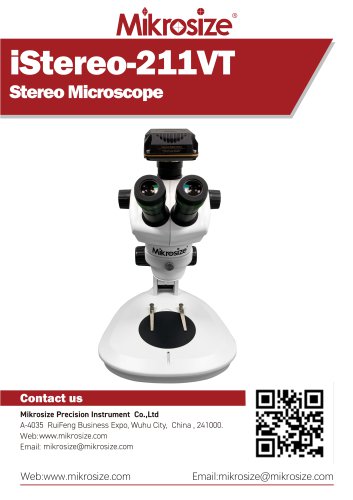 iStereo-211VT
12 Pages
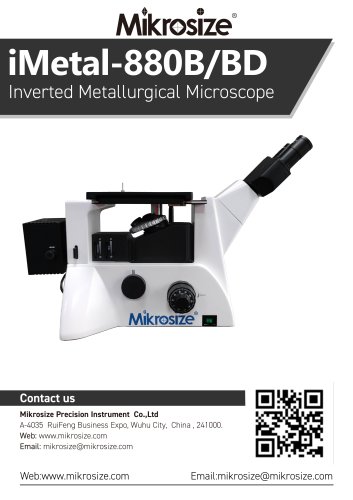
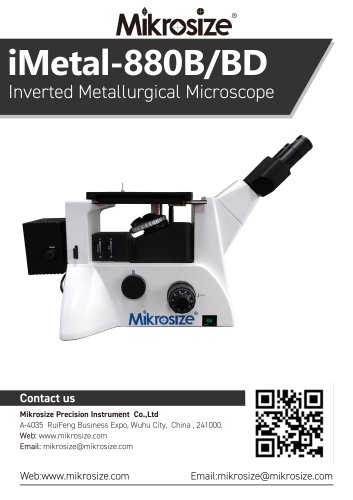 iMetal-880B/BD
11 Pages
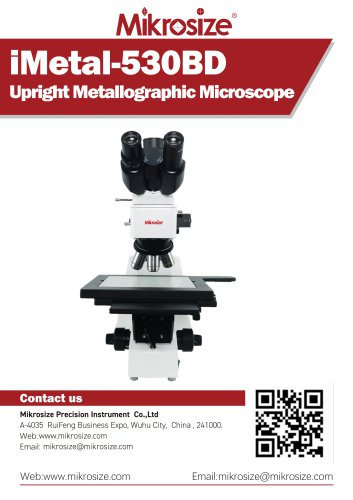 iMetal-530BD
9 Pages
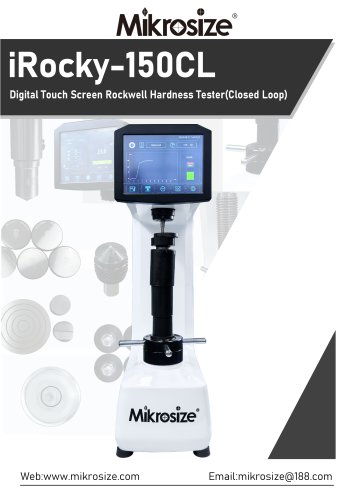 iRocky-150CL
14 Pages
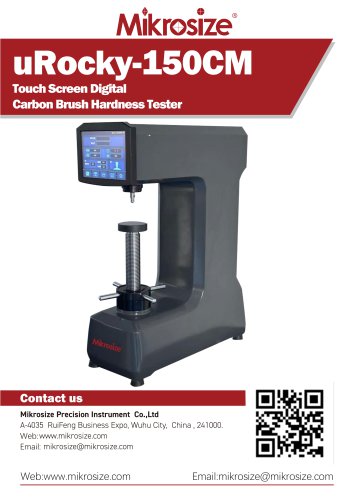 uRocky-150CM
5 Pages
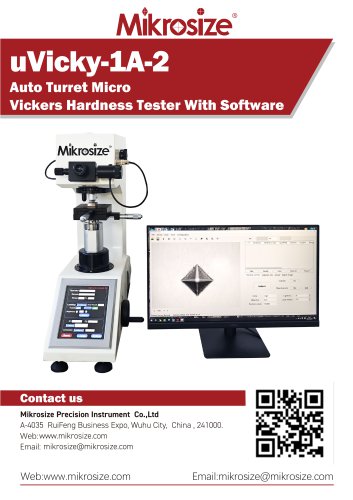 uVicky-1A-2
11 Pages
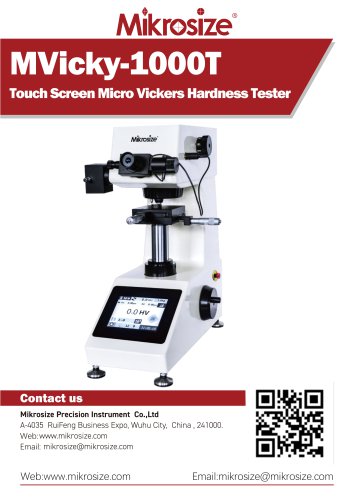 MVicky-1000T
13 Pages
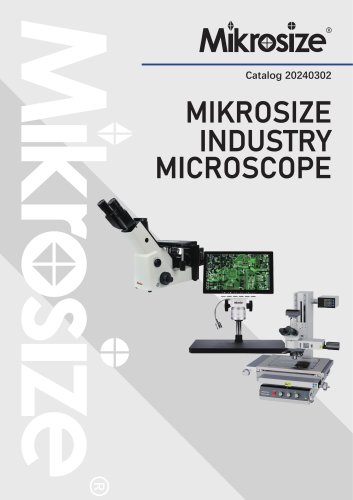 MIKROSIZE INDUSTRY MICROSCOPE
28 Pages
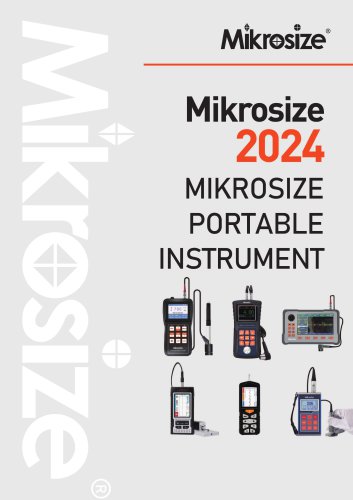 portable instrument
80 Pages
 MIKROSIZE VIDEO MEASURING SYSTEM
32 Pages
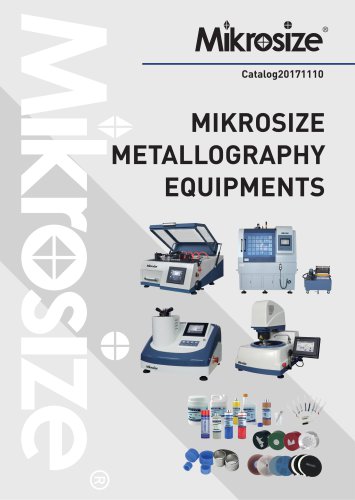

- Cutting system
- Metal cut-off machine
- Test machine
- Measuring device
- Automatic cut-off machine
- Cutting machine for industrial applications
- Monitoring analyzer
- High-precision cutting center
- Measuring machine
- Automatic analyser
- Microscope
- Automated testing machine
- Material test machine
- High-speed cut-off machine
- Indentation hardness tester
- Plastic cutting machine
- Solids analyser
- Digital weighing scale
- Computer-controlled test machine
- Precision cut-off machine