

- Products
- Catalogs
- News & Trends
- Exhibitions
Storage container for colored cocoa butter
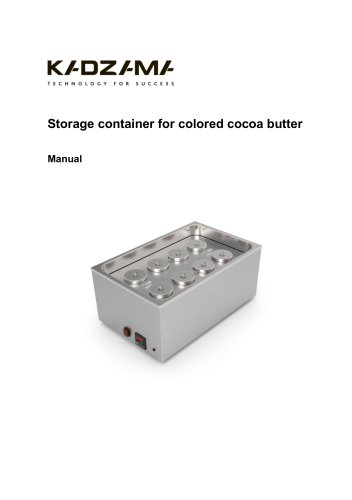
Storage container for colored cocoa butter
The storage container is designed to store colored cocoa butter in optimal working conditions.
Specifications
- Supply: 220V / 50Hz
- Power: 0.2 kW/h
- Dimensions: 540 x 340 x 240 mm
- Weight: 13 kg (unpackaged) / 16 kg (packaged)
- Number of jars: 8
Configuration
The package includes one storage container, eight metal jars, a manual, and a warranty card.
Safety Measures
- Ensure proper electrical grounding.
- Operate only by trained personnel.
- Avoid using the device with wet hands or in extreme temperatures and humidity.
- Keep out of reach of children and do not leave unattended.
- Maintenance should be performed when disconnected from power.
Before Start
- Unpack and set the container on a stable surface.
- Install metal jars and ensure proper power connection.
Control Panel Description
- Power button, temperature display, and indicators for temperature deviation and control output.
- Use the MODE key to adjust parameters and settings keys to change values.
Exploitation
- Maintain room temperature between 18°C to 25°C for optimal operation.
- Pour liquid cocoa butter into jars, cover, and set desired temperature.
- Automatic calibration is available for optimal settings.
Maintenance and Care
- Keep the container clean and perform maintenance when cooled and unplugged.
- Wipe the body with a damp cloth and wash jars with warm water and detergent.
- Disconnect from power if unused for more than two days.
Warranty
The warranty details are specified in the warranty card.
Certificate of Acceptance
The device complies with specifications and is certified as serviceable.
Catalog excerpts
Storage container for colored cocoa butter
Open the catalog to page 1
This manual is designed for study the main technical characteristics, operating principle and rules of technical operation of storage container for colored cocoa butter. Before use carefully read the instructions below! Improper use of the equipment can be a source of danger. By starting work with the device you confirm that you are fully acquainted with this manual and understood the rules of operation of the device. KADZAMA appreciates your purchase and wishes you a pleasant work experience.
Open the catalog to page 2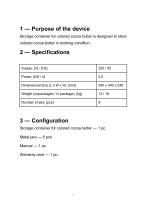
Storage container for colored cocoa butter is designed to store colored cocoa butter in working condition. Storage container for colored cocoa butter — 1 pc. Metal jars — 8 pcs.
Open the catalog to page 3
4.1. Storage container is an electric appliance with a certain danger potential. When connecting the device to the electric grid, take all necessary precautions to avoid electric shock. 4.2. Storage container must be connected to the power supply and operated only by trained personnel. 4.3. It is not allowed to operate the storage container in the absence of electrical grounding («E» wire). 4.4. Storage container should be used only for its intended purpose. 4.5. Use and store the storage container in a place out of reach of children 4.6. Do not leave the storage container switched on without...
Open the catalog to page 4
4.12. Repair or disassembly of the storage container may only be provided with the assistance of qualified personnel of KADZAMA. 5.2. Set the storage container on a working surface. 5.3. Install the metal jars into the body of the storage container. 5.4. Make sure that the power supply is correct and that the power source is properly grounded. Plug the equipment into a 220V.
Open the catalog to page 5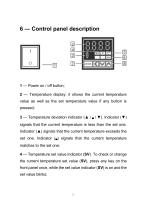
2 — Temperature display: it shows the current temperature value as well as the set temperature value if any button is pressed; 3 — Temperature deviation indicator (▲ I B I ▼). Indicator (▼) signals that the current temperature is less than the set one. Indicator (▲) signals that the current temperature exceeds the set one. Indicator (B) signals that the current temperature matches to the set one; 4 — Temperature set value indicator (SV). To check or change the current temperature set value (SV), press any key on the front panel once, while the set value indicator (SV) is on and the set value...
Open the catalog to page 6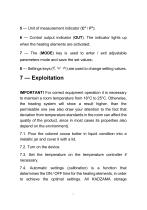
5 — Unit of measurement indicator (C° I F°); 6 — Control output indicator (OUT). The indicator lights up when the heating elements are activated; 7 — The (MODE) key is used to enter / exit adjustable parameters mode and save the set values; 8 — Settings keys (< v A) are used to change setting values. IMPORTANT! For correct equipment operation it is necessary to maintain a room temperature from 18°C to 25°C. Otherwise, the heating system will show a result higher, than the permissible one (we also draw your attention to the fact that deviation from temperature standards in the room can affect...
Open the catalog to page 7
containers for colored cocoa butter have optimal settings by default and are delivered to the customers already configured. We recommend calibrating it by yourself, if you need to and after the consultation with our specialists: — press the mode key (MODE) and keep it pressed for 2 seconds, (PAr1) is indicated on the display; — press the mode key (MODE) once to select the parameter (At); — use the (V A) keys to switch (ON) and press mode key — the deviation indicator (▼) on the front panel will start blinking with a 1 second interval, a (P) will appear on the display, after a while it will change...
Open the catalog to page 8
8.2. It is allowed to wipe the body with a clean, wet sponge or cloth. 8.3. It is allowed to wash the metal jars under a stream of warm water and wash with detergents. After washing, the jars should be wiped dry. 8.4. If the equipment won’t be used for a long time (more than 2 days), it is necessary to disconnect it from the power supply and clean it thoroughly. Repeat steps 8.2 and 8.3 before putting the container to work. PAY ATTENTION! If your device model is equipped with additional sockets, you must be aware that the power supply to these sockets is not turned off by the main power button...
Open the catalog to page 9
9 — Warranty The warranty period (as well as the terms of warranty service) are specified in the warranty card.
Open the catalog to page 10
10 — Certificate of acceptance Storage container for colored cocoa butter complies with stated specifications and is recognized as serviceable. kadzama.com [email protected] ——— Meets certification requirement
Open the catalog to page 11All Kadzama catalogs and technical brochures
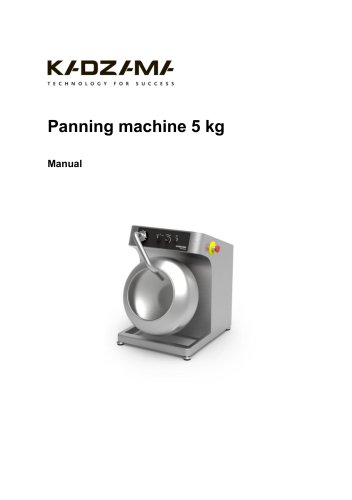 Panning machine 5 kg
9 Pages
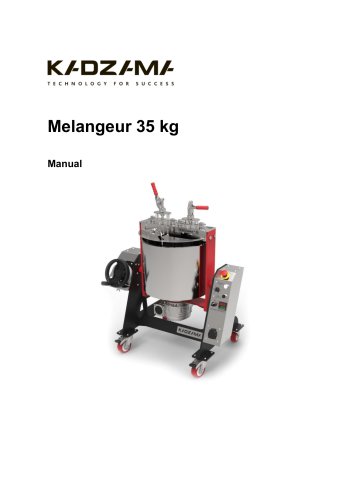 Melangeur 35 kg
12 Pages
 Melanger 85 kg
11 Pages
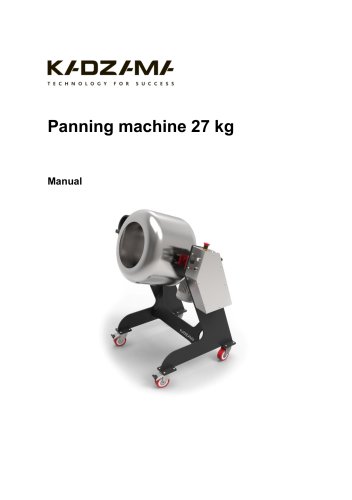 Panning machine 27 kg
10 Pages
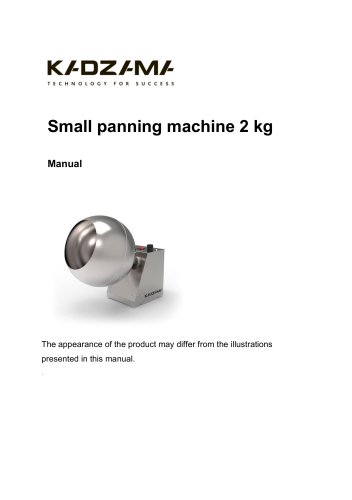 Small panning machine 2 kg
10 Pages
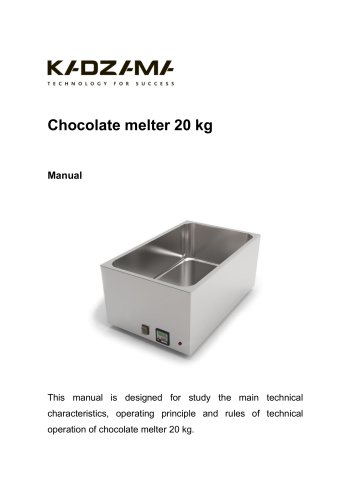 Chocolate melter 20 kg
22 Pages
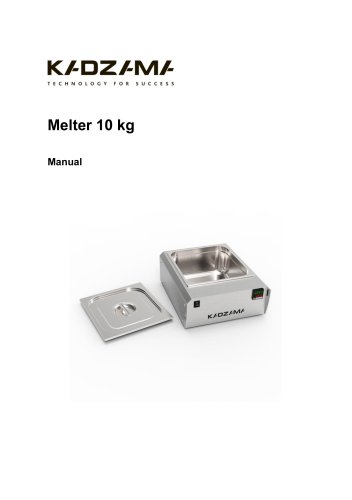 Melter 10 kg
20 Pages
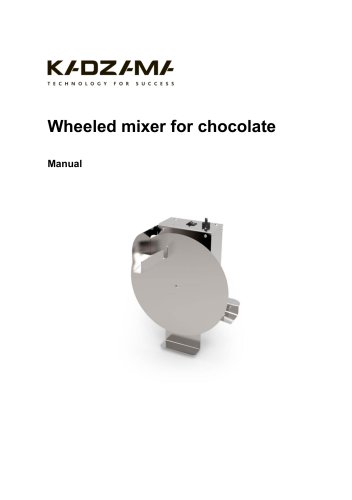 Wheeled mixer for chocolate
9 Pages
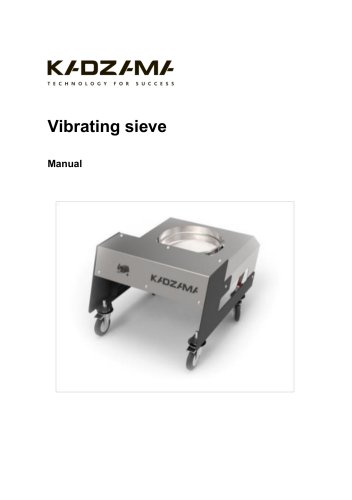 Vibrating sieve
9 Pages
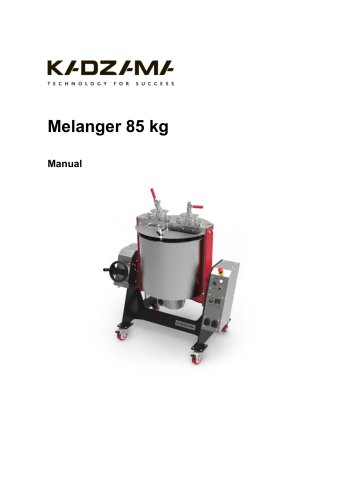 Melanger 85 kg
11 Pages
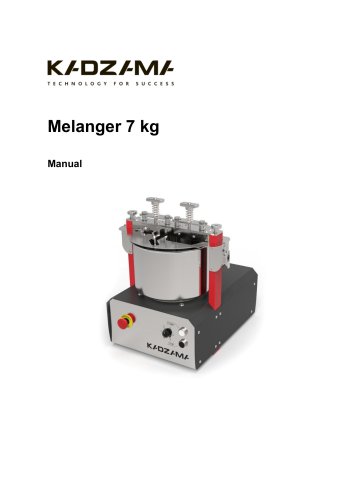 Melanger 7 kg
14 Pages
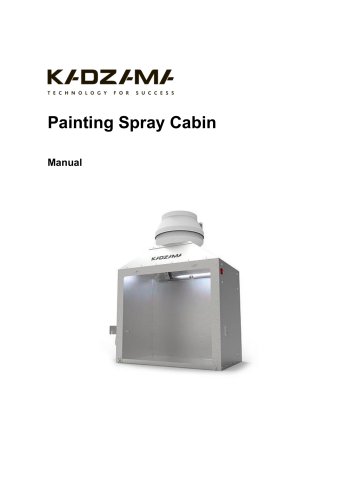 Painting Spray Cabin
12 Pages
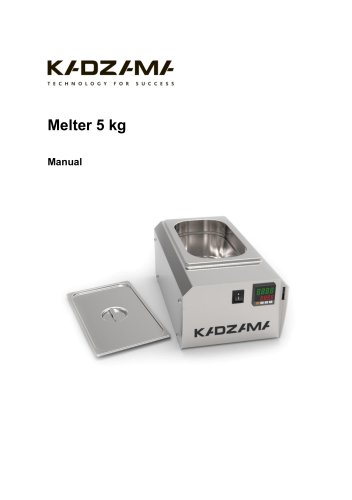 Melter 5 kg
20 Pages
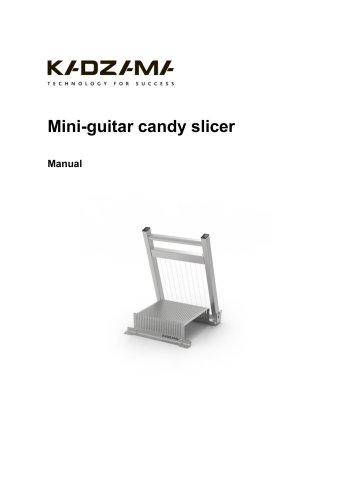 Mini-guitar candy slicer
9 Pages
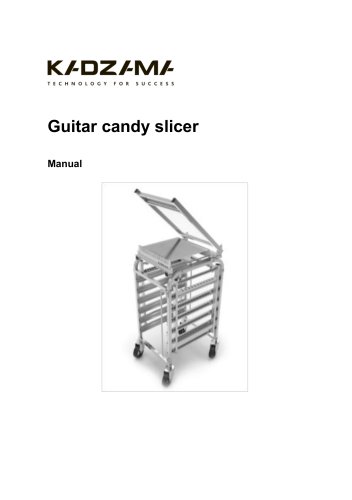 Guitar candy slicer
9 Pages
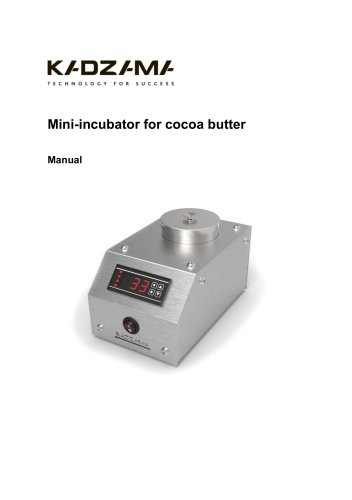 Mini-incubator for cocoa butter
10 Pages
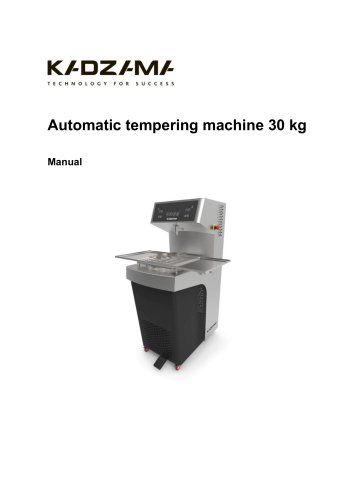
- Metal cart
- Transport trolley
- Incubator
- Metal stand
- Industrial slicing machine
- Natural convection incubator
- Steel bracket
- Stainless steel cart
- Adjustable stand
- Stainless steel bracket
- Metal container
- Melter
- Stainless steel slicing machine
- Programmable incubator
- Heating incubator
- Food coating machine
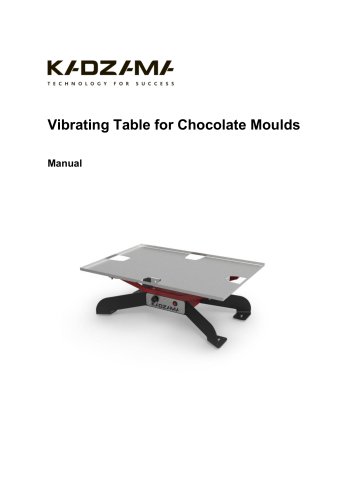
- Vibrating table
- Dragée enrober