

- Products
- Catalogs
- News & Trends
- Exhibitions
Automatic tempering machine 20 kg
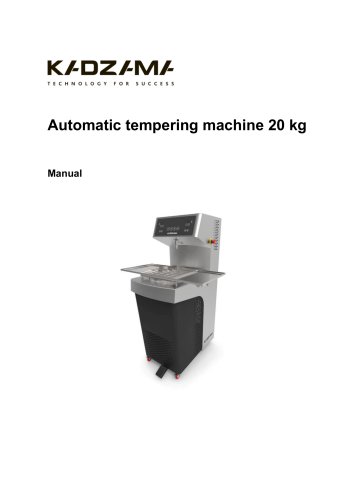
Automatic tempering machine 20 kg
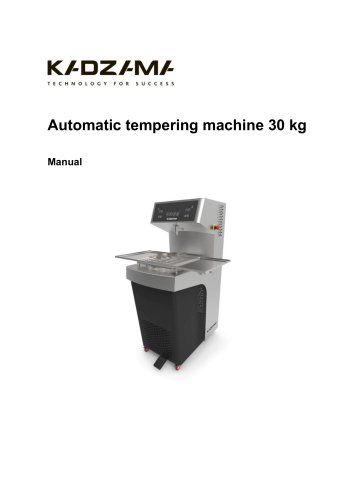
The automatic tempering machine is designed for tempering chocolate, ensuring it reaches the desired consistency and quality.
Specifications
- Power Supply: 380 V / 50 Hz
- Power Intake: Max 3.5 kW/h
- Loading Capacity: 20 kg
- Productivity: 60 kg/h
- Cooling Power: 7,500 BTU
- Tempering Period: 15 minutes
- Dimensions: 1444 x 475 x 733 mm
- Weight: 175 kg (unpackaged) / 190 kg (packaged)
Configuration
- Automatic Tempering Machine: 1 pc
- Vibrating Table: 1 pc
- Manual: 1 pc
- Warranty Card: 1 pc
Safety Measures
- Only trained personnel should operate the machine.
- Ensure electrical grounding is present.
- Do not operate with wet hands or allow liquids inside.
- Operate within ambient temperatures of 10°C to 40°C and humidity below 80%.
- Maintenance should be performed with the machine disconnected from power.
Constructive Elements Description
The manual provides a detailed list of components, including display cables, contactors, transformers, engines, heaters, and sensors, each with specific functions.
Before Start
- Set the machine on a flat surface with at least 10 cm clearance from other objects.
- Ensure correct phase connection to avoid errors.
Exploitation
- Maintain room temperature between 18°C and 25°C for optimal operation.
- Follow specific steps for heating, mixing, and tempering chocolate.
- Recommended chocolate temperatures: Dark (30-31°C), Milk (29-30°C), White (28-29°C).
- Use the dispenser function for precise dosing, with calibration instructions provided.
Maintenance and Care
- Keep the machine clean and wipe with a damp cloth when disconnected.
- Follow specific shutdown procedures if leaving chocolate in the tank.
Warning Messages
- Includes error codes for phase connection issues and sensor malfunctions.
Warranty
The warranty details are specified in the warranty card provided with the machine.
Certificate of Acceptance
The machine complies with stated specifications and is recognized as serviceable.
Catalog excerpts
Automatic tempering machine 20 kg
Open the catalog to page 1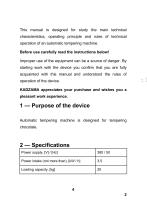
This manual is designed for study the main technical characteristics, operating principle and rules of technical operation of an automatic tempering machine. Improper use of the equipment can be a source of danger. By starting work with the device you confirm that you are fully acquainted with this manual and understood the rules of Automatic tempering machine is designed for tempering chocolate.
Open the catalog to page 2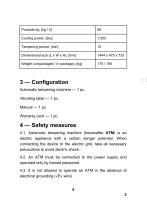
Automatic tempering machine — 1 pc. 4.1. Automatic tempering machine (hereinafter ATM) is an electric appliance with a certain danger potential. When connecting the device to the electric grid, take all necessary precautions to avoid electric shock. 4.2. An ATM must be connected to the power supply and operated only by trained personnel. 4.3. It is not allowed to operate an ATM in the absence of electrical grounding («E» wire).
Open the catalog to page 3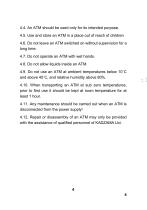
4.4. An ATM should be used only for its intended purpose. 4.5. Use and store an ATM in a place out of reach of children 4.6. Do not leave an ATM switched on without supervision for a long time. 4.7. Do not operate an ATM with wet hands. 4.8. Do not allow liquids inside an ATM. 4.9. Do not use an ATM at ambient temperatures below 10°C and above 40°C, and relative humidity above 80%. 4.10. When transporting an ATM at sub zero temperatures, prior to first use it should be kept at room temperature for at least 1 hour. 4.11. Any maintenance should be carried out when an ATM is disconnected from the...
Open the catalog to page 4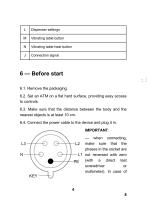
6 — Before start 6.1. Remove the packaging. 6.2. Set an ATM on a flat hard surface, providing easy access to controls. 6.3. Make sure that the distance between the body and the nearest objects is at least 10 cm. 6.4. Connect the power cable to the device and plug it in. — when connecting, make sure that the phases in the socket are not reversed with zero (with a direct test screwdriver or
Open the catalog to page 8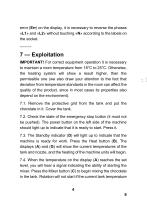
error (Err) on the display, it is necessary to reverse the phases «L1» and «L2» without touching «N» according to the labels on the socket. IMPORTANT! For correct equipment operation it is necessary to maintain a room temperature from 18°C to 25°C. Otherwise, the heating system will show a result higher, than the permissible one (we also draw your attention to the fact that deviation from temperature standards in the room can affect the quality of the product, since in most cases its properties also depend on the environment). 7.1. Remove the protective grid from the tank and put the chocolate...
Open the catalog to page 9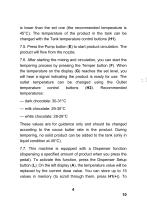
is lower than the set one (the recommended temperature is 45°C). The temperature of the product in the tank can be changed with the Tank temperature control buttons (H1). 7.5. Press the Pump button (E) to start product circulation. The product will flow from the nozzle. 7.6. After starting the mixing and circulation, you can start the tempering process by pressing the Temper button (F). When the temperature on the display (G) reaches the set level, you will hear a signal indicating the product is ready for use. The outlet temperature can be changed using the Outlet temperature control buttons...
Open the catalog to page 10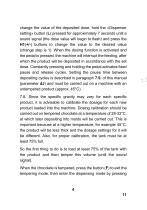
change the value of the deposited dose, hold the «Dispenser setting» button (L) pressed for approximately 7 seconds until a sound signal (the dose value will begin to flash) and press the H1(+/-) buttons to change the value to the desired value (change step is 1). When the dosing function is activated and the pedal is pressed, the machine will interrupt the feeding, after which the product will be deposited in accordance with the set dose. Constantly pressing and holding the pedal activates fixed pause and release cycles. Setting the pause time between depositing cycles is described in paragraph...
Open the catalog to page 11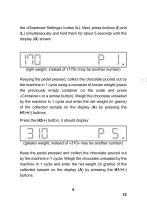
the «Dispenser Settings» button (L). Next, press buttons (I) and (L) simultaneously and hold them for about 5 seconds until the display (G) shows: (lightweight, instead of «170» may be another number) Keeping the pedal pressed, collect the chocolate poured out by the machine in 1 cycle using a container of known weight (place the previously empty container on the scale and press «Container» or a similar button). Weigh the chocolate unloaded by the machine in 1 cycle and enter the net weight (in grams) of the collected sample on the display (A) by pressing the H1(+/-) buttons. Press the H2(+)...
Open the catalog to page 12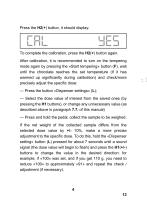
Press the H2(+) button, it should display: To complete the calibration, press the H2(+) button again. After calibration, it is recommended to turn on the tempering mode again by pressing the «Start tempering» button (F), wait until the chocolate reaches the set temperature (if it has warmed up significantly during calibration) and check/more ^ u precisely adjust the specific dose: — Press the button «Dispenser settings» (L); — Select the dose value of interest from the saved ones (by pressing the H1 buttons), or change any unnecessary value (as described above in paragraph 7.7. of this manual)...
Open the catalog to page 13
If the net weight of the first collected sample after calibration differs from the selected dose value by much more than 10% (for example, «100» was specified, but the result was 150 grams), it is necessary to repeat the calibration procedure — probably an error was made in the process. IMPORTANT! The dose value is indicated not in grams, but in the so-called «cycles» (conditional internal value of the machine, used by the firmware to control the amount of feed during dispensing). This convention is necessary because it is impossible to specify the specific gravity of all possible products that...
Open the catalog to page 14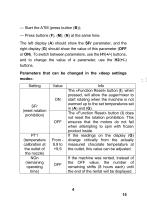
— Start the ATM (press button (B)); — Press buttons (F), (M), (N) at the same time. The left display (A) should show the SFr parameter, and the right display (G) should show the value of this parameter (OFF or ON). To switch between parameters, use the H1(+/-) buttons, and to change the value of a parameter, use the H2(+/-) buttons. Parameters that can be changed in the «deep settings mode»:
Open the catalog to page 15All Kadzama catalogs and technical brochures
 Panning machine 5 kg
9 Pages
 Melangeur 35 kg
12 Pages
 Melanger 85 kg
11 Pages
 Panning machine 27 kg
10 Pages
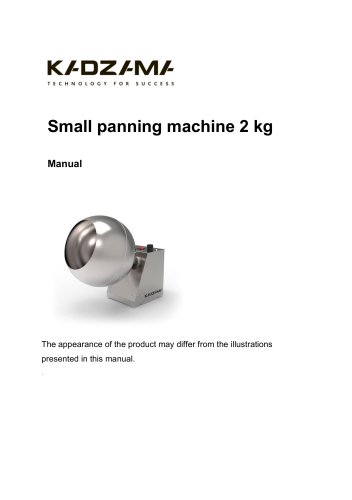 Small panning machine 2 kg
10 Pages
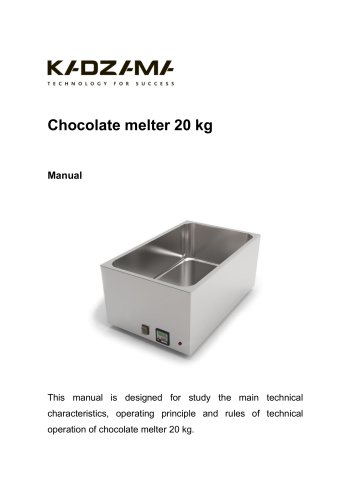 Chocolate melter 20 kg
22 Pages
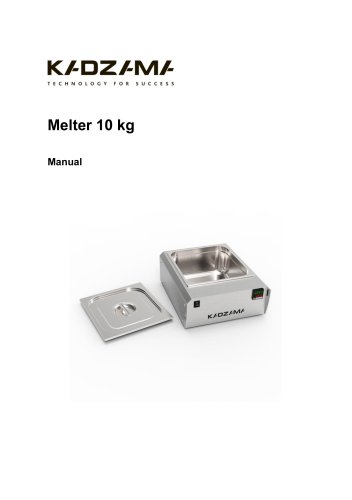 Melter 10 kg
20 Pages
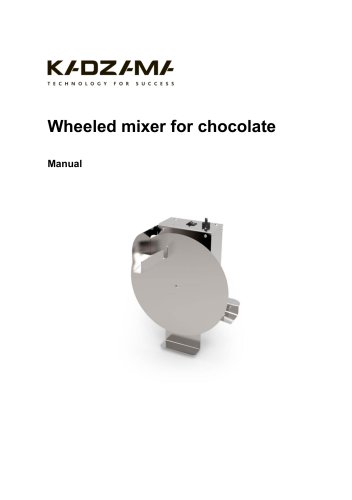 Wheeled mixer for chocolate
9 Pages
 Vibrating sieve
9 Pages
 Melanger 85 kg
11 Pages
 Melanger 7 kg
14 Pages
 Painting Spray Cabin
12 Pages
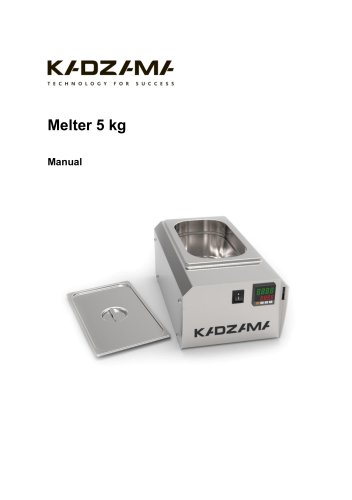 Melter 5 kg
20 Pages
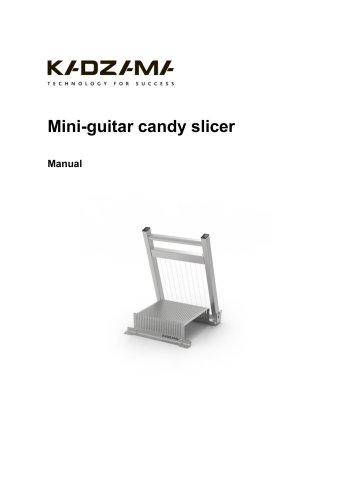 Mini-guitar candy slicer
9 Pages
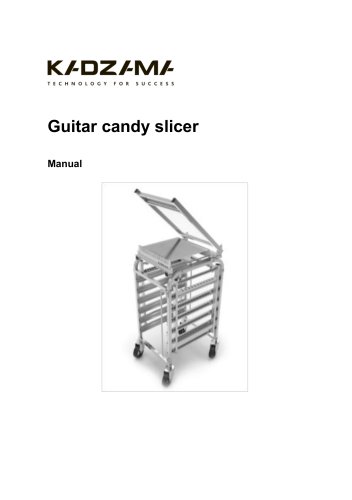 Guitar candy slicer
9 Pages
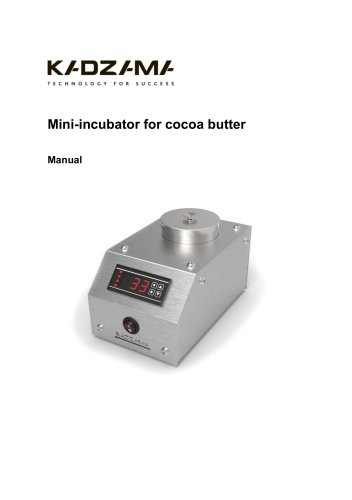 Mini-incubator for cocoa butter
10 Pages
- Metal cart
- Transport trolley
- Incubator
- Metal stand
- Industrial slicing machine
- Natural convection incubator
- Steel bracket
- Stainless steel cart
- Adjustable stand
- Stainless steel bracket
- Metal container
- Storage container
- Melter
- Stainless steel slicing machine
- Programmable incubator
- Heating incubator
- Food coating machine
- Dragée enrober