
- Catalogs
- JOHN DEERE POWER SYSTEMS
- Activation Guide

Activation Guide

Activation Guide
- Benefits of Connected Support: Enabling Connected Support allows your chosen service dealer to stock appropriate service parts, tools, and maintenance products, ensuring optimal support.
- Identifying Engine Serial Number: The document provides instructions for identifying your engine's serial number, essential for registration and support.
- Operations Center Account:
- If you already have an account, you can add your new engine to your organization.
- If you don't have an account, the document guides you on how to create one.
- Data Sharing with Dealer: Enabling data sharing permits the dealer to monitor your engine and offer dedicated support to enhance equipment availability.
- JDLink™ Connectivity: Detailed steps are provided for activating JDLink™ connectivity, setting up your team and equipment, and utilizing tools.
- Maintenance and Notifications: Instructions on accessing equipment data, creating maintenance plans, and using machine analyzers are included.
- Video Tutorials: The document mentions the availability of instructional videos in multiple languages, with options for subtitle languages and automatic translation.
Catalog excerpts

Enabling your John Deere Connected Support experience in two easy steps TM Click the flag below to select language
Open the catalog to page 1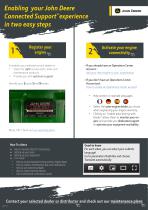
Activate your engine connectivity^ It enables your selected service dealer to: • Stock the right service parts, tools and maintenance products • Provide you with optimum support Identify your Engine Serial Number Add your new engine to your organization How to create an Operations Center account • Help section in multiple languages • Select the same engine dealer you chose when registering your engine warranty. • Clicking on "enable data sharing with Dealer" allows them to monitor your engine and provide you dedicated support to optimize your equipment availability. More info: Check out our warranty...
Open the catalog to page 2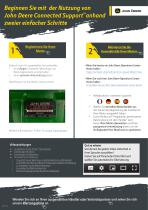
Registrieren Sie Ihren Motor ^ Aktivieren Sie die Konnektivitat Ihres Motors Dadurch kann Ihr ausgewahlter Servicehandler: • die richtigen Ersatzteile, Werkzeuge und Wartungsprodukte vorratig halten • Ihnen optimale Unterstutzung bieten Identifizieren Sie Ihre Motor-Seriennummer. Weitere Informationen: Prufen Sie unsere Garantieplane -Wenn Sie bereits ein John Deere Operations Center-Konto haben: Fugen Sie Ihrem Unternehmen Ihren neuen Motor hinzu -Wenn Sie noch kein John Deere Operations Center-Konto haben: So erstellen Sie ein John Deere Operations Center-Konto Hilfeabschnitt in mehreren Sprachen...
Open the catalog to page 3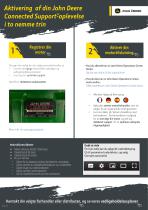
Aktivering af din John Deere Connected Support-oplevelse i to nemme trin TM Det gør det muligt for din valgte serviceforhandler at: • Gemme de rigtige reservedele, værktøjer og vedligeholdelsesprodukter • Give dig den optimale support Hvis du allerede har en John Deere Operations Center Konto: Føj din nye motor til din organisation Identificer motorens serienummer. Hvis du ikke har en John Deere Operations Centerkonto endnu: Sådan oprettes en John Deere Operations Center-konto • Afsnittet Hjælp på flere sprog Vælg den samme motorforhandler, som du valgte, da du registrerede motorgarantien. Hvis...
Open the catalog to page 4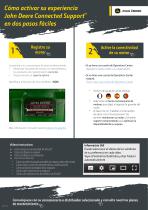
Active la conectividad de su motor. Le permite a su concesionario de servicio seleccionado: • Almacenar las piezas de servicio, las herramientas y los productos de mantenimiento correctos. • Proporcionarle un soporte optimo. Identifique el Numero de Serie del Motor (NSM). -Si ya tiene una cuenta de Operations Center: Agregue el nuevo motor a su organizacion -Si no tiene una cuenta de Operations Center todavia: Como crear una cuenta de Operations Center Seccion de ayuda en varios idiomas • Seleccione el mismo concesionario de motores que eligio al registrar la garantia del motor. • Al hacer clic...
Open the catalog to page 5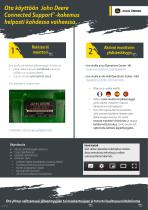
Ota käyttöön John Deere Connected Support -kokemus helposti kahdessa vaiheessa TM TM Rekisteröi moottori Sen avulla valitsemasi jälleenmyyjän huolto voi • pitää valikoimassaan tarvittavat varaosat, työkalut ja huoltotuotteet • tarjota sinulle optimaalista tukea. Etsi moottorin sarjanumero Jos sinulla on jo Operations Center -tili: Lisää uusi moottori organisaatioosi Jos sinulla ei ole vielä Operations Center -tiliä: Operations Center -tilin luominen • • • • • Lisätietoja: tutustu takuuohjelmiimme JDLink™-yhdistettävyyden aktivointi Tiimin määrittäminen Laitteiden määrittäminen Työkalujen käyttö...
Open the catalog to page 6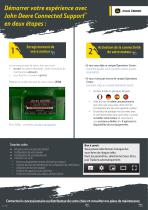
Démarrer votre expérience avec John Deere Connected Support en deux étapes : Enregistrement de votre moteur Le concessionnaire de votre choix peut ainsi : • stocker les pièces détachées, outils et produits de maintenance adéquats, • vous fournir un soutien optimal. Repérez le numéro de série de votre moteur (ESN) Si vous avez déjà un compte Operations Center : Comment ajouter votre nouveau moteur à votre organisation Si vous n’avez pas encore de compte Operations Center : Comment créer un compte Operations Center • • Plus d’infos : consultez nos plans de garantie Activation de la connectivité...
Open the catalog to page 7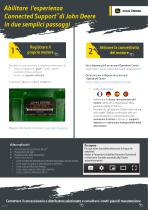
del motore Permette al concessionario di assistenza selezionato di: • Tenere a magazzino i giusti ricambi, utensili e prodotti di manutenzione • Fornire un supporto ottimale Individuare il numero di serie del motore -Se si dispone gia di un account Operations Center: Aggiungere il nuovo motore alla propria organizzazione -Se ancora non si dispone di un account Operations Center: Come creare un account Operations Center Maggiori informazioni: consultare i nostri piani di garanzia Video esplicativi ^ Come attivare la connettivita JDLink™ ^ Predisposizione delle attrezzature ^ Utilizzo degli utensili...
Open the catalog to page 8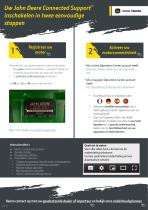
:iD Hiermee kan uw geselecteerde onderhoudsdealer: • De juiste serviceonderdelen, gereedschappen en onderhoudsproducten op voorraad houden • U optimale ondersteuning aanbieden Uw Motor Serie Nummer identificeren Voeg uw nieuwe motor aan uw organisatie Een Operations Center-account aanmaken Meer info: bekijk onze garantieregelingen Hoofdstuk Hulp in meerdere talen Selecteer dezelfde motordealer die u heeft gekozen bij het registreren van uw motorgarantie. Door op 'Gegevens delen met dealer inschakelen' te klikken, kunnen ze uw motor bewaken en u speciale ondersteuning bieden om de beschikbaarheid...
Open the catalog to page 9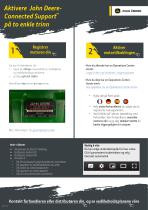
• lagre de riktige reservedelene, verkt0yene og vedlikeholdsproduktene Identifisere motorens serienummer Legg til den nye motoren i organisasjonen Slik oppretter du en Operations Center-konto • Hjelp-del pa flere sprak • Velg motorforhandleren du valgte da du registrerte motorgarantien. • Ved a klikke pa "aktiver datadeling med forhandler" kan forhandleren overvake motoren din og gi deg dedikert st0tte for bedre tilgjengelighet til utstyret. Mer informasjon: Se garantiplanene vare ^ Slik aktiverer du JDLink™-tilkobling ^ Konfigurere teamet ditt ^ Konfigurere utstyret ditt ^ Verkt0ybruk • Slik...
Open the catalog to page 10All JOHN DEERE POWER SYSTEMS catalogs and technical brochures
 John Deere Power Solutions
29 Pages
 Generator Drive Diesel Engines
13 Pages
 Marine Engines
25 Pages
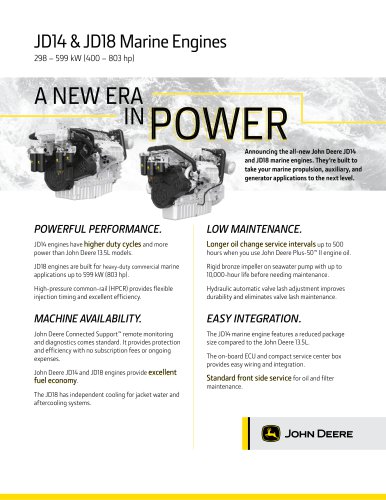 JD14 & JD18 Marine Engines
2 Pages
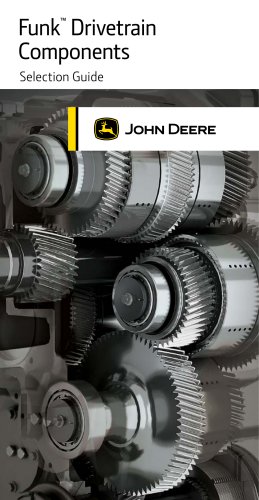 Funk™ Drivetrain Component
9 Pages
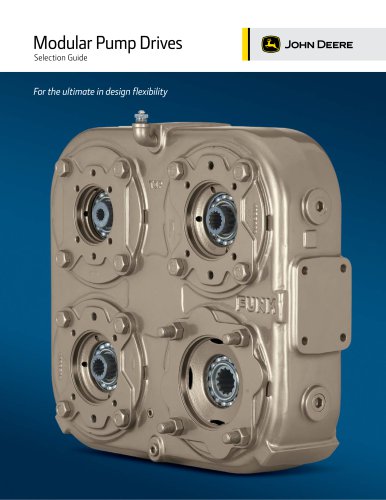 Modular Pump Drives
48 Pages
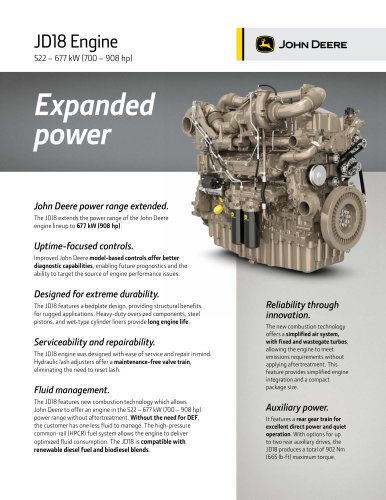 JD18 Engine
2 Pages
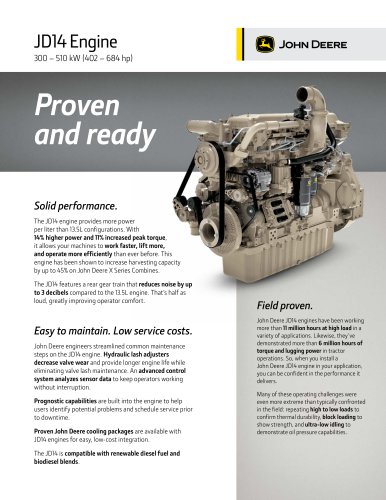 JD14 Engine
2 Pages
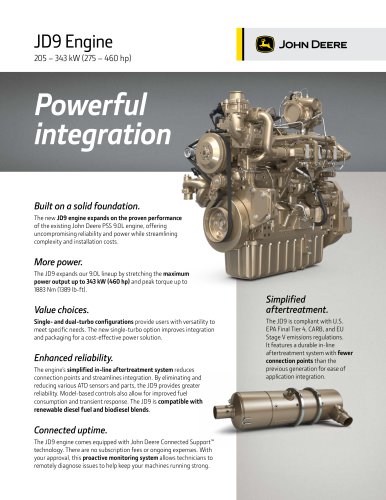 JD9 Engine
2 Pages
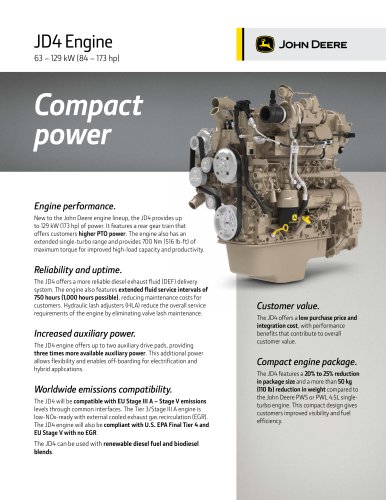 JD4 Engine
2 Pages
 ALTERNATIVE PARTS
2 Pages
 KEEP IT RUNNING
2 Pages
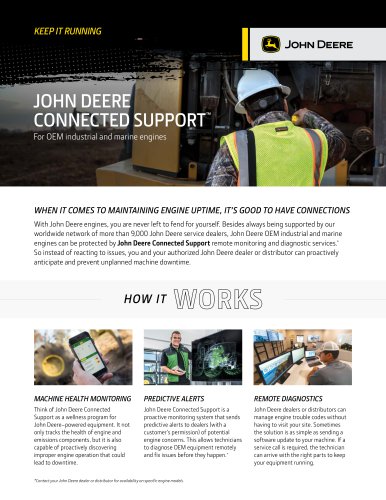 CONNECTED SUPPORT
2 Pages
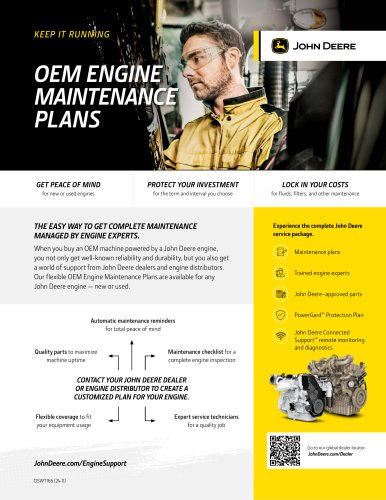 MAINTENANCE PLANS
1 Page
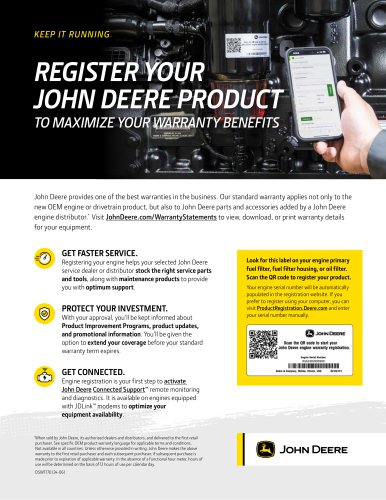 Engine Registration
1 Page
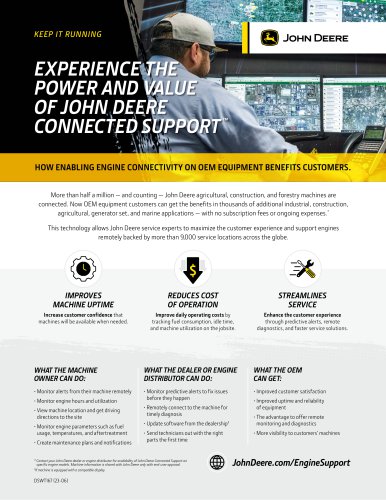 value proposition
1 Page
- Hydraulic pump
- JOHN DEERE diesel engine
- JOHN DEERE multi-cylinder engine
- Turbocharged engine
- JOHN DEERE cylinder engine
- JOHN DEERE in-line engine
- JOHN DEERE compact engine
- JOHN DEERE 6-cylinder engine
- JOHN DEERE 4-cylinder engine
- JOHN DEERE common-rail engine
- JOHN DEERE engine for marine applications
- Air cooling engine
- Stage III engine
- Low-noise hydraulic pump
- JOHN DEERE Tier 4 engine
- Stage V engine
- Power take-off
- Tier 3 engine
- 3-cylinder engine
- JOHN DEERE drive unit