
- Catalogs
- Jiecang Linear Motion
- JIECANG Control Box JCB35K3


JIECANG Control Box JCB35K3
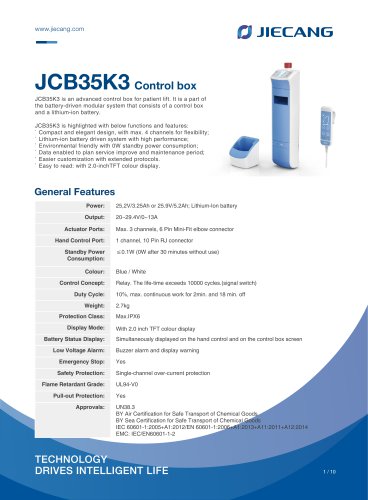
JIECANG Control Box JCB35K3
The JCB35K3 is a control box designed for patient lifts, featuring a compact and elegant design. It supports up to four channels for flexibility and is powered by a high-performance lithium-ion battery. The device is environmentally friendly with a standby power consumption of 0W and includes a 2.0-inch TFT color display for easy readability. It offers two charging methods: internal SMPS and external charger, with charging times of approximately 3.5 hours for 3.25Ah and 5.5 hours for 5.2Ah batteries. The control box includes a low battery reminder system and data-enabled features for maintenance planning.
Specifications:
- Power: 25.2V/3.25Ah or 25.9V/5.2Ah
- Output: 20~29.4V/0~13A
- Actuator Ports: Max. 3 channels
- Hand Control Port: 1 channel
- Standby Power Consumption: ≤0.1W
- Duty Cycle: 10%, max. continuous work for 2min. and 18 min. off
- Weight: 2.7kg
- Safety Protection: Single-channel over-current protection, UL94-V0 flame retardant grade, IPX6 protection class
- Approvals: IEC 60601-1, EMC: IEC/EN60601-1-2
Installation and Maintenance:
The control box should be installed vertically for optimal screen viewing. It can be mounted on a patient lift or other applications using specified screws. The external charger is not waterproof and should be used in a dry indoor environment. Cable management is facilitated by a uniquely designed cable cover that acts as an integrated lock.
Emergency Features:
An emergency stop button is available to quickly cut off power supply, stopping all actions. To resume operation, the button must be turned clockwise.
Disclaimer:
JIECANG reserves the right to make changes to the product without prior notice and cannot guarantee the delivery capacity of any specific product. All sales activities must comply with JIECANG's sales and delivery standard clauses.
Catalog excerpts
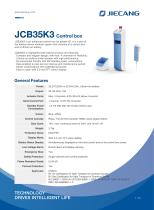
JCB35K3 Control box JCB35K3 is an advanced control box for patient lift. It is a part of the battery-driven modular system that consists of a control box and a lithium-ion battery. JCB35K3 is highlighted with below functions and features: ` Compact and elegant design, with max. 4 channels for flexibility; ` Lithium-ion battery driven system with high performance; ` Environmental friendly with 0W standby power consumption; ` Data enabled to plan service improve and maintenance period; ` Easier customization with extended protocols. ` Easy to read: with 2.0-inchTFT colour display. General Features Power: Actuator Ports: Hand Control Port: Standby Power Consumption: Colour: Control Concept: Duty Cycle: Weight: Protection Class: Display Mode: Battery Status Display: Low Voltage Alarm: Emergency Stop: Safety Protection: Flame Retardant Grade: Pull-out Protection: Approvals: Max. 3 channels, 6 Pin Mini-Fit elbow connector 1 channel, 10 Pin RJ connector ≤0.1W (0W after 30 minutes without use) Blue / White Relay. The life-time exceeds 10000 cycles.(signal switch) 10%, max. continuous work for 2min. and 18 min. off 2.7kg Max.IPX6 With 2.0 inch TFT colour display Simultaneously displayed on the hand control and on the control box screen Buzzer alarm and display warning Yes Single-channel over-current protection UL94-V0 Yes UN38.3 BY Air Certification for Safe Transport of Chemical Goods BY Sea Certification for Safe Transport of Chemical Goods IEC 60601-1:2005+A1:2012/EN 60601-1:2006+A1:2013+A11:2011+A12:2014 EMC: IEC/EN60601-1-2
Open the catalog to page 1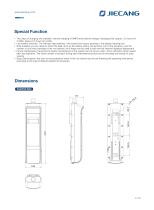
O JIECANGSpecial Function • Two ways of charging are available: internal charging of SMPS and external charger (charging time: approx. 3.5 hours for 3.25Ah, approx.5.5 hours for 5.2Ah). • Low battery reminder: The indicator light flashing + the control box buzzer alarming + the display warning icon. • Data enabled: you are ready to check the data, such as the battery status, the dynamic icon of the actuators, and the number of runs and overloads of the 1st channel, all of these can be used to plan service improve logistical deployment. • Future maintenance: the period of regular maintenance of...
Open the catalog to page 2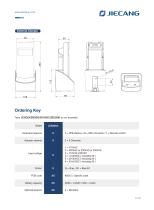
O JIECANG : External Charger ^ Ordering Key Take JCB35K3M35G/B1K00123D2500 as an example
Open the catalog to page 3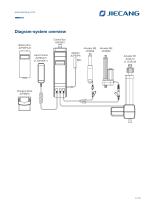
Diagram-system overview Control Box JCB35K3 Battery Box JCP35PA-B Hand Control JCH35A10 or JCH35A11
Open the catalog to page 4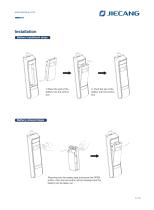
Installation Battery installment steps 1.Place the end of the battery into the control box 2. Push the top of the battery into the control box Battery removal steps Reaching into the battery gap and press the OPEN button, then the lock button will be released and the battery can be taken out.
Open the catalog to page 5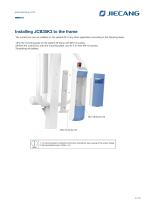
O JIECANGInstalling JCB35K3 to the frame The control box can be installed on the patient lift or any other application according to the following steps. 1) Fix the mounting plate on the patient lift frame with M5*12 screws; 2) Insert the control box onto the mounting plate, and fix it on with M4*16 screws; 1. It is recommended to install the control box vertically for easy viewing of the screen display.
Open the catalog to page 6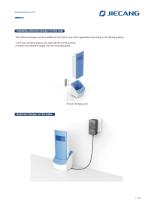
O JIECANGInstalling external charger on the wall The external charger can be installed on the wall or any other application according to the following steps. 1) Fix the mounting plate to the wall with ST4.9*25 screws; 2) Insert the external charger onto the mounting plate.
Open the catalog to page 7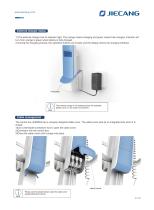
External charger status 1) The external charger has an indicator light. The orange means charging and green means fully charged. Indicator will turn from orange to green when battery is fully charged. 2) During the charging process, the operation buttons are invalid, and the display shows the charging interface The external charger is not waterproof and not washable, please use it in a dry indoor environment. Cable management The control box JCB35K3 has a uniquely designed cable cover. The cable cover acts as an integrated lock when it is closed. 1)Use a flat-blade screwdriver tool to open the...
Open the catalog to page 8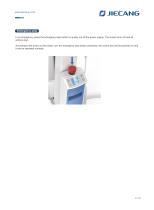
Emergency stop In an emergency, press the emergency stop button to quickly cut off the power supply. The screen turns off and all actions stop. According to the arrow on the button, turn the emergency stop button clockwise, the control box will be powered on and it can be operated normally.
Open the catalog to page 9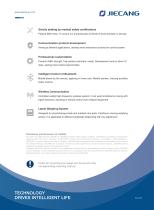
O JIECANG X Strictly abiding by medical safety certifications Passed EMC tests. To ensure our products pass all kinds of tests domestic or abroad. Communication protocol development Aiming at different applications, develop more extensive functions for control system. Professional customization Powerful R&D strength, fully satisfy customers’ needs. Development cycle is about 10 days, seizing more market opportunities Intelligent Control of Bluetooth Mobile phone as the remote, applying in home care. Market pioneer, Jiecang provides better choices Controllers adopt high-frequency wireless system....
Open the catalog to page 10All Jiecang Linear Motion catalogs and technical brochures
 JIECANG Control Box JCB35R
6 Pages
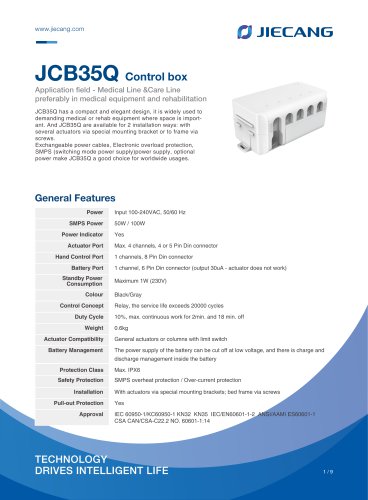 JIECANG Control Box JCB35Q
9 Pages
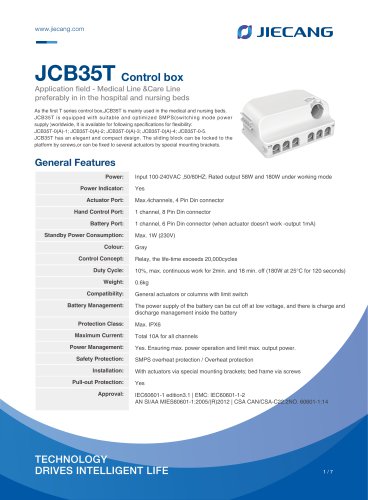 JIECANG Control Box JCB35T
7 Pages
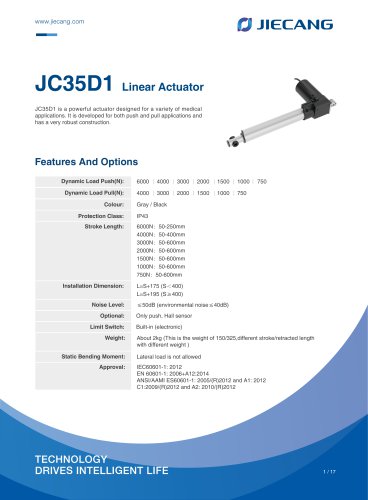 JIECANG Linear Actuator JC35D1
17 Pages
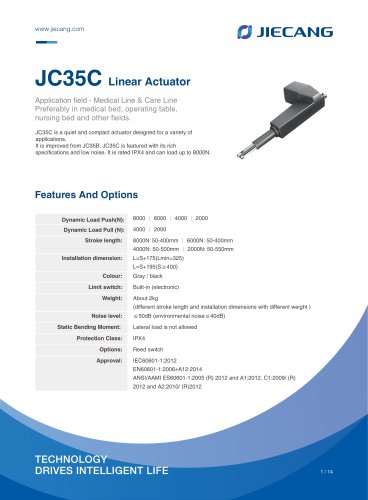 JIECANG Linear Actuator JC35C
14 Pages
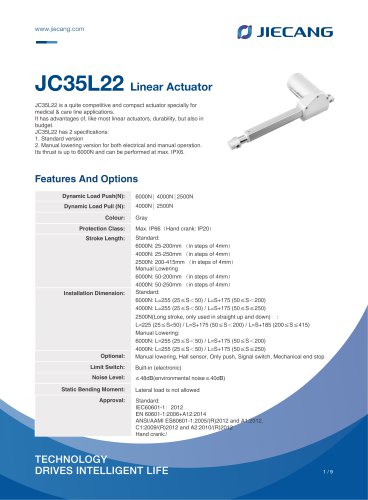 JIECANG Linear Actuator JC35L22
10 Pages
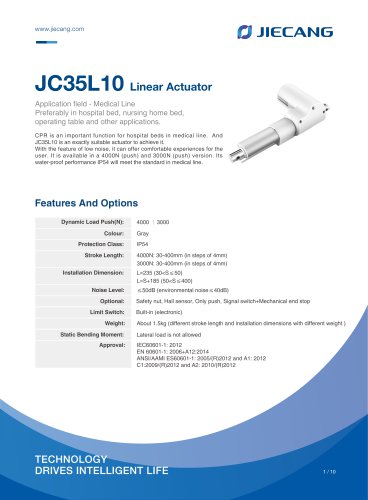 JIECANG Linear Actuator JC35L10
10 Pages
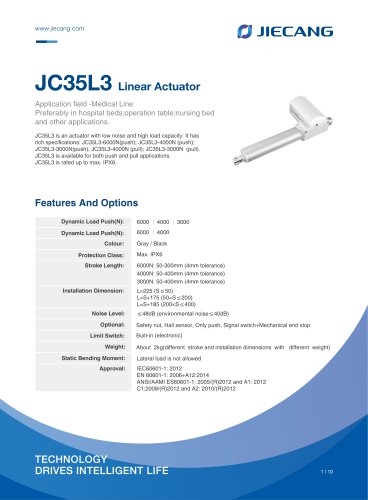 JIECANG Linear Actuator JC35L3
10 Pages
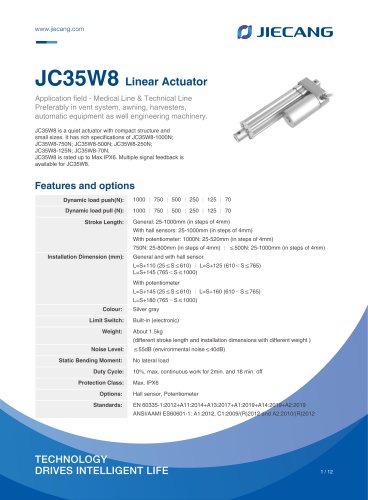 JIECANG Linear Actuator JC35W8
12 Pages
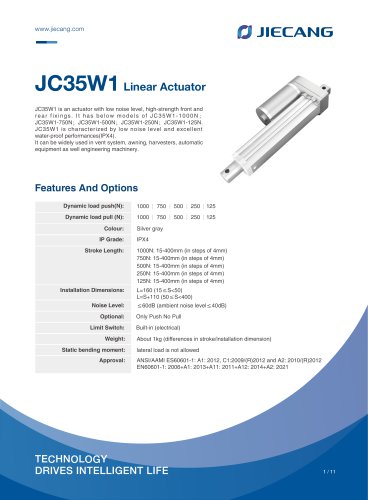 JIECANG Linear Actuator JC35W1
11 Pages
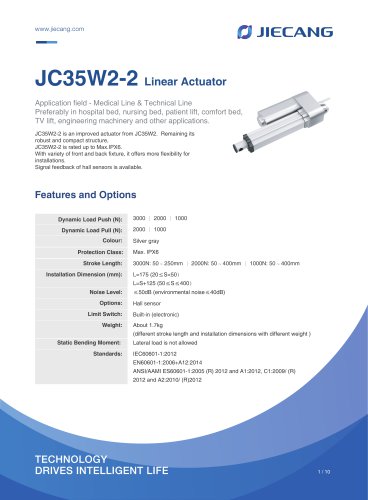 JIECANG Linear Actuator JC35W2-2
10 Pages
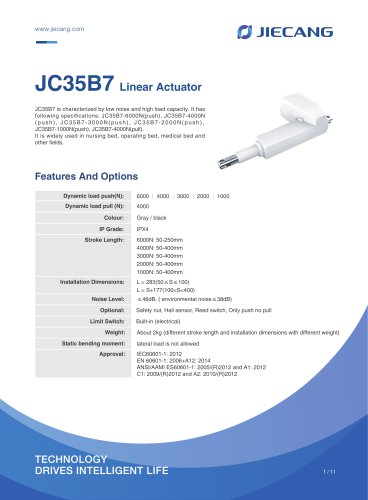 JIECANG Linear Actuator JC35B7
11 Pages
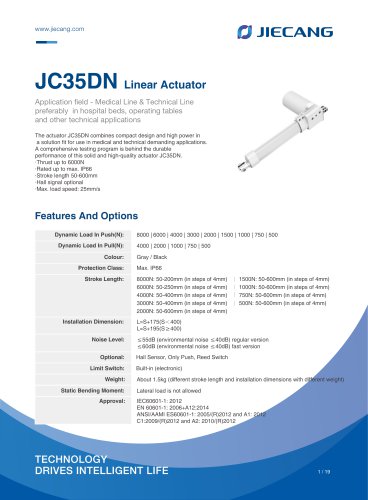 JIECANG Linear Actuator JC35DN
19 Pages
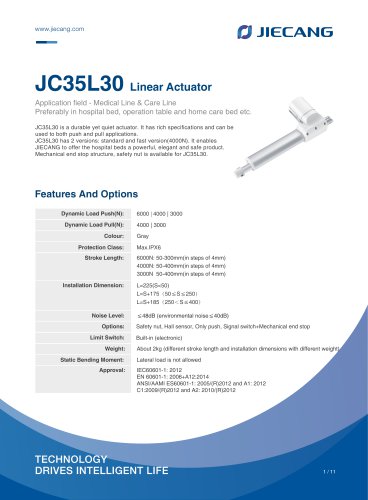 JIECANG Linear Actuator JC35L30
11 Pages
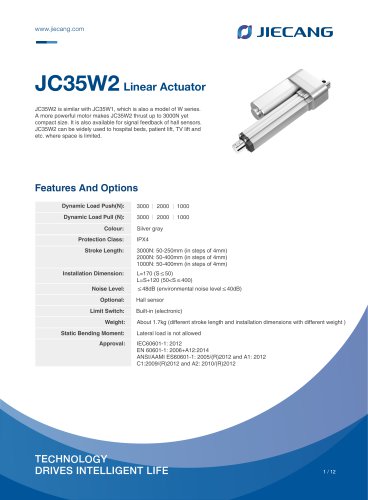 JIECANG Linear Actuator JC35W2
12 Pages
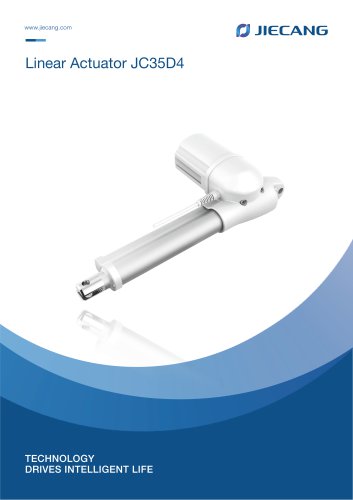 JIECANG Linear Actuator JC35D4
15 Pages
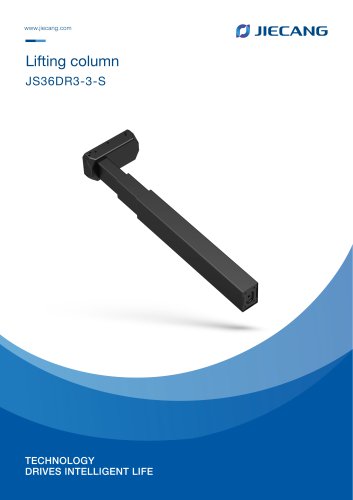
- Jiecang Linear Motion electric motor
- Jiecang Linear Motion DC motor
- Alternating current motor
- Jiecang Linear Motion linear actuator
- Jiecang Linear Motion electric actuator
- Electromotor for industrial applications
- 24 V motor
- Color display panel
- Touch screen display panel
- Compact electromotor
- 12 V motor
- LED display panel
- Jiecang Linear Motion wireless remote control
- Jiecang Linear Motion industrial remote control
- Jiecang Linear Motion remote control with buttons
- Jiecang Linear Motion compact actuator
- Control display system
- Screw actuator