
- Catalogs
- IPC2U GmbH
- NMC-9181

NMC-9181
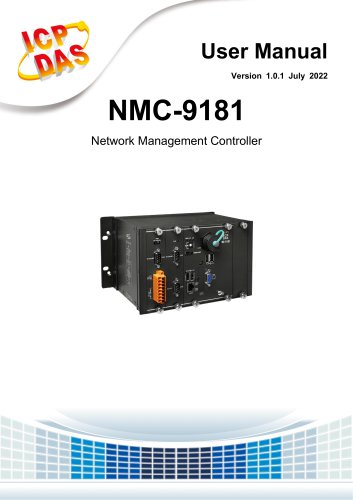
NMC-9181
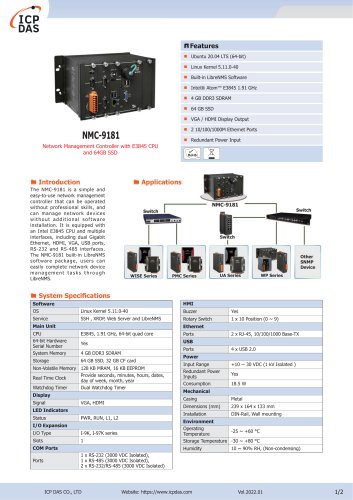
The NMC-9181 is a network management controller designed for easy installation and operation, featuring an Intel E3845 CPU and multiple connectivity options including dual Gigabit Ethernet, HDMI, VGA, USB, RS-232, and RS-485 interfaces.
Running on Ubuntu, the device supports common software and includes LibreNMS, an open-source network monitoring system using SNMP protocol, offering auto-discovery, customizable dashboards, and a flexible alerting system.
The NMC-9181 operates on Ubuntu 20.04 LTS with a quad-core CPU, 4 GB DDR3 SDRAM, and 64 GB SSD storage, supporting various I/O expansions and operating within a temperature range of -25 to +60°C.
It manages network devices in a LAN using SNMP protocol, compatible with various controllers and SNMP devices.
Guides users through installation and configuration, including package contents and mounting instructions for wall or DIN rail installation.
Details on physical appearance, dimensions, and components like the Rescue CF Card are provided.
Instructions on connecting to LibreNMS, using its web interface, and managing devices and services are detailed.
Addresses common issues such as error messages during device addition and SNMP-related errors.
Includes warranty details, liability disclaimers, and contact information for support.
Devices requiring an earth ground must be connected to a single-point ground for proper operation.
Steps for attaching the DIN rail clip, clipping the device onto a DIN rail, and connecting the ground lead.
Instructions for installing an optional RJ-45 waterproof connector for the LAN1 port.
Instructions for connecting power supply terminals, peripherals, and a PC to LAN2.
Helps configure network settings for ICP DAS Ethernet I/O devices.
Includes power inputs, ports, and COM port configurations.
Steps for system restoration using the rescue CF card.
Connection involves using eSearch Utility or Ubuntu operations to access the web interface.
Users can create and customize dashboards with various widgets for monitoring alerts and device status.
Includes image and map display, graph and log display, server stats, and top devices and interfaces.
Provides network and geographical maps for device locations and relationships.
Includes network scan and firmware update guides.
Includes RIPE NCC API tools for IP and domain queries.
Features device listing, geo locations, device groups, and SNMP configuration.
Includes service management and templates for consistent service management.
Lists and manages all device ports, including traffic billing.
Displays hardware performance indicators like memory, processor, and temperature.
Details on setting up email alerts, alert transports, and rules for effective monitoring.
Users can modify or add alert rules with specific parameters.
Users receive notifications for active alarms, and alert history can be reviewed.
Alarm data can be unified into charts, and scheduled maintenance can be managed.
Users can define custom alarm templates.
Options for changing passwords, setting preferences, and enabling two-factor authentication.
Includes alerting, API, authorization, authentication, and system settings.
The software is distributed under the GNU General Public License.
Provides solutions for common issues like troubleshooting device addition errors and SNMP configuration.
Catalog excerpts
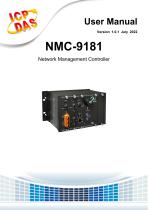
User Manual Version 1.0.1 July 2022 NMC-9181 Network Management Controller
Open the catalog to page 1
NMC-9181 User Manual Version 1.0.1 Page : 2 Copyright © 2021 ICP DAS Co., Ltd. All Rights Reserved E-mail: [email protected]
Open the catalog to page 2
User Manual Copyright © 2021 ICP DAS Co., Ltd. All Rights Reserved Version 1.0.1 E-mail: [email protected]
Open the catalog to page 3
User Manual Copyright © 2021 ICP DAS Co., Ltd. All Rights Reserved Version 1.0.1 E-mail: [email protected]
Open the catalog to page 4
Important Information Warranty All products manufactured by ICP DAS are under warranty regarding defective materials for a period of one year, beginning from the date of delivery to the original purchaser. Warning ICP DAS assumes no liability for any damage resulting from the use of this product.ICP DAS reserves the right to change this manual at any time without notice. The information furnished by ICP DAS is believed to be accurate and reliable. However, no responsibility is assumed by ICP DAS for its use, not for any infringements of patents or other rights of third parties resulting from...
Open the catalog to page 5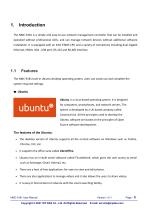
The NMC-9181 is a simple and easy-to-use network management controller that can be installed and operated without professional skills, and can manage network devices without additional software installation. It is equipped with an Intel E3845 CPU and a variety of connectives including dual Gigabit Ethernet, HDMI, VGA , USB port, RS-232 and RS-485 interface. The NMC-9181 built-in Ubuntu desktop operating system, users can easily use and complete the system required settings. Ubuntu is a Linux-based operating system. It is designed for computers, smartphones, and network servers. The system is...
Open the catalog to page 6
The best feature is, it is a free operating system and is backed by a huge open source community. The NMC-9181 built-in Librenms software package, users can easily complete network device management tasks through Librenms LibreNMS is an open source, powerful and feature-rich auto-discovering PHP based network monitoring system which uses the SNMP protocol. It supports a broad range of operating systems including Linux, FreeBSD, as well as network devices including Cisco, Juniper, Brocade, Foundry, HP and many more. • It auto-discovers a whole network using these protocols: CDP, FDP, LLDP, OSPF,...
Open the catalog to page 7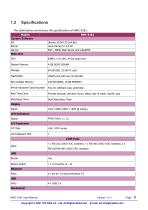
The table below summarizes the specifications of NMC-9181. Copyright © 2021 ICP DAS Co., Ltd. All Rights Reserved E-mail: [email protected]
Open the catalog to page 8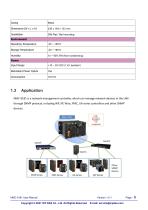
1.3 Application NMC-9181 is a network management controller, which can manage network devices in the LAN through SNMP protocol, including WP, XP, Wise, PMC, UA series controllers and other SNMP devices. WISE Series Copyright © 2021 ICP DAS Co., Ltd. All Rights Reserved E-mail: [email protected]
Open the catalog to page 9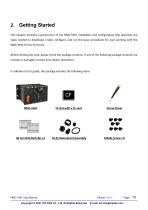
Getting Started This chapter provides a guided tour of the NMC-9181 installation and configuration that describes the steps needed to download, install, configure, and run the basic procedures for user working with the NMC-9181 for the first time. Before starting any task, please check the package contents. If any of the following package contents are missing or damaged, contact your dealer, distributor. In addition to this guide, the package includes the following items: CF slot with a CF card Screw Driver NMC-9181 User Manual Copyright © 2021 ICP DAS Co., Ltd. All Rights Reserved Version 1.0.1...
Open the catalog to page 10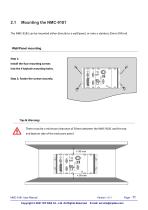
The NMC-9181 can be mounted either directly to a wall/panel, or onto a stainless 35mm DIN rail. Wall/Panel mounting Step 1: Install the four mounting screws into the 4 keyhole mounting holes. Step 2: Fasten the screws securely. Tips & Warnings There must be a minimum clearance of 50mm between the NMC-9181 and the top and bottom side of the enclosure panel. NMC-9181 User Manual Copyright © 2021 ICP DAS Co., Ltd. All Rights Reserved Version 1.0.1 E-mail: [email protected]
Open the catalog to page 11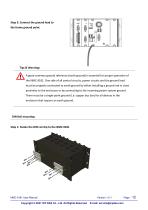
Step 3: Connect the ground lead to the frame ground point. Tips & Warnings A good common ground reference (earth ground) is essential for proper operation of the NMC-9181. One side of all control circuits, power circuits and the ground lead must be properly connected to earth ground by either installing a ground rod in close proximity to the enclosure or by connecting to the incoming power system ground. There must be a single-point ground (i.e. copper bus bar) for all devices in the enclosure that require an earth ground. DIN Rail mounting Step 1: Fasten the DIN rail clip to the NMC-9181 NMC-9181...
Open the catalog to page 12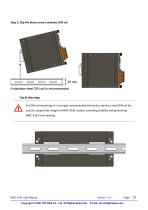
Step 2: Clip the device onto a stainless DIN rail Tips & Warnings For DIN rail mounting, it is strongly recommended that only a stainless steel DIN rail be used to support the weight of NMC-9181 system, providing stability and preventing NMC-9181 from leaning NMC-9181 User Manual Copyright © 2021 ICP DAS Co., Ltd. All Rights Reserved Version 1.0.1 E-mail: [email protected]
Open the catalog to page 13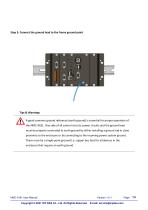
Step 3: Connect the ground lead to the frame ground point Tips & Warnings A good common ground reference (earth ground) is essential for proper operation of the NMC-9181. One side of all control circuits, power circuits and the ground lead must be properly connected to earth ground by either installing a ground rod in close proximity to the enclosure or by connecting to the incoming power system ground. There must be a single-point ground (i.e. copper bus bar) for all devices in the enclosure that require an earth ground. NMC-9181 User Manual Copyright © 2021 ICP DAS Co., Ltd. All Rights Reserved...
Open the catalog to page 14
Installing the RJ-45 waterproof connector assembly The NMC-9181 is equipped with an RJ-45 waterproof connector to protect the connection in vibrate environment. The RJ-45 waterproof connector is optional for use with LAN1 port. If you do not need the RJ-45 waterproof connector, you can remove the cap and just plug in a regular Ethernet cable. If you want to use the RJ-45 waterproof connector for protecting the connection, follow the instructions below. Step 1: Remove the RJ-45 connector from the RJ-45 cable NMC-9181 User Manual Copyright © 2021 ICP DAS Co., Ltd. All Rights Reserved Version 1.0.1...
Open the catalog to page 15All IPC2U GmbH catalogs and technical brochures
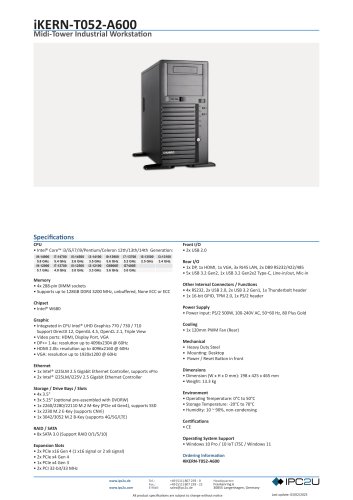 iKERN-T052-A600
1 Page
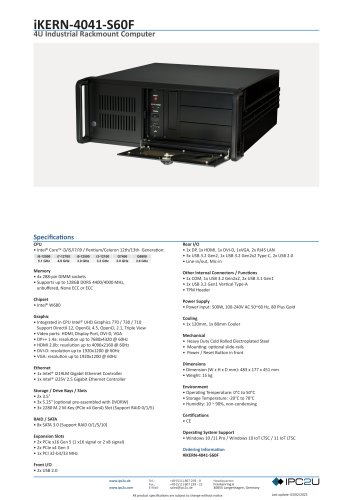 iKERN-4041-S60F
1 Page
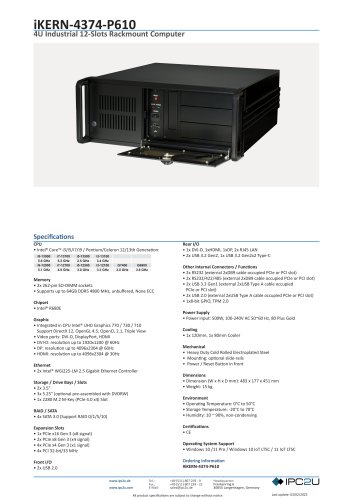 iKERN-4374-P610
1 Page
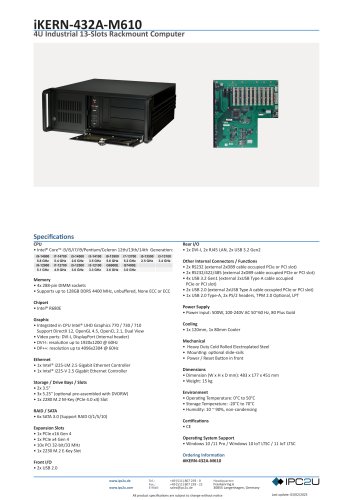 iKERN-432A-M610
1 Page
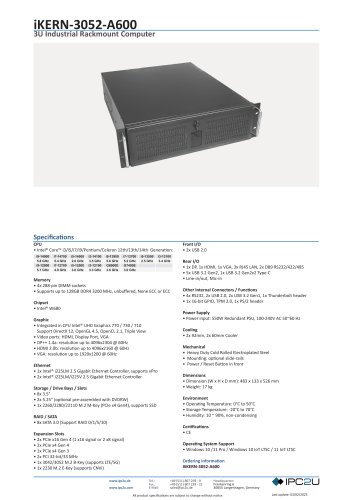 iKERN-3052-A600
1 Page
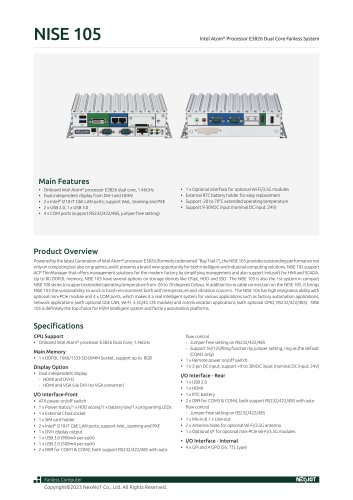 NISE 105
2 Pages
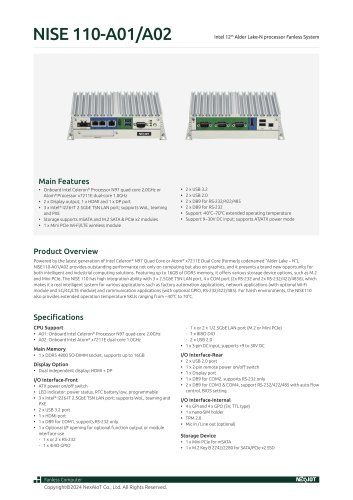 NISE 110-A01/A02
2 Pages
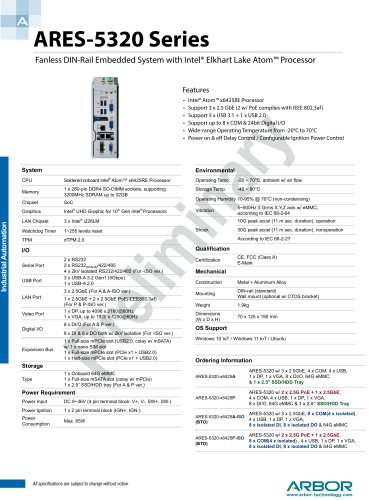 ARES-5320 Series
1 Page
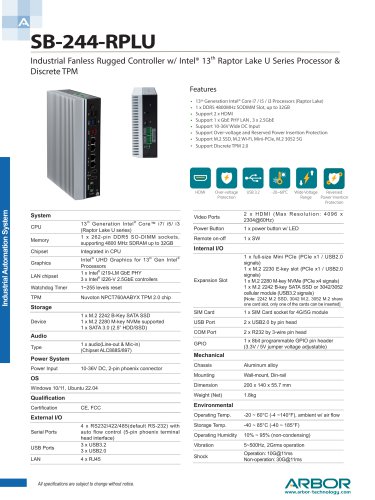 SB-244-RPLU
2 Pages
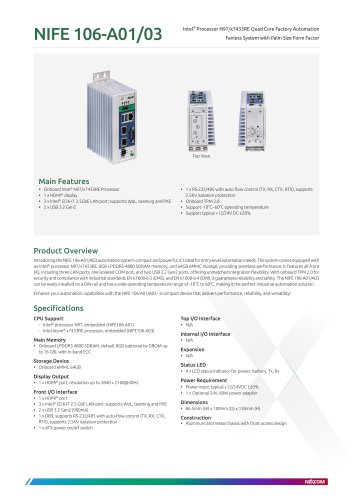 NIFE 106-A01/03
2 Pages
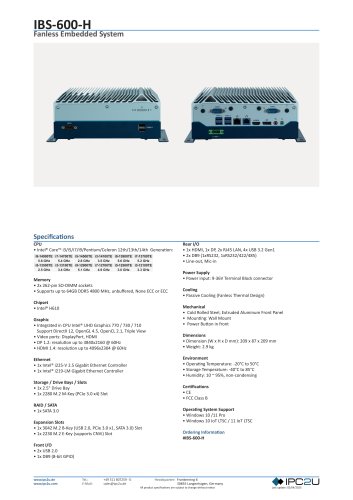 IBS-600-H
1 Page
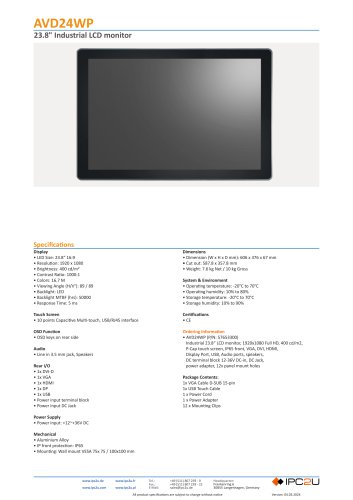 AVD24WP
1 Page
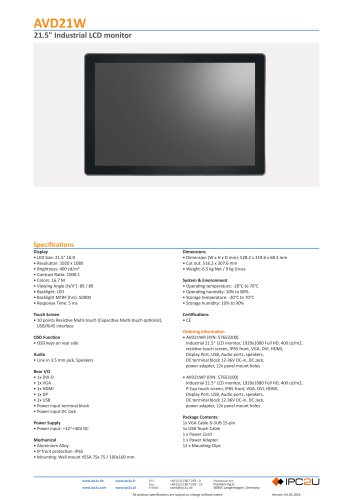 AVD21W
1 Page
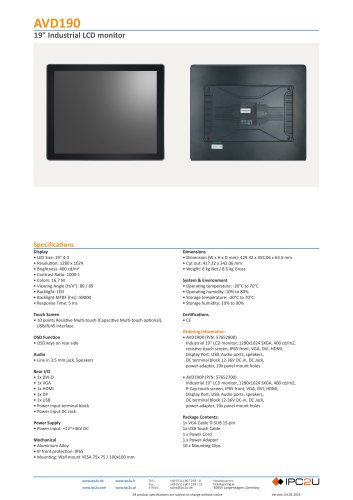 AVD190
1 Page
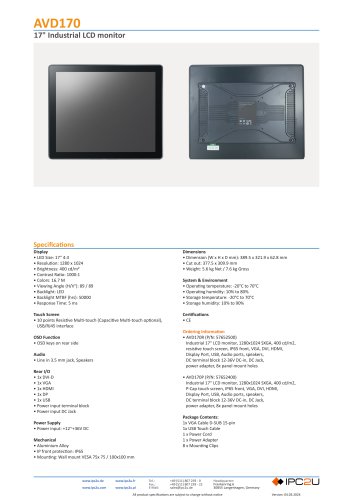 AVD170
1 Page
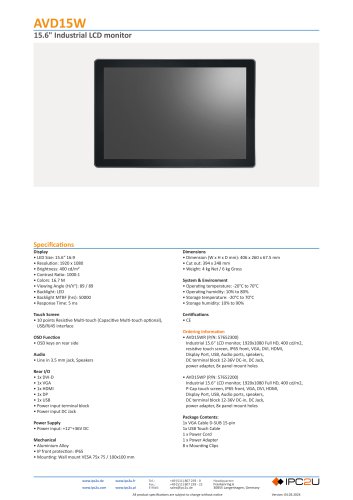 AVD15W
1 Page
 AVD150
1 Page
 AVD120
1 Page
 iKERN-2440-A601
1 Page
 NPort 5100 Series
6 Pages
 NMC-9181
2 Pages
 mITX-Q67EB (MQ67EBI-SI)
77 Pages
 mITX-Q67EB (MQ67EBI)
2 Pages
 iKERN-1710-2D1
1 Page