

itr901
itr901
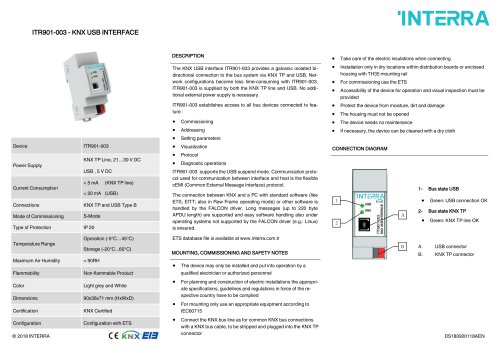
The ITR901-003 is a KNX USB interface providing a galvanic isolated bi-directional connection to the bus system via KNX TP and USB. It simplifies network configurations and is powered by both KNX TP line and USB, eliminating the need for an external power supply.
Specifications:
- Power Supply: KNX TP Line (21-30 V DC), USB (5 V DC)
- Current Consumption: < 5 mA (KNX TP line), < 20 mA (USB)
- Connections: KNX TP and USB Type B
- Commissioning Mode: S-Mode
- Protection Type: IP 20
- Temperature Range: Operation (-5°C to 45°C), Storage (-20°C to 60°C)
- Maximum Air Humidity: < 90RH
- Flammability: Non-flammable
- Color: Light grey and White
- Dimensions: 90x36x71 mm (HxWxD)
- Certification: KNX Certified
- Configuration: Via ETS
Functional Description:
The ITR901-003 facilitates access to all bus devices for commissioning, addressing, setting parameters, visualization, protocol, and diagnostic operations. It supports USB suspend mode and uses the cEMI protocol for communication. The FALCON driver manages the connection between KNX and a PC, supporting long messages and ensuring compatibility with operating systems not supported by the FALCON driver, such as Linux.
Installation and Safety:
- Installation must be performed by qualified personnel.
- Comply with local specifications, guidelines, and regulations.
- Use appropriate equipment according to IEC60715 for mounting.
- Ensure proper electric insulation and install in dry locations within distribution boards or enclosed housing with TH35 mounting rail.
- Device must be accessible for operation and visual inspection.
- Protect from moisture, dirt, and damage; do not open the housing.
- No maintenance required; clean with a dry cloth if necessary.
Connection Diagram:
- USB Connector: Green light indicates USB connection is OK.
- KNX TP Connector: Green light indicates KNX TP line is OK.
Catalog excerpts
The KNX USB interface ITR901-003 provides a galvanic isolated bidirectional connection to the bus system via KNX TP and USB. Network configurations become less time-consuming with ITR901-003. ITR901-003 is supplied by both the KNX TP line and USB. No additional external power supply is necessary. ITR901-003 establishes access to all bus devices connected to feature : • Commissioning • Addressing • Setting parameters • Visualization • Protocol • Diagnostic operations ITR901-003 supports the USB suspend mode. Communication protocol used for communication between interface and host is the flexible cEMI (Common External Message Interface) protocol. The connection between KNX and a PC with standard software (like ETS, EITT; also in Raw Frame operating mode) or other software is handled by the FALCON driver. Long messages (up to 220 byte APDU length) are supported and easy software handling also under operating systems not supported by the FALCON driver (e.g.: Linux) is ensured. ETS database file is available at www.interra.com.tr MOUNTING, COMMISSIONING AND SAFETY NOTES • The device may only be installed and put into operation by a qualified electrician or authorized personnel • For planning and construction of electric installations the appropriate specifications, guidelines and regulations in force of the respective country have to be complied • For mounting only use an appropriate equipment according to IEC60715 • Connect the KNX bus line as for common KNX bus connections with a KNX bus cable, to be stripped and plugged into the KNX TP connector • Take care of the electric insulations when connecting • Installation only in dry locations within distribution boards or enclosed housing with TH35 mounting rail • For commissioning use the ETS • Accessibility of the device for operation and visual inspection must be provided • Protect the device from moisture, dirt and damage • The housing must not be opened • The device needs no maintenance • If necessary, the device can be cleaned with a dry cloth CONNECTION DIAGRAM 1- Bus state USB • Green: USB connection OK 2- Bus state KNX TP • Green: KNX TP line OK A. USB connector B. KNX TP connector
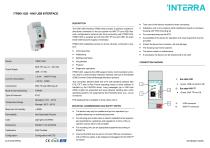
Open the catalog to page 1All Interra catalogs and technical brochures
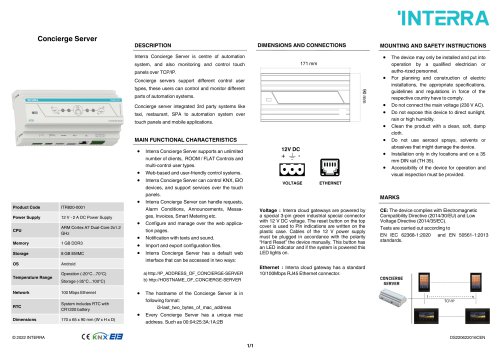 Concierge Server
1 Page
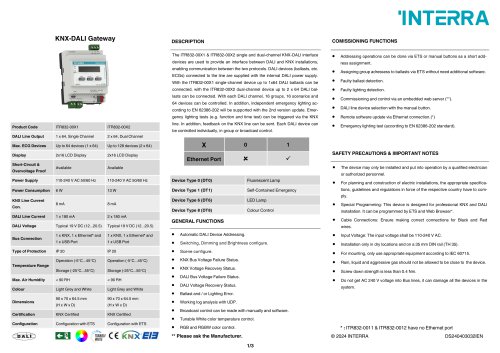 KNX-DALI Gateway
3 Pages
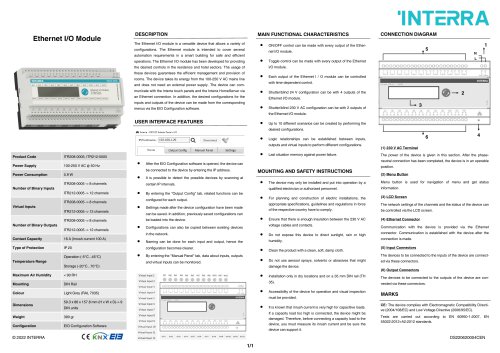 Ethernet I/O Module
1 Page
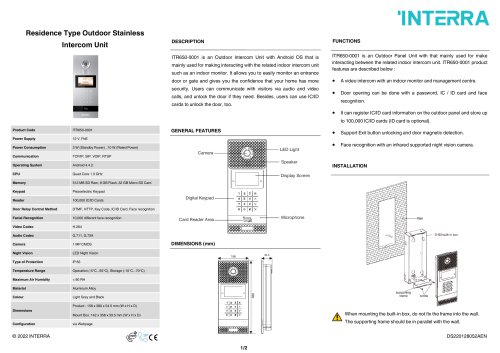
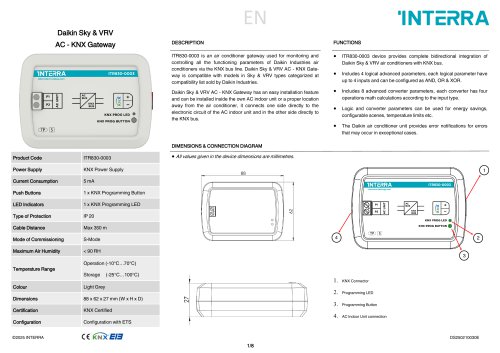
Archived catalogs
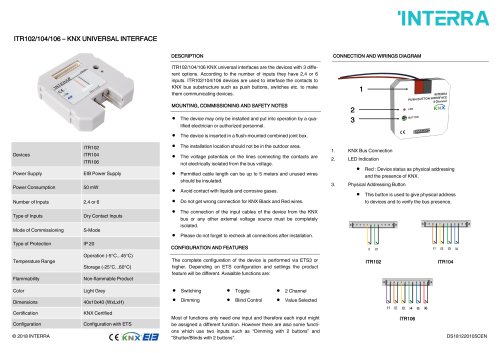 itr10
itr101 Page
 itr230
3 Pages
 itr640-001
2 Pages
 itr3
itr32 Pages




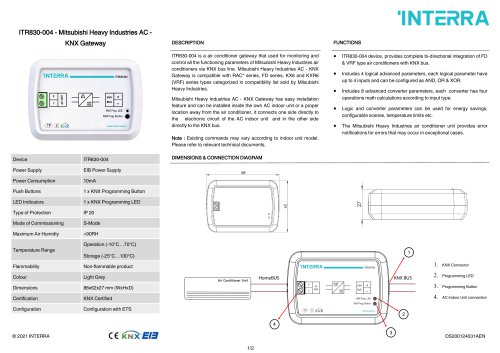
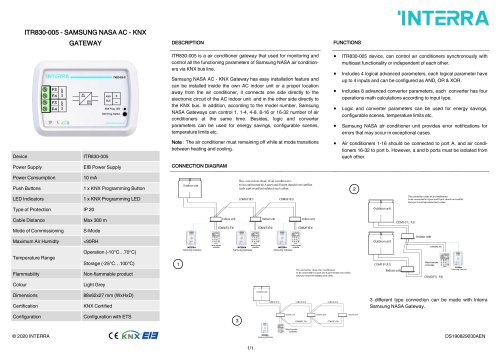
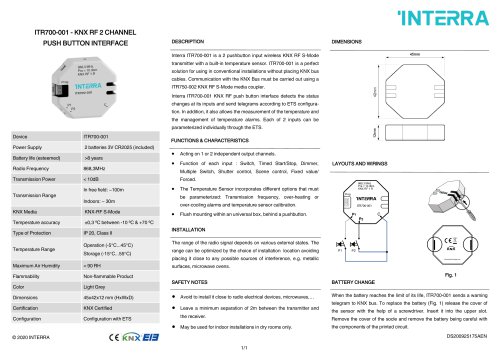


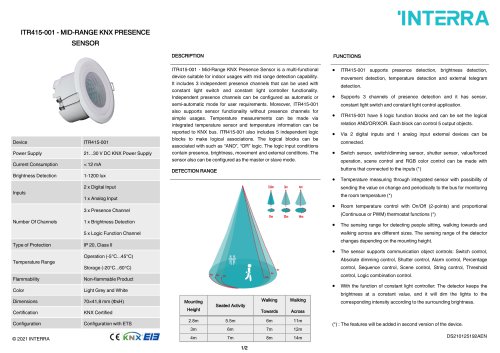


- Panel PC
- Industrial panel PC
- Panel PC with touch screen
- Touch monitor
- LCD screen
- LCD panel PC
- Digital I/O
- Panel-mount screen
- Single-pole switch
- IO module
- Wireless panel PC
- Analog I/O
- Digital IO module
- WiFi panel PC
- Communication gateway
- TFT-LCD monitor
- Industrial gateway
- Ethernet gateway
- Ethernet panel PC
- Ethernet communication router