

ITR720-001 - KNX RF TEMPERATURE, LUMINOSITY & HUMIDITY SENSOR

ITR720-001 - KNX RF TEMPERATURE, LUMINOSITY & HUMIDITY SENSOR
- Power Supply: 2 batteries 3V CR2032 with a life of over 8 years.
- Operating Range: Humidity 0-100%, Temperature -40 to +125°C, Lux 0.045 to 188,000lux.
- Measurement Accuracy: Temperature ±0.4ºC (between -10ºC & +85ºC), Humidity ±4% (between 0% & 80%).
- Transmission Power: < 10dBm, Range: ~100m in free field, ~30m indoors.
- Radio Frequency: 868.3 MHz, Protection: IP 20, Class II.
- Dimensions: 78x28x23 mm (HxWxD).
- Certification: KNX Certified.
- Mount the sensor using adhesive strips or screws, avoiding interference sources like metallic surfaces and microwaves.
- Activate the battery by removing the plastic foil.
- Commissioning involves supplying the sensor, pressing the programming key, loading the physical address and application software, and ensuring the LED indicator turns off upon successful programming.
Catalog excerpts
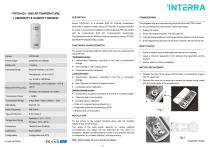
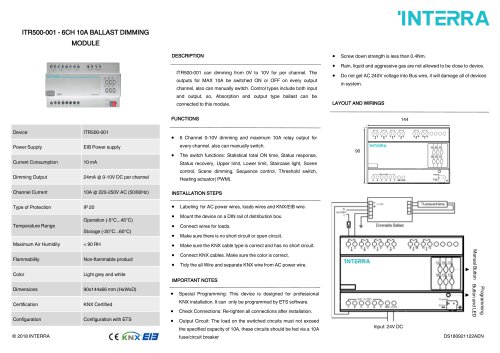
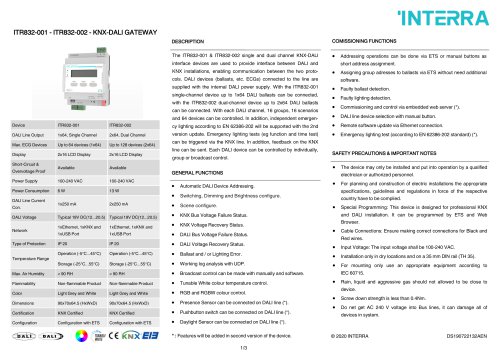
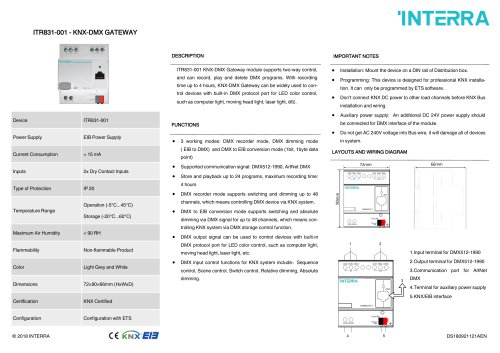
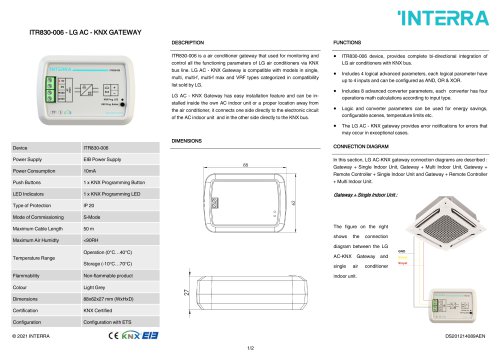
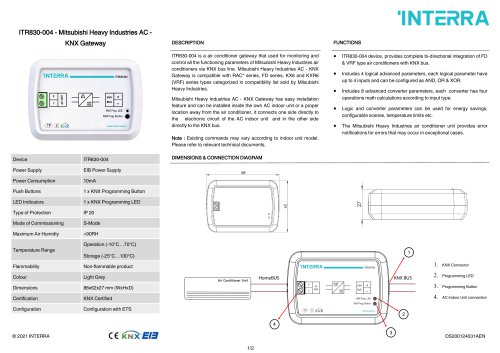
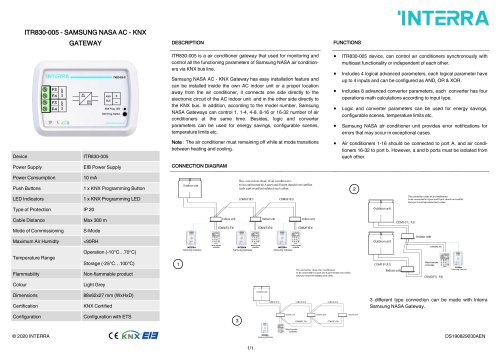
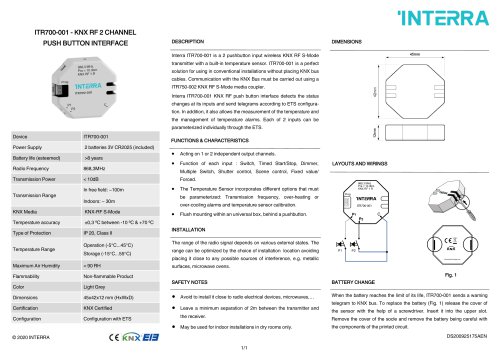
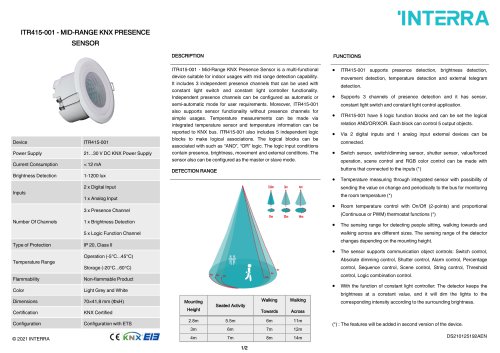
Interra ITR720-001 is a wireless KNX RF S-Mode temperature, The programming and commissioning must be done with ETS5 or later. luminosity or relative humidity sensor. ITR720-001 is a perfect solution For the commissioning of the sensor, follow these steps: for using in conventional installations without placing KNX bus cables LUMINOSITY & HUMIDITY SENSOR Communication with the KNX bus must be carried out using a ITR750002 KNX RF S-Mode media coupler. FUNCTIONS & CHARACTERISTICS The sensor incorporates different options that must be parameterized using the ETS: Supply the sensor. Press the programming key. The LED goes on. Load the physical address and the application software into the sensor If the programming process has be done correctly, the LED will go out. SAFETY NOTES Avoid to install it close to radio electrical devices, microwaves,… Leave a minimum separation of 2m between the transmitter and the Power Supply Battery Life Operating Range • Over-heating or over-cooling alarms. • Temperature sensor calibration. BATTERY REPLACEMENT Luminosity sensor : Release the cover of the sensor with the help of a screwdriver. Insert it Lux: 0.045 to 188,000lux Temperature: ±0,4º C between -10ºC & Measurement Accuracy Temperature sensor : • Transmission frequency: according to the time or temperature change • Transmission frequency: according to the time or luminosity change. • Sun Protection or Generic Protection Alarms. • Luminosity sensor calibration. May be used for indoor installations. into the upper slot. Remove the cover of the socle and remove the battery being careful with the components of the printed circuit. Relative Humidity sensor : Transmission Power Transmission Range In free field: ~100m, Indoors: ~ 30m • Transmission frequency: according to the time or humidity change. • Alarms by high or low humidity. • Humidity sensor calibration. Radio Frequency Temperature Range -> Programming and commissioning by ETS5. -> Bi-directional communication INSTALLATION Fix the sensor to the wanted mounting place with the included adhesive strip or with screws. The range of the radio signal depends on various external circumstances. The range can be optimized by the choice of Installation location avoiding placing it close to any possible sources of interference, e.g. metallic surfaces, microwave ovens,… Note : Pull the plasti
Open the catalog to page 1All Interra catalogs and technical brochures
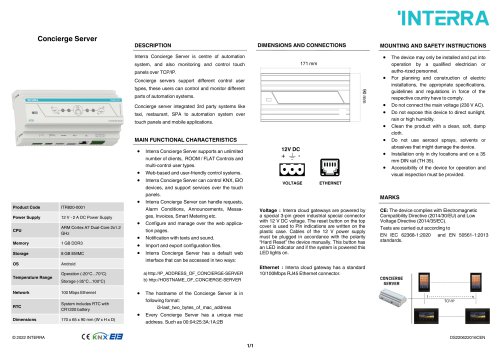 Concierge Server
1 Page
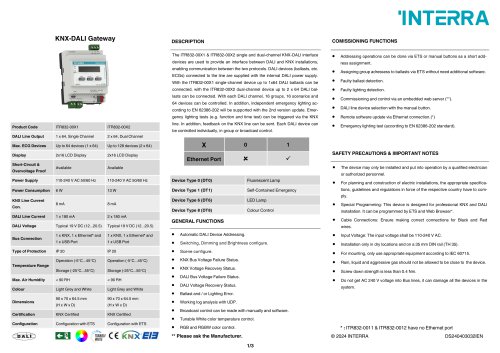 KNX-DALI Gateway
3 Pages
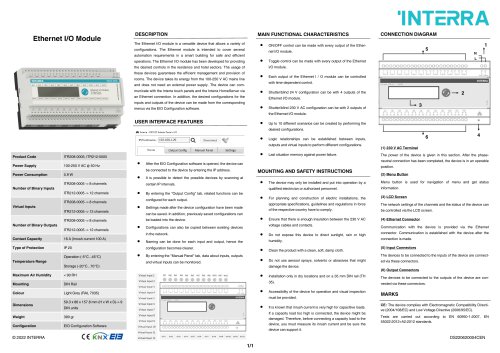 Ethernet I/O Module
1 Page
Archived catalogs
 itr10
itr101 Page
 itr901
1 Page
 itr230
3 Pages
 itr640-001
2 Pages
 itr3
itr32 Pages






- Panel PC
- Industrial panel PC
- Panel PC with touch screen
- Touch monitor
- LCD screen
- LCD panel PC
- Digital I/O
- Panel-mount screen
- Single-pole switch
- IO module
- Wireless panel PC
- Analog I/O
- Digital IO module
- WiFi panel PC
- Communication gateway
- TFT-LCD monitor
- Industrial gateway
- Ethernet gateway
- Ethernet panel PC
- Ethernet communication router