

ITR32X-XXXX - INTERRA JUST TOUCH
ITR32X-XXXX - INTERRA JUST TOUCH
Catalog excerpts

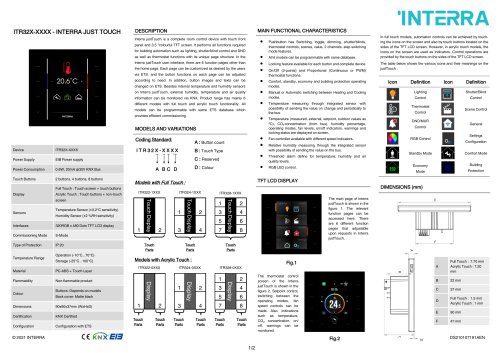
ITR32X-XXXX - INTERRA JUST TOUCH MAIN FUNCTIONAL CHARACTERISTICS DESCRIPTION Interra justTouch is a complete room control device with touch front panel and 3.5 "colourful TFT screen. It performs all functions required for building automation such as lighting, shutter/blind control and DND as well as thermostat functions with its unique page structure. In the Interra justTouch user interface, there are 6 function pages other than the home page. Each page can be customized as desired by the users via ETS, and the button functions on each page can be adjusted according to need. In addition, button images and texts can be changed on ETS. Besides internal temperature and humidity sensors on Interra justTouch, external humidity, temperature and air quality information can be monitored via KNX. Product range has mainly 6 different models with full touch and acrylic touch functionality. All models can be programmable with same ETS database which provides efficient commissioning. MODELS AND VARIATIONS Coding Standard: Device Power Supply Touch Buttons 2 buttons, 4 buttons, 8 buttons Power Consumption Acrylic Touch : Touch buttons + non-touch Humidity Sensor (±2 %RH sensitivity) Commissioning Mode Temperature Range Touch Parts Buttons: Depends on models Back cover: Matte black Touch Parts Comfort, standby, economy and building protection operating modes. Manual or Automatic switching between Heating and Cooling modes. Temperature measuring through integrated sensor with possibility of sending the value on change and periodically to the bus. Temperature (measured, external, setpoint, outdoor values as ºC), CO2 concentration (from bus), humidity percentage, operating modes, fan levels, on/off indicators, warnings and locking status are displayed on screen. Fan controller available with different speed indicators. Relative humidity measuring through the integrated sensor with possibility of sending the value on the bus. Threshold alarm define for temperature, humidity and air quality levels. The table below shows the various icons and their meanings on the justTouch . Scene Control Control DND/MUR Standby Mode Comfort Mode DIMENSIONS (mm) The main page of Interra justTouch is shown in the figure 1. The relevant function pages can be accessed here. There are 6 different function pages that adjustable upon requests in Interra justTouch. Touch Parts On/Off (2-points) and Proportional (Continuous or PWM) thermostat functions. Models with Acrylic Touch : Non-flammable product Touch Parts Touch Parts Touch Parts Touch Parts Touch Parts Touch Parts Full Touch : 1.5 mm Acrylic Touch : 1 mm Full Touch : 7.70 mm Acrylic Touch : 7.20 mm The thermostat control screen of the Interra justTouch is shown in the figure 2. Setpoint control, switching between the operating modes, fan speed controls can be made. Also, indications such as temperature, CO₂ concentration, on/ off, warnings can be monitored. PC-ABS + Touch Layer Locking feature available for each button and complete device In full touch models, automation controls can be achieved by touching the icons on the screen and also by touch buttons located on the sides of the TFT LCD screen. However, in acrylic touch models, the icons on the screen are used as indicators. Control operations are provided by the touch buttons on the sides of the TFT LCD screen. Touch Display Temperature Sensor (±0.2°C sensitivity) All 6 models can be programmable with same database. Models with Full Touch : screen Sensors Touch Display Touch Display Full Touch : Touch screen + touch buttons Pushbutton has Switching, toggle, dimming, shutter/blinds, thermostat controls, scenes, value, 2 channels, step switching mode
Open the catalog to page 1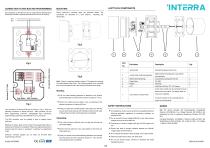
JUSTTOUCH COMPONENTS The connection of the KNX bus line is made with the terminal block (black/red) included in delivery and inserted into the slot of housing. Interra justTouch’s mounting steps are described below. The procedures are described in 2 main sections : Mounting and demounting. Fig.3 ST-LINK MCU PROG. HOLES Fig.4 The connectors of Interra justTouch are shown in Fig.4. There are following connectors on Interra justTouch : KNX connector, ST-Link MCU programming connector, analog/digital input connectors, programming mode button, Boot-Mode & TTL Com connector. The KNX connector must...
Open the catalog to page 2All Interra catalogs and technical brochures
 Concierge Server
1 Page
 KNX-DALI Gateway
3 Pages
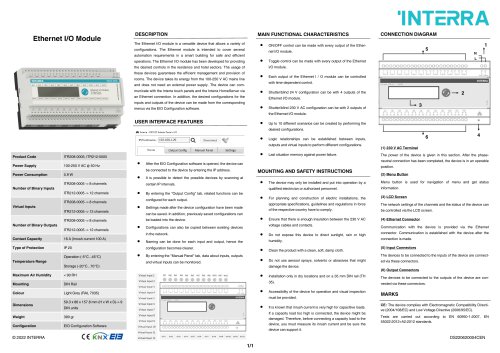 Ethernet I/O Module
1 Page
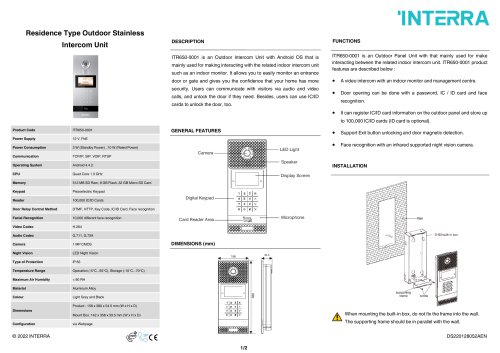
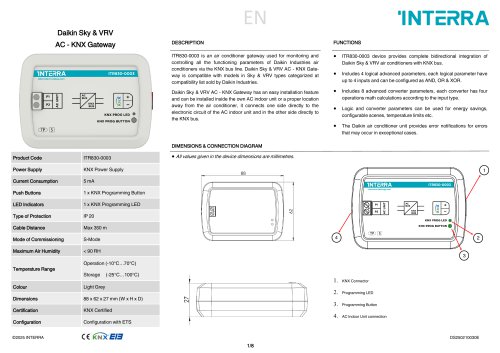
Archived catalogs
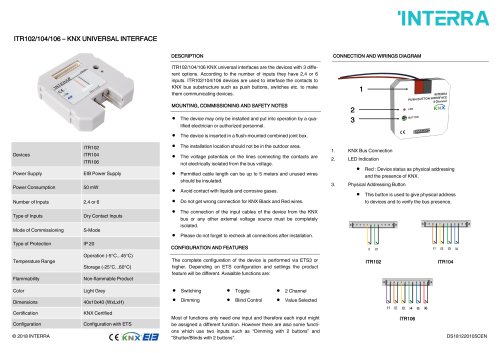 itr10
itr101 Page
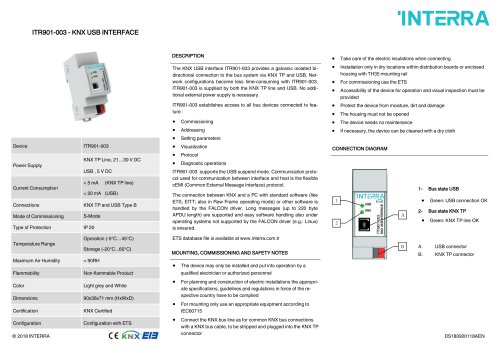 itr901
1 Page
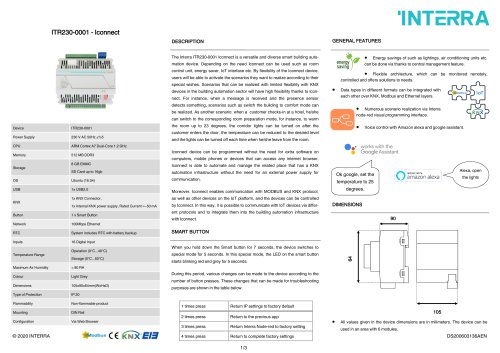 itr230
3 Pages
 itr640-001
2 Pages
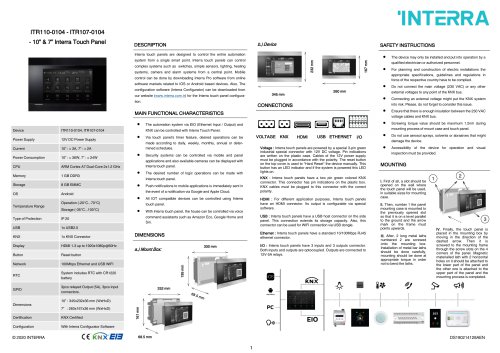
 itr3
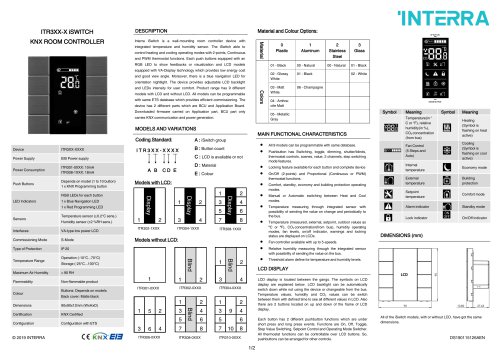
itr32 Pages







- Panel PC
- Industrial panel PC
- Panel PC with touch screen
- Touch monitor
- LCD screen
- LCD panel PC
- Digital I/O
- Panel-mount screen
- Single-pole switch
- IO module
- Wireless panel PC
- Analog I/O
- Digital IO module
- WiFi panel PC
- Communication gateway
- TFT-LCD monitor
- Industrial gateway
- Ethernet gateway
- Ethernet panel PC
- Ethernet communication router