

itr10
itr10
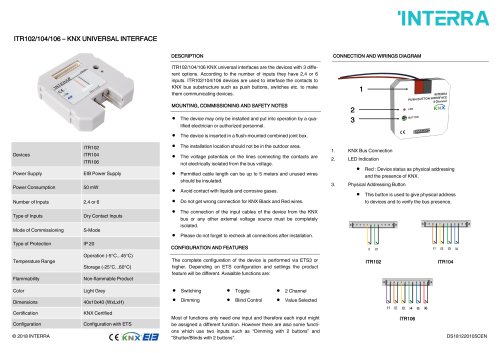
The document outlines the connection to the KNX bus, highlighting the use of a physical addressing button for assigning addresses and verifying bus presence.
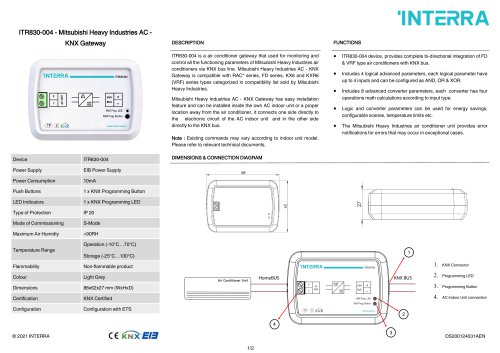
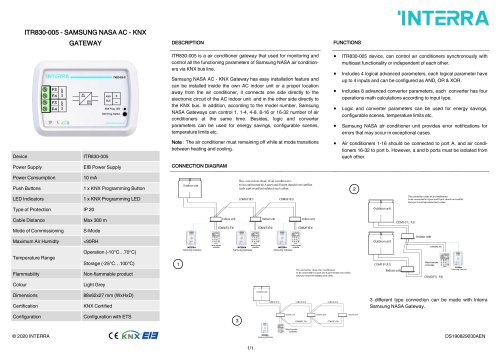
The device features a red LED to indicate device status during physical addressing and the presence of the KNX bus.
This button is crucial for assigning physical addresses to devices and verifying bus presence. Some functions require only one input, while others, like dimming and shutter/blinds control, require two inputs.
The document describes three devices: ITR102, ITR104, and ITR106. They differ by the number of inputs (2, 4, or 6) and are used to interface contacts to the KNX bus. Key specifications include:
- Power Supply: EIB Power Supply
- Power Consumption: 50 mW
- Type of Inputs: Dry Contact Inputs
- Protection: IP 20
- Temperature Range: Operation (-5°C to 45°C), Storage (-25°C to 60°C)
- Flammability: Non-flammable
- Color: Light Grey
- Dimensions: 40x10x40 mm
- Certification: KNX Certified
The document includes a connection and wiring diagram, emphasizing the importance of correct wiring and insulation.
Installation must be performed by qualified personnel. The device should be installed indoors, in a flush-mounted joint box. Key safety notes include:
- Ensure electrical isolation from bus voltage.
- Permitted cable length is up to 5 meters.
- Avoid contact with liquids and corrosive gases.
- Ensure correct connection of KNX wires.
- Recheck all connections post-installation.
Configuration is done via ETS3 or higher, with features varying based on settings. Available functions include:
- Switching
- Dimming
- Toggle
- Blind Control
- 2 Channel
- Value Selected
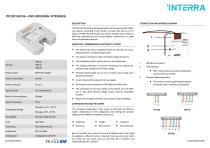
Catalog excerpts
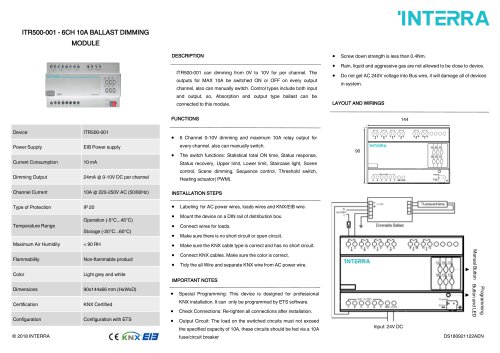
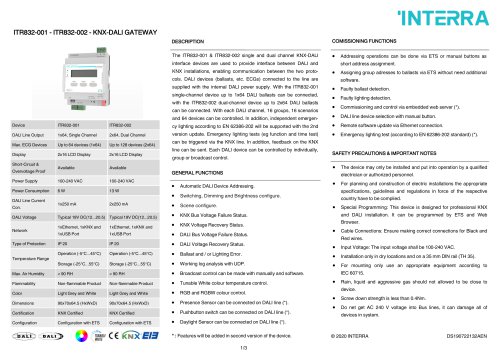
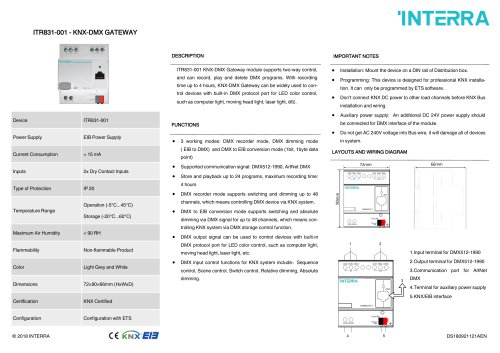
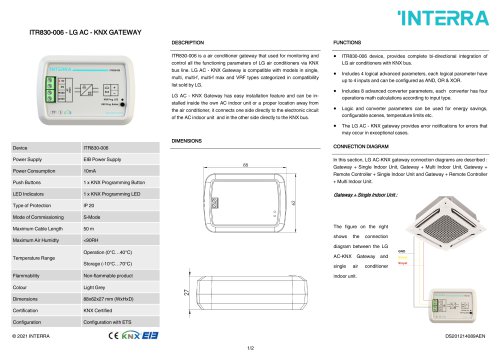
DESCRIPTION ITR102/104/106 KNX universal interfaces are the devices with 3 different options. According to the number of inputs they have 2,4 or 6 inputs. ITR102/104/106 devices are used to interface the contacts to KNX bus substructure such as push buttons, switches etc. to make them communicating devices. MOUNTING, COMMISSIONING AND SAFETY NOTES 'INTERRA CONNECTION AND WIRINGS DIAGRAM Devices Power Supply Power Consumption Number of Inputs Type of Inputs Mode of Commissioning Type of Protection Temperature Range Flammability Color Dimensions Certification Configuration © 2018 INTERRA ITR106 EIB Power Supply 50 mW 2,4 or 6 Dry Contact Inputs S-Mode IP 20 Operation (-5°C...45°C) Storage (-25°C...60°C) Non-flammable Product Light Grey 40x10x40 (WxLxH) KNX Certified Configuration with ETS C€ KNX • The device may only be installed and put into operation by a qualified electrician or authorized personnel. • The device is inserted in a flush-mounted combined joint box. • The installation location should not be in the outdoor area. • The voltage potentials on the lines connecting the contacts are not electrically isolated from the bus voltage. • Permitted cable length can be up to 5 meters and unused wires should be insulated. • Avoid contact with liquids and corrosive gases. • Do not get wrong connection for KNX Black and Red wires. • The connection of the input cables of the device from the KNX bus or any other external voltage source must be completely isolated. • Please do not forget to recheck all connections after installation. CONFIGURATION AND FEATURES • Red : Device status as physical addressing and the presence of KNX. 3. Physical Addressing Button • This button is used to give physical address to devices and to verify the bus presence. The complete configuration of the device is performed via ETS3 or higher. Depending on ETS configuration and settings the product feature will be different. Avaialble functions are: ITR102 ITR104 • Switching • Toggle • Dimming Blind Control • Value Selected Most of functions only need one input and therefore each input might be assigned a different function. However there are also some functions which use two inputs such as “Dimming with 2 buttons” and “Shutter/Blinds with 2 buttons”.
Open the catalog to page 1All Interra catalogs and technical brochures
 Concierge Server
1 Page
 KNX-DALI Gateway
3 Pages
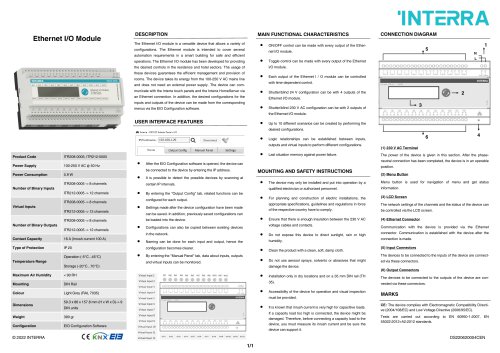 Ethernet I/O Module
1 Page
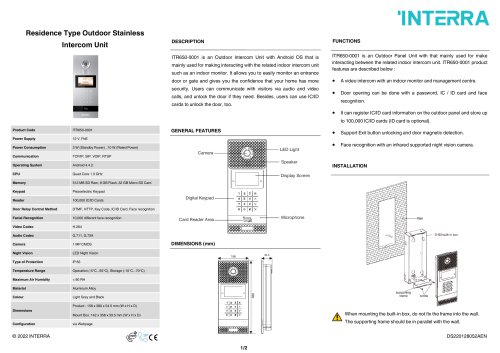
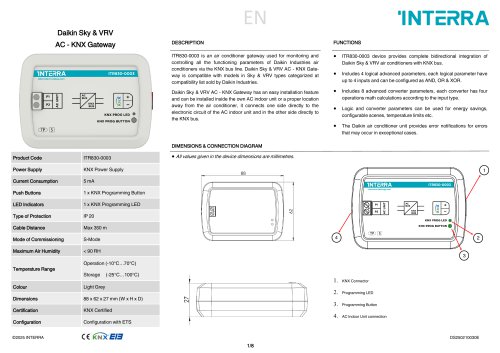
Archived catalogs
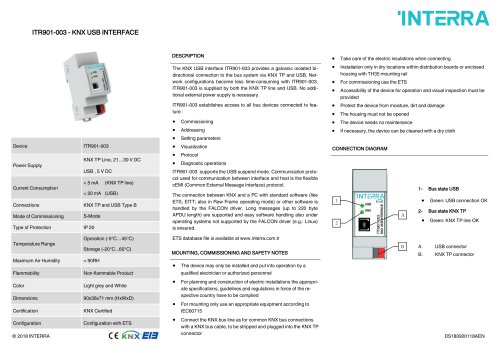 itr901
1 Page
 itr230
3 Pages
 itr640-001
2 Pages
 itr3
itr32 Pages








- Panel PC
- Industrial panel PC
- Panel PC with touch screen
- Touch monitor
- LCD screen
- LCD panel PC
- Digital I/O
- Panel-mount screen
- Single-pole switch
- IO module
- Wireless panel PC
- Analog I/O
- Digital IO module
- WiFi panel PC
- Communication gateway
- TFT-LCD monitor
- Industrial gateway
- Ethernet gateway
- Ethernet panel PC
- Ethernet communication router