- Catalogs
- Infranor Group
- XtrapulsGem_User_Manual_v1.2.0.64


XtrapulsGem_User_Manual_v1.2.0.64
1 /199Pages
XtrapulsGem_User_Manual_v1.2.0.64
1 /199Pages
Catalog excerpts
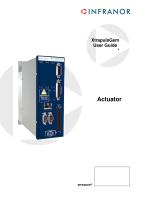
XtrapulsGem User Guide e
Open the catalog to page 1
XtrapulsGem – User Guide This is a general manual describing a series of servo drives having output capability suitable for driving AC brushless sinusoidal servo motors. Please see XtrapulsGem Installation Guide for the operation of the drive (commissioning, configuration, …). Instructions for storage, use after storage, commissioning as well as all technical details require the MANDATORY reading of the manual before getting the drives operational. Maintenance procedures should be attempted only by highly skilled technicians having good knowledge of electronics and servo systems with variable...
Open the catalog to page 2
XtrapulsGem – User Guide
Open the catalog to page 3
XtrapulsGem – User Guide Chapter 1 - General Description 1.1 - INTRODUCTION XtrapulsGem all-digital drives with sinusoidal PWM control are servo drives that provide the control of brushless AC motors with position sensor (resolver, encoder). XtrapulsGem is a single-axis block including power supply unit and mains filters. It is available in both 230 VAC and 400/480 VAC mains operated voltages. It obtains high regulation performances with: Multi-standard encoder input Motor speed up to 25000 rpm. The XtrapulsGem drive is a configurable and programmable drive with built-in servo-functions. It includes...
Open the catalog to page 4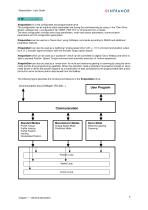
XtrapulsGem - User Guide 1.2 - ARCHITECTURE XtrapulsGem is a free configurable and programmable drive. The configuration can be made by static parameters set during the commissioning by using, in the “Gem Drive Studio” software tool, a configuration file “USER_PAR.TXT” or commands from a master. The drive configuration includes servo-loop parameters, motor and sensor parameters, communication parameters and I/O configuration parameters. XtrapulsGem can be used as a “basic drive” using CANopen commands according to DS402 and additional proprietary features. XtrapulsGem can also be used as a traditional...
Open the catalog to page 5
XtrapulsGem - User Guide OINFRANOR 1.3 - OTHER DOCUMENTS • XtrapulsGem Installation guide. • XtrapulsGem "Safe Torque Off " specification. • XtrapulsGem Application Templates. • XtrapulsGem Programming guide. • GemDriveStudio quick start guide. • EtherCAT® fieldbus interface. • XtrapulsGem Encoder output board Chapter 1 - General description
Open the catalog to page 6
XtrapulsGem - User Guide This chapter describes the commissioning procedure of the drive by means of the "Gem Drive Studio" software. / • \ Do not perform the drive parametrization by means of both "Gem Drive Studio" software '' * ^ tool and CANopen bus at the same time. The Gem Drive Studio software is PC compliant under Windows and allows an easy parametrization of the Xtrapuls drive. Please see our website www.infranor.com for downloading the "Gem Drive Studio" software. The use of the Gem Drive Studio software requires the minimum PC configuration described below: - screen with true colours...
Open the catalog to page 7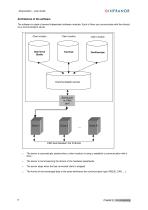
XtrapulsGem – User Guide Architecture of the software The software is made of several independent software modules. Each of them can communicate with the drive(s) via a communication server. Client module Client module Client module Communication server Serial port or CAN port The server is automatically started when a client module is trying to establish a communication with a drive . The server is commissioning the drivers of the hardware peripherals. The server stops when the last connected client is stopped . The format of the exchanged data is the same whichever the communication type (RS232,...
Open the catalog to page 8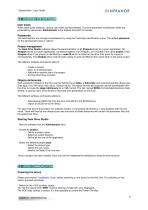
XtrapulsGem - User Guide CINFRANOR 2.2 - STARTING THE SOFTWARE When starting the software, various user levels can be selected. The drive parameter modification levels are protected by passwords. Administrator is the highest level with full access. The Administrator can change all passwords by using the Tools/User identification menu. The default password for the administrator level is "admin". The Gem Drive Studio software allows the parametrization of all Xtrapuls drives for a given application. All Xtrapuls drives of a given application, connected together via CANopen, are included in the...
Open the catalog to page 9
XtrapulsGem – User Guide - Switch on the power supply: The red ERR LED must be unlit. The drive is ready to be enabled. Starting the communication The Gem Drive Studio software can communicate with the drives by using either the RS232 serial link or the CANopen fieldbus. All drives of the application are connected together via CANopen: - Set the node ID code value by using the microswitches on the front panel for all drives of the application (code values must be different from each other), - Connect the serial link RS232 or the CANopen fieldbus between the PC and one drive of the application,...
Open the catalog to page 10
XtrapulsGem - User Guide Check that the thermal sensor calibration is complying with the motor application and modify the threshold values if necessary. Check that the current limit and the I²t protection adjustment are complying with the motor application, and modify them if necessary. Check that the motor speed limit is complying with the application and reduce its value if necessary. If external inductances are serially connected with the motor winding for filtering, renew the current loop gain calculation by using the total value of the phase-to-phase inductance. If the position sensor adjustment...
Open the catalog to page 11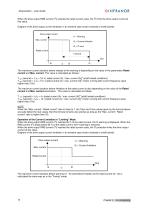
XtrapulsGem – User Guide 2 When the drive output RMS current (I t) reaches the rated current value, the I t limits the drive output current at this value. Diagram of the drive output current limitation in an extreme case (motor overload or shaft locked): Drive output current t1 = Warning Max. current t2 = Current limitation t3 = I2t error Rated current 1 second time t0 The maximum current duration before release of the warning is depending on the value of the parameters Rated current and Max. current. This value is calculated as follows: 2 T dyn (second) = t1-t0 = 3,3 x [ rated current (A) /...
Open the catalog to page 12All Infranor Group catalogs and technical brochures
 XtrapulsPac_EN
4 Pages
 XtrapulsGemTemplates_e_1.4
21 Pages
 XtrapulsGem_Inst_e_2.1
42 Pages
 XtrapulsGem_Inst_e_2.0
42 Pages
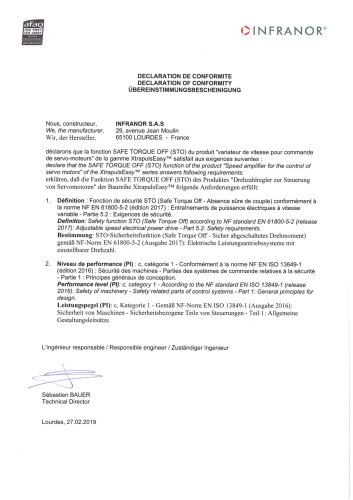
 STO_declaration_Gem
2 Pages
 SMTBSi-2Tz_en_2.1
43 Pages
![SMT100D_e_1.01[1]](https://img.directindustry.com/pdf/repository_di/4620720/smt100d-e-101-1-1141223_1mg.jpg) SMT100D_e_1.01[1]
SMT100D_e_1.01[1]40 Pages
 smt-100
32 Pages
 PacSimBox_e
1 Page
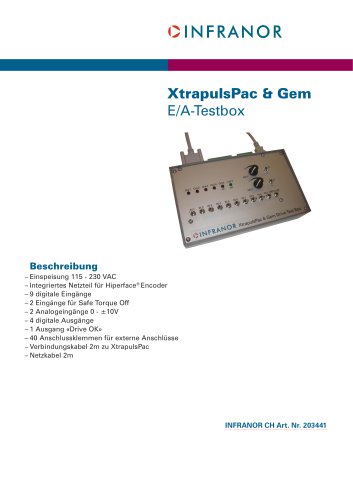 PacSimBox_d_1
1 Page
 Pac-SF01_flyer_en_18.02
4 Pages
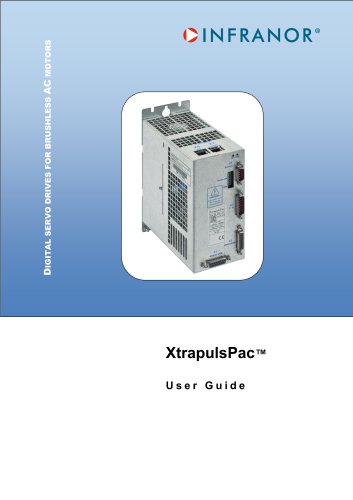 Pac_User_1.2.1.218
253 Pages
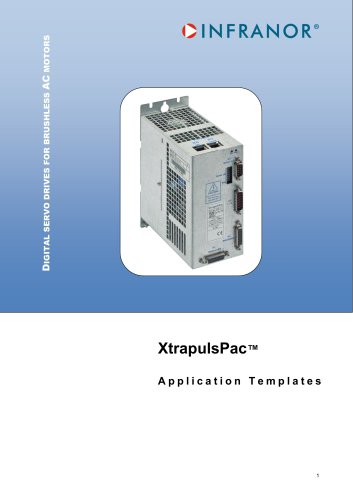 Pac_Templates_en_1.9
27 Pages
 Pac_STO_Installation_en_2.2
13 Pages
 Pac_SF01_operating_en_1.6
63 Pages
 Pac_SF01_EN
4 Pages
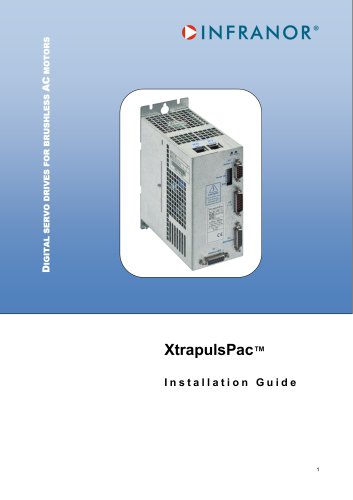 Pac_Installation_en_2.23
82 Pages
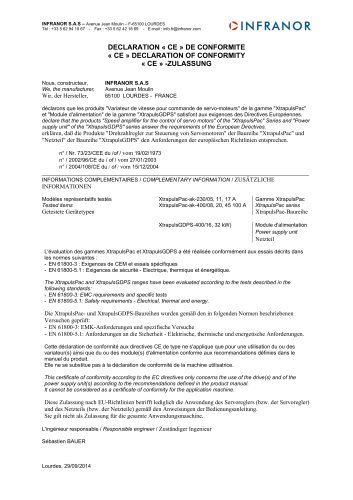 Pac_GDPS_CEconformity
1 Page
 Pac_flyer_en_17.12
4 Pages
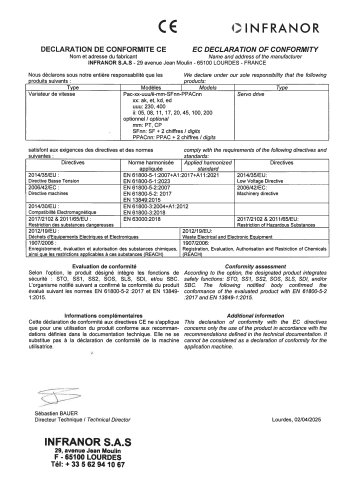 Pac_EC_conformity_25.04
1 Page
 Option_CT_EMF
6 Pages
 MOVINOR_LH055_LH086_LH097_LH142
23 Pages
 ma_series
6 Pages
 GemSafeTorqueOff_en_1.1
12 Pages
 GemProgramming_e_1.1
47 Pages
 GDPS_old_version_1.1_1
11 Pages
 CE_conformity_Gem
1 Page
 CD1pm_e_1.2(old)
18 Pages
 CD1pInst_e_7.2(old)
35 Pages
 CD1kInst_e_4.1(old)
40 Pages
 CD1k_CANopenProtocol_e_1.3(old)
86 Pages
 CD1a_e_7.1(old)
45 Pages
 Catalogue gamme SMT-BD1
11 Pages
 BM20A(F)v3_0
20 Pages
 BM20A(D)v3_0
20 Pages
 BF400(GB)v2_2
21 Pages
 BF400(D)v2_2
21 Pages
 BF230(GB)v2_0
23 Pages
 BF230(F)v2_0
23 Pages
 BD2m_e_2.2
69 Pages
 BD2m(GB)2.0
70 Pages
 BD2_e_3.2
53 Pages
 BD2(GB)3.1
53 Pages
 BD2(D)3.1
54 Pages
 Movinor_LH_e
4 Pages
 ma_series
6 Pages
 BD1t(GB)3.1
81 Pages
 BD1t(F)3.0
85 Pages
 BD1pInst(GB)3.0
25 Pages
 BD1pInst(F)3.0
23 Pages
 BD1pInst(D)3.0
24 Pages
 BD1pCD1pUse_e_2.4
57 Pages
 BD1m(GB)5.0
58 Pages
 BD1m(F)5.0
57 Pages
 BD1m(D)v3_3
64 Pages
 BD1k(GB)2.1
35 Pages
 BD1k(F)2.1
36 Pages
 BD1j(GB)v2_41
19 Pages
 BD1j(F)v2_4
21 Pages
 BD1i(GB)v2_21
23 Pages
 BD1i(F)v2_2
27 Pages
 BD1h(F)3.0
65 Pages
 BD1h(D)3.0
59 Pages
 BD1g(GB)v3_0
28 Pages
 BD1g(F)v3_0
28 Pages
 BD1f(GB)v2_01
18 Pages
 BD1f(F)v2_01
17 Pages
 BD1e(F)v2_01
22 Pages
 BD1d(GB)v2_01
25 Pages
 BD1d(F)v2_01
25 Pages
 BD1c(GB)v2_01
19 Pages
 BD1c(F)v2_01
19 Pages
 BD1a400(GB)v2_3
43 Pages
 BD1a400(F)v2_3
44 Pages
 BD1a400(D)v2_3
45 Pages
 BD1(GB)7.1_noPW
45 Pages
 BD1(GB)7.1
45 Pages
 BD1(F)7.1_noPW
47 Pages
 BD1(F)7.1
47 Pages
 BD1(D)7.1
45 Pages
 BD1 Katalog
11 Pages
 08ma_ms_e_01700
20 Pages
 Easy_User_5.0.1.60.2
190 Pages
 08ma_mrm_em_01575
20 Pages
 01ma_smv_e_01953
40 Pages
 PacHP-SF_Flyer_en_23.06
4 Pages
 IRD_User_Manual_en_1.2.XX.54.rev_b
216 Pages
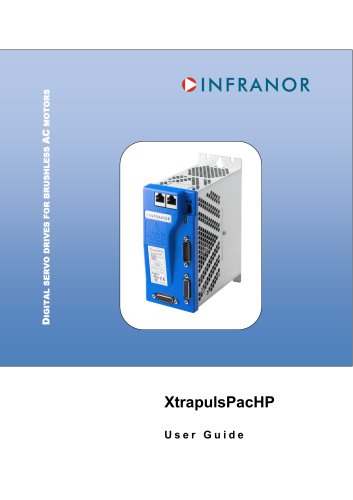 PacHP_User_en_1.2.8.100.b
280 Pages
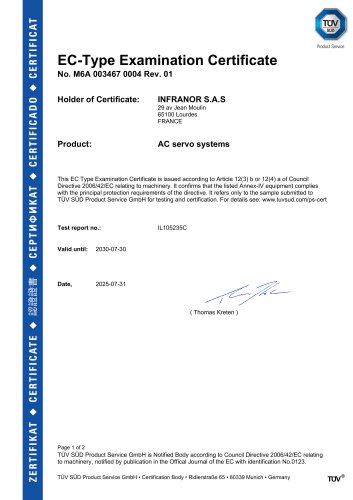 PacHP_TÜV_certificate_25.07
2 Pages
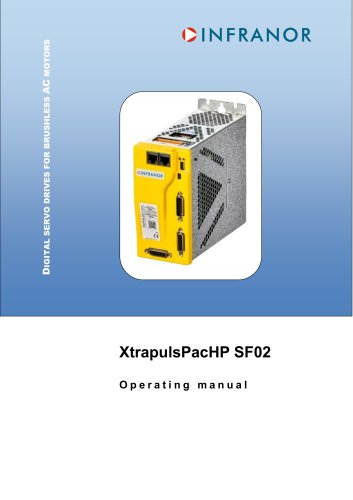 PacHP_SF02_operating_en_1.6
103 Pages
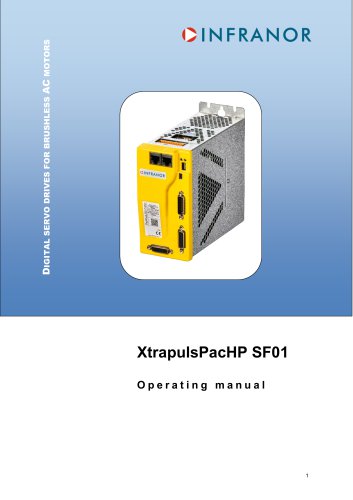 PacHP_SF01_operating_en_2.0
63 Pages
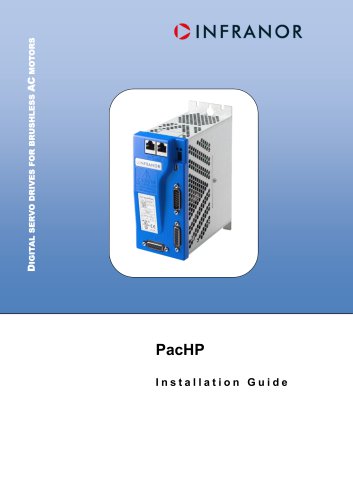 PacHP_Installation_en_2.9
91 Pages
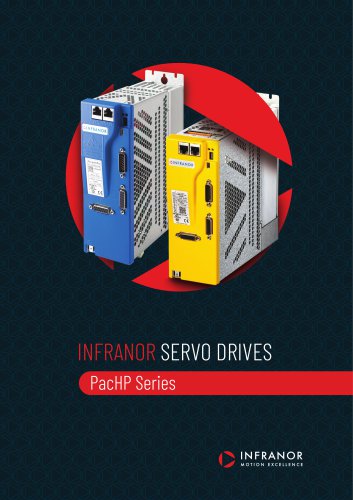 PacHP_Series_Brochure
8 Pages
 PacHP_Flyer_us_20.10
4 Pages
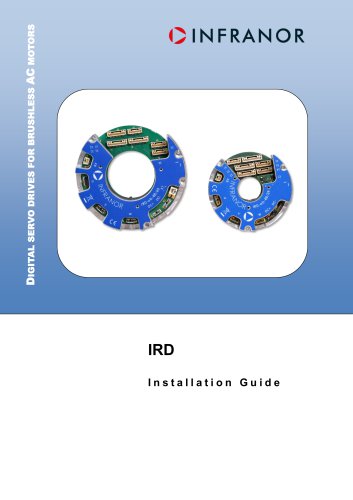 IRD_Installation_en_1.5
42 Pages
 IRD_EC_Conformity_25.03
1 Page
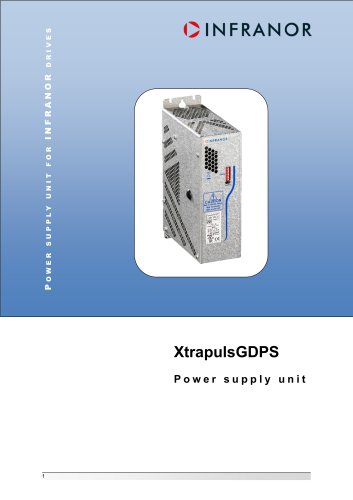 GDPS_Installation_en_4.4
18 Pages
 EtherCAT Interface_en_1.3
20 Pages
 GDPS_EC_conformity_24.07
1 Page
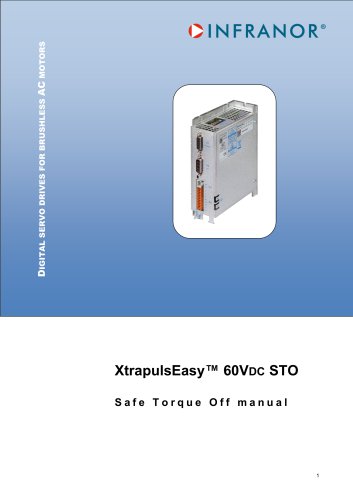 Easy_STO_en_1.4
14 Pages
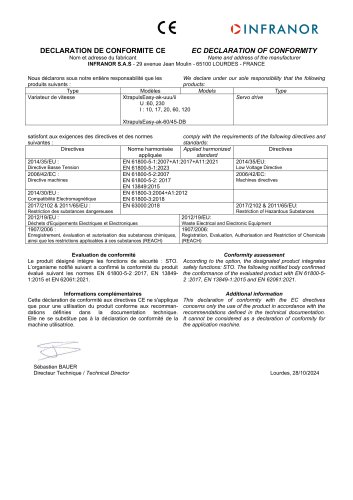 Easy_EC_Conformity_24_10
1 Page
 Easy_DB_STO_en_1.2
14 Pages
 Easy_DB_Installation_en_1.4
36 Pages
 CD1pmUser_en_4.2
55 Pages
 CD1pmInst_en_8.15
40 Pages
 CD1k_CANopenProtocol_en_2.10.1.1
108 Pages
 CD1pm_ProfibusProtocol_en_1.5
50 Pages
 CD1kUser_en_2.3
26 Pages
 CD1a_en_8.17
62 Pages
 CD1kInst_en_5.16
46 Pages
 CD1_STO_en_1.8
16 Pages
 CD1_STO_conformity_19.02
2 Pages
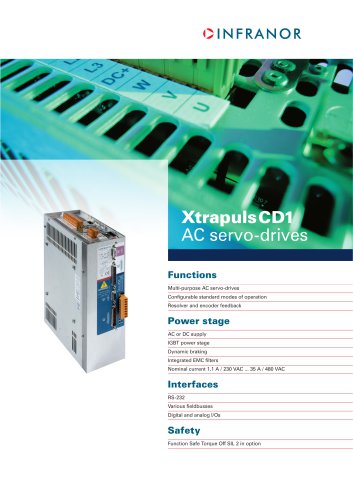 CD1_flyer_en_14.09
4 Pages
 CD1_EC_conformity_24.05
1 Page
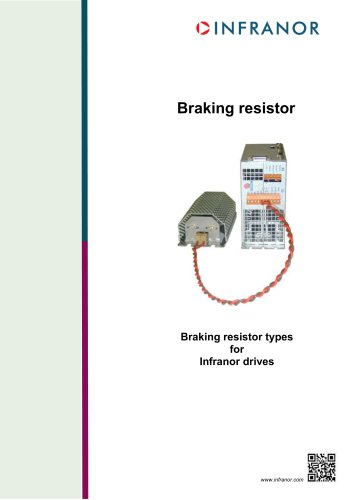 Braking_Resistors_en_1.5
10 Pages
 AN_DC_bus_interfacing_en_1.3
5 Pages
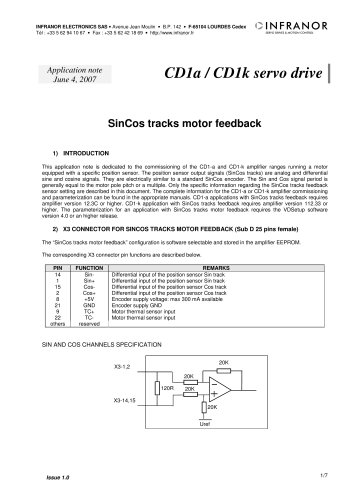 AN_CD1pm_SinCosTracks_e_1.0
7 Pages
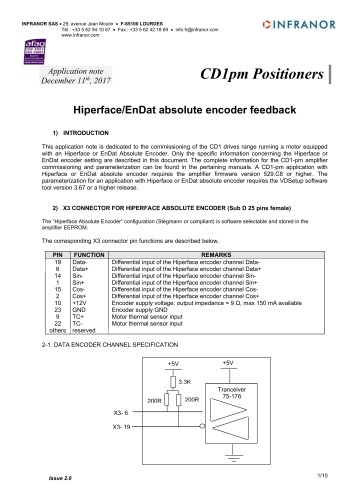 AN_CD1pm_AbsoluteEncoder_en_2.0
10 Pages
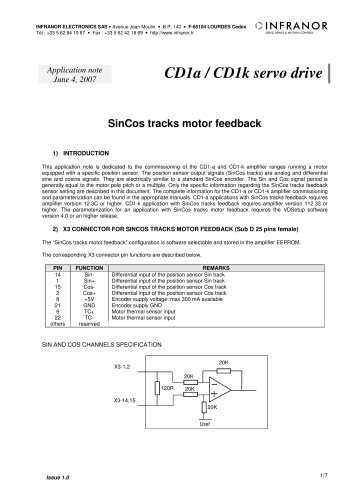 AN_CD1ak_SinCosTracks_e_1.0
7 Pages
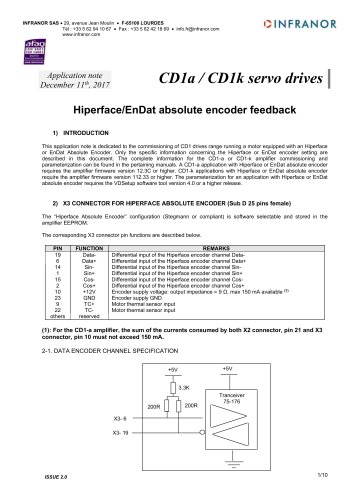 AN_CD1ak_AbsoluteEncoder_en_2.0
10 Pages
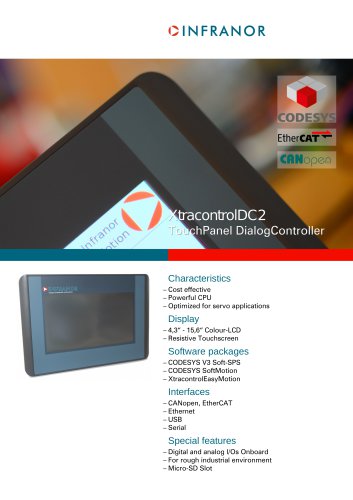 XtracontrolDC2_EN
4 Pages
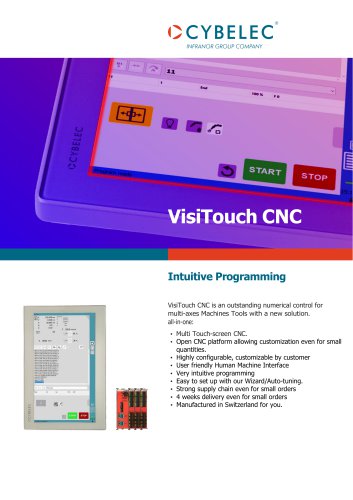 Flyer_VisiTouchCNC_EN_V1.1-1
2 Pages
 XtraforsWashdown_EN-2024
2 Pages
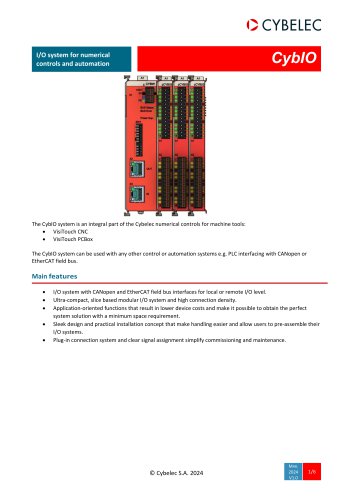 DataSheet_CybIO_CNC_V1.0
6 Pages
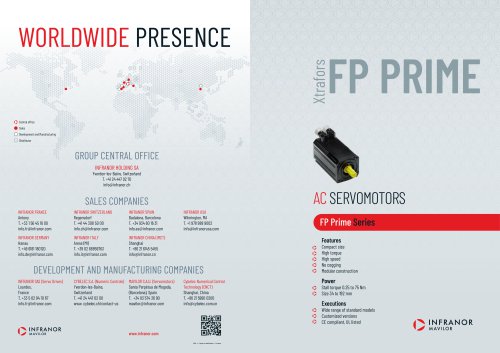 XtraforsPrime_EN-2024
2 Pages
 XtraforsMSS_EN
4 Pages
 XtraforsMSA_EN_2024
2 Pages
 XtraforsEx_EN-2024
2 Pages
 XtraforsBR_EN-2024
2 Pages
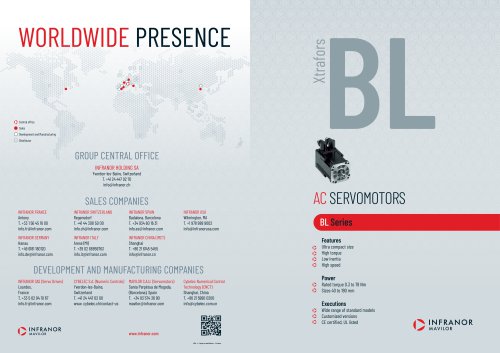 XtraforsBL_EN-2024
2 Pages
 XtraforsBC-ed01-vs3
4 Pages
 Manual_XtraforsPrime
46 Pages
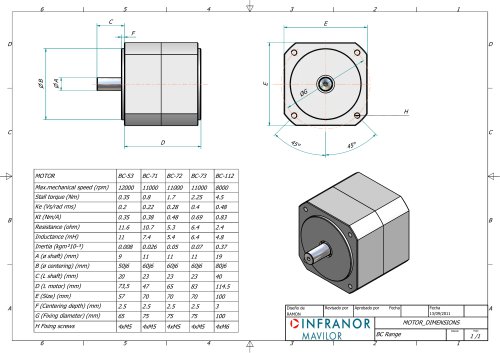 Drawing_1
1 Page
 Datasheet_MSS
5 Pages
 Datasheet_2
2 Pages
 Datasheet_1
4 Pages
 BLSBLT_series
2 Pages
 BL220221
2 Pages
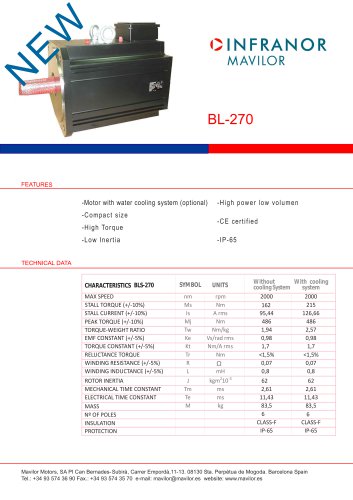 BL270
BL2702 Pages
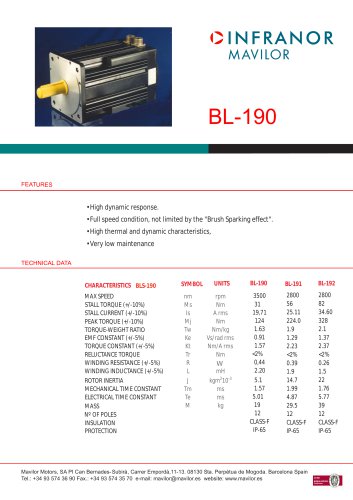 BL190
BL1902 Pages
 bl100_series
6 Pages
 bl40_series
6 Pages
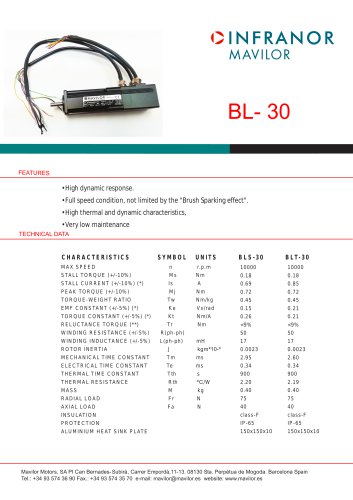 BL30
BL302 Pages
 2019-01_XtraforsFP-DSL_FR
4 Pages
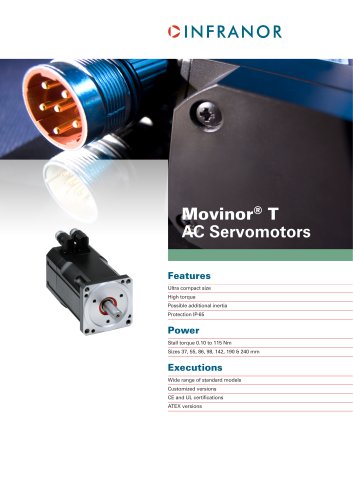 Movinor_T_EN
4 Pages
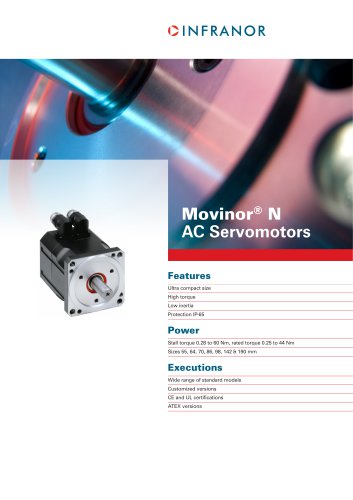 Movinor_N_EN
4 Pages
 Movinor_Low_Voltage_EN
4 Pages
 Manual Movinor T 03-2026
46 Pages
 Manual Movinor N 03-2026
63 Pages
 XtrapulsEasy™ AC servo-drive
4 Pages
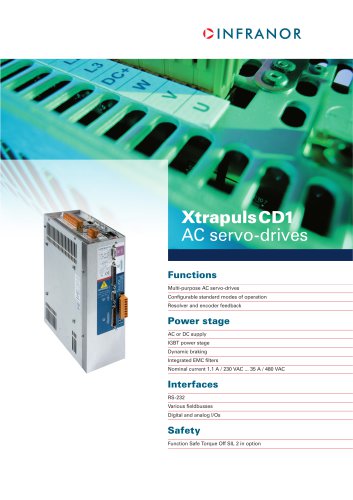 XtrapulsCD1 AC servo-drives
4 Pages
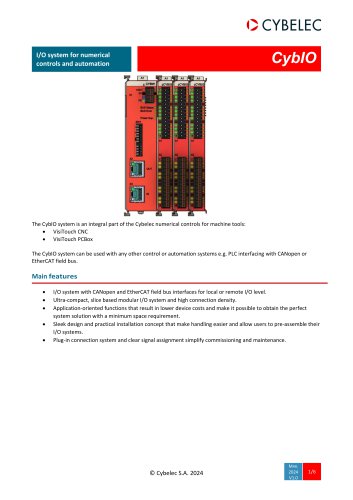 CybIO
CybIO6 Pages
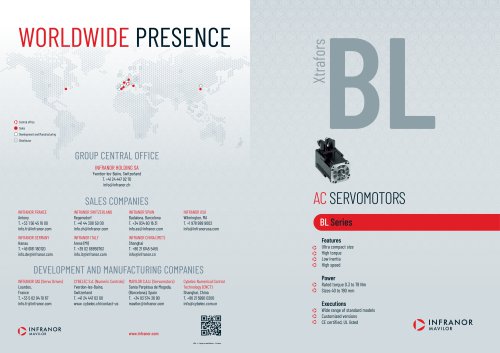 AC SERVOMOTORS
2 Pages
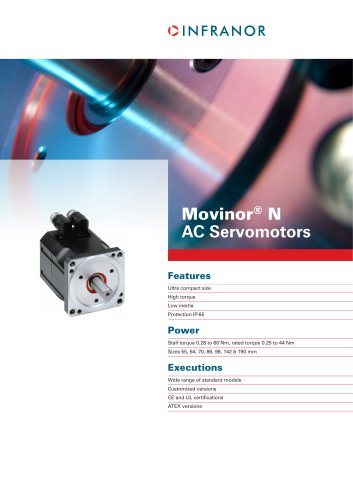 Movinor® N AC Servomotors
4 Pages