- Catalogs
- Infranor Group
- AN_CD1pm_AbsoluteEncoder_en_2.0


AN_CD1pm_AbsoluteEncoder_en_2.0
AN_CD1pm_AbsoluteEncoder_en_2.0
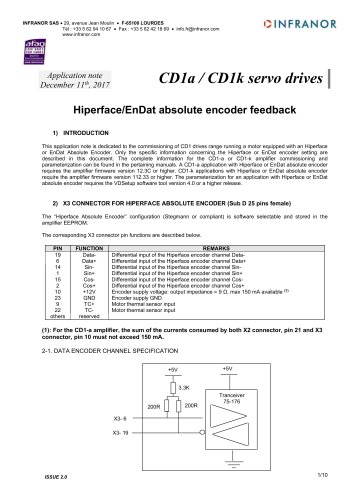
This document offers guidance on commissioning CD1 drives with motors using Hiperface or EnDat Absolute Encoders. It specifies the required firmware and software versions for successful setup.
The configuration for Hiperface encoders is software-selectable and stored in the amplifier EEPROM. The document details the pin functions for the X3 connector, including data, sin, cos channels, and power supply specifications.
Similar to the Hiperface, the EnDat encoder configuration is stored in the EEPROM. The document outlines the pin functions for data, clock, sin, and cos channels, along with power supply details.
Guidelines are provided for using twisted and shielded cables for encoder inputs. The document includes a formula for calculating voltage drop across the encoder cable and suggests solutions for minimizing this drop.
The document explains how to configure and operate positioners using these encoders. It covers the importance of setting the encoder zero position and user reference values to avoid position roll-over and unnecessary homing sequences.
Common faults such as "ENCODER", "BUSY", "COM. CHANNEL", "COUNTING", and "2nd SENSOR" are addressed with specific checks and corrective actions.
The document lists parameters related to absolute encoder resolution, position values, and user reference settings, providing a framework for integrating PROFIBUS communication.
Pulse and Position Initialization: Parameters for pulse and position initialization include the absolute position range (PNU 853) and encoder absolute position resolution (PNU 850). These are crucial for defining the maximum value for absolute position and the number of increments per encoder revolution.
Encoder Absolute Position: Details on reading and resetting encoder absolute position values, including absolute position revolutions (PNU 851) and encoder absolute position value (PNU 852), which are read-only and crucial for determining the encoder's position at standstill.
Position Reset and Range Setting: Procedures for resetting the encoder absolute position (PNU 854) and setting the position range (PNU 859) are described. These operations must be executed with a disabled positioner to avoid position roll over.
User Reference Position Adjustment: The procedure for setting and saving the user reference position (PNU 856) and the associated offset (PNU 857) is explained. This process is critical for ensuring the absolute mode is activated and saved in the amplifier EEPROM.
Save Homing: The save homing command (PNU 860) allows the user reference position to be saved, eliminating the need for homing at the next amplifier power-up.
Encoder Lists: Appendices A and B provide lists of HIPERFACE and ENDAT encoders, detailing their incremental and absolute resolutions.
Hardware Indexes: Appendix C lists the hardware indexes required for supporting Hiperface/EnDat absolute encoder feedback in the CD1 amplifier.
Catalog excerpts
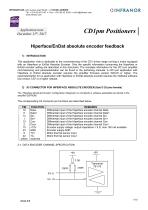
INFRANOR SAS • 29, avenue Jean Moulin • F-65100 LOURDES Application note December 11th, 2017 CDlpm PositionersHiperface/EnDat absolute encoder feedback1) INTRODUCTION This application note is dedicated to the commissioning of the CD1 drives range running a motor equipped with an Hiperface or EnDat Absolute Encoder. Only the specific information concerning the Hiperface or EnDat encoder setting are described in this document. The complete information for the CD1-pm amplifier commissioning and parameterization can be found in the pertaining manuals. A CD1-pm application with Hiperface or EnDat absolute encoder requires the amplifier firmware version 529.C8 or higher. The parameterization for an application with Hiperface or EnDat absolute encoder requires the VDSetup software tool version 3.67 or a higher release. The “Hiperface Absolute Encoder” configuration (Stegmann or compliant) is software selectable and stored in the amplifier EEPROM. The corresponding X3 connector pin functions are described below. 2-1. DATA ENCODER CHANNEL SPECIFICATION
Open the catalog to page 1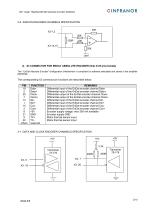
CD1 range: Hiperface/EnDat absolute encoder feedback 2-2. SIN/COS ENCODER CHANNELS SPECIFICATION 3) X3 CONNECTOR FOR ENDAT ABSOLUTE ENCODER (Sub D 25 pins female) The “ EnDat Absolute Encoder” configuration (Heidenhain or compliant) is software selectable and stored in the amplifier EEPROM. The corresponding X3 connector pin functions are described below. 3-1. DATA AND CLOCK ENCODER CHANNELS SPECIFICATION
Open the catalog to page 2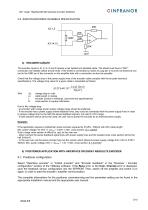
CD1 range: Hiperface/EnDat absolute encoder feedback 3-2. SIN/COS ENCODER CHANNELS SPECIFICATION 20K 4) ENCODER CABLES The encoder inputs A, B, C, D, Z and R require a pair twisted and shielded cable. The shield must have a "360°" connection via metallic collars at both ends. If the shield is connected by means of a pig tail, it must be connected at one end to the GND pin of the connector on the amplifier side with a connection as short as possible. Check that the voltage drop in the power supply lines of the encoder cable complies with the encoder technical specifications. The voltage drop value...
Open the catalog to page 3
CD1 range: Hiperface/EnDat absolute encoder feedback 5-2. Positioner operation With an Hiperface or EnDat absolute encoder feedback, the motor absolute position value over one revolution is available and the servo motor can immediately be enabled after the amplifier power up. The servo drive behaviour at the amplifier power up is similar to a resolver sensor feedback For a positioner, a multi-turn absolute encoder allows to avoid the homing sequence after the power up. In this case, the absolute position value over the axis travel range is available at the power up and the positioning can be...
Open the catalog to page 4
CD1 range: Hiperface/EnDat absolute encoder feedback Perform the positioner commisioning and the parameter setting according to the appropriate positioner manuals (installation and user) The encoder absolute position is first adjusted inside the axis travel range as described below. - Move the axis aproximatively at the center of its travel range in operation. - Open the "Scaling" window accessible in the "Application Setup" menu; and execute the Set command for setting the encoder absolute position value at the max value / 2 (center of the absolute position range). This adjustment allows to...
Open the catalog to page 5
CD1 range: Hiperface/EnDat absolute encoder feedback If the Busy fault is displayed after the amplifier power up, the encoder/amplifier communication has not started. ■ Check that the encoder Data+ and Data- channels are correctly wired on the amplifier X3 connector. ■ Check for the correct encoder supply voltage value (5V for EnDat and 12V for Hiperface). Then, switch off the amplifier and switch it on again in order to restart the communication between the amplifier and the encoder. 6.3 - "COM. CHANNEL" FAULT IN THE HIPERFACE OR ENDAT ENCODER FEEDBACK ■ Check that the encoder Data+ and Data-...
Open the catalog to page 6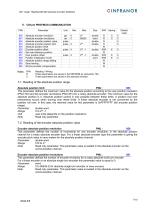
CD1 range: Hiperface/EnDat absolute encoder feedback Notes R/W Reading / Writing E These parameters are saved in the EEPROM by instruction 729. C These parameters are saved in the absolute encoder. 7-1. Reading of the absolute position range Absolute position limit_PNU : 853 This parameter defines the maximum value for the absolute position according to the user position resolution (PNU 740) and the encoder revolutions (PNU 851) for a rotary absolute encoder. The minimum value for the absolute position is 0. Absolute position control is only possible between these limits. A position rool over...
Open the catalog to page 7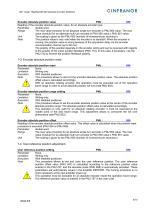
CD1 range: Hiperface/EnDat absolute encoder feedback Encoder absolute position value PNU : 852 Reading of the encoder absolute position value, for an absolute encoder type. Parameter double word. Range The max value (modulo) for an absolute single turn encoder is PNU 850 value. The max value (modulo) for an absolute multi turn encoder is PNU 850 value x PNU 851 value. Unit The scaling is given by the PNU 850 (number of increments per revolution). Note This position value is only valid when the encoder is at standstill. When the encoder is moving, this position value is wrong because of the acquisition...
Open the catalog to page 8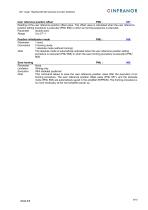
CD1 range: Hiperface/EnDat absolute encoder feedback User reference position offset_PNU : 857 Reading of the user reference position offset value. This offset value is calculated when the user reference position setting procedure is executed (PNU 856) or when an homing sequence is executed. Parameter double word. Position initialisation mode_PNU : 858 Conversion 0 homing mode. 1 absolute mode (without homing). Note The absolute mode is automaticaly activated when the user reference position setting procedure is executed (PNU 856) or when the save homing procedure is executed (PNU 860). Save homing...
Open the catalog to page 9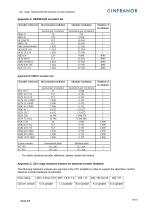
CD1 range: Hiperface/EnDat absolute encoder feedback Appendix A: HIPERFACE encoders list
Open the catalog to page 10All Infranor Group catalogs and technical brochures
 XtrapulsPac_EN
4 Pages
 SMTBSi-2Tz_en_2.1
43 Pages
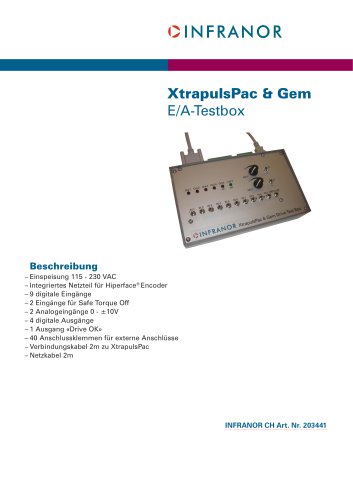 PacSimBox_d_1
1 Page
 Pac-SF01_flyer_en_18.02
4 Pages
 Pac_User_1.2.1.218
253 Pages
 Pac_Templates_en_1.9
27 Pages
 Pac_STO_Installation_en_2.2
13 Pages
 Pac_SF01_operating_en_1.6
63 Pages
 Pac_SF01_EN
4 Pages
 Pac_Installation_en_2.23
82 Pages
 Pac_flyer_en_17.12
4 Pages
 Option_CT_EMF
6 Pages
 MOVINOR_LH055_LH086_LH097_LH142
23 Pages
 ma_series
6 Pages
 GemSafeTorqueOff_en_1.1
12 Pages
 CD1pm_e_1.2(old)
18 Pages
 CD1pInst_e_7.2(old)
35 Pages
 CD1kInst_e_4.1(old)
40 Pages
 CD1k_CANopenProtocol_e_1.3(old)
86 Pages
 CD1a_e_7.1(old)
45 Pages
 Catalogue gamme SMT-BD1
11 Pages
 BM20A(F)v3_0
20 Pages
 BM20A(D)v3_0
20 Pages
 BF400(GB)v2_2
21 Pages
 BF400(D)v2_2
21 Pages
 BF230(GB)v2_0
23 Pages
 BF230(F)v2_0
23 Pages
 BD2m_e_2.2
69 Pages
 BD2m(GB)2.0
70 Pages
 BD2_e_3.2
53 Pages
 BD2(GB)3.1
53 Pages
 BD2(D)3.1
54 Pages
 Movinor_LH_e
4 Pages
 ma_series
6 Pages
 BD1t(GB)3.1
81 Pages
 BD1t(F)3.0
85 Pages
 BD1pInst(GB)3.0
25 Pages
 BD1pInst(F)3.0
23 Pages
 BD1pInst(D)3.0
24 Pages
 BD1pCD1pUse_e_2.4
57 Pages
 BD1m(GB)5.0
58 Pages
 BD1m(F)5.0
57 Pages
 BD1m(D)v3_3
64 Pages
 BD1k(GB)2.1
35 Pages
 BD1k(F)2.1
36 Pages
 BD1j(GB)v2_41
19 Pages
 BD1j(F)v2_4
21 Pages
 BD1i(GB)v2_21
23 Pages
 BD1i(F)v2_2
27 Pages
 BD1h(F)3.0
65 Pages
 BD1h(D)3.0
59 Pages
 BD1g(GB)v3_0
28 Pages
 BD1g(F)v3_0
28 Pages
 BD1a400(GB)v2_3
43 Pages
 BD1a400(F)v2_3
44 Pages
 BD1a400(D)v2_3
45 Pages
 BD1(GB)7.1_noPW
45 Pages
 BD1(GB)7.1
45 Pages
 BD1(F)7.1_noPW
47 Pages
 BD1(F)7.1
47 Pages
 BD1(D)7.1
45 Pages
 BD1 Katalog
11 Pages
 Easy_User_5.0.1.60.2
190 Pages
 01ma_smv_e_01953
40 Pages
 PacHP-SF_Flyer_en_23.06
4 Pages
 IRD_User_Manual_en_1.2.XX.54.rev_b
216 Pages
 PacHP_User_en_1.2.8.100.b
280 Pages
 PacHP_SF02_operating_en_1.6
103 Pages
 PacHP_SF01_operating_en_2.0
63 Pages
 PacHP_Installation_en_2.9
91 Pages
 PacHP_Series_Brochure
8 Pages
 PacHP_Flyer_us_20.10
4 Pages
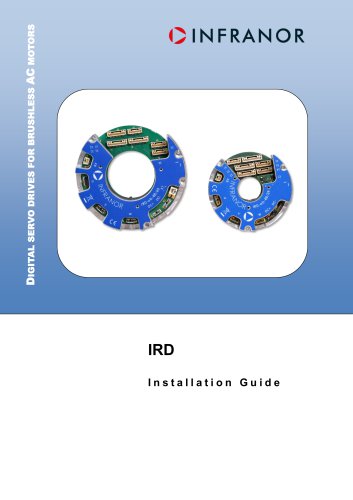 IRD_Installation_en_1.5
42 Pages
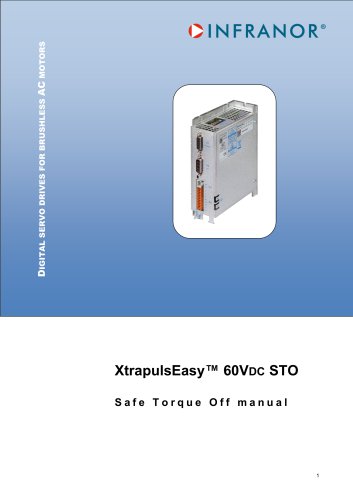 Easy_STO_en_1.4
14 Pages
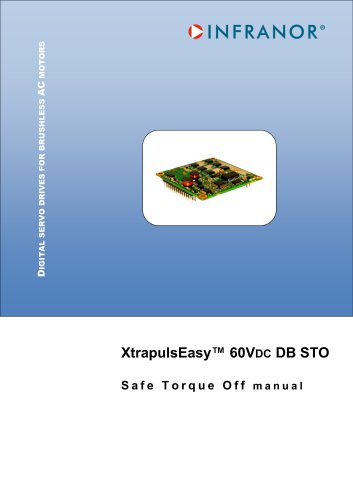 Easy_DB_STO_en_1.2
14 Pages
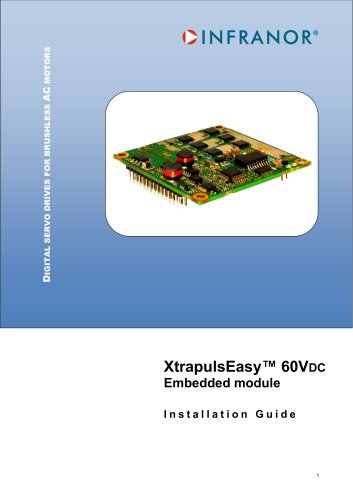 Easy_DB_Installation_en_1.4
36 Pages
 CD1pmUser_en_4.2
55 Pages
 CD1pmInst_en_8.15
40 Pages
 CD1k_CANopenProtocol_en_2.10.1.1
108 Pages
 CD1pm_ProfibusProtocol_en_1.5
50 Pages
 CD1kUser_en_2.3
26 Pages
 CD1a_en_8.17
62 Pages
 CD1kInst_en_5.16
46 Pages
 CD1_STO_en_1.8
16 Pages
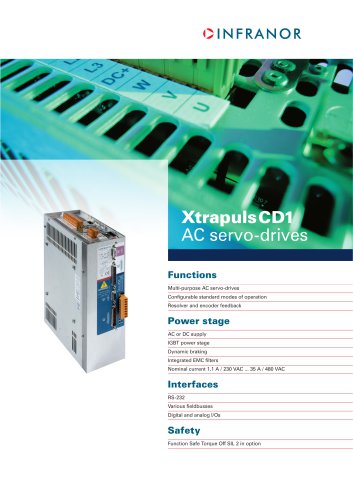 CD1_flyer_en_14.09
4 Pages
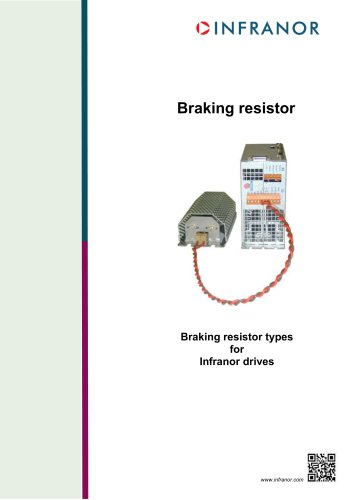 Braking_Resistors_en_1.5
10 Pages
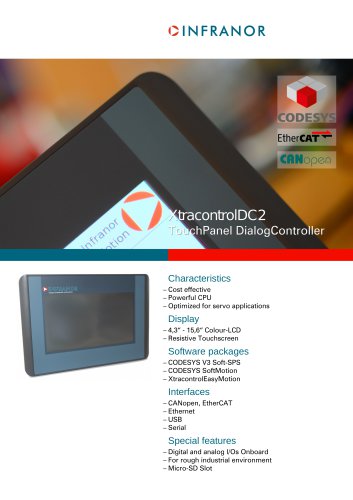 XtracontrolDC2_EN
4 Pages
 Flyer_VisiTouchCNC_EN_V1.1-1
2 Pages
 XtraforsWashdown_EN-2024
2 Pages
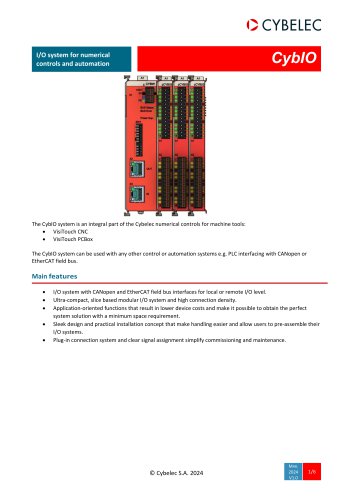 DataSheet_CybIO_CNC_V1.0
6 Pages
 XtraforsPrime_EN-2024
2 Pages
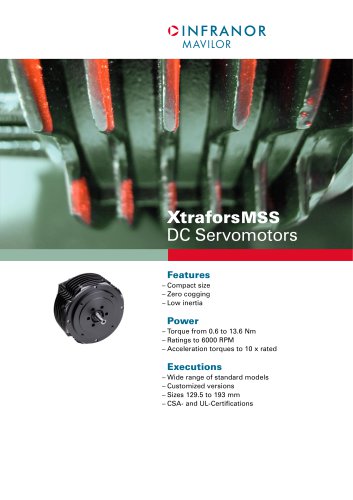 XtraforsMSS_EN
4 Pages
 XtraforsMSA_EN_2024
2 Pages
 XtraforsEx_EN-2024
2 Pages
 XtraforsBR_EN-2024
2 Pages
 XtraforsBL_EN-2024
2 Pages
 XtraforsBC-ed01-vs3
4 Pages
 Manual_XtraforsPrime
46 Pages
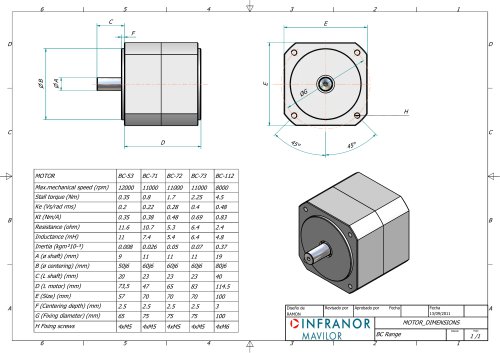 Drawing_1
1 Page
 Datasheet_MSS
5 Pages
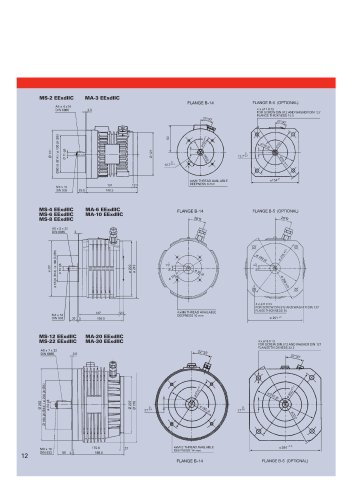 Datasheet_2
2 Pages
 Datasheet_1
4 Pages
 BLSBLT_series
2 Pages
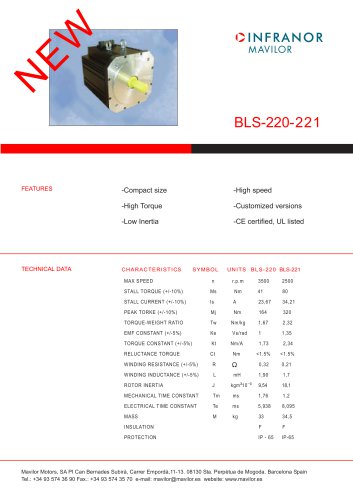 BL220221
2 Pages
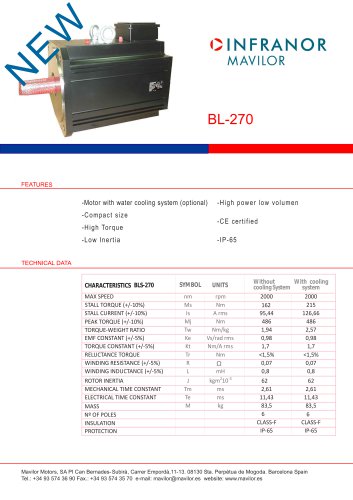 BL270
BL2702 Pages
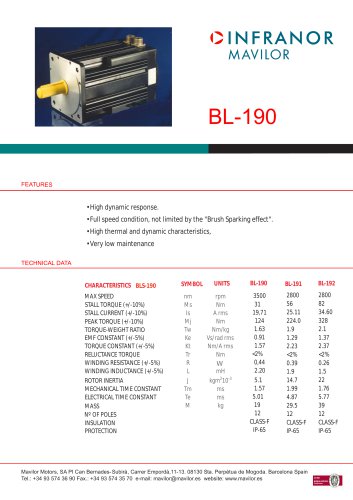 BL190
BL1902 Pages
 bl100_series
6 Pages
 bl40_series
6 Pages
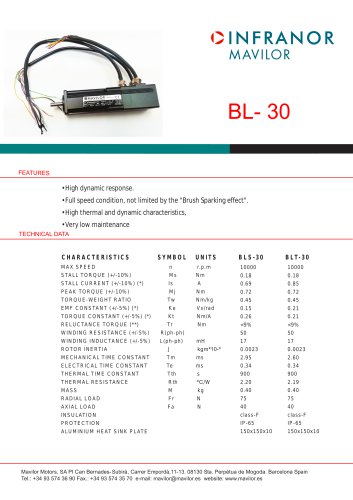 BL30
BL302 Pages
 2019-01_XtraforsFP-DSL_FR
4 Pages
 Movinor_T_EN
4 Pages
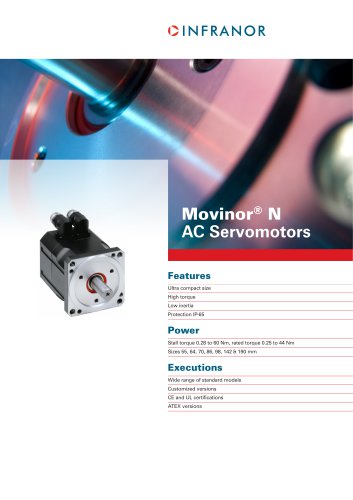 Movinor_N_EN
4 Pages
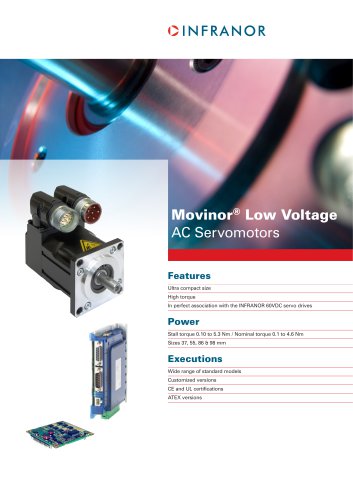 Movinor_Low_Voltage_EN
4 Pages
 Manual Movinor T 03-2026
46 Pages
 Manual Movinor N 03-2026
63 Pages
 XtrapulsEasy™ AC servo-drive
4 Pages
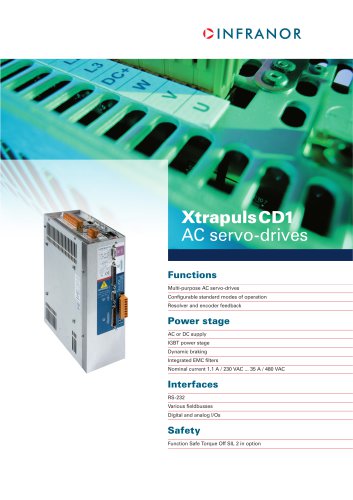 XtrapulsCD1 AC servo-drives
4 Pages
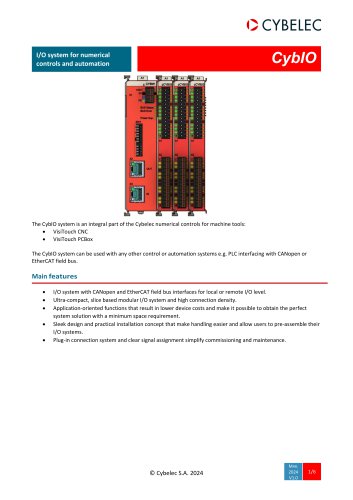 CybIO
CybIO6 Pages
 AC SERVOMOTORS
2 Pages
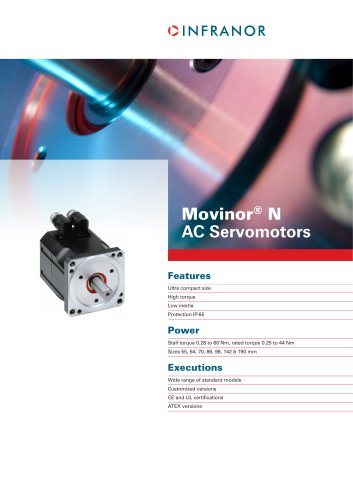 Movinor® N AC Servomotors
4 Pages


Archived catalogs
 AN_CD1ak_AbsoluteEncoder_en_2.0
10 Pages
 AN_CD1ak_SinCosTracks_e_1.0
7 Pages
 AN_CD1pm_SinCosTracks_e_1.0
7 Pages
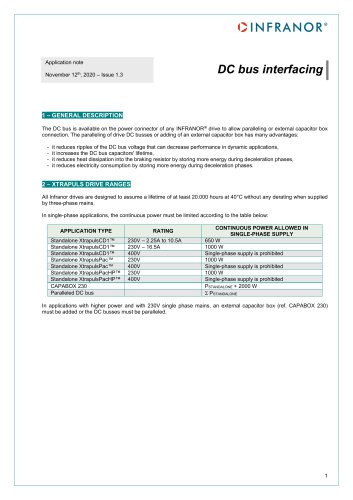 AN_DC_bus_interfacing_en_1.3
5 Pages
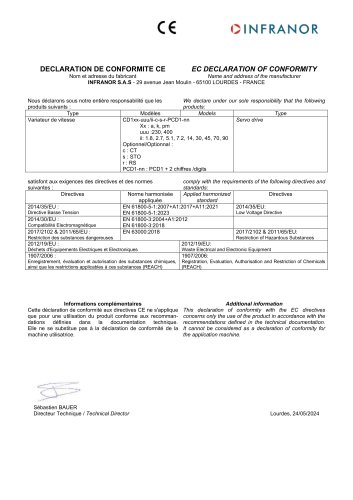 CD1_EC_conformity_24.05
1 Page
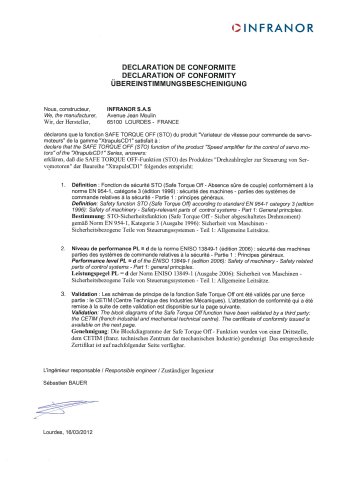 CD1_STO_conformity_19.02
2 Pages
 EtherCAT Interface_en_1.3
20 Pages
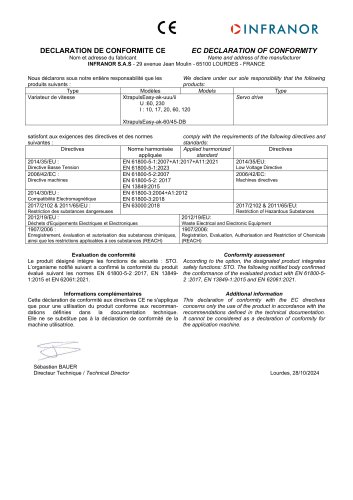 Easy_EC_Conformity_24_10
1 Page
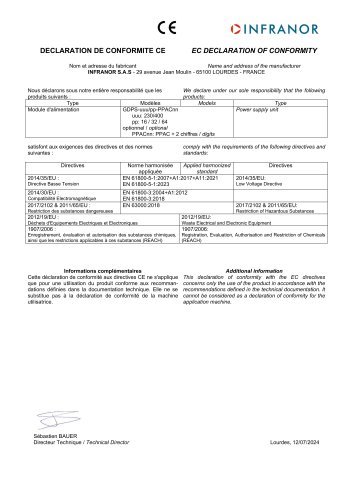 GDPS_EC_conformity_24.07
1 Page
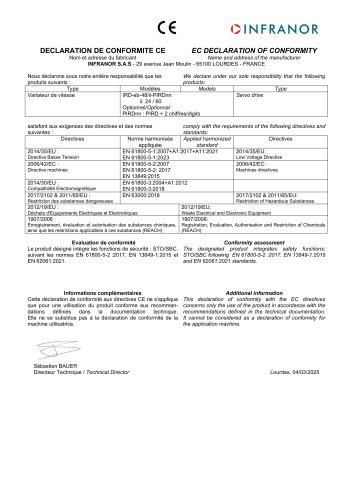 IRD_EC_Conformity_25.03
1 Page
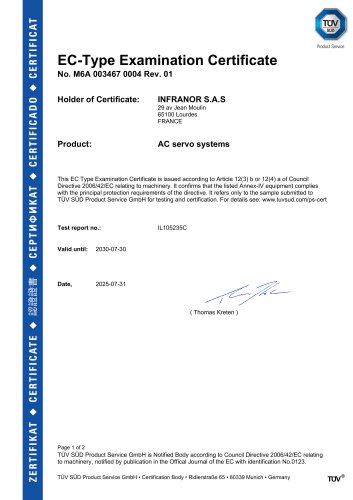 PacHP_TÜV_certificate_25.07
2 Pages
 BD1c(F)v2_01
19 Pages
 BD1c(GB)v2_01
19 Pages
 BD1d(F)v2_01
25 Pages
 BD1d(GB)v2_01
25 Pages
 BD1e(F)v2_01
22 Pages
 BD1f(F)v2_01
17 Pages
 BD1f(GB)v2_01
18 Pages
 Pac_EC_conformity_25.04
1 Page