- Catalogs
- Infranor Group
- AN_CANopen_PLC_commissioning_en_1.2


AN_CANopen_PLC_commissioning_en_1.2
AN_CANopen_PLC_commissioning_en_1.2
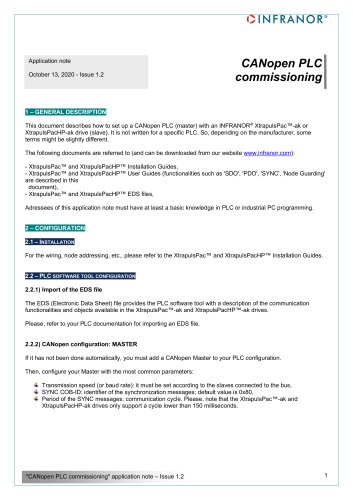
This document provides guidance on setting up a CANopen PLC (master) with INFRANOR® XtrapulsPac™-ak or XtrapulsPacHP-ak drives (slaves). It is applicable to various PLCs, and users should refer to specific PLC documentation for certain terms. The document assumes basic knowledge of PLC or industrial PC programming.
Configuration
Installation: Refer to the XtrapulsPac™ and XtrapulsPacHP™ Installation Guides for wiring and node addressing.
PLC Software Tool Configuration:
- Import of the EDS file: The EDS file describes communication functionalities and objects available in the drives. Refer to PLC documentation for importing.
- CANopen Configuration: Master: Add a CANopen Master to the PLC configuration if not done automatically. Set transmission speed, SYNC COB-ID, and ensure the communication cycle is less than 150 milliseconds.
- CANopen Configuration: Slave: Configure each slave with Node ID and communication cycle time. The cycle can be set automatically by the PLC or manually via Optio software.
- PDO Mapping: Define which application objects are transmitted within a PDO using the master's configuration tool. Synchronous transmission is recommended.
Optional Configuration: Disable unexpected slave discovery by setting bit 15 of object 0x2301,0 in XtrapulsPac drives.
Troubleshooting: Provides remedies for common communication issues such as checking NodeID, baud rate, wiring, and grounding.
Application Examples
Positioning: Describes starting a positioning with the drive in Profile Position mode. Includes mapping of Control Word and Status Word in PDOs.
Application1: Profile Position: Details the syntax and steps for enabling the drive, writing profile parameters, and starting movement.
Application2: Homing: Outlines enabling the drive, writing homing parameters, and starting the homing process.
Appendix I: Sending SDO at Startup
Instructions for using Sycon and Unity software to configure communication parameters at startup, including setting the communication cycle period.
Catalog excerpts
Application note October 13, 2020 - Issue 1.2 1 – GENERAL DESCRIPTION This document describes how to set up a CANopen PLC (master) with an INFRANOR® XtrapulsPac™-ak or XtrapulsPacHP-ak drive (slave). It is not written for a specific PLC. So, depending on the manufacturer, some terms might be slightly different. The following documents are referred to (and can be downloaded from our website www.infranor.com): - XtrapulsPac™ and XtrapulsPacHP™ Installation Guides, - XtrapulsPac™ and XtrapulsPacHP™ User Guides (functionalities such as 'SDO', 'PDO', 'SYNC', 'Node Guarding' are described in this document), - XtrapulsPac™ and XtrapulsPacHP™ EDS files, Adressees of this application note must have at least a basic knowledge in PLC or industrial PC programming. 2 – CONFIGURATION 2.1 – INSTALLATION For the wiring, node addressing, etc., please refer to the XtrapulsPac™ and XtrapulsPacHP™ Installation Guides. 2.2 – PLC SOFTWARE TOOL CONFIGURATION 2.2.1) Import of the EDS file The EDS (Electronic Data Sheet) file provides the PLC software tool with a description of the communication functionalities and objects available in the XtrapulsPac™-ak and XtrapulsPacHP™-ak drives. Please, refer to your PLC documentation for importing an EDS file. 2.2.2) CANopen configuration: MASTER If it has not been done automatically, you must add a CANopen Master to your PLC configuration. Then, configure your Master with the most common parameters: Transmission speed (or baud rate): it must be set according to the slaves connected to the bus, SYNC COB-ID: identifier of the synchronization messages; default value is 0x80, Period of the SYNC messages: communication cycle. Please, note that the XtrapulsPac™-ak and XtrapulsPacHP-ak drives only support a cycle lower than 150 milliseconds.
Open the catalog to page 1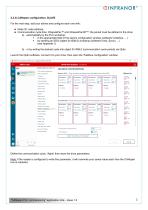
2.2.3) CANopen configuration: SLAVE For the next step, add your slaves and configure each one with: i- Node ID: node address, i- Communication cycle time: XtrapulsPac™ and XtrapulsPacHP™: the period must be defined in the drive: ■ in the appropriate field of the slave's configuration window (software CoDeSys, ...) ■ by sending an SDO (object 0x1006,0) at startup (software Unity, Sycon, ...) b) or by writing the desired cycle into object 0x1006,0 (communication cycle period) via Optio Launch the Optio software, connect it to your drive, then open the 'Fieldbus configuration' window: Define the...
Open the catalog to page 2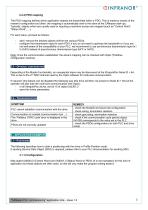
The PDO mapping defines which application objects are transmitted within a PDO. This is made by means of the master's configuration tool (then, the mapping is automatically sent to the slave at the CANopen start-up). Typically, objects which are usually used or requiring a real-time access are mapped (such as "Control Word", "Status Word", ...). For each slave, proceed as follows: - add / remove the desired objects to/from the various PDOs, - configure the transmission type for each PDO: if you do not need to optimize the bandwidth or if you are not well aware of the compatibility of your PLC,...
Open the catalog to page 3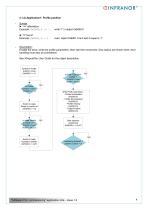
Syntax: ► ":=" affectation: Example: 0x6060,0 := 1 read object 0x6061,0 and test if equal to '1' Description: Enable the drive, write the profile parameters, then start the movement. Only basics are shown here, error handling must also be considered. See XtrapulsPac User Guide for the object description. Switch to Profile position mode (0x6060,0 := 1) In Profile position mode ? (0x6061,0 = 1) In state ‘Operation enable’ ? (0x6041,0 and 0x26F = 0x227) NO Write Profil parameters : - Profile Acceleration (0x6083,0) - Profile Decceleration (0x6084,0) - Profile Velocity (0x6081,0) - Target Position...
Open the catalog to page 4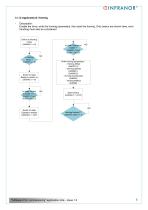
Description: Enable the drive, write the homing parameters, then start the homing. Only basics are shown here, error handling must also be considered. Switch to Homing mode (0x6060,0 := 6) In state ‘Operation enable’ ? (0x6041,0 and 0x26F = 0x227) NO Write Homing parameters : - Homing Offset (0x60FC,0) - Homing Speeds (0x6099,1) (0x6099,2) - Homing Acceleration (0x609A) - Homing Method (0x6098) Switch to state ’Ready to switch on’ (0x6040,0 := 6) In state ‘Ready to switch on’ ? (0x6041,0 and 0x26F = 0x221) NO Switch to state ’Operation enable’ (0x6040,0 := 0xF) "CANopen PLC commissioning" application...
Open the catalog to page 5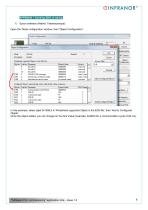
APPENDIX I: Sending SDO at startup 1) Sycon software (Hilsher, Telemecanique): Open the 'Node configuration' window, then 'Object Configuration': In this example, select objet 0x1006,0 in 'Predefined supported Objets in the EDS file', then 'Add to Configured Objets'. Once the object added, you can change its 'Current Value' (example: 0x4E20 for a communication cycle of 20 ms). "CANopen PLC commissioning" application note – Issue 1.2
Open the catalog to page 6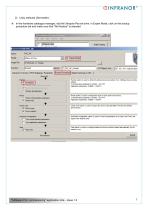
2) Unity software (Schneider): In the hardware catalogue manager, edit the Xtrapuls-Pac-ak drive: in Expert Mode, click on the bootup procedure tab and make sure that "No Restore" is selected. "CANopen PLC commissioning" application note – Issue 1.2
Open the catalog to page 7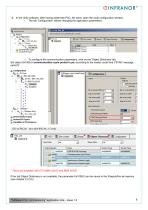
i- In the Unity software, after having added the PAC_AK slave, open the node configuration window. o The tab 'Configuration' allows changing the application parameters: o To configure the communication parameters, click on the 'Object Dictionary' tab. Set object 0x1006,0 (communication cycle period in ps) according to the master cycle time ("SYNC message period"): ■n- PDO ■n- Error control -n- Bootup ' B' Object Dictionary 1 ' B' Cortigurstion Area Filter: Status Filter: * Tabs only available with CPU BMX 20102 and BMX 20302 If the tab Object Dictionary is not available, the parameter 0x1006,0...
Open the catalog to page 8All Infranor Group catalogs and technical brochures
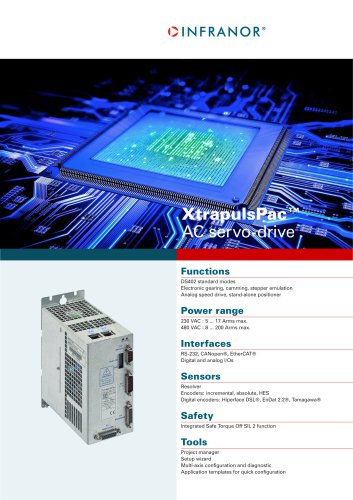 XtrapulsPac_EN
4 Pages
 SMTBSi-2Tz_en_2.1
43 Pages
 PacSimBox_d_1
1 Page
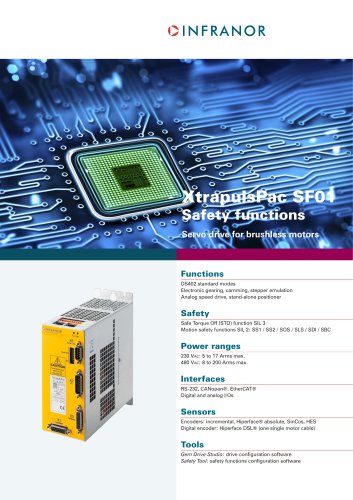 Pac-SF01_flyer_en_18.02
4 Pages
 Pac_User_1.2.1.218
253 Pages
 Pac_Templates_en_1.9
27 Pages
 Pac_STO_Installation_en_2.2
13 Pages
 Pac_SF01_operating_en_1.6
63 Pages
 Pac_SF01_EN
4 Pages
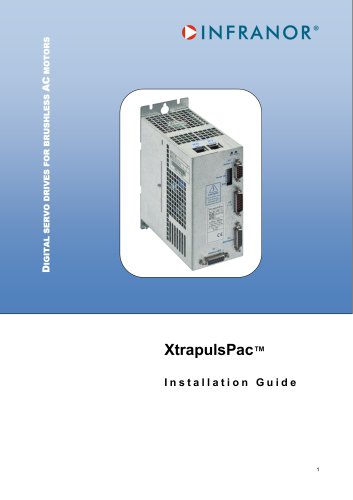 Pac_Installation_en_2.23
82 Pages
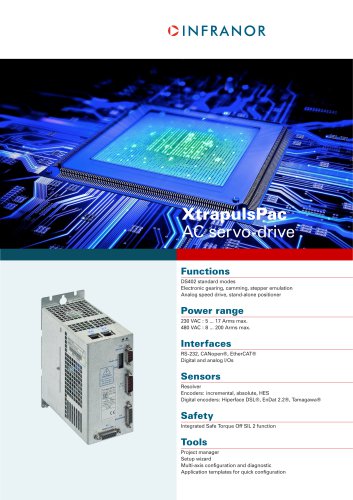 Pac_flyer_en_17.12
4 Pages
 Option_CT_EMF
6 Pages
 MOVINOR_LH055_LH086_LH097_LH142
23 Pages
 ma_series
6 Pages
 GemSafeTorqueOff_en_1.1
12 Pages
 CD1pm_e_1.2(old)
18 Pages
 CD1pInst_e_7.2(old)
35 Pages
 CD1kInst_e_4.1(old)
40 Pages
 CD1k_CANopenProtocol_e_1.3(old)
86 Pages
 CD1a_e_7.1(old)
45 Pages
 Catalogue gamme SMT-BD1
11 Pages
 BM20A(F)v3_0
20 Pages
 BM20A(D)v3_0
20 Pages
 BF400(GB)v2_2
21 Pages
 BF400(D)v2_2
21 Pages
 BF230(GB)v2_0
23 Pages
 BF230(F)v2_0
23 Pages
 BD2m_e_2.2
69 Pages
 BD2m(GB)2.0
70 Pages
 BD2_e_3.2
53 Pages
 BD2(GB)3.1
53 Pages
 BD2(D)3.1
54 Pages
 Movinor_LH_e
4 Pages
 ma_series
6 Pages
 BD1t(GB)3.1
81 Pages
 BD1t(F)3.0
85 Pages
 BD1pInst(GB)3.0
25 Pages
 BD1pInst(F)3.0
23 Pages
 BD1pInst(D)3.0
24 Pages
 BD1pCD1pUse_e_2.4
57 Pages
 BD1m(GB)5.0
58 Pages
 BD1m(F)5.0
57 Pages
 BD1m(D)v3_3
64 Pages
 BD1k(GB)2.1
35 Pages
 BD1k(F)2.1
36 Pages
 BD1j(GB)v2_41
19 Pages
 BD1j(F)v2_4
21 Pages
 BD1i(GB)v2_21
23 Pages
 BD1i(F)v2_2
27 Pages
 BD1h(F)3.0
65 Pages
 BD1h(D)3.0
59 Pages
 BD1g(GB)v3_0
28 Pages
 BD1g(F)v3_0
28 Pages
 BD1a400(GB)v2_3
43 Pages
 BD1a400(F)v2_3
44 Pages
 BD1a400(D)v2_3
45 Pages
 BD1(GB)7.1_noPW
45 Pages
 BD1(GB)7.1
45 Pages
 BD1(F)7.1_noPW
47 Pages
 BD1(F)7.1
47 Pages
 BD1(D)7.1
45 Pages
 BD1 Katalog
11 Pages
 Easy_User_5.0.1.60.2
190 Pages
 01ma_smv_e_01953
40 Pages
 PacHP-SF_Flyer_en_23.06
4 Pages
 IRD_User_Manual_en_1.2.XX.54.rev_b
216 Pages
 PacHP_User_en_1.2.8.100.b
280 Pages
 PacHP_SF02_operating_en_1.6
103 Pages
 PacHP_SF01_operating_en_2.0
63 Pages
 PacHP_Installation_en_2.9
91 Pages
 PacHP_Series_Brochure
8 Pages
 PacHP_Flyer_us_20.10
4 Pages
 IRD_Installation_en_1.5
42 Pages
 Easy_STO_en_1.4
14 Pages
 Easy_DB_STO_en_1.2
14 Pages
 Easy_DB_Installation_en_1.4
36 Pages
 CD1pmUser_en_4.2
55 Pages
 CD1pmInst_en_8.15
40 Pages
 CD1k_CANopenProtocol_en_2.10.1.1
108 Pages
 CD1pm_ProfibusProtocol_en_1.5
50 Pages
 CD1kUser_en_2.3
26 Pages
 CD1a_en_8.17
62 Pages
 CD1kInst_en_5.16
46 Pages
 CD1_STO_en_1.8
16 Pages
 CD1_flyer_en_14.09
4 Pages
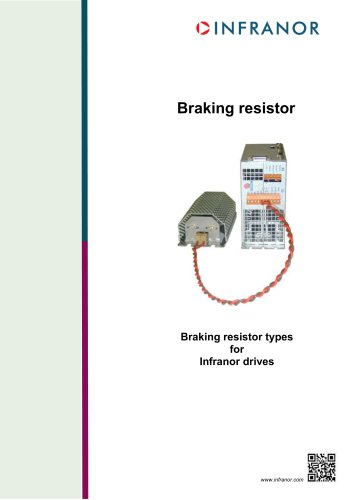 Braking_Resistors_en_1.5
10 Pages
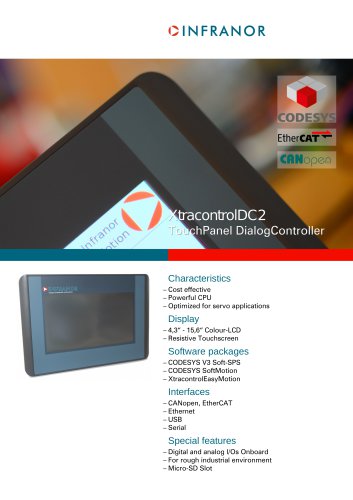 XtracontrolDC2_EN
4 Pages
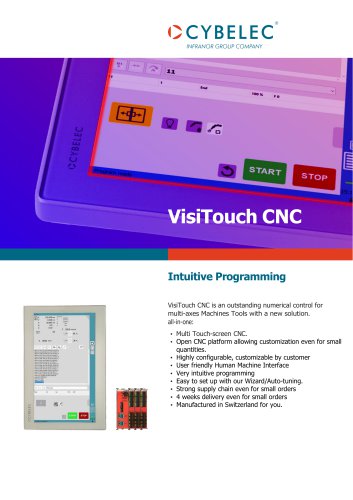 Flyer_VisiTouchCNC_EN_V1.1-1
2 Pages
 XtraforsWashdown_EN-2024
2 Pages
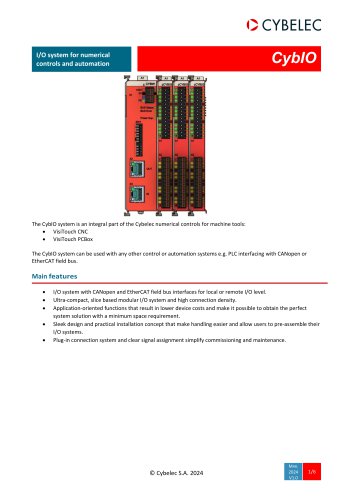 DataSheet_CybIO_CNC_V1.0
6 Pages
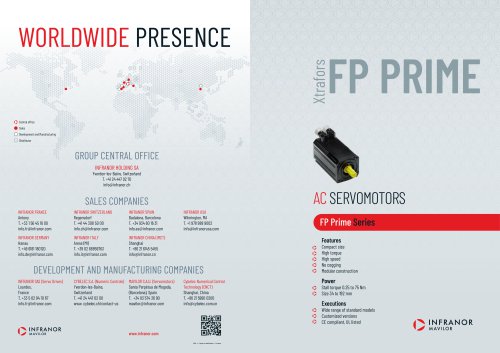 XtraforsPrime_EN-2024
2 Pages
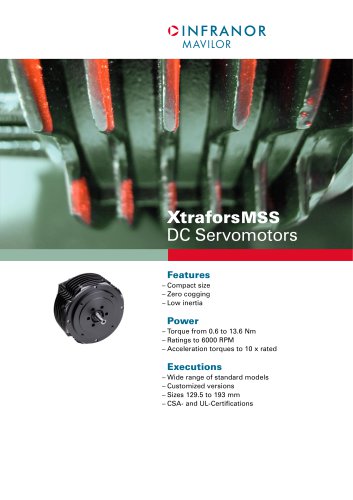 XtraforsMSS_EN
4 Pages
 XtraforsMSA_EN_2024
2 Pages
 XtraforsEx_EN-2024
2 Pages
 XtraforsBR_EN-2024
2 Pages
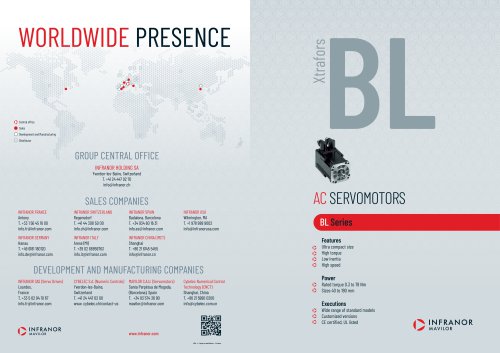 XtraforsBL_EN-2024
2 Pages
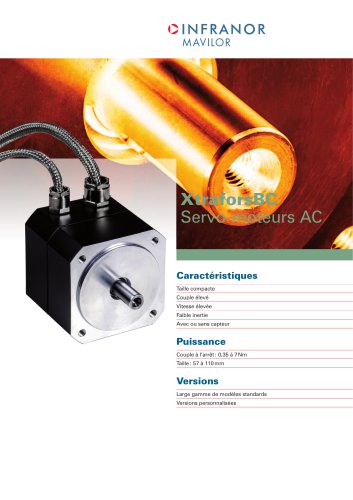 XtraforsBC-ed01-vs3
4 Pages
 Manual_XtraforsPrime
46 Pages
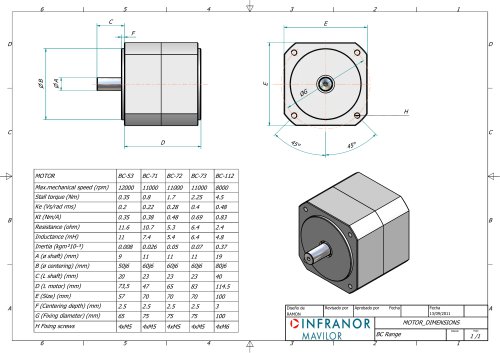 Drawing_1
1 Page
 Datasheet_MSS
5 Pages
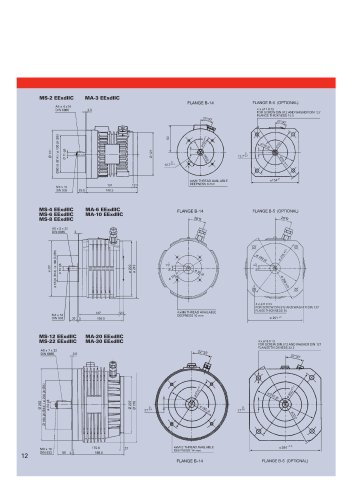 Datasheet_2
2 Pages
 Datasheet_1
4 Pages
 BLSBLT_series
2 Pages
 BL220221
2 Pages
 BL270
BL2702 Pages
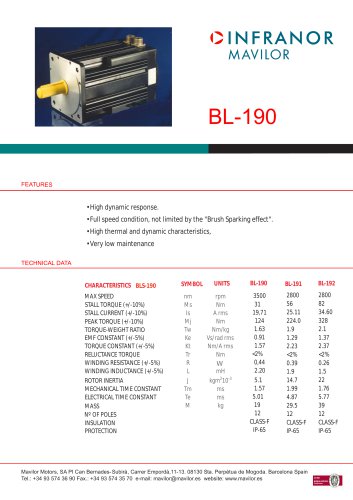 BL190
BL1902 Pages
 bl100_series
6 Pages
 bl40_series
6 Pages
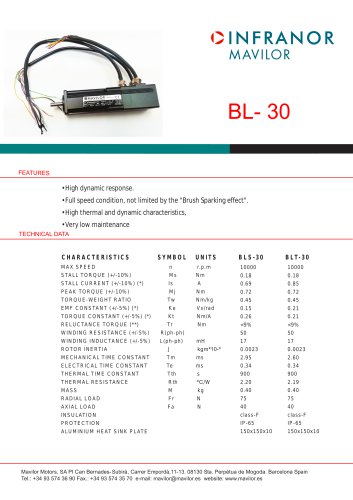 BL30
BL302 Pages
 2019-01_XtraforsFP-DSL_FR
4 Pages
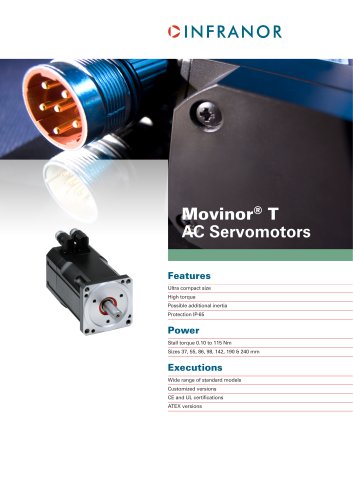 Movinor_T_EN
4 Pages
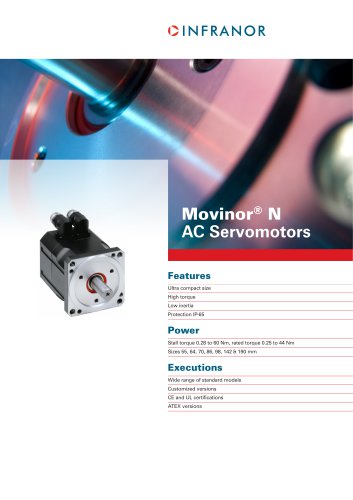 Movinor_N_EN
4 Pages
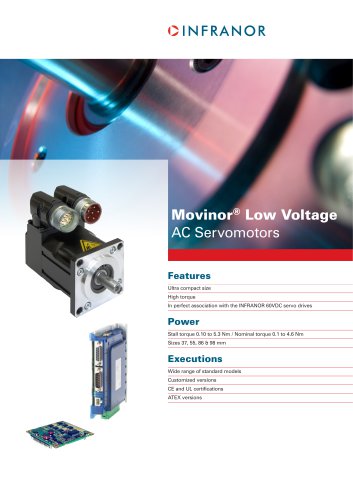 Movinor_Low_Voltage_EN
4 Pages
 Manual Movinor T 03-2026
46 Pages
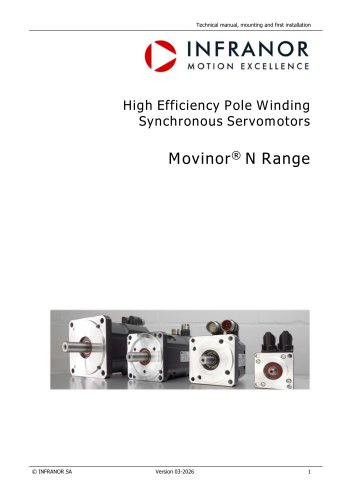 Manual Movinor N 03-2026
63 Pages
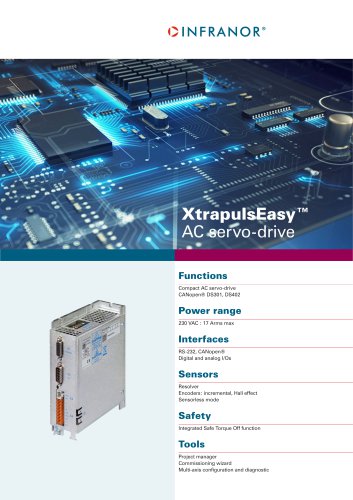 XtrapulsEasy™ AC servo-drive
4 Pages
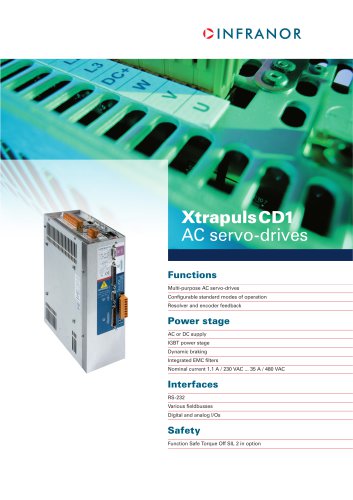 XtrapulsCD1 AC servo-drives
4 Pages
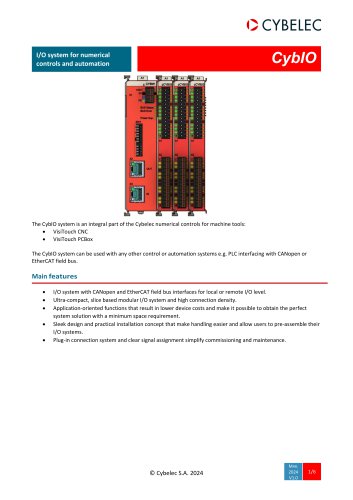 CybIO
CybIO6 Pages
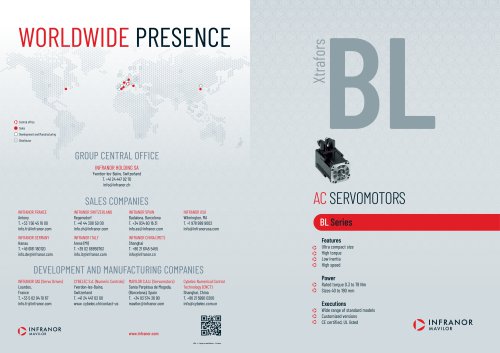 AC SERVOMOTORS
2 Pages
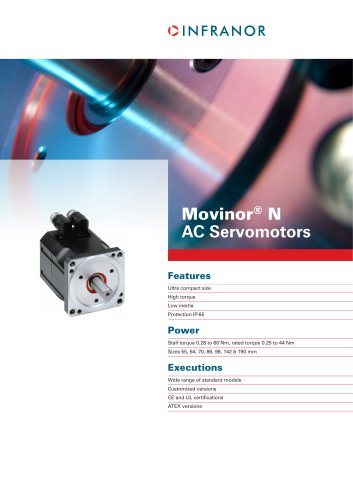 Movinor® N AC Servomotors
4 Pages

Archived catalogs
 AN_CD1ak_AbsoluteEncoder_en_2.0
10 Pages
 AN_CD1ak_SinCosTracks_e_1.0
7 Pages
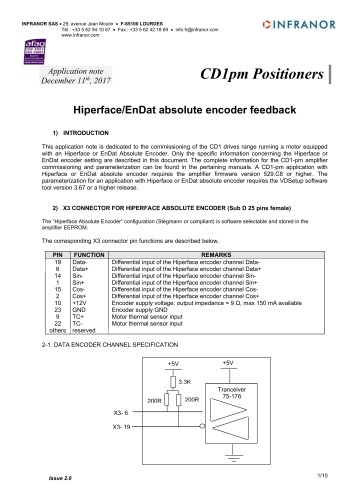 AN_CD1pm_AbsoluteEncoder_en_2.0
10 Pages
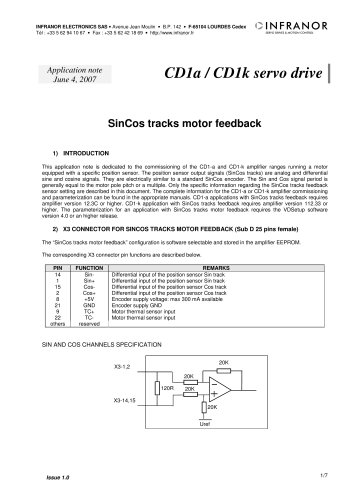 AN_CD1pm_SinCosTracks_e_1.0
7 Pages
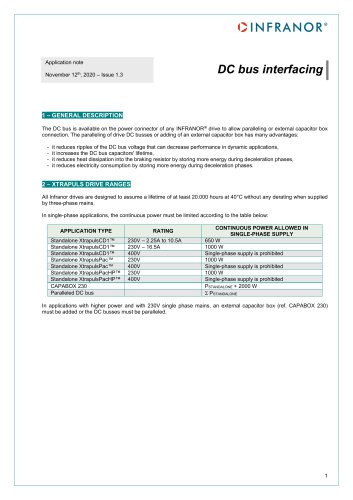 AN_DC_bus_interfacing_en_1.3
5 Pages
 CD1_EC_conformity_24.05
1 Page
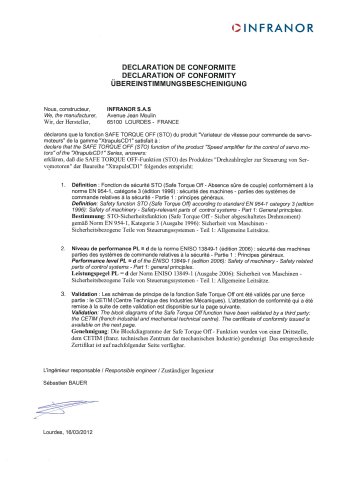 CD1_STO_conformity_19.02
2 Pages
 EtherCAT Interface_en_1.3
20 Pages
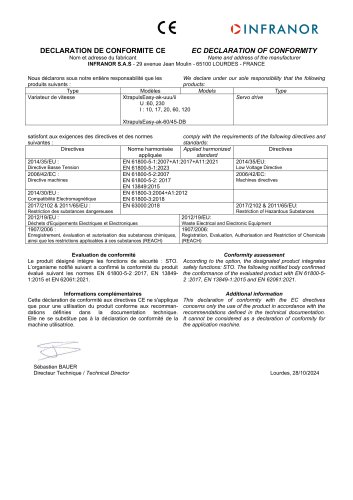 Easy_EC_Conformity_24_10
1 Page
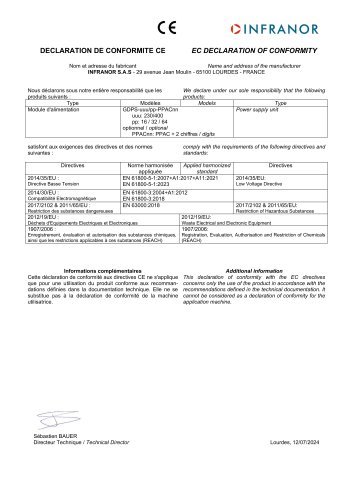 GDPS_EC_conformity_24.07
1 Page
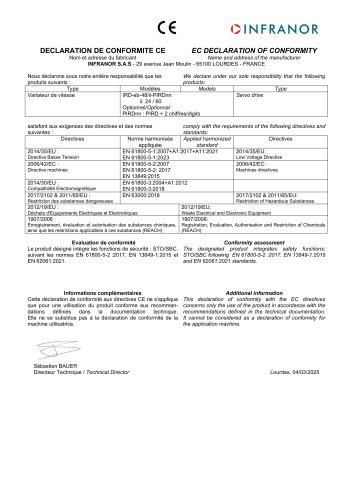 IRD_EC_Conformity_25.03
1 Page
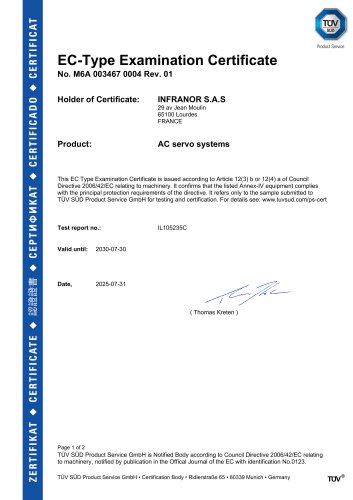 PacHP_TÜV_certificate_25.07
2 Pages
 BD1c(F)v2_01
19 Pages
 BD1c(GB)v2_01
19 Pages
 BD1d(F)v2_01
25 Pages
 BD1d(GB)v2_01
25 Pages
 BD1e(F)v2_01
22 Pages
 BD1f(F)v2_01
17 Pages
 BD1f(GB)v2_01
18 Pages
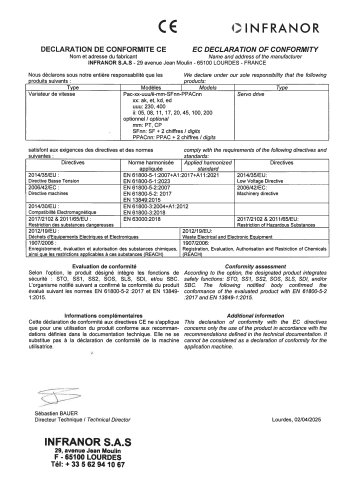 Pac_EC_conformity_25.04
1 Page