- Catalogs
- Infranor Group
- AN_Advanced_servo_loop_tuning_with_Optio_25.06


AN_Advanced_servo_loop_tuning_with_Optio_25.06
AN_Advanced_servo_loop_tuning_with_Optio_25.06
The document discusses advanced tools in Optio software for tuning speed and position control loops, aiming for high performance in bandwidth, response time, and stability. It includes a detailed tuning process and an application example.
1. Basic Tuning Process
The basic tuning process involves using the 'Auto-tuning' function to identify critical parameters such as inertia, friction, rigidity, and mechanical resonances. Resonances are displayed using FFT analysis. Notch filters can be applied to mitigate resonance effects. Bandwidth and tuning levels can be adjusted online to meet application requirements, with gains and filters automatically adapted.
2. Extended Tuning Process
For experienced users, independent adjustment of gain and closed-loop filters is possible for response optimization. This process is detailed in a diagram within the document.
3. Application Example with Mechanical Resonance
Test Bench Description: The example uses an FP1111 servo motor with a SRS50 Hiperface encoder and a high rigidity coupling device. The load inertia to motor inertia ratio is 4.
Auto-Tuning and FFT Analysis: The mechanical resonance frequency is 664Hz, with a stiffness factor of 75%.
Initial Auto-Tuning Servo Loop Response: Gains are calculated for a medium bandwidth level (60%), providing stable behavior but limited dynamics.
Servo Loop Response with Bandwidth and Tuning Adjustment: Increasing bandwidth and tuning levels improves dynamics but must be limited to 70% due to resonance at 664Hz.
Servo Loop Response with Notch Filter: Applying a notch filter at 664Hz allows maximum bandwidth and tuning levels, significantly improving performance.
4. Conclusion
Optio software's advanced tools enable high performance in tuning operations. The process involves identifying open-loop parameters and adjusting settings using sliders. Notch filters enhance performance in cases of mechanical resonance, depending on the resonance frequency relative to the closed-loop bandwidth.
Catalog excerpts
Application note Advanced servo loop tuning with Optio
Open the catalog to page 1
Minimum settling time for high-rate indexing The advanced tools integrated in the Optio software (since version x.x) for tuning operations of speed and position control loops allow to achieve high performance in terms of bandwidth, response time and stability. This document describes the servo loops tuning process based on these advanced tools. An application example is also given.
Open the catalog to page 2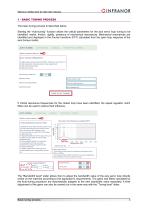
Minimum settling time for high-rate indexing OINFRANOR 1 - BASIC TUNING PROCESS The basic tuning process is described below: Starting the “Auto-tuning” function allows the critical parameters for the axis servo loop tuning to be identified: inertia, friction, rigidity, presence of mechanical resonances. Mechanical resonances are identified and displayed in the Fourier transform (FFT) calculated from the open loop response of the axis (torque mode). If critical resonance frequencies for the closed loop have been identified, the speed regulator notch filters can be used to reduce their influence....
Open the catalog to page 3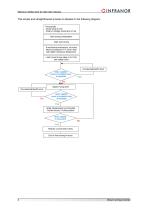
Minimum settling time for high-rate indexing OINFRANOR Prerequisite: -Motor setup is over -Shaft or carriage movement is free Auto-tuning configuration Start Auto-tuning If mechanical resonances, set notch filters according to FFT result. Start with higher resonance frequencies Limit current to low value (5 to 10%) Increase Bandwidth level ^—Motor stability (noise & oscillation free) - at standstill Adjust Tuning level Motor stability"'"-^ (noise & oscillation free) Small displacement (incremental) Profile velocity / Profile position Motor stability In movement Release current limit (100%) 4...
Open the catalog to page 4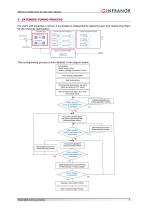
Minimum settling time for high-rate indexing OINFRANOR Controller gain Current command notches { ) Current command low pass Tuning level Speed measurement filter Prerequisite: -Motor setup is over -Shaft or carriage movement is free Auto-tuning configuration Start Auto-tuning If mechanical resonances, set notch filters according to FFT result Limit current to low value (5 to 10%) and enable drive Increase Bandwidth level (Tuning adjustment window) -'-'''Motor stability (noise & oscillation free) at standstill Set current command fillers and speed measurement filter (Advanced tuning window) Bandwidth...
Open the catalog to page 5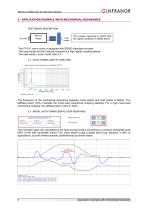
Minimum settling time for high-rate indexing OINFRANOR 3 - APPLICATION EXAMPLE WITH MECHANICAL RESONANCE The coupler reference is HUCO 554 the rigidity coefficient is 38000 Nm/rd -The FP1111 servo motor is equipped with SRS50 Hiperface encoder -The motor shaft and the load are coupled by a high rigidity coupling device -The load inertia / motor inertia ratio is 4. The frequency of the mechanical resonance between motor inertia and load inertia is 664Hz. The stiffness factor (75%) indicates the motor-load mechanical coupling elasticity. For a rigid motor-load mechanical coupling, the stiffness...
Open the catalog to page 6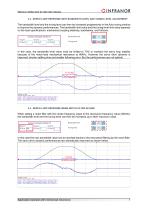
Minimum settling time for high-rate indexing OINFRANOR 3.3 - SERVO LOOP RESPONSE WITH BANDWIDTH LEVEL AND TUNING LEVEL ADJUSTMENT The bandwidth level and the tuning level can then be increased progressively in the Auto-tuning window to improve the dynamic performances. The bandwidth limit value and the tuning level limit value depends on the load specifications: mechanical coupling elasticity, backlashes, and frictions. Bandwidth level Tuning level When setting a notch filter with the center frequency equal to the resonance frequency value (664Hz), the bandwidth level and the tuning level can...
Open the catalog to page 7
Minimum settling time for high-rate indexing Using the advanced tools integrated in the Optio software for tuning operations of speed and position control loops allow to achieve high performance in terms of bandwidth, response time and stability. In summary, the general tuning process involves two steps: -First, identify the open-loop axis parameters using the "Auto-tuning" function. -Then, find the most suitable setting for the axis application in the "Tuning adjustment" window simply by using "Bandwidth level" and "Tuning level" sliders. The use of notch filters allows significant performance...
Open the catalog to page 8All Infranor Group catalogs and technical brochures
 XtrapulsPac_EN
4 Pages
 SMTBSi-2Tz_en_2.1
43 Pages
 PacSimBox_d_1
1 Page
 Pac-SF01_flyer_en_18.02
4 Pages
 Pac_User_1.2.1.218
253 Pages
 Pac_Templates_en_1.9
27 Pages
 Pac_STO_Installation_en_2.2
13 Pages
 Pac_SF01_operating_en_1.6
63 Pages
 Pac_SF01_EN
4 Pages
 Pac_Installation_en_2.23
82 Pages
 Pac_flyer_en_17.12
4 Pages
 Option_CT_EMF
6 Pages
 MOVINOR_LH055_LH086_LH097_LH142
23 Pages
 ma_series
6 Pages
 GemSafeTorqueOff_en_1.1
12 Pages
 CD1pm_e_1.2(old)
18 Pages
 CD1pInst_e_7.2(old)
35 Pages
 CD1kInst_e_4.1(old)
40 Pages
 CD1k_CANopenProtocol_e_1.3(old)
86 Pages
 CD1a_e_7.1(old)
45 Pages
 Catalogue gamme SMT-BD1
11 Pages
 BM20A(F)v3_0
20 Pages
 BM20A(D)v3_0
20 Pages
 BF400(GB)v2_2
21 Pages
 BF400(D)v2_2
21 Pages
 BF230(GB)v2_0
23 Pages
 BF230(F)v2_0
23 Pages
 BD2m_e_2.2
69 Pages
 BD2m(GB)2.0
70 Pages
 BD2_e_3.2
53 Pages
 BD2(GB)3.1
53 Pages
 BD2(D)3.1
54 Pages
 Movinor_LH_e
4 Pages
 ma_series
6 Pages
 BD1t(GB)3.1
81 Pages
 BD1t(F)3.0
85 Pages
 BD1pInst(GB)3.0
25 Pages
 BD1pInst(F)3.0
23 Pages
 BD1pInst(D)3.0
24 Pages
 BD1pCD1pUse_e_2.4
57 Pages
 BD1m(GB)5.0
58 Pages
 BD1m(F)5.0
57 Pages
 BD1m(D)v3_3
64 Pages
 BD1k(GB)2.1
35 Pages
 BD1k(F)2.1
36 Pages
 BD1j(GB)v2_41
19 Pages
 BD1j(F)v2_4
21 Pages
 BD1i(GB)v2_21
23 Pages
 BD1i(F)v2_2
27 Pages
 BD1h(F)3.0
65 Pages
 BD1h(D)3.0
59 Pages
 BD1g(GB)v3_0
28 Pages
 BD1g(F)v3_0
28 Pages
 BD1a400(GB)v2_3
43 Pages
 BD1a400(F)v2_3
44 Pages
 BD1a400(D)v2_3
45 Pages
 BD1(GB)7.1_noPW
45 Pages
 BD1(GB)7.1
45 Pages
 BD1(F)7.1_noPW
47 Pages
 BD1(F)7.1
47 Pages
 BD1(D)7.1
45 Pages
 BD1 Katalog
11 Pages
 Easy_User_5.0.1.60.2
190 Pages
 01ma_smv_e_01953
40 Pages
 PacHP-SF_Flyer_en_23.06
4 Pages
 IRD_User_Manual_en_1.2.XX.54.rev_b
216 Pages
 PacHP_User_en_1.2.8.100.b
280 Pages
 PacHP_SF02_operating_en_1.6
103 Pages
 PacHP_SF01_operating_en_2.0
63 Pages
 PacHP_Installation_en_2.9
91 Pages
 PacHP_Series_Brochure
8 Pages
 PacHP_Flyer_us_20.10
4 Pages
 IRD_Installation_en_1.5
42 Pages
 Easy_STO_en_1.4
14 Pages
 Easy_DB_STO_en_1.2
14 Pages
 Easy_DB_Installation_en_1.4
36 Pages
 CD1pmUser_en_4.2
55 Pages
 CD1pmInst_en_8.15
40 Pages
 CD1k_CANopenProtocol_en_2.10.1.1
108 Pages
 CD1pm_ProfibusProtocol_en_1.5
50 Pages
 CD1kUser_en_2.3
26 Pages
 CD1a_en_8.17
62 Pages
 CD1kInst_en_5.16
46 Pages
 CD1_STO_en_1.8
16 Pages
 CD1_flyer_en_14.09
4 Pages
 Braking_Resistors_en_1.5
10 Pages
 XtracontrolDC2_EN
4 Pages
 Flyer_VisiTouchCNC_EN_V1.1-1
2 Pages
 XtraforsWashdown_EN-2024
2 Pages
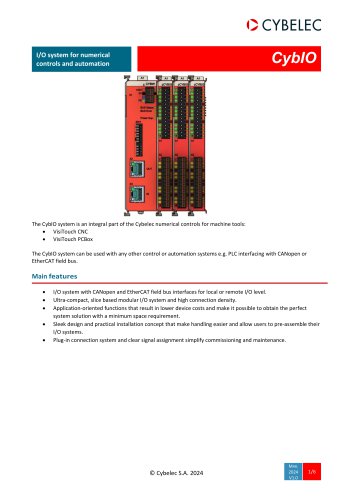 DataSheet_CybIO_CNC_V1.0
6 Pages
 XtraforsPrime_EN-2024
2 Pages
 XtraforsMSS_EN
4 Pages
 XtraforsMSA_EN_2024
2 Pages
 XtraforsEx_EN-2024
2 Pages
 XtraforsBR_EN-2024
2 Pages
 XtraforsBL_EN-2024
2 Pages
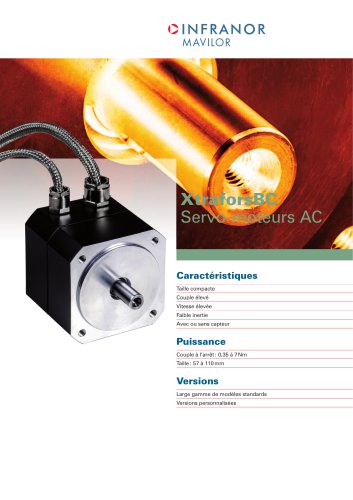 XtraforsBC-ed01-vs3
4 Pages
 Manual_XtraforsPrime
46 Pages
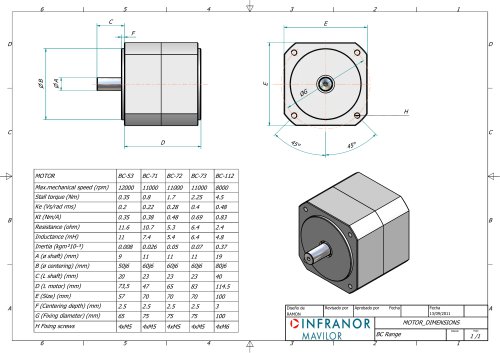 Drawing_1
1 Page
 Datasheet_MSS
5 Pages
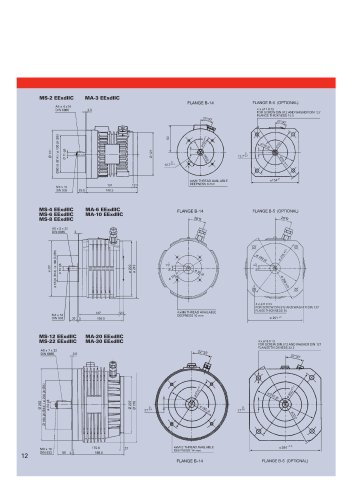 Datasheet_2
2 Pages
 Datasheet_1
4 Pages
 BLSBLT_series
2 Pages
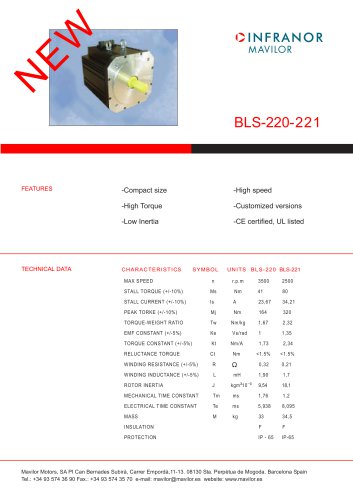 BL220221
2 Pages
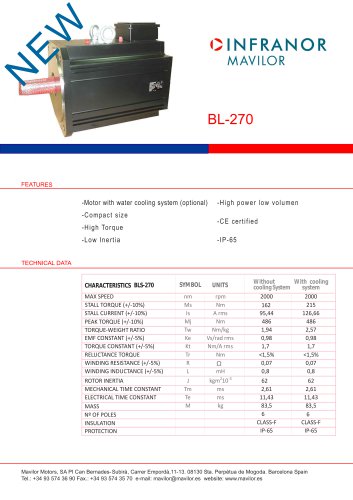 BL270
BL2702 Pages
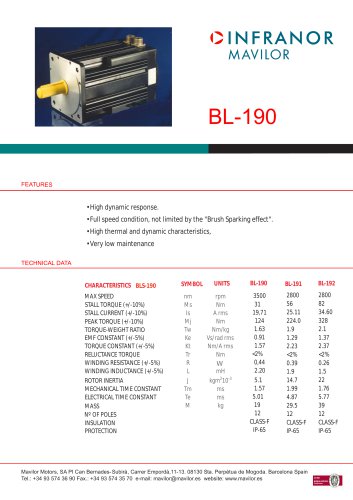 BL190
BL1902 Pages
 bl100_series
6 Pages
 bl40_series
6 Pages
 BL30
BL302 Pages
 2019-01_XtraforsFP-DSL_FR
4 Pages
 Movinor_T_EN
4 Pages
 Movinor_N_EN
4 Pages
 Movinor_Low_Voltage_EN
4 Pages
 Manual Movinor T 03-2026
46 Pages
 Manual Movinor N 03-2026
63 Pages
 XtrapulsEasy™ AC servo-drive
4 Pages
 XtrapulsCD1 AC servo-drives
4 Pages
 CybIO
CybIO6 Pages
 AC SERVOMOTORS
2 Pages
 Movinor® N AC Servomotors
4 Pages


Archived catalogs
 AN_CD1ak_AbsoluteEncoder_en_2.0
10 Pages
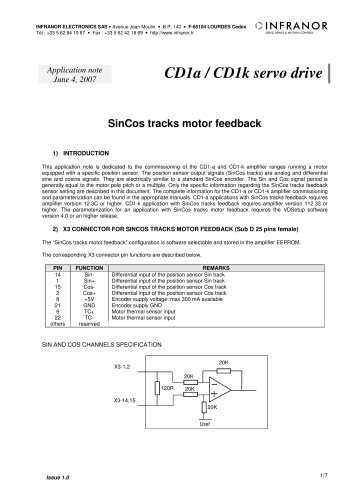 AN_CD1ak_SinCosTracks_e_1.0
7 Pages
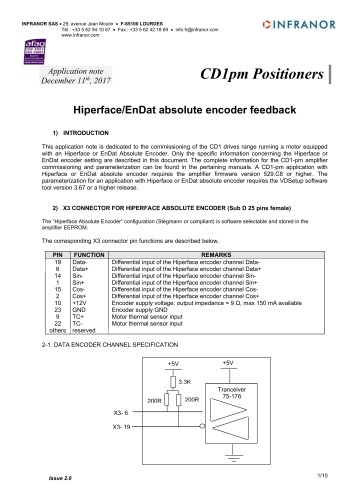 AN_CD1pm_AbsoluteEncoder_en_2.0
10 Pages
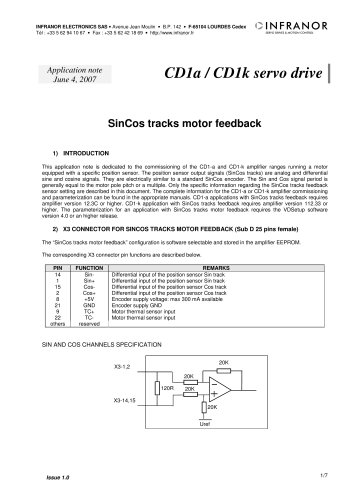 AN_CD1pm_SinCosTracks_e_1.0
7 Pages
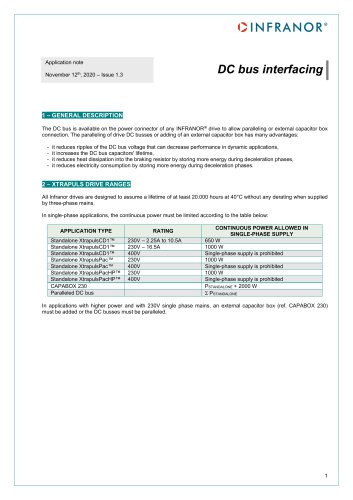 AN_DC_bus_interfacing_en_1.3
5 Pages
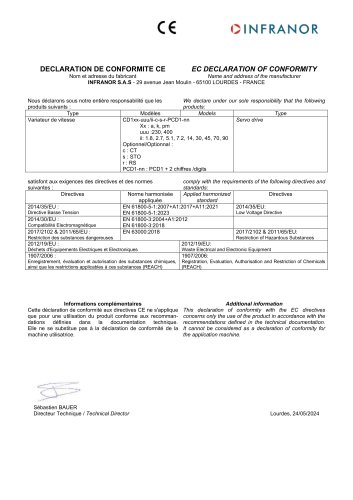 CD1_EC_conformity_24.05
1 Page
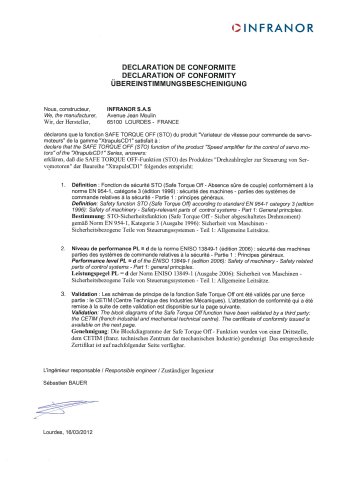 CD1_STO_conformity_19.02
2 Pages
 EtherCAT Interface_en_1.3
20 Pages
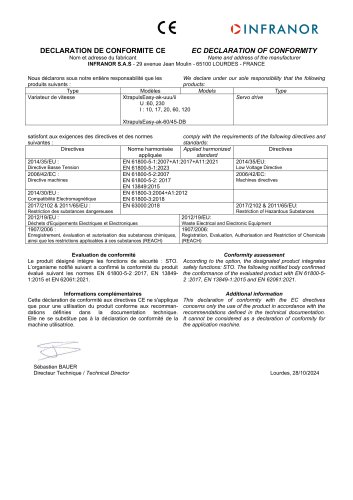 Easy_EC_Conformity_24_10
1 Page
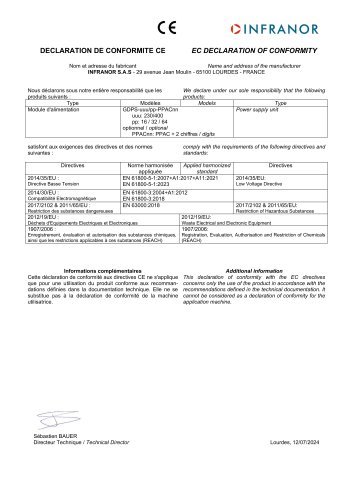 GDPS_EC_conformity_24.07
1 Page
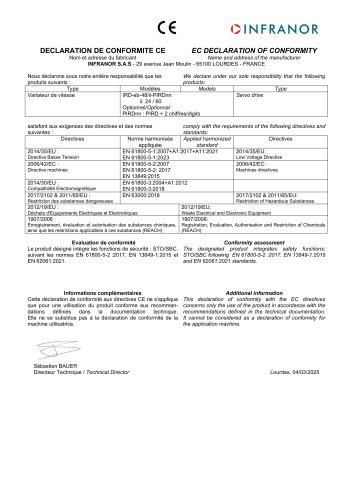 IRD_EC_Conformity_25.03
1 Page
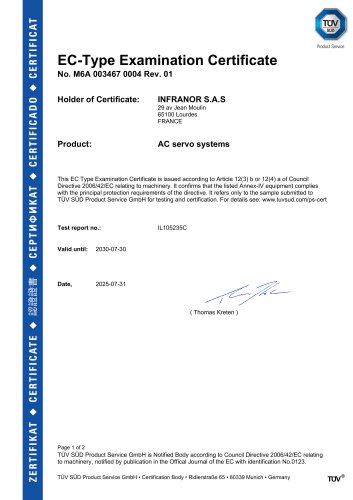 PacHP_TÜV_certificate_25.07
2 Pages
 BD1c(F)v2_01
19 Pages
 BD1c(GB)v2_01
19 Pages
 BD1d(F)v2_01
25 Pages
 BD1d(GB)v2_01
25 Pages
 BD1e(F)v2_01
22 Pages
 BD1f(F)v2_01
17 Pages
 BD1f(GB)v2_01
18 Pages
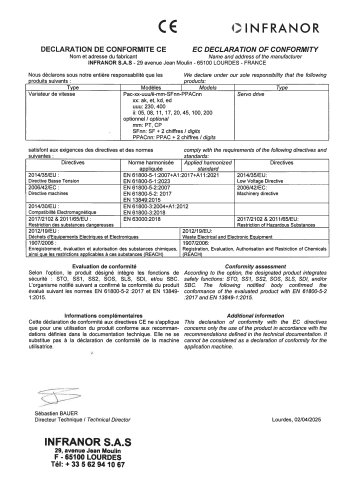 Pac_EC_conformity_25.04
1 Page