

- Company
- Products
- Catalogs
- News & Trends
- Exhibitions
CS Test Preset Builder for MX3 and EMX2 SeriesTest Stand
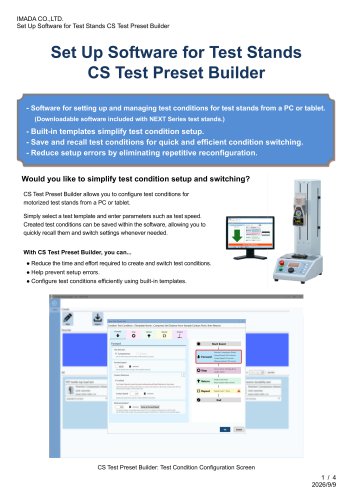
CS Test Preset Builder for MX3 and EMX2 SeriesTest Stand
- Configuration from PC/Tablet: Allows users to configure test conditions on a larger screen, reducing setup errors and increasing efficiency with the use of a mouse and keyboard.
- Built-in Templates: Users can quickly create test conditions by selecting templates and entering parameters like speed. Critical parameters are locked to prevent errors.
- Save and Recall: Test conditions can be saved and recalled, allowing quick switching between setups. Images and comments can be added for better identification and sharing of test setups.
- Backup Files: Users can create backup files to share and reuse test condition presets on other PCs, and apply settings to other test stands.
- Compatible with MX3 and EMX2 series motorized test stands.
- Requires Windows 10/11, Core i3 1GHz CPU or higher, 8GB RAM, 10GB storage, and .NET 8 or later.
- Software is downloadable only, requiring user registration and an internet connection.
Catalog excerpts
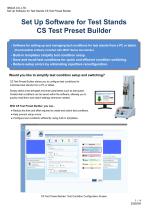
IMADA CO.,LTD. Set Up Software for Test Stands CS Test Preset Builder Set Up Software for Test Stands CS Test Preset Builder - Software for setting up and managing test conditions for test stands from a PC or tablet. (Downloadable software included with NEXT Series test stands.) - Built-in templates simplify test condition setup. - Save and recall test conditions for quick and efficient condition switching. - Reduce setup errors by eliminating repetitive reconfiguration. Would you like to simplify test condition setup and switching? CS Test Preset Builder allows you to configure test conditions for motorized test stands from a PC or tablet. Simply select a test template and enter parameters such as test speed. Created test conditions can be saved within the software, allowing you to quickly recall them and switch settings whenever needed. With CS Test Preset Builder, you can... ● Reduce the time and effort required to create and switch test conditions. ● Help prevent setup errors. ● Configure test conditions efficiently using built-in templates. CS Test Preset Builder: Test Condition Configuration Screen
Open the catalog to page 1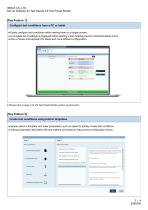
IMADA CO.,LTD. Set Up Software for Test Stands CS Test Preset Builder • Easily configure test conditions while viewing them on a larger screen. • A complete list of settings is displayed before starting a test, helping prevent overlooked setup errors. • Use a mouse and keyboard for faster and more efficient configuration. • Please refer to page 4 for CS Test Preset Builder system requirements. • Simply select a template and enter parameters such as speed to quickly create test conditions. • Critical parameters that define the test method are locked to help prevent configuration errors.
Open the catalog to page 2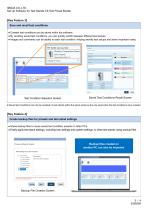
IMADA CO.,LTD. Set Up Software for Test Stands CS Test Preset Builder [Key Feature 3] Save and recall test conditions ● Created test conditions can be saved within the software. ● By recalling saved test conditions, you can quickly switch between different test setups. ● Images and comments can be added to each test condition, helping identify test setups and share important notes. Test Condition Selection Screen Saved Test Conditions Recall Screen ● Saved test conditions can only be recalled on test stands within the same series as the one used when the test conditions were created. [Key Feature...
Open the catalog to page 3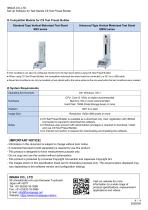
IMADA CO.,LTD. Set Up Software for Test Stands CS Test Preset Builder ◎ Compatible Models for CS Test Preset Builder Standard Type Vertical Motorized Test Stand MX3 series Advanced Type Vertical Motorized Test Stand EMX2 series ● Test conditions can also be configured directly from the test stand without using CS Test Preset Builder. ● When using CS Test Preset Builder, the compatible motorized test stand must be connected to a PC via a USB cable. ● Saved test conditions can only be recalled on test stands within the same series as the one used when the test conditions were created. ◎ System...
Open the catalog to page 4All IMADA catalogs and technical brochures
 SH series
5 Pages
 MS series
4 Pages
 KV series
3 Pages
 HV series
5 Pages
 FCA-50N
3 Pages
 GTW-2500N
4 Pages
 CLFX / CFX Series
6 Pages
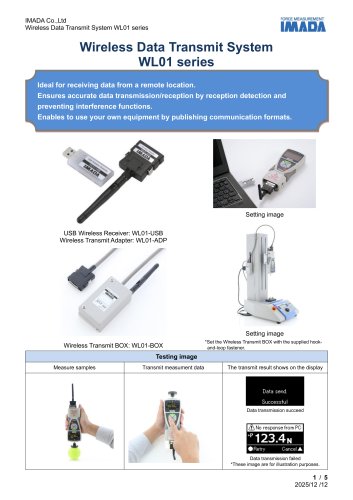 WL01 series
5 Pages
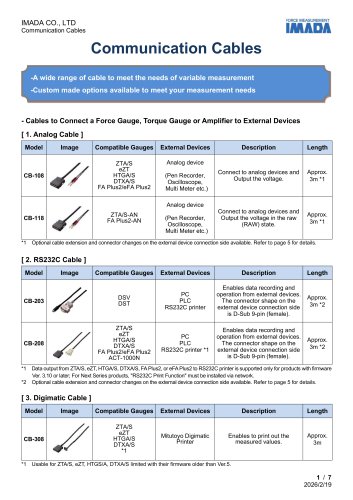 Specification list of cables
7 Pages
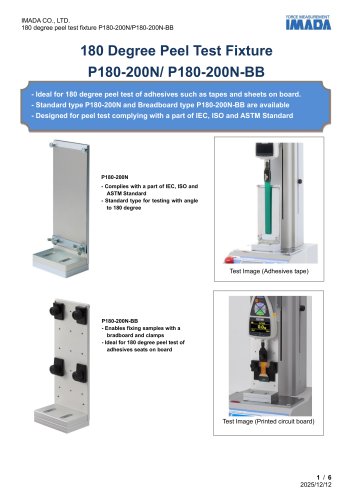 P180-200N
6 Pages
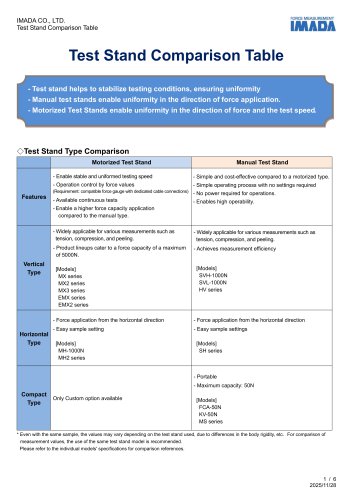 Test Stand Comparison Table
6 Pages
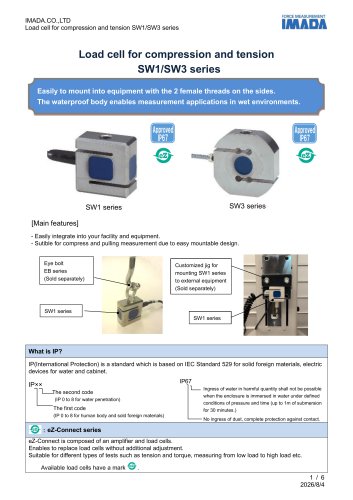 SW series
6 Pages
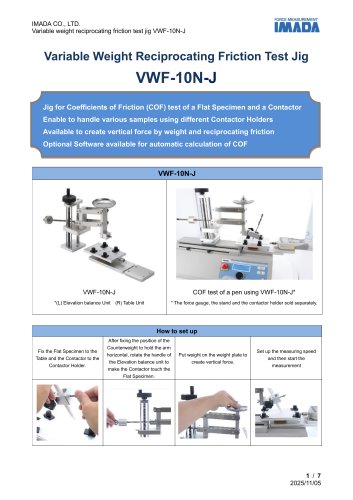 VWF-10N
7 Pages
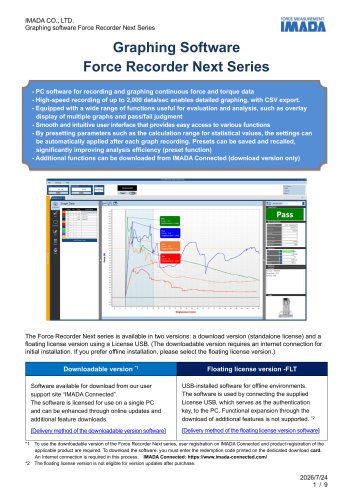 Force Recorder Next Series
9 Pages
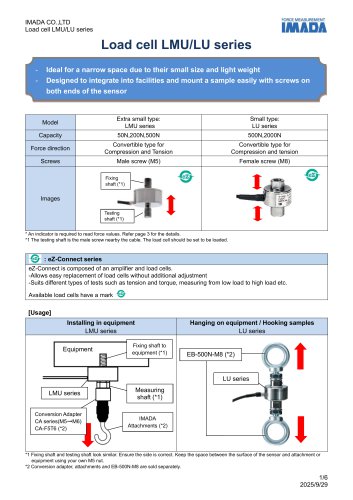 LMU/LU series
6 Pages
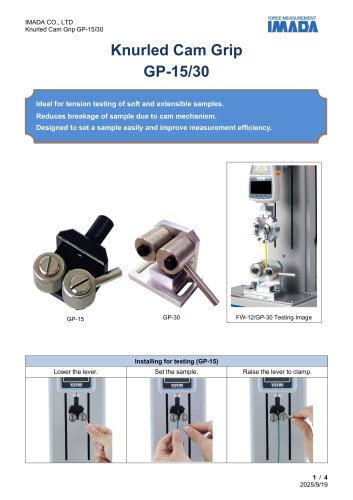 GP-15/30
4 Pages
 KC series
4 Pages
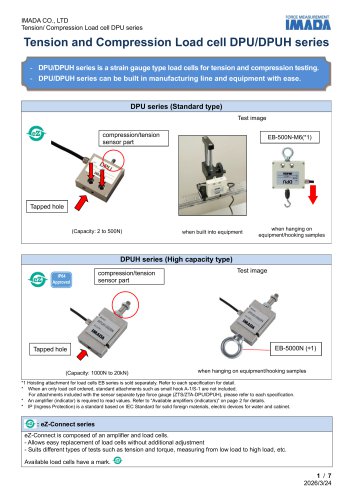 DPUH series
7 Pages
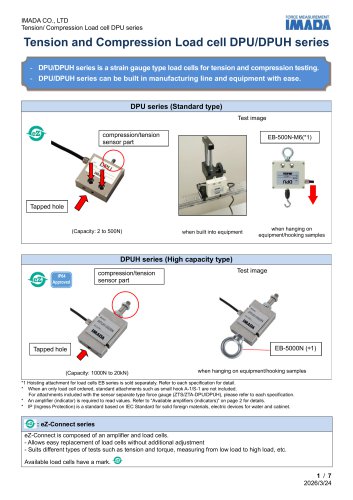 DPU series
7 Pages
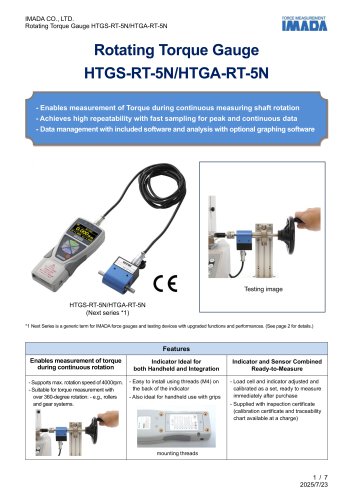 HTGS/HTGA-RT-5N
7 Pages
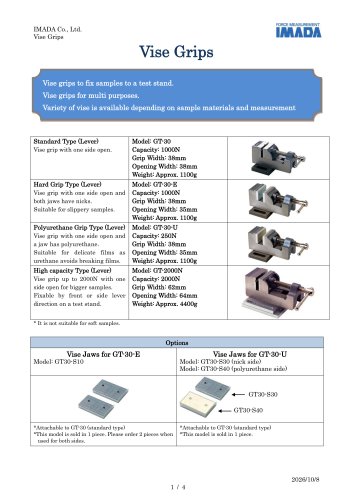 Vise Grips GT-30/2000N
4 Pages
 SHF series
6 Pages
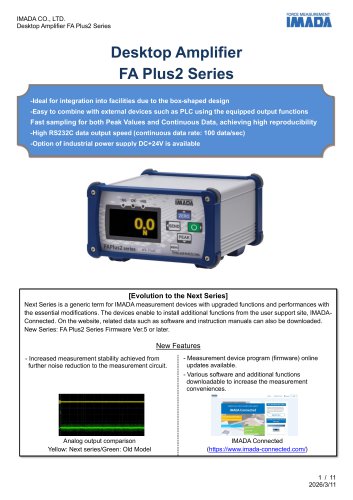 FA Plus2 / eFA Plus2
11 Pages
 SCX series
5 Pages
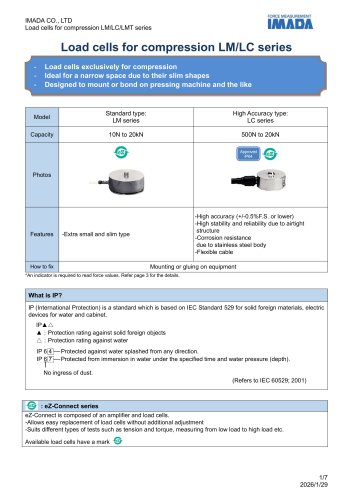 LM/LC series
7 Pages
 CHX Series
6 Pages
 TFX Series
4 Pages
 Torque Load Cell eHT series
5 Pages
 SKM-1000N
7 Pages
 DM-2000N
7 Pages
 PK2-1500N
4 Pages
 PK1-500N series
4 Pages
 Pen Type Load Cell PN-50N
5 Pages
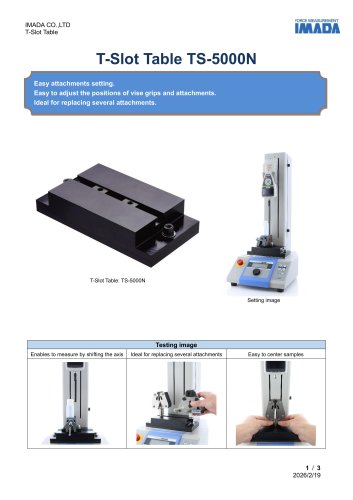 TS-5000N
3 Pages
 OP-MX2EMX-IC/OP-MX250-IC
4 Pages
 APR-97
3 Pages
 Force gauge comparison table
4 Pages
 ZU series
5 Pages
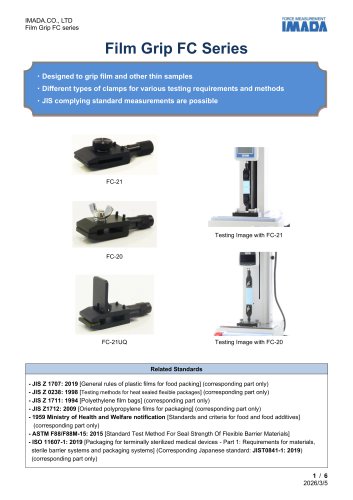 FC series
6 Pages
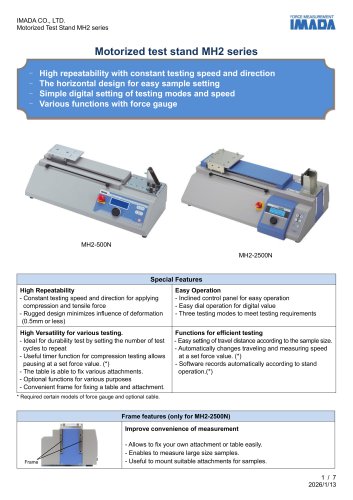 MH2 series
7 Pages
 Peeling tester IPTS-20N/50N
6 Pages
 FRTS series
6 Pages
 Driver Torque Meter I-8/I-80
4 Pages
 CBJ-200N
4 Pages
 SJS-100N-L/S
5 Pages
 P90‐200N
7 Pages
 Peeling Tester IPTS-5N
7 Pages
 MTS series
7 Pages
 COF series
6 Pages
 HTGS/HTGA series
8 Pages
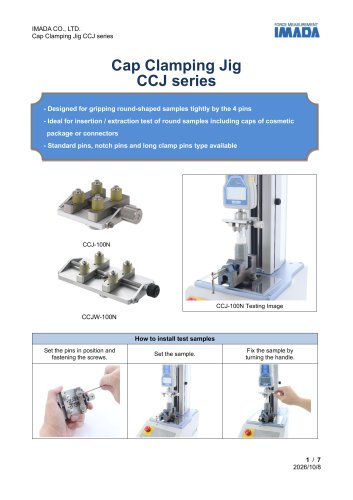 CCJ series
7 Pages
 Force logger
5 Pages
 GC-1100/1200/5000, GCF-1200
6 Pages
 PGC series
4 Pages
 GC-60/100
4 Pages
 FP-50/51
3 Pages
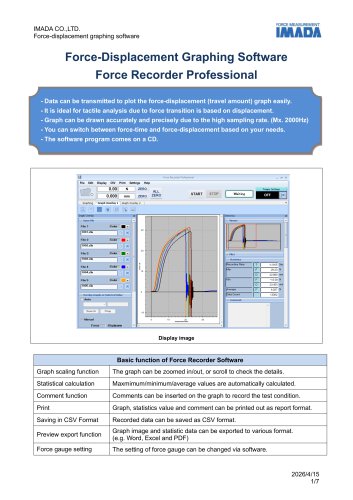 Force Recorder Professional
7 Pages
 Force Recorder Standard
7 Pages
 A-40/60,S-40/60
4 Pages
 XY-500N series
5 Pages
 XST-500N
4 Pages
 FBO-CFX
3 Pages
 grp-50
3 Pages
 SK series
6 Pages
 HTGS/HTGA-TFX Series
8 Pages
 FCA-DSV-50N
4 Pages
 Force Logger Plus
4 Pages
 Force Recorder Plus
8 Pages
 ZLINK4
5 Pages
 SDT series
4 Pages
 MED-LFA-20N/MED-VH-5N
4 Pages
 MED-NPT-200N
4 Pages
 MED-ACU-2N
3 Pages
 TKS-20N/250N
6 Pages
 BT series
6 Pages
 SQ series
4 Pages
 CW-500N
4 Pages
 MED-IS-20N
3 Pages
 MED-SCT-500N
3 Pages
 WG series
5 Pages
 SP series
4 Pages
 PG series
4 Pages
 PC series
4 Pages
 P45-50N
4 Pages
 GC-5/15
4 Pages
 CP-150N
3 Pages
 Optional handle FOH
3 Pages
 PPC-5000N
4 Pages
 DSV series
6 Pages
 Compression attachment table
3 Pages
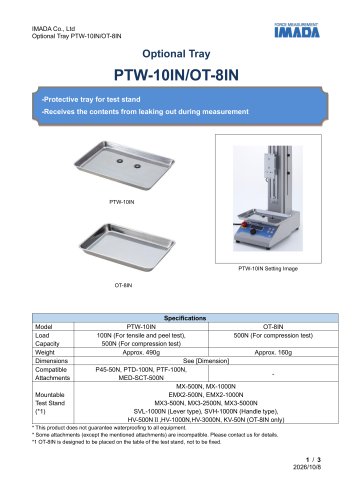 PTW-10IN/OT-8IN
3 Pages
 AMK series
4 Pages
 Universal Joint UJ series
4 Pages
 ST-SS
ST-SS2 Pages
 SJ series
6 Pages
 RSH series
5 Pages
 HFC-50N
4 Pages
 ZW1-10kN
6 Pages
 CW-5000N
4 Pages
 LH-500N
5 Pages
 UK series
5 Pages
 PT series
6 Pages
 PSH series
5 Pages
 PCA-150N
3 Pages
 CH-5000N
4 Pages
 FB/FS series
5 Pages
 PS/PSS series
5 Pages
 PSM series
5 Pages
 SHT-5N
3 Pages
 180 degree Peeling Tester
5 Pages
 Force Gauges
4 Pages
 DS2 series
4 Pages
 F-S Master
5 Pages
 Friction Testing System
1 Page
 Peel testing system
1 Page










Archived catalogs
 EMX-500N/1000N
8 Pages
 ZD series
8 Pages
 LMU series
8 Pages
 2020 ZTA series
9 Pages
 2020 ZTS series
7 Pages
 Wire Harness Pull Tester
3 Pages
 Tensile Load Cell ZW1-10kN
6 Pages
 MS-50N
4 Pages
 HV series
3 Pages
 HV-3000N
3 Pages
 PK1-500N/PK2-1500N
4 Pages
 FCA-DS2-50N
3 Pages
 FA Plus
4 Pages
 SV series
4 Pages
 MX-1000N
3 Pages
 MX-500N
3 Pages


- Test machine
- IMADA load cell
- Chuck
- Measuring device
- Management software solution
- Positioning table
- Analysis software solution
- IMADA test bench
- Clamping device
- Measuring machine
- IMADA tension/compression load cell
- Real-time software
- Windows software
- Steel load cell
- Cloud-based software
- IMADA strain gauge load cell
- Translation stage
- Benchtop analyser
- Solids analyser
- Stainless steel force transducer