

- Company
- Products
- Catalogs
- News & Trends
- Exhibitions
Additional Downloadable Chargeable Functions for Force Recorder Next Series
1 /13Pages
Additional Downloadable Chargeable Functions for Force Recorder Next Series
1 /13Pages
Catalog excerpts
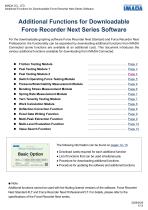
IMADA CO., LTD. Additional Functions for Downloadable Force Recorder Next Series Software Additional Functions for Downloadable Force Recorder Next Series Software For the downloadable graphing software Force Recorder Next Standard and Force Recorder Next Professional, the functionality can be expanded by downloading additional functions from IMADA Connected (some functions are available at an additional cost). This document introduces the various additional functions available for downloading from IMADA Connected. Friction Testing Module Peel Testing Module 1 Peel Testing Module 2 Switch Operating Force Testing Module Pressure/Stretchability Measurement Module Bending Stress Measurement Module Spring Rate Measurement Module Yarn Tenacity Testing Module Work Calculation Module Deflection Correction Function Excel Data Writing Function Multi-Peak Extraction Function Multi-Level Evaluation Function Value Search Function The following information can be found on pages 12–13: ● Download cards required for each additional function ● List of functions that can be used
Open the catalog to page 1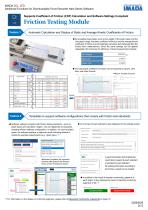
Supports Coefficient of Friction (COF) Calculation and Software Settings Compliant Automatic Calculation and Display of Static and Average Kinetic Coefficients of Friction • By presetting parameters such as the weight of the load (mass) and the calculation range, the static coefficient of friction and the average kinetic coefficient of friction are automatically calculated and displayed after the friction force measurement. Since the same settings can be applied repeatedly, this improves the efficiency of post-measurement analysis. Sled Weight • The calculated coefficient of friction can be exported...
Open the catalog to page 2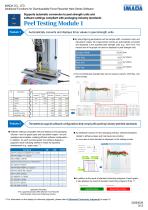
Additional Functions for Downloadable Force Recorder Next Series Software Supports automatic conversion to peel strength units and software settings compliant with packaging industry standards Automatically converts and displays force values in peel strength units. • By preconfiguring parameters such as sample width, conversion units, and calculation ranges, the measurement results are automatically converted and displayed in the specified peel strength units (e.g., N/10 mm). The vertical axis of the graph can also be displayed in peel strength units. Sample Width • The converted peel strength...
Open the catalog to page 3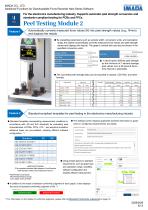
Additional Functions for Downloadable Force Recorder Next Series Software For the electronics manufacturing industry. Supports automatic peel strength conversion and standards-compliant testing for PCBs and FPCs. Peel Testing Module 2 Automatically converts measured force values (N) into peel strength values (e.g., N/mm) and displays the results. • By presetting parameters such as sample width, conversion units, and calculation range, the system automatically converts measured force values into peel strength values and displays the results. The graph's vertical axis can also be shown in the specified...
Open the catalog to page 4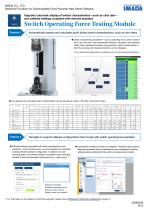
Additional Functions for Downloadable Force Recorder Next Series Software Supports automatic display of switch characteristics—such as click rate— and software settings compliant with relevant standard Automatically detects and calculates push-button switch characteristics, such as click rates • Switch characteristic parameters—such as operating force, bottom reaction force, and click rate—are automatically detected, calculated, and displayed. When force-displacement graphs are generated, switch characteristics in both the pressing and releasing directions can be displayed. • The detected and...
Open the catalog to page 5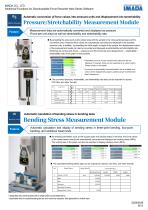
Additional Functions for Downloadable Force Recorder Next Series Software Automatic conversion of force values into pressure units and displacement into stretchability Measurement data are automatically converted and displayed as pressure (Force per unit area) as well as stretchability and stretchability rate. • By presetting the area (such as the contact area with the sample or the cross-sectional area) and the conversion units, measured force values are automatically converted and displayed in the specified pressure units. In addition, by presetting the initial length or height of the sample,...
Open the catalog to page 6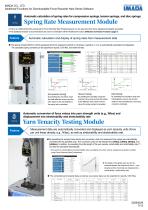
IMADA CO., LTD.Additional Functions for Downloadable Force Recorder Next Series Software Automatic calculation of spring rates for compression springs, tension springs, and disc springsSpring Rate Measurement Module • This is an additional function exclusively for Force Recorder Next Professional and can be used only when force-displacement graphs are plotted. • This additional function is recommended to be used in combination with the Additional Function: Deflection Correction Function (page 7). Automatic calculation and display of spring rates from measurement data Graph Na Standard Deviation...
Open the catalog to page 7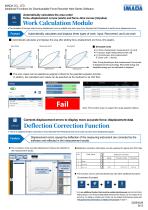
IMADA CO., LTD.Additional Functions for Downloadable Force Recorder Next Series Software Automatically calculates the area underforce-displacement curves (work) and force-time curves (impulse) Work Calculation Module • The calculation of the area under the force-displacement curve is available only when using Force Recorder Next Professional to plot the force-displacement curve. Automatically calculates and displays three types of work: Input, Recovered, and Lost work H Automatically calculates and displays the area after plotting force-displacement and force-time graphs. [F (force unit) ■ s...
Open the catalog to page 8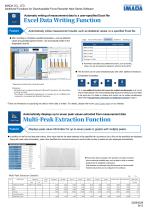
Additional Functions for Downloadable Force Recorder Next Series Software Automatic writing of measurement data to a user-specified Excel file Automatically writes measurement results, such as statistical values, to a specified Excel file. • After recording is completed, specified parameters—such as statistical values and pass/fail judgment results—are automatically written to the designated Excel file. Judge Record Information Statisticsl Statistics2 Bending S <
Open the catalog to page 9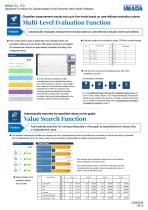
Additional Functions for Downloadable Force Recorder Next Series Software Classifies measurement results into up to five levels based on user-defined evaluation criteria Automatically evaluates measurement results based on user-defined evaluation items and criteria. • This function allows users to define their own evaluation items and evaluation criteria (up to five levels). After graph recording is completed, the measurement results are automatically evaluated according to the configured criteria. • Evaluation results can be exported to reports, CSV files, and other formats. ▲ In the multi-level...
Open the catalog to page 10All IMADA catalogs and technical brochures
 SH series
5 Pages
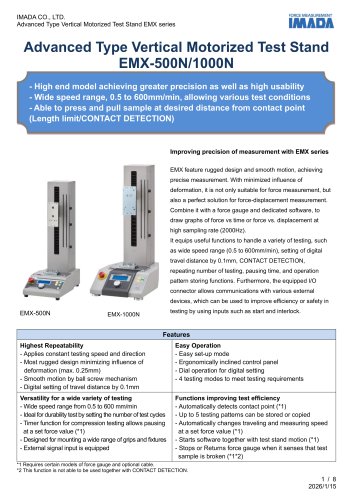 EMX-500N/1000N
8 Pages
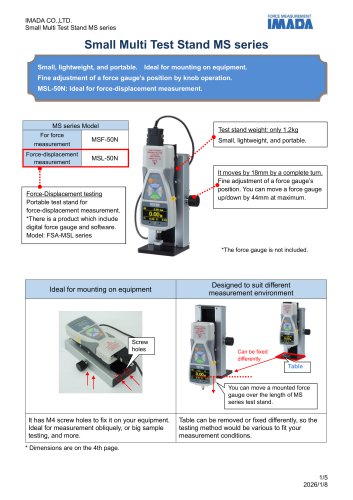 MS series
4 Pages
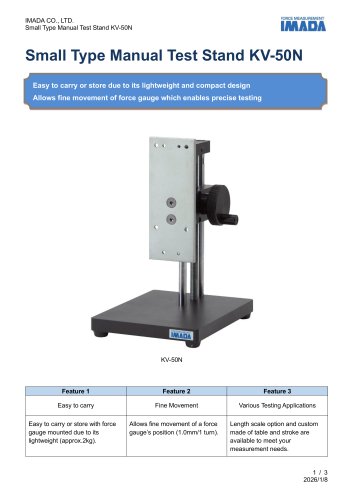 KV series
3 Pages
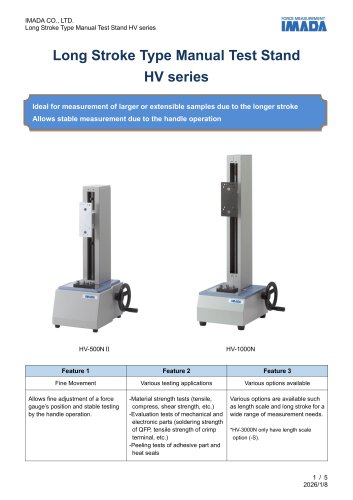 HV series
5 Pages
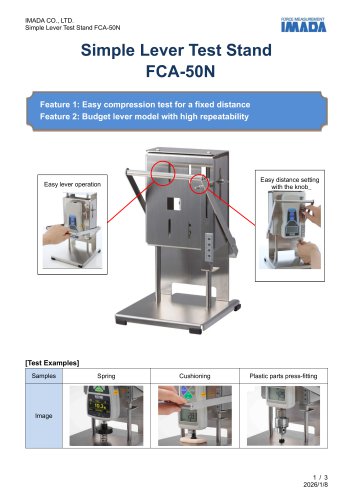 FCA-50N
3 Pages
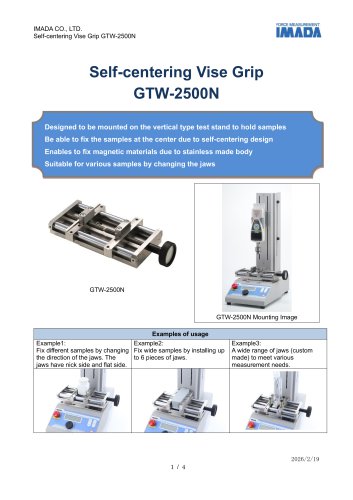 GTW-2500N
4 Pages
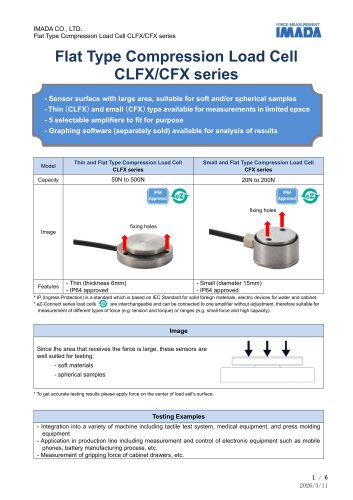 CLFX / CFX Series
6 Pages
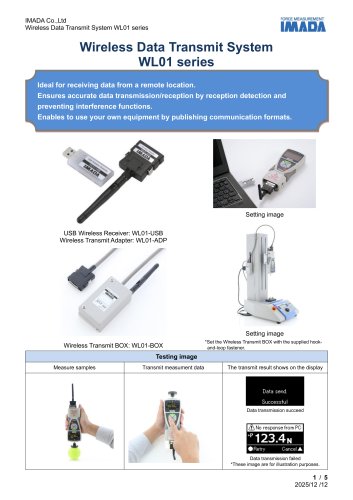 WL01 series
5 Pages
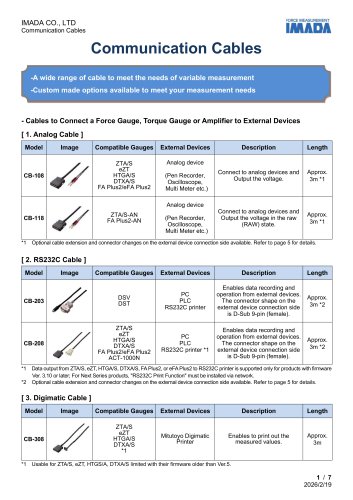 Specification list of cables
7 Pages
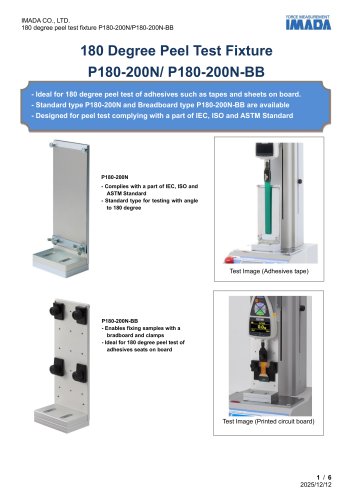 P180-200N
6 Pages
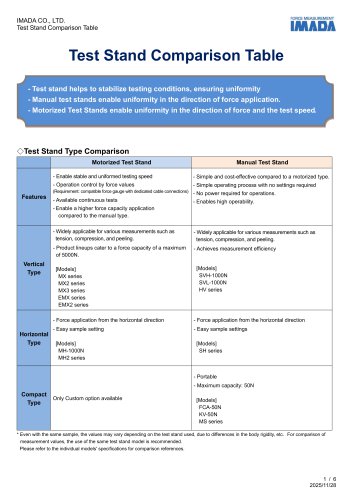 Test Stand Comparison Table
6 Pages
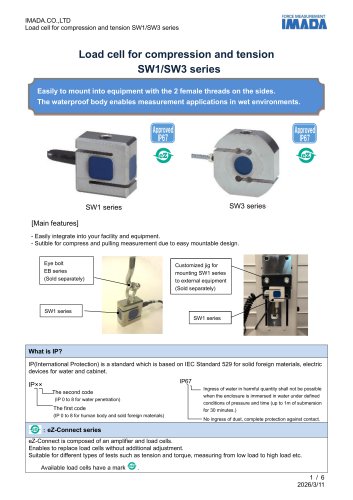 SW series
6 Pages
 VWF-10N
7 Pages
 Force Recorder Next Series
9 Pages
 LMU/LU series
6 Pages
 GP-15/30
4 Pages
 KC series
4 Pages
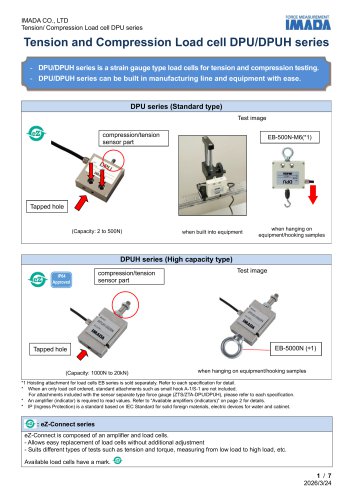 DPUH series
7 Pages
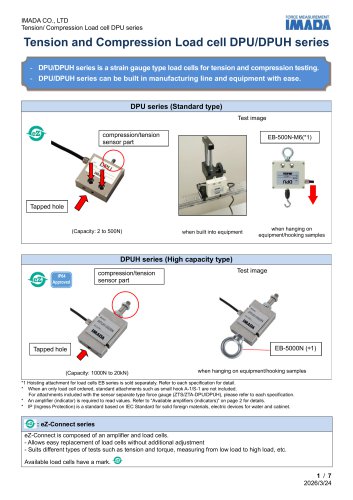 DPU series
7 Pages
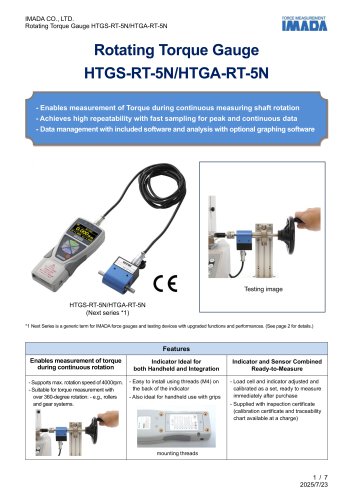 HTGS/HTGA-RT-5N
7 Pages
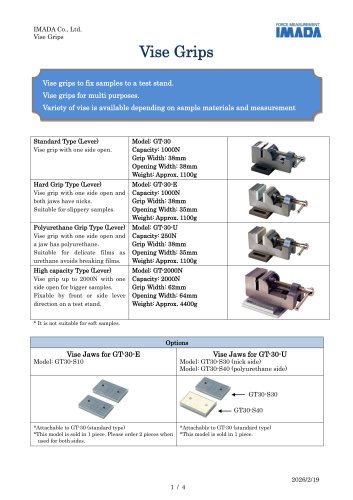 Vise Grips GT-30/2000N
4 Pages
 SHF series
6 Pages
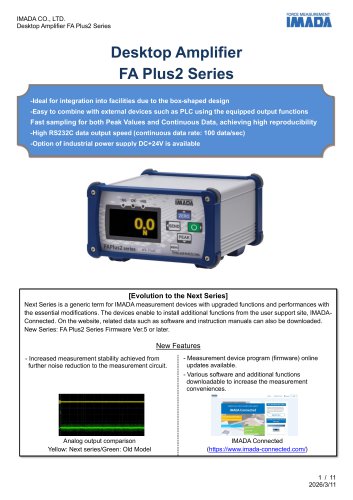 FA Plus2 / eFA Plus2
11 Pages
 SCX series
5 Pages
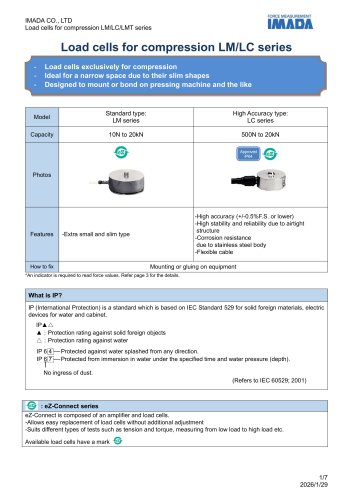 LM/LC series
7 Pages
 CHX Series
6 Pages
 TFX Series
4 Pages
 Torque Load Cell eHT series
5 Pages
 SKM-1000N
7 Pages
 DM-2000N
7 Pages
 PK2-1500N
4 Pages
 PK1-500N series
4 Pages
 Pen Type Load Cell PN-50N
5 Pages
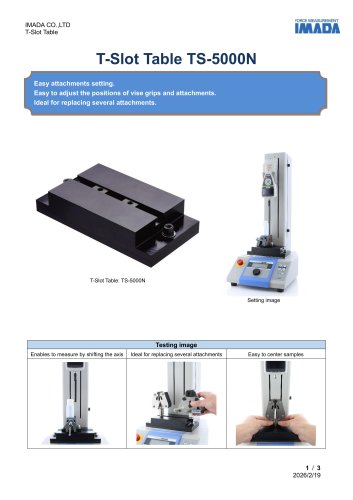 TS-5000N
3 Pages
 OP-MX2EMX-IC/OP-MX250-IC
4 Pages
 APR-97
3 Pages
 Force gauge comparison table
4 Pages
 ZU series
5 Pages
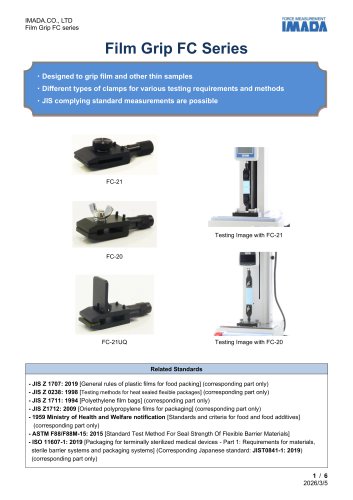 FC series
6 Pages
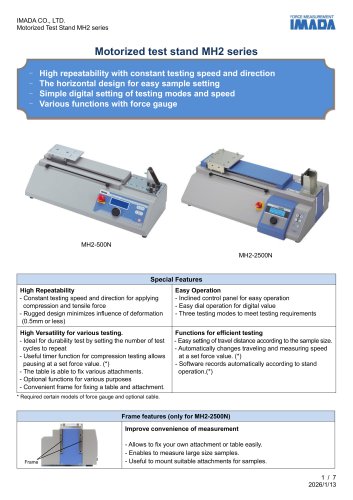 MH2 series
7 Pages
 Peeling tester IPTS-20N/50N
6 Pages
 FRTS series
6 Pages
 Driver Torque Meter I-8/I-80
4 Pages
 CBJ-200N
4 Pages
 SJS-100N-L/S
5 Pages
 P90‐200N
7 Pages
 Peeling Tester IPTS-5N
7 Pages
 MTS series
7 Pages
 COF series
6 Pages
 HTGS/HTGA series
8 Pages
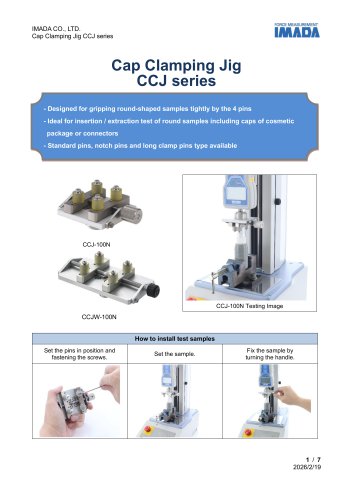 CCJ series
7 Pages
 Force logger
5 Pages
 GC-1100/1200/5000, GCF-1200
6 Pages
 PGC series
4 Pages
 GC-60/100
4 Pages
 FP-50/51
3 Pages
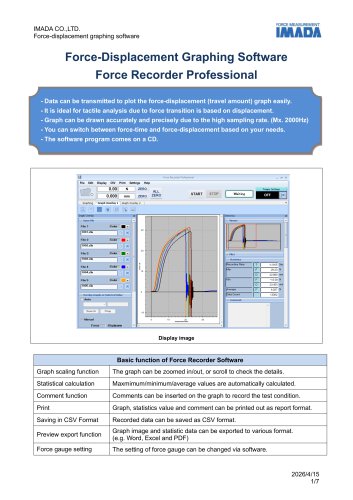 Force Recorder Professional
7 Pages
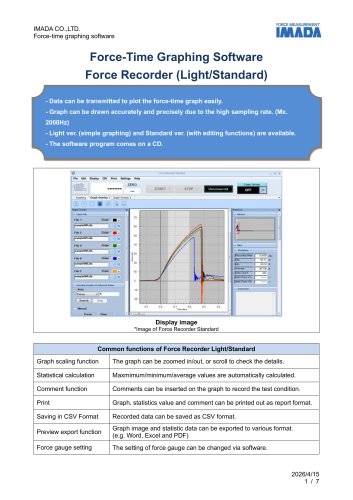 Force Recorder Standard
7 Pages
 2023 ZTS series
7 Pages
 2023 ZTA series
8 Pages
 A-40/60,S-40/60
4 Pages
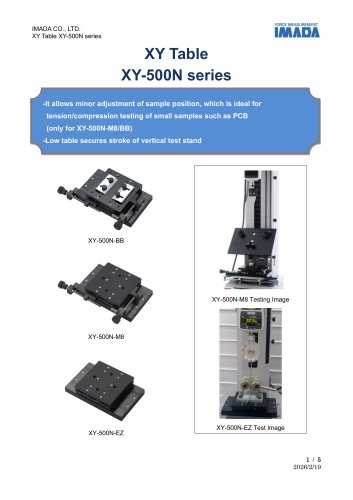 XY-500N series
5 Pages
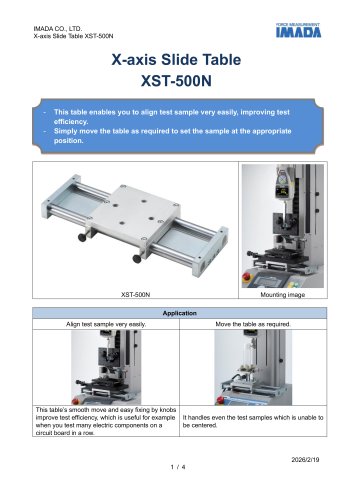 XST-500N
4 Pages
 FBO-CFX
3 Pages
 grp-50
3 Pages
 SK series
6 Pages
 HTGS/HTGA-TFX Series
8 Pages
 FCA-DSV-50N
4 Pages
 Force Logger Plus
4 Pages
 Force Recorder Plus
8 Pages
 ZLINK4
5 Pages
 SDT series
4 Pages
 MED-LFA-20N/MED-VH-5N
4 Pages
 MED-NPT-200N
4 Pages
 MED-ACU-2N
3 Pages
 TKS-20N/250N
6 Pages
 BT series
6 Pages
 SQ series
4 Pages
 CW-500N
4 Pages
 MED-IS-20N
3 Pages
 MED-SCT-500N
3 Pages
 WG series
5 Pages
 SP series
4 Pages
 PG series
4 Pages
 PC series
4 Pages
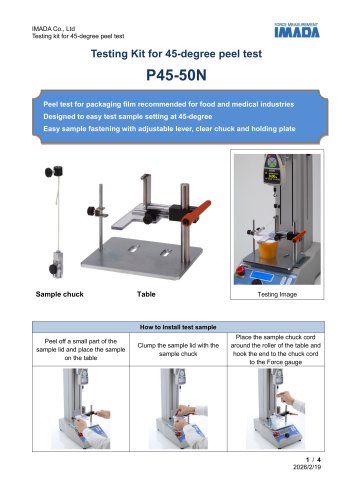 P45-50N
4 Pages
 GC-5/15
4 Pages
 CP-150N
3 Pages
 Optional handle FOH
3 Pages
 PPC-5000N
4 Pages
 DSV series
6 Pages
 Compression attachment table
3 Pages
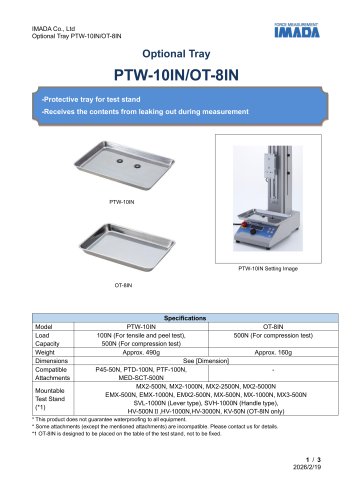 PTW-10IN/OT-8IN
3 Pages
 AMK series
4 Pages
 Universal Joint UJ series
4 Pages
 ST-SS
ST-SS2 Pages
 SJ series
6 Pages
 RSH series
5 Pages
 HFC-50N
4 Pages
 ZW1-10kN
6 Pages
 CW-5000N
4 Pages
 LH-500N
5 Pages
 UK series
5 Pages
 PT series
6 Pages
 PSH series
5 Pages
 PCA-150N
3 Pages
 CH-5000N
4 Pages
 FB/FS series
5 Pages
 PS/PSS series
5 Pages
 PSM series
5 Pages
 SHT-5N
3 Pages
 180 degree Peeling Tester
5 Pages
 Force Gauges
4 Pages
 DS2 series
4 Pages
 F-S Master
5 Pages
 Friction Testing System
1 Page
 Peel testing system
1 Page






Archived catalogs
 ZD series
8 Pages
 LMU series
8 Pages
 2020 ZTA series
9 Pages
 2020 ZTS series
7 Pages
 Wire Harness Pull Tester
3 Pages
 Tensile Load Cell ZW1-10kN
6 Pages
 MS-50N
4 Pages
 HV series
3 Pages
 HV-3000N
3 Pages
 PK1-500N/PK2-1500N
4 Pages
 FCA-DS2-50N
3 Pages
 FA Plus
4 Pages
 SV series
4 Pages
 MX-1000N
3 Pages
 MX-500N
3 Pages


- IMADA load cell
- Measuring device
- Chuck
- Management software solution
- Analysis software solution
- Positioning table
- Measuring machine
- IMADA test bench
- Clamping device
- IMADA tension/compression load cell
- Windows software
- Steel load cell
- Real-time software
- Cloud-based software
- IMADA strain gauge load cell
- Benchtop analyser
- Translation stage
- Solids analyser
- Stainless steel force transducer
- Monitoring software solution