


- Company
- Products
- Catalogs
- News & Trends
- Exhibitions
CONNECT APP Bolting Software
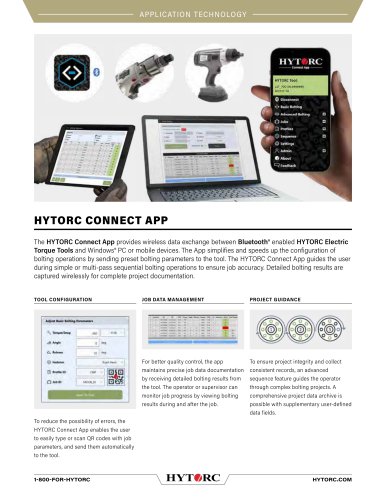
CONNECT APP Bolting Software
The HYTORC Connect App facilitates wireless data exchange between Bluetooth-enabled HYTORC Electric Torque Tools and Windows PCs or mobile devices. It streamlines bolting operations by sending preset parameters to the tool and guides users through sequential bolting operations to ensure accuracy. The app captures detailed bolting results wirelessly for comprehensive project documentation.
The app allows users to configure tools by sending bolting parameters such as Torque, Angle, Release, and Fastener type. It supports real-time monitoring and data export in CSV format. Advanced features like Turn Angle, Torque Check, and Rotations can be managed through the app.
For quality control, the app maintains precise job data documentation by receiving detailed bolting results. Users can monitor job progress during and after completion. The app supports creating Job IDs and retrieving job data wirelessly from the tool's memory.
An advanced sequence feature guides operators through complex bolting projects, ensuring project integrity and consistent records. Users can create multi-part, multi-pass bolting procedures with customizable items and user-defined documentation fields.
Users can create a library of bolting profiles and send them to the tool. The app allows for easy configuration of settings such as Torque and Angle Limits, Units, User ID, and more. QR codes can be generated for bolting profiles and Job IDs, enabling automatic tool configuration.
Headquarters: 333 Route 17 N., Mahwah, NJ 07430
Phone: 1-800-FOR-HYTORC
Email: [email protected]
Website: hytorc.com
Catalog excerpts
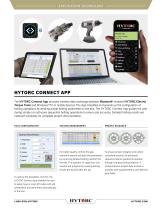
HYTORC CONNECT APP The HYTORC Connect App provides wireless data exchange between Bluetooth® enabled HYTORC Electric Torque Tools and Windows® PC or mobile devices. The App simplifies and speeds up the configuration of bolting operations by sending preset bolting parameters to the tool. The HYTORC Connect App guides the user during simple or multi-pass sequential bolting operations to ensure job accuracy. Detailed bolting results are captured wirelessly for complete project documentation. TOOL CONFIGURATION PROJECT GUIDANCE For better quality control, the app maintains precise job data documentation by receiving detailed bolting results from the tool. The operator or supervisor can monitor job progress by viewing bolting results during and after the job. To ensure project integrity and collect consistent records, an advanced sequence feature guides the operator through complex bolting projects. A comprehensive project data archive is possible with supplementary user-defined data fields. To reduce the possibility of errors, the HYTORC Connect App enables the user to easily type or scan QR codes with job parameters, and send them automatically to the tool.
Open the catalog to page 1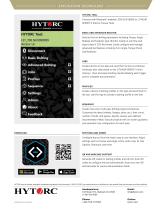
APPLICATION TECHNOLOGY HYTORC Tool: LST_700 SN 9999999 Access: L4 Q Disconnect T Js Basic Bolting 'DO Advanced Bolting Q Jobs Profiles © Sequence ® Settings p\ Admin W/} About Feedback HYTORC TOOL Connect with Bluetooth®-enabled LION GUN (BSM) or LITHIUM SERIES® II Electric Torque Tools. BASIC AND ADVANCED BOLTING Send to the tool bolting parameters including Torque, Angle, Release and Fastener type. Monitor results in real time and export data in CSV file format. Easily configure and manage advanced tool features including Turn Angle, Torque Check and Rotations. Create Job IDs on the App and...
Open the catalog to page 2All HYTORC catalogs and technical brochures
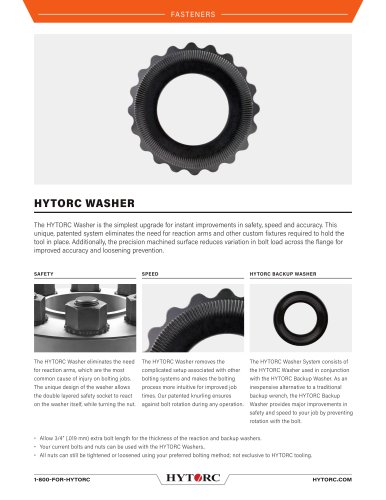 HYTORC Washer Cut Sheet
2 Pages
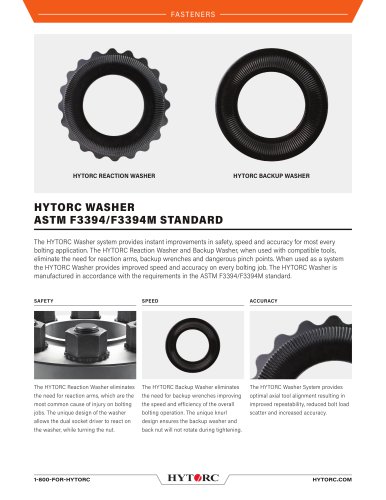 HYTORC ASTM Washer cut sheet
4 Pages
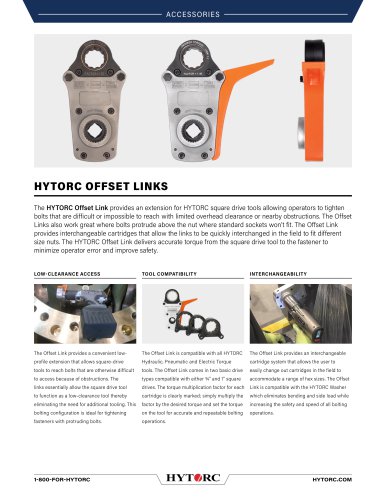 HYTORC Offset Link Cut Sheet
2 Pages
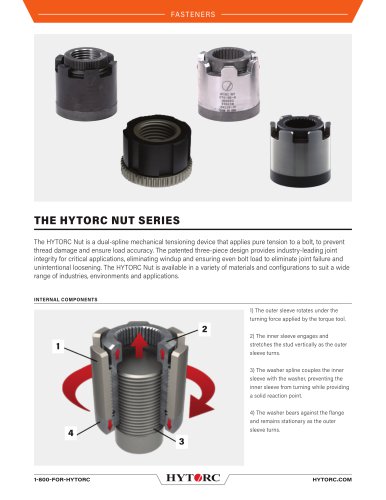 HYTORC Nut Series Cut Sheet
2 Pages
 THIS IS HYTORC
28 Pages
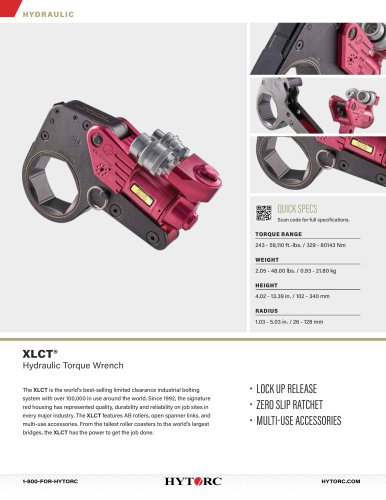 XLCT Hydraulic Torque Wrench
2 Pages
 LIGHTNING™ PUMP Series
2 Pages

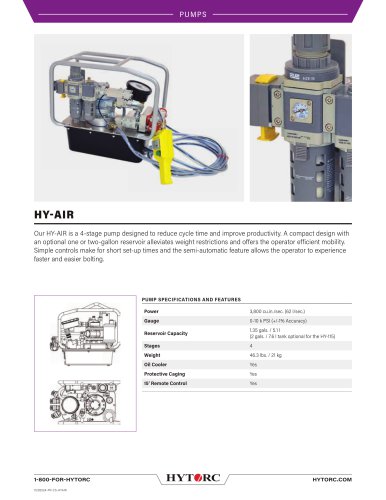
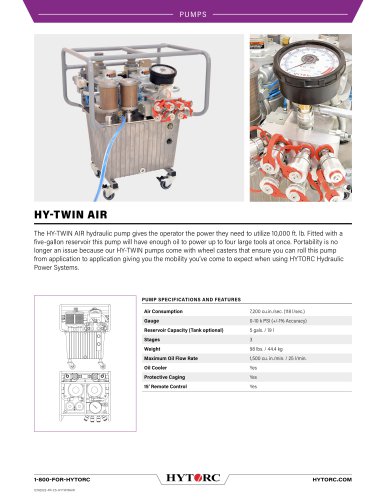
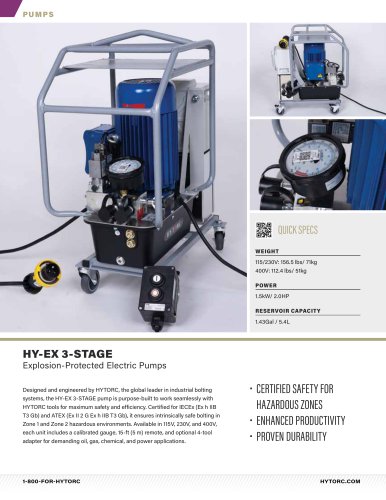
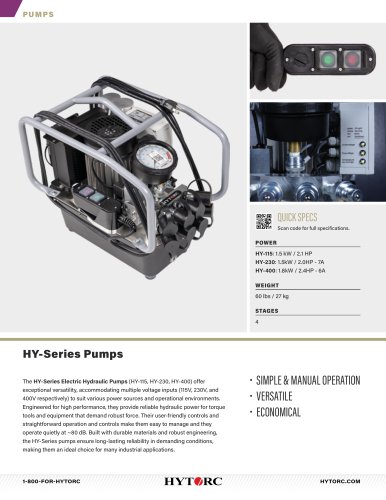
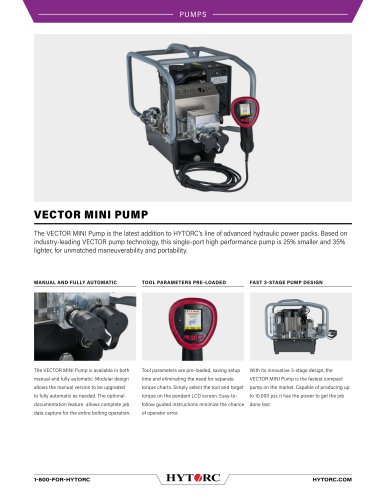
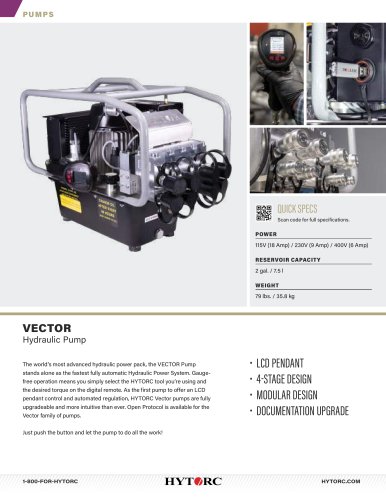
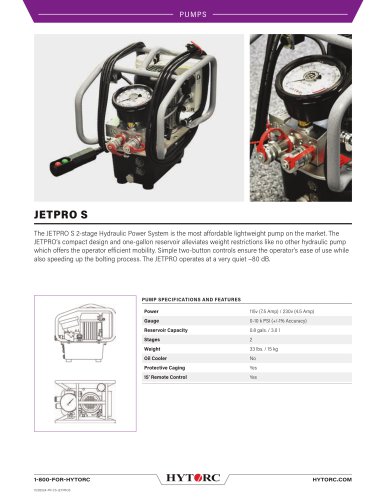
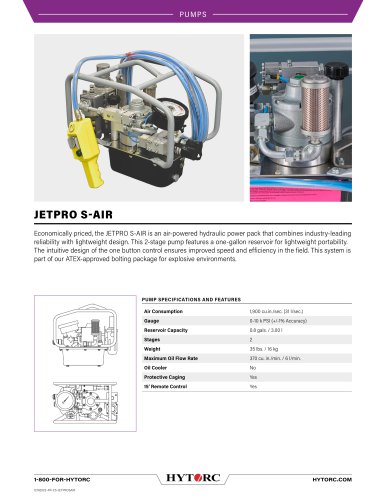
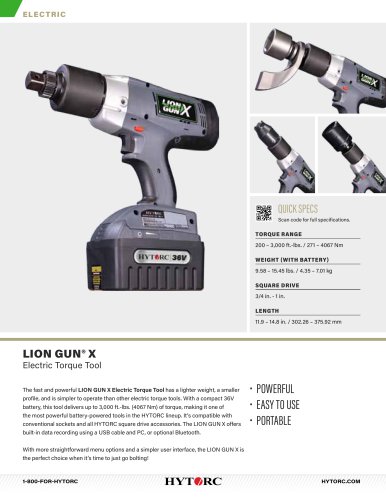
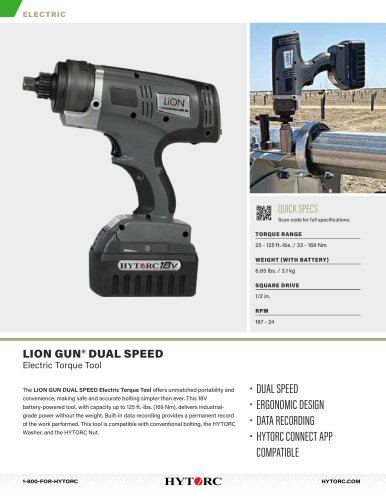
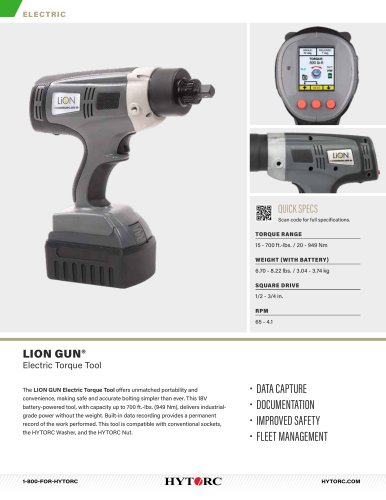
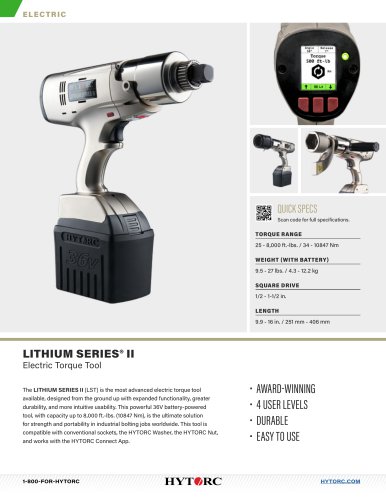
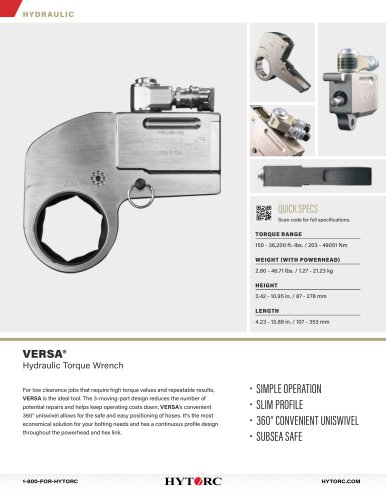
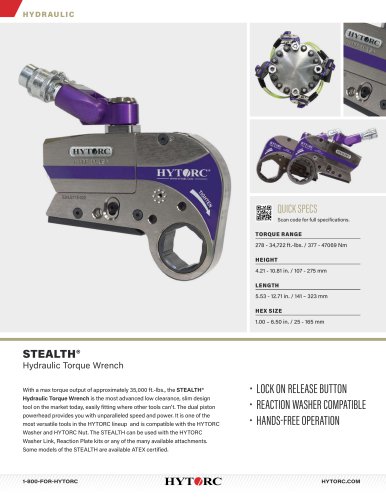
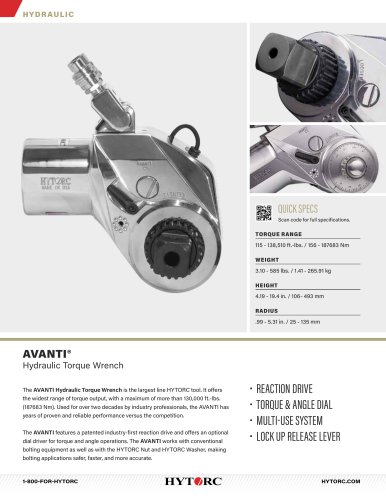
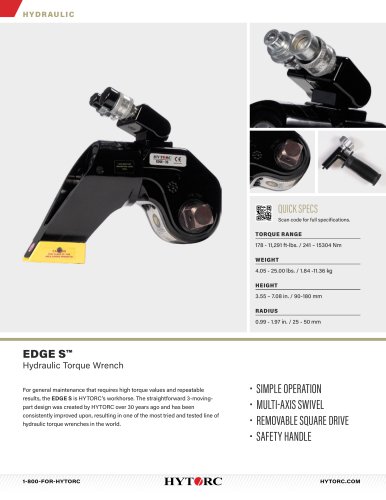
- Pump
- Industrial pump
- Pump with electric motor
- Centrifugal pump
- Self-priming pump
- Lubricant pump
- Oil pump
- Compact pump
- Management software solution
- Air-driven pump
- Real-time software
- Windows software
- Hydraulic pump
- Cloud-based software
- Nut
- High-pressure pump
- Intrinsically safe pump
- HYTORC torque wrench
- Industrial software
- Air pump