
- Catalogs
- HellermannTyton
- Labeling Software


Labeling Software
Labeling Software
- Support for alphanumeric sequences and simultaneous printing to multiple printers.
- Print later feature for job queuing and faster printing capabilities.
- Direct import from databases like Excel and Access, and support for more barcode types.
- Options for inverse, flip, and mirror images, and multi-lingual support.
- Print log availability and manual font size adjustment to 1/10 of a point.
- Customizable character dimensions and line spacing, compatible with previous version files.
- Incorporate variable data, graphics, or barcodes onto labels using a built-in table.
- Powerful sequencing feature to streamline data entry and reduce costs.
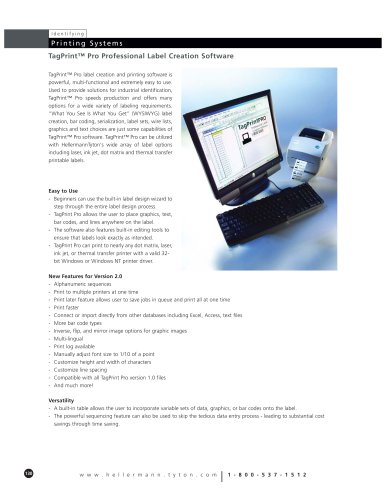
- Offers WYSIWYG label creation, barcoding, serialization, and more.
- Compatible with various printer types and label options.
- Label design wizard for beginners and flexible placement of graphics and text.
- Built-in editing tools and compatibility with most printers.
- WYSIWYG design, manual adjustments, and saving designs as JPEG/XML.
- Zoom capability, serial number printing, and lock-out design options.
- Import major graphic formats and rotate images 360°.
- Link graphics to tables and customize with over 150 clip art images.
- Support for popular barcode symbologies and on-screen preview.
- Control over barcode specifications and automatic text positioning.
- Use tables for variable labels, cut/paste functionality, and data export/import.
- Lock-out table designs and connect tables to label designs.
- Print to any printer with a valid driver, preview labels, and print test pages.
- Options to print selected labels, skip labels, and print logs for tracking.
- Includes a help guide, manual, and free telephone support.
- Available in multiple languages.
- IBM compatible with Windows 98se, ME, NT4.0, 2000, or XP.
- Requires 24 MB RAM and 16 MB hard-disk space.
Catalog excerpts
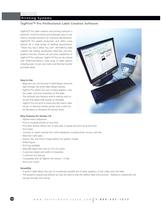
TagPrintٙ Pro label creation and printing software ispowerful, multi-functional and extremely easy to use.Used to provide solutions for industrial identification,TagPrint Pro speeds production and offers manyoptions for a wide variety of labeling requirements. ٓWhat You See Is What You Get (WYSIWYG) labelcreation, bar coding, serialization, label sets, wire lists,graphics and text choices are just some capabilities ofTagPrintԙ Pro software. TagPrint Pro can be utilizedwith HellermannTyton's wide array of label options including laser, ink jet, dot matrix and thermal transferprintable labels. Easy to Use -Beginners can use the built-in label design wizard tostep through the entire label design process.- TagPrint Pro allows the user to place graphics, text,bar codes, and lines anywhere on the label.-The software also features built-in editing tools to ensure that labels look exactly as intended.- TagPrint Pro can print to nearly any dot matrix, laser,ink jet, or thermal transfer printer with a valid 32- bit Windows or Windows NT printer driver. New Features for Version 2.0 - Alphanumeric sequences - Print to multiple printers at one time- Print later feature allows user to save jobs in queue and print all at one time- Print faster - Connect or import directly from other databases including Excel, Access, text files- More bar code types- Inverse, flip, and mirror image options for graphic images-Multi-lingual- Print log available - Manually adjust font size to 1/10 of a point- Customize height and width of characters- Customize line spacing- Compatible with all TagPrint Pro version 1.0 files- And much more! Versatility - A built-in table allows the user to incorporate variable sets of data, graphics, or bar codes onto the label.- The powerful sequencing feature can also be used to skip the tedious data entry process - leading to substantial cost savings through time saving. > 130 w w w . h e l l e r m a n n . t y t o n . c o m >
Open the catalog to page 1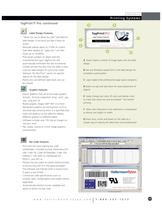
Label Design Features - ٓWhat You See Is What You Get (WYSIWYG) label design. It will print just like it looks on screen- Manually adjusts down to 1/10th of a point- Save label designs as *.jpeg and *.xml files - Zoom up to 10,000%- Print serial numbers on labels with the incremental text type. TagPrint Pro will automatically remember the last incremental number printed the next time the label is used- Lock-out label designs for print only mode- Selected ԓDo Not Print option for specific objects on the label design- Nearly any user-defined label stock size can be created A Easily import a variety...
Open the catalog to page 2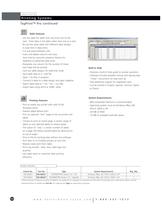
Table Features - Use the table for labels that vary from one to the next. Enter data in the table rather than one at a time.- Re-use the same table with different label designs to save time in data entry- Cut and paste between cells- Insert and delete columns and rows - Save time by using the sequence feature for repetitive or patterned data entry- Designate one column for the number of times each label will be printed- Lock-out table designs for read-only mode- Save table data as a *.pdf file- Open *.xls files in program- Connect a table to a label design and open together- Export table data...
Open the catalog to page 3All HellermannTyton catalogs and technical brochures
 HelaCon Plus Mini
2 Pages
 Z-Series
2 Pages
 X-Series
4 Pages
 Metal Systems
23 Pages
 Hazardous Environment
8 Pages
 Wind Energy
12 Pages
 Solar Product
8 Pages
 Railway
132 Pages
 Identification Systems
102 Pages
 Electrical Installation
42 Pages
 Cable Protection Systems
74 Pages
 Insulation
94 Pages
 Cable Ties and Fixings
166 Pages
 Broadband Connectivity Catalogue
10 Pages
 LightGuide 2 Product Catalogue
46 Pages
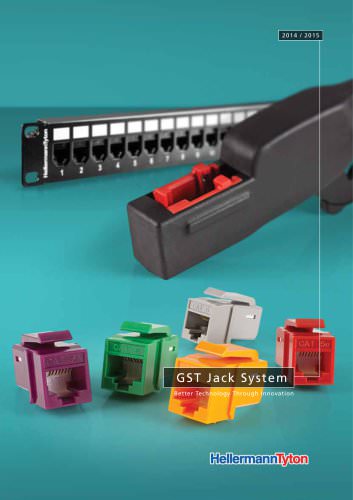 GST UTP Jack System
8 Pages
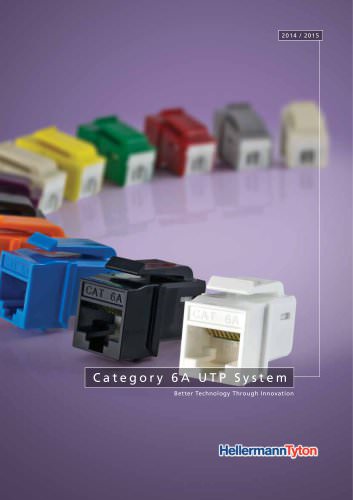 Category 6A UTP System
8 Pages
 Deca10 Brochure
8 Pages
 Data Centre Brochure
7 Pages
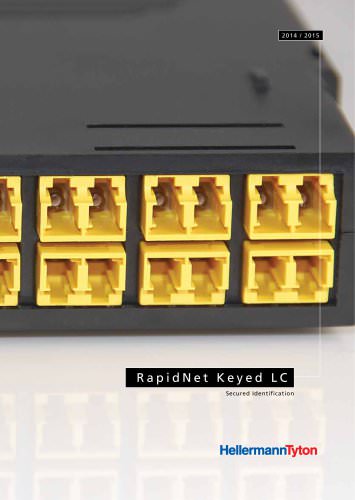 RapidNet Keyed LC
6 Pages
 Out of Rack
4 Pages
 Zero U
4 Pages
 Cablelok
4 Pages
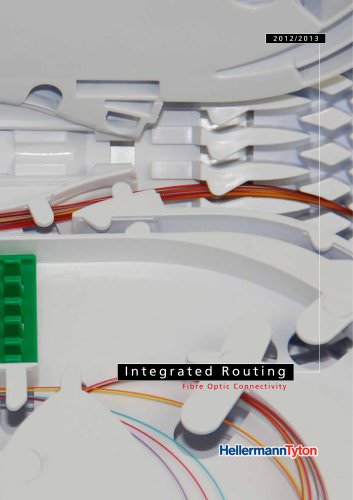 Integrated Routing
14 Pages
 FTTX Brochure
8 Pages
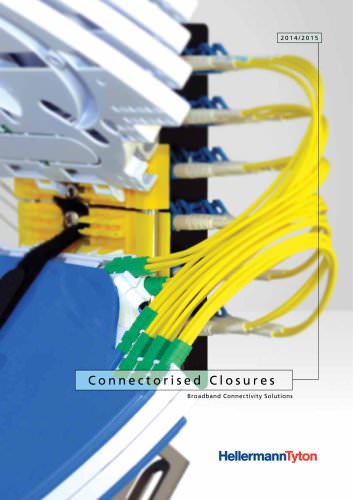 Connectorised Closures
4 Pages
 Automotive Catalogue 2013 / 2014
234 Pages
 Main Product Catalogue 2011/2012
646 Pages
 RapidNet Brochure
16 Pages
 Identification Products
24 Pages
 Racks & Cable Management Products
12 Pages
 Routing and Raceway Products
16 Pages
 Residential Products
10 Pages
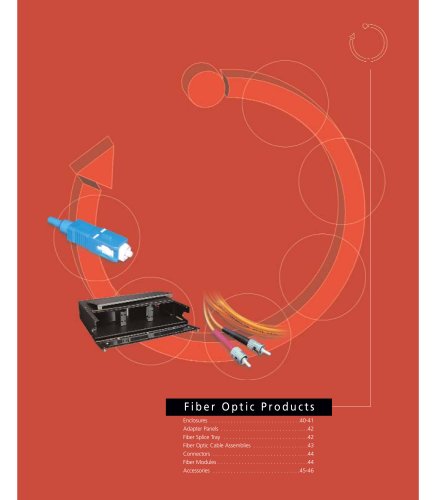 Fiber Optic Products
8 Pages
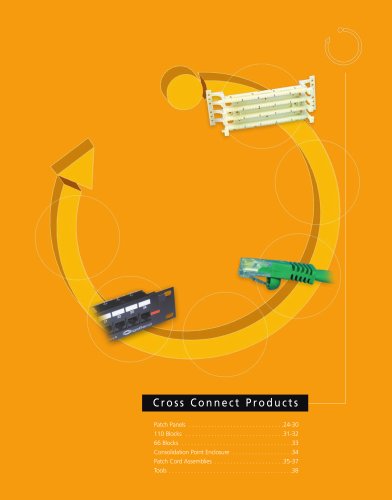 Cross Connect Products
16 Pages
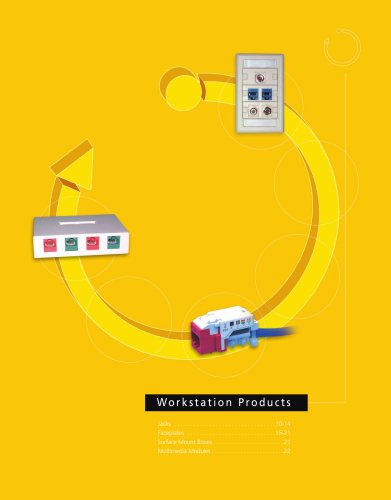 Workstation Products
14 Pages
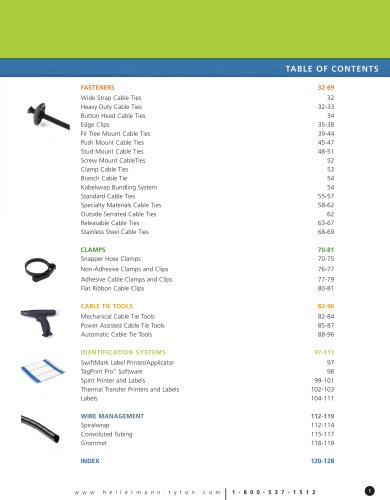 Engineered Fastening Solutions Catalog
128 Pages
 Miscellaneous Labeling
14 Pages
 Dot Matrix Labels
8 Pages
 Ink Jet Labels
5 Pages
 Laser Labels
6 Pages
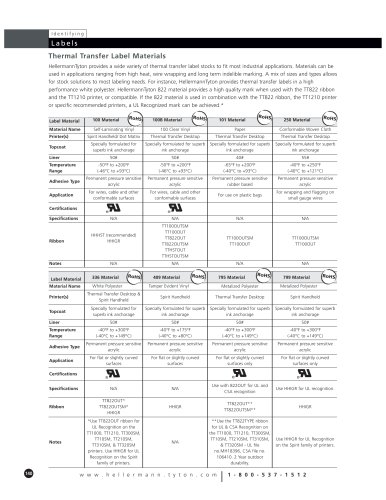 Thermal Transfer Labels
10 Pages
 Wire Diameter Guide
1 Page
 Thermal Transfer Printers
4 Pages
 Electrical Tape
1 Page
 Grommet
2 Pages
 Convoluted Tubing
2 Pages
 Spiralwrap
3 Pages
 Wiring Duct
19 Pages
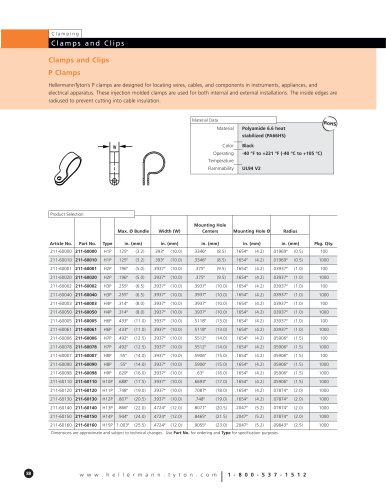 Clamps and Clips
13 Pages
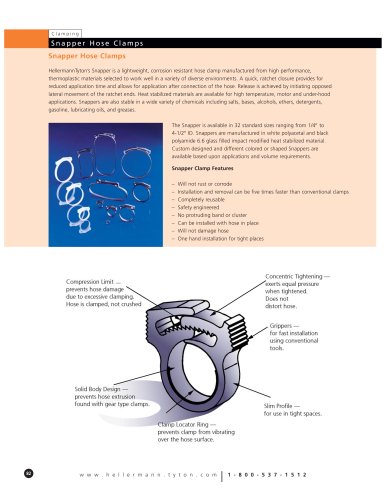 Snapper Hose Clamps
6 Pages
 Cable Tie Tools
15 Pages
 Cable Tie Mounts
8 Pages
 Grip Ties
3 Pages
 Cable Ties
45 Pages



Archived catalogs
 Cable Ties and Fixings
90 Pages
- Connector
- Data connector
- Junction block
- Cable sleeve
- Rectangular connector
- Protection sleeve
- Manual gun
- Adhesive tape
- Cable connector
- Straight connector
- Polymer conduit
- Optical cable
- DIN rail-mounted terminal block
- Crimping applicator
- Tubular sleeve
- Optical data cable
- Label printer
- Bendable sleeve
- IEC connector
- Thermal transfer label printer