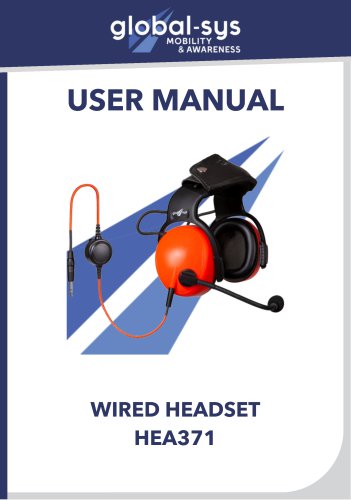
User guide Hea 371 - NextGen
1 /8Pages
User guide Hea 371 - NextGen
1 /8Pages
Catalog excerpts
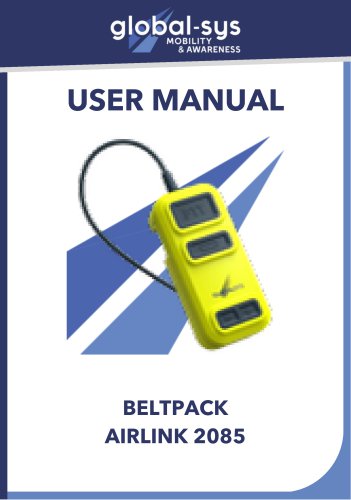
USER MANUAL
Open the catalog to page 1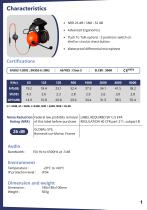
• Advanced Ergonomics • Push To Talk options : 3 positions switch on shell or circular chest button • Waterproof differential microphone Noise Reduction Rating (NRR) Federal law prohibits removal LABEL REQUIRED BY U.S EPA of this label before purchase REGULATION 40 CFR part 211, subpart B Bonneuil-sur-Marne, France
Open the catalog to page 2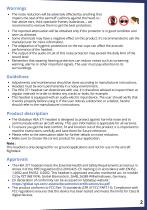
• The noise reduction will be adversely affected by anything that impairs the seal of the earmuff cushions against the head, ie. : hair above ears, thick spectacle frames, balaclavas,... we recommend to remove them to get the best protection. • The reported attenuation will be obtained only if the protector is worn as directed. • Some chemicals may have a negative effect on this product. It's recommended to ask the manufacturer for more information. • The adaptation of hygienic protections on the ear cups can affect the acoustic performance of the headset. • The output of the audio circuit of...
Open the catalog to page 3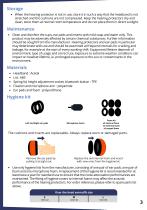
• When the hearing protector is not in use, store it in such a way that the headband is not stretched and the cushions are not compressed. Keep the hearing protectors dry and clean, store them at normal room temperature and do not place them in direct sunlight. • Clean and disinfect the cups, ear pads and inserts with mild soap and water only. This product may be adversely affected by certain chemical substances. Further information should be sought from the manufacturer. Hearing protectors and ear pads in particular may deteriorate with use and should be examined at frequent intervals for cracking...
Open the catalog to page 4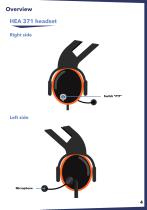
Overview HEA 371 headset Right side Left side
Open the catalog to page 5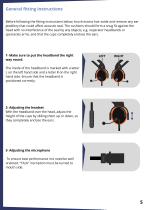
General fitting instructions Before following the fitting instructions below, brush excess hair aside and remove any ear jewellery that could affect acoustic seal. The cushions should form a snug fit against the head with no interference of the seal by any objects, e.g. respirator headbands or spectacles arms, and that the cups completely enclose the ears. 1- Make sure to put the headband the right way round. The inside of the headband is marked with a letter L on the left hand side and a letter R on the right hand side. Ensure that the headband is positioned correctly. 2- Adjusting the headset...
Open the catalog to page 6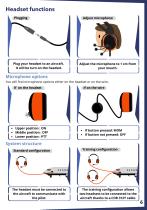
Headset functions Plugging Plug your headset to an aircraft. It will be turn on the headset. Adjust microphone Adjust the microphone to 1 cm from your mouth. Microphone options You will find microphone options either on the headset or on the wire. If on the headset Upper position : ON Middle position : OFF Lower position : PTT If button pressed: MOM If button not pressed: OFF System structure Standard configuration The headset must be connected to the aircraft to communicate with the pilot. Training configuration The training configuration allows two headsets to be connected to the aircraft thanks...
Open the catalog to page 7
2b, avenue Hélène Boucher, 94380, Bonneuil-Sur-Marne Phone : +331 43 99 42 17 Mail : [email protected] Website: global-sys.com
Open the catalog to page 8All Globalsys catalogs and technical brochures
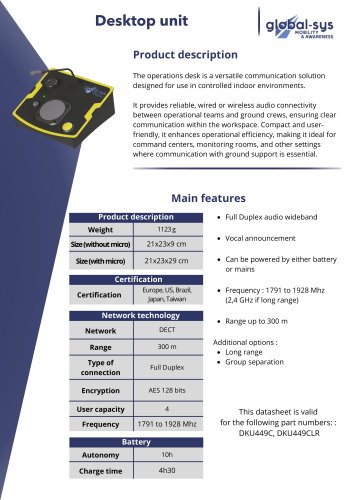 Desktop unit
2 Pages
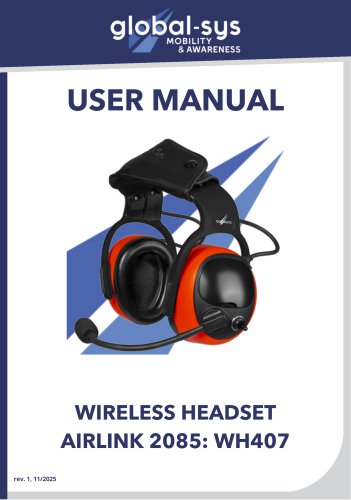 user manual airlink 2085
12 Pages
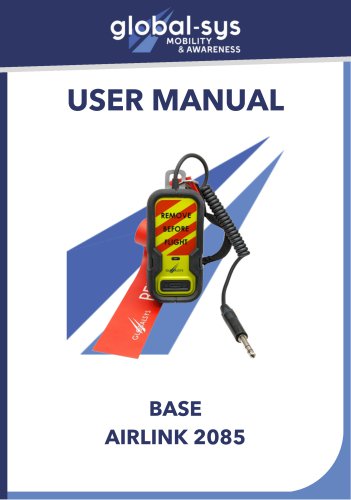 User guide base Airlink 2085
7 Pages
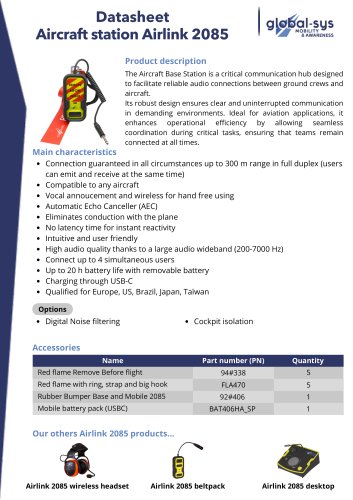 Datasheet Aircraft base 2085
3 Pages
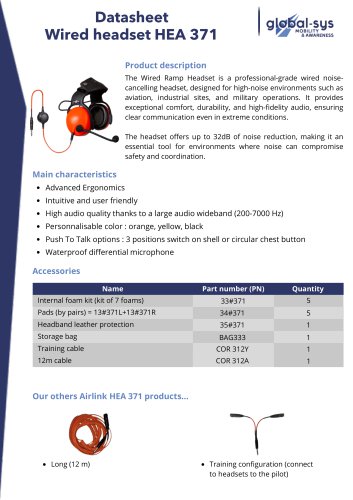 Datasheet HEA 371
3 Pages
 Brochure Airlink 3085
2 Pages
 Brochure Airlink 2085
3 Pages
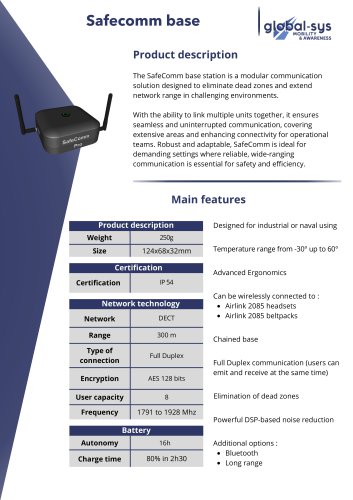 Safecomm base
2 Pages
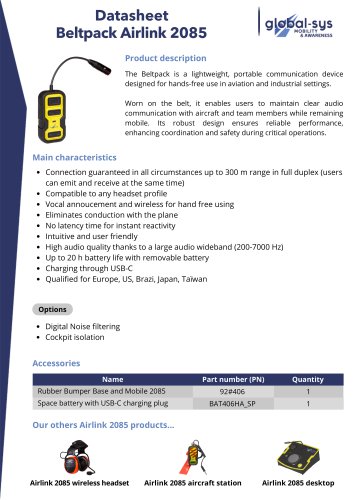 Embedded base Airlink 3085IA
3 Pages
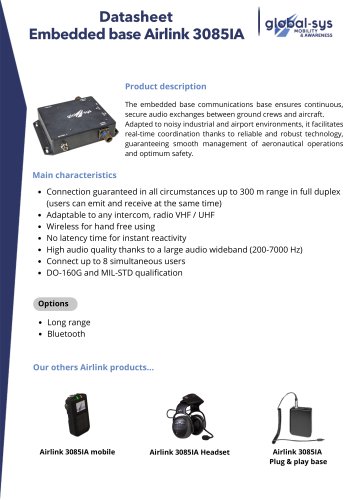 Embedded base Airlink 3085IA
3 Pages
 Mobile Airlink 3085IA
3 Pages