
- Catalogs
- Estone Technology
- RT-231 Datasheet


- Company
- Products
- Catalogs
- News & Trends
- Exhibitions
RT-231 Datasheet
RT-231 Datasheet
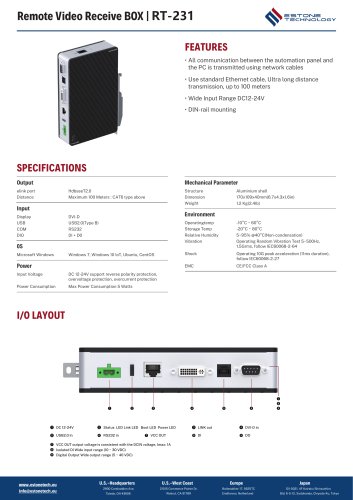
- Power: Input voltage range is DC 12-24V with reverse polarity, overvoltage, and overcurrent protection. Maximum power consumption is 5 Watts.
- Mechanical Parameters: The device features an aluminum shell with dimensions of 170x109x40mm and a weight of 1.2 Kg.
- Environmental Conditions: Operating temperature ranges from -10°C to 60°C, with storage temperatures from -20°C to 80°C. It supports 5-95% relative humidity at 40°C (non-condensing).
- Communication: Utilizes standard Ethernet cables for communication, supporting ultra-long distance transmission up to 100 meters.
- Supports remote video reception with DVI-D input, RS232 input, and USB2.0 input.
- Compatible with Microsoft Windows 7, Windows 10 IoT, Ubuntu, and CentOS operating systems.
- Includes DIN-rail mounting for easy installation.
- The RT-231 must be used with both TX and RX boxes for full functionality, supporting up to 2K resolution.
- Compatible with regular and various brand monitors.
- Network cables must be CAT6 or higher for optimal performance over longer distances.
- LED indicators provide status updates: Power, Boot, Link, and Status LEDs indicate power status, firmware integrity, connection activity, and panel connection status.
- Specific LED behaviors (e.g., blinking patterns) indicate different operational states.
Catalog excerpts
Remote Video Receive BOX I RT-231 FEATURES • All communication between the automation panel and the PC is transmitted using network cables • Use standard Ethernet cable, Ultra longdistance • Wide Input Range DC12-24V • DIN-rail mounting Mechanical Parameter elink port HdbaseT2.0 Distance Maximum 100 Meters : CAT6 type above Input Display Microsoft Windows Windows 7, Windows 10 loT, Ubuntu, CentOS Power Input Voltage DC 12-24V support reverse polarity protection, overvoltage protection, overcurrent protection Power Consumption Max Power Consumption 5 Watts Operatingtemp Storage Temp Relative Humidity Vibration Operating Random Vibration Test 5~500Hz, 1.5Grms, follow IEC60068-2-64 Operating 10G peak acceleration (11ms duration), follow IEC60068-2-27 I/O LAYOUT O DC 12-24V 0 Status LED Link LED Boot LED Power LED 0 LINK out O DVI-D in © VCC OUT output voltage is consistent with the DCIN voltage, Imax: 1A 0 Isolated Dl Wide input range (10 ~ 30 VDC) © Digital Output Wide output range (5 ~ 40 VDC) [email protected] 2900 Carskaddon Ave, Toledo, OH 43606 U.S.-West Coast 21015 Commerce Pointe Dr, Walnut, CA 91789 Europe Baltesakker 17, 5625TC Eindhoven, Netherland 101-0021, 4F Kairaku Shinsuehiro Bid. 6-5-12, Sodokanda, Chiyoda-Ku, Tokyo
Open the catalog to page 1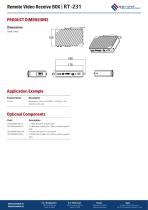
Remote Video Receive BOX | RT-231 PRODUCT DIMENSIONS Dimensions (unit: mm) Application Example Product Name Optional Components Parts L=1.8M, SB type A to USB typeB L=1.8M, Male to Male, 18+1, Black, double magnetic loop L=0.5M, USB type A to UsB typeB L=0.5M, Male to Male, 18+1, Black, double magnetic loop www.estonetech.eu [email protected] U.S.-West Coast Europe Baltesakker 17, 5625TC Eindhoven, Netherland Japan 101-0021, 4F Kairaku Shinsuehiro Bld. 6-5-12, Sodokanda, Chiyoda-Ku, Tokyo
Open the catalog to page 2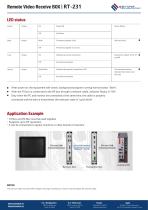
Remote Video Receive BOX I RT-231LED status Power o After power on, the equipment self-check, background program running normal status "blink". 0 After the TX box is connected to the RX box through a network cable, indicator Status is "ON". ® Only when the PC and monitor are connected at the same time, the cable is properly connected and the data is transmitted, the indicator state is" quick blink". • TX Box and RX Box must be used together • It can be connected to regular monitors or other brands of monitors The network cable must be CAT6 or higher. The longer the distance, must be used the...
Open the catalog to page 3All Estone Technology catalogs and technical brochures
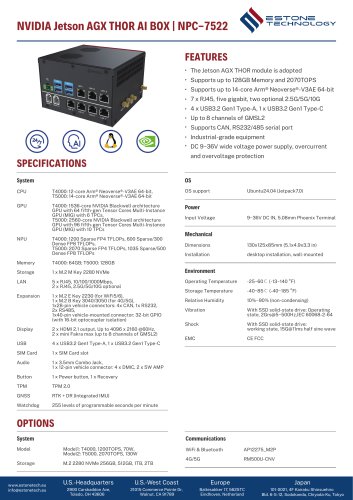 NPC-7522 Datasheet
2 Pages
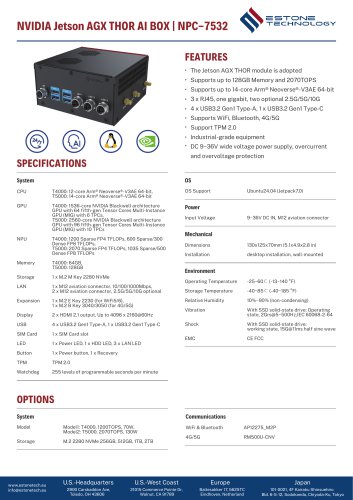 NPC-7532 Datasheet
2 Pages
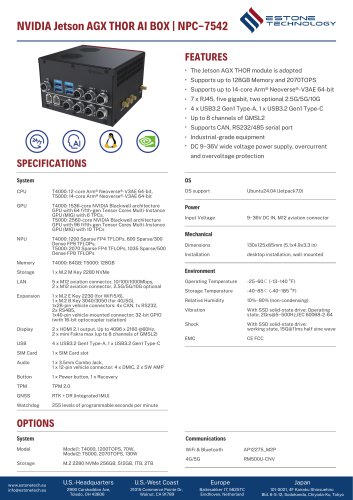 NPC-7542 Datasheet
2 Pages
 NPC-7512 Datasheet
2 Pages
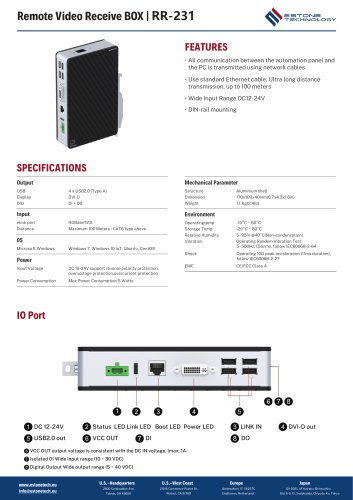 RR-231 Datasheet
3 Pages
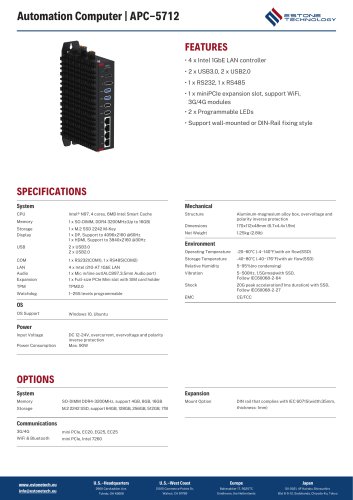 APC-5712 Datasheet
2 Pages
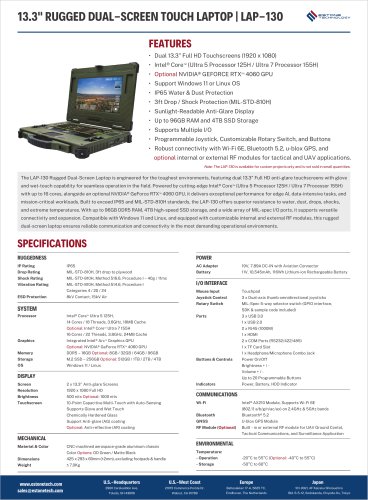 LAP-130 Datasheet
2 Pages
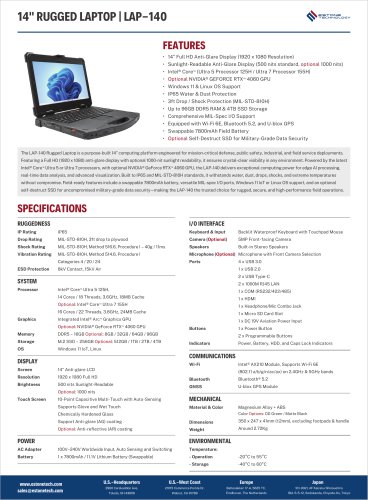 LAP-140 Datasheet
2 Pages
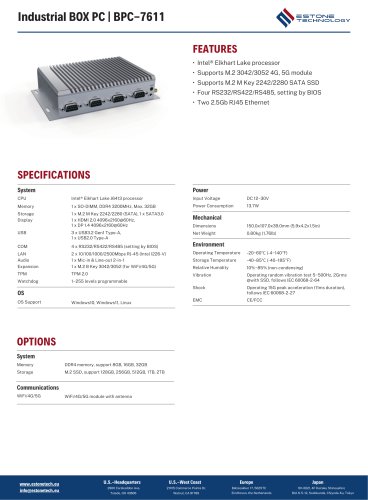 BPC-7611
2 Pages
 MJ-80M Datasheet
2 Pages
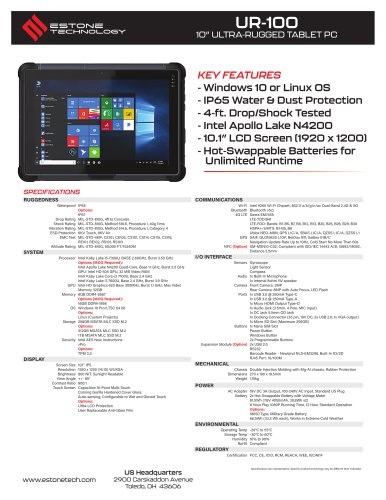 UR-100 Datasheet
2 Pages
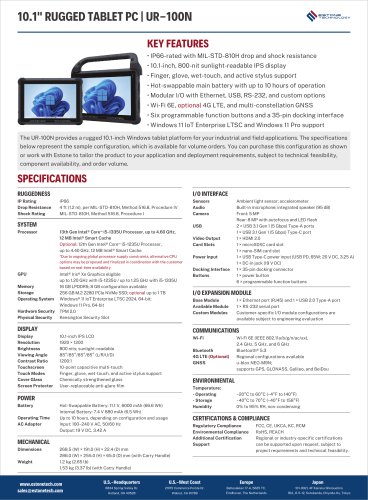 UR-100N Datasheet
2 Pages
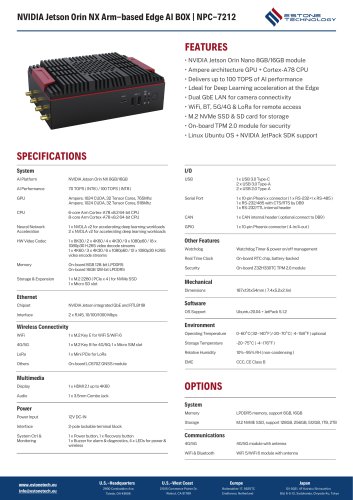 NPC-7212 Datasheet
2 Pages
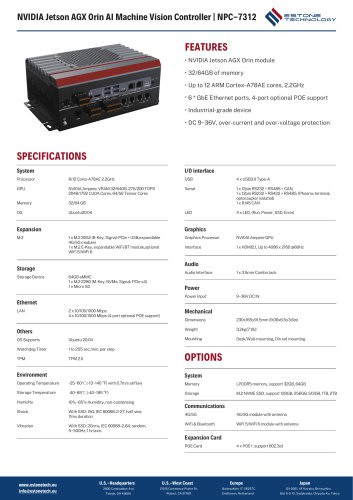 NPC-7312 Datasheet
2 Pages
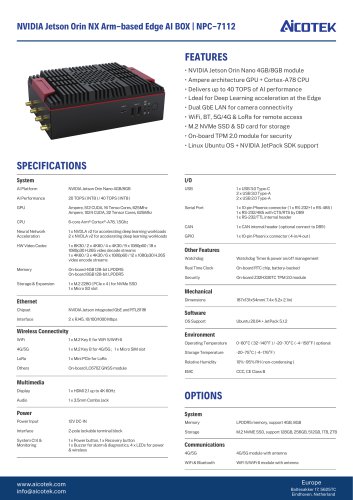 NPC-7112 Datasheet
2 Pages
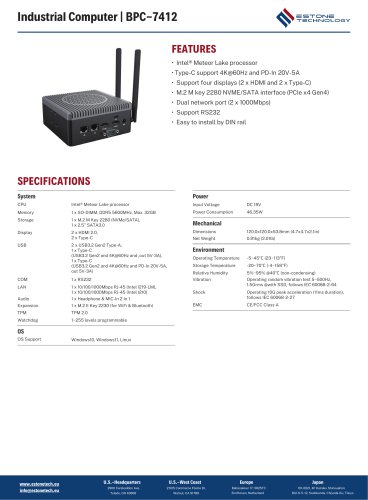 BPC-7412 Datasheet
2 Pages
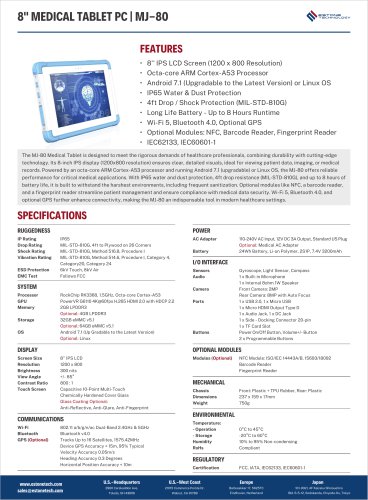 MJ-80M Datasheet
2 Pages
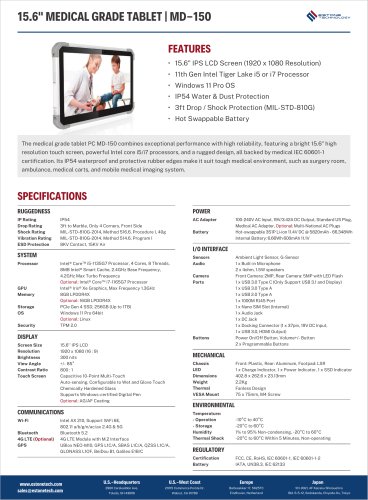 MD-150 Datasheet
2 Pages
 MD-130 Datasheet
2 Pages
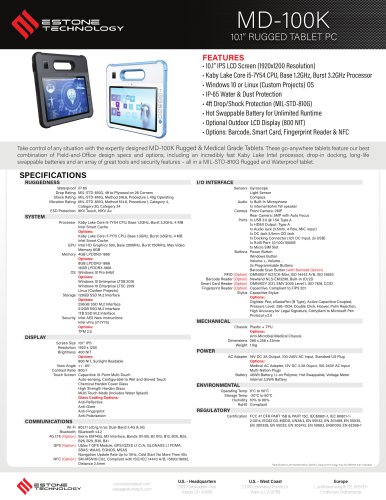 MD-100MK Datasheet
2 Pages
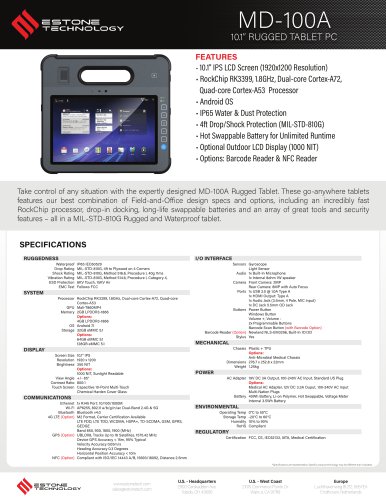 MD-100MA Datasheet
2 Pages
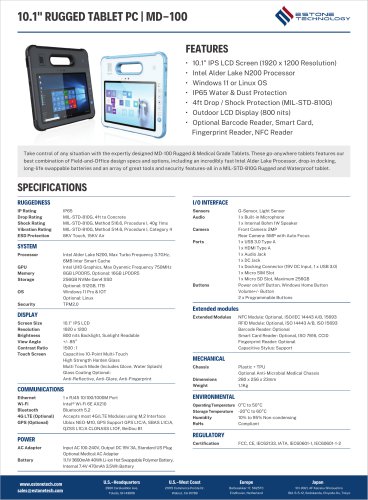 MD-100M Datasheet
2 Pages
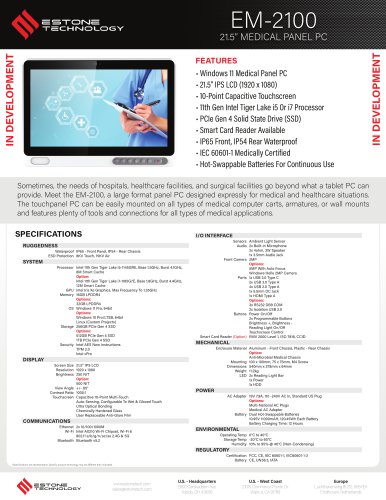 EM-2100 Datasheet
2 Pages
 UR-120 Datasheet
2 Pages
 UR-100N Datasheet
2 Pages
 UR-100 Datasheet
2 Pages
 MW-100 Datasheet
2 Pages
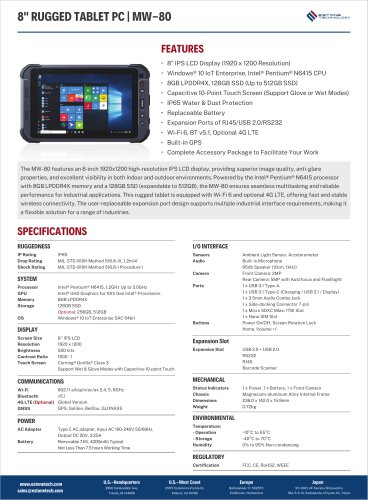 MW-80 Datasheet
2 Pages
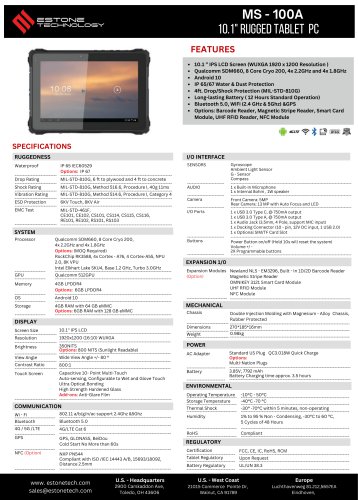 MS-100A Datasheet
2 Pages
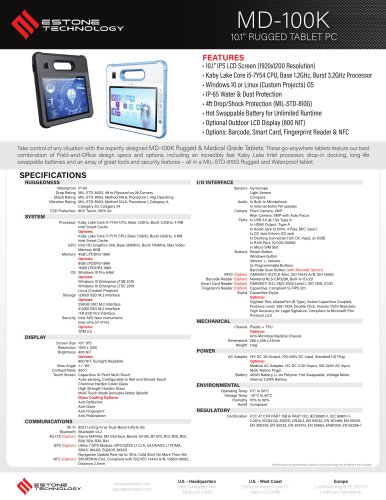 MD-100K Datasheet
2 Pages
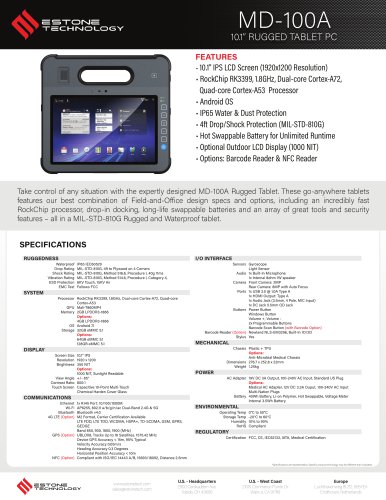 MD-100A Datasheet
2 Pages
 MD-100 Datasheet
2 Pages
 BPC-7232
2 Pages
 MJ-80
MJ-802 Pages
Archived catalogs
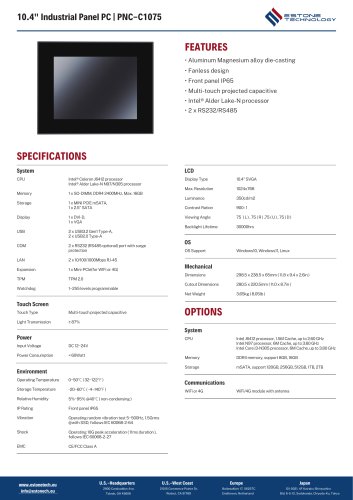 PNC-CXX75 Datasheet
16 Pages
 PPC-CXX27 Datasheet
12 Pages
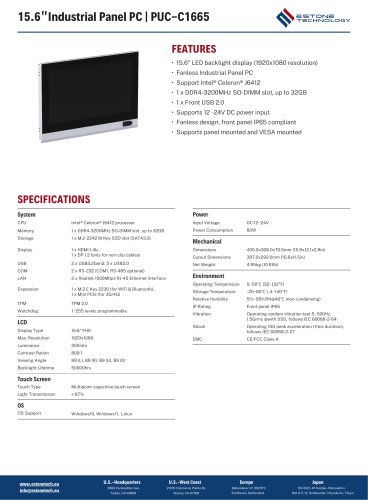 PUC-CXX65 Datasheet
6 Pages
- ESTONE panel PC
- ESTONE industrial panel PC
- ESTONE panel PC with touch screen
- Fanless panel PC
- LCD panel PC
- VESA mounting panel PC
- Intel® Core™ PC
- Intel® Core™ panel PC
- IP65 panel PC
- Housed panel PC
- ESTONE industrial PC
- ESTONE fanless PC
- Linux panel PC
- ESTONE HDMI PC
- ESTONE embedded PC
- ESTONE box PC
- ESTONE RS-232 PC
- USB 2.0 PC
- Windows PC
- Windows 10 panel PC