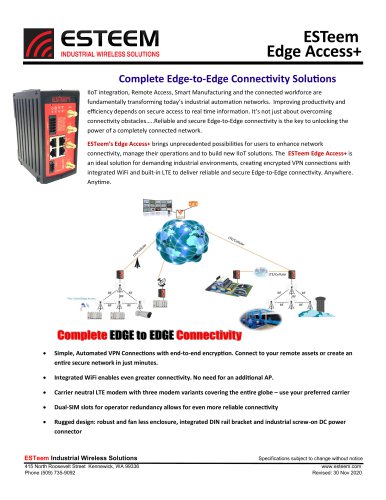
- Catalogs
- ESTeem Industrial Wireless Solutions
- ESTeem MODEL 195E SERIES

ESTeem MODEL 195E SERIES
ESTeem MODEL 195E SERIES
The ESTeem Model 195E series is a wireless Ethernet radio modem designed for WLANs, supporting RF data rates up to 54 Mbps and featuring an RS-232 serial port for legacy devices. The manual provides configuration guidance for various applications.
EST offers a one-year warranty against manufacturing defects, excluding implied warranties. Liability is limited to refund, repair, or replacement, excluding consequential damages.
The Model 195E supports multiple modes: Access Point, Access Point Repeater, Self-Healing Mesh Network, and Station Modes, each catering to different network needs.
Details on hardware components, including front panel layout and antenna connections, are provided for different models (195Eg, 195Ea, 195Ed, 195Ep).
Operational modes include Ethernet Bridge, Router, and Mobile Client Modes, with programming examples using the ENC Utility.
Utilities like the ENC Utility, Discovery Program, and EtherStation Status Program are covered, along with features like VLAN Operation and SNMP.
Instructions for using the Web Configuration Manager, including modem setup, system logs, and software updates.
Guidance on using RS-232 ports for programming and data applications, including configuration details.
Explanation of Mesh Network configuration, RSTP, and STP, including redundant backup configurations.
Details on antenna and cable configurations, weatherproofing, and antenna diversity.
Includes FCC information, interface ports, radio configuration, security, troubleshooting tips, and model specifications.
Functions as a router between wired and wireless networks, requiring separate subnets and blocking global broadcasts.
Connects mobile clients to a single static IP, acting as a firewall, ideal for limited IP networks.
Extends Access Point range and bridges Ethernet devices over the wireless network.
Creates a self-healing network with multiple repeater routes, rerouting data if the primary path fails.
Includes EtherStation, Station Router, and Station Masquerade Modes, each with specific network configurations.
Supports serial data applications over broadband, with point-to-point or multi-point networking.
1. Determine mode of operation. 2. Program using ENC Utility or Web interface. 3. Install hardware and test communication.
Connect antennas and assemble hardware before mounting, ensuring all components are present.
Includes Ethernet Bridge, Router, and Mobile Client Modes, each with specific network traffic handling.
Using the ENC Utility for programming, including adding devices and configuring for specific applications.
Examples of IP addressing and subnet configurations for different router modes.
Methods to handle multicast traffic, including using separate subnets and routers.
Fixed points via Ethernet Bridge and mobile devices, each handling multicast traffic differently.
Supports SNMPv1 and SNMPv2c for network status monitoring, with a list of supported MIB items.
Includes backup and restore functions, software updates, and system reboots via the web interface.
Details on configuring the RS-232C port for initial setup and further programming via the Web Server.
Supports Mesh networking with self-healing capabilities and RSTP for faster network recovery.
Prevents network loops by blocking redundant links, with Root Bridge selection for routing efficiency.
Details on antenna configurations, weatherproofing, and diversity setups for optimal performance.
Complies with FCC Part 15 rules, with conditions on interference and user intervention requirements.
Lists FCC field office addresses and certification numbers for various models.
Details on Ethernet and RS-232C programming ports, with pin-out tables.
Frequency channels, bandwidths, and recommended settings for optimal performance.
Security protocols supported, including AES-CCMP and WPA2, with recommendations for enhancing network security.
Guidance on verifying communication links and optimizing configurations for long-range applications.
Detailed specifications for antennas and transmitters, including operational frequencies and power requirements.
Supports PoE, with power supplies ranging from 13 to 30 Watts, and Ethernet connectivity through 10/100Base T RJ-45 ports.
Frequency ranges from 2.412 to 5.875 GHz, with RF data rates from 1 to 54 Mbps.
Sensitivity ranges from -68 dBm to -96 dBm, with frame error rates below 10%.
Various models with gains from unity to 22 dBi, designed for fixed base or direct case mounting.
Operating temperature ranges from -40°C to +85°C, with humidity tolerance up to 95% non-condensing.
FCC and Industry Canada type acceptance noted, with safety precautions for antenna separation distances.
Catalog excerpts

Wireless Modems Manual Revision 1.0 October 2012 Electronic Systems Technology, Inc.
Open the catalog to page 1
Name: Eric P. Marske Title: Product Support Manager Approved by: Name: Tom L. Kirchner Title: President Electronic Systems Technology, Inc. Building B1 415 N. Quay Street Kennewick, WA 99336 Phone: 509-735-9092 Fax: 509-783-5475 E-mail: [email protected] Web Site: www.esteem.com Copyright© 2013 by Electronic Systems Technology, Inc. All rights reserved. Printed in the United States of America. No part of this publication may be reproduced, stored in a retrieval system, or transmitted, in any form or by any means, electronic, mechanical, photocopying, recording, or otherwise, without the prior...
Open the catalog to page 2
PRODUCT WARRANTY Electronic Systems Technology, Inc., (hereinafter EST) expressly warrants its products as free of manufacturing defects for a period of one year from the date of sale to first user/customer. THERE ARE NO OTHER WARRANTIES, EXPRESS OR IMPLIED AND THERE IS EXPRESSLY EXCLUDED ALL WARRANTIES OF MERCHANTABILITY OR FITNESS FOR A PARTICULAR PURPOSE. NO OTHER WARRANTY GIVEN BY ANY EMPLOYEE, AGENT, DISTRIBUTOR OR OTHER PERSON WITH RESPECT TO THE PRODUCT SHALL BE BINDING ON EST. LIMITATION OF LIABILITY: EST's liability shall be limited to refunding of purchase price, repair or replacement...
Open the catalog to page 3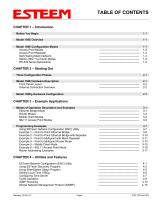
TABLE OF CONTENTS CHAPTER 1 – Introduction Before You Begin Model 195E Configuration Modes Access Point Modes Access Point Repeater Self-Healing Mesh Network Station (802.11g Client) Modes RS-232 Serial Applications Three Configuration Phases Model 195E Hardware Description Front Panel Layout Antenna Connection Overview Model 195Eg Hardware Configuration CHAPTER 3 – Example Applications Modes of Operation Description and Examples Ethernet Bridge Mode Router Modes Mobile Client Modes 802.11 Access Point Modes Programming Examples Using ESTeem Network Configuration (ENC) Utility Example 1 – Point...
Open the catalog to page 4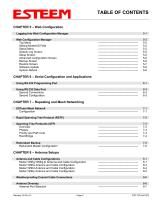
TABLE OF CONTENTS CHAPTER 5 – Web Configuration 5-1 Logging Into Web Configuration Manager Web Configuration Manager Top Menu Setting ModemID Field Status Menu System Log Screen Setup Screen Advanced Configuration Screen Backup Screen Restore Screen Software Update System Reboot CHAPTER 6 – Serial Configuration and Applications 6-1 Using RS-232 Programming Port Using RS-232 Data Port Second Connections Second Configuration CHAPTER 7 – Repeating and Mesh Networking ESTeem Mesh Network Configuration Rapid Spanning Tree Protocol (RSTP) Spanning Tree Protocols (STP) Overview Phases Priority and Path...
Open the catalog to page 5
Assembling the AA195PM Outdoor Pole Mounting Kit 195E Grounding Procedure Fresnel Zone APPENDIX A – FCC Information APPENDIX B – Interface Ports Ethernet Interface Configuring DHCP Server RS-232 Programming Port Pin-Out RS-232 Data Port Pin-Out APPENDIX C – Radio Configuration Frequency of Operation Setting RF Bandwidth Setting Data Rates Setting RF Power Level Average RF Output Power APPENDIX D – Security APPENDIX E – Troubleshooting Testing Communication Link Viewing RF Data Rates Signal Strength vs Data Rates Setting Maximum Distance Value Troubleshooting Tips APPENDIX F – 195Eg Specifications...
Open the catalog to page 6
CHAPTER 1 INTRODUCTIONBEFORE YOU BEGIN Thank you and congratulations on your purchase of the ESTeem Model 195E Wireless Ethernet Radio Modem! This manual was written to help both the first time and advanced user of the 195E to configure the wireless modem for your application. If this is your first time configuring the 195E and you would like to get going as soon as possible, we recommend using the ESTeem Resource CD provided with the modem. The Resource CD will provide the software utilities and guide you through the configuration of the wireless modem for your application. The ESTeem 195E series...
Open the catalog to page 7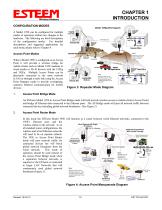
CHAPTER 1 INTRODUCTION CONFIGURATION MODES A Model 195E can be configured for multiple modes of operation without any changes to the hardware. The following are brief descriptions of the configuration modes. For detailed descriptions and suggested applications for each mode, please refer to Chapter 4. When a Model 195E is configured as an Access Point it will provide a wireless bridge for mobile clients such as Model 195E modems in client modes or Wi-Fi devices with the 195Eg and 195Ea. Multiple Access Points can be physically connected to the same network (LAN) or through a radio link using...
Open the catalog to page 8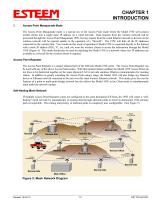
Access Point Masquerade Mode The Access Point Masquerade mode is a special use of the Access Point mode where the Model 195E will connect mobile clients into a single static IP address on a wired network. Data requests from the wireless network will be processed through the Access Point Masquerade 195E, but any request from the wired Ethernet network to devices on the wireless network will be rejected similar to the operation of a “firewall”. The 195E will hide all the IP addresses connected on the wireless link. You would use this mode of operation if Model 195E is connected directly to the...
Open the catalog to page 9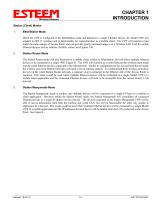
CHAPTER 1 INTRODUCTION Station (Client) Modes 1. EtherStation Mode When the 195E is configured in the EtherStation mode and attached to a single Ethernet Device, the Model 195E will emulate an 802.11 wireless card in functionality for communication as a mobile client. The 195E will seamless roam under the radio canopy of Access Points and can provide greatly increased range over a Wireless LAN Card for mobile Ethernet devices such as vehicles, forklifts, cranes, etc (Figures 2-4). Station Router Mode The Station Router mode will also functions as a mobile client, similar to EtherStation, but...
Open the catalog to page 10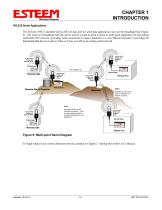
CHAPTER 1 INTRODUCTION RS-232 Serial Applications The ESTeem 195E is installed with an RS-232 data port for serial data applications run over the broadband link (Figure 6). The serial over broadband network can be used in a point-to-point or point-to-multi-point application for networking serial (RS-232C) devices, providing serial connections to legacy hardware in a new Ethernet network or providing for high-bandwidth devices (such as Video or Voice over IP) in an existing serial network. Access Point Bridge with Repeater Mode Access Point Bridge with Repeater Mode Line-of-Sight Path Remote Site...
Open the catalog to page 11All ESTeem Industrial Wireless Solutions catalogs and technical brochures
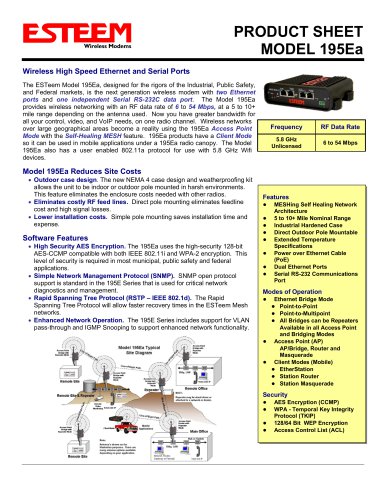 MODEL 195Ea
2 Pages
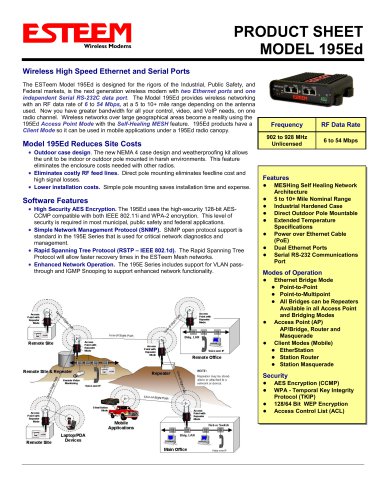 MODEL 195Ed
2 Pages
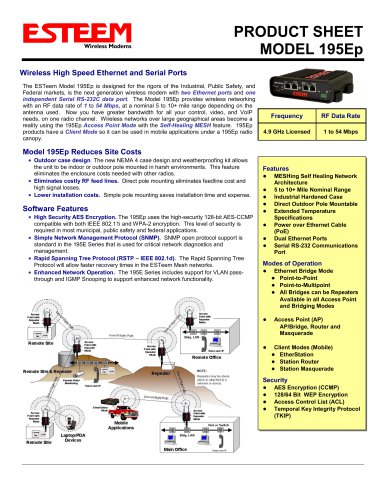 MODEL 195Ep
2 Pages
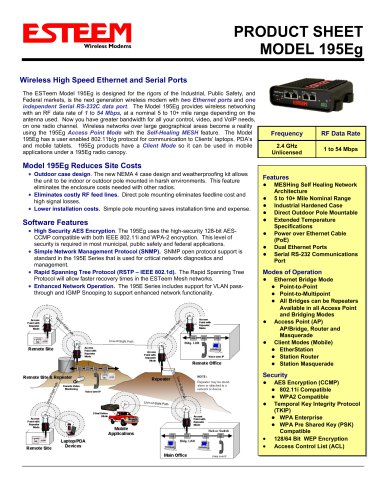 MODEL 195Eg
2 Pages
 195 H Narrowband
2 Pages
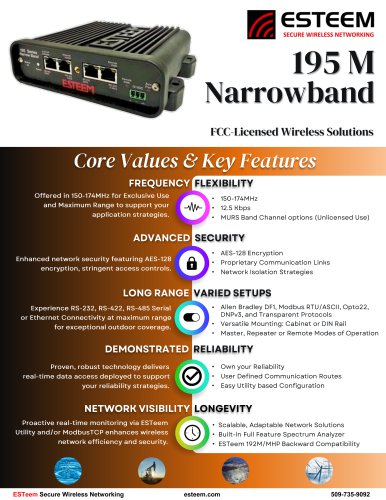 195 M Narrowband
2 Pages
 195 C Narrowband
2 Pages
 Horizon 4.9
2 Pages
 Horizon 5.8 w/ MIMO
2 Pages
 Horizon 2.4 MIMO
2 Pages
 Horizon 900
2 Pages
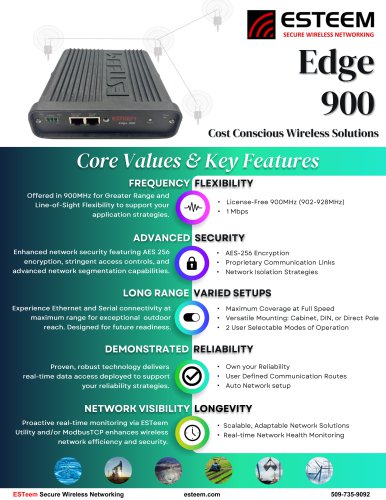 Edge 900
2 Pages