


- Company
- Products
- Catalogs
- News & Trends
- Exhibitions
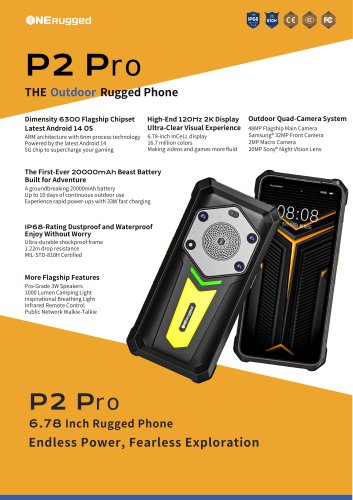
P2 PRO

P2 PRO
Overview of TF/SIM Card
This document provides a technical overview of TF (TransFlash) and SIM (Subscriber Identity Module) cards, focusing on their specifications, usage procedures, standards, and best practices.
1. Specifications
- TF Card: Also known as microSD, used primarily for data storage in mobile devices. Key parameters include storage capacity (ranging from a few MBs to several GBs), physical dimensions (typically 15mm x 11mm x 1mm), and interface standards (SPI or SDIO).
- SIM Card: Used for subscriber identification in mobile networks. Standard sizes include full-size, mini, micro, and nano SIMs. Contains unique identifiers such as IMSI and authentication keys.
2. Procedures
- Insertion and Removal: Guidelines for safely inserting and removing TF/SIM cards to prevent damage.
- Data Management: Instructions on formatting TF cards, backing up SIM card data, and secure handling.
3. Standards and Norms
- TF cards comply with SD Association standards for microSD cards.
- SIM cards adhere to ETSI and 3GPP standards defining their electrical and logical interfaces.
4. Recommendations and Best Practices
- Use compatible devices to avoid card damage.
- Regularly back up data stored on TF cards.
- Protect SIM cards from physical damage and electromagnetic interference.
5. Key Data Extracted from Tables and Diagrams
- Storage capacities and speed classes for TF cards.
- Pin configurations and electrical characteristics for SIM cards.
Critical Information: Ensure adherence to insertion/removal procedures to maintain card integrity. Follow manufacturer specifications for compatibility and performance optimization.
Catalog excerpts

auiM TF^.SIM^SS ^^1^^:400-830-4882 Web: www.onerugged.cn E-Mail: [email protected]
Open the catalog to page 1
READY TO START TURNING ON AND OFF THE DEVICE REAR COMPONENTS INSERT ATF CARD/SIM CARD This chapter Hrst tells you step bystep howto getthe phone upand running. Then,you will find a section briefly introducingthe externalcomponentsofthe phone. l.Pressthe power button c ), The operatingsystemAndroid 14 will start. oeeo OPEN BOXTOCHECK Afterunpacking,you should seethe followingstandard items: • P2Pro Rugged Phone (Built-in BatteryJ-PowerCharger - Data Cable - Lanyard Note: Use onlythe power adapter provided with this product. Usingother poweradapters maydamage yourdevice. It must be connected totheAC...
Open the catalog to page 2All Emdoor Information Co., Ltd. catalogs and technical brochures
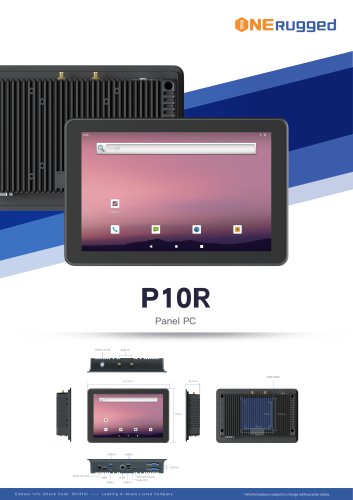 EM-P10R Specification
3 Pages
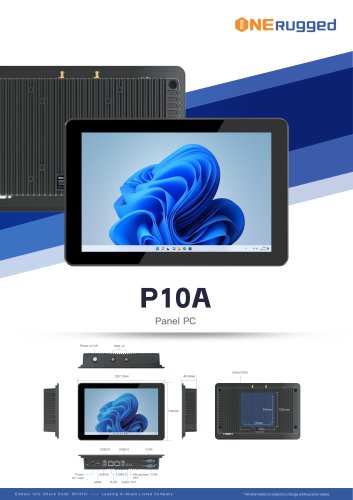 EM-P10A Specification
3 Pages
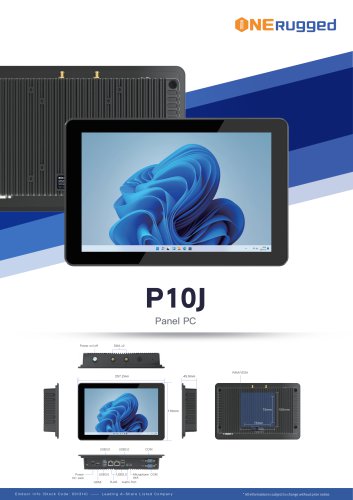 EM-P10J Specification
3 Pages
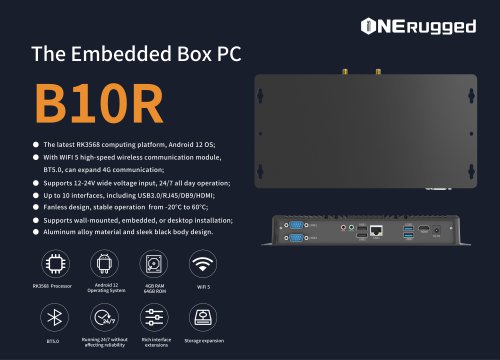
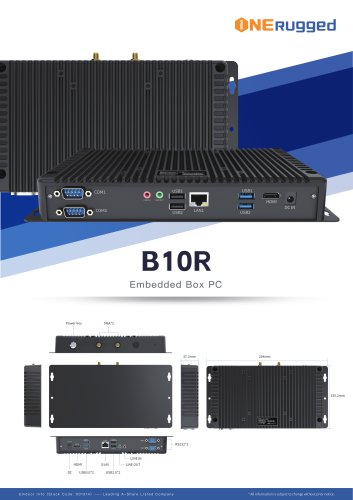 EM-B10R Specification
3 Pages
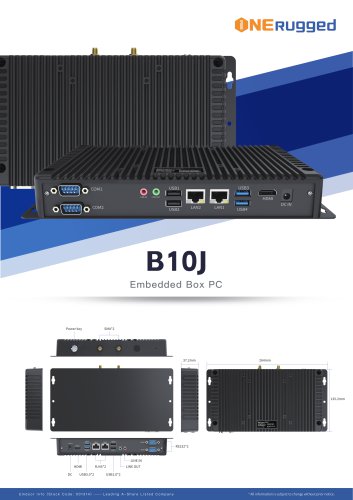 EM-B10J Specification
3 Pages
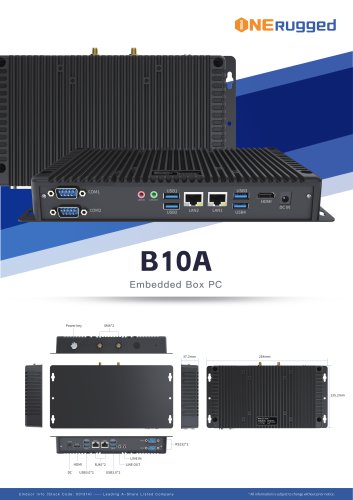 EM-B10A Specification
3 Pages
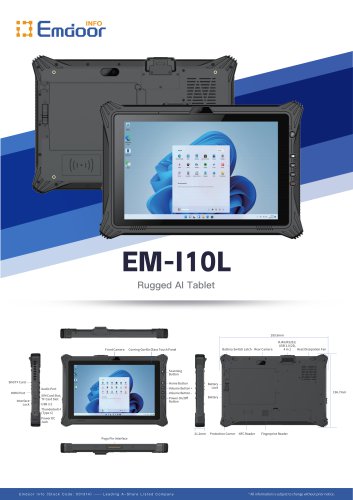 EM-I10L Specification
3 Pages
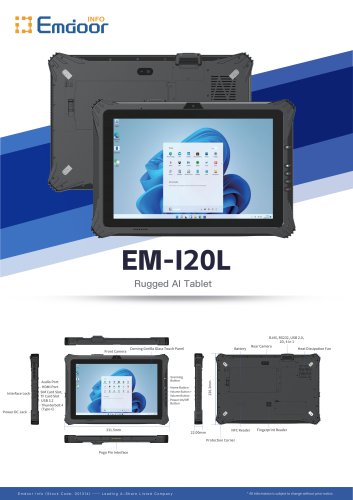 EM-I20L Specification
3 Pages
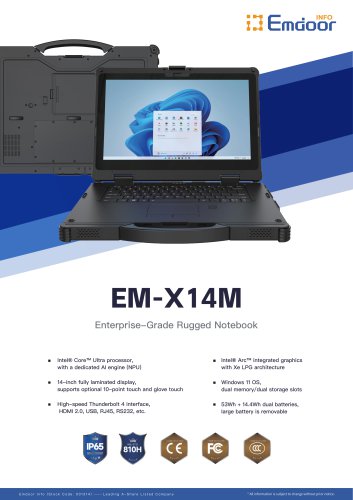 EM-X14M Specification
2 Pages
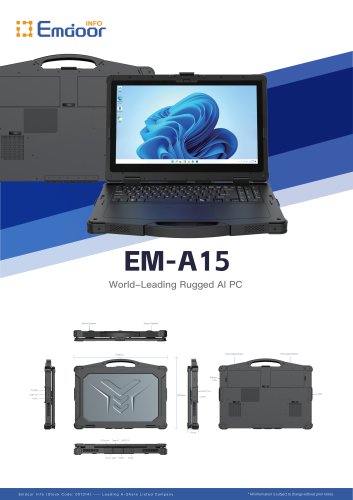 EM-A15 Specification
3 Pages
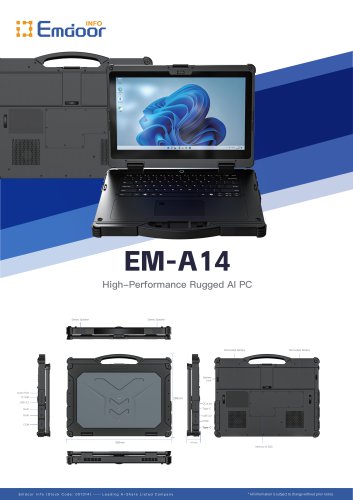 EM-A14 Specification
3 Pages
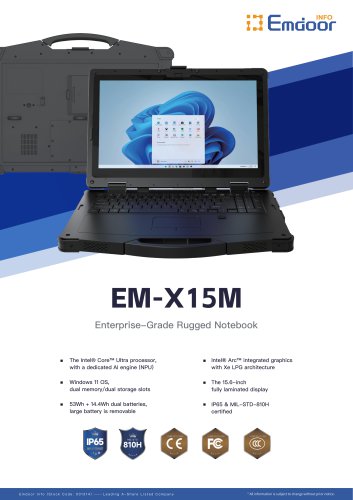 EM-X15M Specification
2 Pages
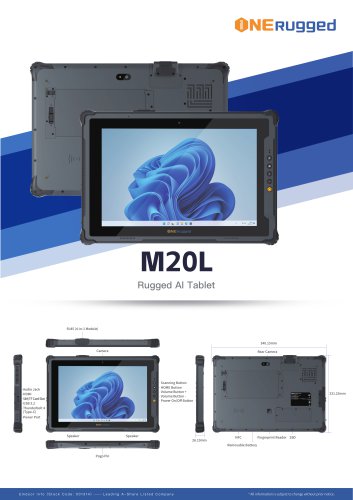 M20L-specification
3 Pages
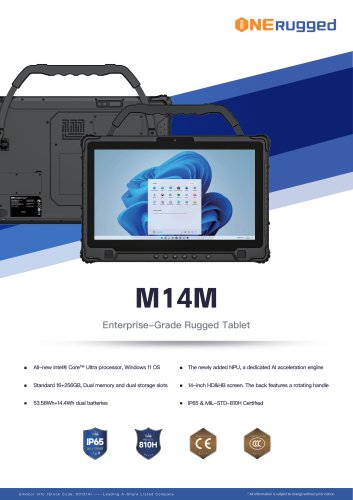 M14M-specification
2 Pages
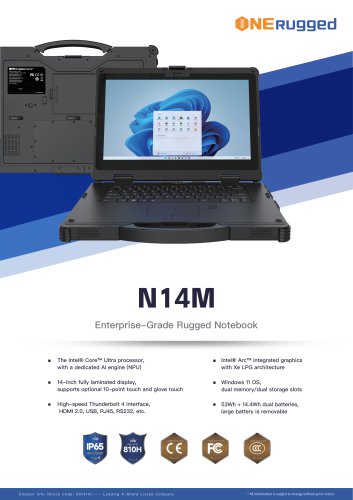 N14M-specification
2 Pages
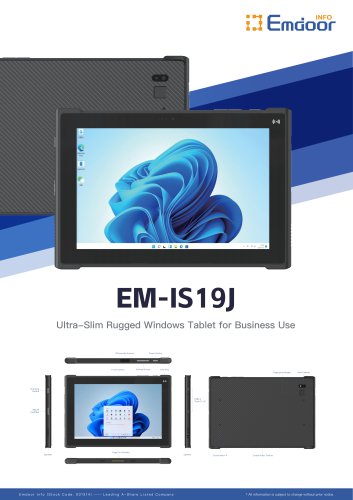 EM-IS19J specification
3 Pages
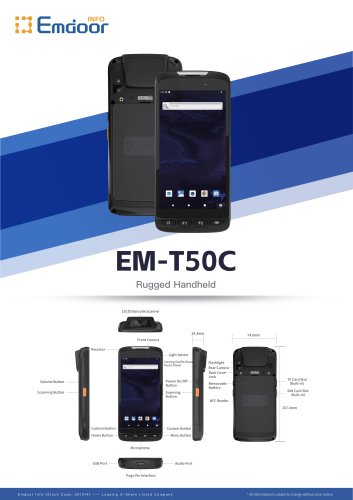 EM-T50C
3 Pages
 EM-D10R successful case
3 Pages
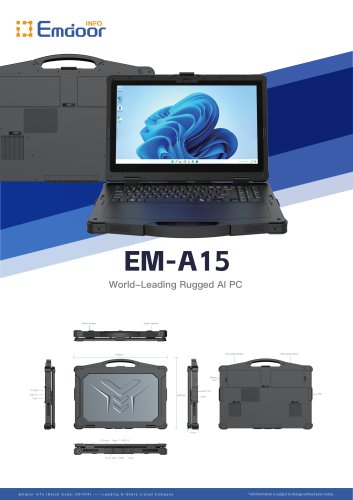 EM-A15
3 Pages
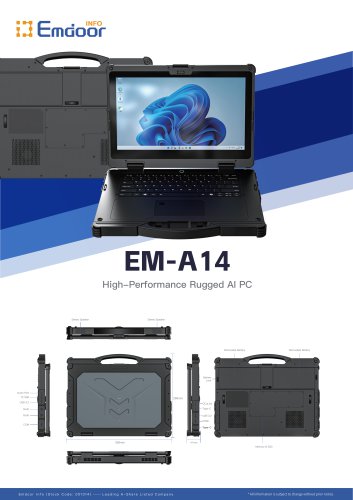 EM-A14
3 Pages
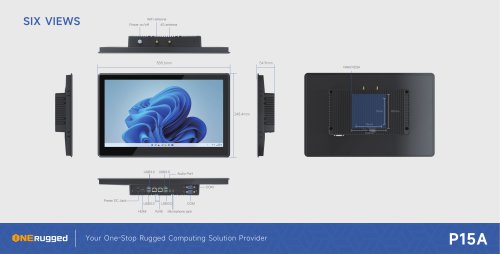 EM-P15A six views
1 Page
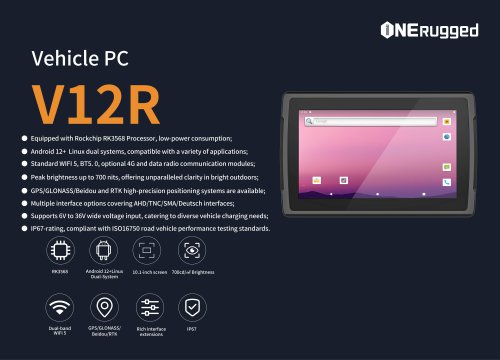
 EM-V12R USER MANUAL
2 Pages
 EM-P15A USER
2 Pages
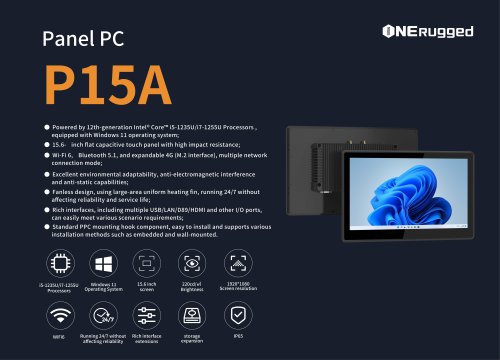 EM-P15A SPE
2 Pages
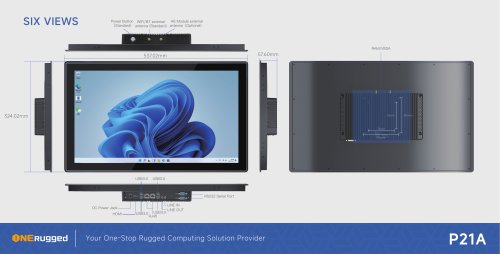 EM-P21A six views
1 Page
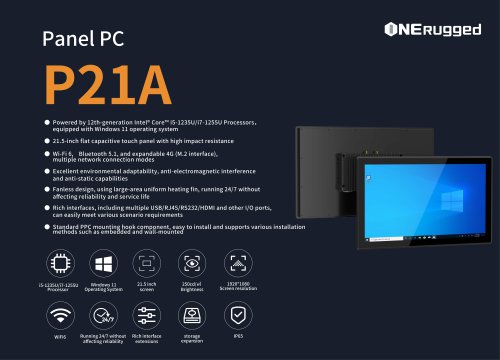 EM-P21A SPE
2 Pages
 EM-P21A user
2 Pages
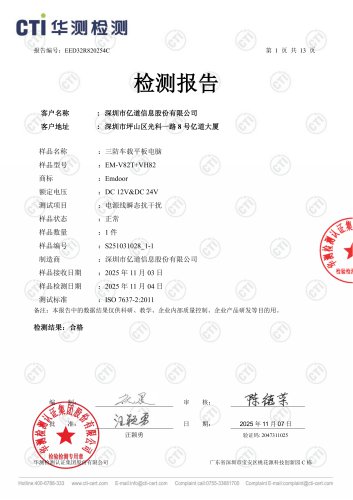 EM-V82T-EMC
13 Pages
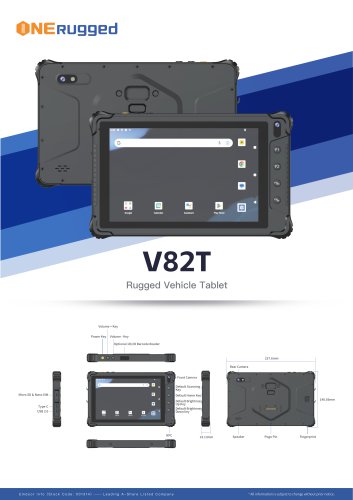 EM-V82T spe
4 Pages
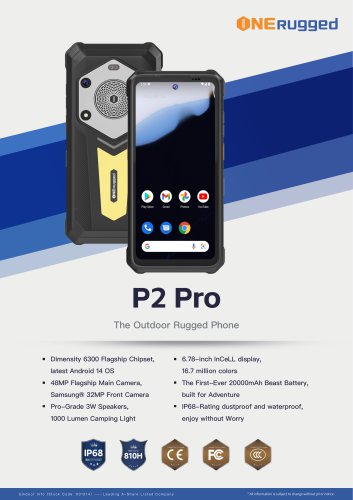 P2 PRO-SPE
2 Pages
 M82A- USER MANUAL
60 Pages
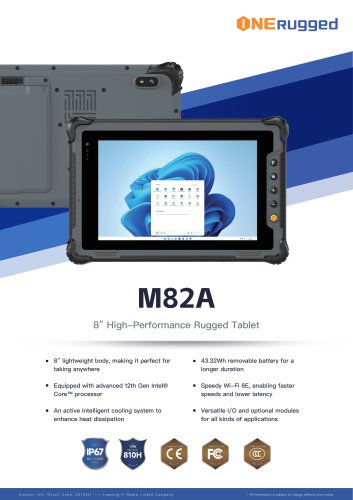 M82A-spe
2 Pages
 EM-X15A User Manual
76 Pages
 EM-X15M Rugged AI PC uesr manual
76 Pages
 Emdoor Info. EM-I16J User Manual
57 Pages
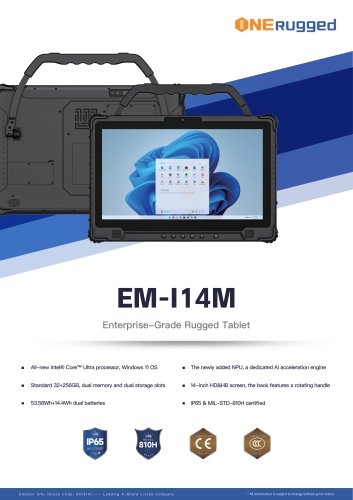 EM-I14M 14Inch Rugged AI PC
2 Pages
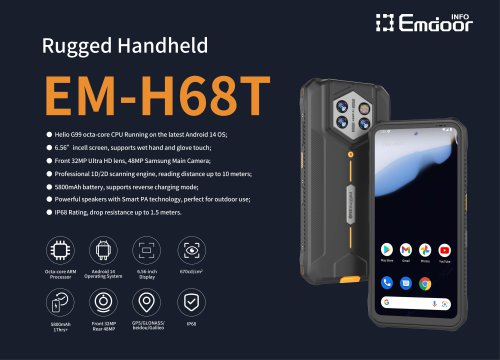
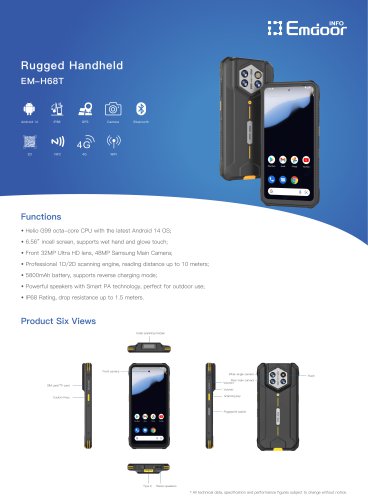 EM-H68T: Android 14 rugged PDA
2 Pages
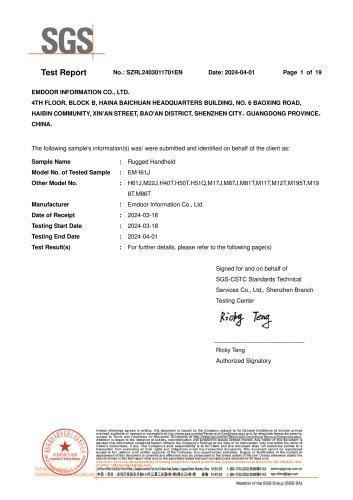 EM -I61J Rugged Handheld
19 Pages
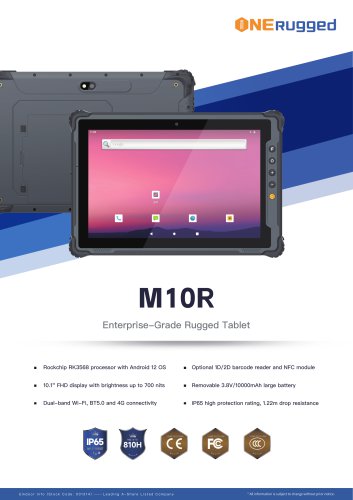 M10R Rugged Tablet RK3588
2 Pages
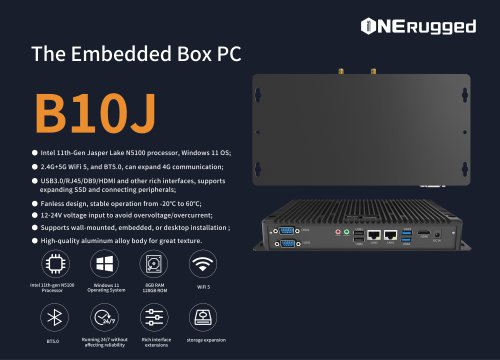 EM-B10J embedded box PC
3 Pages
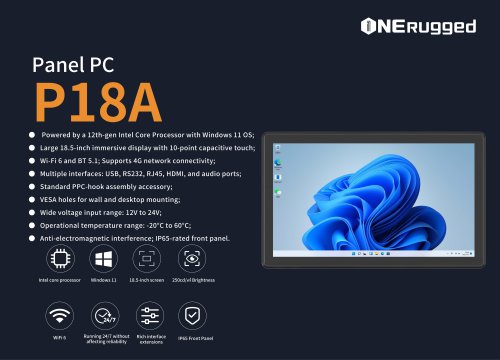
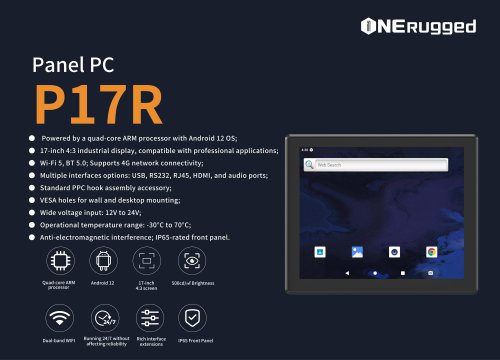
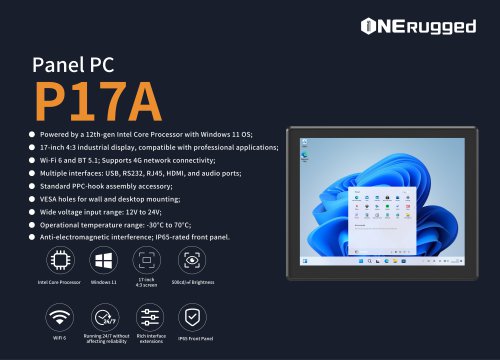
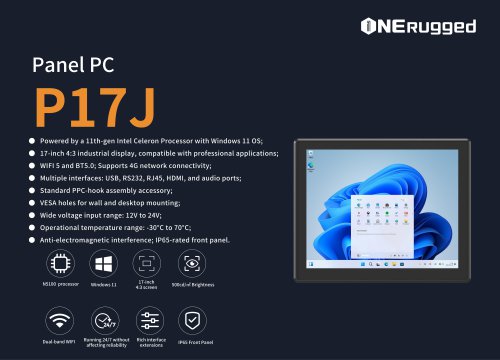 EM-P17J Panel PC
3 Pages
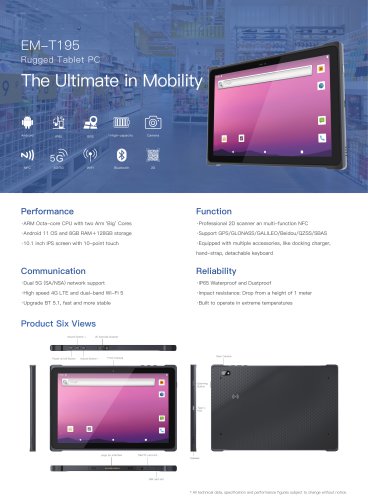 EM-T195 5G Rugged Tablet
2 Pages
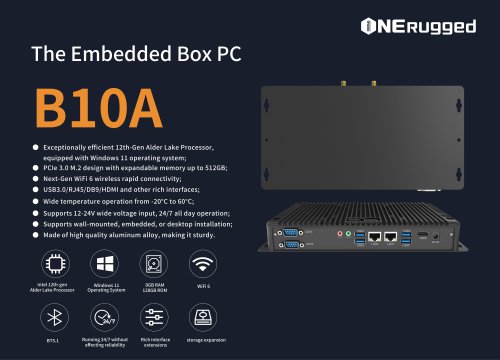 The Embedded Box PC-B10A
3 Pages
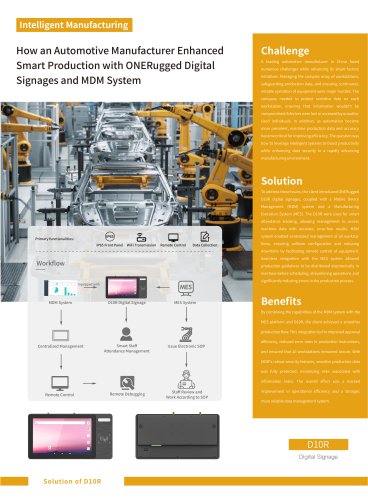
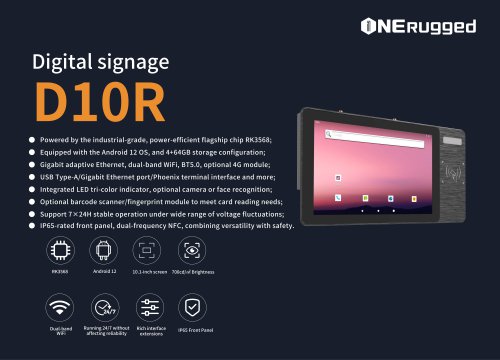 EM-D10R Digital signage
3 Pages
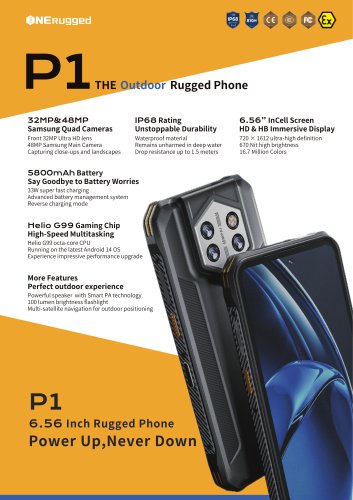 EM-P1The Outdoor Rugged Phone
2 Pages
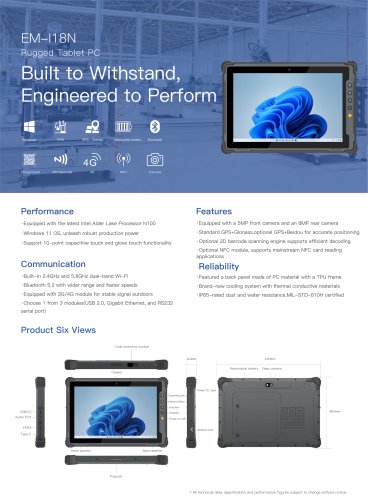
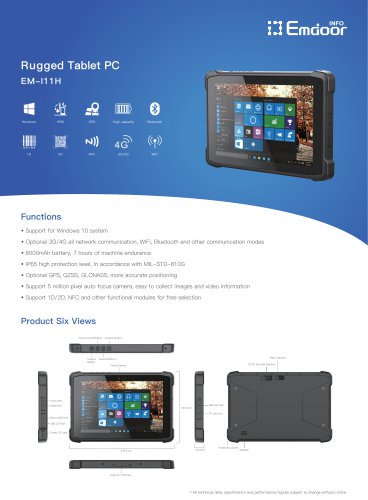 EM-I11H Rugged Tablet PC
2 Pages
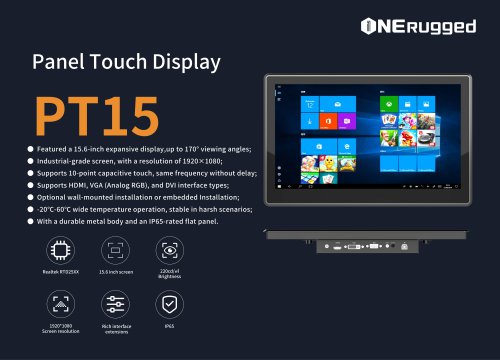
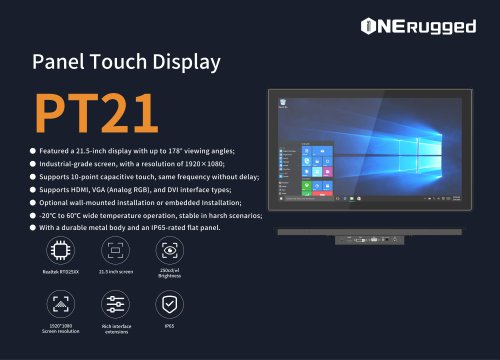 EM-PT21 Panel Touch Display
3 Pages
 Rugged Handheld H60T
2 Pages



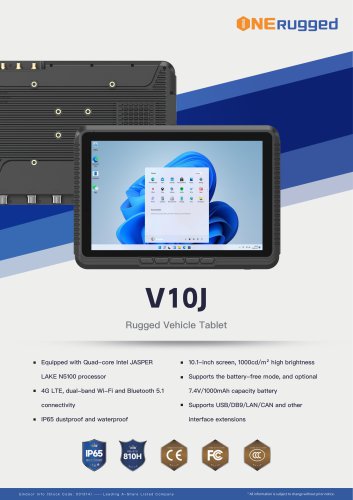

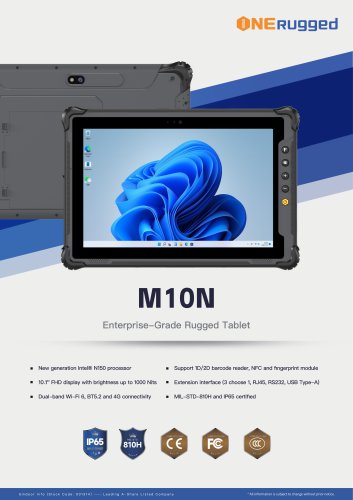
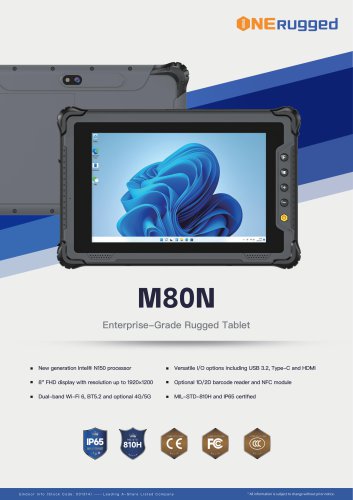
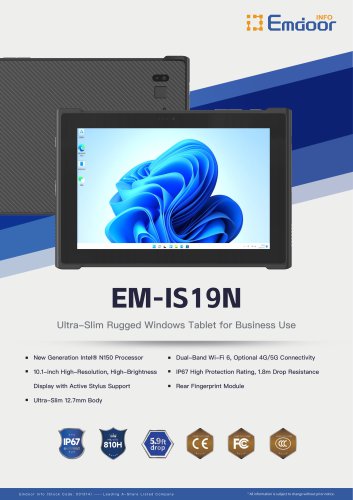
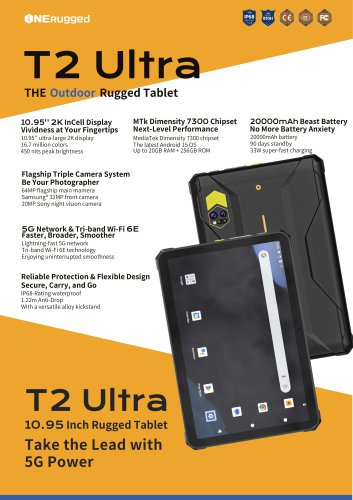









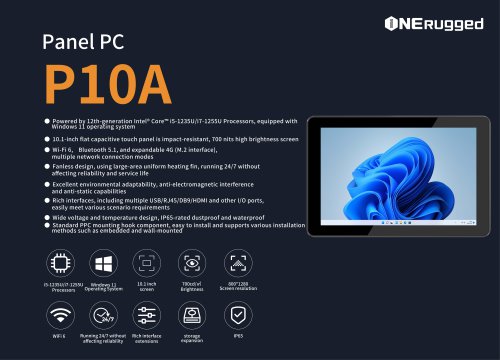
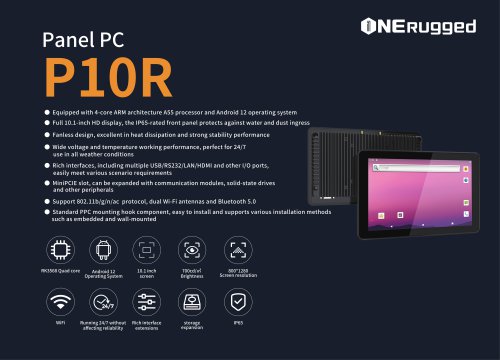

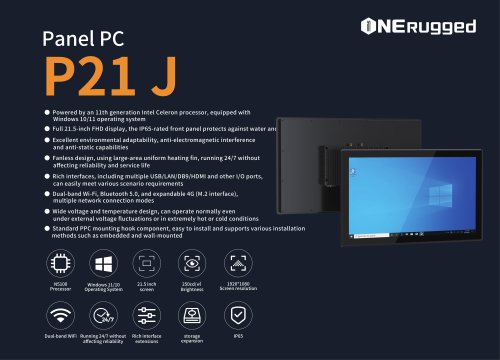
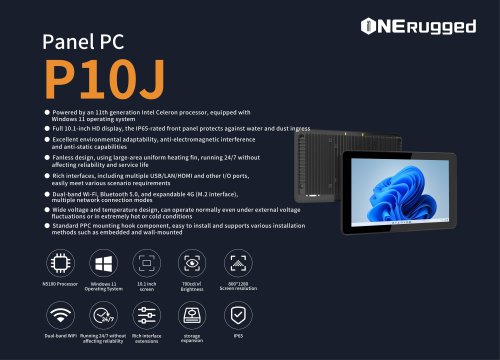
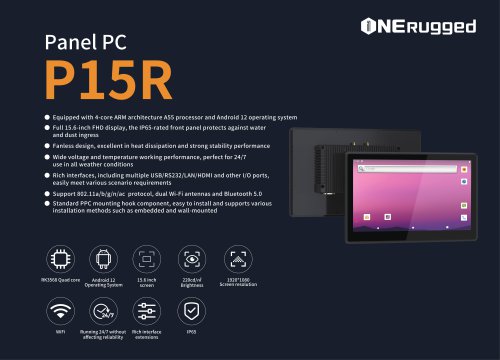

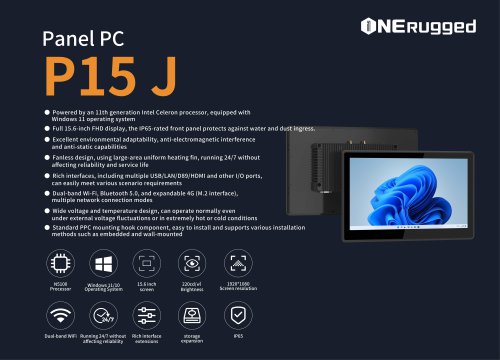
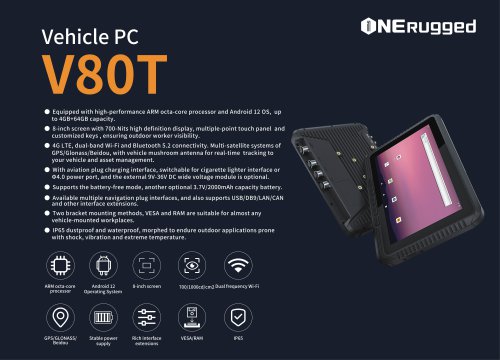

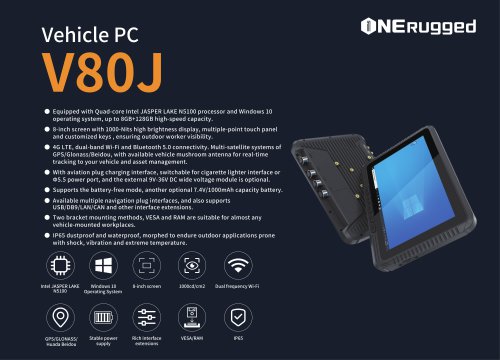















































- Display module
- Emdoor panel PC
- Emdoor industrial panel PC
- Emdoor panel PC with touch screen
- LCD display panel
- Emdoor fanless panel PC
- Emdoor LCD panel PC
- Industrial display panel
- Intel® Core™ PC
- Fanless PC
- Emdoor IP65 panel PC
- Intel® Core™ panel PC
- VESA mounting panel PC
- Housed panel PC
- HDMI PC
- Embedded PC
- Box PC
- RS-232 PC
- USB 2.0 PC
- Windows PC